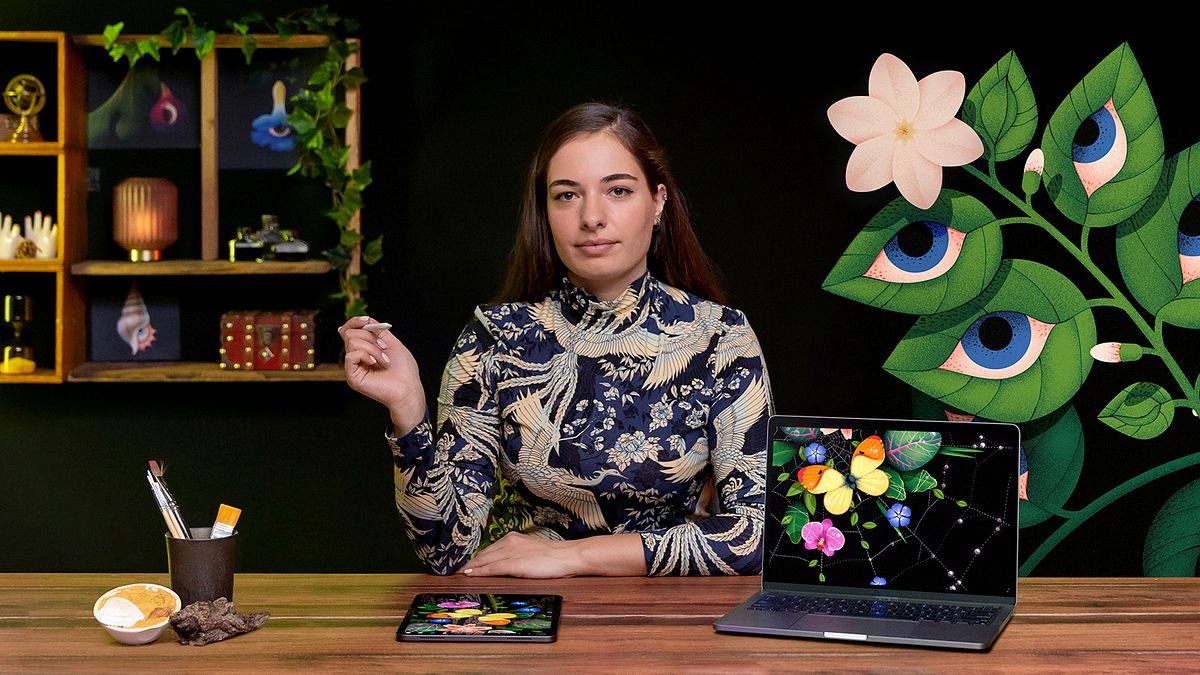
Digital Illustration Techniques to Boost Your Style
A course by Ana MiminoshviliIllustrator and Designer
A course by Ana Miminoshvili, Illustrator and Designer

Make your illustrations stand out by exploring shapes, composition, color, and light using Illustrator and Photoshop
Illustration is a visual medium that gives people a voice and our lives more meaning. Digital tools can help you find and develop your own style, allowing you the freedom to play with shapes, composition, colors, and light. Freelance illustrator Ana Miminoshvili uses digital tools to create striking artwork and design visual solutions for her clients, which include Facebook, Adobe, and The New York Times.
In this online course, Ana will show you the techniques she uses to bring visual imagery to life with Adobe Illustrator and Photoshop. Learn how to play with color, texture, and shadows, transforming your art and taking it to the next level. Experiment with new and different ways to make your illustrations stand out.
What will you learn in this online course?
19 lessons & 25 downloads
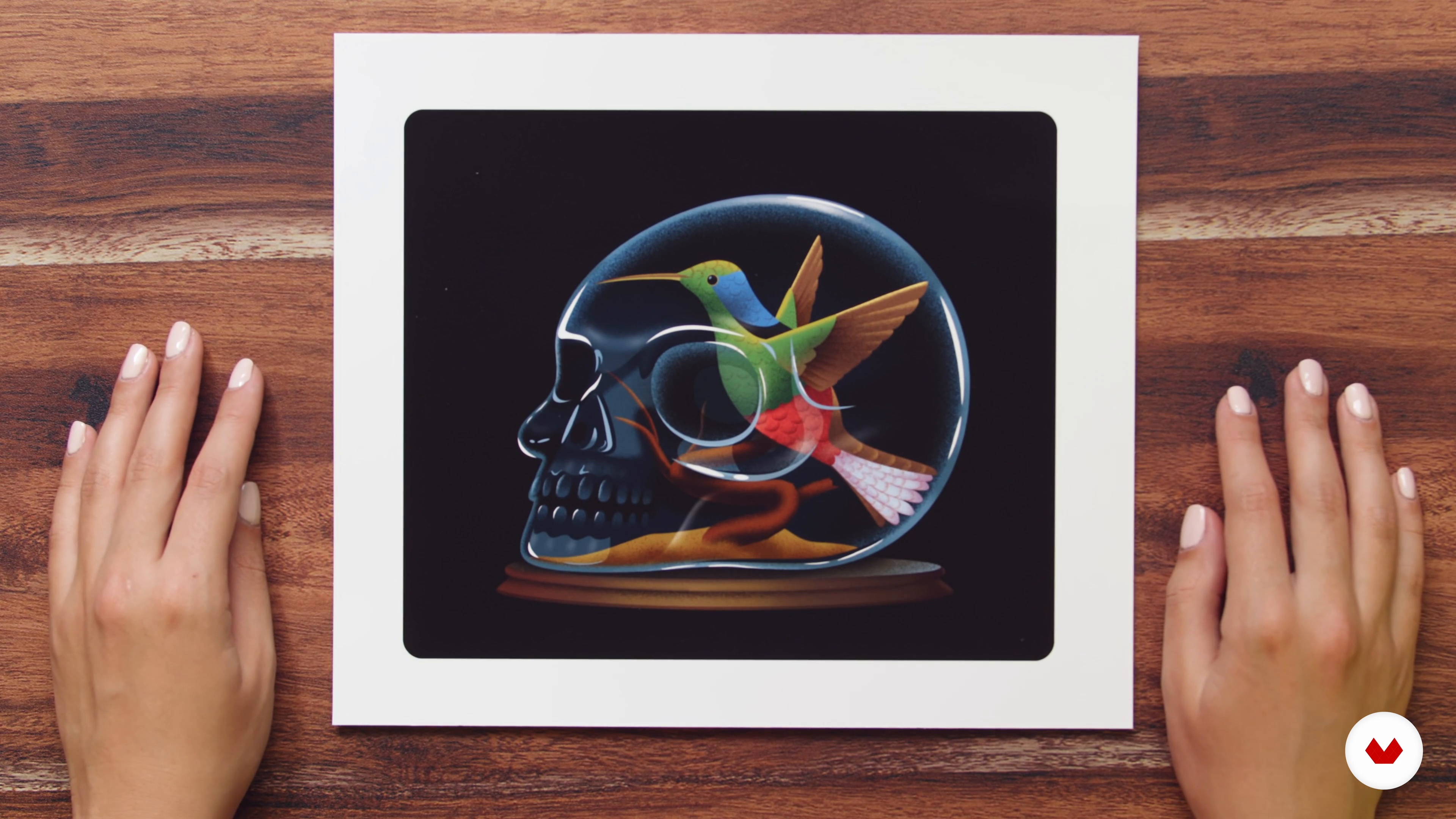
The Brief
6 minutes, 57 seconds
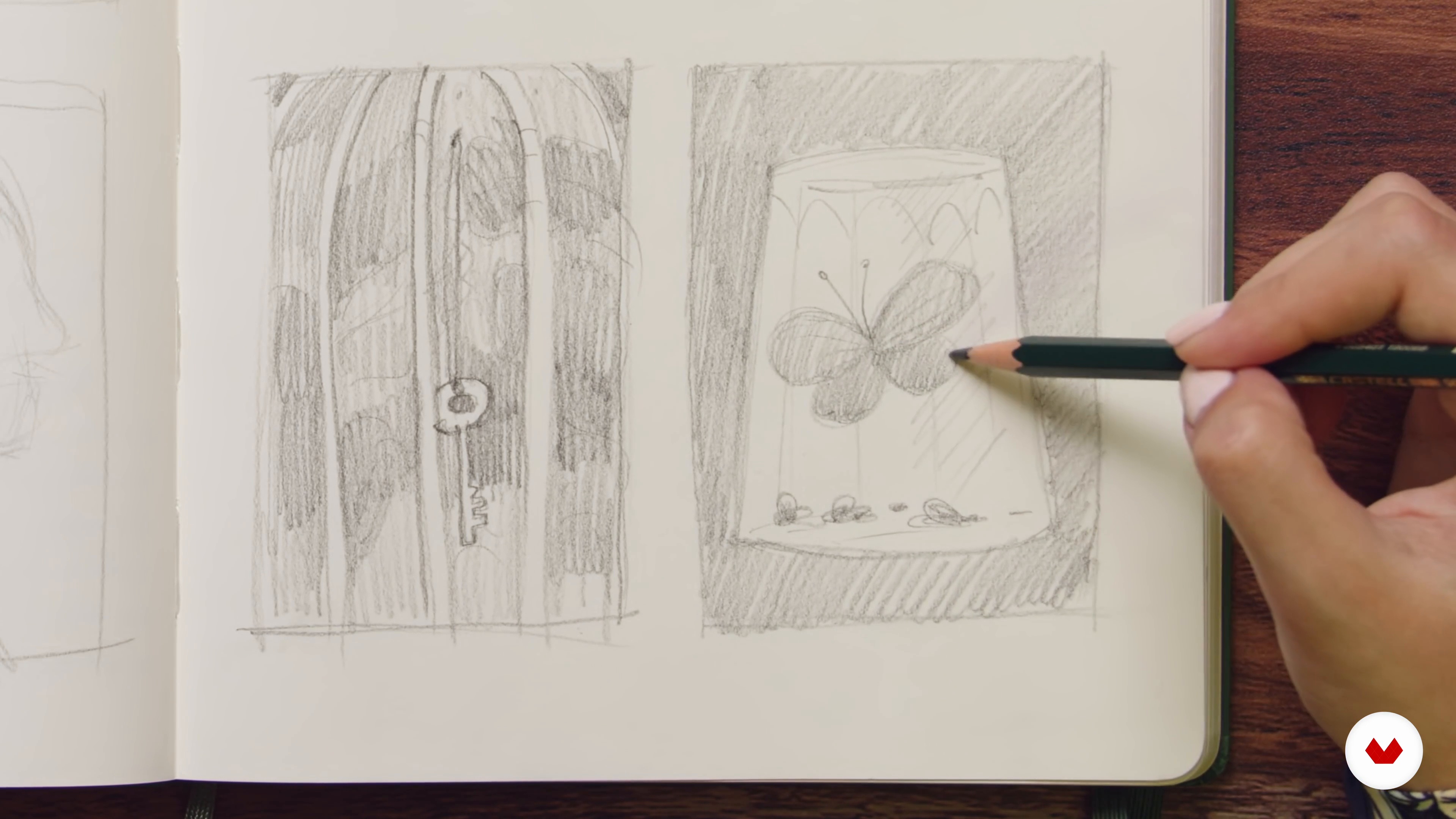
Rough Thumbnail Sketches
19 minutes, 21 seconds
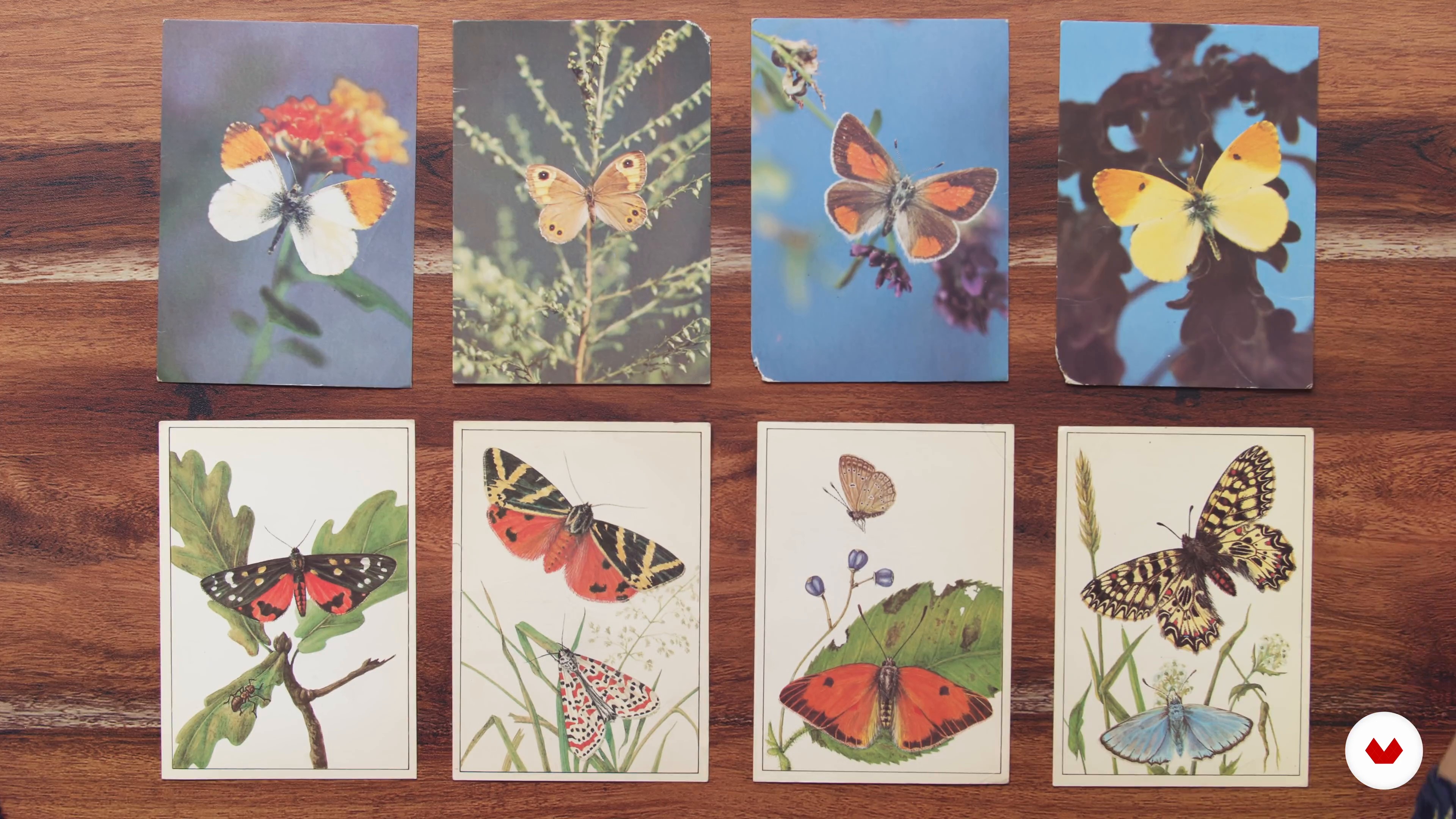
Research and Mood Board
16 minutes, 43 seconds
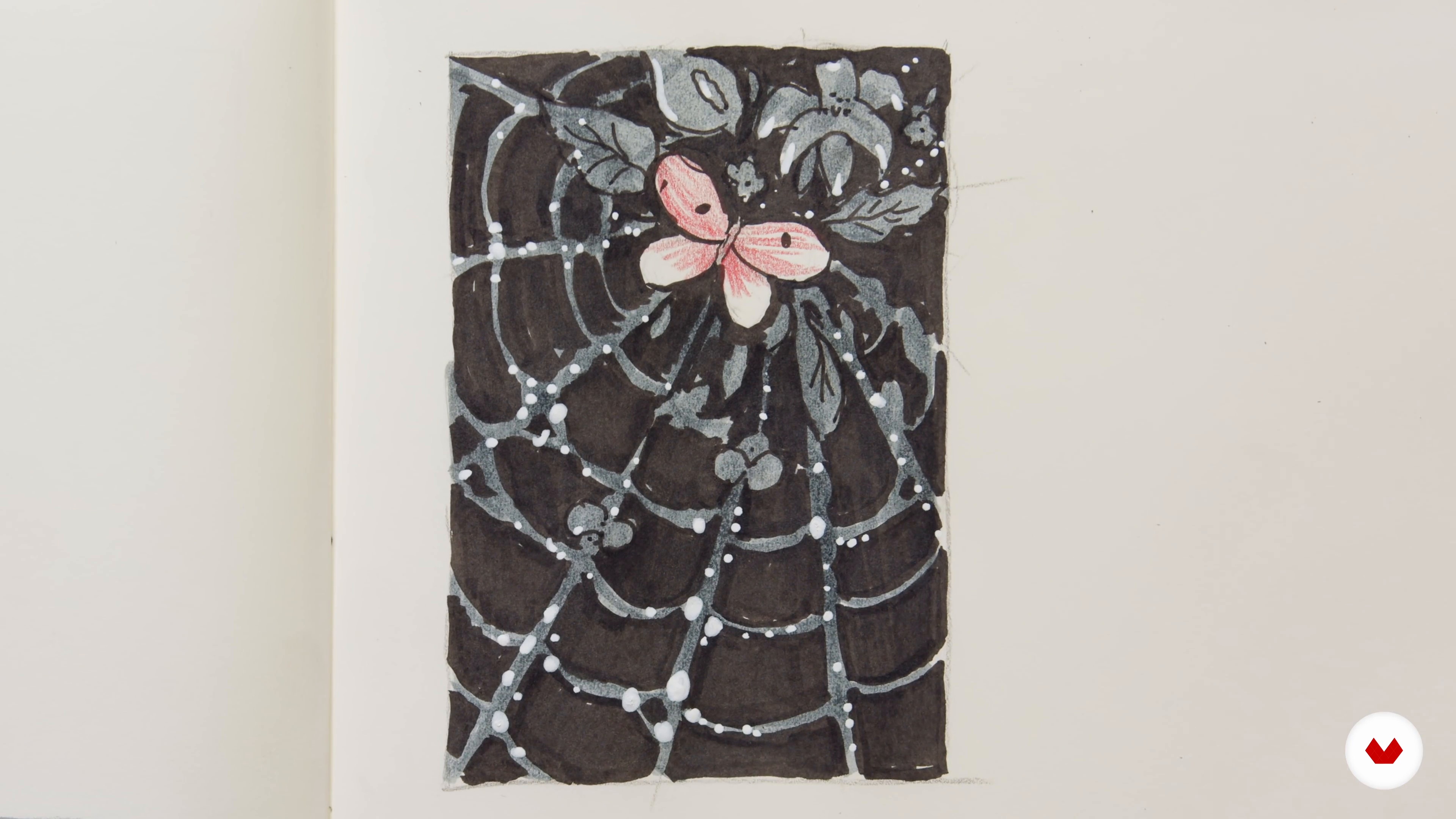
Refining Your Sketches
18 minutes, 57 seconds
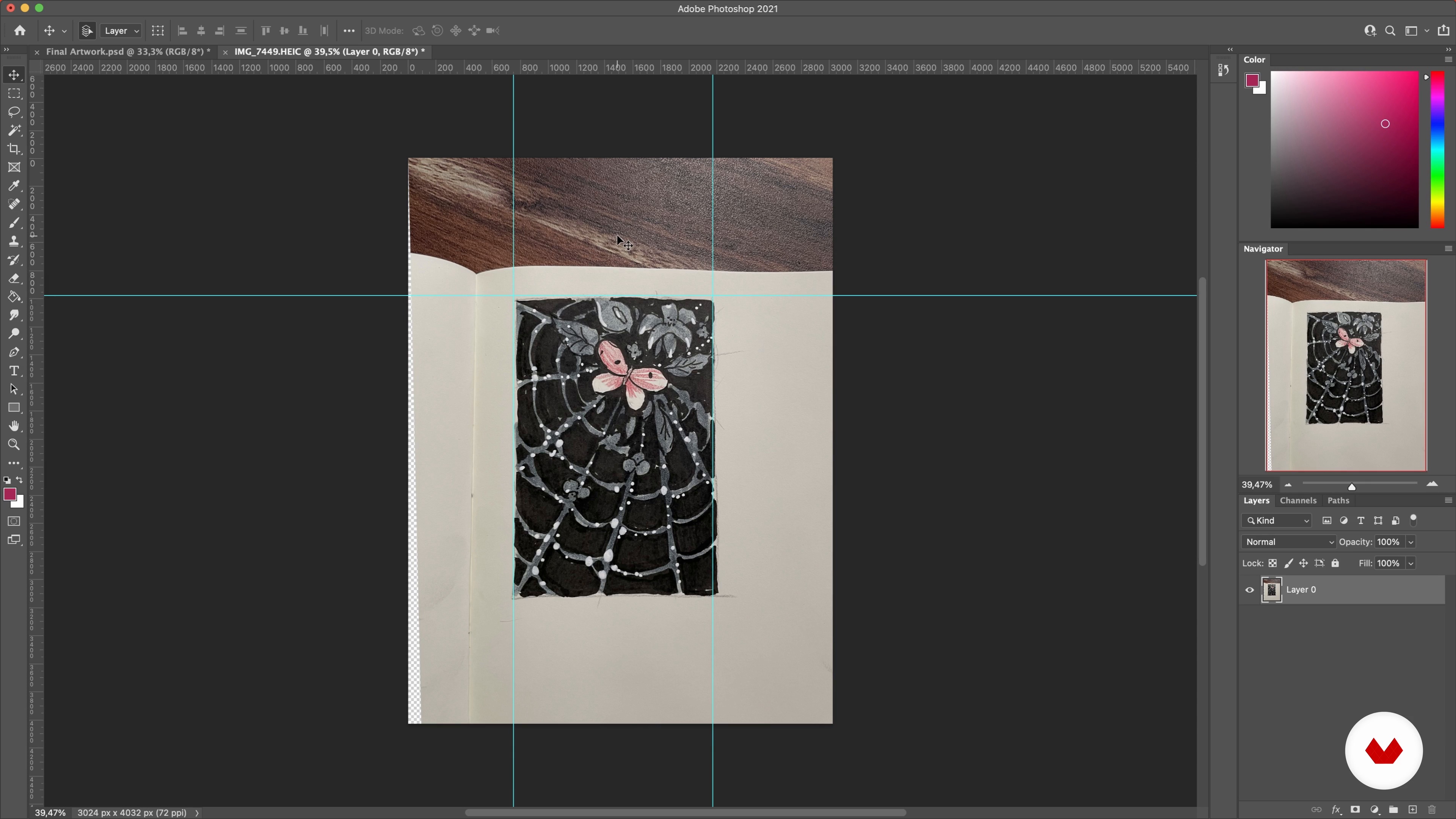
Vector Shapes 1
20 minutes, 56 seconds
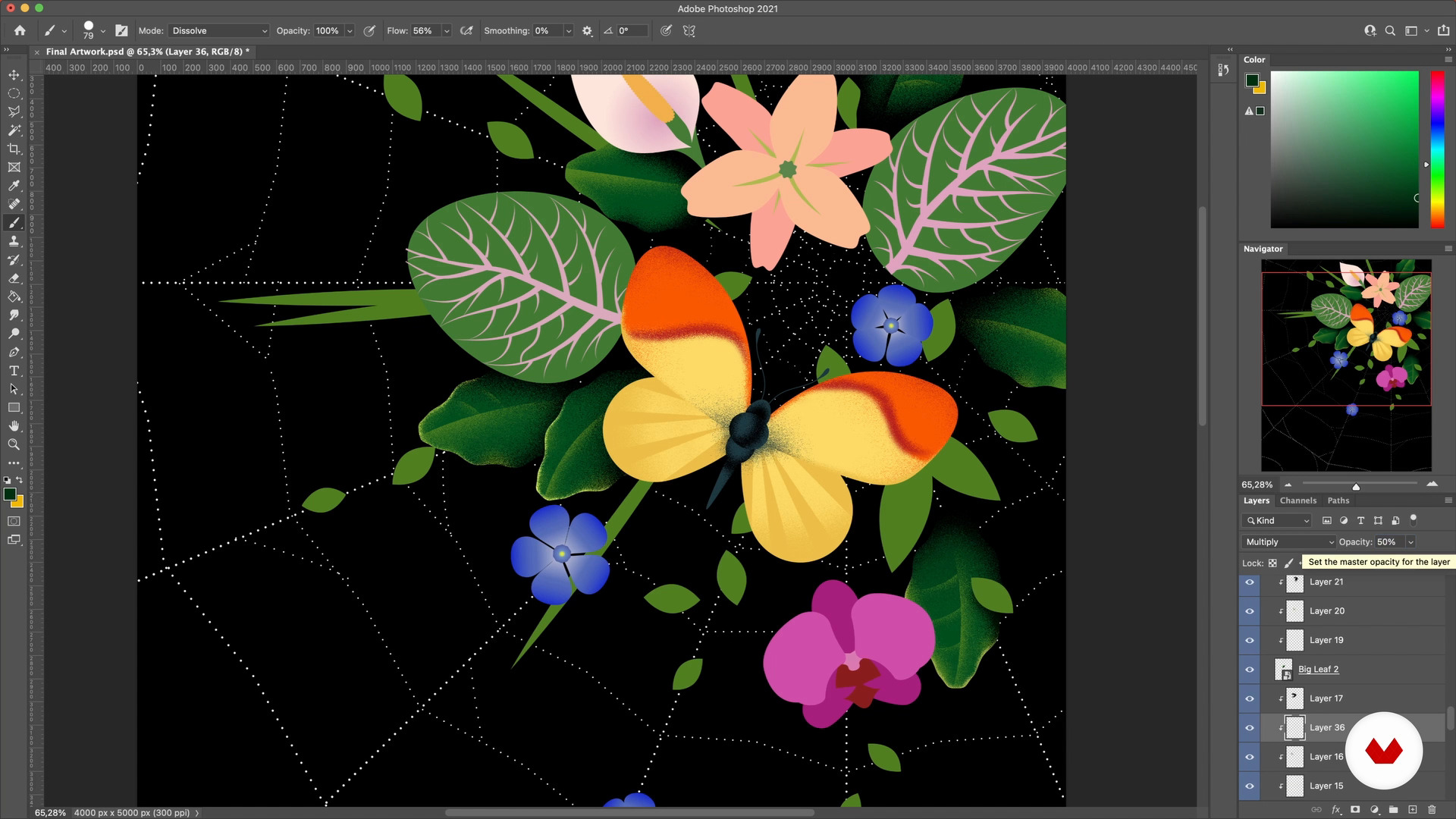
Lighting and Texture 1
16 minutes, 8 seconds
What's included in this course?
Begin this course by getting to know illustrator Ana Miminoshvili as she takes you on her journey from illustrating her favorite books as a child, to becoming a freelance illustrator in 2018. Discover the artists that inspire her and have shaped her work over the years.
Gather your materials and discover the tools, both digital and physical, you will be using throughout the course. Learn how to create and understand a brief and get some ideas down onto paper. Explore the possibilities of these ideas and find the main concept for your final project, before refining it.
Discover how to set up your workspace using the software to make the process easier and convert your sketches into vector files. Experiment with colors and learn how to apply shadow and light with texture, before adding some final touches to the illustration to enhance it.
Learn how to resize your illustration for different formats and export it correctly. Take it to the next level by turning it into a series or transforming it into different products. Finally, to end the course, Ana shares how to present your work to a client or promote yourself online.
Recommended software & tools for this course
What is this course's project?
Create a digital art piece from scratch that can easily be expanded into a series using a combination of digital and analog tools.
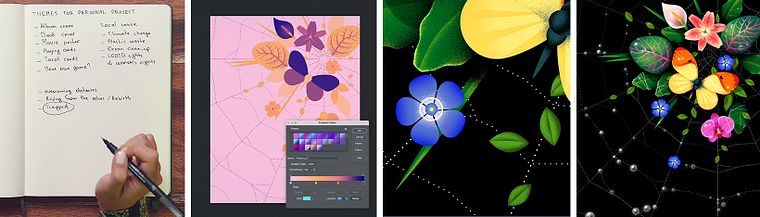
Projects by course students


Who is this online course for?
This course is for anyone interested in learning how to take their digital illustration skills to another level.
Requirements and materials
No previous experience of digital illustration is required.
In terms of equipment, you will need a sketchbook, pencils, markers, your smartphone, as well as Photoshop, Illustrator, and a drawing tablet.
Reviews
- 7 months ago
Muito bom o curso da Ana a estratégia que ela aborda as técnicas são muito fáceis de entender e aplica-las, vale muito a pena em aprender com ela.
- 1 year ago
Really insightful course, I have always been a fan of Ana, and finally there is a course by her. I wanted to learn her secrets, and I think I got that. Thanks Ana, I hope you will launch more courses for expert level too.
- 2 years ago
Muy buen curso! Recomendado <3
- 2 years ago
Amazing!
- 2 years ago
amazing

At the age of 20, she got a job at a creative agency, where she learned the digital tools that she uses to this day. In 2018, she took the plunge and became a freelance illustrator and designer, a career which allowed her to focus on her passions. Boasting a talent for creating whimsical and eerie universes, she has created projects for a wide range of purposes and clients, who include Facebook, The New York Times, and The Washington Post. She showcases her work on her website and in 2021, she founded the Illustrators’ Club, a nonprofit organization educating and connecting young Georgian artists.
Content
- U1
Introduction
- About Me
- Influences
- U2
Exploring Ideas and Conceptualizing
- Materials and Digital Tools
- The Brief
- Rough Thumbnail Sketches
- Research and Mood Board
- Refining Your Sketches
- U3
From Sketch to Digital Illustration
- Workspace Setup
- Vector Shapes 1
- Vector Shapes 2
- Vector Shapes 3
- Vector Shapes 4
- The Color Palette 1
- The Color Palette 2
- Lighting and Texture 1
- Lighting and Texture 2
- Final Touches
- U4
Showcasing Your Work
- Resizing and Saving the Artwork
- Series and Other Products
- FP
Final project
- Digital Illustration Techniques to Boost Your Style
What to expect from a Domestika course
Learn at your own pace
Enjoy learning from home without a set schedule and with an easy-to-follow method. You set your own pace.
Learn from the best professionals
Learn valuable methods and techniques explained by top experts in the creative sector.
Meet expert teachers
Each expert teaches what they do best, with clear guidelines, true passion, and professional insight in every lesson.
Certificates
PLUSIf you're a Plus member, get a custom certificate signed by your teacher for every course. Share it on your portfolio, social media, or wherever you like.
Get front-row seats
Videos of the highest quality, so you don't miss a single detail. With unlimited access, you can watch them as many times as you need to perfect your technique.
Share knowledge and ideas
Ask questions, request feedback, or offer solutions. Share your learning experience with other students in the community who are as passionate about creativity as you are.
Connect with a global creative community
The community is home to millions of people from around the world who are curious and passionate about exploring and expressing their creativity.
Watch professionally produced courses
Domestika curates its teacher roster and produces every course in-house to ensure a high-quality online learning experience.
FAQs
This course is designed for intermediate artists with some illustration experience. Basic familiarity with drawing and digital tools like Photoshop and Illustrator is recommended for best results.
You’ll need access to Adobe Illustrator and Photoshop, a drawing tablet or scanner for digitizing sketches, and basic art supplies like pencils, markers, and paper.
You’ll learn concept development, thumbnailing, mood board creation, digital vector and raster workflows, advanced sketch refinement, color palette building, texturing, exporting, and strategies for turning artwork into series or products.
Yes, the course bridges traditional sketching methods with digital workflows, teaching how to refine hand-drawn sketches and develop them further in Illustrator and Photoshop.
Yes, the course covers how to gather references, create mood boards, and develop multiple thumbnail sketches to explore different illustration concepts.
You’ll learn how to create cohesive series, expand single artworks, prepare digital portfolios, and leverage platforms like Behance to showcase and promote your illustrations.
Yes, you’ll be guided through best practices for exporting digital illustrations in various formats, ensuring quality and compatibility for web, social media, and print.