Illustrated Scenery Creation with Photoshop
A course by Carol Delavy ChagasIllustrator and Art Director
A course by Carol Delavy Chagas, Illustrator and Art Director

Learn illustration techniques for perspective, composition, and storytelling to bring your character's fantasy world to life
Transporting your readers and viewers to expressive scenes that can tell their own stories is an exciting challenge. Illustrator and art director Carolina Delavy specializes in bringing different characters' universes to life, from children's books to the scenes for hit animated series such as Angry Birds Bubble Trouble and Monica's Gang.
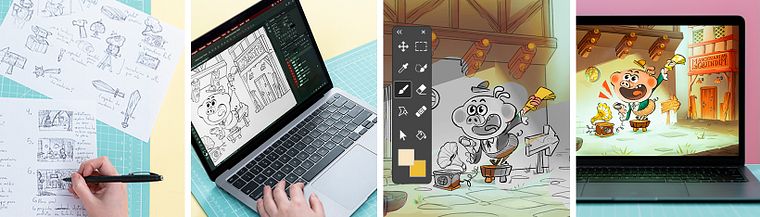
In this course, learn to illustrate a scene for you character using a range of perspective, composition, and storytelling techniques. Carolina guides you through the process, from looking for reference materials and doing the first rough sketches on paper, to applying colors, lighting, and the finishing touches in Photoshop.
What will you learn in this online course?
15 lessons & 15 downloads
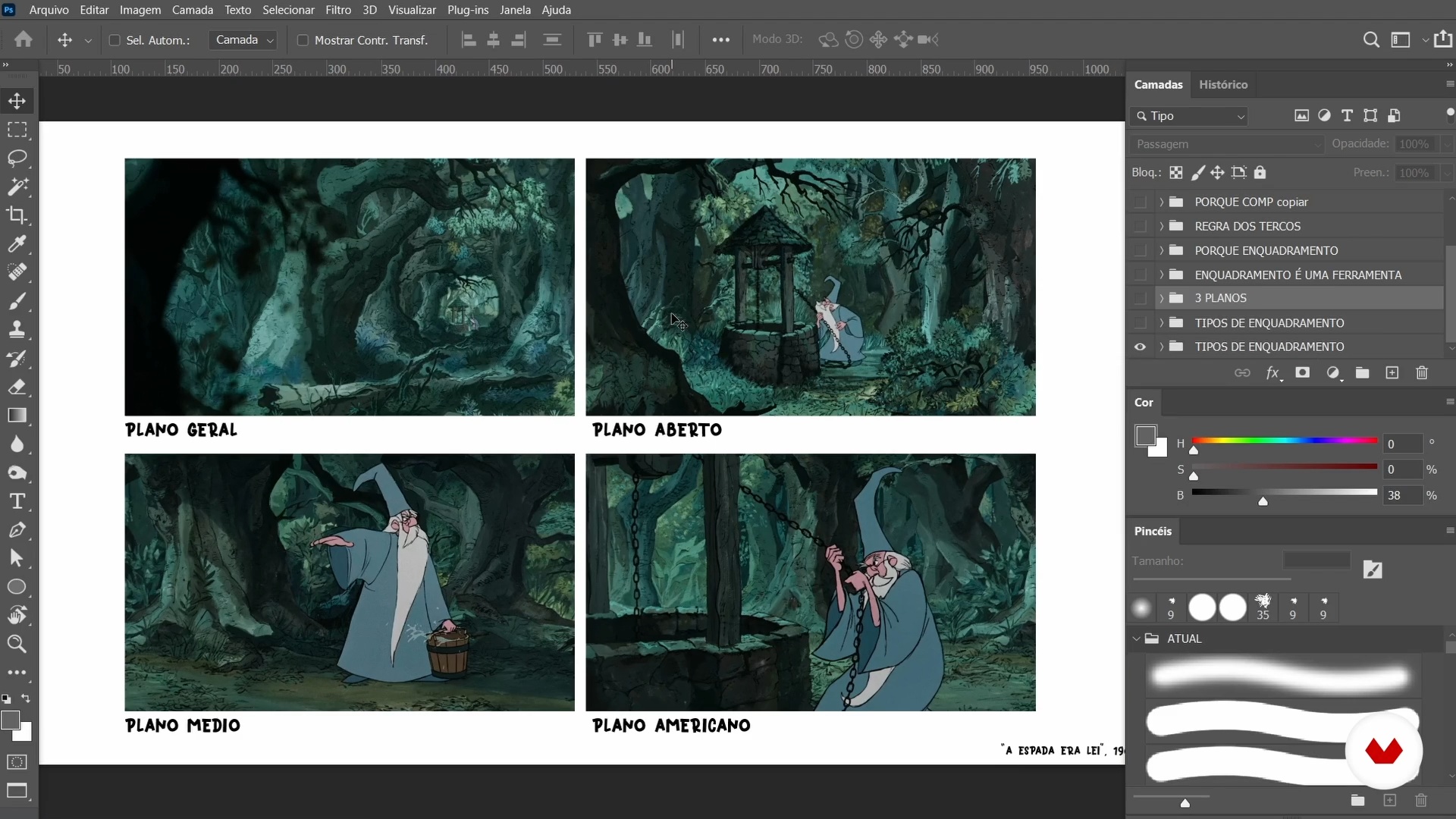
Fundamentals: storytelling, framing and composition
7 minutes, 22 seconds
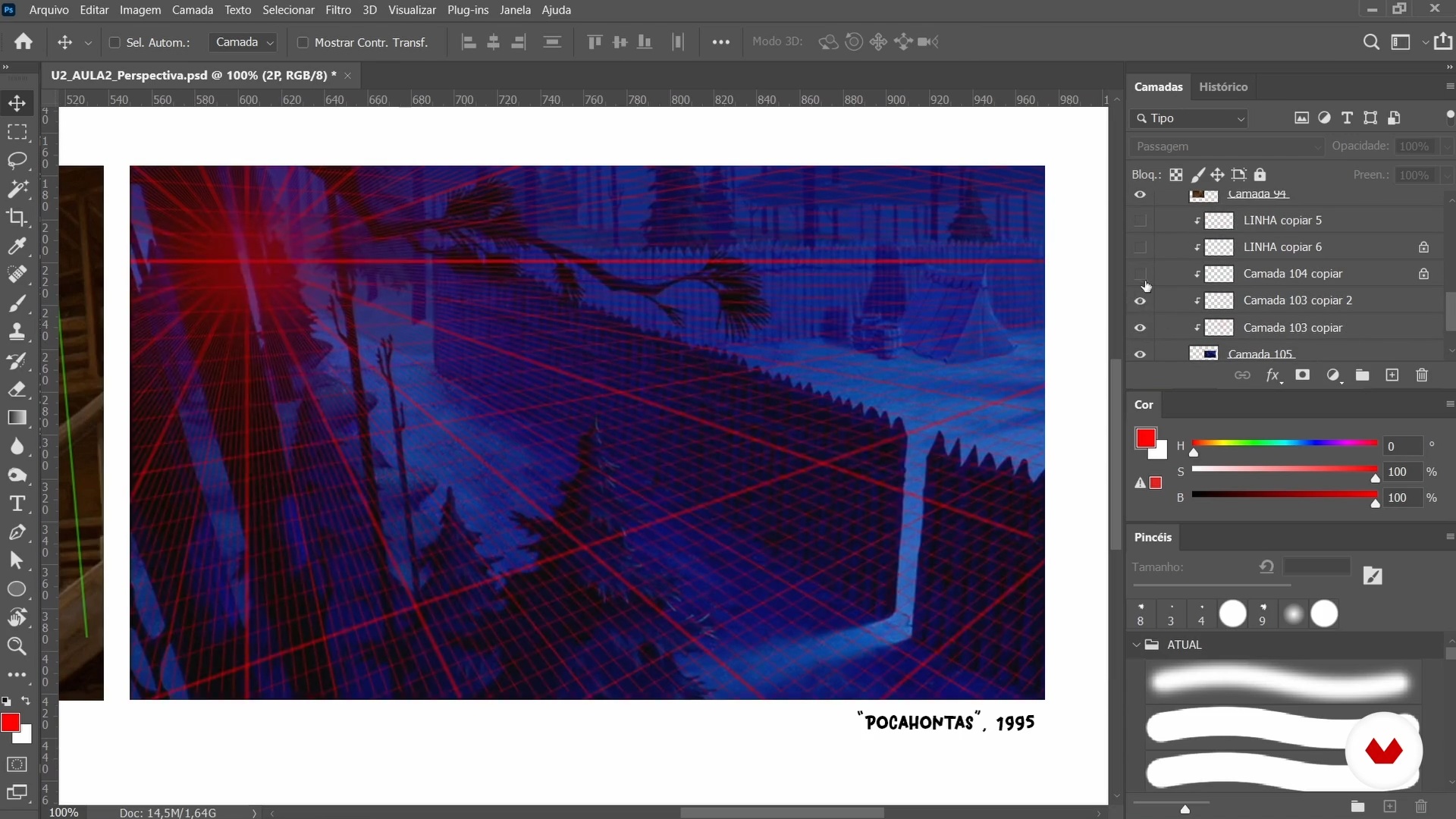
Fundamentals: grids and perspective
7 minutes, 17 seconds
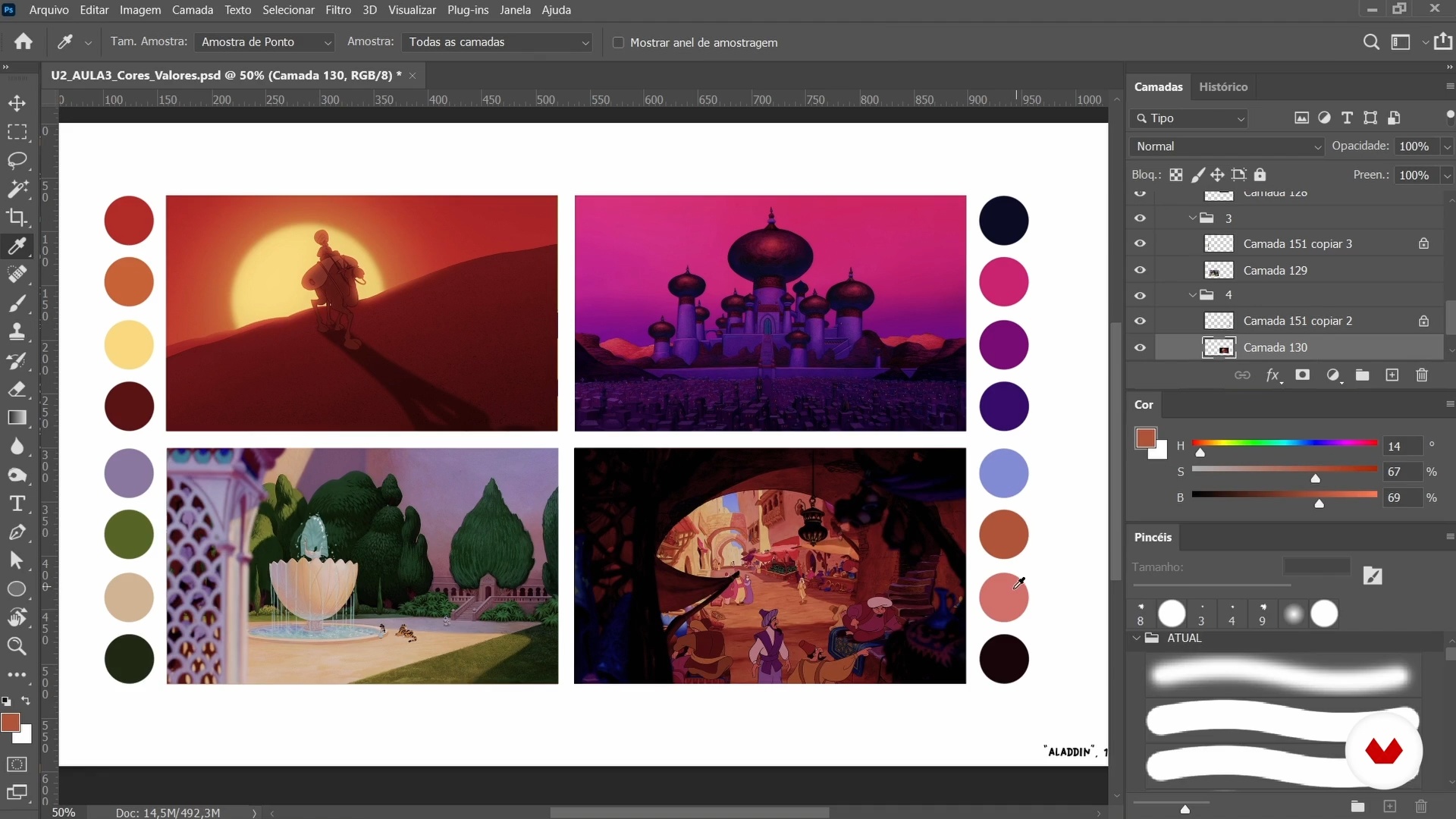
Fundamentals: colors and values
7 minutes, 2 seconds
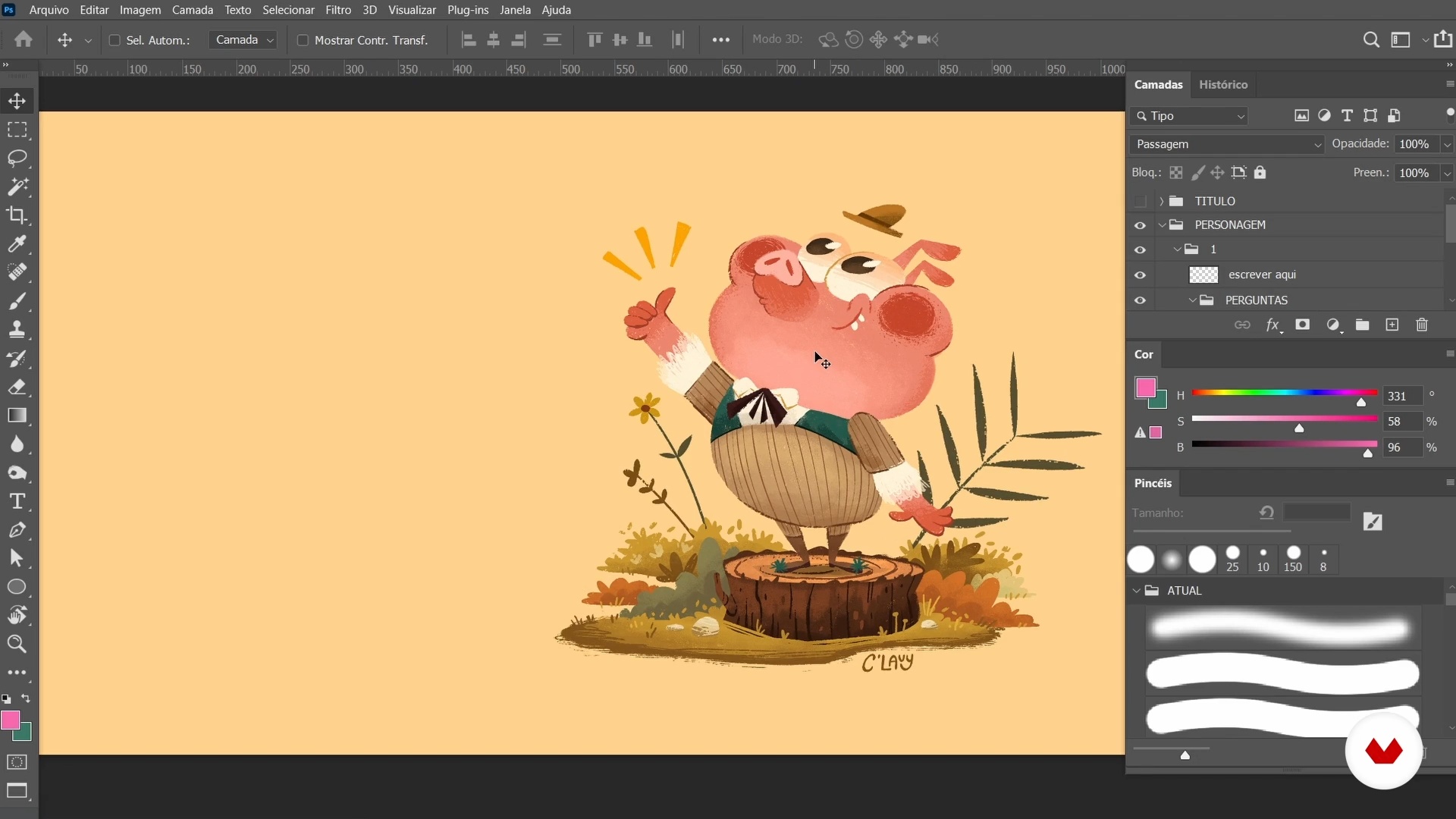
Idea from the character
9 minutes, 23 seconds
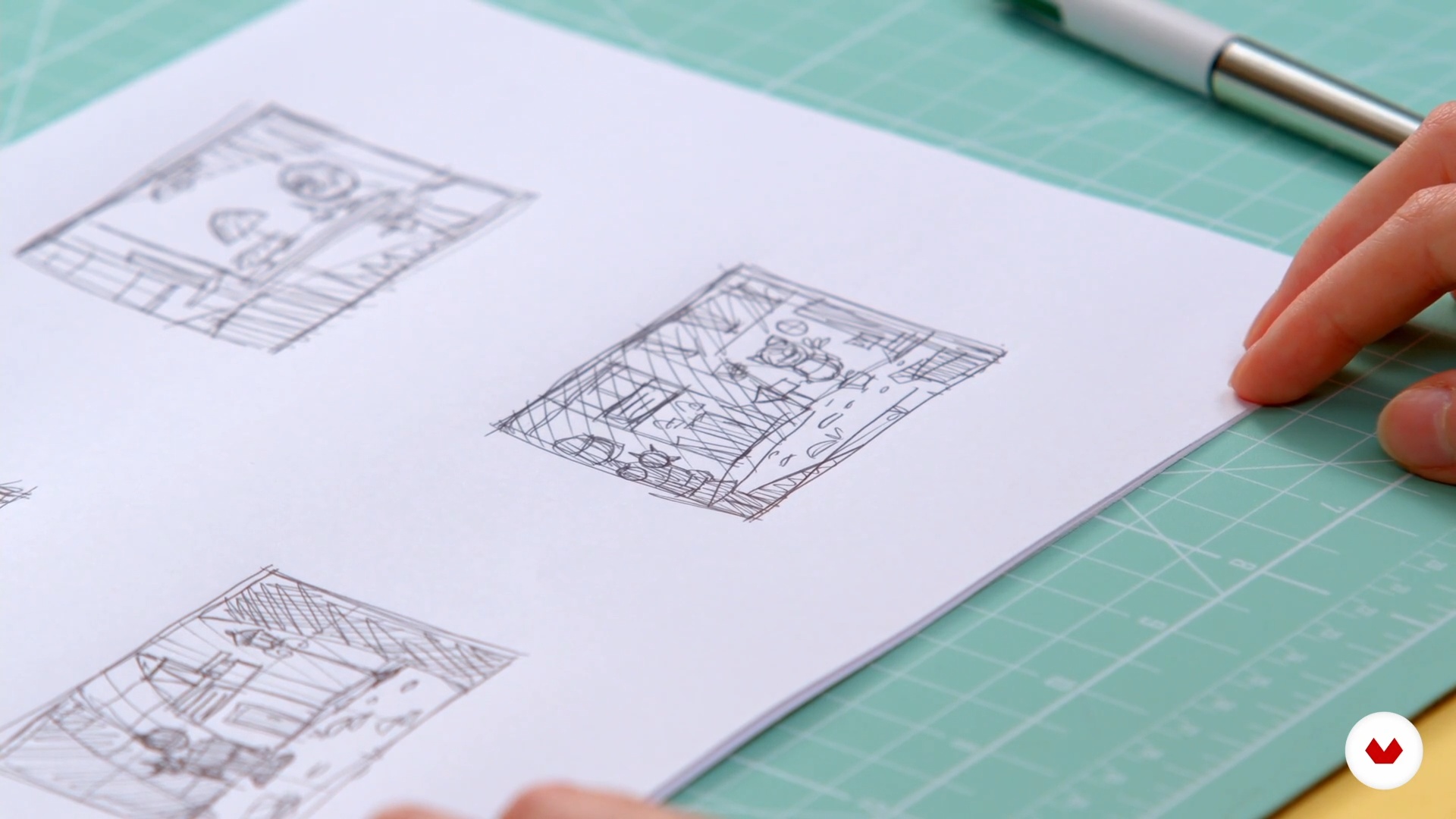
First drafts: the magic of ugly drawing
8 minutes, 49 seconds
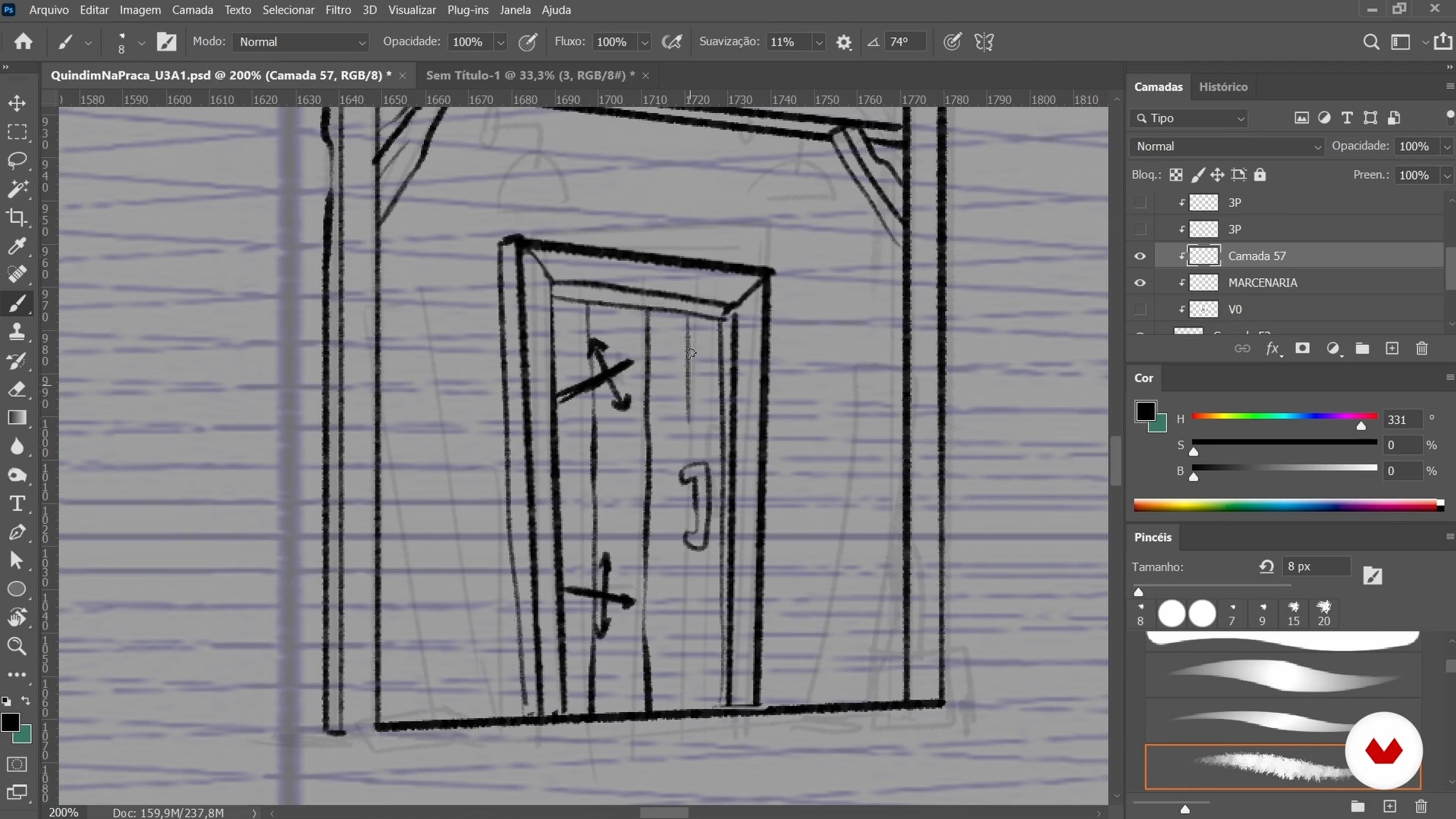
Refining the draft
8 minutes, 17 seconds
What's included in this course?
Get to know a little about Carolina Delavy's personal and professional background including how she got where she is today and her biggest artistic influences.
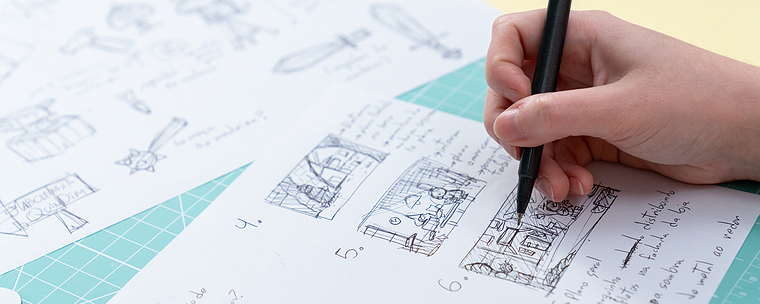
Dive right into your project discovering some illustration resources for putting together your piece including perspective, storytelling, framing, color, and composition, as well as how to apply them all in Photoshop. Give your character a backstory to help you define their environment before looking for some visual reference materials and get your first sketch down on paper.
Now refine your draft until you have a completed piece of line art. Carolina goes on to show you how to how to study values and colors to decide on a lighting plan for your composition. Next, create the basic block elements and see how to complete your character, as well as the main and secondary elements of your scene.
Lastly, discover how to put the finishing touches on your illustration file and add your piece to your portfolio. Carolina gives some final tips for presenting your work to agencies, studios, and potential clients.
Recommended software & tools for this course
What is this course's project?
Illustrate a scene based on a specific character.
Projects by course students


Who is this online course for?
Anyone starting out in illustration or wanting to improve their scene design skills.
Requirements and materials
Basic knowledge of Adobe Photoshop is necessary for this course.
In terms of materials, all you need is a computer installed with this software and the graphics tablet of your choice.
Reviews
- 5 months ago
ótimo curso. sou autodidata e fazia cenários sem procurar referências e sem saber alguns fundamentos que foram citados.
- 1 year ago
Muy buen curso, muy buena profesora. He disfrutado mucho dibujando y siguiendo las instrucciones. Curso creado con mucha dedicación , MUY RECOMENDABLE. MUCHAS GRACIAS.
- 1 year ago
muito bom
- 2 years ago
No lo recomiendo porque no está todo el proceso. Explica muy rápido y tiene dibujos previos que no se muestra en el curso cómo lo ha realizado.
- 2 years ago
É um curso bem rápido, porém rico em ensinamento!

She collaborated on YouTube's animated web series Angry Birds Bubble Trouble and has done illustrations for international educational children's books. She is currently art director for animation series at Gloob.
Content
- U1
Introduction
- Presentation
- influences
- U2
Fundamentals and first drafts
- Fundamentals: storytelling, framing and composition
- Fundamentals: grids and perspective
- Fundamentals: colors and values
- Idea from the character
- First drafts: the magic of ugly drawing
- U3
shaping the scene
- Refining the draft
- final line art
- Values and colors
- Blocking and Terminating the Character
- Finishing the main area of the scenario
- Finishing the first and third plans
- U4
Final adjustments
- Latest color adjustments
- Publicizing your work
- FP
Final project
- Creating Digital Scenery Illustrations
What to expect from a Domestika course
Learn at your own pace
Enjoy learning from home without a set schedule and with an easy-to-follow method. You set your own pace.
Learn from the best professionals
Learn valuable methods and techniques explained by top experts in the creative sector.
Meet expert teachers
Each expert teaches what they do best, with clear guidelines, true passion, and professional insight in every lesson.
Certificates
PLUSIf you're a Plus member, get a custom certificate signed by your teacher for every course. Share it on your portfolio, social media, or wherever you like.
Get front-row seats
Videos of the highest quality, so you don't miss a single detail. With unlimited access, you can watch them as many times as you need to perfect your technique.
Share knowledge and ideas
Ask questions, request feedback, or offer solutions. Share your learning experience with other students in the community who are as passionate about creativity as you are.
Connect with a global creative community
The community is home to millions of people from around the world who are curious and passionate about exploring and expressing their creativity.
Watch professionally produced courses
Domestika curates its teacher roster and produces every course in-house to ensure a high-quality online learning experience.
FAQs
The course is intermediate level and recommended for those who already have basic drawing or digital illustration skills but want to deepen specific techniques for animated backgrounds.
You’ll need a computer, a drawing tablet, and Photoshop or similar digital painting software. Basic familiarity with these tools is recommended.
You will learn how to create complete backgrounds for animation, covering composition, perspective, color use, character integration, texturing, visual storytelling, and building a professional portfolio.
The course teaches how to select, organize, and customize work for a portfolio, along with strategies for promotion and professional communication to attract clients in the illustration market.
Yes, the course covers fundamentals of concept art, art direction, and building visual worlds for animation, including analyzing references and creating mood boards.
Yes, there are specific modules on creating backgrounds for various media, including textbooks and children’s illustrations, exploring appropriate styles and techniques.
It’s not mandatory, but the course starts with basics of perspective, including grids, horizon lines, and vanishing points to ensure you master the necessary techniques.