
Animation for Typographic Logo Designs
A course by Holke 79Graphic Designer
A course by Holke 79, Graphic Designer

Learn how to design and animate a logo from scratch and visually communicate the essence of a brand
First impressions are essential for a brand, and a logo is often the very first interaction a potential client experiences. That’s why creating animated logos is an effective way to build brand awareness. Graphic designer Borja Holke, known as Holke 79, has been creating animated typefaces for clients like Converse, Aerosmith’s Las Vegas residency, and sports programming for Real Madrid, FC Barcelona, and Copa América.
In this course, Borja walks you through the entire process of creating an engaging animated logo design from scratch. He covers the basics of working with After Effects and Cinema 4D, and teaches you how to create visually striking animations ready to share with clients.
This is Borja’s fifth Domestika course. If you are interested in learning animation to boost your portfolio, see Portfolio Animation with After Effects. If you want to learn typographic animation in more depth, take a look at Animation for Typograhic Compositions. Check out all of his courses here.
What will you learn in this online course?
16 lessons & 23 downloads
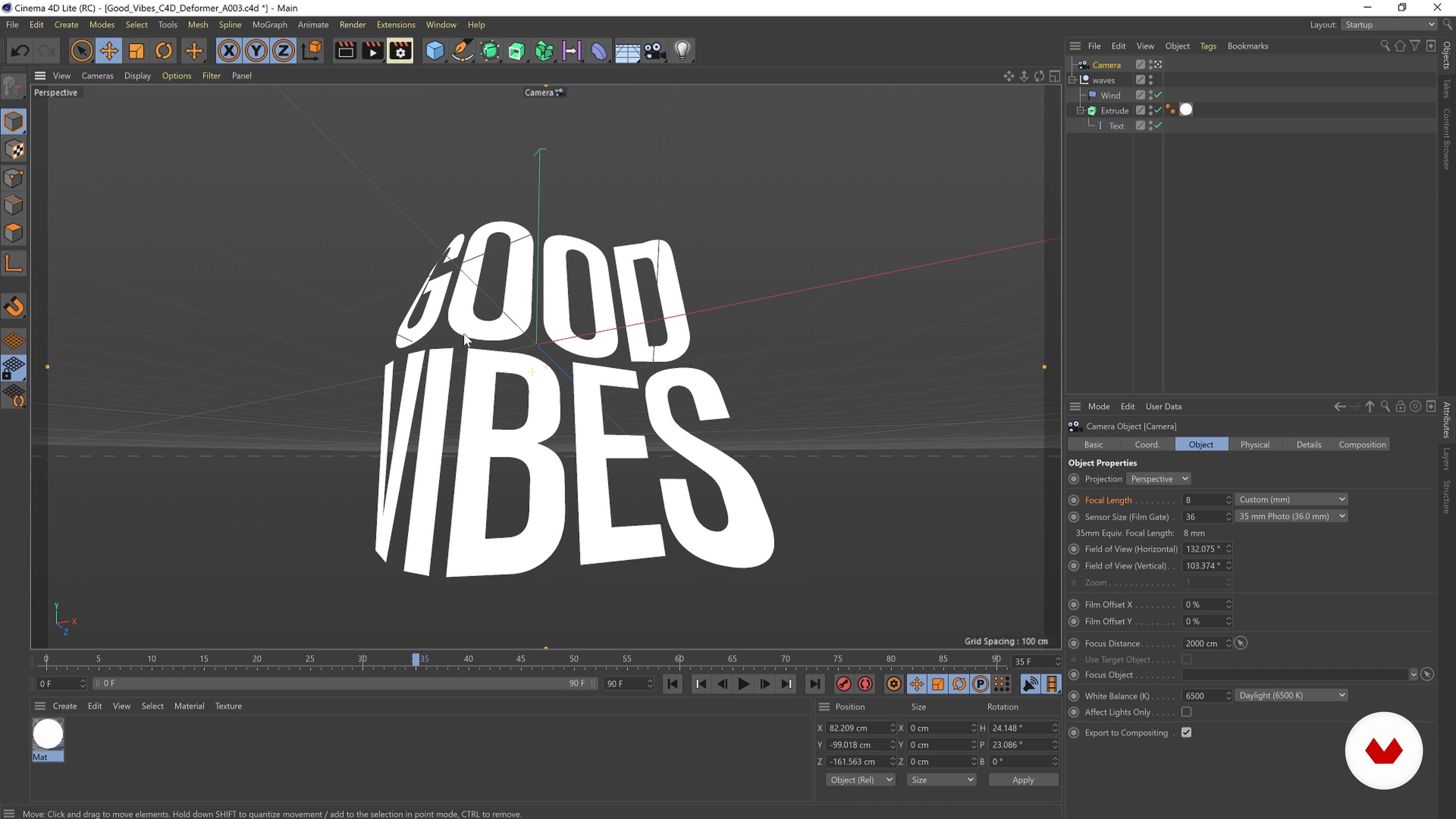
What Will We Do in This Course and Finding Inspiration
2 minutes, 50 seconds
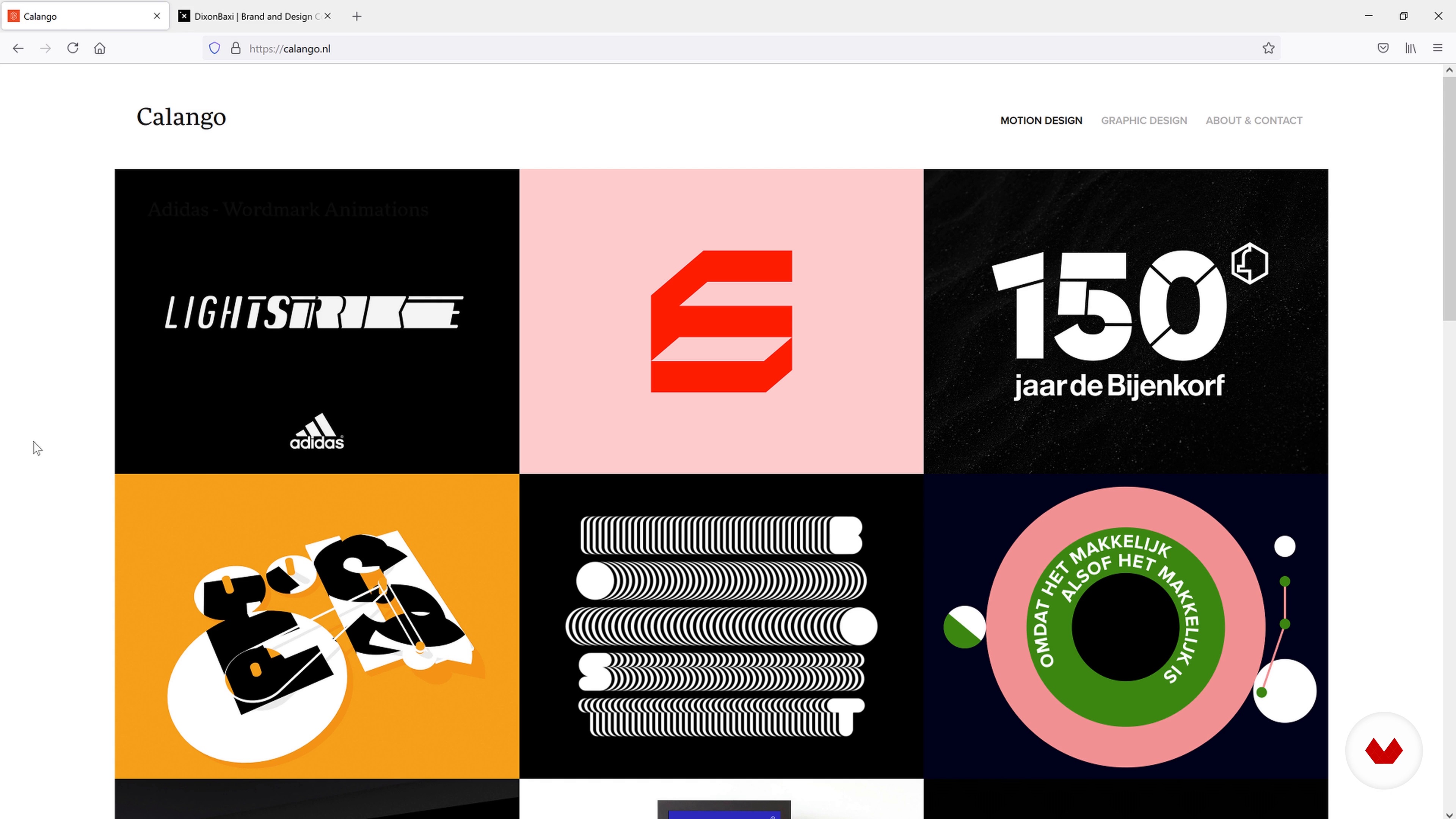
Why and How to Build a Motion Logo
6 minutes, 56 seconds
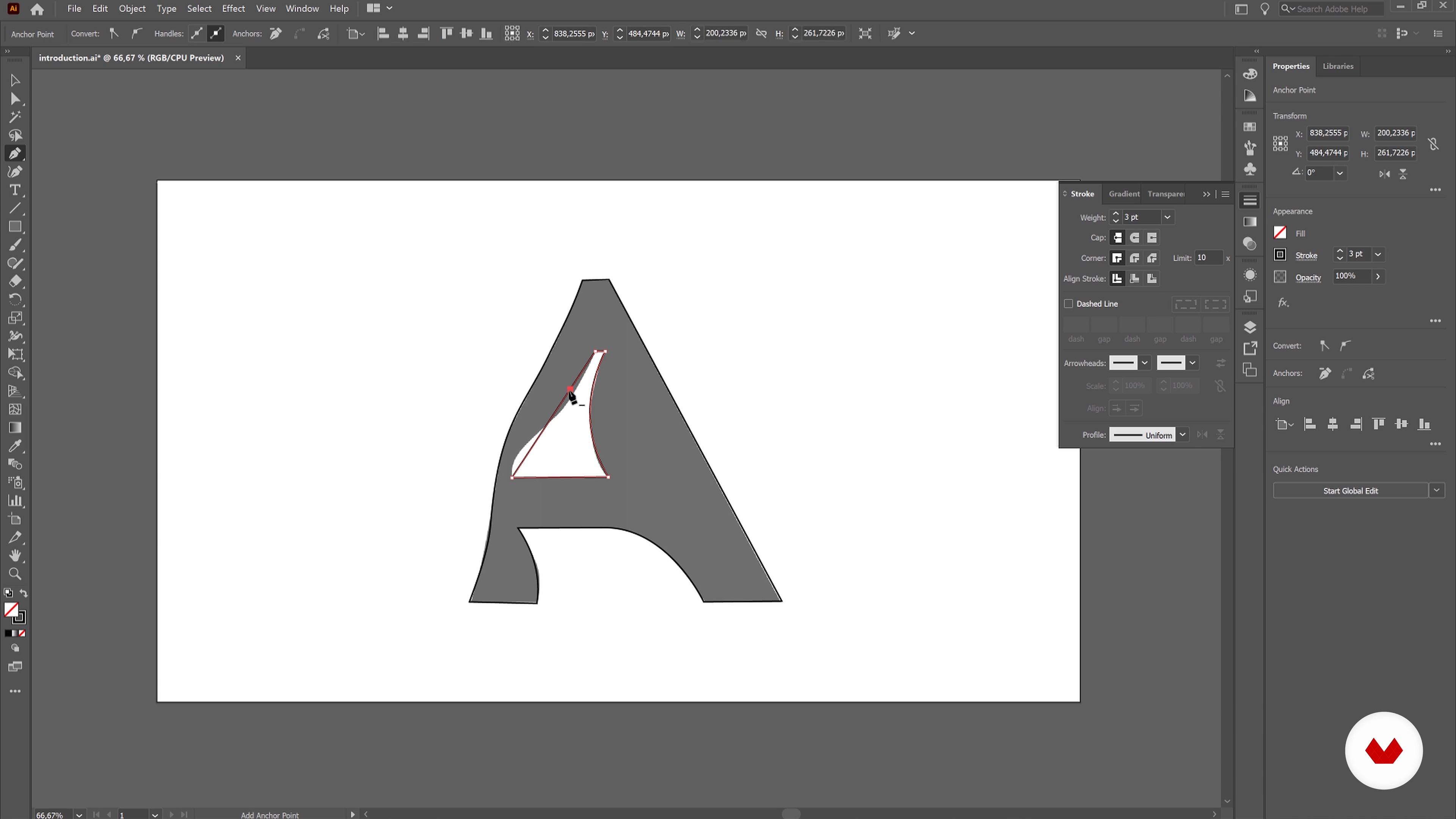
Vectorizing Our Logos in Adobe Illustrator
7 minutes, 33 seconds
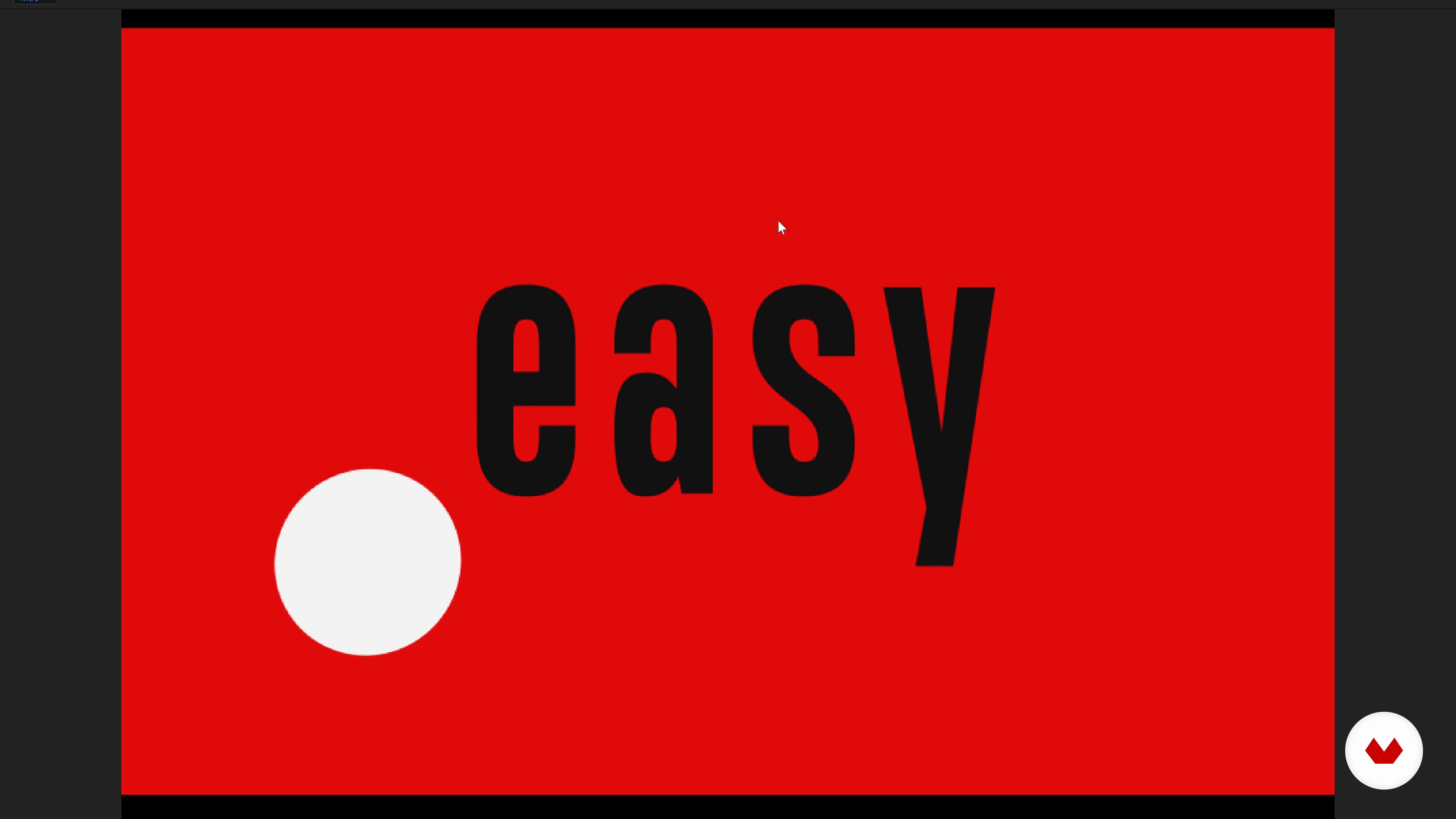
Introduction to After Effects
15 minutes, 49 seconds
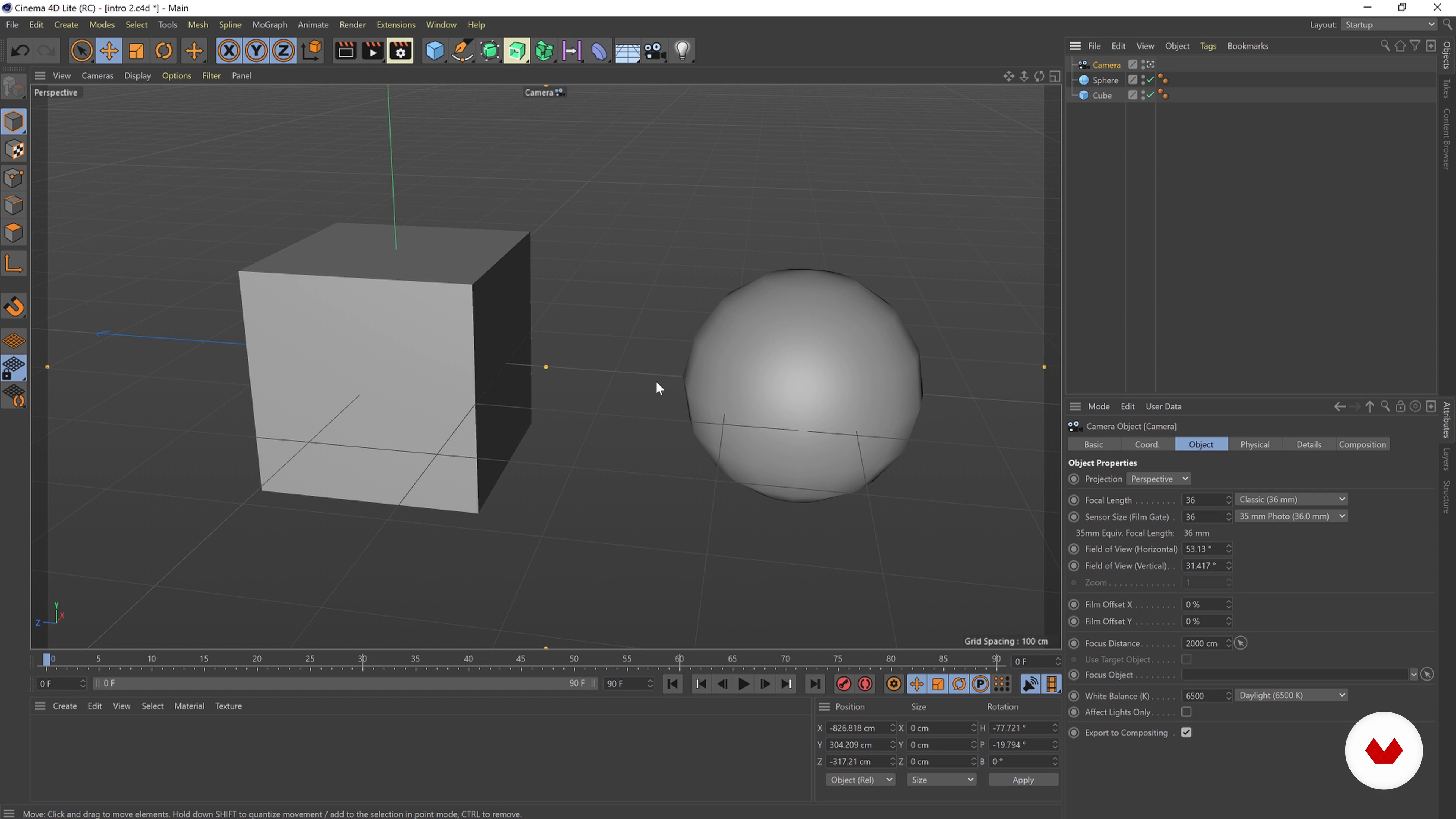
Let’s Jump into Cinema 4D Lite!
12 minutes, 57 seconds
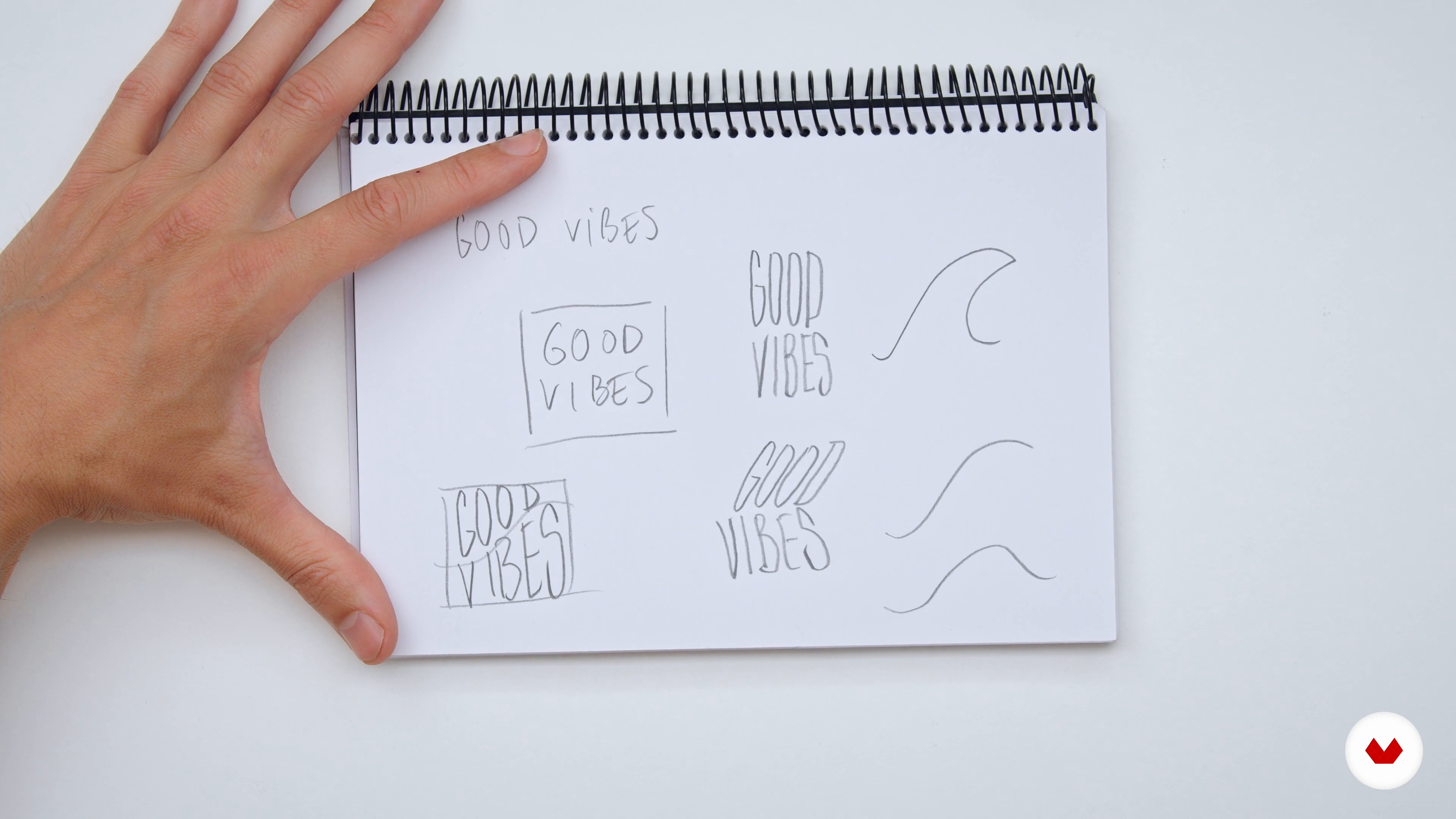
Concept Searching and First Sketches: Good Vibes Festival
10 minutes, 57 seconds
What's included in this course?
Begin by getting to know Borja. He shares his creative journey, which started with journalism and led him to the world of graphic design. Hear about his influences, and the designs that have shaped his work.
Borja then gives you an overview of the course and the final project. Take a look at some logo examples and discover the importance of adding motion to them. Explore the different elements that make a logo animation both visually striking and effective in terms of branding.
Dive into the design and animation software by learning how to vectorize designs in Illustrator. Next, Borja walks you through both Adobe After Effects as well as Cinema 4D, and teaches you the basics of both software. He also covers how to link the software to improve your workflow.
Start creating an animated logo by defining a concept from a brief, sketching it out, and choosing the right typography for your wordmark. Borja then discusses production timing and budgeting, and shares his tips and tricks to keep track of both. Using a music festival logo as an example, Borja teaches you to create two different concepts for animated logos: a surfing waves concept and a sound reactive logo.
Learn how to render and export your final design before building a presentation to showcase your animated logo. Borja shares his tips on how to create a professional presentation with different branding graphics to propose to your client.
Recommended software & tools for this course
What is this course's project?
Create two original animated logotypes from scratch in After Effects and Cinema 4D.
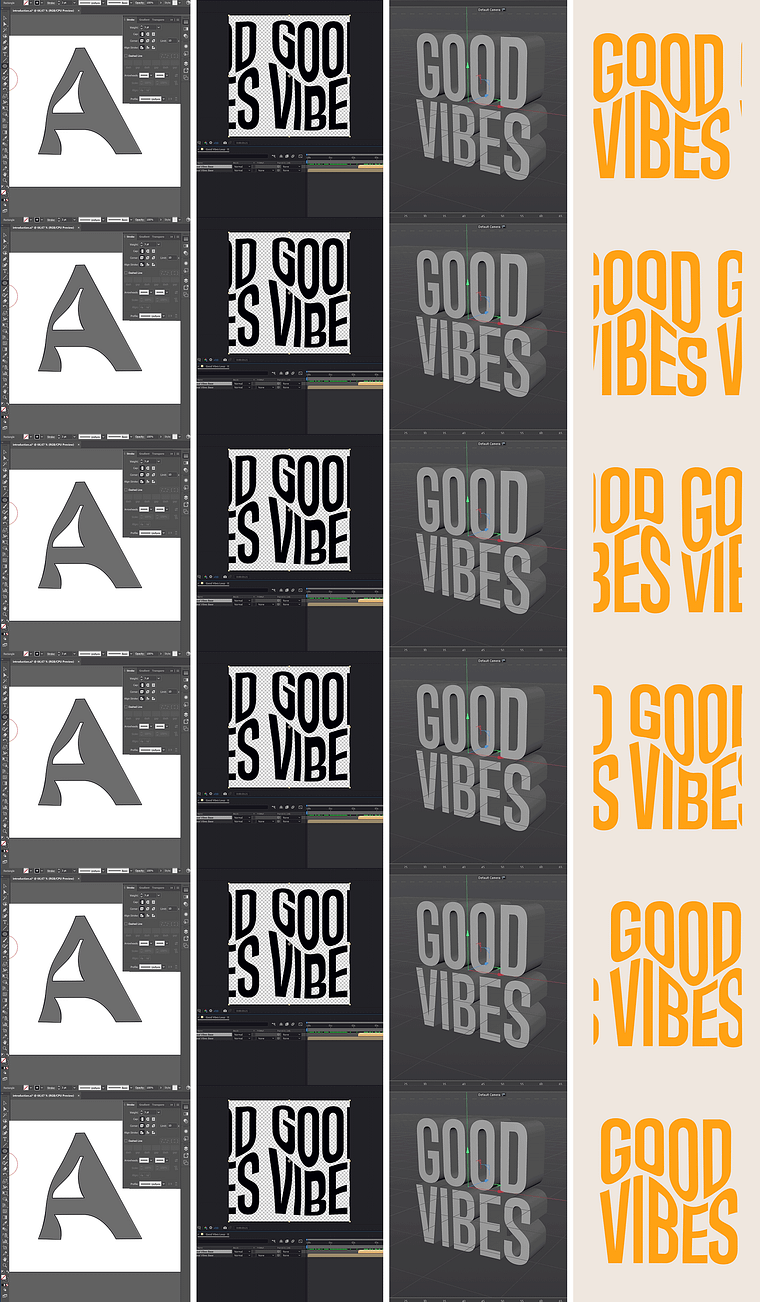
Projects by course students


Who is this online course for?
Anyone interested in creating a motion logo for branding.
Requirements and materials
No previous experience is required. Borja takes you through the basics of logo design and animation.
To take this course, you need access to a computer with Adobe Illustrator, After Effects, and Cinema 4D.
Reviews
- 4 months ago
Great course!
- 10 months ago
Bardzo dobry i praktyczny kurs
- 1 year ago
If you're looking to animate a pre-made logo, this course isn't for you. I learned something from this course, but it certainly didn't meet my expectations.
- 1 year ago
Me gusta como explica Borja, está todo explicado muy paso a paso para que vayas siguiendo y aprendiendo, pero sería mucho más natural escucharlo a él en su idioma nativo, en español. Hice otro de sus cursos en español y lo disfruté mucho más, y eso que sé inglés, con lo cual no me cuesta. Por el resto todo muy bien.
- 2 years ago
Holke is the goat! Very professional and super good teacher.

He worked as a senior motion designer for Saffron Brand Consultants in Madrid, where he helped brands build their visual identity through animation. In 2019, after over a decade of working in motion design, Borja started his own motion graphic design company, Holke 79. Some of his projects include online campaigns for Converse, Aerosmith’s Last Vegas residency, an official lyrics video for Green Day, and a number of animated graphics for TV shows.
Content
- U1
Introduction
- About Me
- Influences
- U2
Preparation
- What Will We Do in This Course and Finding Inspiration
- Why and How to Build a Motion Logo
- U3
Basic Skills with the Design and Animation Softwares
- Vectorizing Our Logos in Adobe Illustrator
- Introduction to After Effects
- Let’s Jump into Cinema 4D Lite!
- U4
Making Motion Logos
- Concept Searching and First Sketches: Good Vibes Festival
- Choosing the Right Type for Your Logo
- A Little Production Tip before We Start Our Journey
- Waves and Psychedelia in After Effects
- Music-Reactive Logo in After Effects
- Animation in Cinema 4D: Generating Waves
- Vectorizing the Logo and Refining It
- U5
Sharing Your Work and Final Tips
- Rendering Tips and Tricks
- Building a Presentation
- FP
Final project
- Animation for Typographic Logo Designs
What to expect from a Domestika course
Learn at your own pace
Enjoy learning from home without a set schedule and with an easy-to-follow method. You set your own pace.
Learn from the best professionals
Learn valuable methods and techniques explained by top experts in the creative sector.
Meet expert teachers
Each expert teaches what they do best, with clear guidelines, true passion, and professional insight in every lesson.
Certificates
PLUSIf you're a Plus member, get a custom certificate signed by your teacher for every course. Share it on your portfolio, social media, or wherever you like.
Get front-row seats
Videos of the highest quality, so you don't miss a single detail. With unlimited access, you can watch them as many times as you need to perfect your technique.
Share knowledge and ideas
Ask questions, request feedback, or offer solutions. Share your learning experience with other students in the community who are as passionate about creativity as you are.
Connect with a global creative community
The community is home to millions of people from around the world who are curious and passionate about exploring and expressing their creativity.
Watch professionally produced courses
Domestika curates its teacher roster and produces every course in-house to ensure a high-quality online learning experience.
FAQs
Yes, this course is designed for intermediate graphic designers looking to expand their skills in animating logotypes and applying motion design principles to branding projects.
You will need Adobe Illustrator, Adobe After Effects, and access to Cinema 4D Lite, which comes bundled with After Effects. Basic familiarity with these tools is recommended.
You’ll learn how to design and animate logotypes, use vector tools for letterforms, apply motion design workflows, integrate 2D and 3D animation, and enhance branding through expressive logo animation.
Yes, the course teaches logo animation techniques in both Adobe After Effects and Cinema 4D Lite, including integrating 3D and 2D workflows for professional results.
Basic knowledge of graphic design and some familiarity with animation software is helpful, but the course is structured to help designers ramp up their motion design skills.
Yes, you’ll work through real-world branding scenarios, animating wordmarks and logotypes that communicate specific brand attributes in both static and motion formats.
Yes, the curriculum covers practical freelancing advice, including project organization, time tracking, budgeting, and client communication for motion design projects.