Digital Pattern Illustration Inspired by Flora and Fauna
A course by Laura LhuillierIllustrator
A course by Laura Lhuillier, Illustrator

Create beautiful patterns and apply them to any product using Procreate and Photoshop
"Ever since I was little, I've felt a deep connection with nature. I like to draw wild animals in a quirky style." The wonders of nature are a constant source of inspiration to artists everywhere, and Laura Lhuillier is no exception.
In this course, learn how to create imaginative patterns from illustrations of flora and fauna by working with Procreate and Photoshop. The world of digital drawing is yours to be discovered!
What will you learn in this online course?
20 lessons & 20 downloads
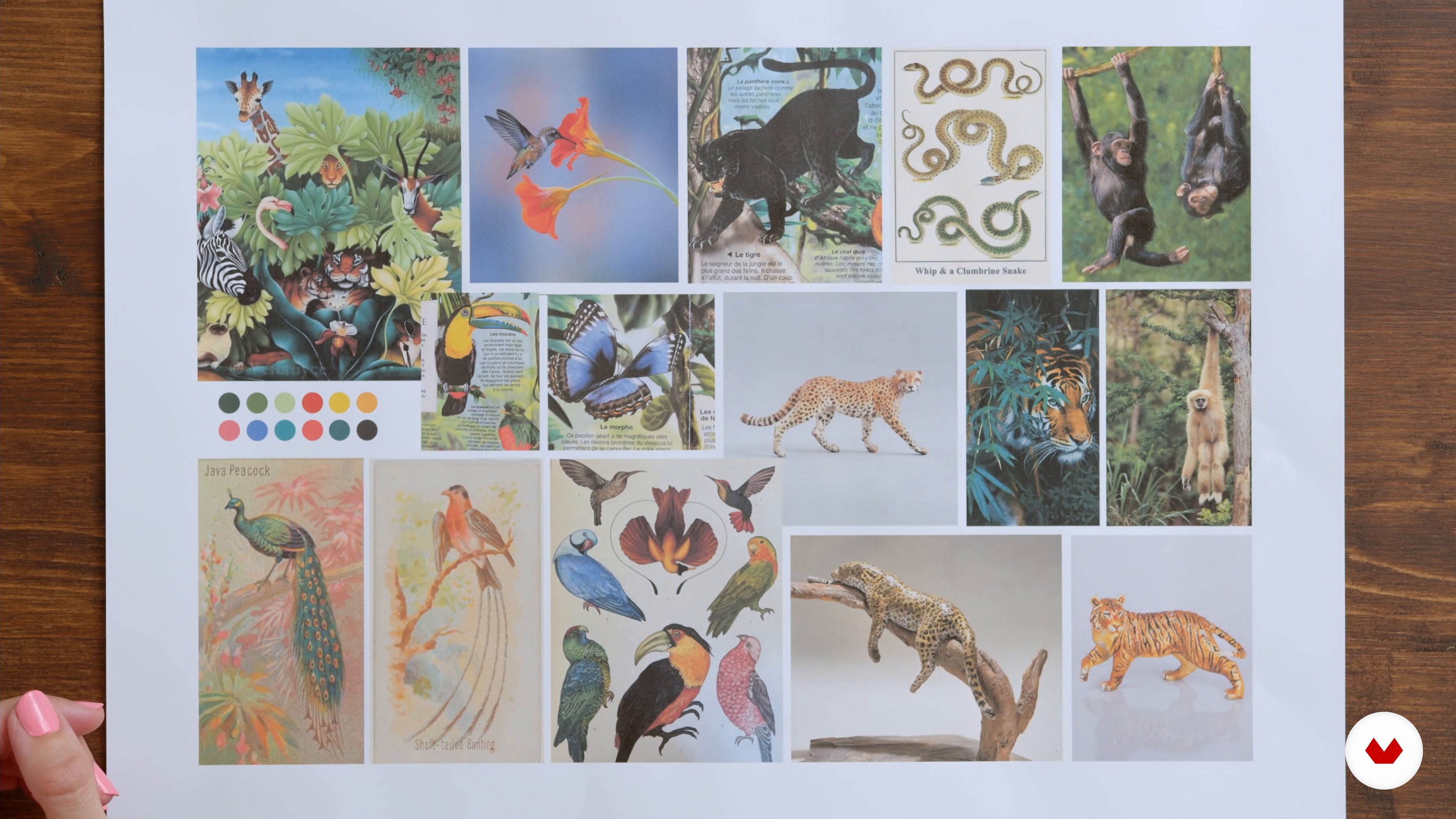
The mood board
4 minutes, 47 seconds
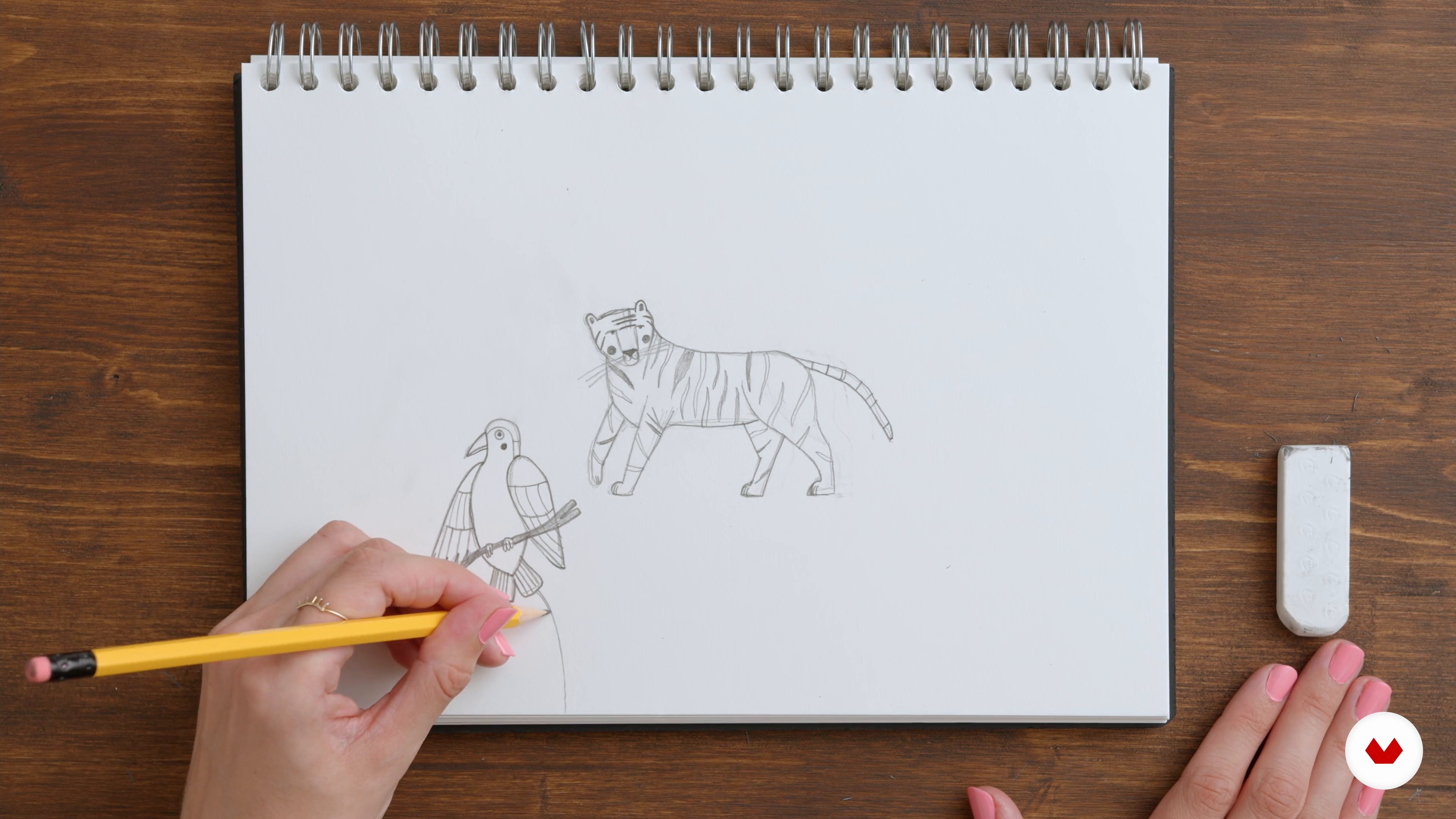
The first sketches to reference the ideas 1
19 minutes, 58 seconds
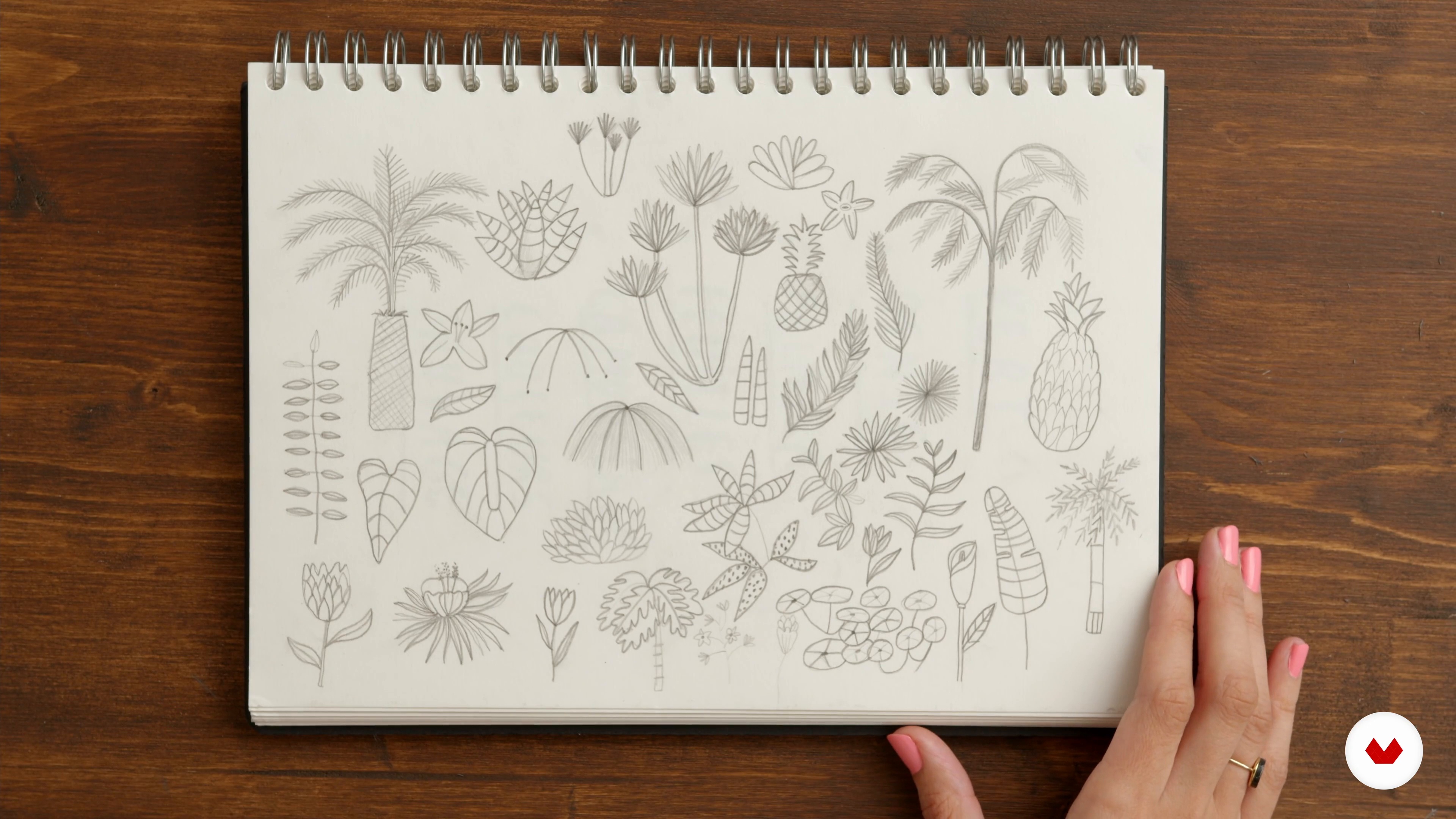
Sorting the subject and how to appropriate the references
6 minutes, 5 seconds
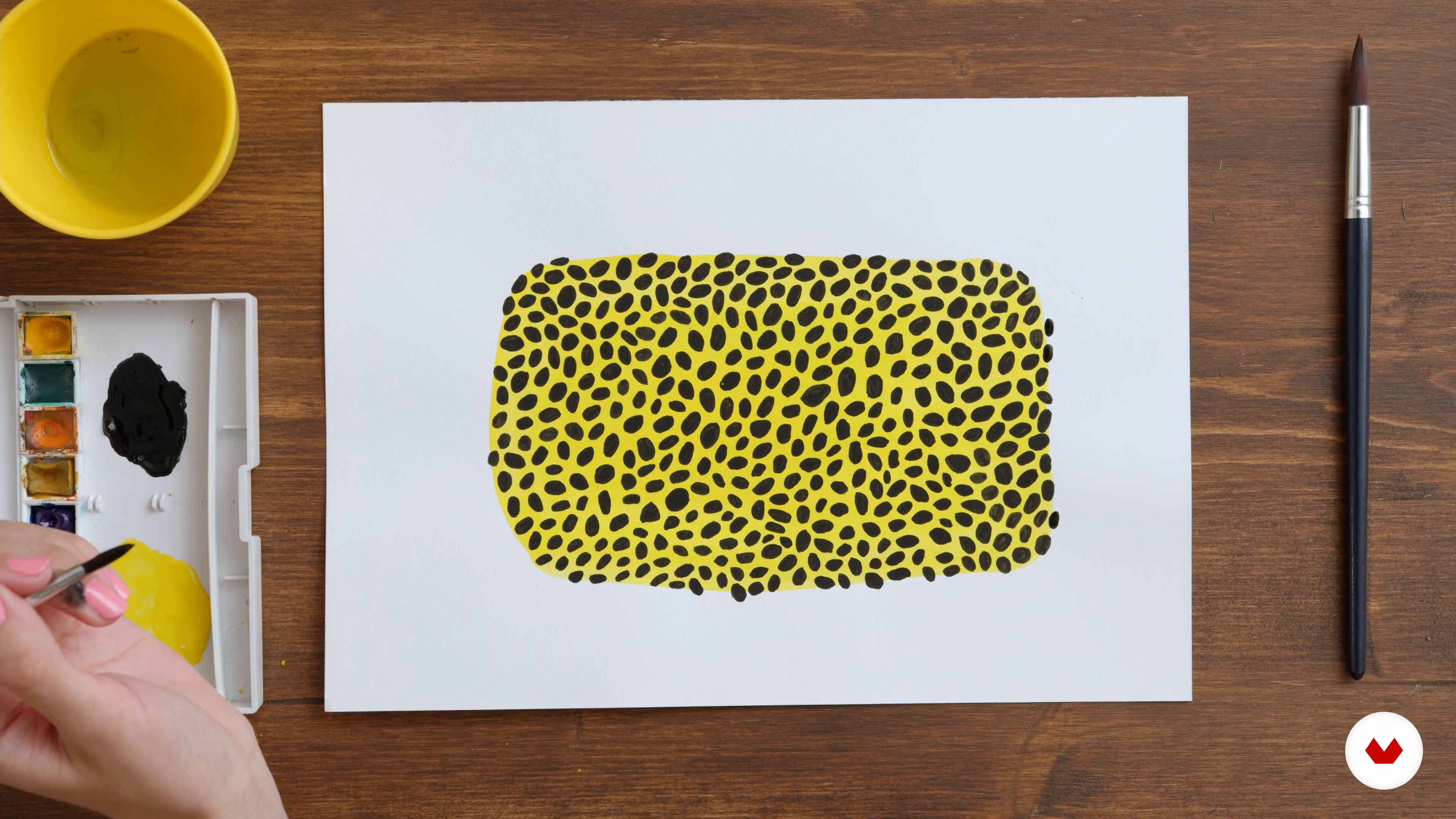
Textures
16 minutes, 15 seconds
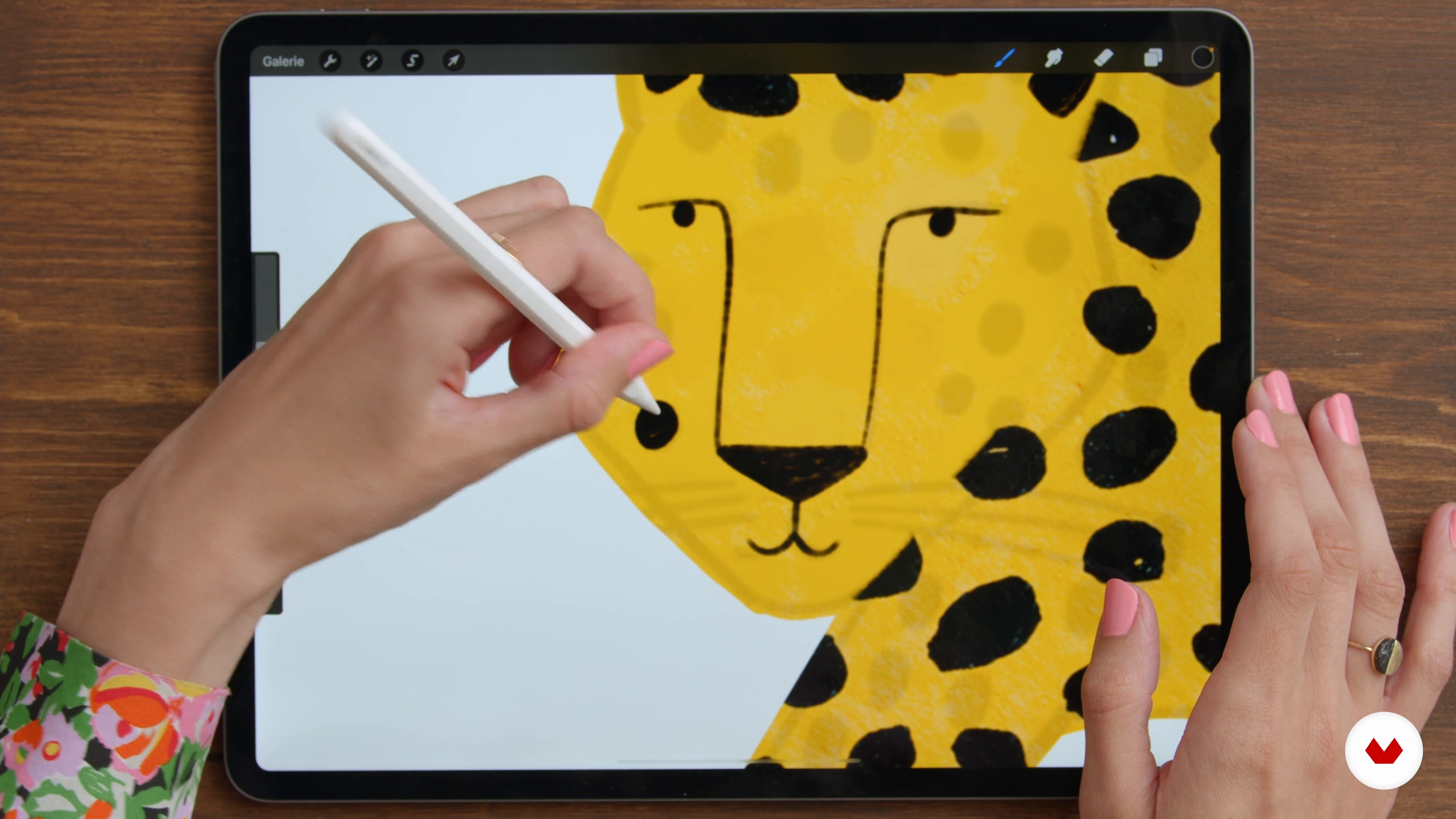
Shadows and details 1
9 minutes, 10 seconds
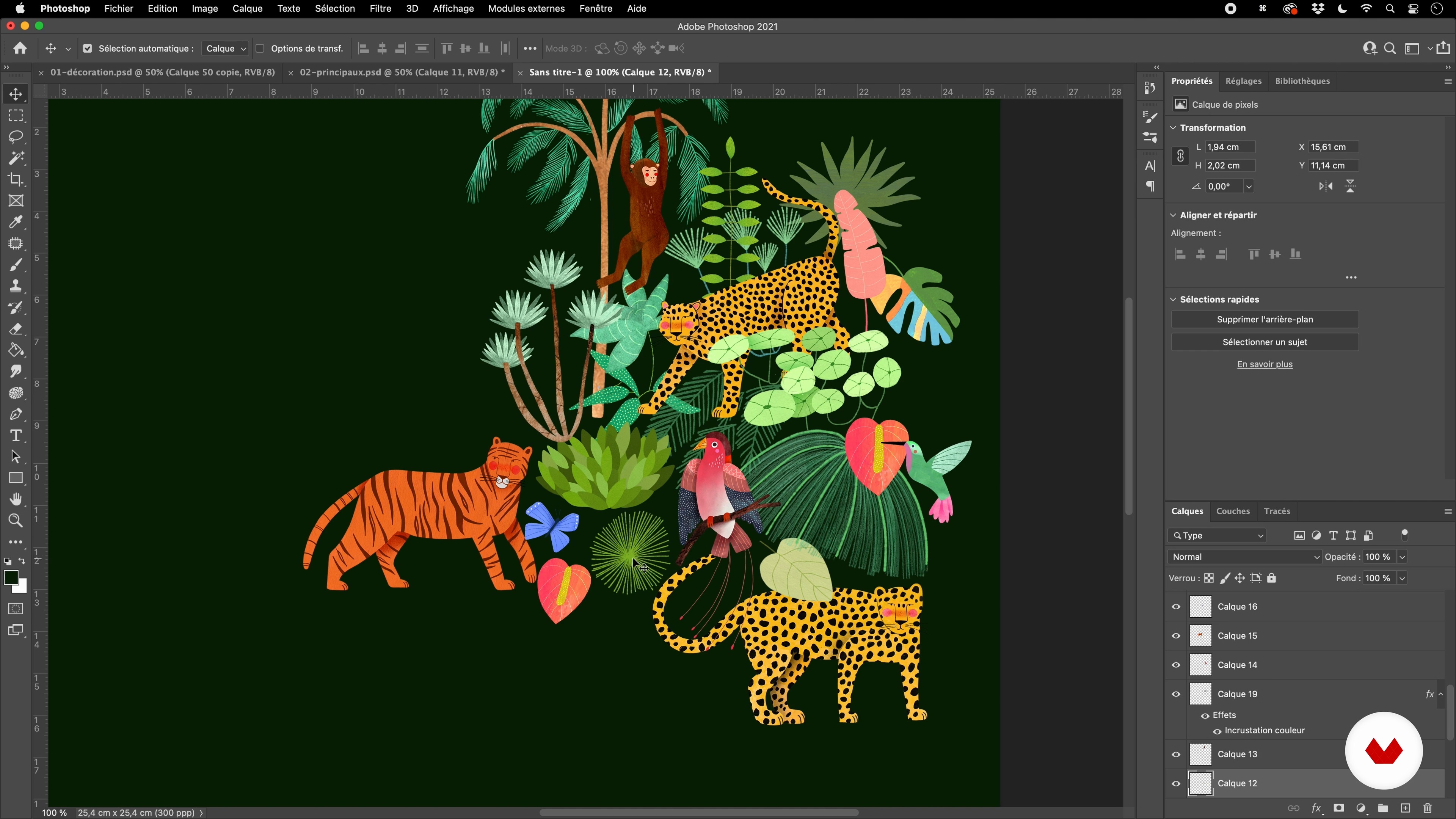
Composition of the pattern in Photoshop 1
19 minutes, 30 seconds
What's included in this course?
Get to know Laura as she takes you through her journey as an illustrator and opens the door to her creative universe, an homage to nature's rich tapestry. Who would've known that the first illustrated patterns came to life alongside the industrial revolution?
Next, Laura shows you the best ways to find inspiration, be it scanning though books or simply gazing at the plants in your living room. Choose a particularly inspiring natural setting as the framework for your illustration, and once you've done that, it's time to put pen to paper and sketch those first patterns! How about an elephant? A giraffe? Or maybe even a cactus... It's totally up to you!
Laura introduces you to Procreate and Photoshop, the digital tools she uses most. Now you've got all you need to make the switch from sketching on paper to digitizing your design. Laura also shares some useful tips for continuing your sketch on an iPad.
Once you've got the foundational elements of your patterns designed on Procreate, find out how to colorize them by using the color wheel technique to establish a harmonious color palette. See just how easy it is to create digitized textures like watercolor, acrylic, and gouache.
Complete your digital composition by adding shadows and any extra little details, then transform it into patterns in Photoshop. Make your whole creative process easier with a handy tip to make the pattern fit perfectly.
To finish, find out how to apply your patterns to mock-ups and share them on social media.
Recommended software & tools for this course
What is this course's project?
For the final project, create unique digital patterns that can be endlessly reproduced and applied to all your products.
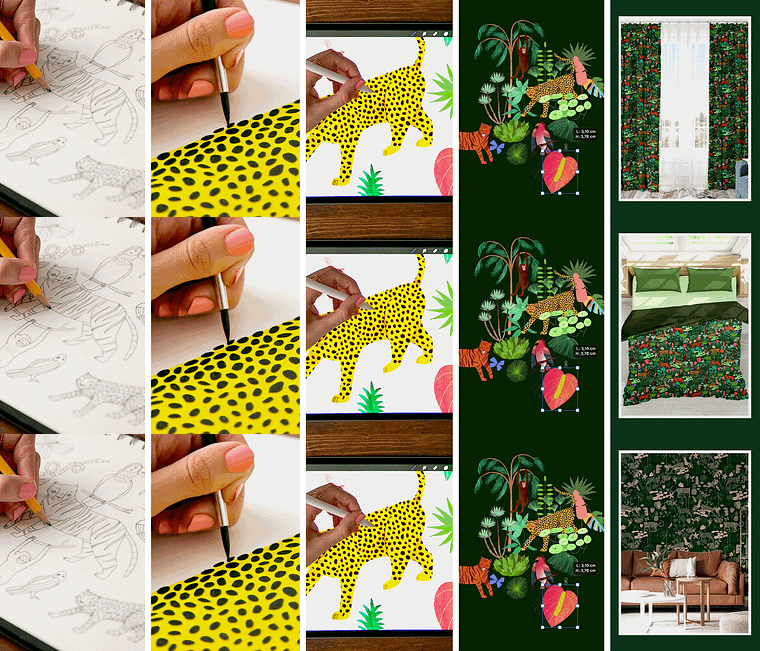
Projects by course students

Who is this online course for?
This course is ideal for designers, illustrators, and artists who wish to enhance their digital know-how, or for anyone interested in creating digital patterns.
Requirements and materials
For this course, you need basic knowledge of Photoshop, an iPad with Procreate installed, and an Apple Pencil. These are the tools Laura uses, but it's totally up to you if you prefer to use a different graphics tablet or work directly in Photoshop.
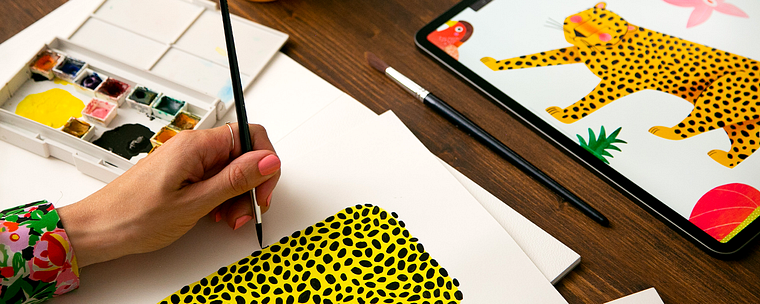
You also need basic drawing materials like paper and a pencil. For one part of the course, you might also like to have gouache, acrylic, or watercolor paints and brushes, and thick paper like Canson or watercolor paper.
Reviews
- 3 months ago
super !
- 3 months ago
wonderful!!
- 5 months ago
I’m really enjoying this course because it’s helped me realise how important it is to have a theme for our creative work – a biome – which has been absolutely crucial for my artistic direction. For that alone, I’m so grateful to Laura.
- 7 months ago
Me encantó, explica muy bien cada paso, abre la mente en cuanto a la exploración de texturas
- 7 months ago
Très instructif, agréable à suivre et complet !

"By creating patterns, I can draw my dreams and travel through
poetic and imaginary worlds." It's a journey through nature's untamed beauty that she just loves to share with her community.
Content
- U1
Introduction
- Presentation
- Influences
- U2
Inspiration and first sketches
- References and inspiration
- The mood board
- The first sketches to reference the ideas 1
- The first sketches to reference the ideas 2
- An overview of the tools used
- U3
The creation of the illustrated pattern
- Sorting the subject and how to appropriate the references
- The central elements
- Complementary elements
- U4
Color and composition
- In search of colorful harmonies
- Colorization of elements
- Textures
- Shadows and details 1
- Shadows and details 2
- Composition of the pattern in Photoshop 1
- Composition of the pattern in Photoshop 2
- Color balance
- U5
Use and distribute your creation
- The use of mockups
- Publishing and sharing on social networks
- FP
Final project
- Digital illustration of patterns inspired by flora and fauna
What to expect from a Domestika course
Learn at your own pace
Enjoy learning from home without a set schedule and with an easy-to-follow method. You set your own pace.
Learn from the best professionals
Learn valuable methods and techniques explained by top experts in the creative sector.
Meet expert teachers
Each expert teaches what they do best, with clear guidelines, true passion, and professional insight in every lesson.
Certificates
PLUSIf you're a Plus member, get a custom certificate signed by your teacher for every course. Share it on your portfolio, social media, or wherever you like.
Get front-row seats
Videos of the highest quality, so you don't miss a single detail. With unlimited access, you can watch them as many times as you need to perfect your technique.
Share knowledge and ideas
Ask questions, request feedback, or offer solutions. Share your learning experience with other students in the community who are as passionate about creativity as you are.
Connect with a global creative community
The community is home to millions of people from around the world who are curious and passionate about exploring and expressing their creativity.
Watch professionally produced courses
Domestika curates its teacher roster and produces every course in-house to ensure a high-quality online learning experience.
FAQs
Yes, this course is mainly designed for people with intermediate skills in illustration or graphic design who want to deepen their knowledge of creating nature-inspired patterns using digital tools.
You’ll need an iPad with Procreate, a computer with Photoshop, and ideally a stylus. A scanner or smartphone for digitizing sketches can also be helpful.
You’ll learn how to create nature-inspired patterns, build harmonious color palettes, use digital textures, apply your patterns to mock-ups, and showcase your work across various media and platforms.
Yes, the course goes into detail on creating themed mood boards, gathering fauna and flora references from Pinterest, books, or photos, and organizing them to fuel your inspiration and guide your compositions.
The training walks you through step-by-step how to create perfectly tileable patterns in Photoshop, using duplication techniques, layer management, and symmetry to ensure seamless repeats.
Yes, you’ll learn to use the color wheel and extract key colors from images to create palettes that suit your digital illustrations.
Yes, the course covers applying patterns to mock-ups like textiles, packaging, wallpapers, or notebooks, as well as preparing eye-catching visuals for Instagram.