Hand-Drawn Digital Animation: Bring Illustrations to Life
Course final project
A course by Yukai Du , Illustrator and Animator


About the final project for: Hand-Drawn Digital Animation: Bring Illustrations to Life
Hand-Drawn Digital Animation: Bring Illustrations to Life
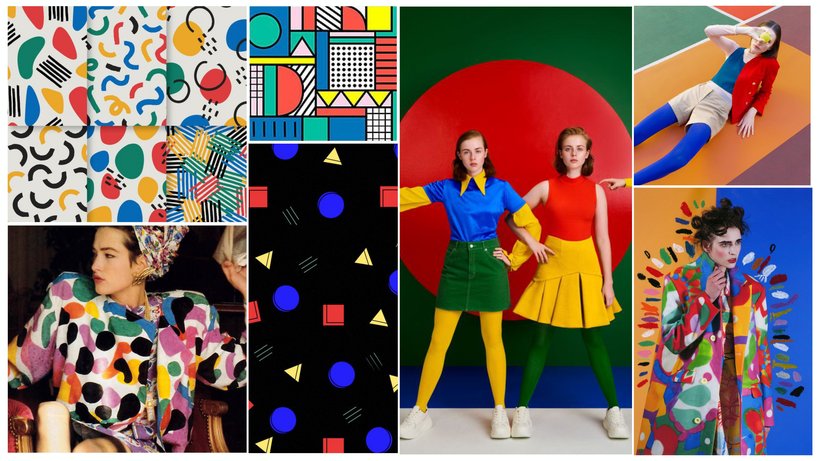
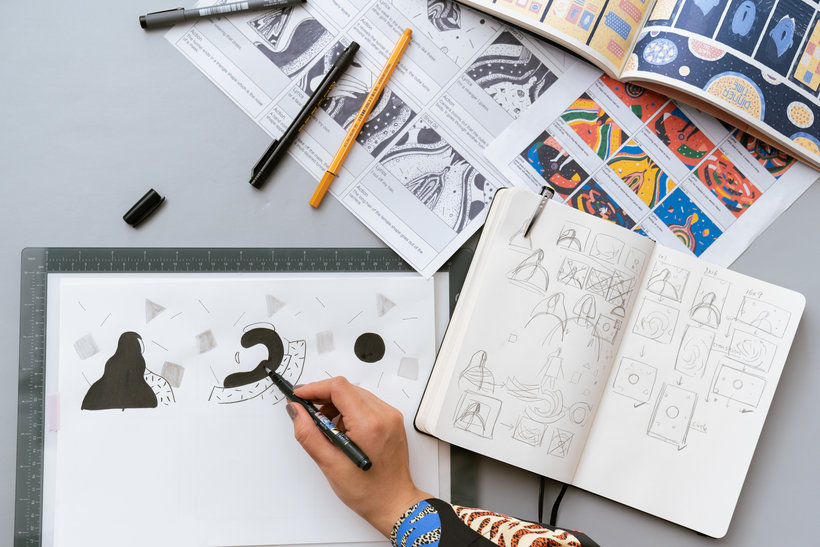
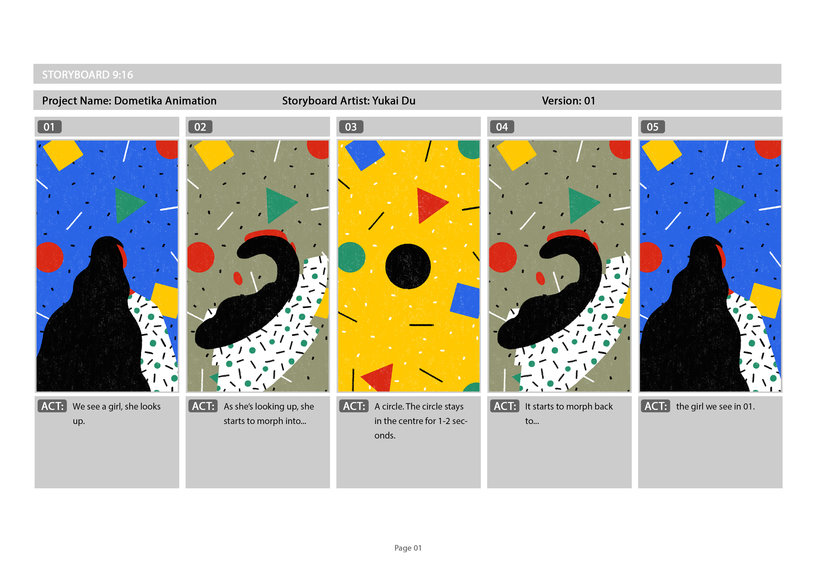
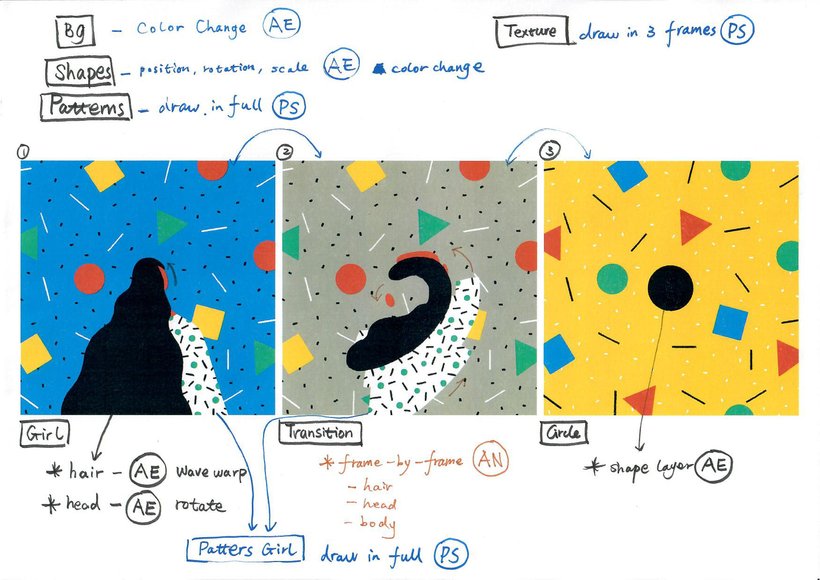
“You did it! Congrats and thank you for taking this course. I hope you have enjoyed it and now you feel ready to animate a 2D illustrated style loop by combining three Adobe programs: Photoshop, After Effects and Animate. Remember that animation doesn’t have to be a one-program thing! Before saying our goodbyes I'd like to do a quick recap on the steps you have to take for working on your Final Project, which I hope is just the first of a lot more animations you'll create with what you've learned here. First, decide on what you are going to do, start research based on your keywords. Review and narrow down your research in one mood board and work out a colour palette from your mood board.

Partial transcription of the video
“Thank you for taking the course. I hope you enjoyed it. So now you can animate a 2D illustrated style animation look by combining three different programs Adobe Photoshop, Affleck Bets and Animate. Remember, animation doesn't have to be a one program thing. you can combine different tools and programs to achieve a specific look and style. you can disassemble it into different parts and then assemble them together again. I understand it could be very difficult to learn a new program or something very different outside your comfort zone. but for long term. You'll be benefited from a good and ...”
This transcript is automatically generated, so it may contain mistakes.
Course summary for: Hand-Drawn Digital Animation: Bring Illustrations to Life
-
Category
3D & Animation -
Software
Adobe After Effects, Adobe Animate, Adobe Photoshop -
Areas
2D Animation, Animated Illustration, Animation, Digital Illustration, Motion Graphics, Traditional illustration

Yukai Du
A course by Yukai Du
Yukai Du is a Chinese-born illustrator and animator based in London, UK. At just 15 years old, she began training at GuangZhou Academy of Fine Arts where she learned to work with acrylic and still life paintings, pencil drawings, and sculpture. From there, she went on to study animation at college, where her traditional art skills were put into practice. It was there that she discovered her passion for creating craft-like illustrations and animations, and she later moved to London to pursue a Master’s degree in those art forms.
After graduating, she worked at various studios in the UK including M-I-E and Bliink. Since then, as a freelancer, she has collaborated with well-known brands including The New Yorker, Spotify, The Guardian, MTV, Adobe, Apple, and WeTransfer. Her work has also been recognized by Adobe Design Awards, 3x3 International Illustration Awards, and more.
- 100% positive reviews (253)
- 9,423 students
- 26 lessons (6h 8m)
- 26 additional resources (7 files)
- Online and at your own pace
- Available on the app
- Audio: English, Spanish (Latam), French, Italian, Portuguese, Turkish
- Spanish · English · Portuguese · German · French · Italian · Polish · Dutch · Turkish · Romanian · Indonesian
- Level: Beginner
- Unlimited access forever
Recommended software & tools for this course
 Adobe After Effects
 Adobe Animate
 Adobe Photoshop
Category
Areas

