
Transform your unique drawings into playful motion graphics with Photoshop, After Effects, and Animate
Through illustration and animation, you have the power to translate complex topics into playful visual languages. Yukai Du specializes in creating digital illustrations and animations that look hand-crafted. She helps brands to visualize the message they want to communicate with their audience and has worked with clients including Adobe, Spotify, WeTransfer, and MTV.
In this course, Yukai teaches you how to combine the art of illustration with 2D animation to create striking digital artwork of your own. Are you ready to bring your illustrations to life and start animating your ideas?
What will you learn in this online course?
26 lessons & 26 downloads
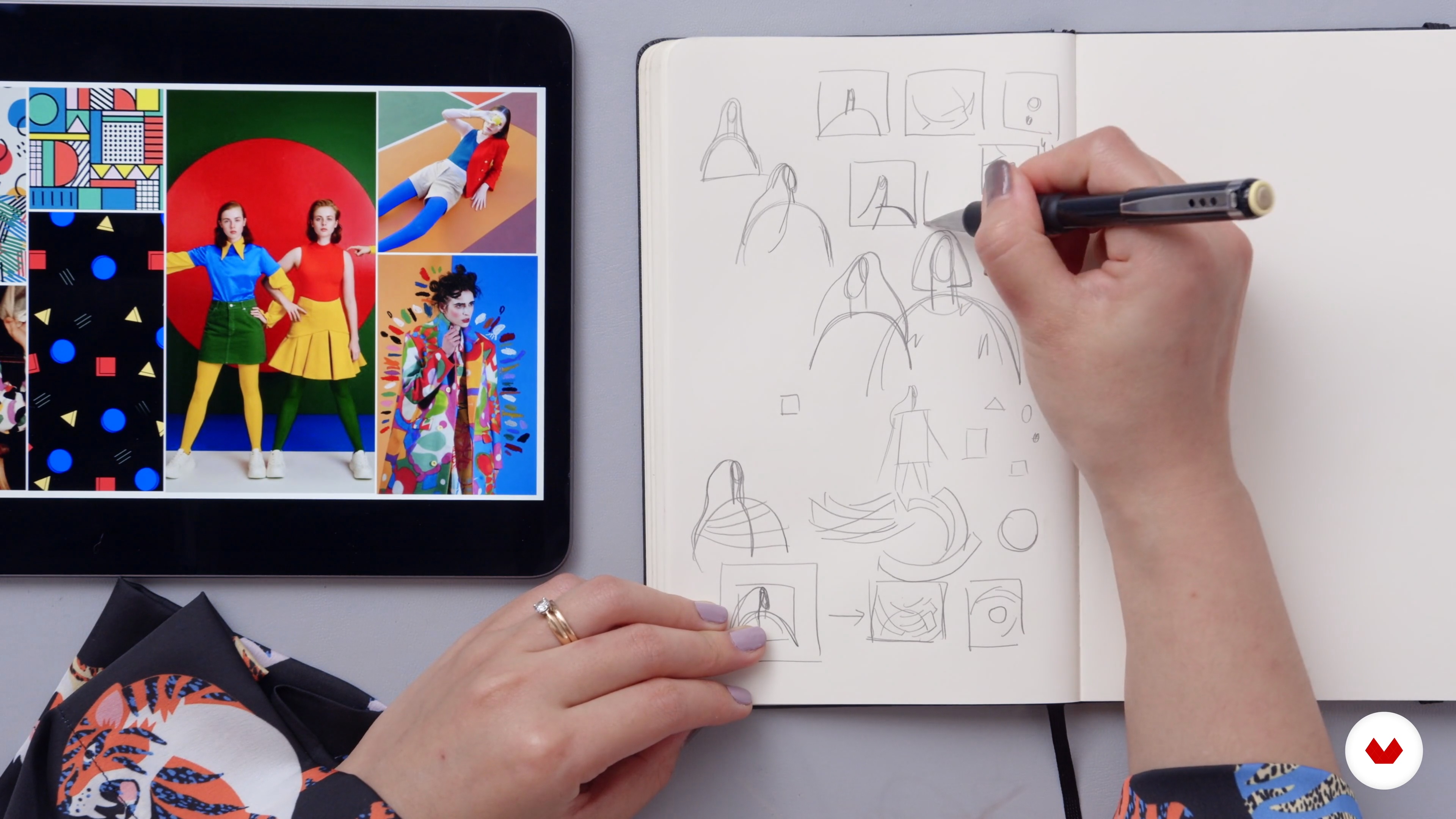
Thumbnails
10 minutes, 29 seconds
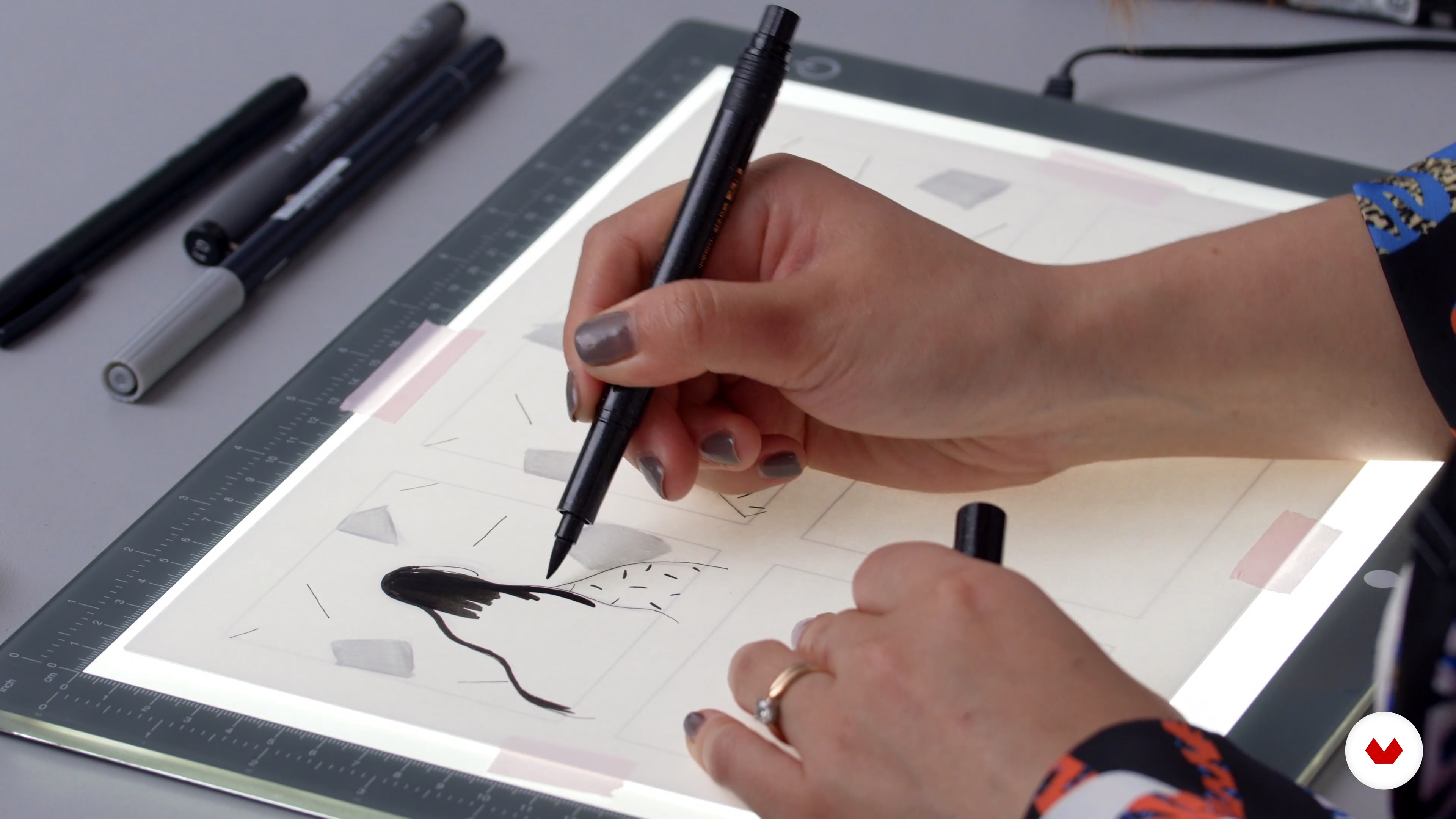
Creating a Storyboard
16 minutes, 13 seconds
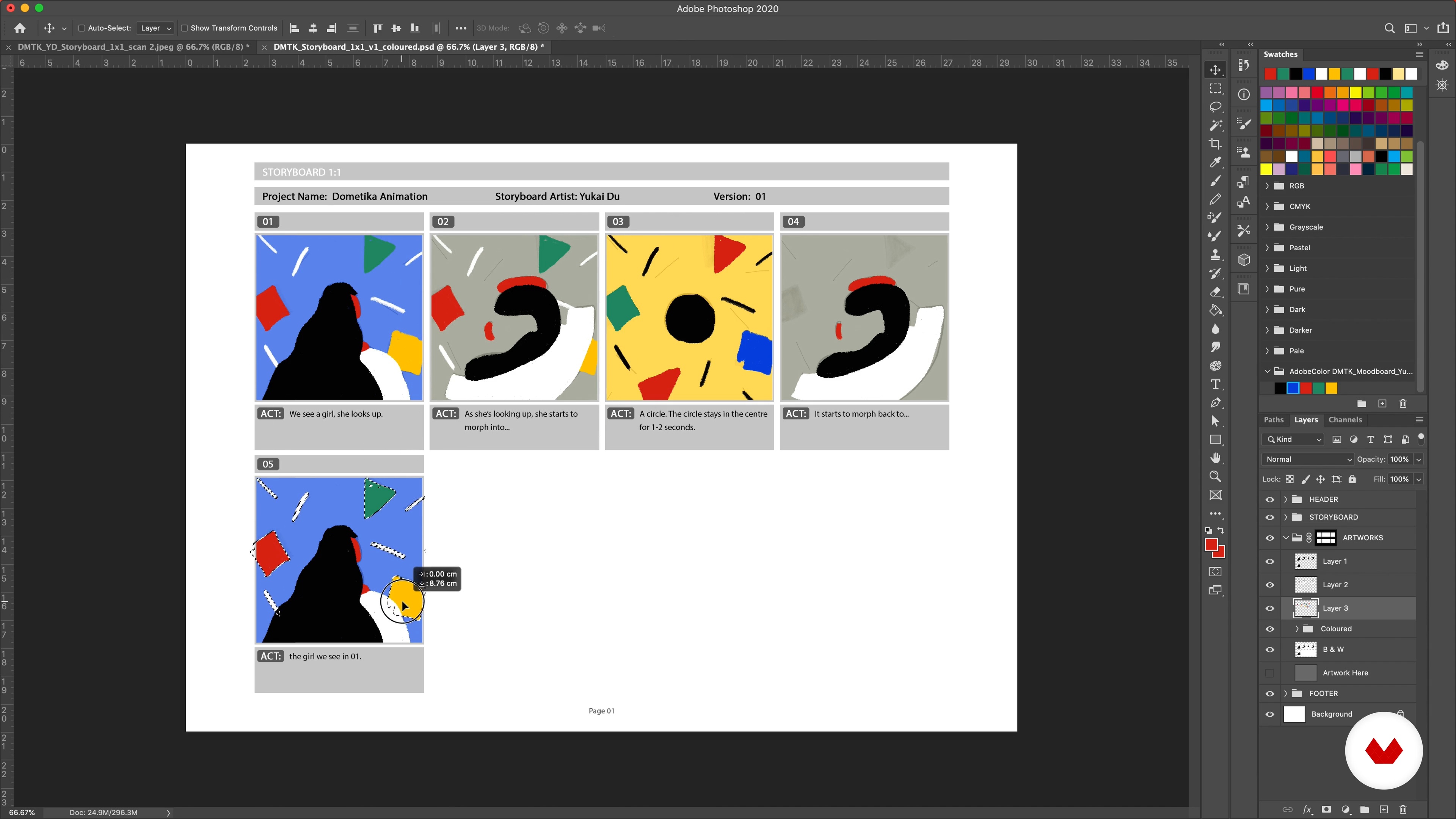
Adding Colours
8 minutes, 55 seconds
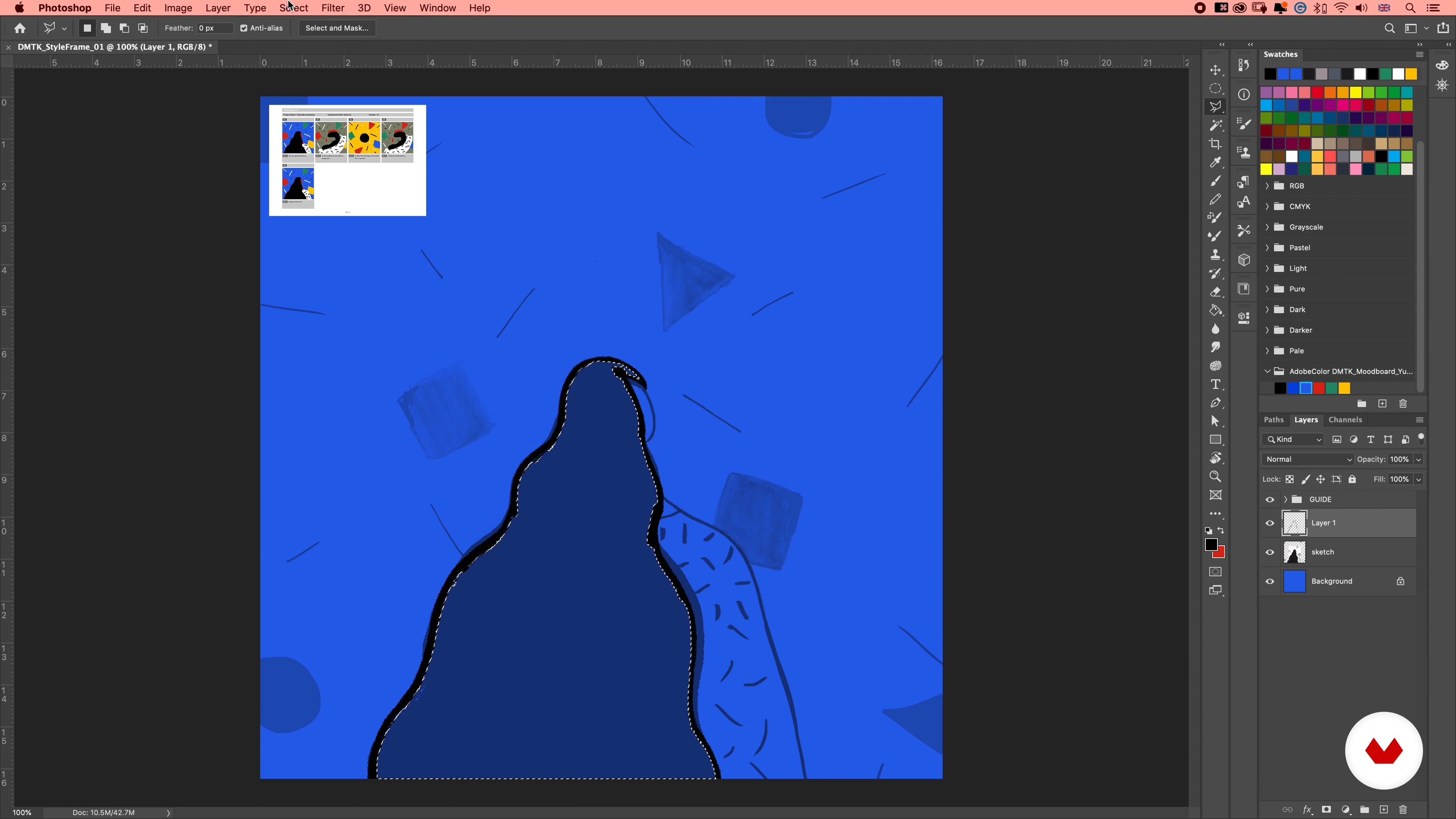
Style Frames 1
20 minutes, 46 seconds
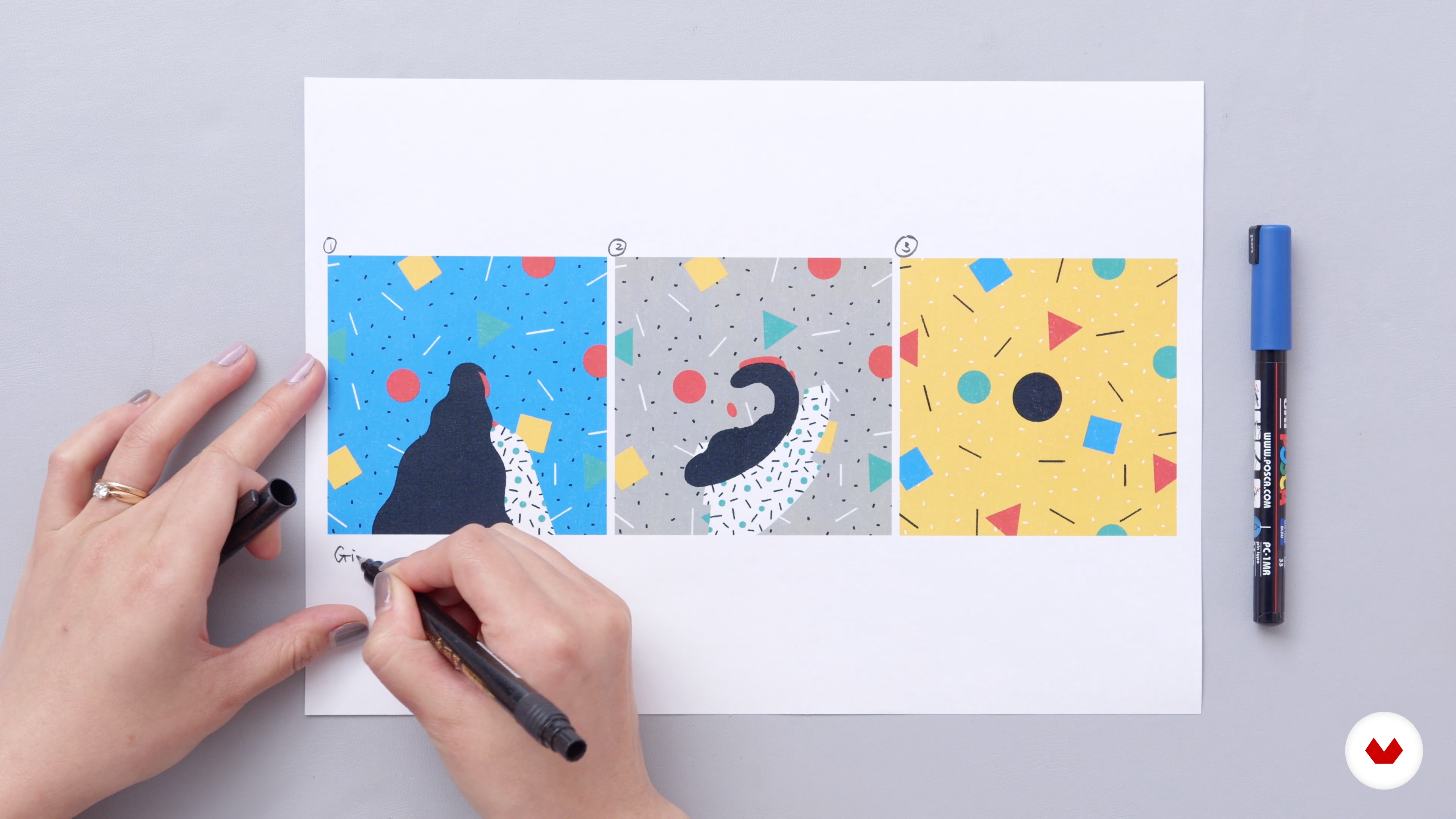
Preparation for Animation: Basic Knowledge and Analysation
11 minutes, 28 seconds
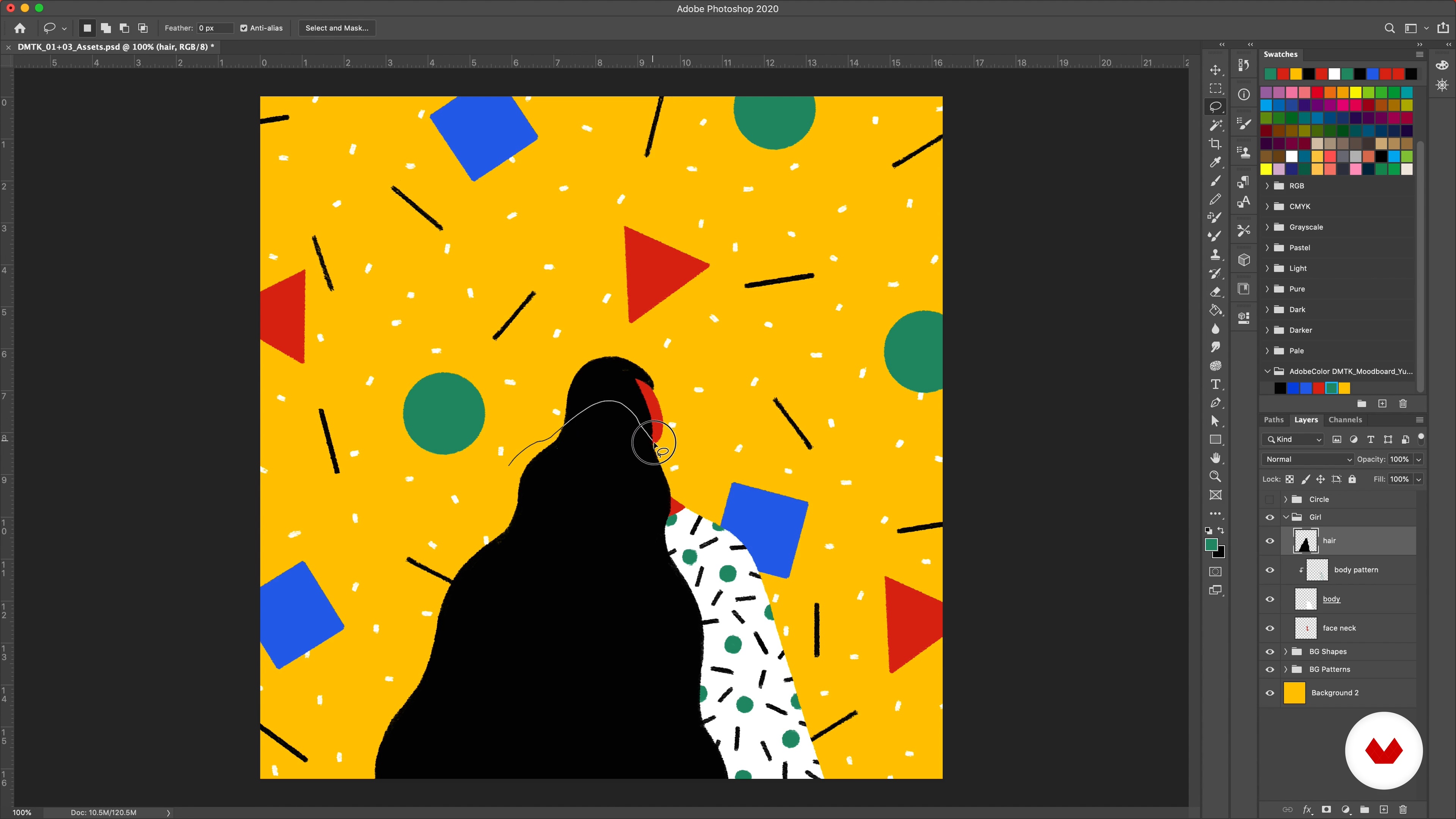
Preparation for Animation: Photoshop Assets 1
16 minutes, 38 seconds
What's included in this course?
Begin by getting to know illustrator and animator Yukai Du. She takes you behind the scenes of her creative journey before sharing the artists and influences which have inspired her career.
Explore how to compile references for your artwork using keywords from a brief. Then, narrow them down and use your images to create a mood board with Keynote or Google Slides. Find out how to extract the color theme from your mood board using Adobe Colors.
Sketch your initial ideas on paper in the form of a storyboard as a starting point for your animation. Yukai then talks through digitizing, refining, and organizing your drawing in a storyboard template in Photoshop. Experiment with adding color to your work before finalizing your key designs and cropping them in different frames.
Time to start animating! Begin by analyzing your frames, looking at how to animate each part, and preparing your assets in Photoshop. Then set up your project in After Effects and animate the character, shapes, and background. Import your work into Animate to create frame-by-frame transitions before putting the finishing touches to your animation.
Learn how to export your final animation in different sizes and formats to share on social media or in your portfolio. To finish the course, Yukai shares her tips for promoting your work on different platforms.
Recommended software & tools for this course
What is this course's project?
Create a 2D animation featuring a character of your choice using Photoshop, After Effects, and Animate.

Projects by course students

Who is this online course for?
This course is for anyone with an interest in illustration and animation or who wants to learn more about Photoshop, After Effects, and Animate.
Requirements and materials
Previous experience with Photoshop is required.
You will need a computer with Photoshop, After Effects, and Animate.

Reviews
- 4 months ago
very detailed tutorial from thumbnail to animating illustration! Awesome workflow too.
- 6 months ago
Recomiendo el curso, está muy bien estructurado y es fácil de entender.
- 7 months ago
Very inspiring course with good ideas and advice.
- 9 months ago
Excelente
- 11 months ago
This was an absolutely excellent course! Every step was so well explained, no sped up timelapses where we miss crucial details, and Yukai's wonderful art style and patient teaching style make everything so compelling and comfortable to follow along. Thanks so much, Yukai!

After graduating, she worked at various studios in the UK including M-I-E and Bliink. Since then, as a freelancer, she has collaborated with well-known brands including The New Yorker, Spotify, The Guardian, MTV, Adobe, Apple, and WeTransfer. Her work has also been recognized by Adobe Design Awards, 3x3 International Illustration Awards, and more.
Content
- U1
Introduction
- About Me
- Influences
- U2
Research and Development
- Compiling References
- Creating a Mood Board
- Colour Palette
- U3
First Steps on Photoshop
- Thumbnails
- Creating a Storyboard
- Adding Colours
- Style Frames 1
- Style Frames 2
- Style Frames 3
- Style Frames 4
- U4
Animating with Adobe Programs
- Preparation for Animation: Basic Knowledge and Analysation
- Preparation for Animation: Photoshop Assets 1
- Preparation for Animation: Photoshop Assets 2
- Adobe After Effects 1
- Adobe After Effects 2
- Adobe After Effects 3
- Adobe After Effects 4
- Adobe Animate / Flash 1
- Adobe Animate / Flash 2
- Adobe Animate / Flash 3
- Adobe Animate / Flash 4
- Finishing in After Effects
- U5
Rendering and Sharing
- Rendering Different Formats and Sizes
- Posting on Social Media and Portfolio Platforms
- FP
Final project
- Hand-Drawn Digital Animation: Bring Illustrations to Life
What to expect from a Domestika course
Learn at your own pace
Enjoy learning from home without a set schedule and with an easy-to-follow method. You set your own pace.
Learn from the best professionals
Learn valuable methods and techniques explained by top experts in the creative sector.
Meet expert teachers
Each expert teaches what they do best, with clear guidelines, true passion, and professional insight in every lesson.
Certificates
PLUSIf you're a Plus member, get a custom certificate signed by your teacher for every course. Share it on your portfolio, social media, or wherever you like.
Get front-row seats
Videos of the highest quality, so you don't miss a single detail. With unlimited access, you can watch them as many times as you need to perfect your technique.
Share knowledge and ideas
Ask questions, request feedback, or offer solutions. Share your learning experience with other students in the community who are as passionate about creativity as you are.
Connect with a global creative community
The community is home to millions of people from around the world who are curious and passionate about exploring and expressing their creativity.
Watch professionally produced courses
Domestika curates its teacher roster and produces every course in-house to ensure a high-quality online learning experience.
FAQs
Yes, this course is designed for intermediate-level creatives looking to enhance their skills in digital illustration and animation using hand-drawn techniques and professional workflows.
You'll need access to Adobe Photoshop, After Effects, and Animate. Familiarity with these tools is recommended, as the course covers advanced workflows and integration between these programs.
You'll learn how to collect, organize, and refine visual references to create effective digital mood boards and storyboards that enhance your animation planning and visual storytelling.
Yes, the course covers frame-by-frame animation techniques, including how to animate hand-drawn illustrations for engaging, craft-inspired digital animations.
The course walks you through exporting your animation projects in multiple sizes and formats, making them ready for sharing on social media platforms or publishing to Behance portfolios.
Absolutely. The course includes techniques for creating, extracting, and refining color palettes using Adobe tools to achieve visual harmony in your digital illustrations and animations.
Prior experience with Photoshop is recommended, as the course explores advanced features, layer management, and workflows that assume basic proficiency with the software.