A course by Faride MerebBook Designer and Editor
A course by Faride Mereb, Book Designer and Editor
- 4.898% positive reviews(40)
- 1,271 students
- 15 lessons (2h 11m)
- 21 additional resources (3 files)
- Online and at your own pace
- Available on the app
- Audio: English
- Spanish · English · Portuguese · German · French · Italian · Polish · Dutch · Turkish · Romanian · Indonesian
Level:
Beginner- Unlimited access forever

Explore visual metaphors, shapes, and formats to condense the complexity of a book into one space, using analog and digital techniques
A book cover is a canvas where a dialogue between author and reader takes place. Faride Mereb, book designer and founder of publishing house Letra Muerta, experiments with handcrafted and digital processes to create striking, eclectic book covers. She’s a visiting scholar at Columbia University in New York City, and has won multiple awards in Latin America, Europe, and the US.
In this course, Faride guides you through how to make your own book cover, from concept to final product. Incorporate different media as you explore visual metaphors, lettering and typography. Bring your ideas together digitally and produce a cover you can hold in your hands. Express the magic of a book through its cover.
What will you learn in this online course?
15 lessons & 24 downloads
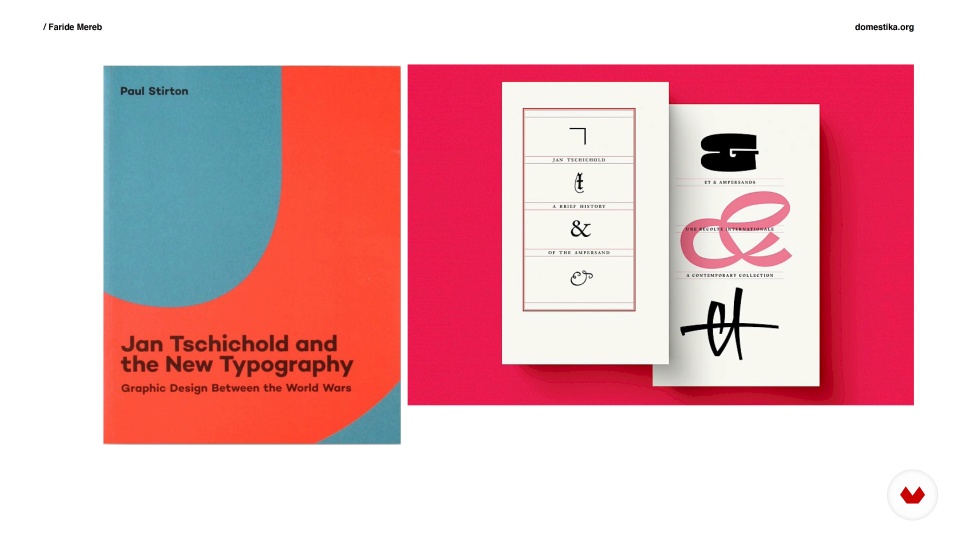
Content and Ways of Representing it Visually
6 minutes, 51 seconds
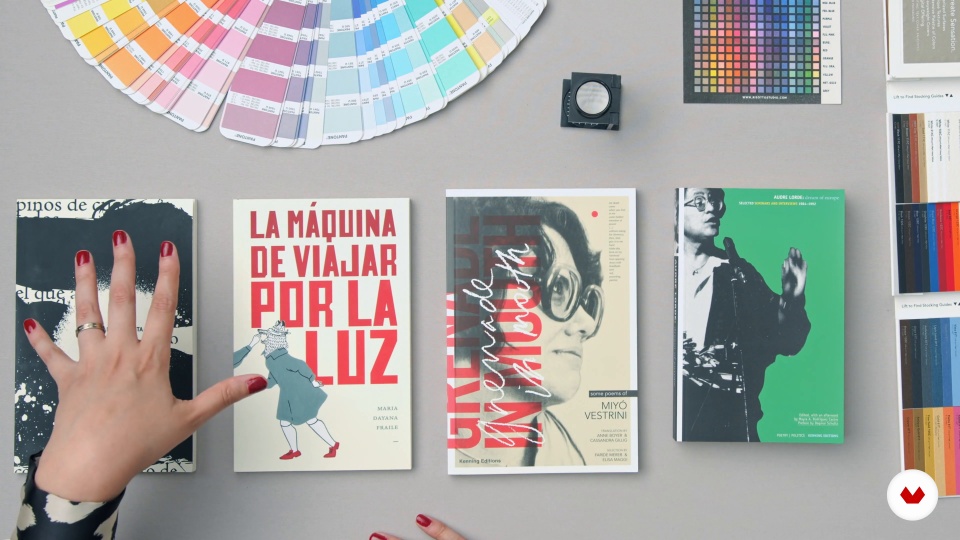
My Brief
9 minutes, 25 seconds
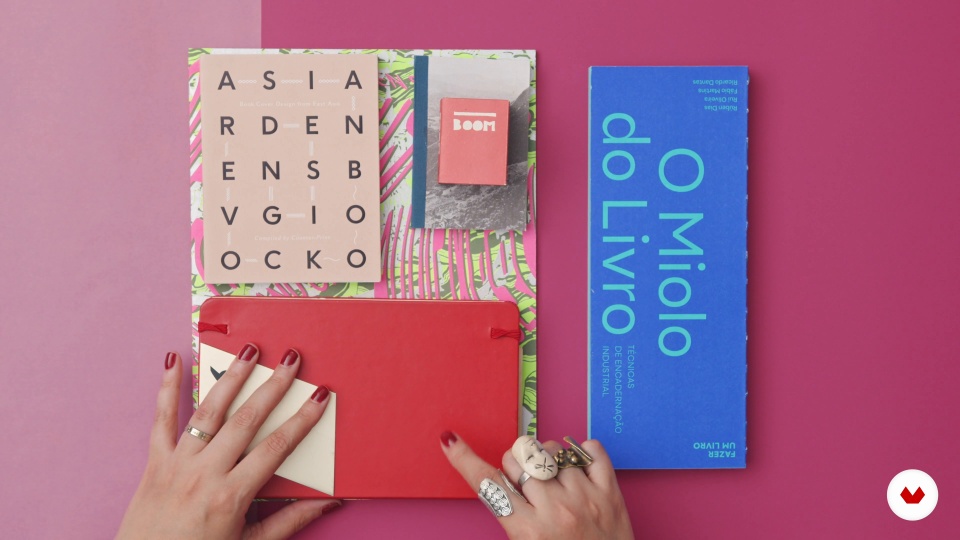
Formats, Sizes and Sheets
12 minutes, 55 seconds
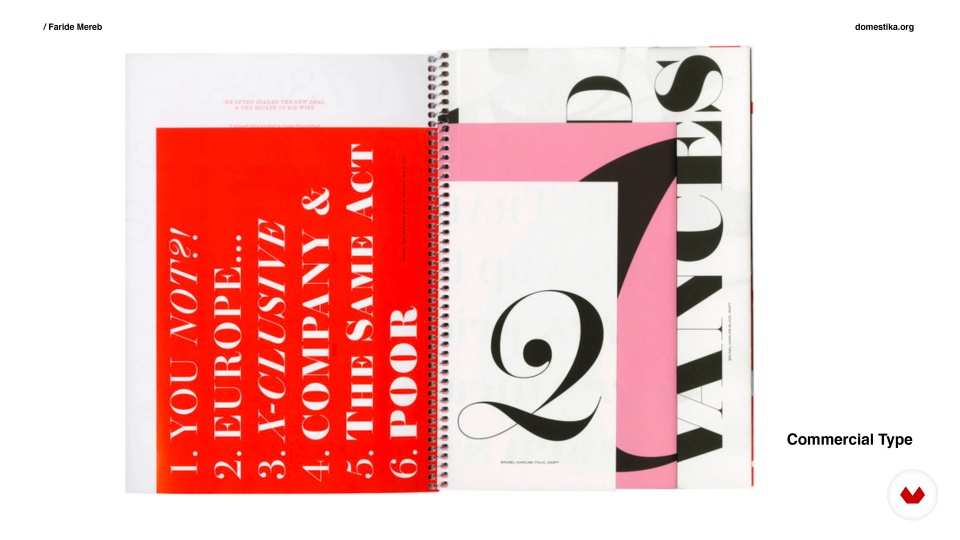
Fonts, Fonts and Fonts!
6 minutes, 59 seconds
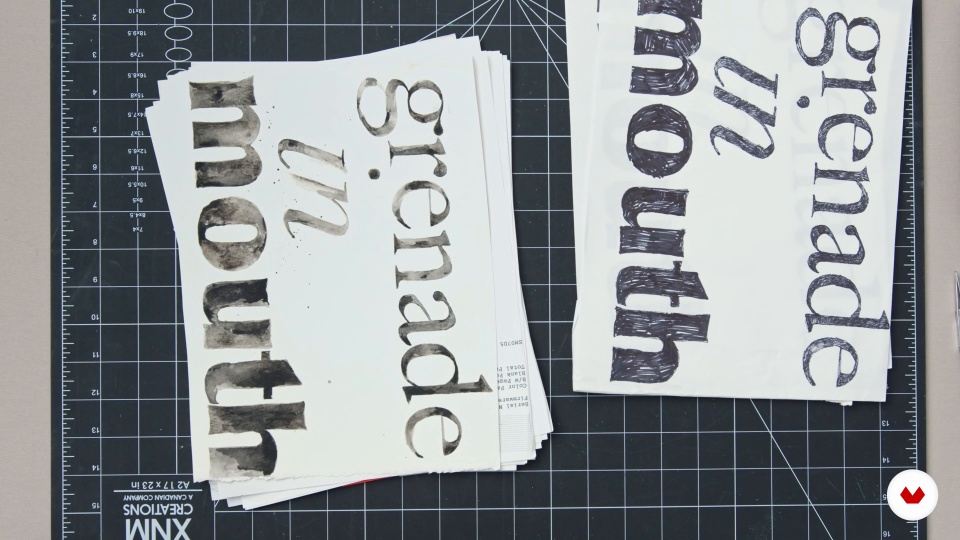
Lettering in Book Covers
18 minutes, 42 seconds
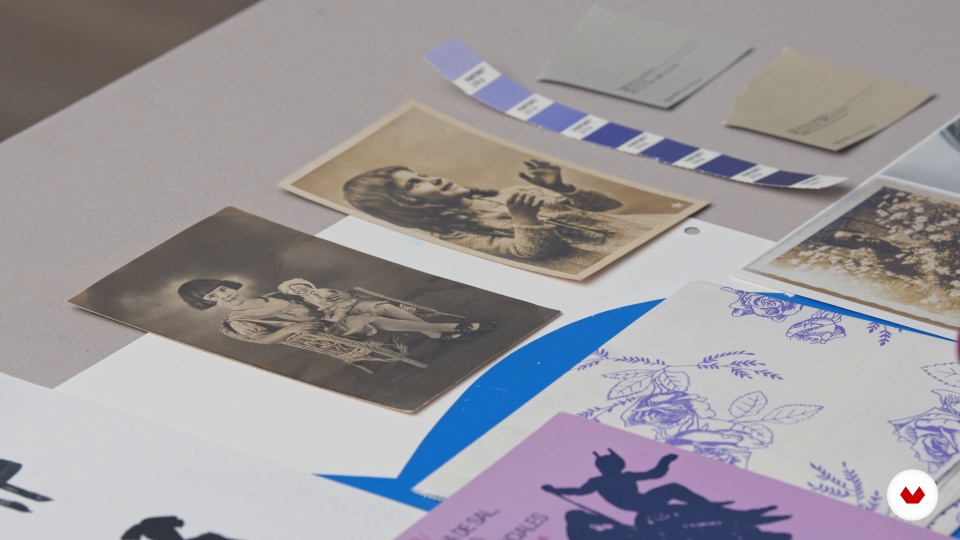
Mood Board and Thumbnails
11 minutes, 10 seconds
What's included in this course?
Get to know Faride Mereb, and how she became a book designer, editor, and teacher. Hear about the path her career has taken, and how her heritage, cultural interests, and first job have shaped her. Also take a look at the people that inspire her.
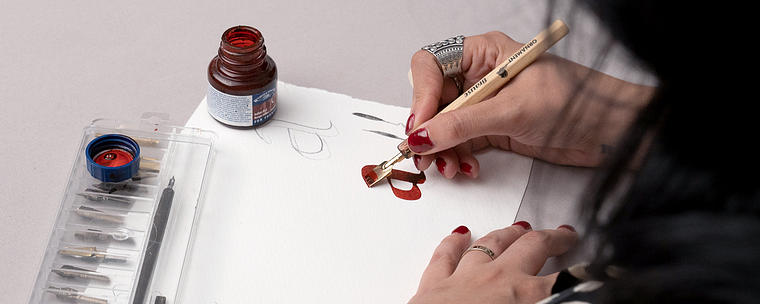
Analyze book cover examples and how each works for different content, and consider the ways you can present text and visual metaphors in your designs. Go over the details of a book, such as format, page number, and typography, before seeing how to make each element work harmoniously. Discover Faride’s creative process when met with a brief, and explore drawing your own lettering by hand with different techniques.
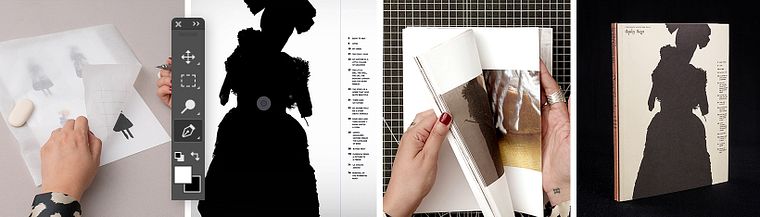
Ink meets vector. Begin developing your book cover as Faride takes you step-by-step through what’s needed to create your cover file. Build mood boards, then learn how to use a design program such as Adobe InDesign or Illustrator to sketch your layout, digitize any analog elements, and add the finishing touches to complete your final design.
Get a sense of how the book will feel in your hands by printing a dummy cover, providing you a chance to amend any errors or misalignments that weren’t noticed on the screen. Learn how to create a digital package of your folders and files, and print your final design to share with the world. End the course with advice on the different ways you can promote your self-published book, including creating a blog and using social media.
Recommended software & tools for this course
What is this course's project?
Design and create a book cover using both analog and digital techniques.
Who is this online course for?
This course is ideal for artists, designers, writers, or anyone who wants to design and create an original book cover.
Requirements and materials
Some experience using Adobe Illustrator or InDesign is recommended but not obligatory.
To take this course, you need access to either of the above-mentioned design programs, or similar. Other optional, but recommended, materials include paper, a ruler, pencils, a measuring tape, a craft knife or scissors, and a cutting mat.
Reviews
- 5 months ago
This was helpful to remind me to think about what I want my final product to look like. It helped me think about materials and make considerations for them in my designs.
- 10 months ago
This course is an excellent example of well‑organized learning material. It helped me a lot in creating my book cover. The explanations are clear and detailed, and the numerous examples truly enhance creativity and make the process easier to understand.
- 1 year ago
Me encanto, la maestra aporta información de primera mano y aspectos técnicos muy utiles Lo recomiendo
- 1 year ago
Habría preferido ver algo más creativo en la creación de las portadas, pero el curso en sí está bastante completo
- 2 years ago
Unique!

.
In 2014, Faride founded the publishing house, Letra Muerta, where she has published eight titles to date. She has won multiple awards in Latin America, Europe, and the US, including winning in both categories for AIGA Awards' 50 Books, and 50 Book Covers. She was also awarded gold in the editorial category in the Latin American Design Awards. Faride is a member of the American Printing History Association, The Bibliographical Society of America, and Center for Book Arts, and has collaborated with numerous companies such as Penguin Random, and Ugly Duckling Presse. When not working with her publishing house, Faride also teaches at the Center for Book Arts.
Content
- U1
Introduction
- About Me
- Influences
- U2
Book Cover Backstage
- Content and Ways of Representing it Visually
- My Brief
- Formats, Sizes and Sheets
- Fonts, Fonts and Fonts!
- Lettering in Book Covers
- U3
Working on Your Cover
- Mood Board and Thumbnails
- Digital Sketching
- Digitizing the Stroke
- Creating the Cover File
- U4
Finishing Touches
- Dummy Making 1
- Dummy Making 2
- Checking the Preflight
- Social Media, Promotion and Presale
- FP
Final project
- Book Cover Design from Concept to Creation
What to expect from a Domestika course
Learn at your own pace
Enjoy learning from home without a set schedule and with an easy-to-follow method. You set your own pace.
Learn from the best professionals
Learn valuable methods and techniques explained by top experts in the creative sector.
Meet expert teachers
Each expert teaches what they do best, with clear guidelines, true passion, and professional insight in every lesson.
Certificates
PLUSIf you're a Plus member, get a custom certificate signed by your teacher for every course. Share it on your portfolio, social media, or wherever you like.
Get front-row seats
Videos of the highest quality, so you don't miss a single detail. With unlimited access, you can watch them as many times as you need to perfect your technique.
Share knowledge and ideas
Ask questions, request feedback, or offer solutions. Share your learning experience with other students in the community who are as passionate about creativity as you are.
Connect with a global creative community
The community is home to millions of people from around the world who are curious and passionate about exploring and expressing their creativity.
Watch professionally produced courses
Domestika curates its teacher roster and produces every course in-house to ensure a high-quality online learning experience.
FAQs
Yes, this course is designed for intermediate-level designers who already have some experience in graphic or editorial design and want to deepen their knowledge of book design, typography, and production techniques.
You should have a basic understanding of graphic design principles and familiarity with design software like Adobe InDesign or Illustrator to get the most out of this course.
You’ll learn advanced editorial design techniques, book cover creation, material selection, print production workflows, and how to apply conceptual and experimental approaches to professional bookmaking.
Yes, the course includes modules on creating custom lettering, illustration techniques for covers, and integrating hand-drawn elements into your book designs.
Absolutely. The course covers binding methods such as French fold, die-cut covers, dust jackets, and other structural techniques for creative and functional book design.
Yes, you’ll learn how to set up print-ready files, manage color channels, handle margins and bleed, and understand the differences between offset and print-on-demand workflows.
You’ll get practical guidance on selecting paper, cardstock, finishes, and materials based on budget, genre, and production needs, with real-world examples and case studies.

