Atmospheric Scenes in Procreate: Paint with Color and Light
Course final project
A course by Ramona Wultschner , Illustrator



About the final project for: Atmospheric Scenes in Procreate: Paint with Color and Light
Atmospheric Scenes in Procreate: Paint with Color and Light
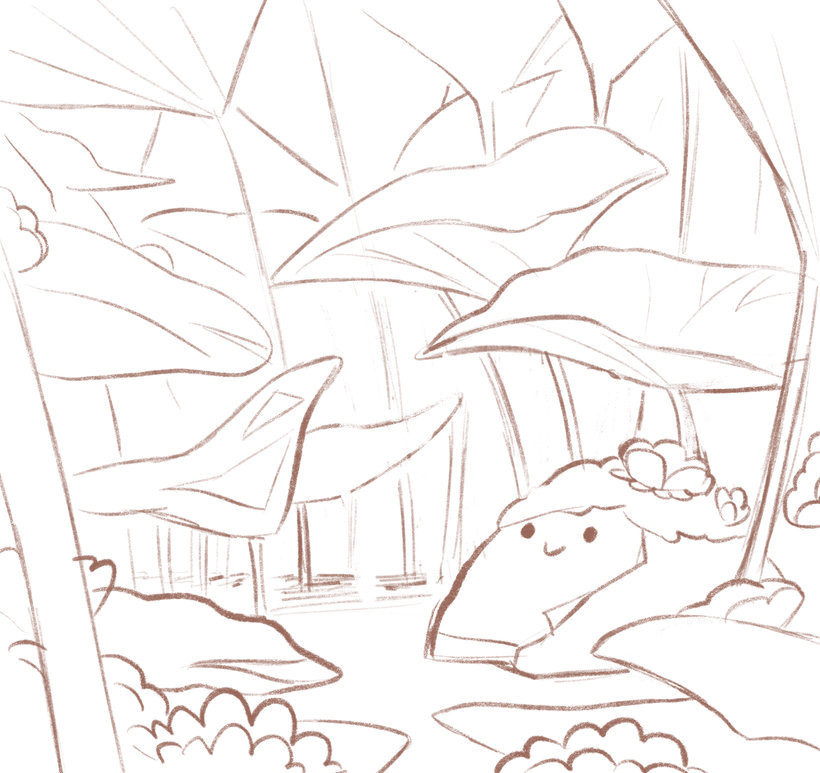
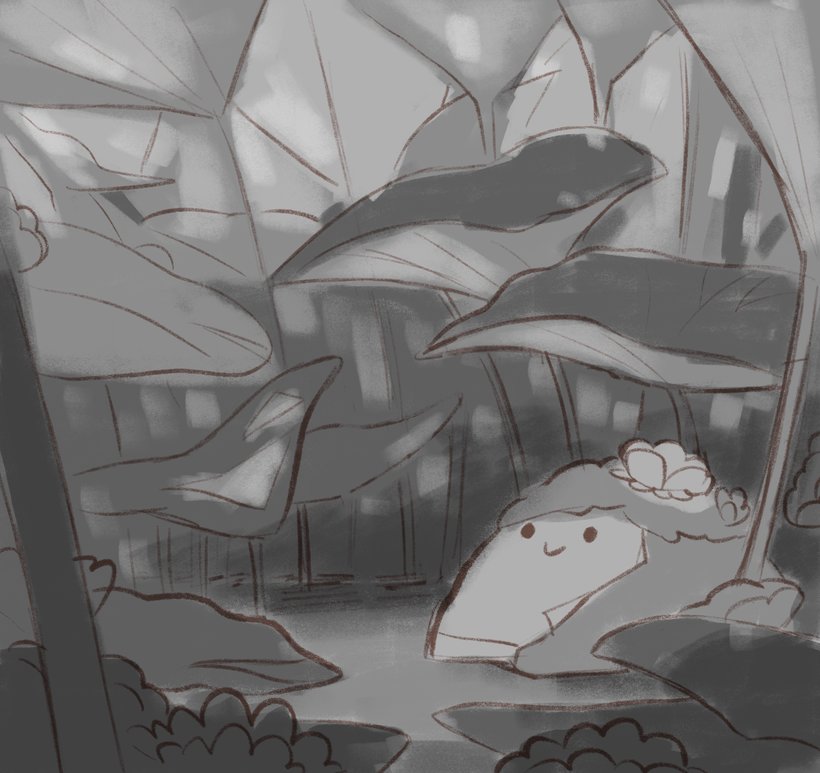
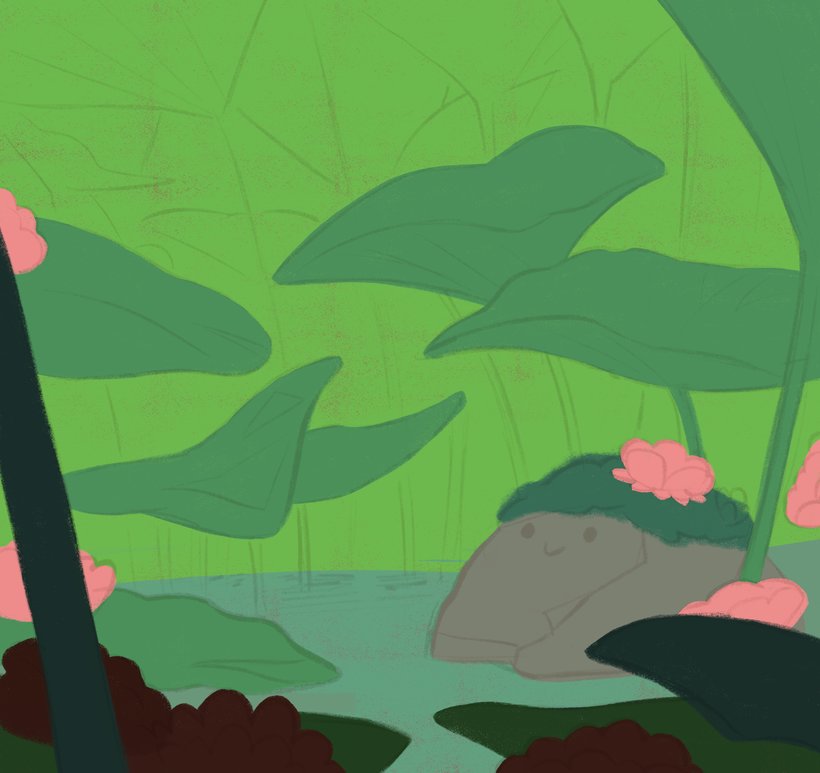
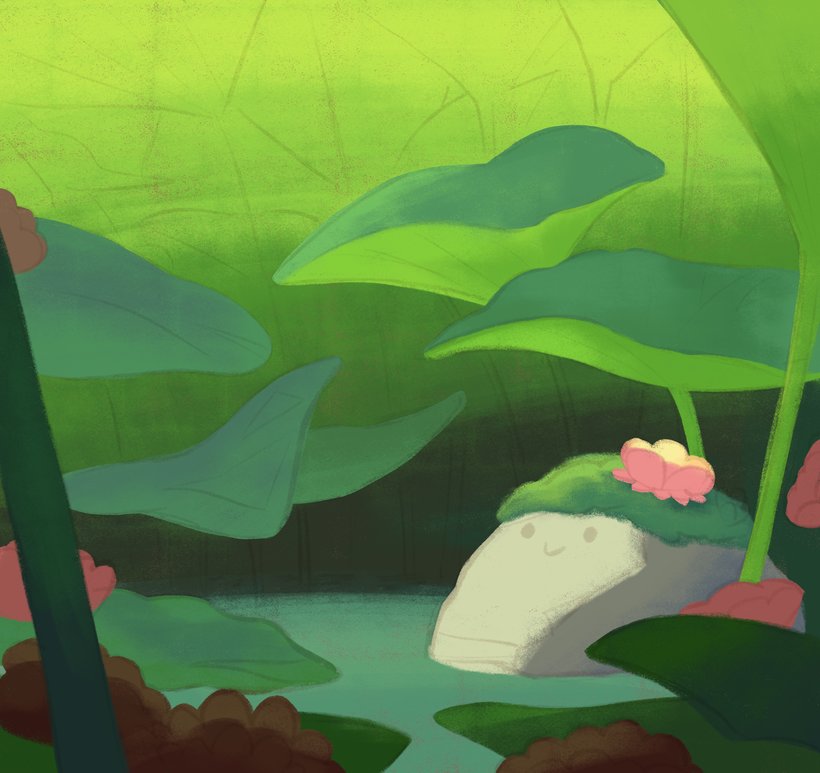
“Congratulations! You've now reached the end of this Domestika course. I hope you enjoyed channeling your creativity to design your own digital illustrations. Whether or not you have a natural affinity for this field, everybody is capable of developing this skill. So, never feel discouraged! As long as you invest time and enjoy the process, practice means progress. Before saying goodbye, I'd like to recap the different steps to complete your final project. First, choose a topic and gather references. Before selecting a topic, think about something that you're really passionate about. As I mentioned in "Finding Purpose and Inspiration", this process will provide your piece with a story and ensure that it's personal. I want your project to be original and unique to you. Use the mind map I shared in Unit 3 to guide you. Once your theme is chosen, I recommend looking for reference images and creating a mood board. This could trigger sparks of inspiration that were missing in your own imagination. Next, decide on a good composition for your painting by sketching several thumbnails. Once you have chosen the one that best fits the mood you want, refine it. Then, do a value sketch. For this step, I prefer to use a grey color palette.




Partial transcription of the video
“Congratulations, we have reached the end of this Domestika course. I hope you learned all the necessary skills to create your own digital illustration. I want you to be original and creative with your own final project. I'd like to see your own personal style reflected in your work. So here's a few tips and tricks to help you achieve this. First, think about something that you're really passionate about and do a mind map. I recommend you look for references and do a mood board. Find a good composition for your painting by doing several thumbnails. When you have chosen the one that best fits...”
This transcript is automatically generated, so it may contain mistakes.
Course summary for: Atmospheric Scenes in Procreate: Paint with Color and Light
-
Category
Illustration -
Software
Procreate -
Areas
Digital Illustration

Ramona Wultschner
A course by Ramona Wultschner
Ramona Wultschner is a German Illustrator whose love of drawing started in early childhood. However, she didn’t know that a profession as an illustrator was possible, and went on to study graphic design at university as a way to pursue creative work. She worked in an advertising agency after graduating but realized that her passion lay elsewhere and applied for an internship at an animation studio. This is where she was able to fulfill her passion, becoming a permanent employee at the studio for several years. It was there that a colleague introduced Ramona to children’s book illustration.
Since then, Ramona has worked as a freelance illustrator for animated film productions, children’s books, and games. She has illustrated numerous children’s books that have been translated into many languages and sells her artwork online. Alongside her freelance career Ramona teaches visualization at the Bikablo Academy, Cologne, where she shares her expertise to inspire and teach those with a passion for drawing. In 2016 she also wrote and illustrated a book published by Lappan Verlag which is an ironic and humorous guide to cheating your way through life to become the ultimate egoist.
- 100% positive reviews (876)
- 32,592 students
- 16 lessons (2h 47m)
- 24 additional resources (14 files)
- Online and at your own pace
- Available on the app
- Audio: English, Spanish (Latam), French, Italian, Portuguese, Turkish
- Spanish · English · Portuguese · German · French · Italian · Polish · Dutch · Turkish · Romanian · Indonesian
- Level: Beginner
- Unlimited access forever
Recommended software & tools for this course
 Procreate
Category
Areas

