Atmospheric Scenes in Procreate: Paint with Color and Light
A course by Ramona WultschnerIllustrator
A course by Ramona Wultschner, Illustrator

Learn to create digital paintings filled with magic and emotion by exploring illustration techniques
Digital artwork, just like traditional paintings and photographs, has the ability to make viewers lose themselves in an image and forget the world around them. Illustrator Ramona Wultschner is inspired by creating images influenced by nature and how the glow and dancing patterns of light can make you feel. She has illustrated numerous children’s books, and has written and illustrated one of her own. She also sells her artwork online and is a visualization trainer at the Bikablo Academy in Cologne.
In this course, Ramona teaches you how to take something that inspires you and translate the feeling it evokes into a digital painting. Explore the possibilities and tools of Procreate, and discover the power of color, light, and composition. Create an atmospheric scene that allows viewers to step into a different world.
What will you learn in this online course?
16 lessons & 24 downloads
Procreate and Brushes
13 minutes, 37 seconds
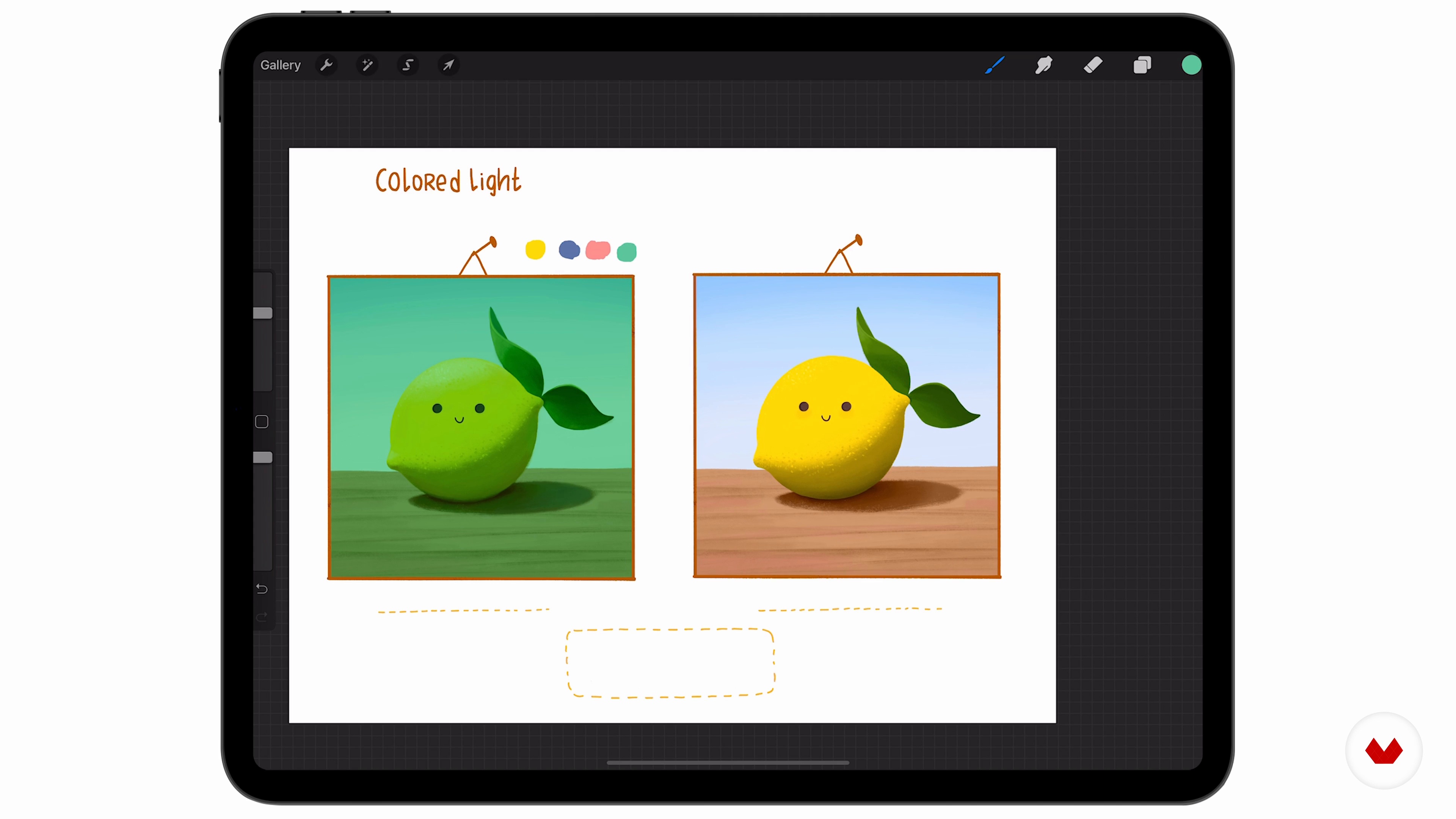
Basics of Light
12 minutes, 32 seconds
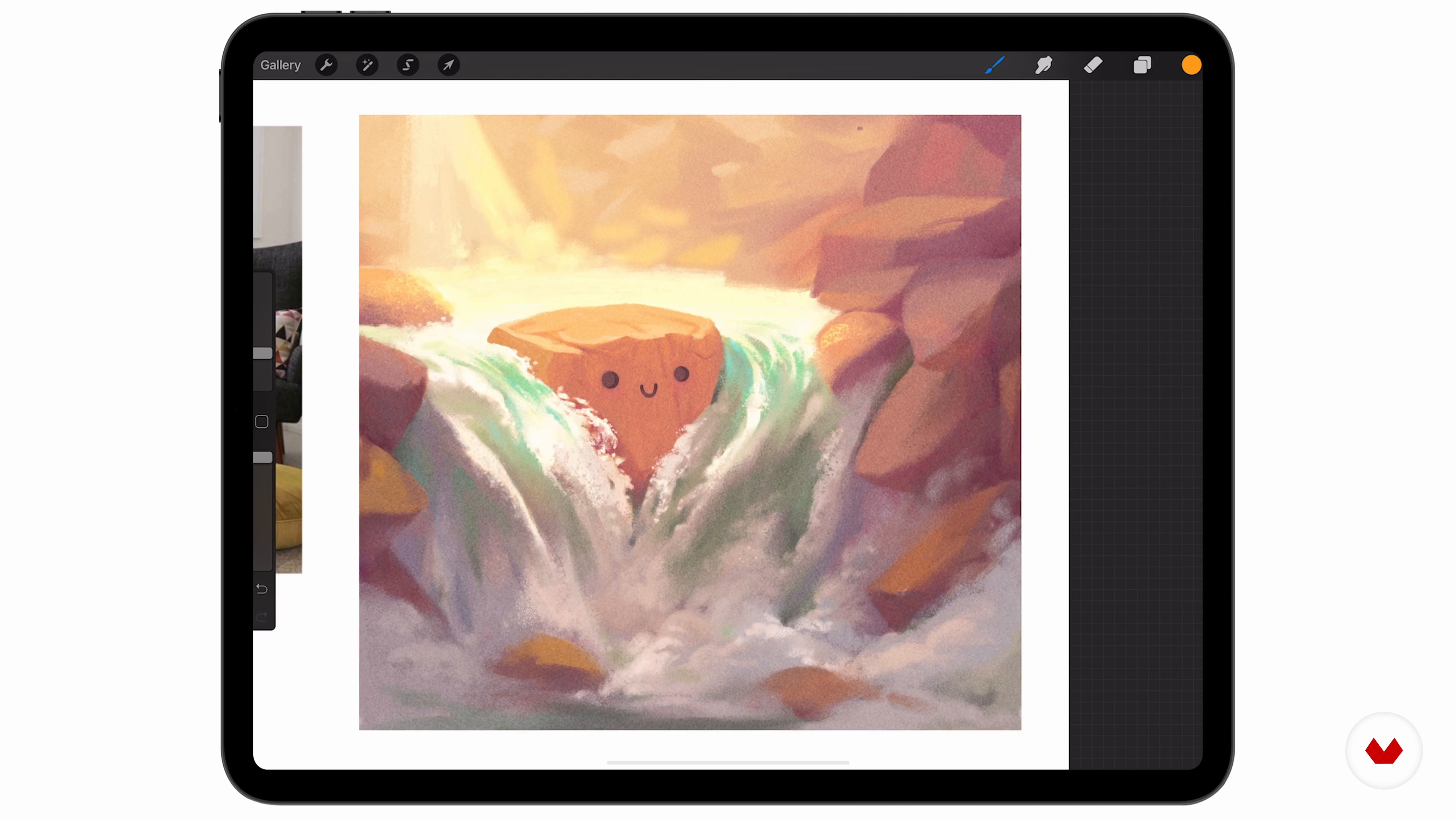
Color
11 minutes, 23 seconds
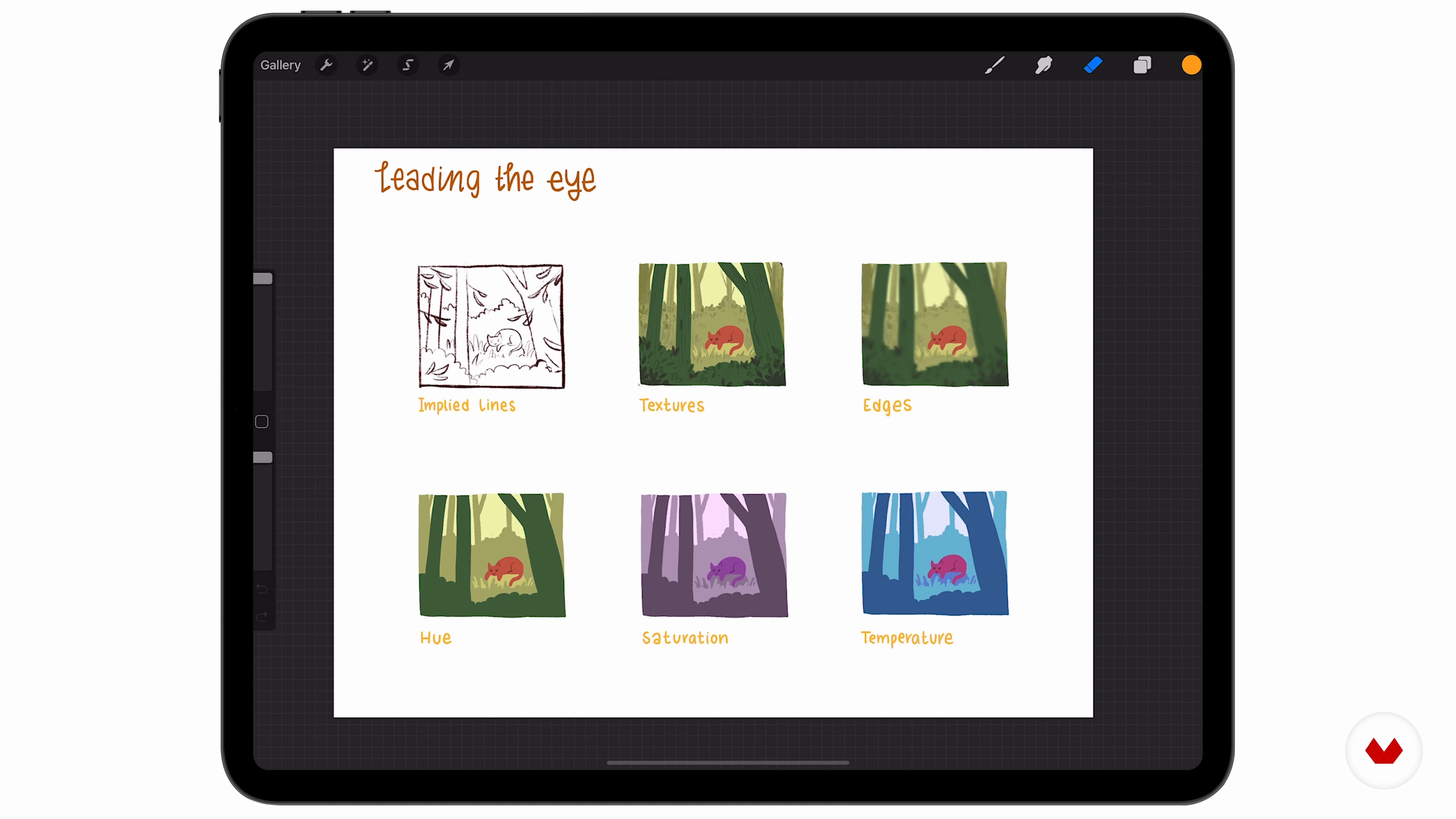
Leading the Eye
4 minutes, 55 seconds
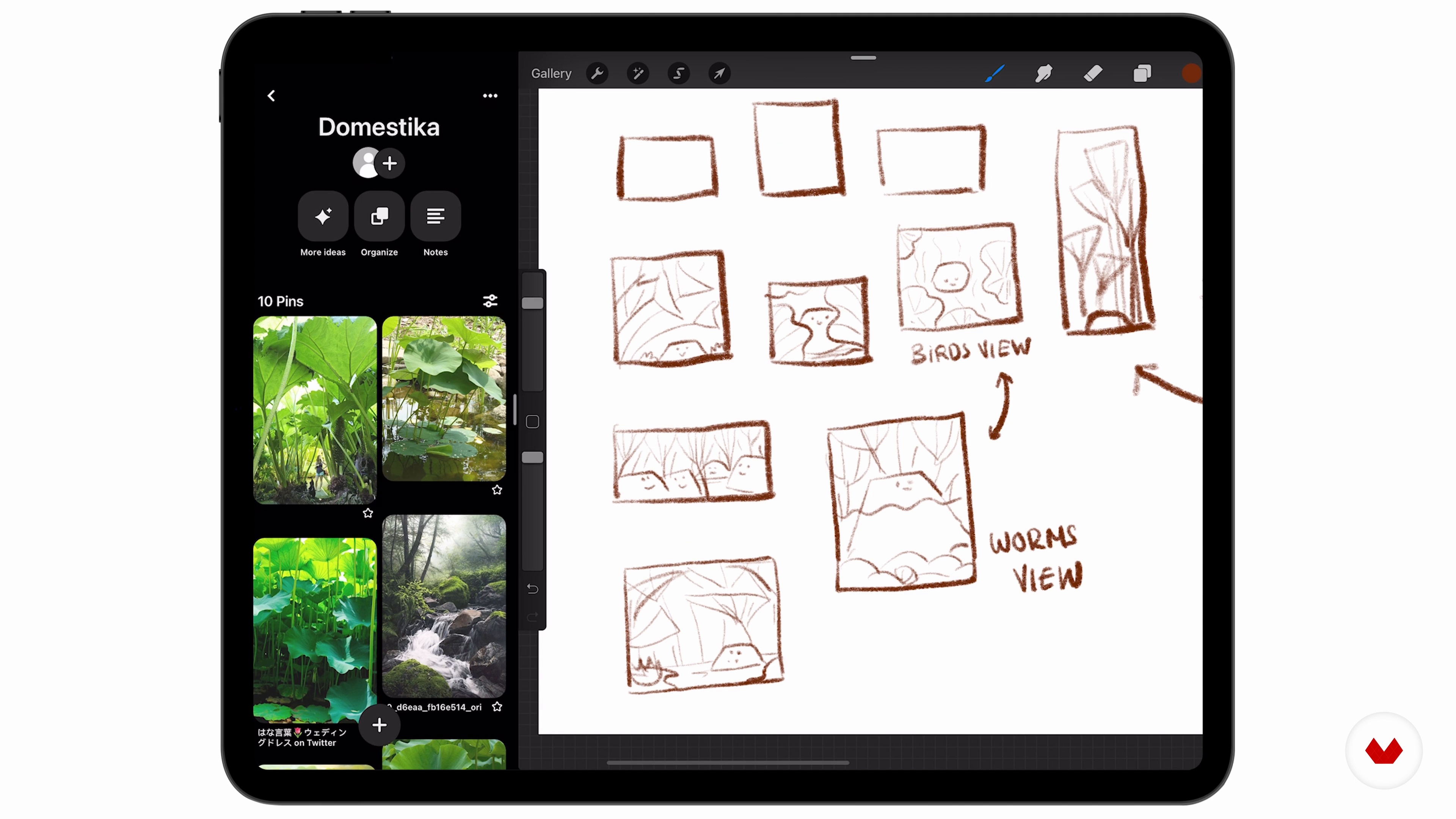
Thumbnailing
5 minutes, 5 seconds
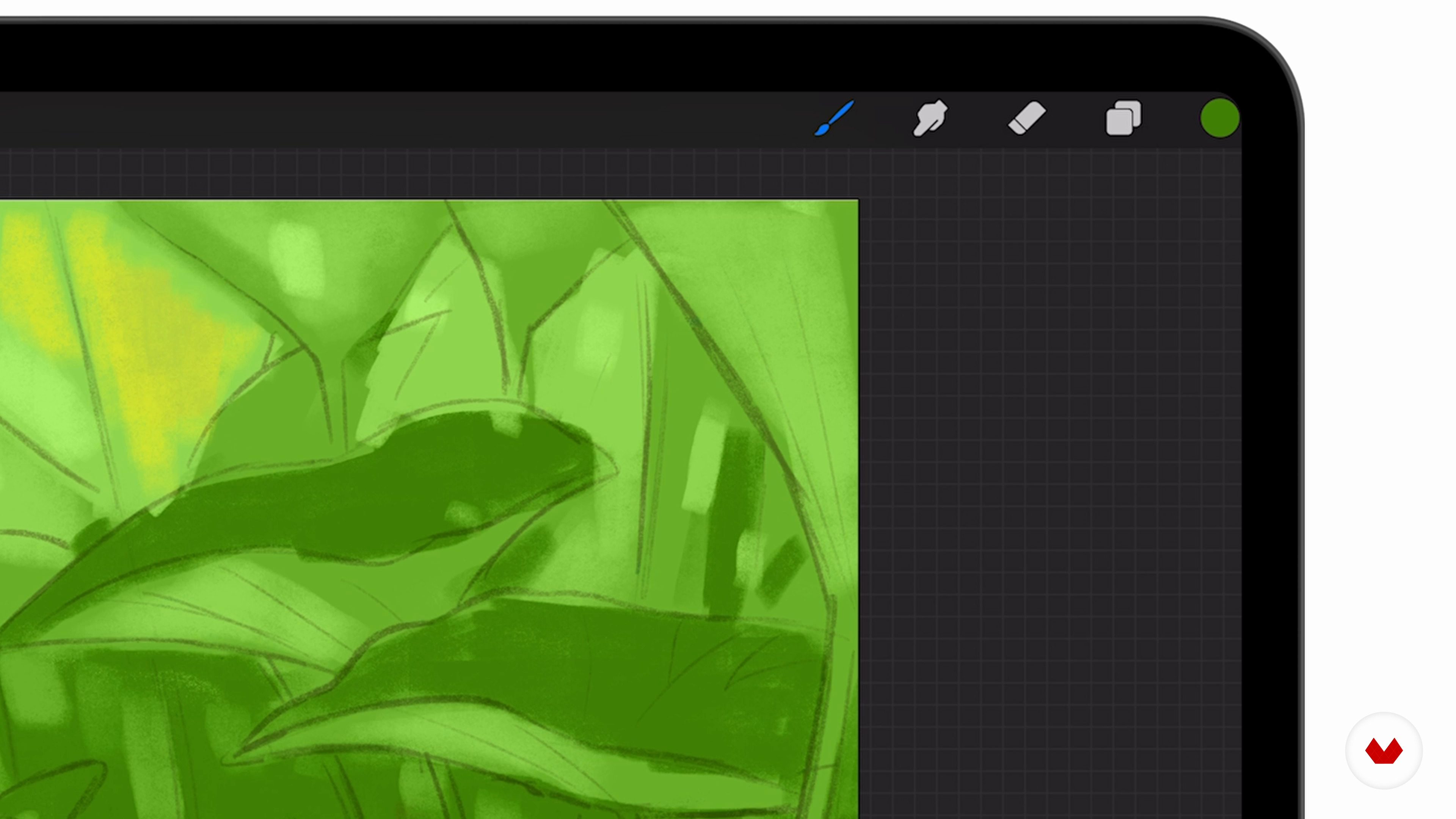
Adding Color to the Sketch
5 minutes, 56 seconds
What's included in this course?
Meet your teacher for the course, Ramona Wultschner, as she discusses the path she took to becoming a freelance illustrator. She also shares what sparks her imagination from the world around her, and talks about the people who have influenced her work.
Explore the essentials for digital painting, starting with Ramona’s advice on the features of Procreate, with a focus on brushes, and painting concepts like layering. Delve into the principles of color and light using photographs as a guide. Then, Ramona explains how to break down the complex details and shapes found in nature and represent them in your own style. Continue to further understand color, focusing on the nuances such as hue and detecting hidden colors, before learning how to lead a viewers’ eye to the areas of your image you want them to focus on.
Ramona shows you, step by step, how to turn your idea into an image, beginning with finding inspiration. After, explore thumbnailing as a way to map out your piece, then refine your thumbnail sketch on a new canvas, concentrating on things such as balance, mood, and ratios to create a value sketch. Take what you’ve learned to add color, before starting the final painting process, with Ramona taking you through each detail. Then, learn to render your image.
Discover how to take a critical look at your work and analyze weaknesses in your image as you make any final adjustments, and add the finishing touches. End the course with Ramona’s advice on sharing your art and creative journey on social media.
Recommended software & tools for this course
What is this course's project?
Create a digital painting in Procreate of something that inspires you, with a focus on light and color.
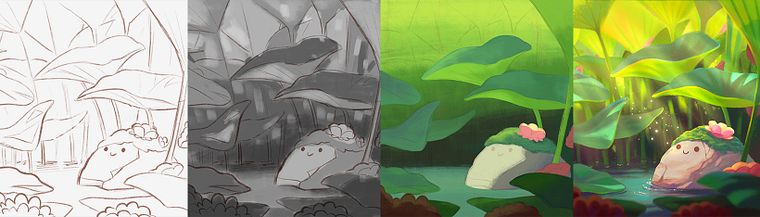
Projects by course students


Who is this online course for?
This course is for anyone who is interested in creating atmosphere in a digital image.
Requirements and materials
A basic understanding of drawing and painting is useful but not essential.
To take the course you will need an iPad with access to Procreate, and an Apple Pencil.

Reviews
- 25 days ago
Me ha encantado!! Explica muy bien todo.
- 28 days ago
Amazing course!
- 2 months ago
Me encantó este curso! Mucho que aprender.
- 2 months ago
it was an awesome cource! loved the lessions!
- ant_teePLUS2 months ago
Wow, I learned a lot! With all the information and practice this course provides, it's much easier to create depth in digital paintings. Informative and fun at the same time! Loved it!

Since then, Ramona has worked as a freelance illustrator for animated film productions, children’s books, and games. She has illustrated numerous children’s books that have been translated into many languages and sells her artwork online. Alongside her freelance career Ramona teaches visualization at the Bikablo Academy, Cologne, where she shares her expertise to inspire and teach those with a passion for drawing. In 2016 she also wrote and illustrated a book published by Lappan Verlag which is an ironic and humorous guide to cheating your way through life to become the ultimate egoist.
Content
- U1
Introduction
- About Me
- Influences
- U2
Sharpen Your Tools
- Procreate and Brushes
- Basics of Light
- Simplifying Complex Shapes
- Color
- Leading the Eye
- U3
Let's Paint!
- Finding Purpose and Inspiration
- Thumbnailing
- Refining Thumbnails
- Adding Color to the Sketch
- Rendering 1
- Rendering 2
- Rendering 3
- U4
Post Processing
- Finishing Touches
- Fixing Weaknesses
- FP
Final project
- Atmospheric Scenes in Procreate: Paint with Color and Light
What to expect from a Domestika course
Learn at your own pace
Enjoy learning from home without a set schedule and with an easy-to-follow method. You set your own pace.
Learn from the best professionals
Learn valuable methods and techniques explained by top experts in the creative sector.
Meet expert teachers
Each expert teaches what they do best, with clear guidelines, true passion, and professional insight in every lesson.
Certificates
PLUSIf you're a Plus member, get a custom certificate signed by your teacher for every course. Share it on your portfolio, social media, or wherever you like.
Get front-row seats
Videos of the highest quality, so you don't miss a single detail. With unlimited access, you can watch them as many times as you need to perfect your technique.
Share knowledge and ideas
Ask questions, request feedback, or offer solutions. Share your learning experience with other students in the community who are as passionate about creativity as you are.
Connect with a global creative community
The community is home to millions of people from around the world who are curious and passionate about exploring and expressing their creativity.
Watch professionally produced courses
Domestika curates its teacher roster and produces every course in-house to ensure a high-quality online learning experience.
FAQs
Yes, this course is designed for intermediate artists who have some foundational drawing skills and want to advance their digital painting, composition, and color techniques.
You will need an iPad with Procreate installed, a compatible stylus, and basic digital art supplies. Familiarity with digital drawing apps is recommended.
You will learn to simplify shapes, master color theory, create atmospheric effects, use Procreate brushes and layers, and plan compositions from thumbnails to final export.
Basic experience with Procreate is helpful, but the course includes step-by-step guidance on using its brushes, layers, and tools for painting and illustration.
The course covers gesture drawing, anatomy, perspective, color studies, atmosphere, brush techniques, composition, reference gathering, texture, and exporting artwork.
This course uses targeted exercises, systematic practice, and feedback strategies to help you identify weaknesses, build confidence, and refine your digital painting abilities.
Yes, you’ll learn how to collect and use references, create mood boards, and organize inspiration for more effective and original digital artwork.