A course by Sam NassourArt Director and Visual Development Artist
A course by Sam Nassour, Art Director and Visual Development Artist
- 4.9100% positive reviews(224)
- 5,208 students
- 24 lessons (5h 18m)
- 5 additional resources (7 files)
- Online and at your own pace
- Available on the app
- Audio: English, Spanish (Latam), French, Italian, Portuguese, Turkish
- Spanish · English · Portuguese · German · French · Italian · Polish · Dutch · Turkish
Level:
Beginner- Unlimited access forever

Learn how to design an animal-based character full of emotion and personality in Photoshop
Anything is possible in the world of character design—all it takes is some creative ideas paired with the right tools to bring them to life. Art director and visual development artist Sam Nassour finds an endless source of inspiration in the shapes, colors, and designs of the animal world. He has worked with major international animation studios including Netflix Animation and Dreamworks TV.
In this course, Sam shows you his entire drawing and character creation process to develop unique and expressive creatures in Photoshop. Explore professional techniques to give shape to your most imaginative creature from start to finish.
What will you learn in this online course?
24 lessons & 12 downloads
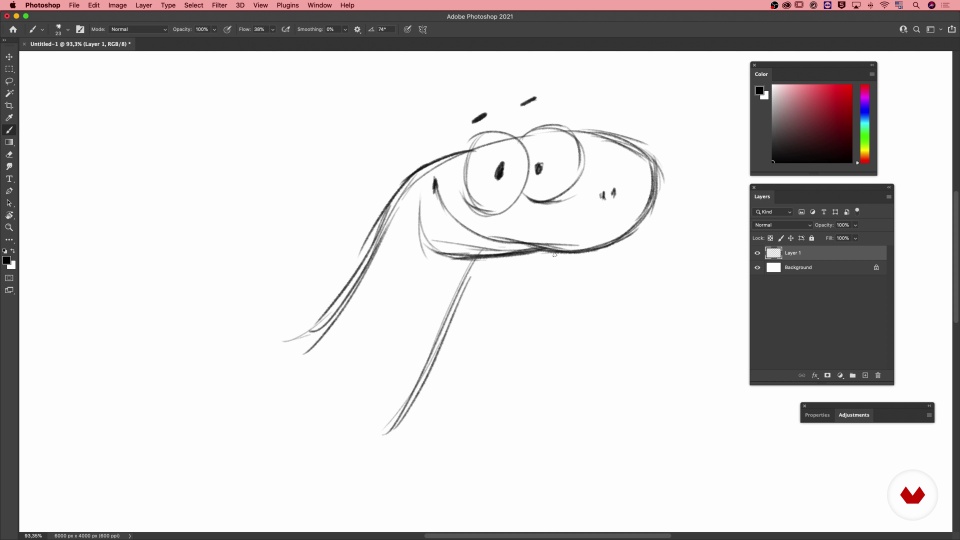
Introduction and Materials
20 minutes, 49 seconds
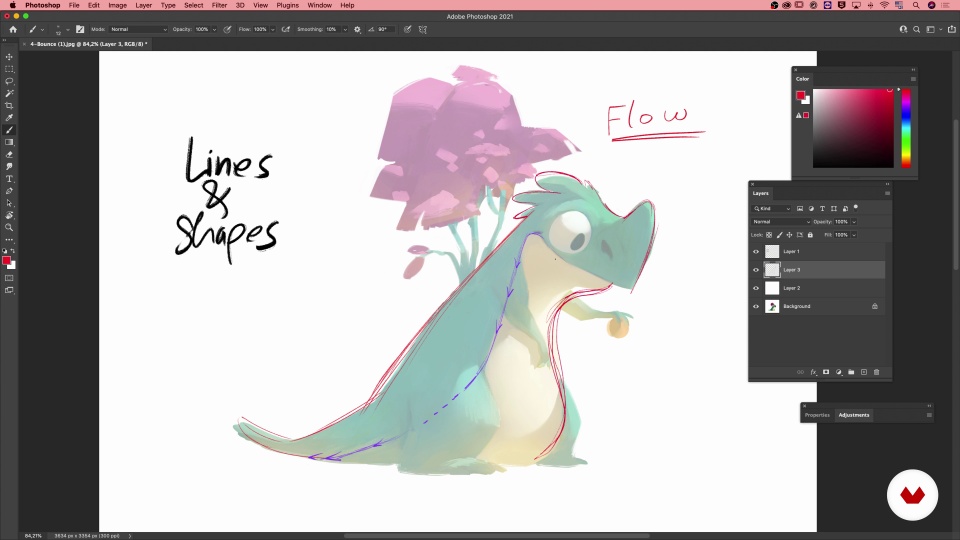
About Character Design 1
11 minutes, 3 seconds
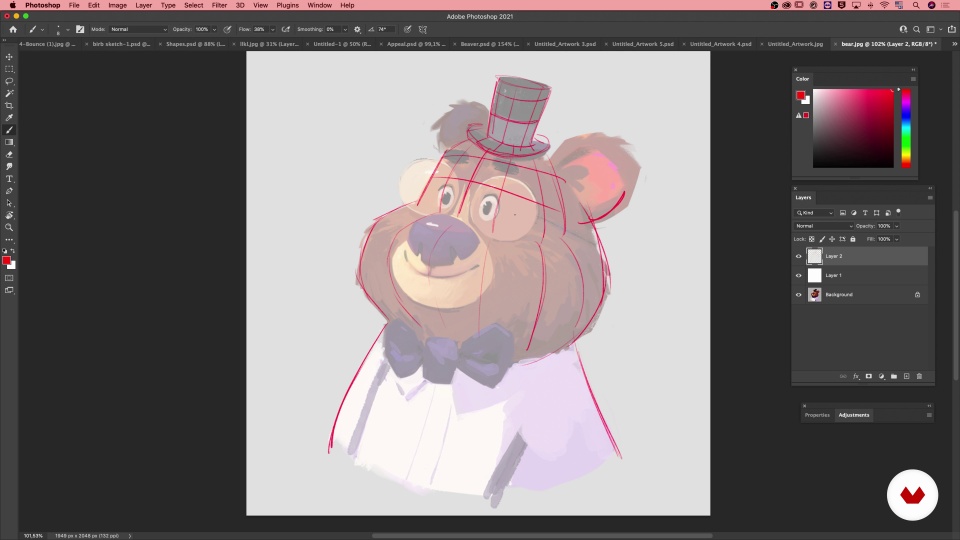
About Character Design 2
11 minutes, 25 seconds
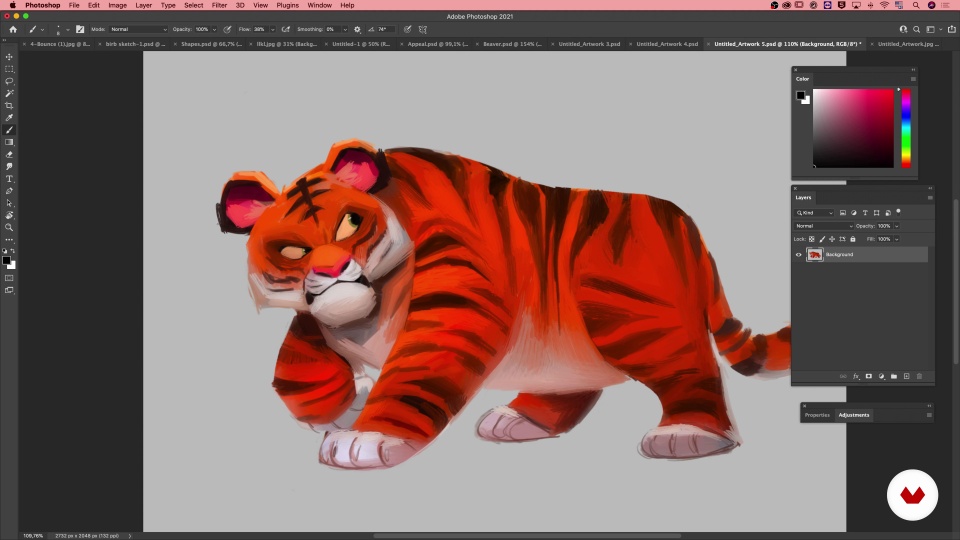
What Makes a Design Appealing
10 minutes, 47 seconds
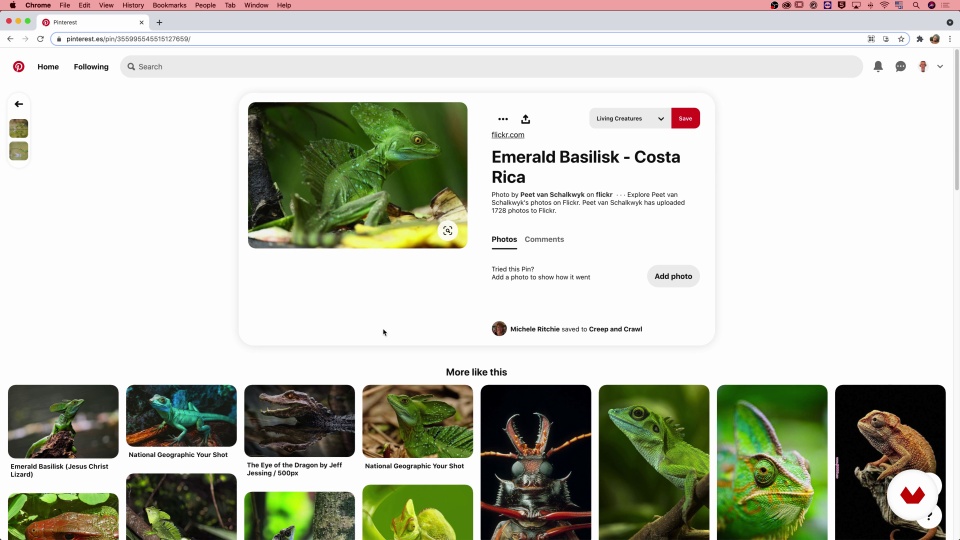
Looking for Inspiration
4 minutes, 34 seconds
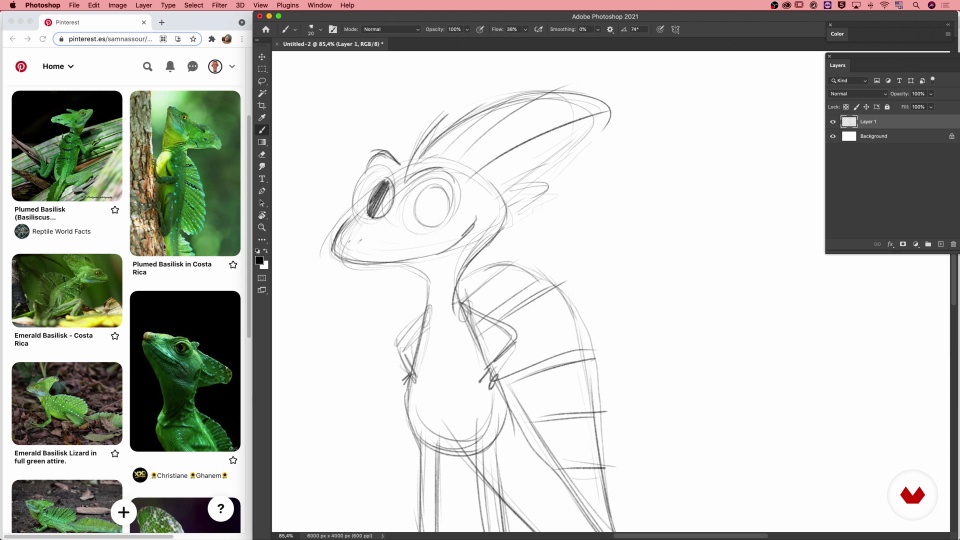
Exploratory Sketches 1
12 minutes, 22 seconds
What's included in this course?
Start the course by meeting Sam and hearing about his journey to becoming an art director and visual development artist. Discover the artists and artwork that awakens his creativity before getting a brief overview of the course.
Get introduced to Sam’s favorite drawing tools and shortcuts in Photoshop. Analyze some character designs and learn important drawing principles commonly used in the industry. See how to make a design appealing through the use of shape language, facial expressions, and other elements by seeing some of Sam’s work.
Begin your creative process by analyzing photos of animals, before doing some exploratory sketches to work out basic shapes and lines of your character. Create the story behind your creature and define its personality traits, facial expressions, and more.
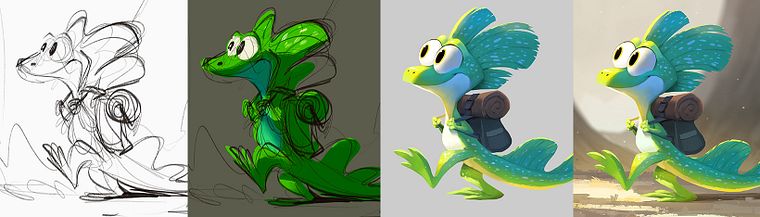
Refine your linework and create your color foundation. Experiment with ways to best represent your character, starting with flat colors and textures. Explore lighting and shadows, then see how to use layer blending modes and adjustment layers. Add details to the eyes, facial expressions, and accessories. Then, create a simple background for your scene.
Explore some original effects to give professional quality to your illustration. See how to modify elements in your artwork such as proportions to make it look more stylized. Finish the course by hearing Sam’s final tips on exporting and sharing your work.
Recommended software & tools for this course
What is this course's project?
Create an appealing character design based on an animal reference. Sam uses a Basilisk lizard.
Who is this online course for?
This course is for anyone interested in digital illustration who wants to create an original character and improve their Photoshop skills.
Requirements and materials
Basic digital drawing and painting skills in Adobe Photoshop are recommended..
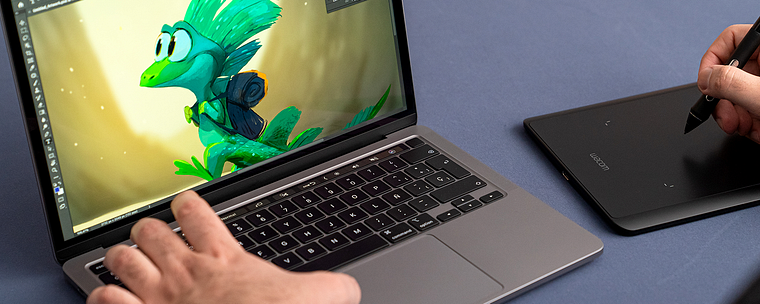
To take this course, all you need is access to a computer with Adobe Photoshop, or similar software.
Reviews
- 4 months ago
Absolutely loved the break down for his illustration technique. Great Course.
- 4 months ago
Thank you. It's fluent and informative content for beginners.
- 6 months ago
Thanks Sam! Very useful course for detailed character design. I used Procreate and could follow allong 100% as the same tool names and brush names are used. :-) As I am novice to illustration, I made the same lizard as you so that I follow your steps and learn from the process. Still trying to find my own style! I particularly liked using 'liquidify' to enhance the lizard's smile and tail curve. And I loved the orange light on the blurred trees.
- 10 months ago
Wonderful tutorial. The tutor's style of teaching is really awesome. The subjects are arranged in a graded.
- 11 months ago
cool

He finds his inspiration in nature and the animal kingdom, which can always be found in his designs; whether it be through shapes, colors, or designs. Sam has worked with several major animation studios around the world, including Netflix Animation and Dreamworks TV. He is currently working on a new game project with Rovio.
Content
- U1
Introduction
- About Me
- Influences
- U2
Pre-Production
- Introduction and Materials
- About Character Design 1
- About Character Design 2
- What Makes a Design Appealing
- U3
Creating Our Character
- Looking for Inspiration
- Exploratory Sketches 1
- Exploratory Sketches 2
- Narrative
- U4
Creating the Final Character
- Refining the Sketch
- Starting With Flat Colors
- Lights and Shadows 1
- Lights and Shadows 2
- General Polish 1
- General Polish 2
- General Polish 3
- Adding a Background 1
- Adding a Background 2
- Adding a Background 3
- U5
Final Details in Our Character
- Light Effects, Camera Blur
- Final Touches 1
- Final Touches 2
- Exporting the Final Image and Sharing Your Work
- FP
Final project
- Character Design: Illustrate an Expressive Creature
What to expect from a Domestika course
Learn at your own pace
Enjoy learning from home without a set schedule and with an easy-to-follow method. You set your own pace.
Learn from the best professionals
Learn valuable methods and techniques explained by top experts in the creative sector.
Meet expert teachers
Each expert teaches what they do best, with clear guidelines, true passion, and professional insight in every lesson.
Certificates
PLUSIf you're a Plus member, get a custom certificate signed by your teacher for every course. Share it on your portfolio, social media, or wherever you like.
Get front-row seats
Videos of the highest quality, so you don't miss a single detail. With unlimited access, you can watch them as many times as you need to perfect your technique.
Share knowledge and ideas
Ask questions, request feedback, or offer solutions. Share your learning experience with other students in the community who are as passionate about creativity as you are.
Connect with a global creative community
The community is home to millions of people from around the world who are curious and passionate about exploring and expressing their creativity.
Watch professionally produced courses
Domestika curates its teacher roster and produces every course in-house to ensure a high-quality online learning experience.
FAQs
Yes, this course is designed for intermediate digital artists who want to deepen their skills in character design, especially those looking to incorporate animal inspiration and stylized animation techniques.
You will need Adobe Photoshop and a digital drawing tablet. Familiarity with basic Photoshop functions is recommended to follow along with the course's digital illustration techniques.
You’ll learn how to analyze animal references, translate their traits into stylized characters, and use digital tools to develop expressive, animated designs for games and animation projects.
Yes, the course includes detailed instruction on creating dynamic facial expressions and poses, helping you convey emotion and personality in your character designs.
Yes, you’ll learn systematic online research methods, including how to collect, organize, and curate animal and inspiration references using Pinterest and thematic mood boards.
Absolutely. You’ll explore color theory, lighting, shadow placement, and digital painting techniques—using blending modes, clipping masks, and adjustment layers to achieve professional results.
Yes, the techniques and workflows taught are applicable to both animation and game development, focusing on creating appealing, visually dynamic characters for interactive media.
