
Information Design for Curious Readers
A course by TrineoGraphic Design Studio
A course by Trineo, Graphic Design Studio

Learn to communicate in an attractive and effective way through design
The visualization of information and its design is the medium in which Trineo—creative duo made up of Paula Erre and Dario Katzev—work with ease and freedom. In this online course, learn to use design, exploring new communicative possibilities, to present data and generate new reading levels that will hook your audience.
Using the visual aspect as a vehicle, explore how to attract the attention of an active, avid, and curious reader, and stir their gaze to engage in reading and decoding the piece while trying to contribute an added value to your infographics through the schematic.
What will you learn in this online course?
15 lessons & 21 downloads
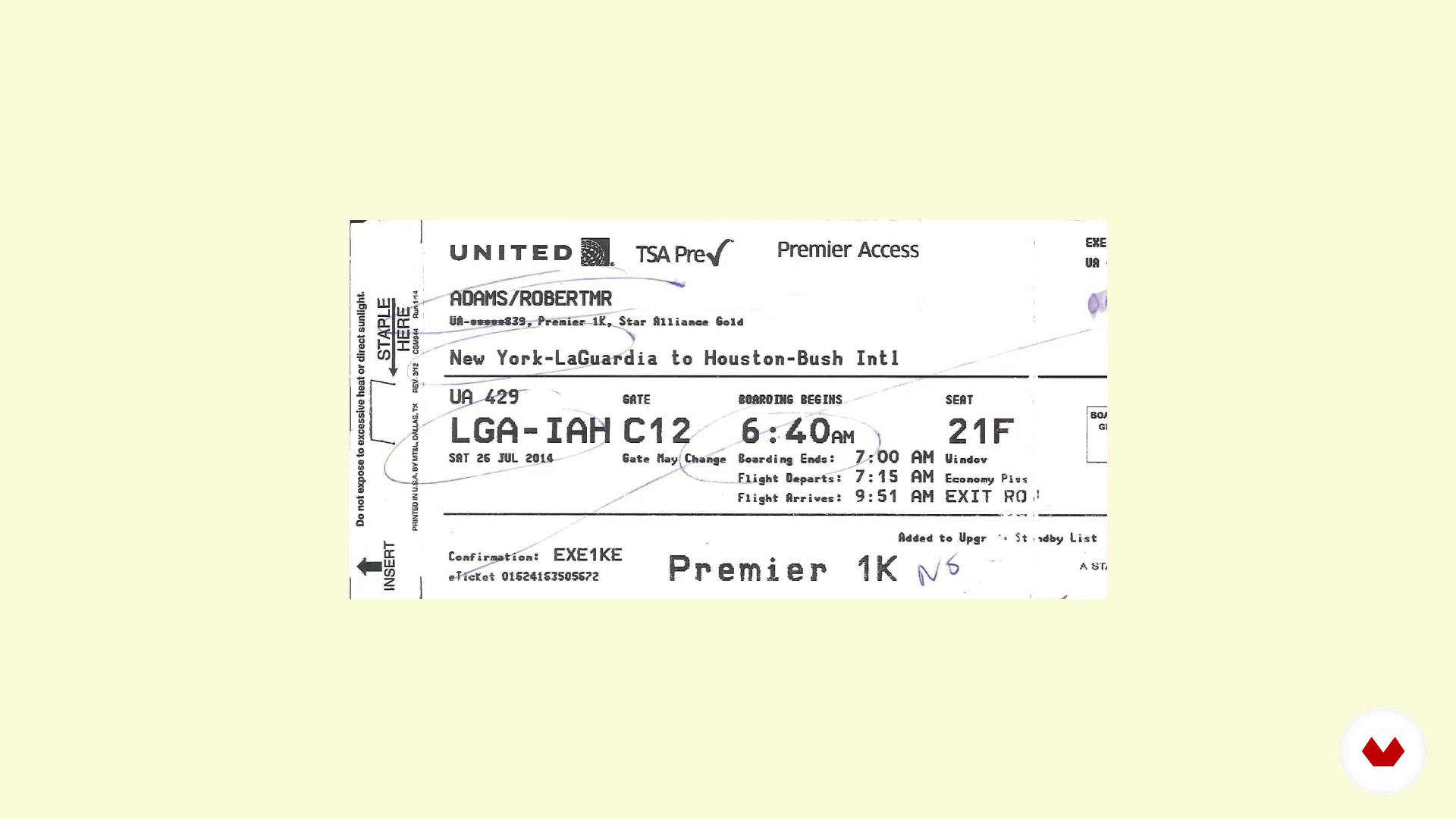
What is the schematic
5 minutes, 37 seconds
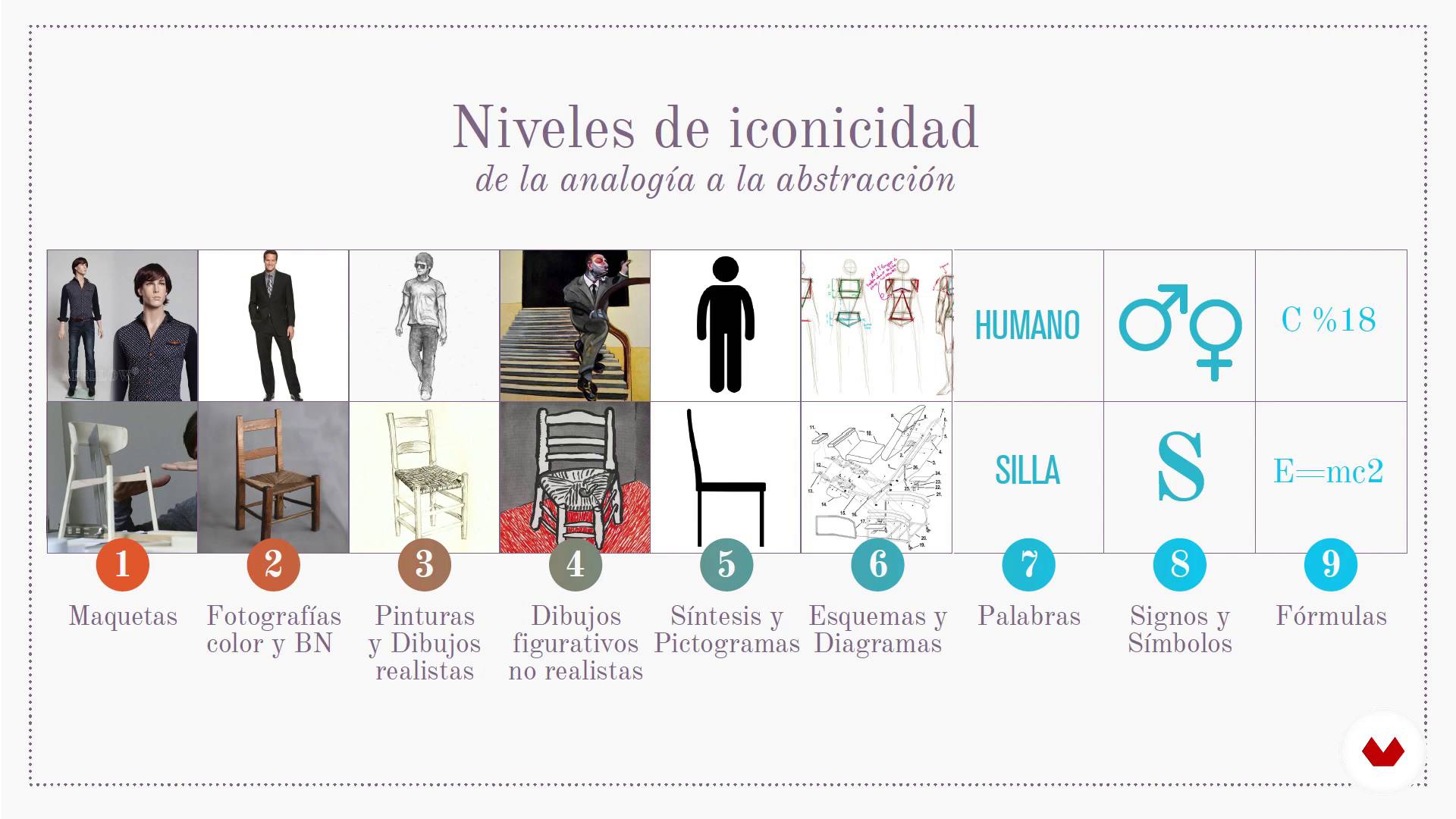
Levels of iconicity
4 minutes, 23 seconds
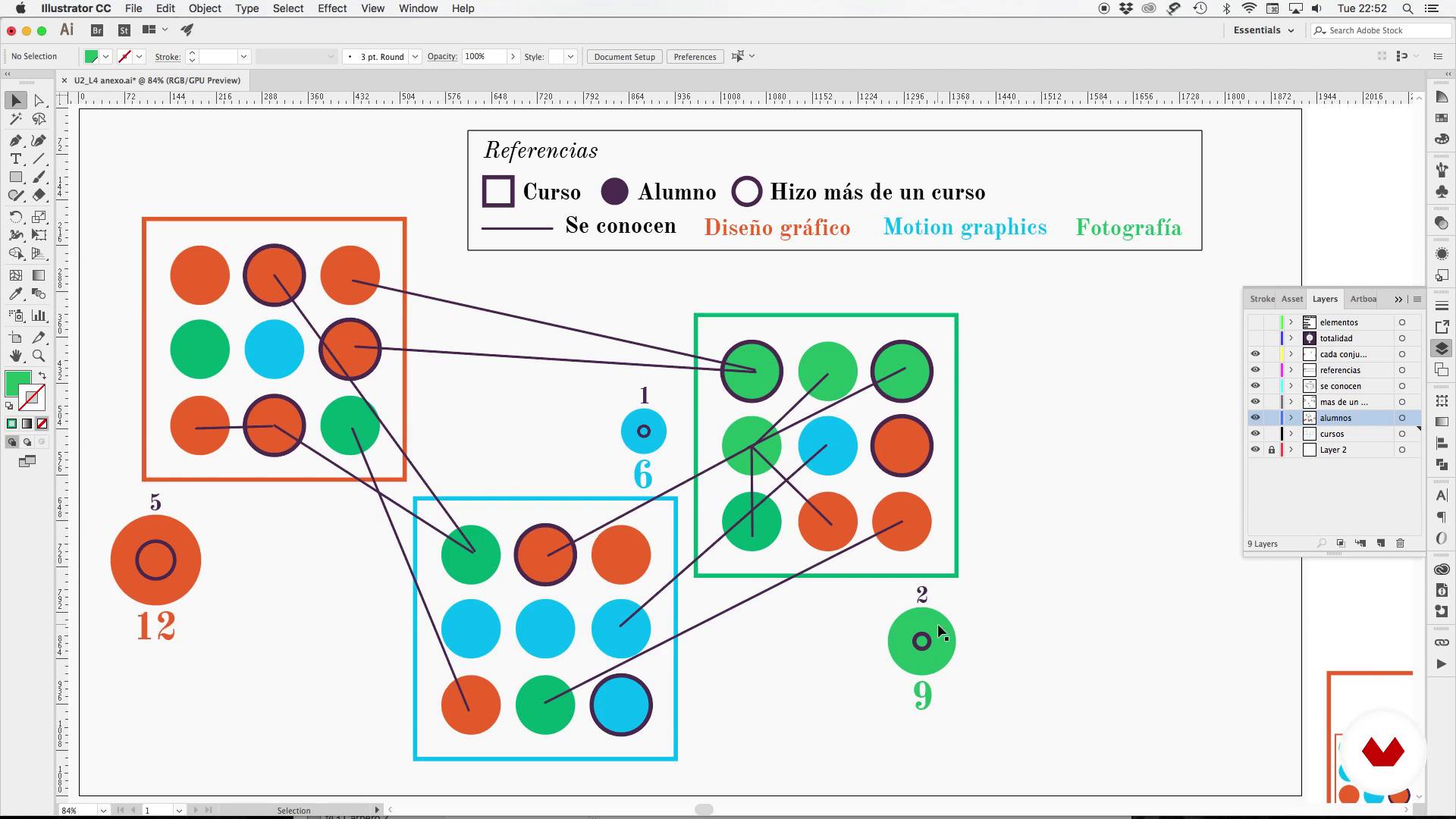
Display modes
3 minutes, 21 seconds
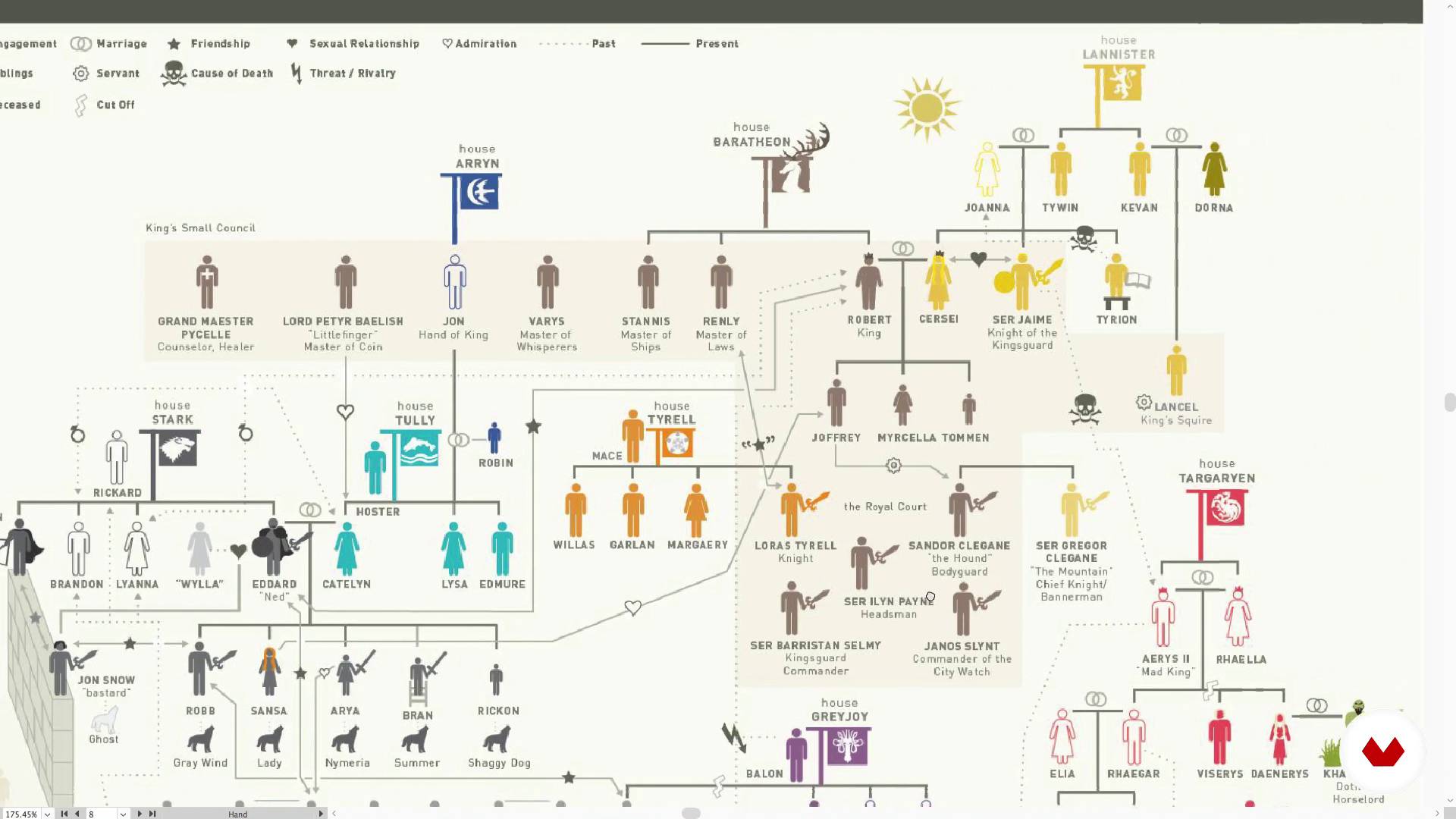
A highly coded domain
16 minutes, 13 seconds
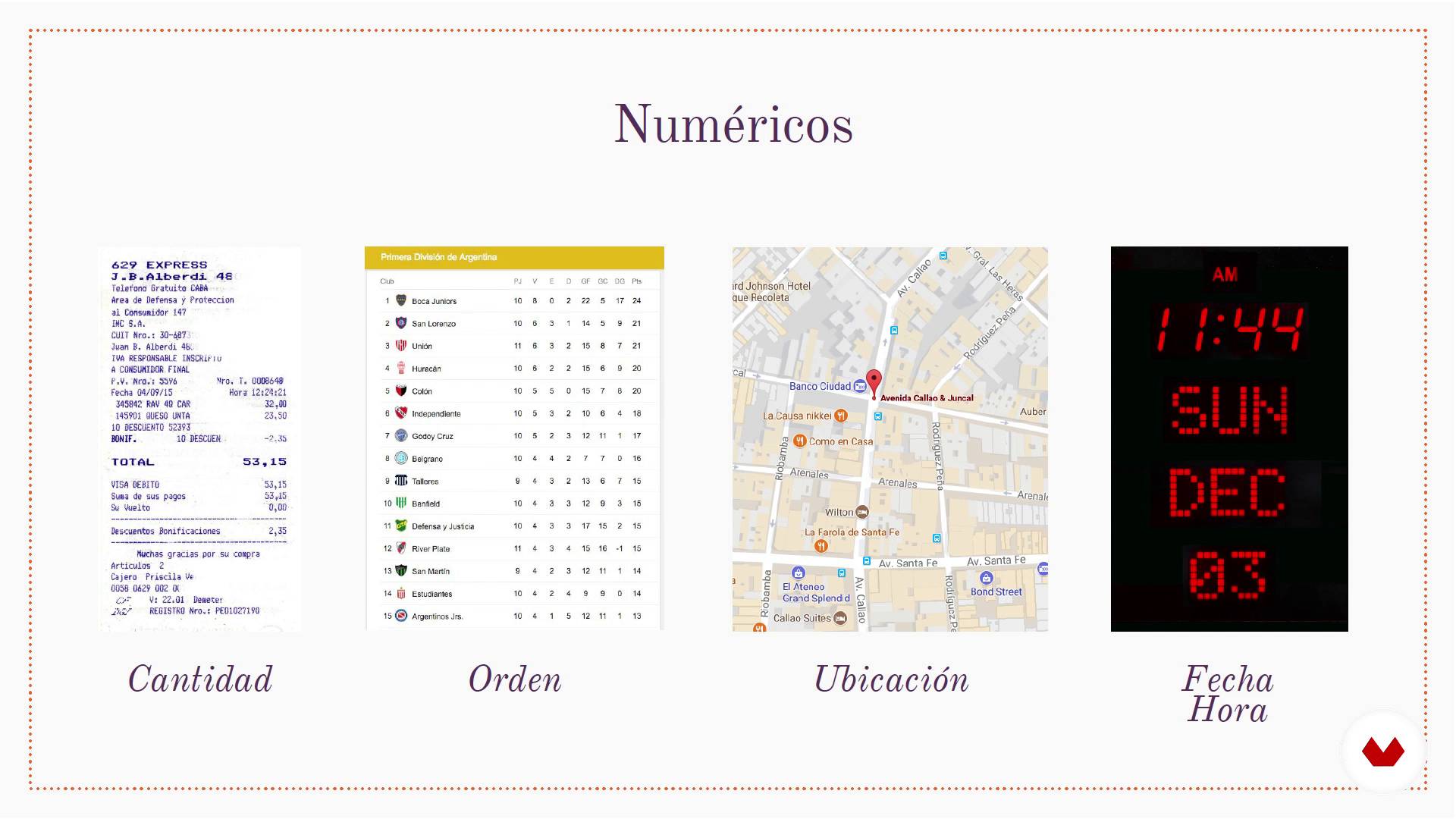
Codes and their repertoires
2 minutes, 33 seconds
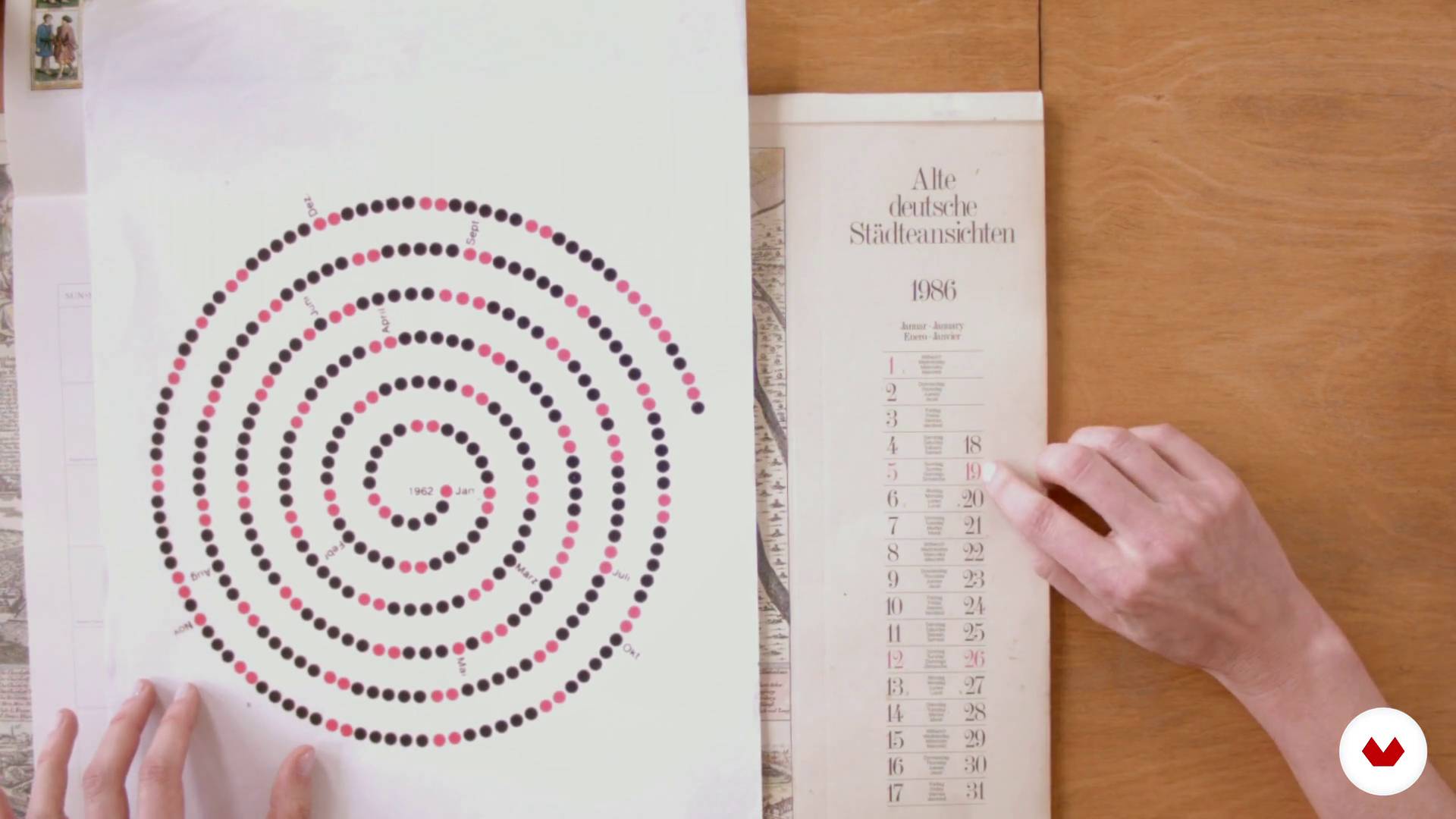
The textual forms
16 minutes, 58 seconds
What's included in this course?
To begin, Paula and Darío tell you about their work and what their influences are when it comes to tackling their professional projects.
They also explain what the schematic is, the levels of iconicity, and the display modes. Come to understand the importance of information coding and its visual repertoires, as well as what textual forms are.
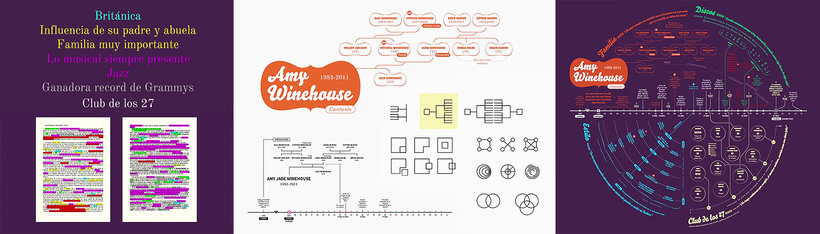
Next, choose a popular character, real or fictional, to base your project on. See how to select the most relevant landmarks to include them in your visual biography, and Darío and Paula explain how to represent them in time and space.
To wrap things up, add complexity to your project and learn to establish typographic criteria to obtain a visual outline of the biography of the character you have chosen.
Recommended software & tools for this course
What is this course's project?
Make a visual biography of a character of your choice, presenting his life and work in a visually attractive way, in a piece that proposes a non-linear reading mode through the use of visual codes, as well as graphic, chromatic, and typographic palettes.
Projects by course students


Who is this online course for?
Designers, infographic artists, and anyone interested in learning how to present data in an effective and attractive way, managing to attract the reader to complex data visualization.
Requirements and materials
You must have basic knowledge of graphic design and notions of typography to take this course. In addition, you must know how to use digital editing tools such as Adobe Illustrator and Photoshop.
As for materials, you need to have a computer installed with the necessary software for editing your final project.

Reviews
- 6 months ago
Es un curso muy interesante, práctico y bien cuidado, para pasar de representaciones gráficas sencillas a elementos de alto valor.
- 8 months ago
Que curso tan vacío, una introducción que no tiene nada que ver con lo que encontras en el curso POR FAVOR NO LO TOMEN
- 1 year ago
Muy explicativo, te da las bases para lograr enfocar tu información
- 2 years ago
¡Me encantó! Darío y Paula abordan de forma profesional y muy completa los temas del curso. Además, incluyen mucho material complementario - lo super recomiendo.
- 2 years ago
Muy interesante y de mucha utilidad... Aún no hago el proyecto pero ya terminé las lecciones

Darío specialized in infographics and currently collaborates with newspapers and agencies in Argentina and Europe. Paula is an adjunct professor of typography at FADU/UBA and also teaches classes and gives talks on the subject.
Since 1999, Trineo, together with a dynamic team of writers, editors, photographers and illustrators, have been developing projects across the design and communication fields.
Content
- U1
Introduction
- Presentation
- Influences
- U2
The schematic, general aspects
- What is the schematic
- Levels of iconicity
- Display modes
- A highly coded domain
- Codes and their repertoires
- U3
Training zone!
- The textual forms
- Analyzing
- U4
The biography
- Putting together a step-by-step outline: the contents, their editing and manipulation
- The general form, the whole, the layout
- The representation of time and space
- Work in layers
- Add complexity
- The typography
- FP
Final project
- Information design for curious readers
What to expect from a Domestika course
Learn at your own pace
Enjoy learning from home without a set schedule and with an easy-to-follow method. You set your own pace.
Learn from the best professionals
Learn valuable methods and techniques explained by top experts in the creative sector.
Meet expert teachers
Each expert teaches what they do best, with clear guidelines, true passion, and professional insight in every lesson.
Certificates
PLUSIf you're a Plus member, get a custom certificate signed by your teacher for every course. Share it on your portfolio, social media, or wherever you like.
Get front-row seats
Videos of the highest quality, so you don't miss a single detail. With unlimited access, you can watch them as many times as you need to perfect your technique.
Share knowledge and ideas
Ask questions, request feedback, or offer solutions. Share your learning experience with other students in the community who are as passionate about creativity as you are.
Connect with a global creative community
The community is home to millions of people from around the world who are curious and passionate about exploring and expressing their creativity.
Watch professionally produced courses
Domestika curates its teacher roster and produces every course in-house to ensure a high-quality online learning experience.
FAQs
Schematics is the discipline of organizing and visually condensing information through diagrams, charts, and graphics, used in editorial design and infographics to communicate complex data clearly and effectively.
You’ll learn how to analyze, condense, and visualize complex information using schematics, infographics, maps, and diagrams, applying contemporary editorial design principles and visual coding for various graphic projects.
This is an intermediate-level course, perfect for those with basic graphic design or visual communication knowledge who want to deepen their skills in schematics, infographics, and information visualization.
You’ll need a computer with graphic design software (like Adobe Illustrator, InDesign, or similar) and basic drawing materials for sketching and manual schematics.
The course covers schematics, editorial infographics, map and flowchart design, data visualization, digital typography, visual and color coding, iconicity, and historical and contemporary graphic design references.
Schematics focuses on the abstract, structured organization of information; infographics combine schematics with data, text, and illustrations to visually and educationally convey information.
Yes, the course includes creating and analyzing city maps, simplified subway plans, and visual biographies using graphic resources and schematics and infographic techniques.