Portfolio Animation with After Effects
Course final project
A course by Holke 79 , Graphic Designer

Joined June 2015

About the final project for: Portfolio Animation with After Effects
Portfolio Animation with After Effects
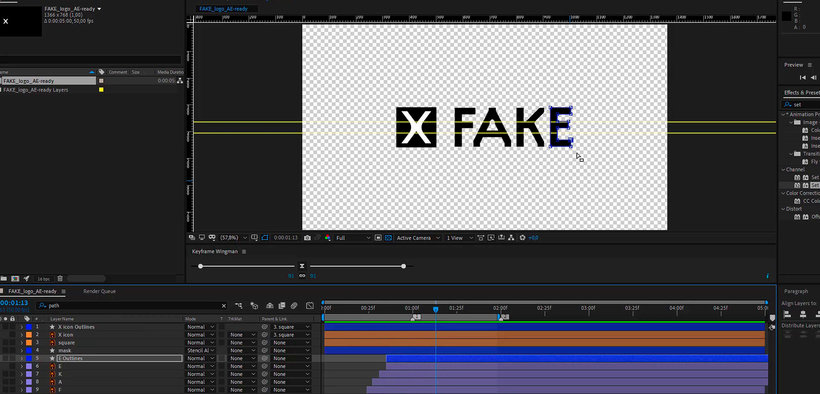
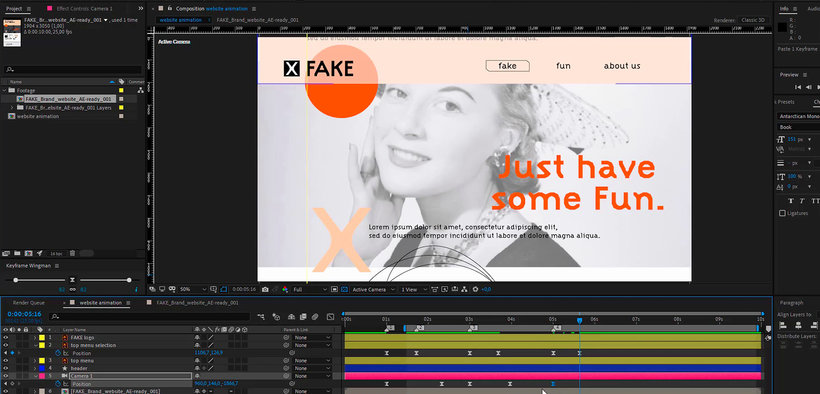
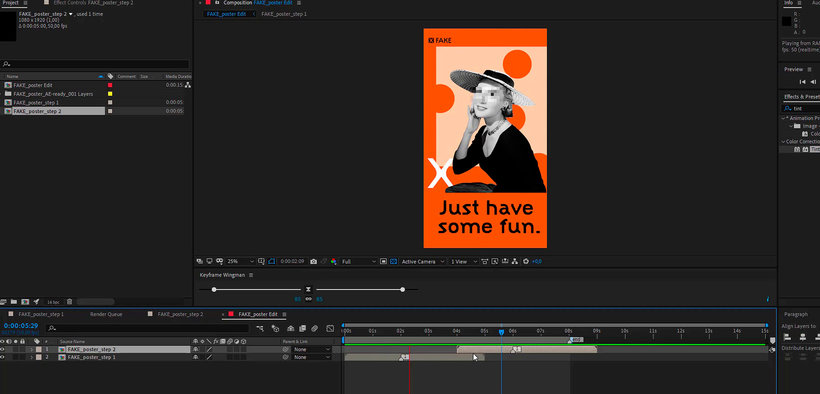
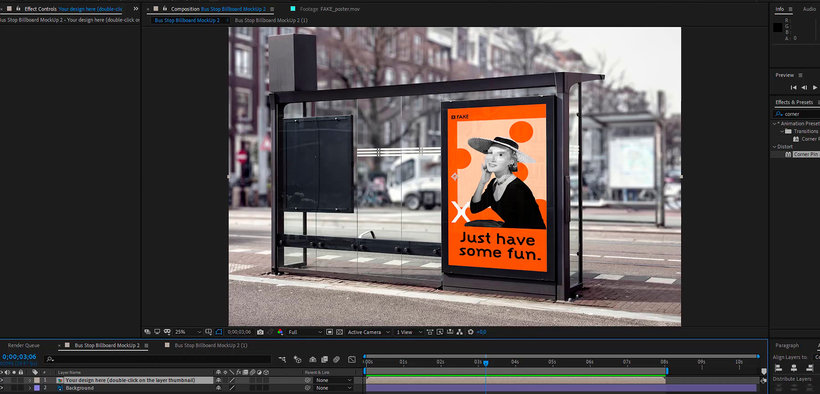
“So far we have come with this course. Thank you very much for signing up for finishing it. I encourage you to apply everything you have learned in your own portfolio to give it that digital touch and movement that it was missing. For this I advise you to choose one of your projects and first think about which of the elements would work best in motion. For example, if it is a branding system, it could be the logo, a poster, and the web or app design. If you have not designed a poster within branding and would like to encourage it, give yourself the pleasure of doing it! Remember to prepare Photoshop and Illustrator files well, separating everything by layers to give you more options when animating. Work in an orderly and calm way within After Effects and don't forget to install tools that will make your work much easier, such as Keyframe Wingman. Once you have your animations ready, think carefully about which format is best to display them on your website or on your social networks and export them as .mp4 or GIF taking into account the advice I gave you in Unit 5. Don't forget to explore the possibilities of movement applied to your projects and, above all, have a great time! Now share your final project with all of us by clicking on "Create your project". As a final project, I encourage you to share your portfolio and the results of the exercises you have been doing, with GIFs of your creations, accompanied by a brief description of how each process has been: Logo A logo is the basis of any brand project. In Unit 3 I explained how to animate your logo.
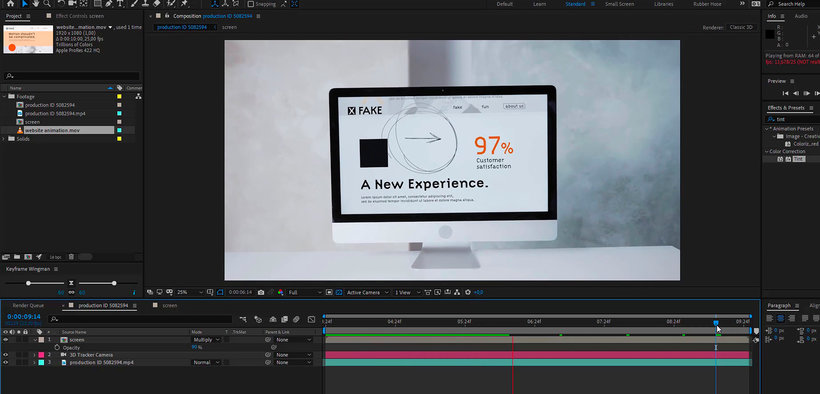
Partial transcription of the video
“Final project Finally, we will make a summary of the contents seen in the course. First I told you about myself and my influences in my day to day. Then I explained what you would get in the course. Later I introduced you to Adobe After Effects in order to lose the fear of your tool. Then I showed you how to work with Illustrator and Photoshop files to animate seamlessly in After Effects. Then we saw how it works and how is the "workflow" with this tool and I showed you very interesting examples of portfolios where movement is applied brilliantly. Later you started applying this animation k...”
This transcript is automatically generated, so it may contain mistakes.
Course summary for: Portfolio Animation with After Effects
-
Category
3D & Animation -
Software
Adobe After Effects, Adobe Photoshop -
Areas
Animation, Branding & Identity, Digital Design, Motion Graphics, Portfolio Development

Holke 79
A course by Holke 79
Borja is a graphic designer specialized in motion graphics from San Sebastián, Spain. He studied journalism at the University of San Pablo in Madrid, but he soon discovered that his passion was in graphic design. After taking courses in design and animation, he began to work as a broadcast designer for TV networks like Canal+, creating motion graphics for sports matches like El Clásico (Real Madrid versus FC Barcelona) and Copa América.
He worked as a senior motion designer for Saffron Brand Consultants in Madrid, where he helped brands build their visual identity through animation. In 2019, after over a decade of working in motion design, Borja started his own motion graphic design company, Holke 79. Some of his projects include online campaigns for Converse, Aerosmith’s Last Vegas residency, an official lyrics video for Green Day, and a number of animated graphics for TV shows.
- 96% positive reviews (138)
- 5,340 students
- 17 lessons (2h 17m)
- 23 additional resources (3 files)
- Online and at your own pace
- Available on the app
- Audio: Spanish, English, French, Italian, Portuguese, Turkish
- Spanish · English · Portuguese · German · French · Italian · Polish · Dutch · Turkish · Romanian · Indonesian
- Level: Beginner
- Unlimited access forever
Recommended software & tools for this course
 Adobe After Effects
 Adobe Photoshop
Category
Areas

