Mobile Photo Editing for Social Media
A course by Juan David Chaves AbadíaArtist
A course by Juan David Chaves Abadía, Artist

Learn the keys to photo retouching on your smartphone with VSCO and Snapseed
If you’ve ever asked yourself how to retouch your photos on your phone, you’ve come to the right place. Juan Chaves, a multidisciplinary artist better known as @kpturas, shows you how to master the essential tricks and techniques to give free rein to your creative ideas and achieve a professional finish in your photos, ready to post on Instagram.
Learn professional editing techniques with your phone using Snapseed and VSCO and discover some secrets for posting content that generates high engagement on social media.
What will you learn in this online course?
13 lessons & 20 downloads

What Will We Do in This Course
2 minutes, 20 seconds
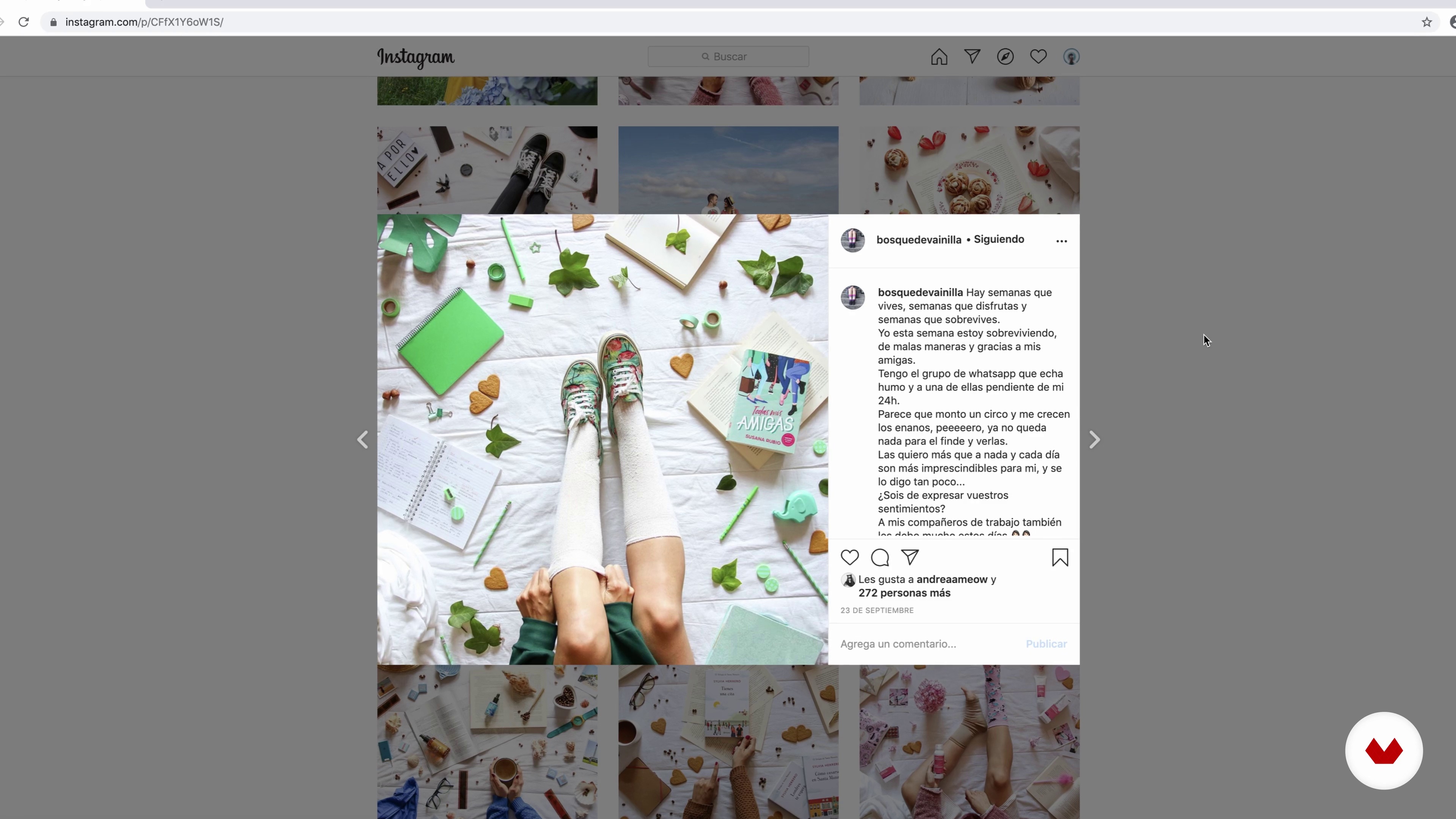
Photographers Editing with Smartphones
6 minutes, 57 seconds
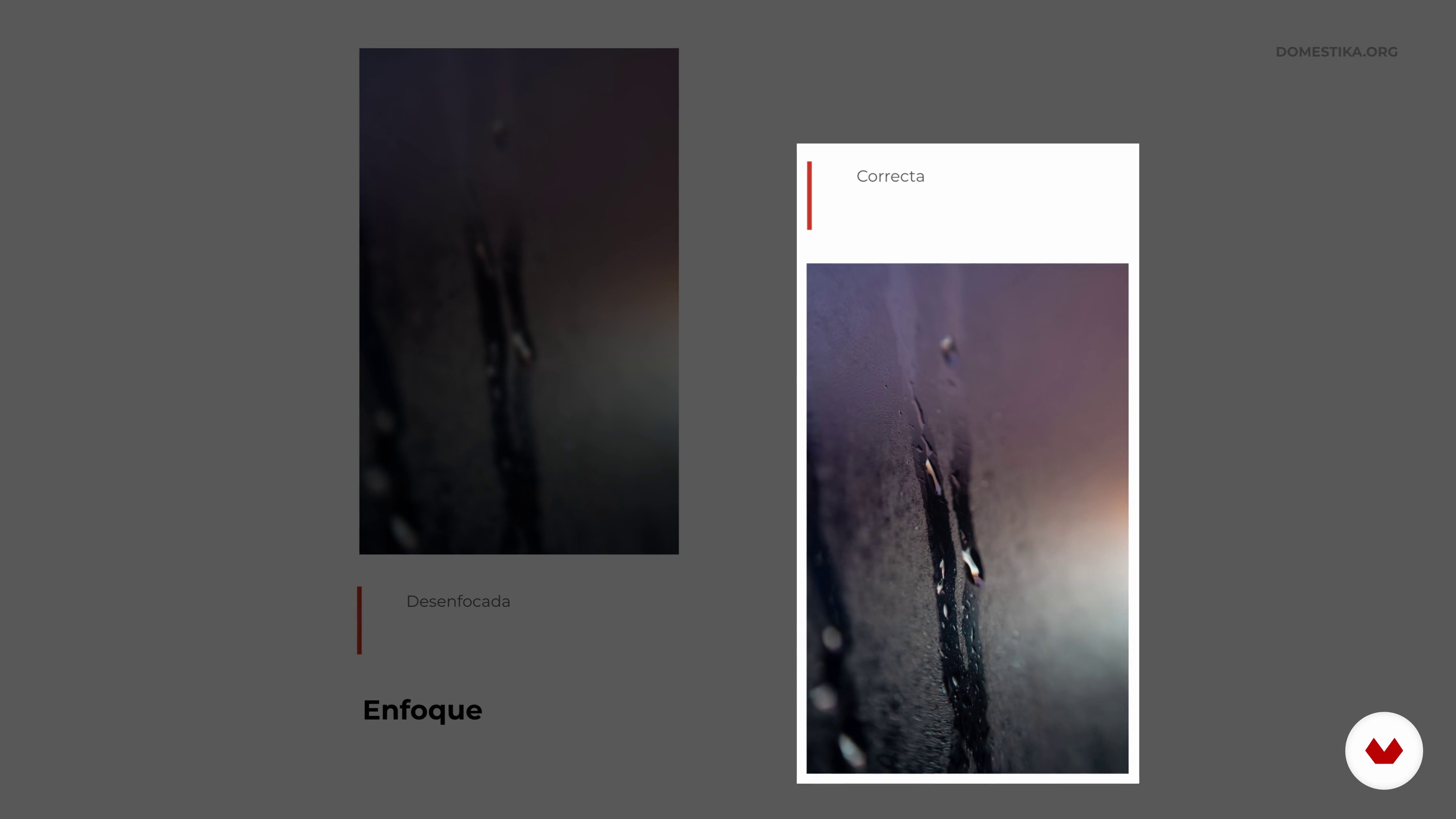
Start from a Good Base
8 minutes, 32 seconds
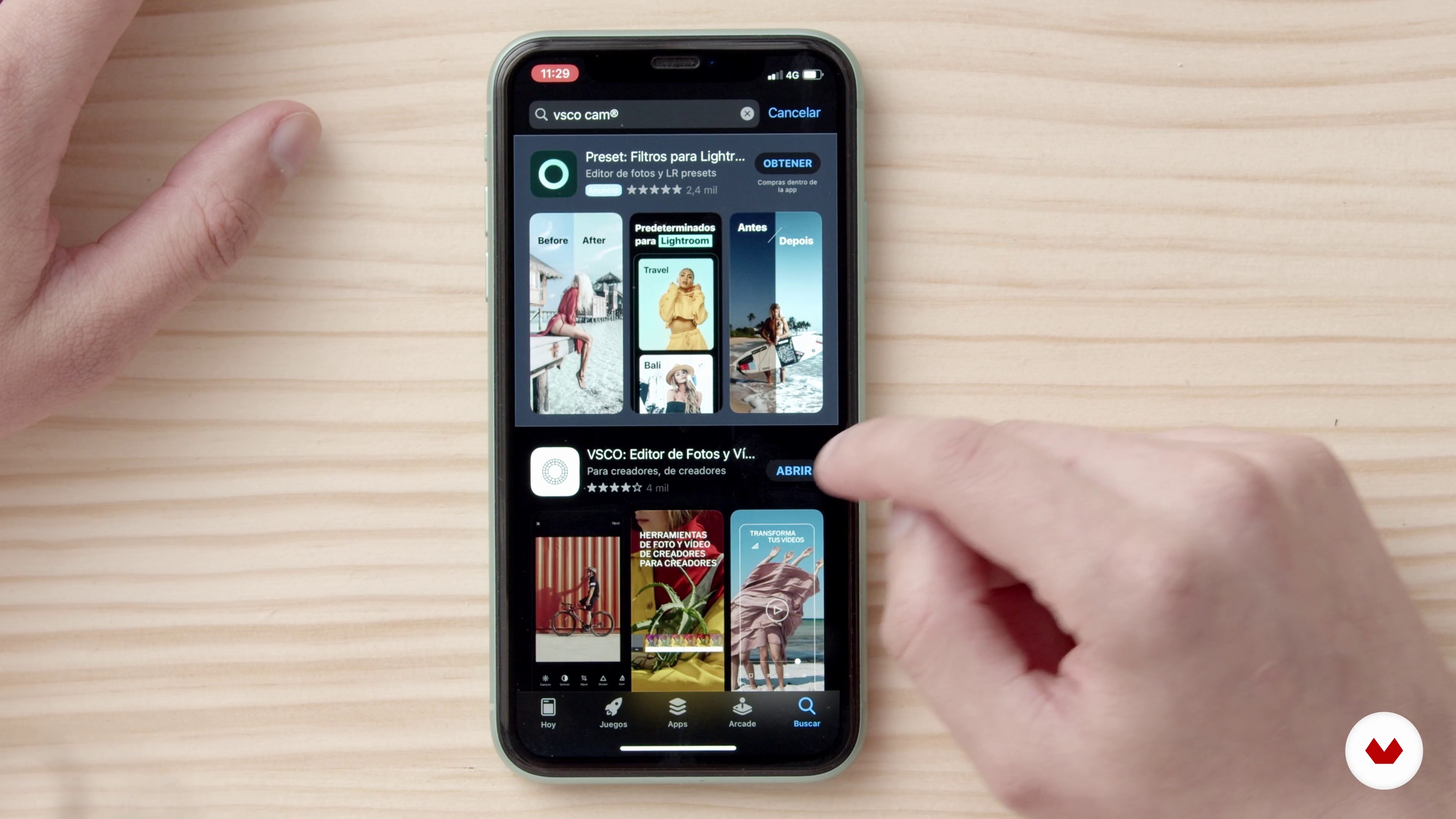
Downloading Apps
8 minutes, 11 seconds
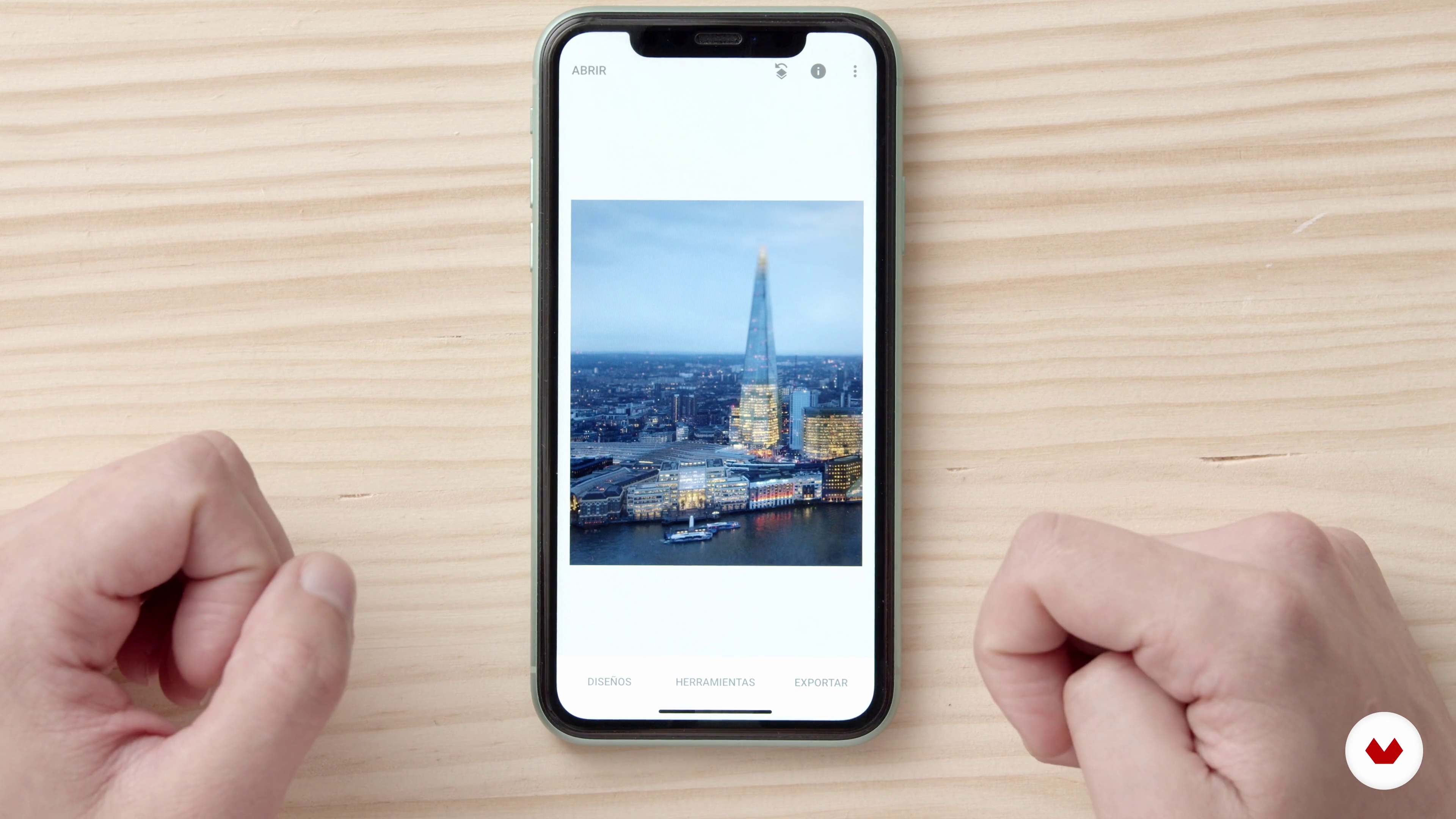
Architecture Photography
19 minutes, 51 seconds
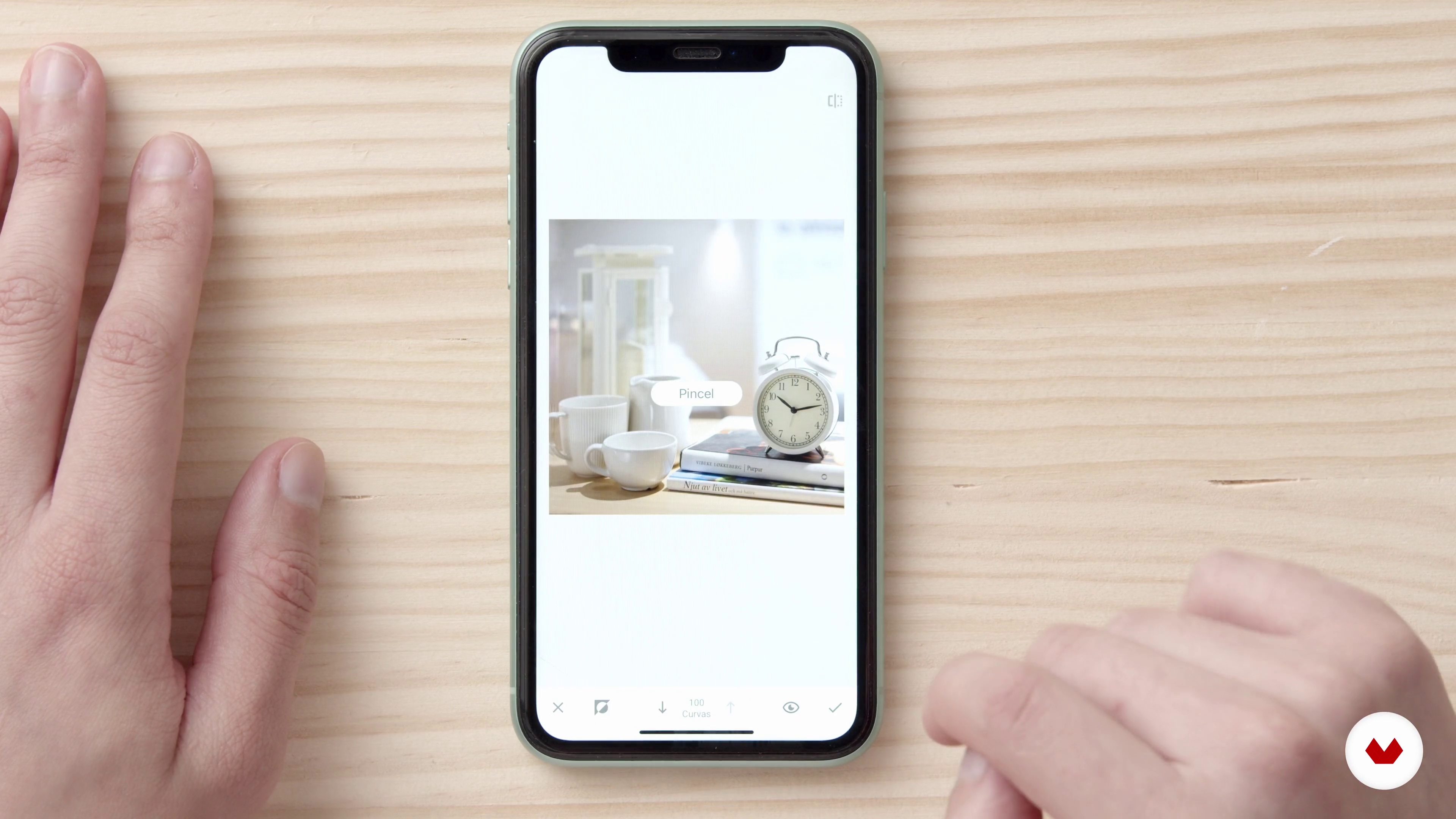
Still Life Photography
18 minutes, 0 seconds
What's included in this course?
Get to know Juan Chaves, about his career as an artist and professional content creator, see where he finds artistic inspiration, and find out what you’ll do in the course.
Next, break down some myths about using a smartphone in photography. See the work of photographers and brands created with outstanding editing work using a phone.
See how to avoid common mistakes when taking a photo (to simplify your editing process). Download VSCO and Snapseed and go through each interface.
Start editing your photos with different tricks and adjustments to enhance each photo to its full potential. Edit an architecture photo and a product photo using Snapseed. Then, use VSCO to edit a travel photo and a portrait.
Go through the details of the editing workflow for each app to use them to their full capacity.
Finally, Juan gives you some advice on how to create the ideal Instagram feed and how to use hashtags correctly: how to look for them, which are the best, and why.
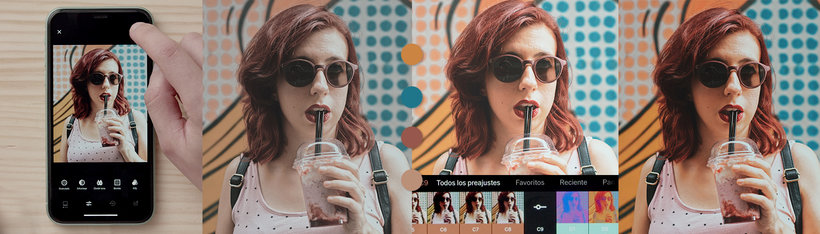
Recommended software & tools for this course
What is this course's project?
Edit four photos using VSCO and Snapseed to create unique results.
Projects by course students


Who is this online course for?
For anyone interested in improving their photos on Instagram by using a phone for the editing process.
Requirements and materials
No previous knowledge is required. All you need is an interest in photography and a phone with VSCO and Snapseed installed.

Reviews
- 1 year ago
Un curso simple, con lo necesario para empezar y seguir explorando.
- 1 year ago
el curso a sido agradable y ameno , el profesor muy agradable
- 2 years ago
If you wish to take this course, you need paid subscription to access all of the tools mentioned in the VSCO app. Instructor make some good points, but when trying to demonstrate, the photo does not improve in the way it is supposed to. He jumps from tool to tool in the apps, sometimes repeating same actions, the coursestructure is lost in its format, rather than grounding it in and deepening photographic knowledge and skill. Do not bother
- 2 years ago
Este curso me pareció muy chévere, intuitivo y superretador al momento de poner en práctica cada técnica.
- 2 years ago
Muy buen curso y con las explicaciones bastante claras!! 100% recomendado

He currently seeks to inspire young artists and creatives to live from their passion and help increase their professional career opportunities.
Content
- U1
Introduction
- Presentation
- Influences
- What Will We Do in This Course
- U2
Learn from the Best, Learn from Mistakes
- Photographers Editing with Smartphones
- Start from a Good Base
- Downloading Apps
- U3
Edit like a pro
- Architecture Photography
- Still Life Photography
- Travel Photography with VSCO
- Portrait Photography with VSCO
- U4
Beyond editing
- Editing with VSCO and Snapseed
- Sort the Feed
- Get them to see your photos: hashtags
- FP
Final project
- Mobile Photo Editing for Social Media
What to expect from a Domestika course
Learn at your own pace
Enjoy learning from home without a set schedule and with an easy-to-follow method. You set your own pace.
Learn from the best professionals
Learn valuable methods and techniques explained by top experts in the creative sector.
Meet expert teachers
Each expert teaches what they do best, with clear guidelines, true passion, and professional insight in every lesson.
Certificates
PLUSIf you're a Plus member, get a custom certificate signed by your teacher for every course. Share it on your portfolio, social media, or wherever you like.
Get front-row seats
Videos of the highest quality, so you don't miss a single detail. With unlimited access, you can watch them as many times as you need to perfect your technique.
Share knowledge and ideas
Ask questions, request feedback, or offer solutions. Share your learning experience with other students in the community who are as passionate about creativity as you are.
Connect with a global creative community
The community is home to millions of people from around the world who are curious and passionate about exploring and expressing their creativity.
Watch professionally produced courses
Domestika curates its teacher roster and produces every course in-house to ensure a high-quality online learning experience.
FAQs
You’ll learn how to shoot and edit professional-quality photos with your smartphone, use apps like Snapseed and VSCO, and create an eye-catching Instagram feed. You’ll also explore composition, retouching, photo montages, and visual cohesion techniques.
This is an intermediate-level course, perfect for those with basic photography knowledge who want to sharpen their mobile editing skills and social media management.
All you need is a smartphone with a camera and access to Snapseed and VSCO apps. No professional gear required, just a passion for photography and social media.
Yes, the course covers mobile photo editing techniques from downloading apps to advanced tools like color adjustments, cropping, filters, and portrait retouching.
You’ll learn how to set up your phone’s camera, pick the right lens, adjust exposure and format, and use tricks to avoid blur, noise, and shaky shots.
Yes, it covers how to organize a themed Instagram feed, finalize edits within the app, and use hashtags effectively to boost reach and visibility.
The course mainly uses Snapseed and VSCO for editing, along with additional tools for planning and posting on Instagram.