UI Kit Creation with Sketch
Course final project
A course by Nodos ., UX/UI Designer

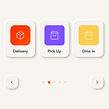

About the final project for: UI Kit Creation with Sketch
UI Kit Creation with Sketch
“Hey how good, you have reached the end of the course, I hope you liked everything I taught you! Now you know everything you need to create your own UI Kit. Throughout the course I showed you the process I follow to make mine under the concept of a Music App. Now is your time and you are ready to carry out your own project. Let your imagination fly! Create a UI Kit for any App you can think of, or if you already have a project on the doorstep, I recommend doing it on it. What do you think if we give a brief review of the steps to follow to make it easier for you to do it? What product? Explore and analyze a product that is already on the market, that is, it is already launched, because in this way you will have an advanced starting point and it will be easier for you to work on your UI Kit.


Partial transcription of the video
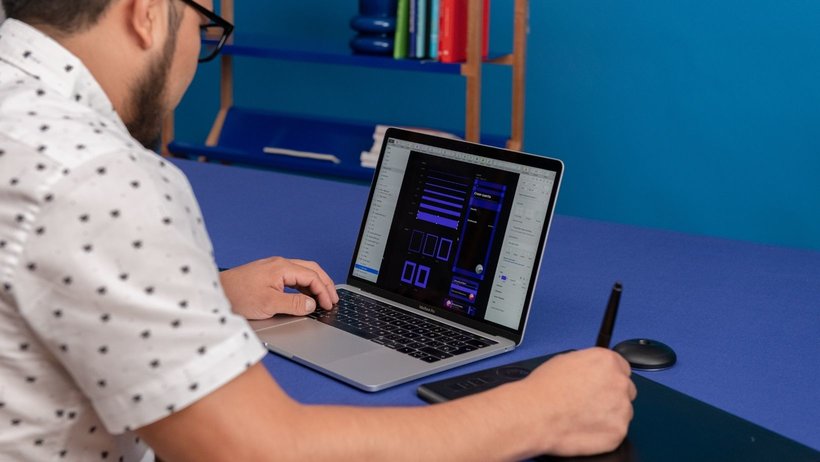
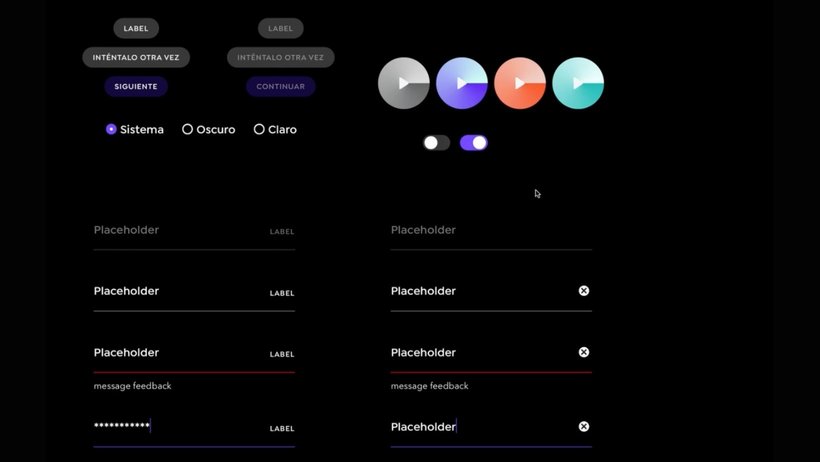
“Final project Let's make a summary of what was seen throughout the course. I talked about how I came to design digital products and the projects in which I developed in a professional and personal way. Then I shared some influences and, before working, we talk about the final project. We address basic concepts, such as what is a UI Kit and the benefits of having one. I showed you my methodology when creating components within Sketch. We analyze our project and what components it would have. We define our "look and feel" by selecting colors, the font grid and icons that we apply later in eac...”
This transcript is automatically generated, so it may contain mistakes.
Course summary for: UI Kit Creation with Sketch
-
Category
Web & App Design -
Software
Sketch -
Areas
App Design, App Development, Interactive Design, Mobile Design, UX / UI, Web Design, Web Development

Nodos .
A course by Nodos .
Migue, also known as El Nodos, is an interaction designer at the Mexican studio frog design, where he specializes in the creation of design patterns and components for design systems. With more than seven years of experience in the industry, his work consists of designing functional and aesthetic interfaces for mobile and web apps. He has worked on projects for diverse sectors, like education, health, communications, fintech, and even cryptocurrency.
Currently, he is focused on creating patterns and scalable design systems. In addition, he is the co-founder of the SketchMX community, where he organizes regular meetups for the product design community, involving designers, developers, UX writers, product designers, and anyone interested in digital product design.
- 91% positive reviews (23)
- 646 students
- 17 lessons (3h 1m)
- 21 additional resources (11 files)
- Online and at your own pace
- Available on the app
- Audio: Spanish
- Spanish · English · Portuguese · German · French · Italian · Polish · Dutch · Turkish · Romanian · Indonesian
- Level: Beginner
- Unlimited access forever
Recommended software & tools for this course
 Sketch
Category
Areas

