
Learn how to create pre-designed files using the Atomic Design methodology for app and web interfaces to streamline your workflow
Mobile apps aim to make life easier for their users. Creating one from scratch, however, can be a complicated process. That's why UI Kits, sets of elements that are ready-to-use for interface design, can be an incredibly useful resource.
In this course, learn how to create UI Kits for applications and websites using Sketch. With the help of designer Migue, aka El Nodos. see how to update Kits to reuse them in future projects and streamline your workflow even further. Make powerful interfaces a reality and discover how to create unforgettable experiences quickly and easily.
What will you learn in this online course?
17 lessons & 21 downloads

What will we do during the course
2 minutes, 25 seconds

What is a UI Kit?
7 minutes, 52 seconds
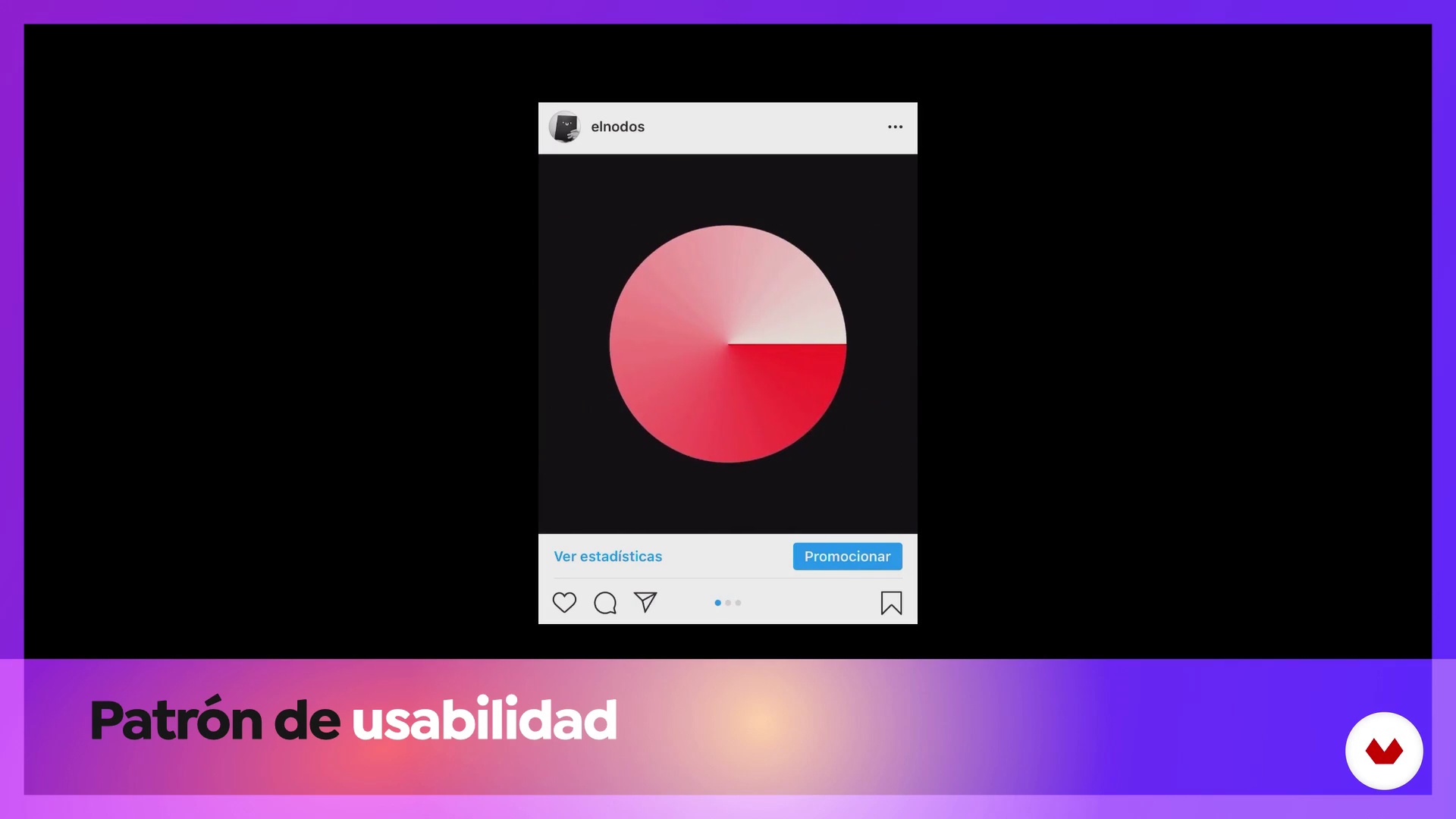
UI patterns and components in Sketch
4 minutes, 57 seconds
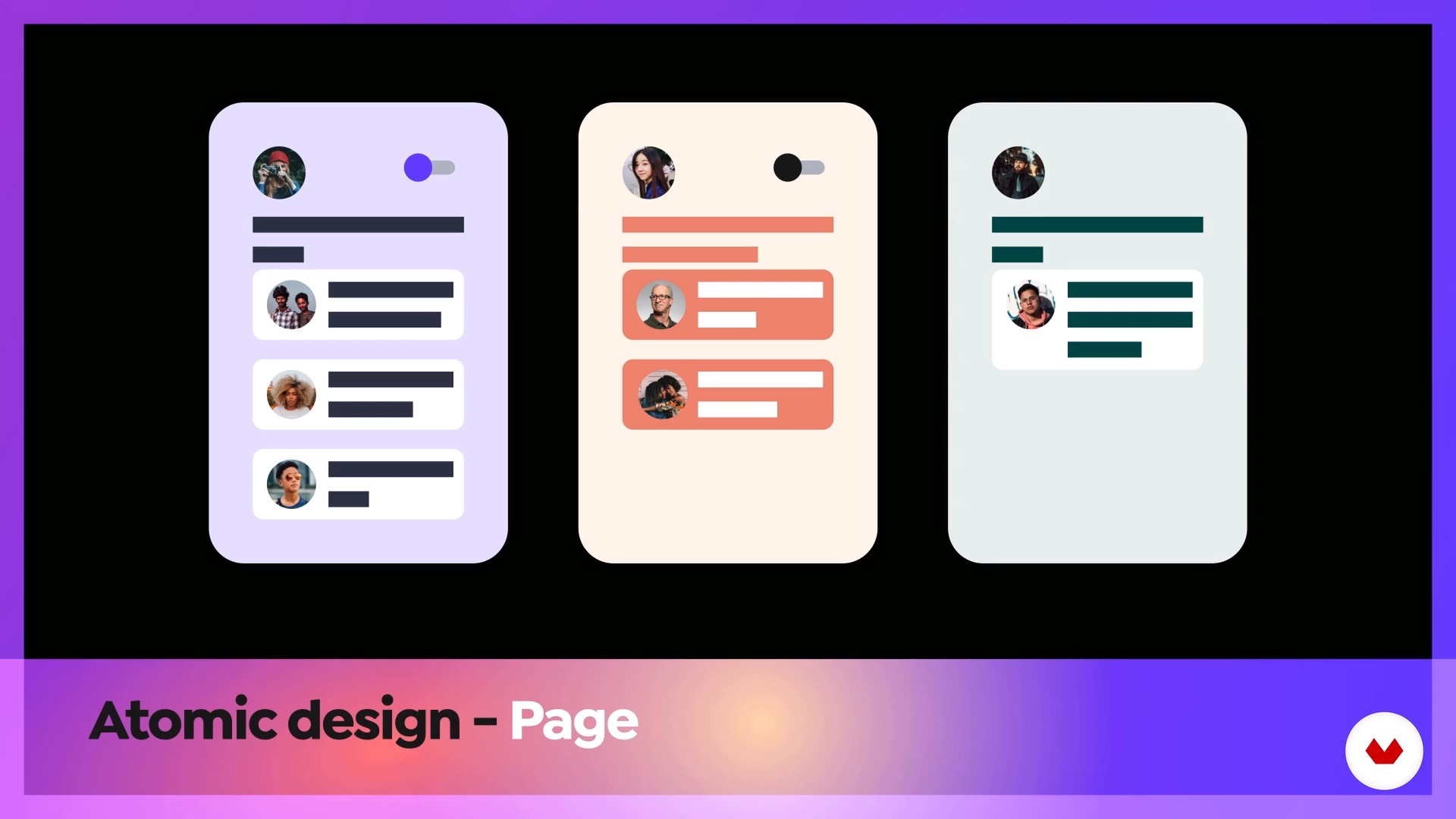
Atomic Design
11 minutes, 18 seconds

The project
10 minutes, 16 seconds
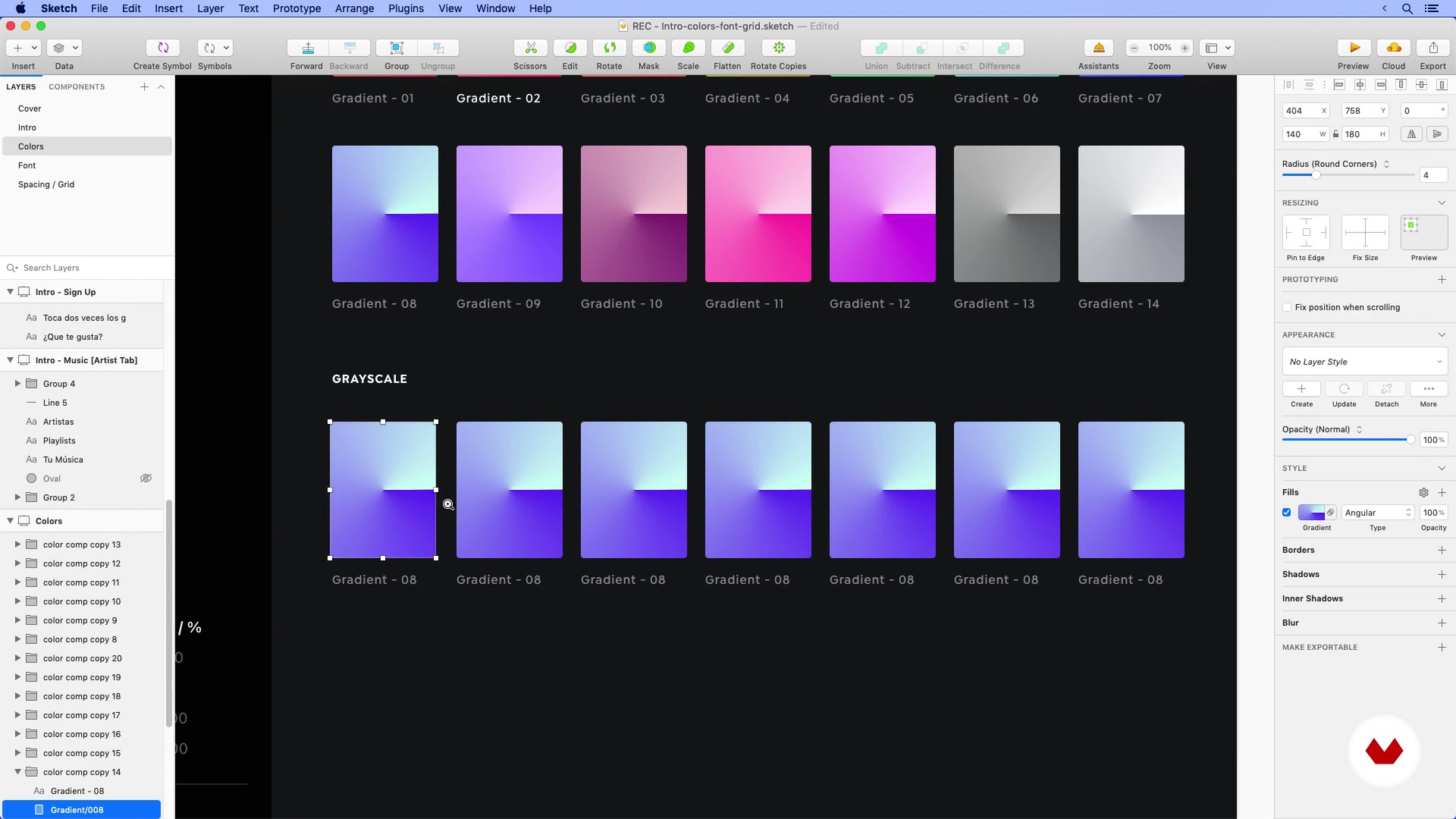
Colors, Font and Grid
20 minutes, 13 seconds
What's included in this course?
Start by getting to know your teacher and learning about some of his most important projects. Migue then explains the final project you will be working on throughout the course.
Next, discover what a UI Kit is and what differentiates it from a design system. Learn about interface design patterns and how to organize your files according to the methodology used by Migue.
Review the project you have chosen as a reference to create your UI Kit and analyze the components that must be created. Then, define your style guide by looking at the colors, the font, the grids, and icon sets.
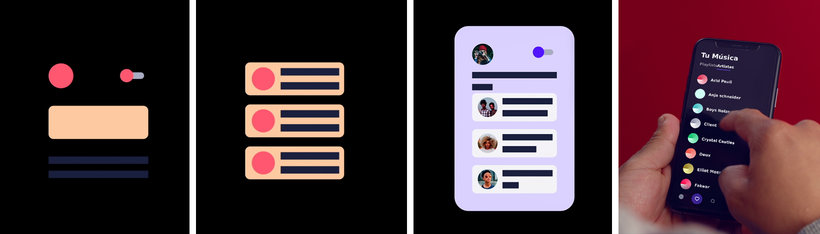
Start creating the atoms, then combine them to create molecules before finally designing some screens with all of these components.
In the last unit, Migue teaches you how to use your UI Kit in Sketch as a library and how to keep it updated by adding components as needed.
Recommended software & tools for this course
What is this course's project?
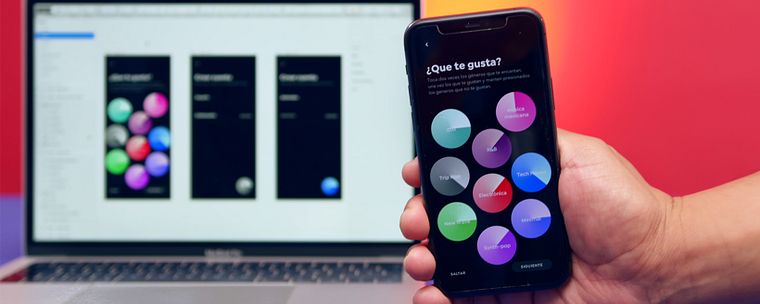
Create a UI Kit that will allow you to speed up your work when creating screens for an application. During the course, Migue will be working on a music app.
Who is this online course for?
Designers who want to get into interface design, UI designers, junior interaction designers, and anyone interested in the design of apps and digital products.
Requirements and materials
Basic knowledge of Sketch is required to take this course.
As for materials, you will need a computer with macOS Mojave or higher and have the latest version of Sketch installed (you can download the trial version on its website). Having a Wacom is a plus, but it is not essential.
Reviews
- 1 year ago
El curso es una base para iniciar a trabajar con la metodología Atomic Design.
- 3 years ago
La neta no era lo que esperaba, pensé que el UI Kits te ayudaba a crear el diseño de la aplicación, pero ya lo tenia creado y solo agrupo los componentes, y también no me gusto el estilo en como hablaba, parecía que le faltaba el aire para pronunciar palabras, disculpen mi critica pero así lo percibí
- 4 years ago
Increible curso
- 4 years ago
Muy completo
- 5 years ago
El curso me ha parecido super claro y completo. El profesor da muchos detalles y es super dinamico para todo lo que explica en tan poco tiempo. Super recomendable.

Currently, he is focused on creating patterns and scalable design systems. In addition, he is the co-founder of the SketchMX community, where he organizes regular meetups for the product design community, involving designers, developers, UX writers, product designers, and anyone interested in digital product design.
Content
- U1
Introduction
- Presentation
- Influences
- What will we do during the course
- U2
Sketch concepts and setup
- What is a UI Kit?
- UI patterns and components in Sketch
- Atomic Design
- U3
Laying the foundations of our UI Kit with Sketch
- The project
- Colors, Font and Grid
- Colors, Font and Grid 2
- Icon Set
- U4
To create atomic components in Sketch
- Creating Components: Atoms
- Creating Components: Atoms 2
- Creating Components: Molecules
- Building screens with Atoms and Molecules
- U5
Libraries in Sketch
- UI Kit as a library in Sketch
- Add new components to our UI Kit
- Present your UI Kit
- FP
Final project
- UI Kit Creation with Sketch
What to expect from a Domestika course
Learn at your own pace
Enjoy learning from home without a set schedule and with an easy-to-follow method. You set your own pace.
Learn from the best professionals
Learn valuable methods and techniques explained by top experts in the creative sector.
Meet expert teachers
Each expert teaches what they do best, with clear guidelines, true passion, and professional insight in every lesson.
Certificates
PLUSIf you're a Plus member, get a custom certificate signed by your teacher for every course. Share it on your portfolio, social media, or wherever you like.
Get front-row seats
Videos of the highest quality, so you don't miss a single detail. With unlimited access, you can watch them as many times as you need to perfect your technique.
Share knowledge and ideas
Ask questions, request feedback, or offer solutions. Share your learning experience with other students in the community who are as passionate about creativity as you are.
Connect with a global creative community
The community is home to millions of people from around the world who are curious and passionate about exploring and expressing their creativity.
Watch professionally produced courses
Domestika curates its teacher roster and produces every course in-house to ensure a high-quality online learning experience.
FAQs
You’ll learn how to create, organize, and document visual design systems, UI Kits, and reusable components in Sketch, using methodologies like Atomic Design and Material Design patterns for mobile and web apps.
This is an intermediate-level course, so it’s recommended that you have basic knowledge of digital graphic design or prior experience with tools like Sketch or Figma.
You’ll need a Mac with Sketch installed, internet access, and basic design knowledge. Familiarity with digital interfaces and usability concepts is recommended.
Atomic Design is applied by breaking components into atoms, molecules, and organisms, enabling you to build modular, scalable, and easy-to-maintain interfaces in Sketch.
Yes, the course guides you step-by-step to create, organize, and reuse a UI Kit in Sketch, centralizing components, styles, and visual elements for mobile or web apps.
Yes, you’ll learn to create, document, and manage visual design systems, including style guides, color palettes, typography, and components.
Yes, the course shows you how to check color contrast between backgrounds and text, applying accessibility principles to improve readability and user experience.