Graphite Portraits with Digital Design
Course final project
A course by Patricia Escalante , Visual Artist and Designer

Joined October 2019
Joined October 2019

About the final project for: Graphite Portraits with Digital Design
Graphite Portraits with Digital Design
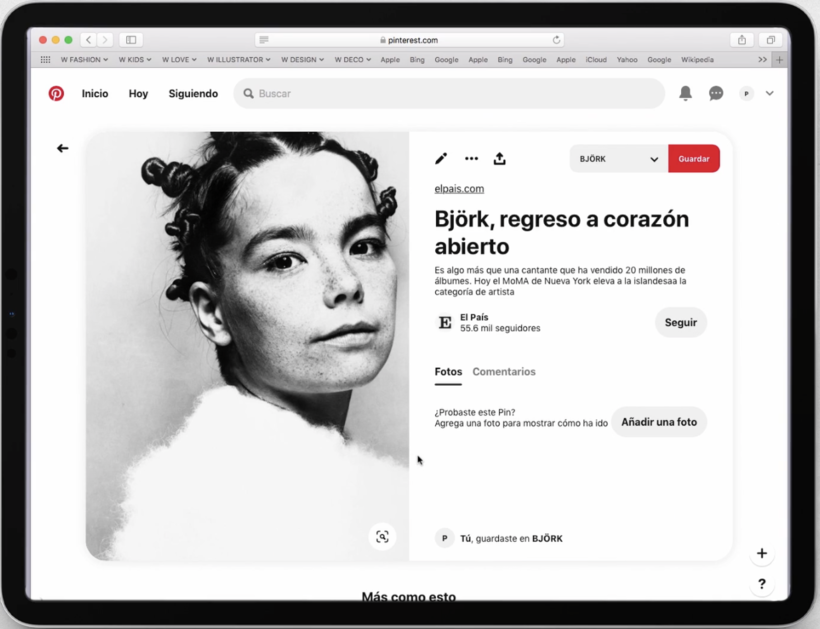
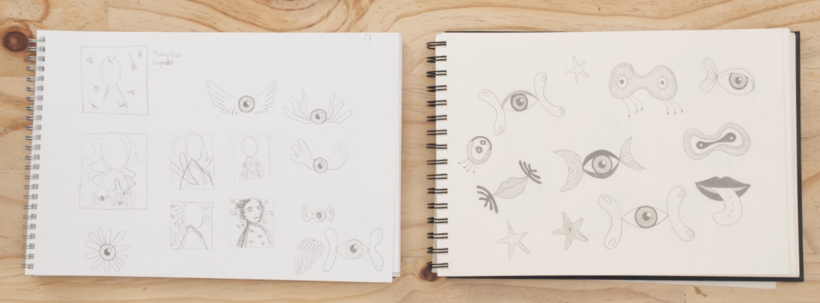
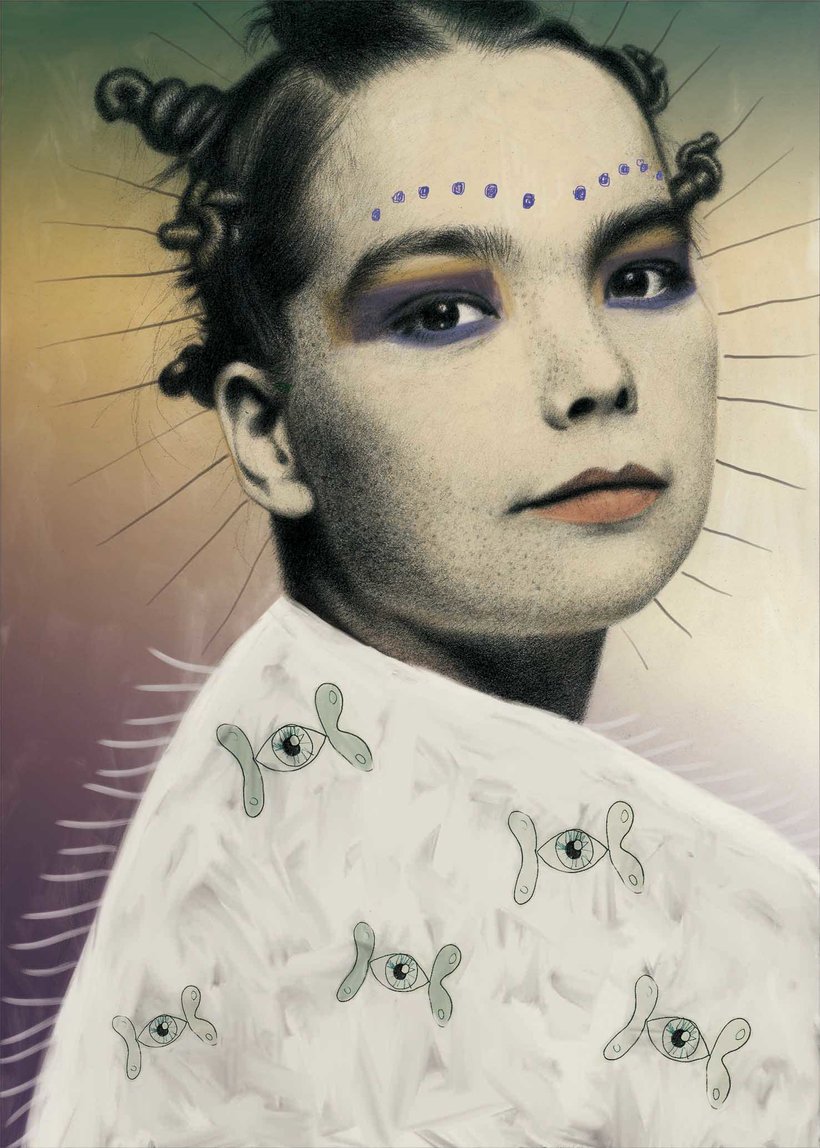
“Thank you for taking this course and for choosing me as your teacher. I am very happy to share with you everything I know. Besides, I have enjoyed it very much and I hope you have also enjoyed it and had fun, but above all, that you have learned a lot. I invite you to do your own final project and share with us, not only the final result but also the process that led you to it. You have already seen my project, but now I would love to show you how I would like to see yours. Are you ready? I invite you to take a look. b]In search of the perfect portrait[/b]. To start this project you need to have a portrait you want to work with. So do the search that you consider pertinent until you find the right one; let the portrait itself call your attention, let it awaken in you emotions that attract you to it.
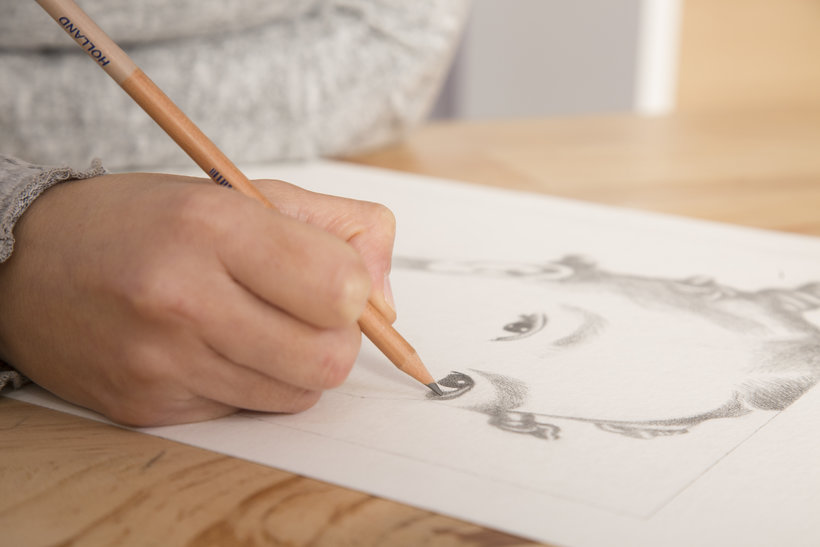
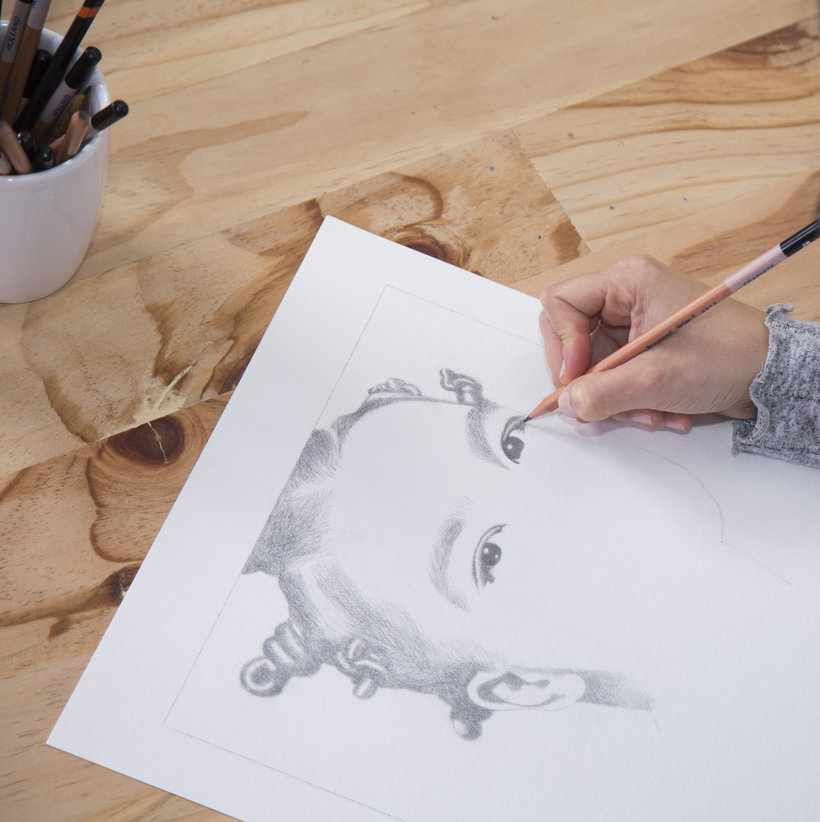
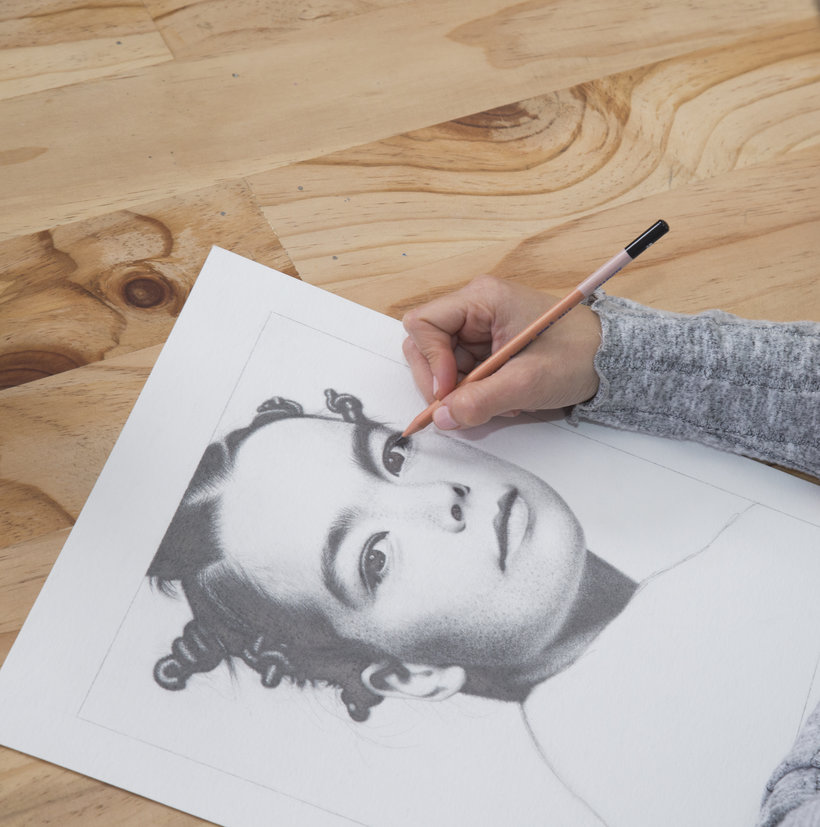
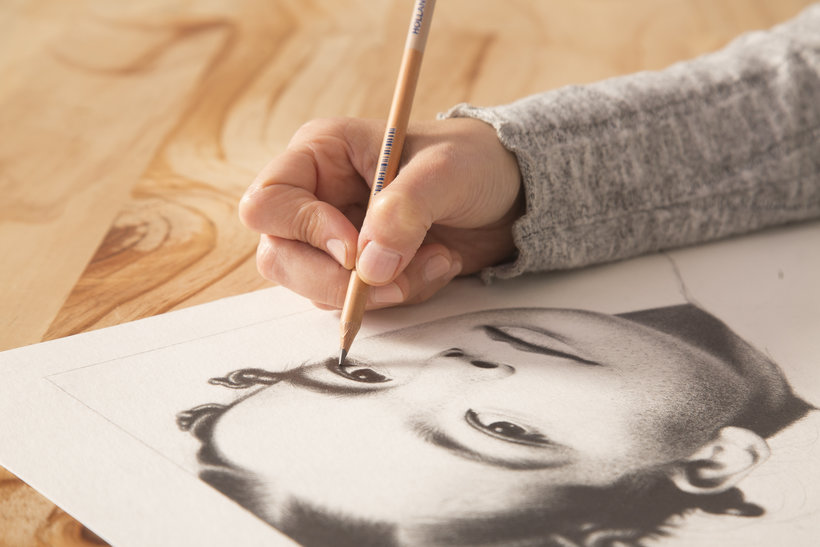
Partial transcription of the video
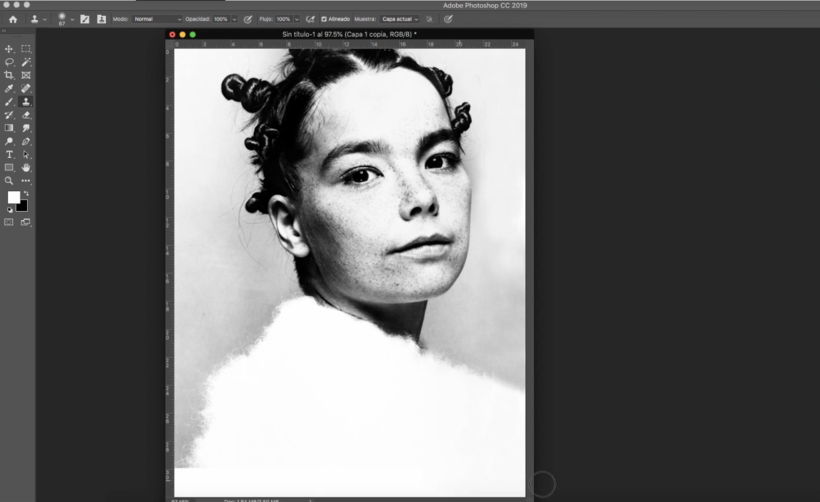
“Hello. i hope you enjoyed this course as much as I did. In this lesson. i will give a brief summary of what we covered during the course. First. i taught you step by step the basic proportions of a face. We covered fundamental ideas about light. shadow. shapes. and textures for modeling. I then presented photograph along with other visual references to enhance your understanding. Afterward. i printed the image to full scale. You should have done the same with the character you chose portray. With the selected photo as our guide. we mapped out the fundamental facial features onto the cardboa...”
This transcript is automatically generated, so it may contain mistakes.
Course summary for: Graphite Portraits with Digital Design
-
Category
Illustration -
Areas
Digital Illustration, Drawing, Pencil Drawing, Portrait Drawing, Traditional illustration

Patricia Escalante
A course by Patricia Escalante
Patricia Escalante studied painting at the Pontifical Catholic University of Peru. However, she spent 12 years of her career pursuing one of her other passions: graphic design. During that time, she worked with companies like Kerzen and Unique/Yanbal.
Now she is fully devoted to art and experiments with graphite drawing and other digital techniques. Much of her work focuses on portraits of artists and people she admires. Inspired by classic magazine graphics and black and white photography, Patricia explores the depth of portraits as an art form and depicts her figures in timeless spaces.
- 95% positive reviews (22)
- 327 students
- 22 lessons (3h 20m)
- 9 additional resources (1 files)
- Online and at your own pace
- Available on the app
- Audio: Spanish, German, English, French, Indonesian, Italian, Dutch, Polish, Portuguese, Romanian, Turkish
- Spanish · English · Portuguese · German · French · Italian · Polish · Dutch · Turkish · Romanian · Indonesian
- Level: Beginner
- Unlimited access forever
Category
Areas