Vector Pattern Illustration for Beginners
Course final project
A course by Sara Tomate , Illustrator

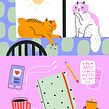



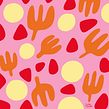

About the final project for: Vector Pattern Illustration for Beginners
Vector Pattern Illustration for Beginners
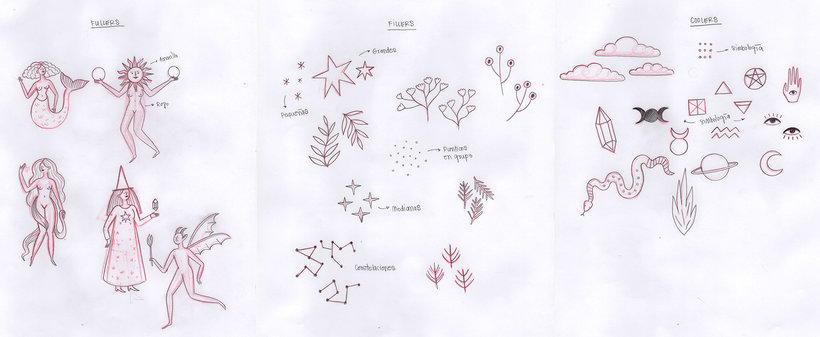
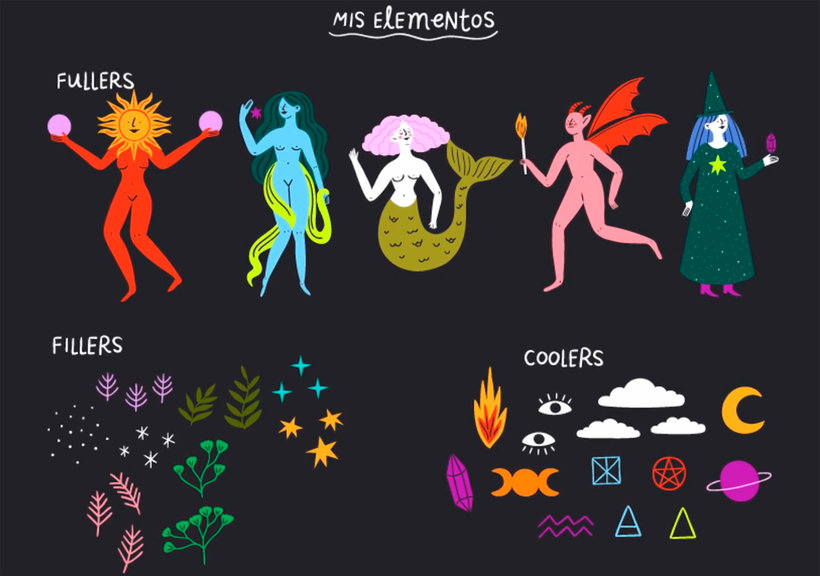
“I'm glad you chose me to show you the world of patterns in my own way. You lived a journey where you challenged yourself and learned everything you need to be a professional creator of illustrated product collections. I'm so happy for you! The idea of the course is that you can find your own inspiration to choose a unique concept that makes your collection something very original that others want to have at home or accompany them everywhere. Go ahead and create something new! How about testing on animals? Or with a classic tale? Or if you take inspiration from your favorite movie? Don't forget that inspiration can be found wherever you go! So use your cell phone as your right hand when collecting images in your day to day that will then serve as a graphic library to make your next creations. Do not ignore looking for your references to create your mood board, that will help you to be clear about your color palette and the elements that will form your final design. Before sitting down to digitize, make your sketch, always! Believe it or not, this is almost 50% of the work, you will save many processes if you have your concept clear on a sheet, what your Fillers, Fullers, and Coolers will be.
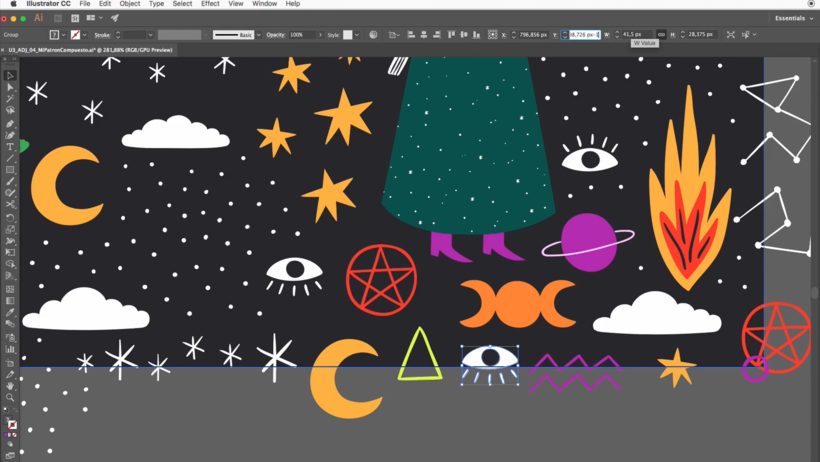
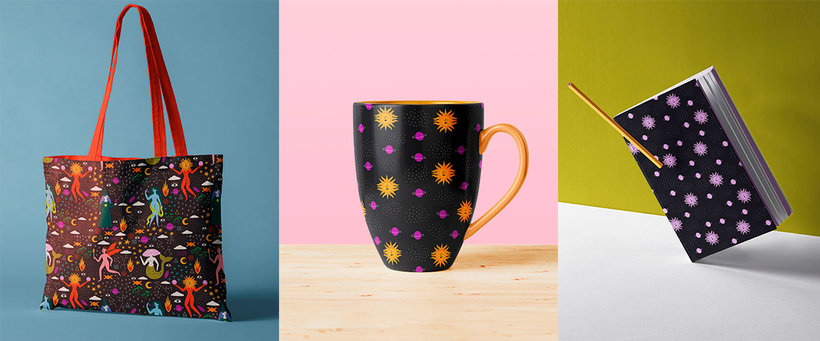
Partial transcription of the video
“Final project We have reached the end of our course. Hope you enjoyed it as much as I did. Before I say goodbye, let's do a recap on the steps to follow to achieve your final project. Inspiration can be found wherever you go. Use your cell phone to find inspiration in your day to day, then it will serve as a graphic library to make your own creations. Search references to create your mood board. It will help you to have a clearer idea about your color palette and the elements that will make up your final design. Before you sit down to digitize, make your sketch. Always, believe it or not, i...”
This transcript is automatically generated, so it may contain mistakes.
Course summary for: Vector Pattern Illustration for Beginners
-
Category
Design, Illustration -
Software
Adobe Illustrator, Adobe Photoshop -
Areas
Design, Pattern Design, Printing, Traditional illustration

Sara Tomate
A course by Sara Tomate
Born in Medellin Colombia, Sara Sarmiento, better known as Sara Tomate chose to illustrate full-time after working for several years in advertising agencies.
Her passion is illustrating for products or editorials. She has worked for editorials like Planeta, Penguin Random House, and Panamericana. Her clients include The New York Times, Autacity and Partners (Spain), El Colombiano newspaper, and Mac Center.
- 99% positive reviews (260)
- 3,922 students
- 13 lessons (1h 48m)
- 18 additional resources (13 files)
- Online and at your own pace
- Available on the app
- Audio: Spanish, English, French, Italian, Portuguese, Turkish
- Spanish · English · Portuguese · German · French · Italian · Polish · Dutch · Turkish · Romanian · Indonesian
- Level: Beginner
- Unlimited access forever
Recommended software & tools for this course
 Adobe Illustrator
 Adobe Photoshop
Category
Areas

