Cartoon-Style Still Life Modeling with Maya
A course by Albert Valls Punsich3D Artist
A course by Albert Valls Punsich, 3D Artist

Learn the basic techniques to model and build cartoon-style 3D props
If you want to go from imagining to creating fantastic worlds, 3D scenes, and cartoon-style settings, this is your course. Albert Valls, who has worked in Framestore for big productions like Avengers: Infinity War, Thor: Ragnarok, and Fantastic Beasts: The Crimes of Grindelwald, will be your guide throughout this course.
Learn all the steps to create your own 3D scene from scratch: starting from the idea, to blocking, and scene composition to the final render for your portfolio. Along the way, Albert shows you techniques and tools to help you turn your imagination into reality while learning the working methodology used by professional studios. Finally, go through texturing. The final objective is that you can learn to tell your own story through the creation of a scene.
This is the second course by Albert Valls on Domestika. If you are looking to start with a more introductory course, you might be interested in Creation of 3D Scenes from Scratch in Maya.
What will you learn in this online course?
24 lessons & 25 downloads
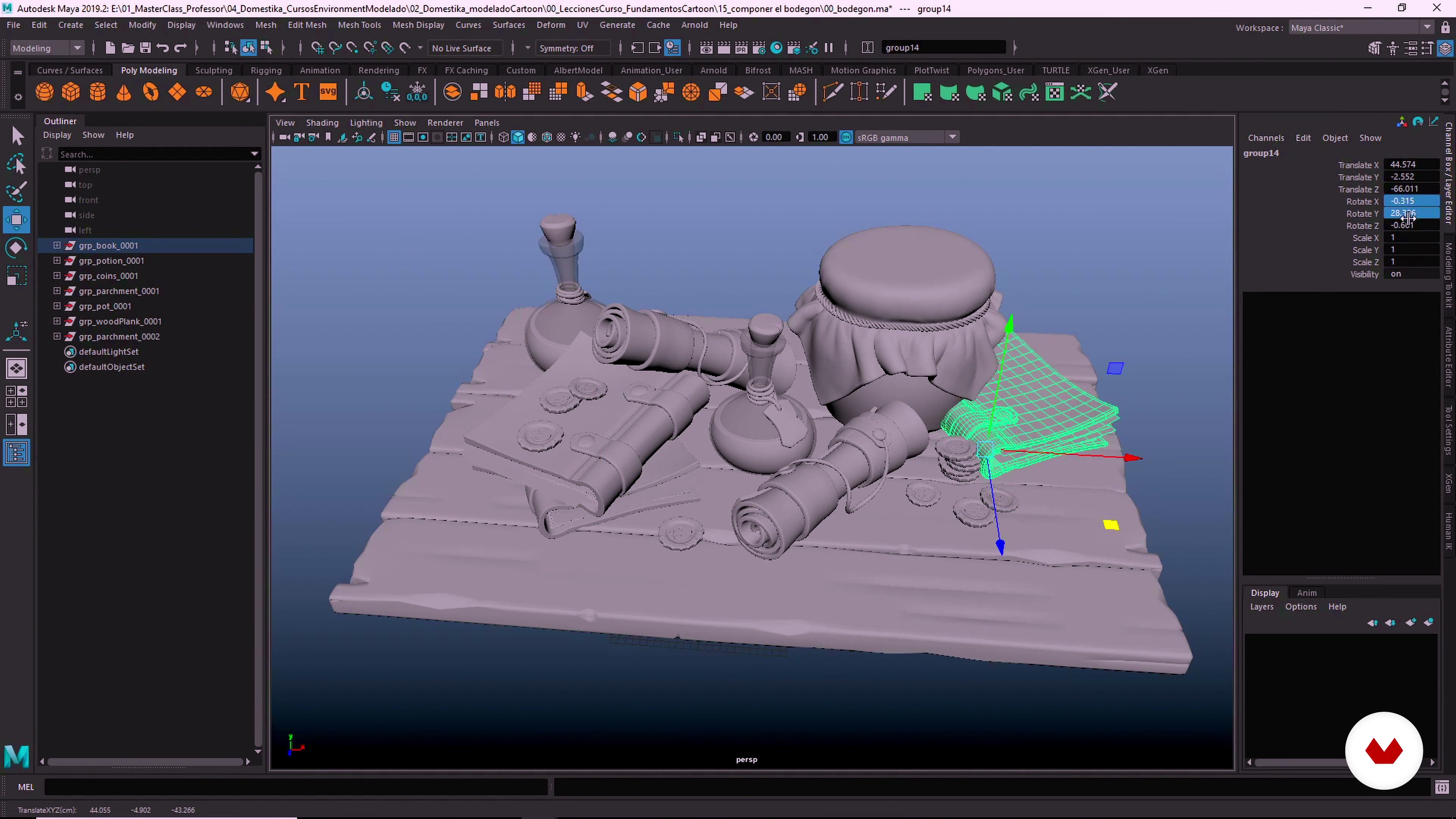
What will we do in the course?
1 minute, 59 seconds

Stylize and exaggerate shapes
14 minutes, 52 seconds
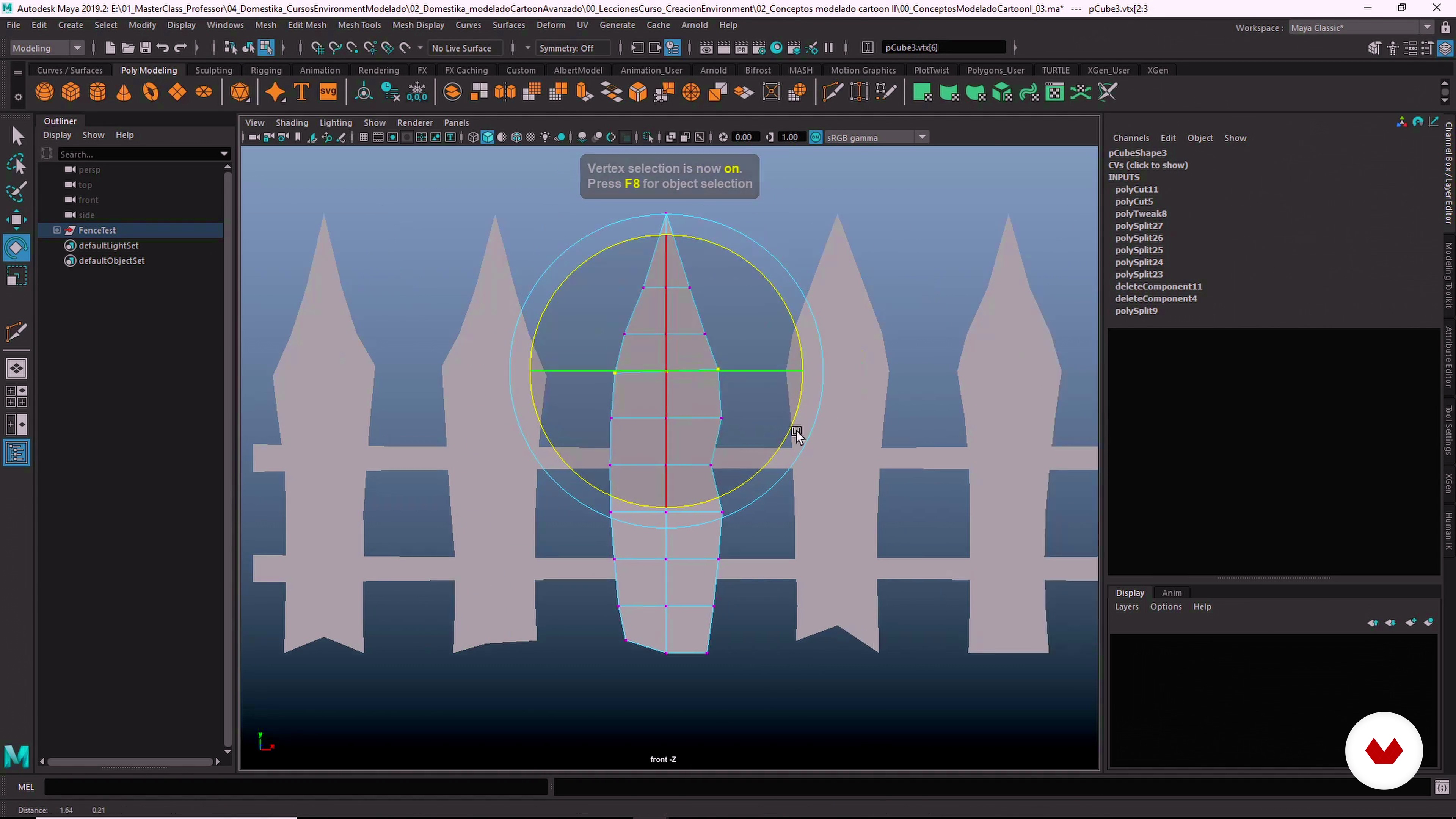
Irregularity and variation
15 minutes, 45 seconds
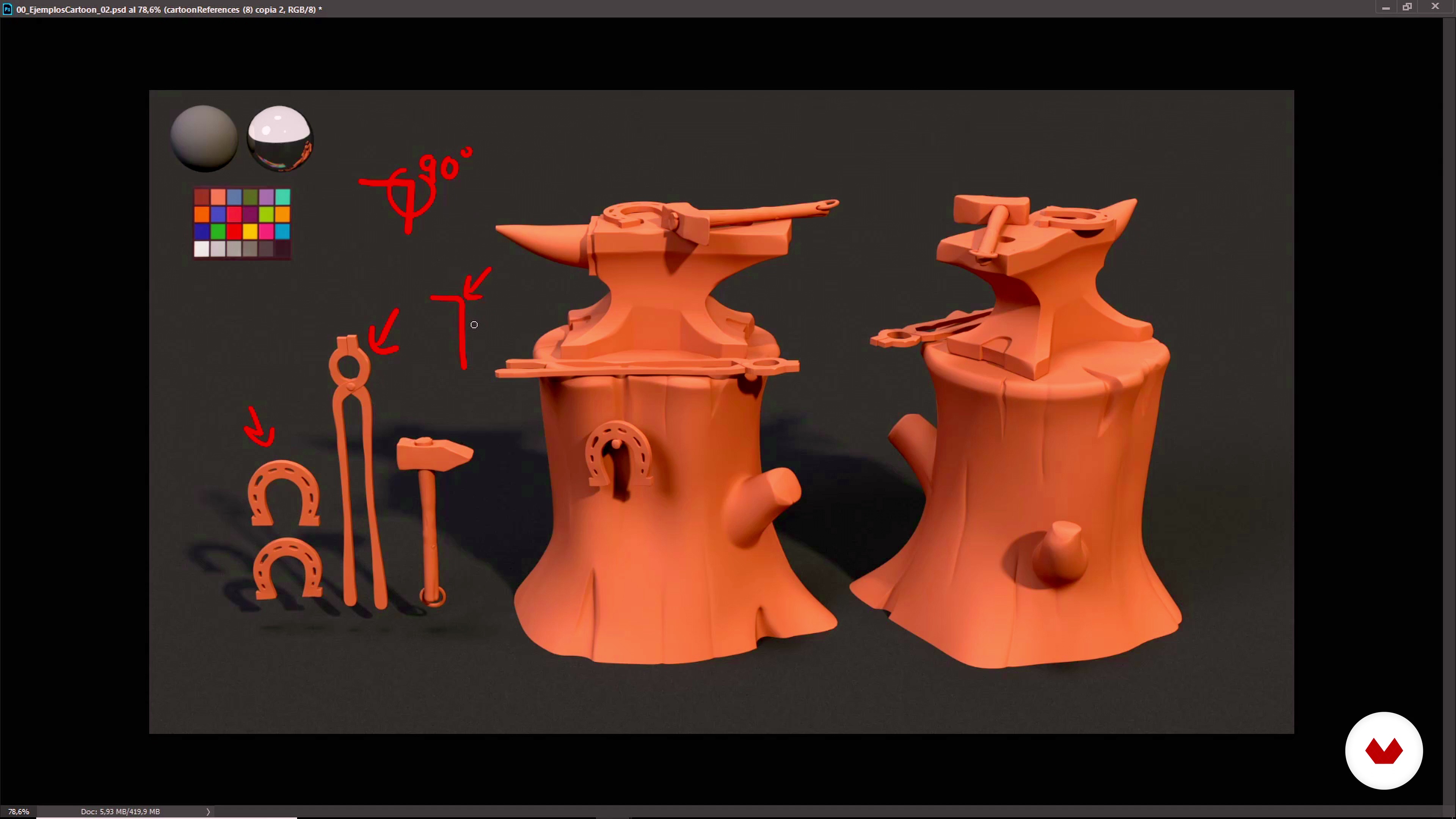
Proportions, thickness and bevel
11 minutes, 3 seconds
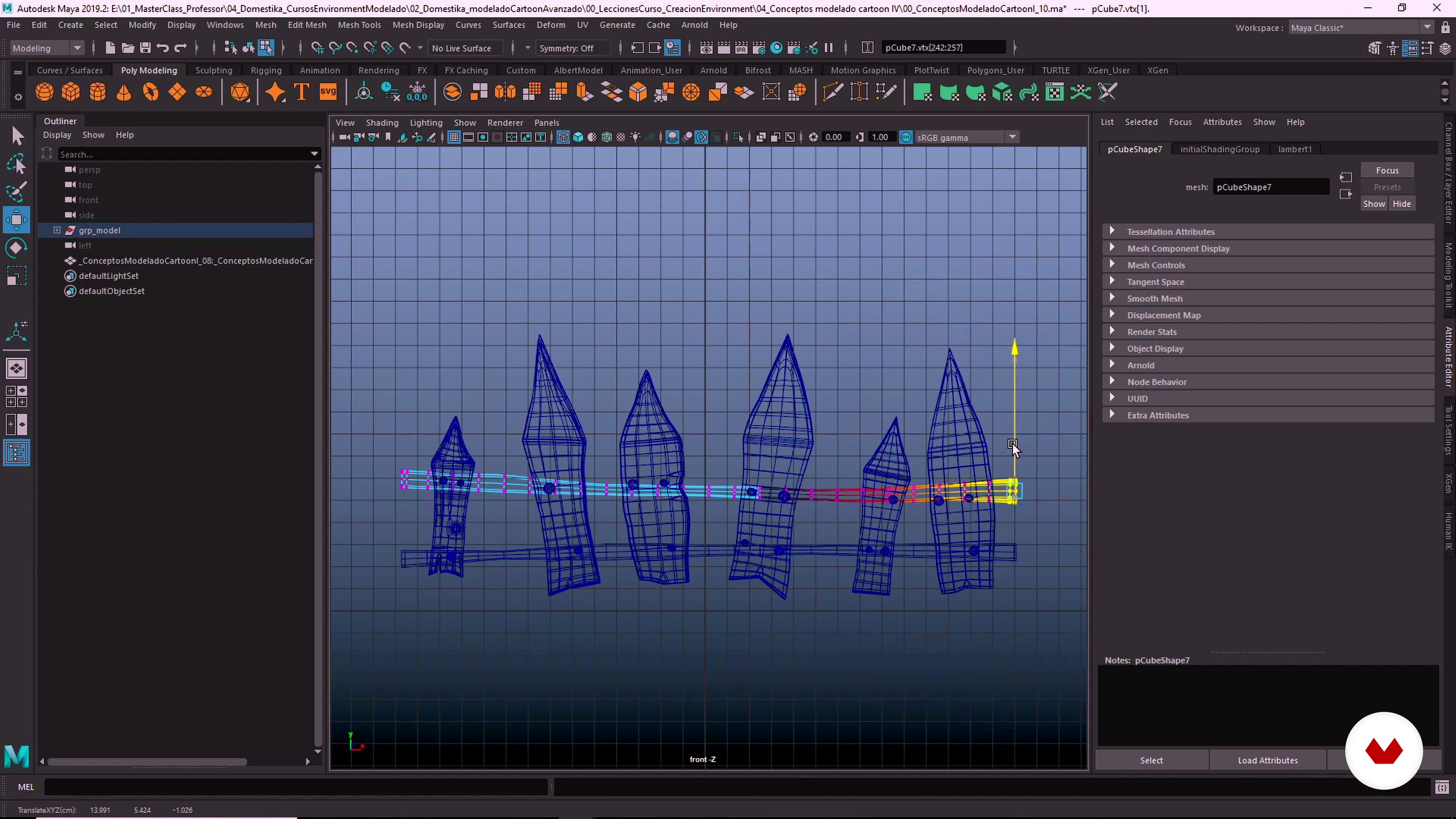
Handmade style and level of detail
17 minutes, 50 seconds
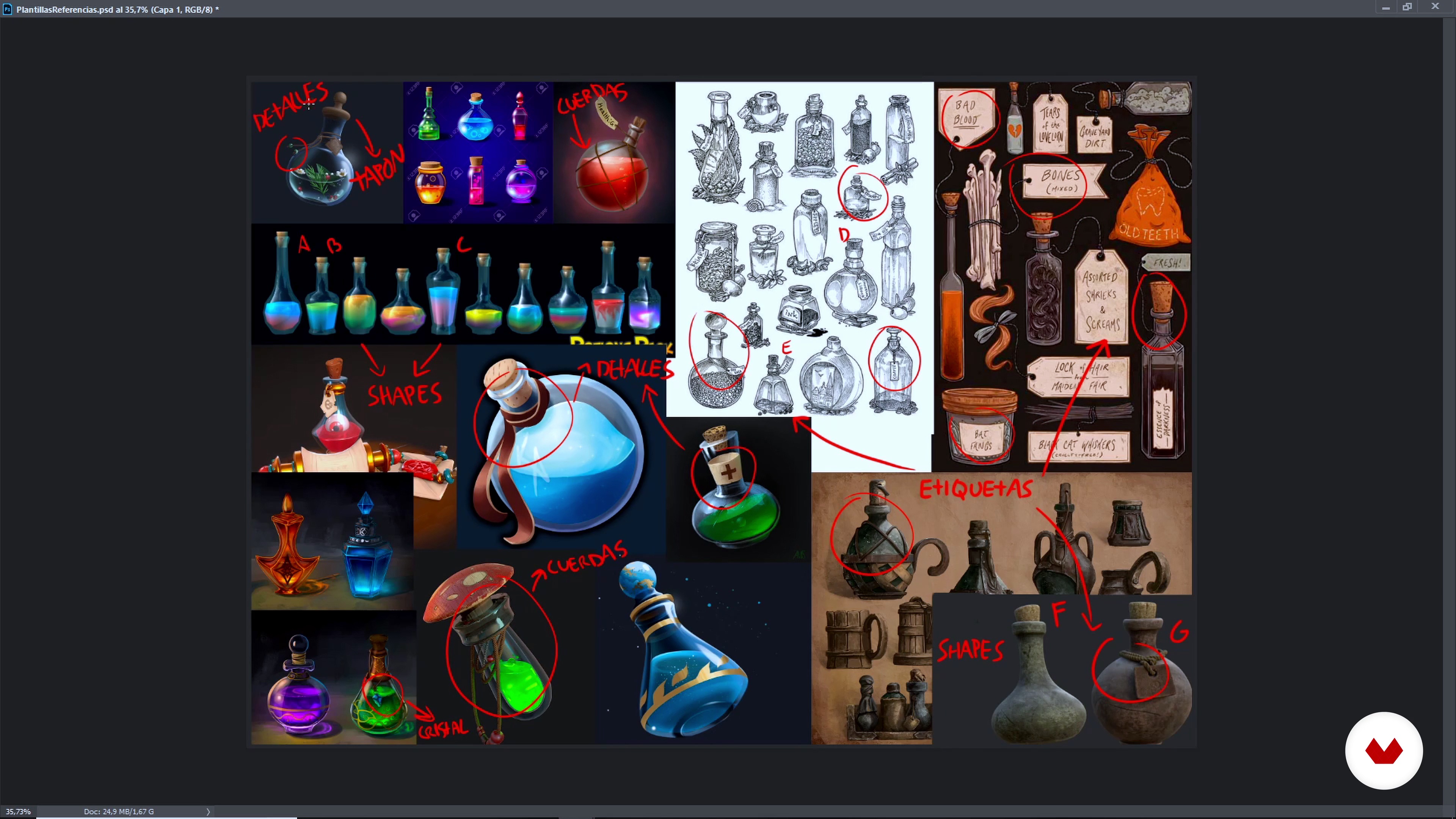
Collection of references
8 minutes, 18 seconds
What's included in this course?
Albert tells you about his career as a 3D artist for television, animation, and VFX, and talks about some of his influences in the world of comics, film, and animation.
Start by focusing on something basic, the idea. Albert shows you his reference sources and tells you how to organize them before starting a project. See the basics of composition, to help you guide the viewer through the environment. Then, move on to sketching your scene.
Discover the tools for blocking (or modeling) in Maya and how to translate your 2D sketch into a 3D environment. Accomplish the blocking as you adjust the scale, volumes, and proportions. Then, learn how to color your proxies to make the scene more visible to the Previs and Layout team.
Get introduced to Set Dressing and see the key points when modeling the asset library. Then, learn how to reuse modeled objects to create new assets.
Let's get to work! Build your stage using your library and perform blocking in a professional way. Albert shows you how to add the props to the scene and visualize your character for a perfect dressing; also how to organize the outliner to leave the files ready to apply the textures.
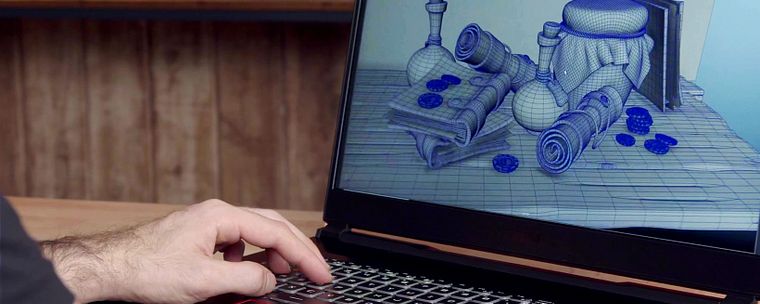
Finally, Albert teaches you the basics of lighting and rendering and how to get a quality wireframe for your models. With the help of Adobe Photoshop, finish your image to add it to your portfolio.
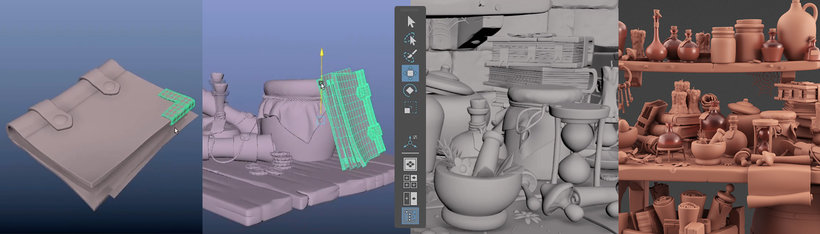
Recommended software & tools for this course
What is this course's project?
Create a 3D scene, following cartoon-style guidelines, with Maya.
Projects by course students


Who is this online course for?
This course is for anyone with knowledge of Maya who wants to go beyond the creation of assets and learn how to manage a complete 3D scene, as well as for those interested in creating settings for movies.
Requirements and materials
To take this course, you will need previous knowledge of modeling with Maya and a lot of imagination. As for materials, you will only need a computer with Autodesk Maya installed.
Reviews
- 7 months ago
Excelente curso!
- 8 months ago
Great course!
- 11 months ago
Buena introducción al cartoon, facil de seguir con la explicación.
- 1 year ago
Buen curso, lo recomiendo si conoces los comandos en Maya.
- 1 year ago
Achei fraco, o curso se diz de nível intermediário, muito triste o professor ensinar conceitos e fundamentos básicos e de repente o vídeo corta e volta com um modelo mais detalhado, pulando etapas e sem ensinar, achei muito triste e ruim!

Specializing in modeling and scenario creation for VFX, animation, and television, he has worked both nationally and internationally for several studios. Among which stands out his work in Framestore for big productions such as Avengers: Infinity War, Thor: Ragnarok, and Fantastic Beasts: The Crimes of Grindelwald.
Content
- U1
Introduction
- Presentation
- Influences
- What will we do in the course?
- U2
Fundamentals
- Stylize and exaggerate shapes
- Irregularity and variation
- Proportions, thickness and bevel
- Handmade style and level of detail
- Collection of references
- U3
Modeling the elements of the scene
- Potion Modeling 1
- Potion Modeling 2
- Modeling Book 1
- Modeling Book 2
- Scroll Modeling 1
- Parchment pattern 2
- Shaping the bottle
- Coin modeling 1
- Coin modeling 2
- Modeling the wooden board
- Rename and merge
- Compose the still life
- U4
Render for the portfolio
- illumination
- Look dev 1
- Look dev 2
- Final score
- FP
Final project
- Modeling cartoon
What to expect from a Domestika course
Learn at your own pace
Enjoy learning from home without a set schedule and with an easy-to-follow method. You set your own pace.
Learn from the best professionals
Learn valuable methods and techniques explained by top experts in the creative sector.
Meet expert teachers
Each expert teaches what they do best, with clear guidelines, true passion, and professional insight in every lesson.
Certificates
PLUSIf you're a Plus member, get a custom certificate signed by your teacher for every course. Share it on your portfolio, social media, or wherever you like.
Get front-row seats
Videos of the highest quality, so you don't miss a single detail. With unlimited access, you can watch them as many times as you need to perfect your technique.
Share knowledge and ideas
Ask questions, request feedback, or offer solutions. Share your learning experience with other students in the community who are as passionate about creativity as you are.
Connect with a global creative community
The community is home to millions of people from around the world who are curious and passionate about exploring and expressing their creativity.
Watch professionally produced courses
Domestika curates its teacher roster and produces every course in-house to ensure a high-quality online learning experience.
FAQs
You’ll learn to model 3D objects and scenes in a cartoon style, using techniques like exaggeration, stylization, silhouette manipulation, and asymmetry, plus how to create still lifes and optimize models for animation and VFX.
Basic 3D modeling knowledge is recommended since this is an intermediate course focused on advanced techniques and stylization in Maya.
You’ll need Autodesk Maya as the main software. Photoshop is also recommended for organizing references, and optionally Blender and ZBrush for complementary techniques.
Yes, the course covers everything from gathering and organizing references to creating and stylizing cartoon 3D models, including deformation, asymmetry, and handmade details.
Absolutely, the course is designed to help you develop personal projects and a professional reel showcasing your cartoon modeling and 3D scene skills.
The course covers techniques like shape exaggeration, vertex manipulation, breaking symmetry, adjusting thickness, beveling, creating irregular props, and adding stylized details to achieve a convincing cartoon look.
Yes, you’ll learn how to optimize topology, manage subdivisions, clean up meshes, and maintain geometric integrity of cartoon models for a professional workflow.