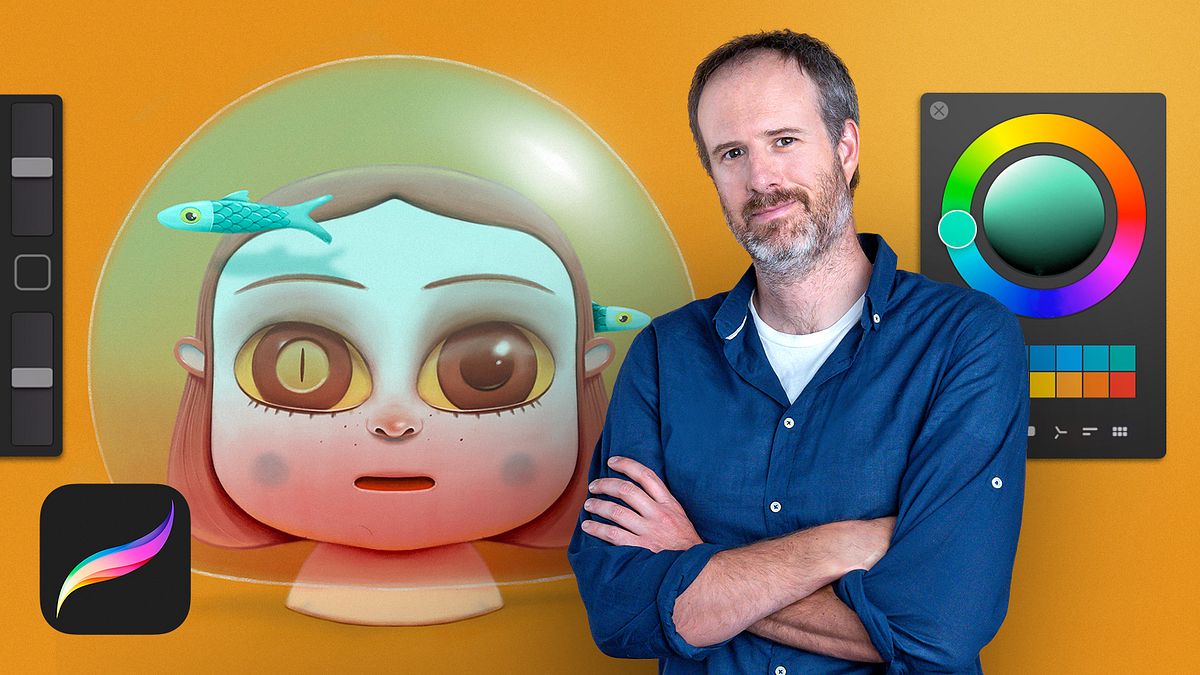
Illustration Techniques and Styles with Procreate
A course by Óscar LlorénsIllustrator
A course by Óscar Lloréns, Illustrator

Learn how to approach an illustration project with different techniques to find your style
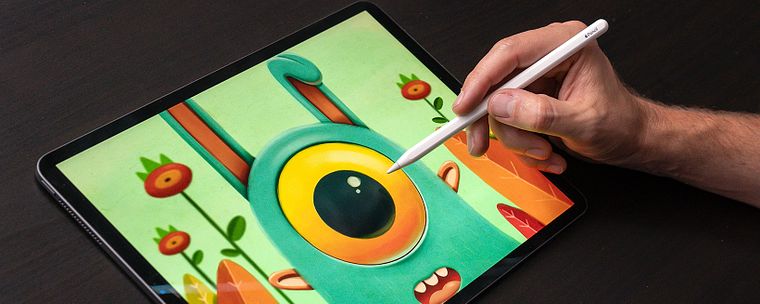
Illustrator Óscar Llorens is an advocate of Procreate and believes that, although it is designed and optimized for use on tablets, this software can be fully capable of becoming your main illustration ally. With his help, you will explore all the options that Procreate offers, so you can learn how to face a professional illustration project and discover your personal style in the process.
In this course, learn different illustration techniques and tricks with Procreate. Óscar explains three techniques from scratch: acrylic painting, line illustration, and watercolor. Through them, discover the true potential of Procreate as professional illustration software.
If you want to learn more about Procreate, you can sign up for another of Óscar's courses on Domestika: Digital Illustration with Procreate. In addition, you can learn his illustration techniques with other software in Express Illustration with Illustrator and Photoshop and Express illustration for press with Photoshop.
What will you learn in this online course?
19 lessons & 26 downloads
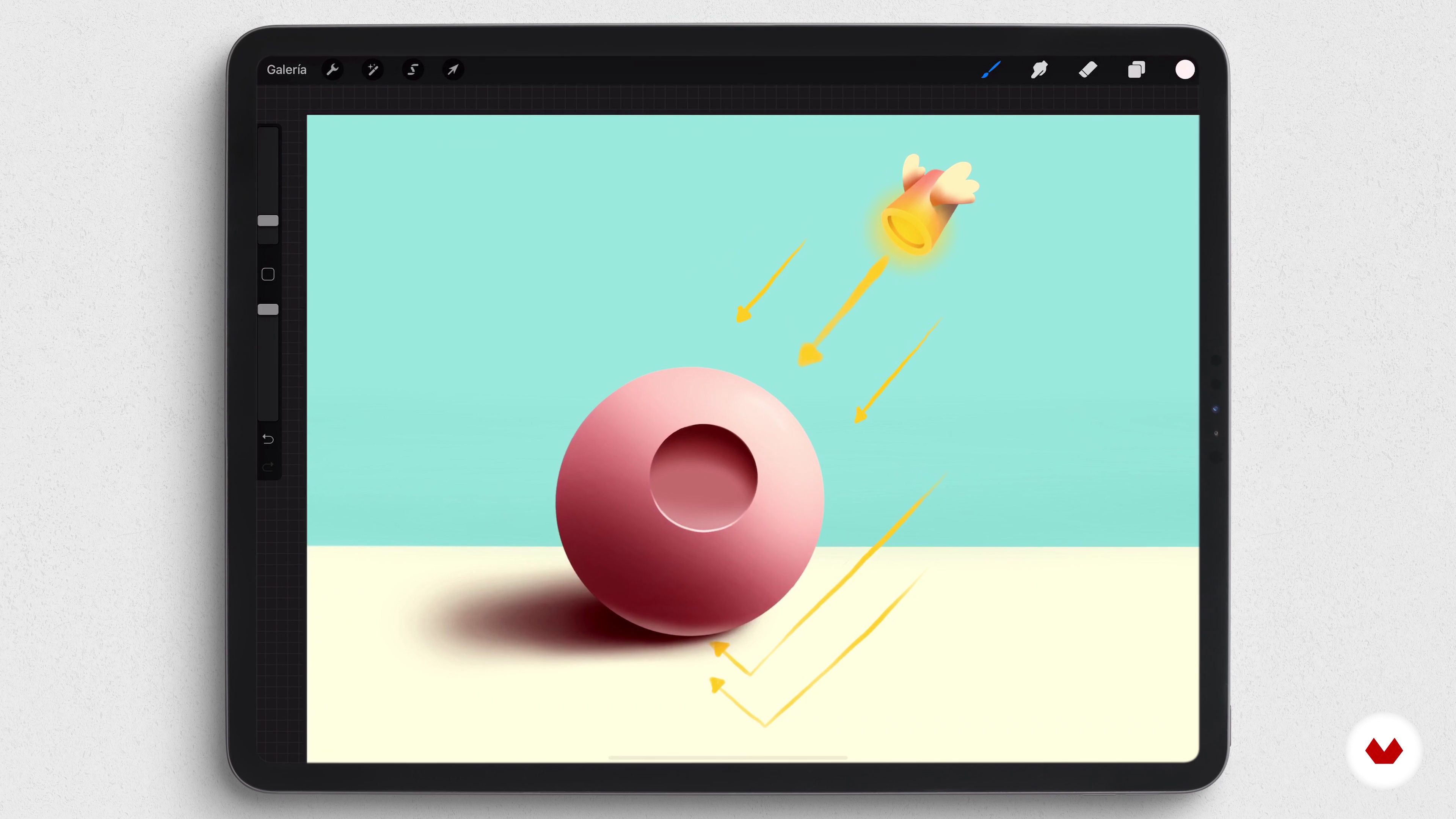
Theory about light and shadow
8 minutes, 21 seconds
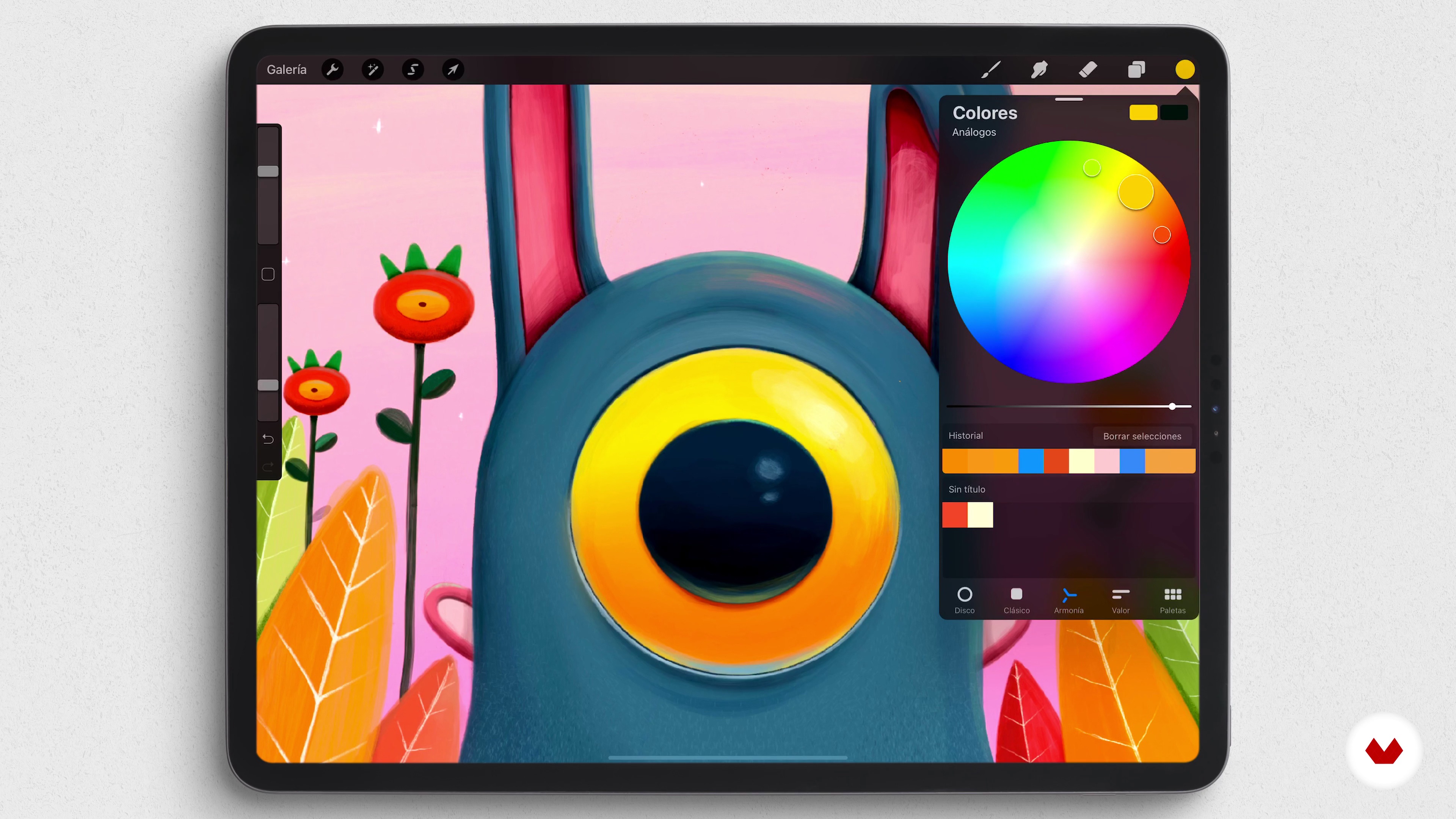
Color selection for our project
3 minutes, 50 seconds
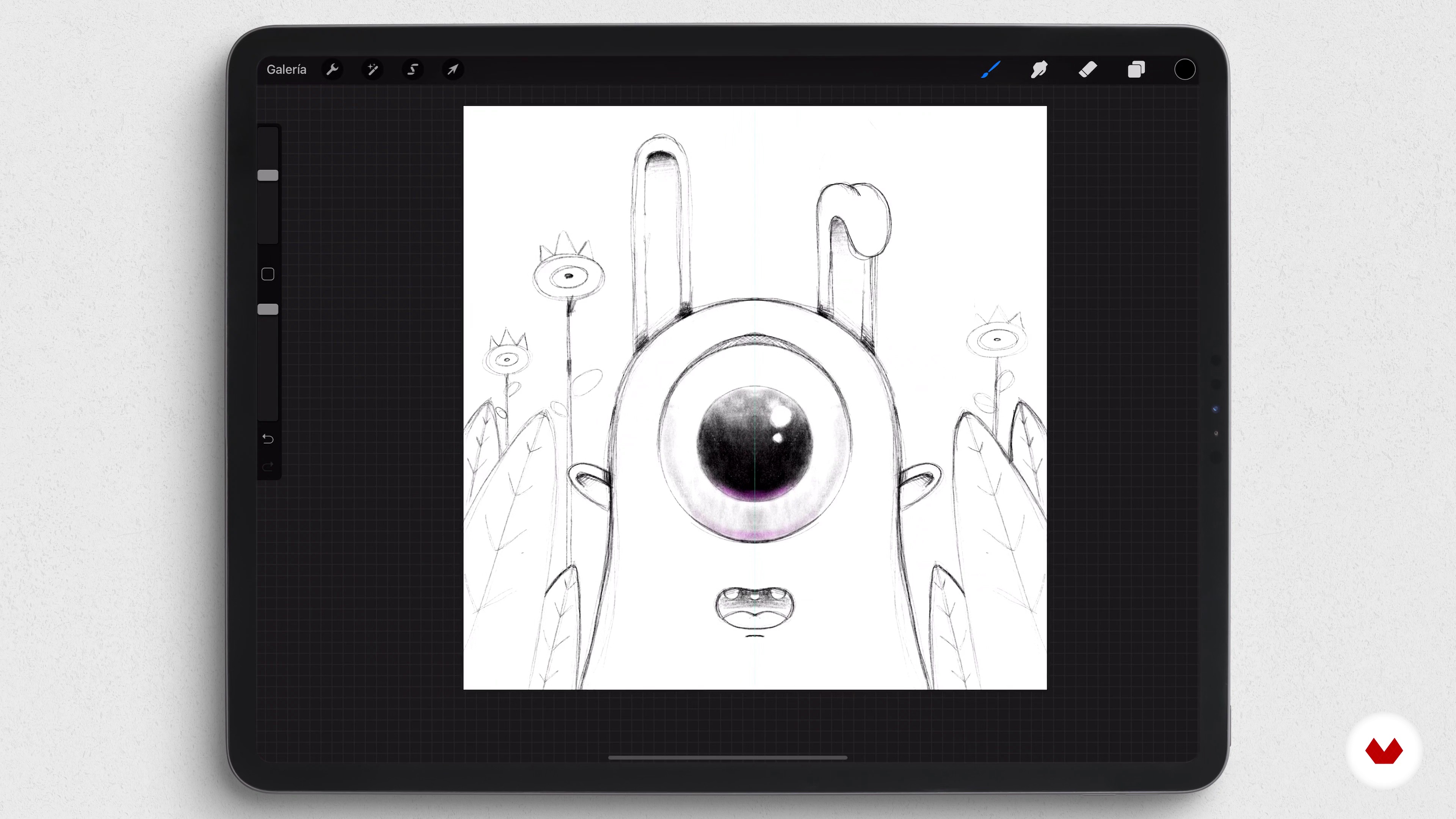
The sketch
12 minutes, 9 seconds
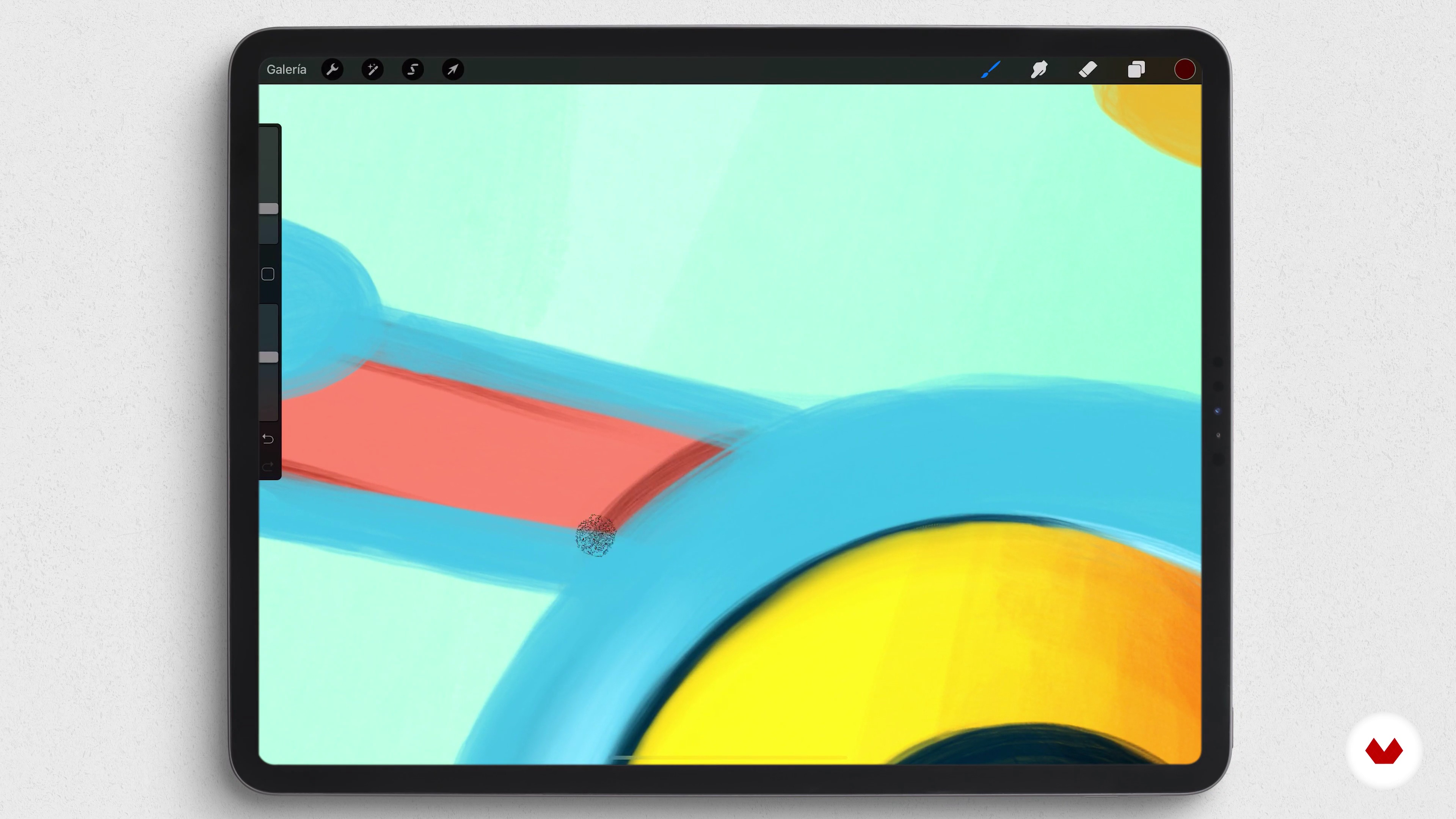
We apply lights and shadows 1
21 minutes, 17 seconds
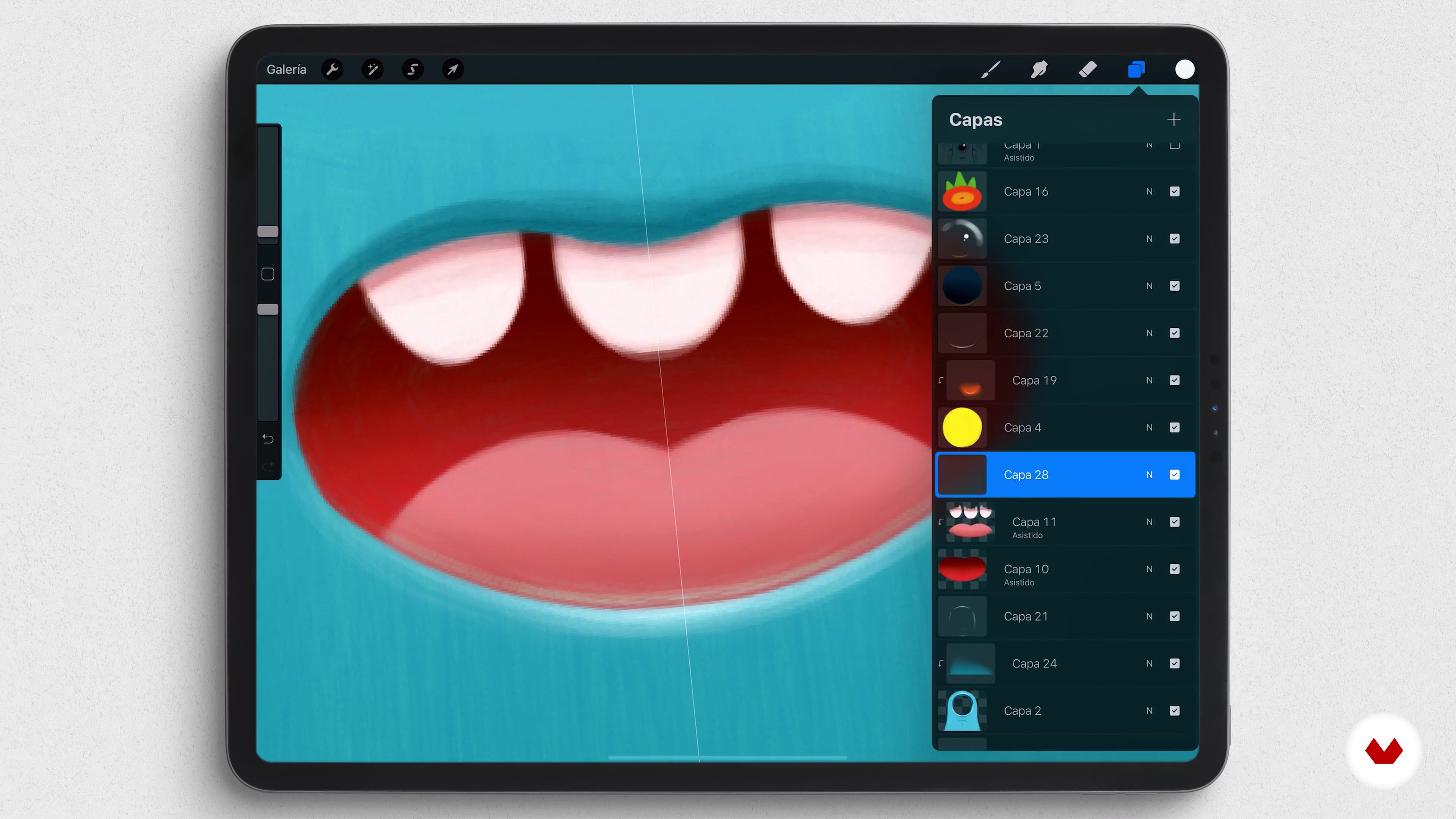
We apply lights and shadows 2
12 minutes, 47 seconds
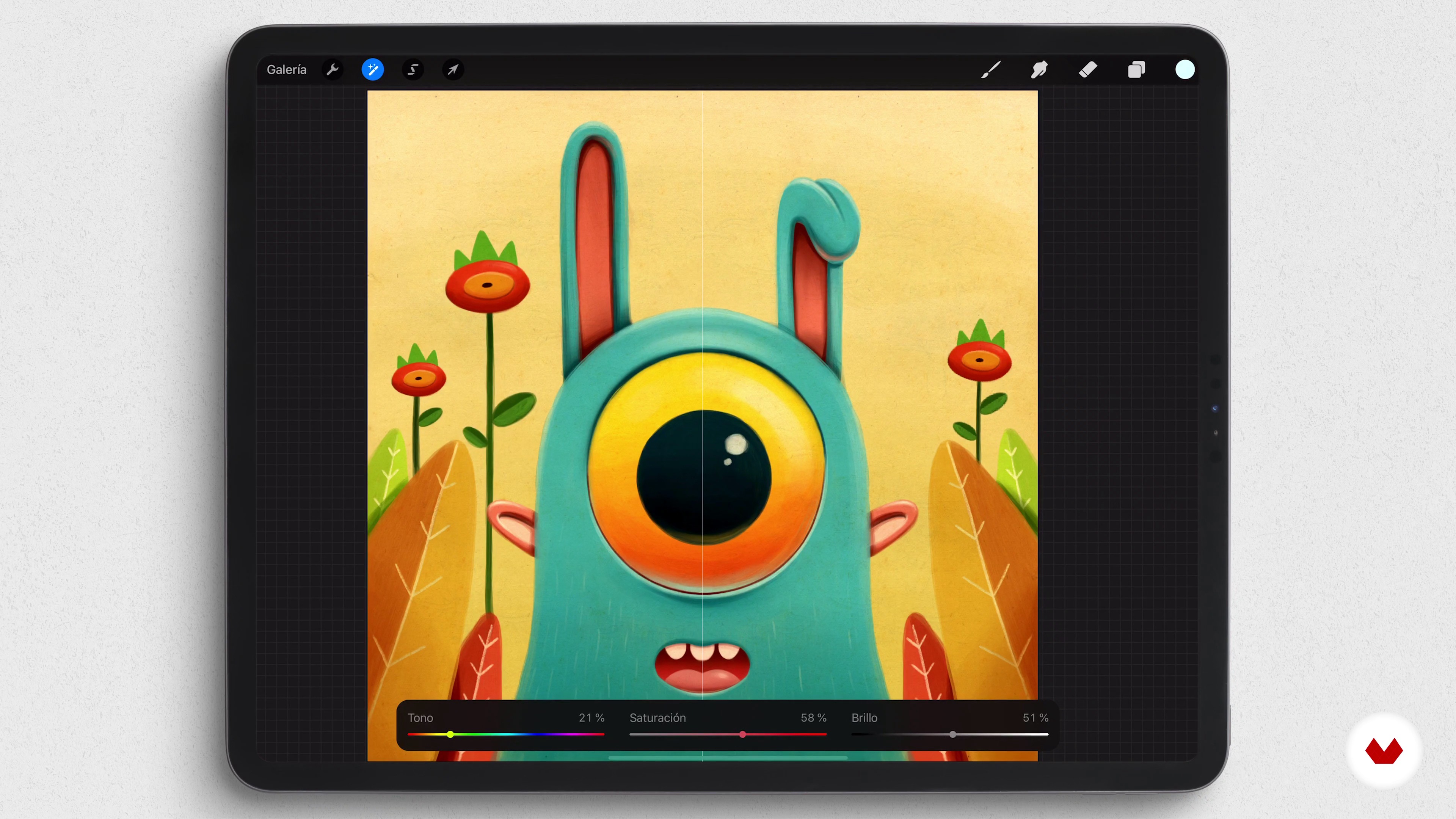
Last settings
5 minutes, 47 seconds
What's included in this course?
Start the course by getting to know Óscar a little better, as he tells you about his professional career in recent years, some of his influences, especially artists and illustrators who work with Procreate, and explains in detail what you will learn in this course.
The three techniques you will explore in this course have several points in common, which you will review, and receive a brief explanation of how Procreate works.
Then, learn how to illustrate with the first technique of this course: acrylic painting, a traditional painting technique. To do this, use the acrylic paintbrushes that come with Procreate by default. The final finish simulates an acrylic or oil painting, rather than a digital illustration.
From there, move on to the next technique, very different from the previous one. This is a classic method of drawing that consists of inking your sketch and then coloring the inside of the line. This technique is usually used in comics and classic manga.
Finally, Óscar explains how to make an illustration with a finish similar to watercolor. In this type of technique, you will work a little more on your sketch, since it will be part of the final illustration. For this part, use the watercolor brushes that Procreate offers for color, lights, and shadows.
Recommended software & tools for this course
What is this course's project?
Create the same illustration step by step with three different techniques on Procreate, from beginning to end. Óscar explains each technique in detail so that, regardless of your level, you can follow the course without much difficulty.
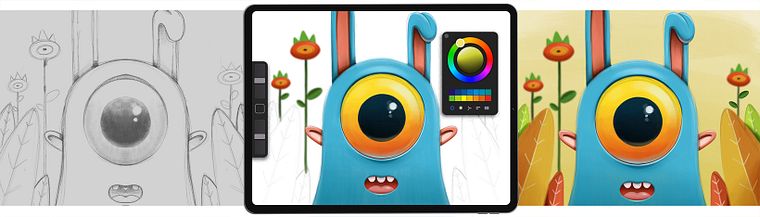
Projects by course students


Who is this online course for?
This course is for anyone interested in illustration, both at a professional and amateur level. The fact that you learn how to illustrate on an iPad means that you don't need much equipment to start your illustration studio either.
Requirements and materials
No previous knowledge is necessary, since Óscar will teach you to use the tools you will need to carry out the project.
No previous knowledge is needed since Óscar teaches you how to use the tools needed to carry out the project.
As for materials, you will need an iPad with Procreate and ideally, an Apple Pencil.
Reviews
- 2 months ago
Un curso genial, muy bien explicado de forma sencilla y directo al grano. Gracias por compartir tus conocimientos de Procreate.
- yrnbPLUS4 months ago
I haven't finish the whole course yet, but I can honestly say this is one of the BEST online courses I've ever taken in my life. Brilliant!
- 7 months ago
🌻✨✨
- 8 months ago
Se aprende muchísimo. Óscar explica muy bien
- 10 months ago
Learning a lot!

His illustrations have been the driving force behind major campaigns for big-name brands, including Coca-Cola, Fiat, Red Bull, Vodafone, Movistar, and Cepsa, and have covered the pages of newspapers and magazines such as El País Semanal and Vanity Fair. His crowded illustrations have also been seen by millions of viewers as the backdrop in the confession room on the TV show Gran Hermano.
Content
- U1
Introduction
- Presentation
- Influences
- What will we do in the course?
- U2
The bases
- Get familiar with Procreate
- Theory about light and shadow
- Color selection for our project
- The sketch
- U3
Acrylic paint
- Coloring with the acrylic brush
- We apply lights and shadows 1
- We apply lights and shadows 2
- Last settings
- U4
Illustration to line
- Inked
- Color
- Lights and shadows
- Final adjustments
- U5
Watercolor with Procreate
- Adjust the sketch
- Color
- Lights and shadows
- Last settings
- FP
Final project
- Illustration Techniques and Styles with Procreate
What to expect from a Domestika course
Learn at your own pace
Enjoy learning from home without a set schedule and with an easy-to-follow method. You set your own pace.
Learn from the best professionals
Learn valuable methods and techniques explained by top experts in the creative sector.
Meet expert teachers
Each expert teaches what they do best, with clear guidelines, true passion, and professional insight in every lesson.
Certificates
PLUSIf you're a Plus member, get a custom certificate signed by your teacher for every course. Share it on your portfolio, social media, or wherever you like.
Get front-row seats
Videos of the highest quality, so you don't miss a single detail. With unlimited access, you can watch them as many times as you need to perfect your technique.
Share knowledge and ideas
Ask questions, request feedback, or offer solutions. Share your learning experience with other students in the community who are as passionate about creativity as you are.
Connect with a global creative community
The community is home to millions of people from around the world who are curious and passionate about exploring and expressing their creativity.
Watch professionally produced courses
Domestika curates its teacher roster and produces every course in-house to ensure a high-quality online learning experience.
FAQs
Yes, this course is designed for those with basic digital illustration knowledge who want to refine techniques, experiment with styles, and master tools like Procreate, Photoshop, and Illustrator.
It’s recommended to have basic digital illustration skills and some initial experience with Procreate to get the most out of the course, though being an expert isn’t required.
You’ll learn to develop a personal style, simulate traditional techniques like acrylic and watercolor, master Procreate’s tools, manage layers, brushes, and color, and create professional illustrations with volume, lighting, and shadows.
You’ll need a tablet compatible with Procreate, the Procreate app installed, and optionally access to Photoshop or Illustrator if you want to explore workflow integration.
Yes, the course covers the entire process: from sketching, composition, and layer use, to coloring, texture application, and final adjustments in Procreate.
Yes, you’ll learn to digitally simulate acrylic and watercolor using native and custom brushes in Procreate, achieving realistic finishes and professional textures.
The course includes lessons on creating and customizing acrylic and watercolor brushes in Procreate, letting you tailor digital tools to your style and needs.