Express illustration for press with Photoshop
A course by Óscar LlorénsIllustrator
A course by Óscar Lloréns, Illustrator

Learn to interpret and illustrate a press article and to retouch it with Photoshop in a quick and easy manner
The cartoonist Óscar Lloréns, specialized in advertising and editorial illustration, will teach you how to make a realistic style illustration by interpreting a newspaper article through a simple and quick process.
Yes in your first course for Domestika "Express illustration with Illustrator and Photoshop" , Óscar Lloréns taught the work process that he uses when he receives an advertising commission, this time he will explain a real commission for editorial illustration step by step: the cover of the current magazine Cambio 16.
What will you learn in this online course?
15 lessons & 11 downloads
Reception of the article
4 minutes, 34 seconds
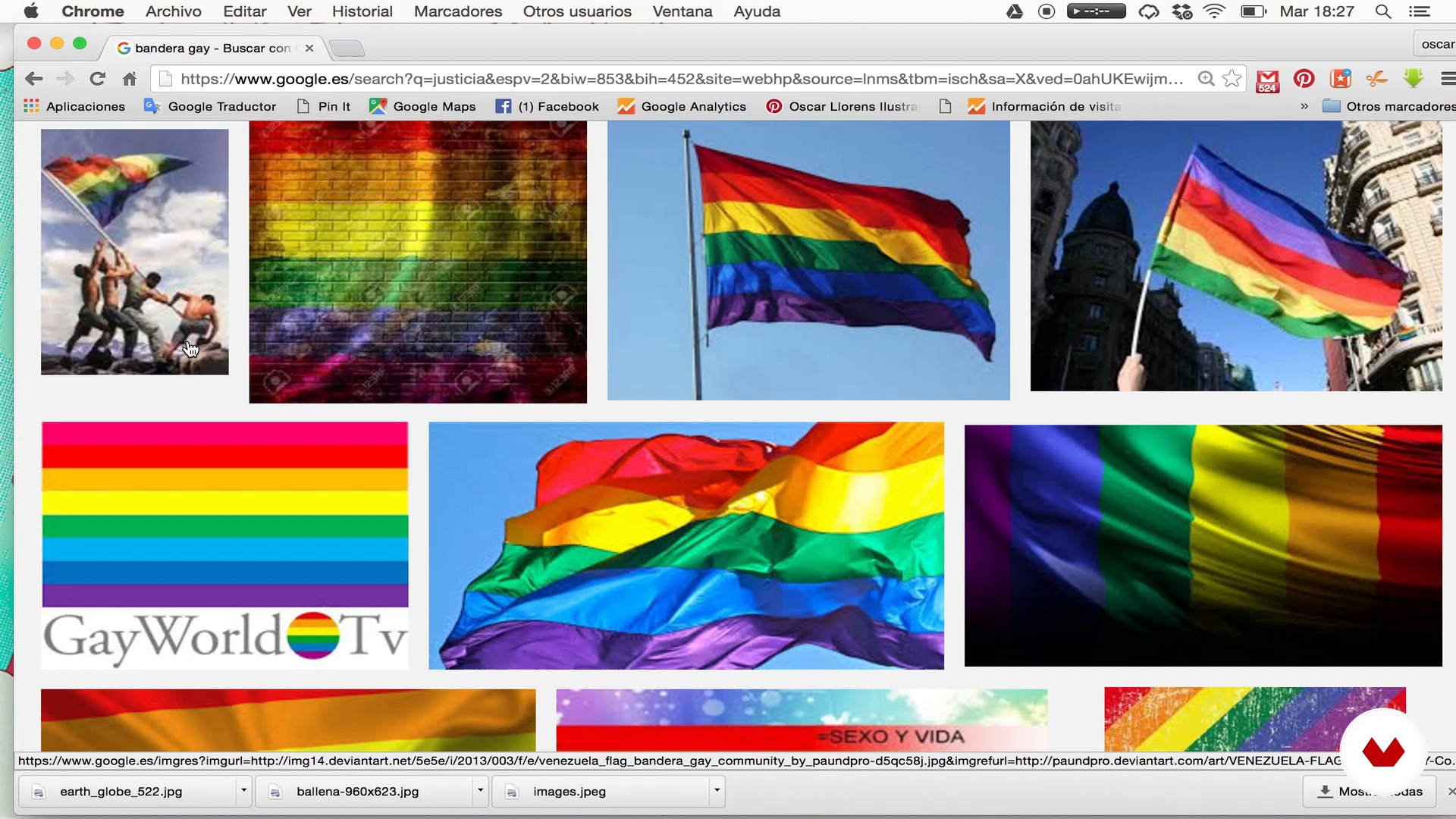
Search for reference images
5 minutes, 37 seconds
Preparation of the images to start sketching
7 minutes, 2 seconds
Sketching I
20 minutes, 0 seconds
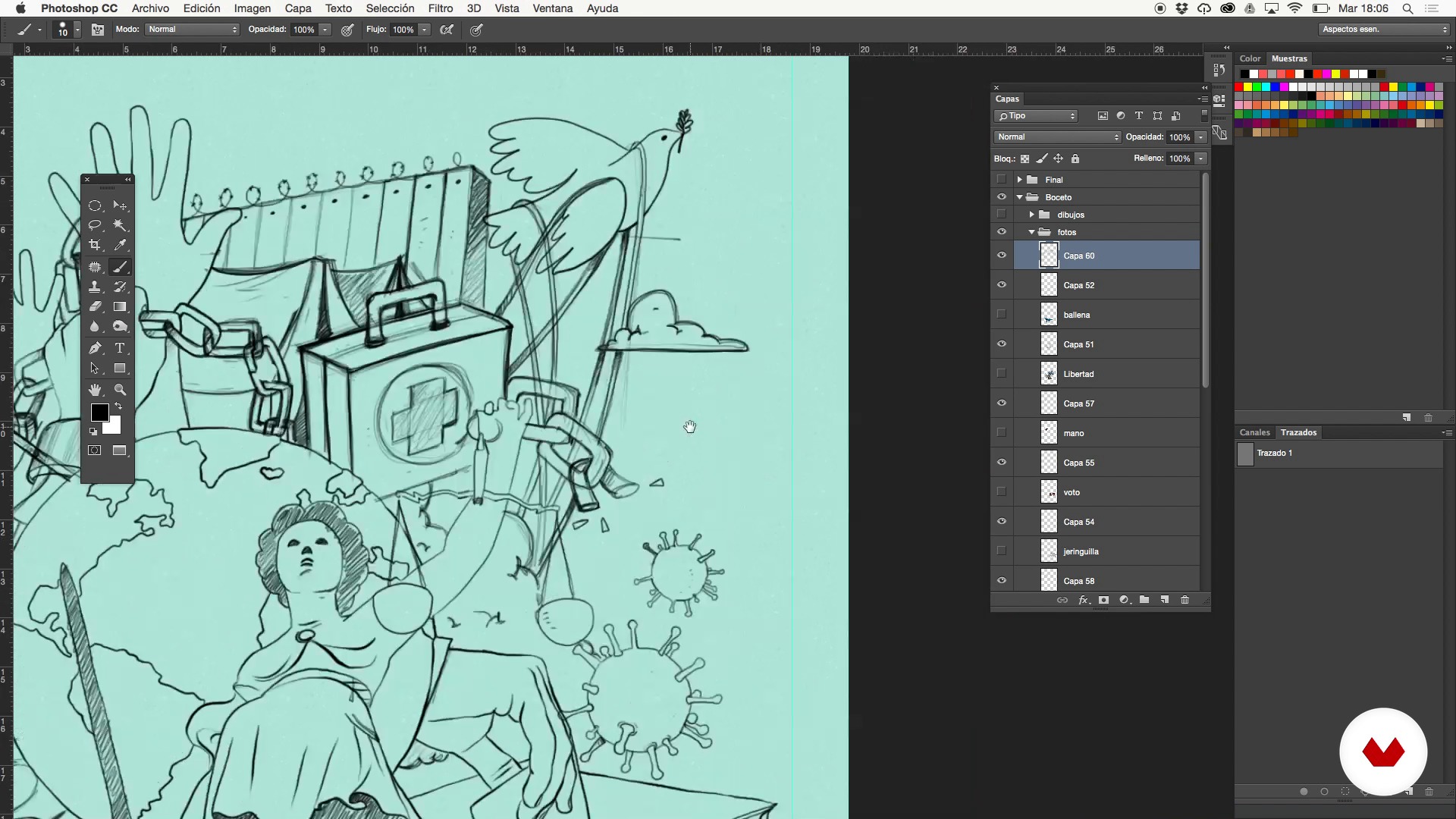
Sketching II
14 minutes, 47 seconds
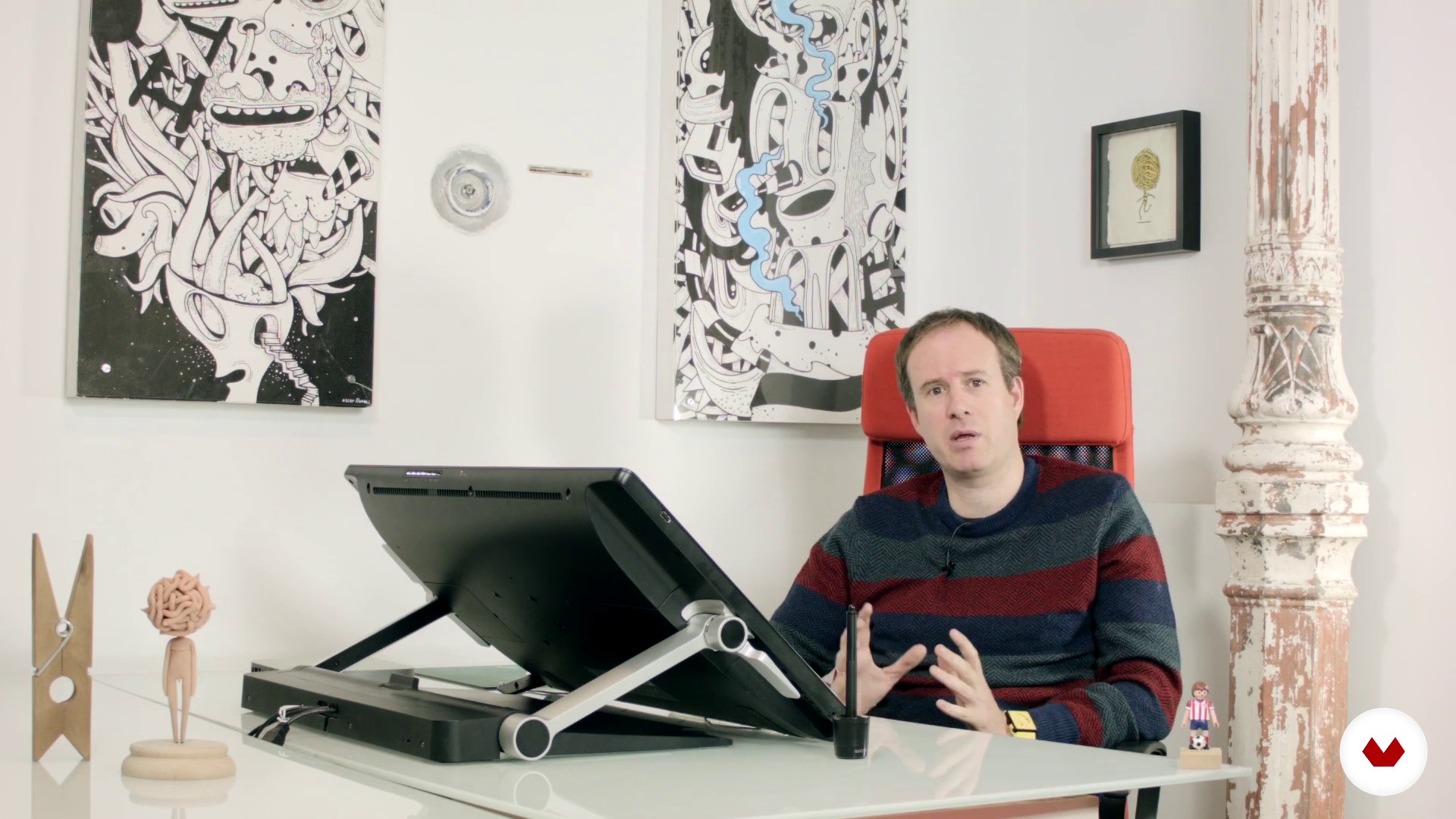
Inked with the brush tool
24 minutes, 36 seconds
What's included in this course?
You will begin by getting to know Óscar Lloréns' most recent works related to the world of the written press and some of his graphic influences such as Instagram, an application that has allowed him to discover new illustrators.
Next, you will see the first phases of an editorial illustration commission starting with the reception of the press article, the search for reference images, the preparation of these images to start sketching and the initial sketching.
Once you have clear the composition of the illustration, with the help of Photoshop and Oscar's advice, you will learn to use useful and simple tools to inlay, color, retouch and shade the drawing.
Finally, you will make the final touches by adding noise filters, color halftones, adjustment layers and prepare the final artwork for printing.
Recommended software & tools for this course
What is this course's project?
You must successfully carry out an illustration commission for a newspaper, magazine or any type of written press. The final result can be a cover illustration or to complete a press article.

Projects by course students


Who is this online course for?
This course is aimed at illustrators, designers or anyone who is attracted to the illustration, whether or not they know how to draw, and consider drawing for the press as a possible professional outlet.
Requirements and materials
To carry out this course you must have basic notions of Photoshop. In addition, knowing how to draw is always an added value, but it is not essential. In fact, during the course you will learn to camouflage possible deficiencies when drawing.
From the point of view of the material you will need: a computer with internet connection and having Photoshop installed. Also, it would be convenient to use a Wacom type digitizing tablet.

Reviews
- 7 months ago
Ótimo curso, muito bem explicado.
- 1 year ago
Muy buen curso. Muy buen profesional.
- 2 years ago
buen curso
- 2 years ago
Un curso sencillo para quien le interese la ilustración editorial
- 3 years ago
Lo que más me gusta del curso es que el planteamiento es muy práctico. Explica muy claro.

His illustrations have been the driving force behind major campaigns for big-name brands, including Coca-Cola, Fiat, Red Bull, Vodafone, Movistar, and Cepsa, and have covered the pages of newspapers and magazines such as El País Semanal and Vanity Fair. His crowded illustrations have also been seen by millions of viewers as the backdrop in the confession room on the TV show Gran Hermano.
Content
- U1
Introduction
- Presentation
- Influences
- U2
The order
- Reception of the article
- Search for reference images
- Preparation of the images to start sketching
- Sketching I
- Sketching II
- U3
Inking and coloring in Photoshop
- Inked with the brush tool
- Colored with the selection tool
- Color retouching with the Photoshop brush
- Shading
- U4
Last retouches
- Noise filter
- Color halftone filter
- Use of adjustment layers
- Preparation for printing
- FP
Final project
- Illustration Techniques and realistic composition for press
What to expect from a Domestika course
Learn at your own pace
Enjoy learning from home without a set schedule and with an easy-to-follow method. You set your own pace.
Learn from the best professionals
Learn valuable methods and techniques explained by top experts in the creative sector.
Meet expert teachers
Each expert teaches what they do best, with clear guidelines, true passion, and professional insight in every lesson.
Certificates
PLUSIf you're a Plus member, get a custom certificate signed by your teacher for every course. Share it on your portfolio, social media, or wherever you like.
Get front-row seats
Videos of the highest quality, so you don't miss a single detail. With unlimited access, you can watch them as many times as you need to perfect your technique.
Share knowledge and ideas
Ask questions, request feedback, or offer solutions. Share your learning experience with other students in the community who are as passionate about creativity as you are.
Connect with a global creative community
The community is home to millions of people from around the world who are curious and passionate about exploring and expressing their creativity.
Watch professionally produced courses
Domestika curates its teacher roster and produces every course in-house to ensure a high-quality online learning experience.
FAQs
You’ll learn how to analyze news articles, select and organize reference images, design magazine covers, and use Photoshop to sketch, ink, color, and prepare editorial illustrations for professional printing.
Yes, the course is designed for those with basic prior knowledge of digital illustration and Photoshop who want to deepen their skills in editorial techniques and professional workflows.
You should have basic Photoshop skills like working with layers, selection tools, and brushes, since the course focuses on applied techniques and advanced editorial illustration processes.
You’ll need a computer with Photoshop installed, a graphics tablet like a Wacom (optional but recommended), and internet access to search for visual references and download high-res images.
Editorial illustration involves more research and documentation to develop conceptual ideas, while advertising illustration is faster and focused on communicating a brand’s message.
The course teaches you to analyze the article, highlight key ideas, make a list of images, find visual references online, and organize everything in Photoshop for a cohesive composition.
Yes, you’ll learn how to adjust resolution, merge layers, prepare files according to specs, and add final touches before exporting illustrations ready for professional printing.