A course by Jesús Félix-Díaz2D illustrator, designer and animator
A course by Jesús Félix-Díaz, 2D illustrator, designer and animator
- 4.590% positive reviews(90)
- 2,859 students
- 13 lessons (1h 26m)
- 2 additional resources (6 files)
- Online and at your own pace
- Available on the app
- Audio: Spanish
- Spanish · English · Portuguese · German · French · Italian · Polish · Dutch · Turkish · Romanian · Indonesian
Level:
Beginner- Unlimited access forever

Build a character from scratch and create a model sheet to apply it to a product
An illustrated mascot should always reflect a brand’s personality, so it’s crucial to know who you’re addressing when drawing it, without losing your essence as an illustrator. Jesús Félix-Díaz, better known as Poloverde, is a Peruvian illustrator and character designer who has worked on projects for Asus, Inca Kola, and Milo. In each of his illustrations, he shows his impactful style, full of personality and color.
In this course, Poloverde teaches you how to develop a character from scratch as well as how to present it, taking into account the product and the brand. You’ll be using Procreate to create a character from basic structures and shapes.
What will you learn in this online course?
13 lessons & 8 downloads
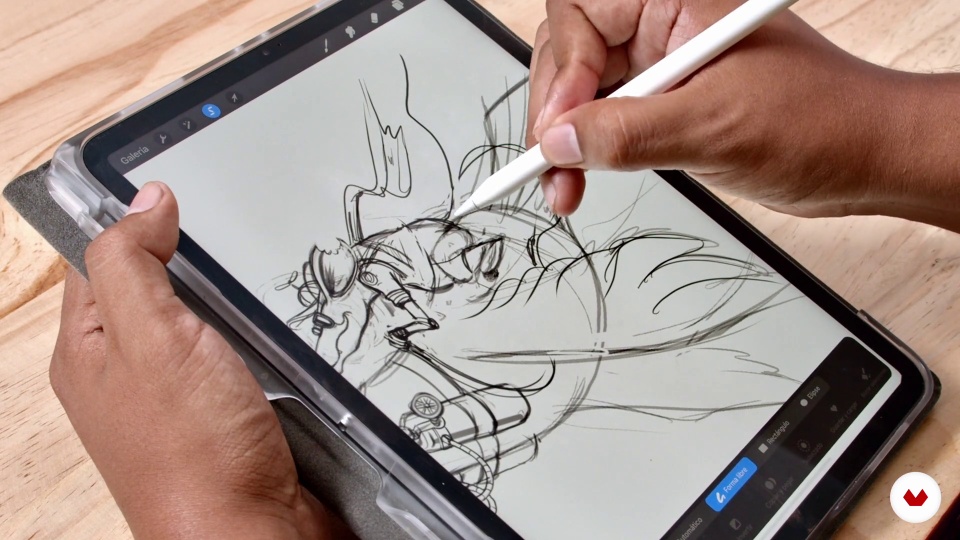
What will we do in the course?
1 minute, 15 seconds
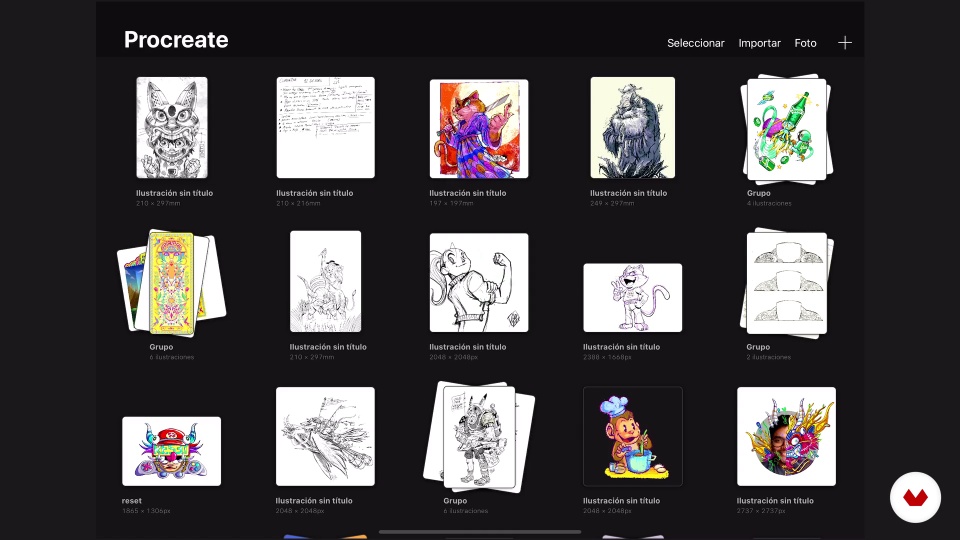
Introduction to Procreate
10 minutes, 44 seconds
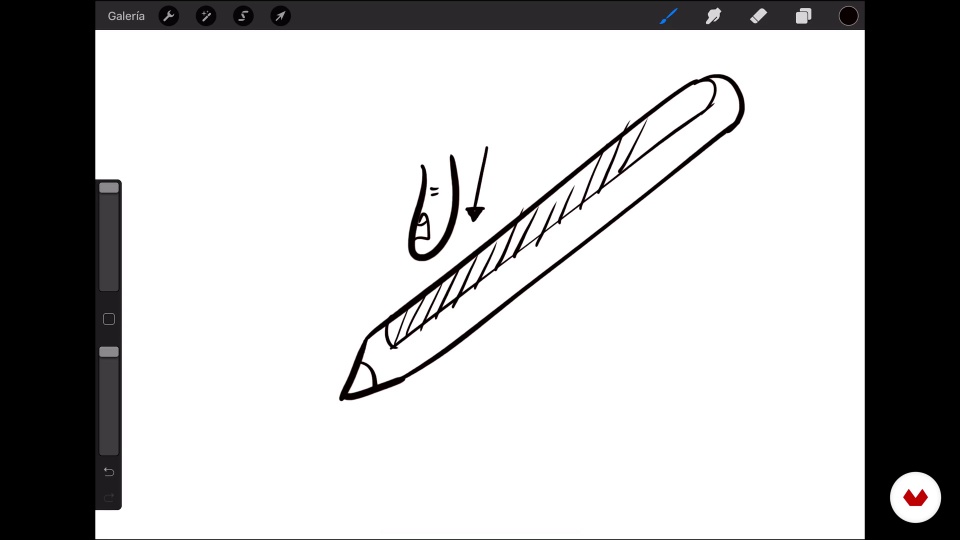
Shortcuts
5 minutes, 43 seconds
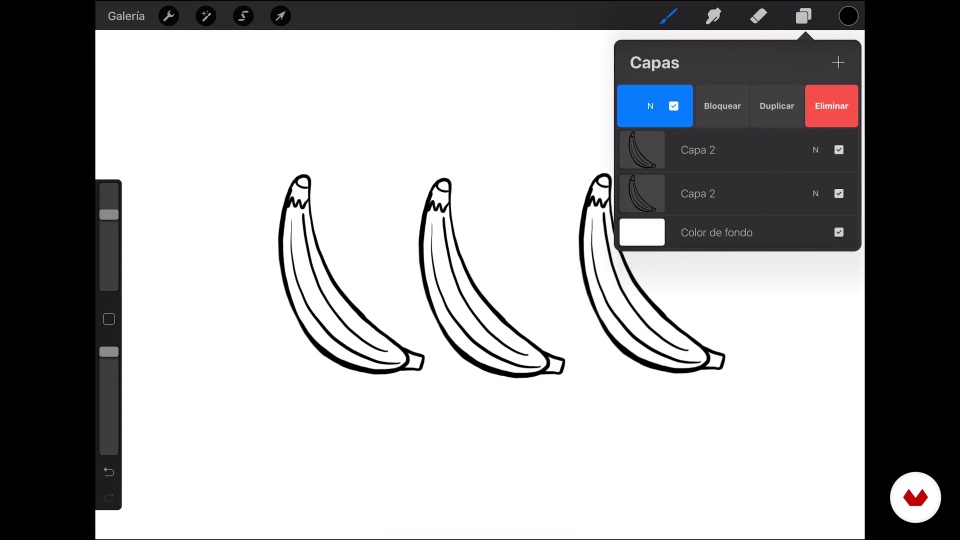
Layers
9 minutes, 37 seconds
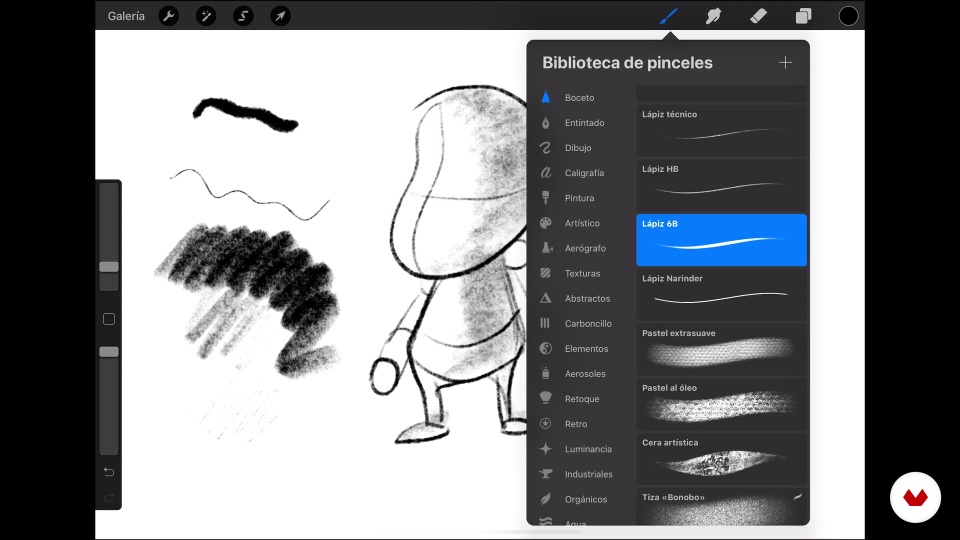
Basic Brushes
10 minutes, 5 seconds
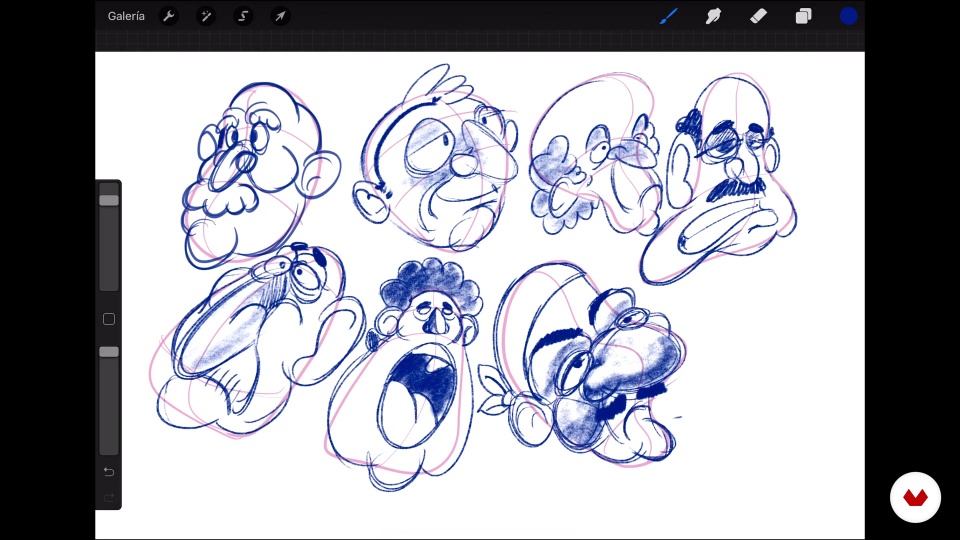
Head structure
10 minutes, 28 seconds
What's included in this course?
Meet Poloverde, a Peruvian graphic designer and illustrator who will tell you about his career, his style, and his influences.
Start the course by learning how to use Procreate in a practical and straightforward way, with Poloverde's introduction to the software's essential tools. Then, do some exercises to loosen your hand and work on your pulse while drawing lines and strokes.
With the help of the tactile shortcuts and the interactive use of the layers, start sketching and building structures that will become the base of your characters without going into detail.
Get to know the different brushes and their thicknesses, and draw the guidelines and action lines to direct your character's body when creating dynamic poses. From there, create the basic 3D shapes to give your characters volume.
First, learn how to build the structure of a character's head through basic shapes. Through some exercises, learn how to work on expressions and gestures and then exaggerate them using squash & stretch, a technique widely used in animation. In the same way, work on the structure of the body, using geometric shapes.
Next, design your character, adding certain details such as a hat, clothing, or glasses to give them personality.
Finally, work on simple shadows and lights, something that will be useful for the presentation of your character, the model sheet, and the 360º animation.
Recommended software & tools for this course
What is this course's project?
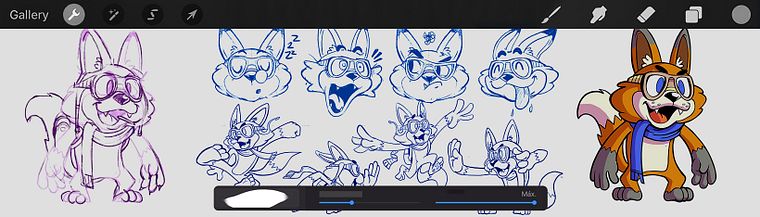
Create a character for a brand or product. Create a model sheet to present your character with its elements, its static and dynamic poses, gestures, objects, and mascot, as well as a 360º animation of the character in Procreate.
Who is this online course for?
This course is for all those who are passionate about character design and want to learn more about the use of Procreate.
Requirements and materials
To do this course, you will need basic drawing knowledge, a good command of your pulse will come in handy to make strokes, and having some knowledge of Adobe Photoshop will make the use of Procreate easier.
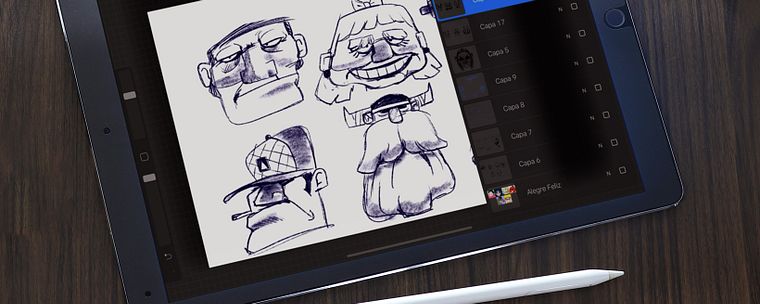
Regarding materials, you will need an iPad Pro with Procreate, an Apple Pencil, and an internet connection.
Reviews
What students say
Students commonly praise the course’s clear, concise, step-by-step teaching, saying the explanations are easy to follow. Many also value its practical guidance on creating characters and using Procreate, including useful tips and exercises. Several describe the lessons as engaging and dynamic, making the learning experience enjoyable.
- 1 year ago
Ótimo curso, explicação fácil de entender. Aprendi bastante.
- 1 year ago
Molto completo, tratta tutte le tematiche
- 1 year ago
This was a fun, quick and informative course that gets to the important aspects of character design without beating around the bush. Easy to follow and helpful, especially for learning Procreate tips.
- 2 years ago
¡Excelente! Este es un curso muy práctico e intutivo, con buena dicción y bien explicado, lo que hace que sea fácil de enterder.
- 2 years ago
Excelente! Estou tentando meu primeiro freela de criação de personagens e esse curso me salvou!

Poloverde is passionate about character design and popular culture; the masks of different cultures especially inspire him with their fusion of colors, peculiarities, and various elements. He is also fascinated by apes. His illustrations are defined by the use of bright colors and the creation of characters that are full of personality and dynamism.
He has worked for clients such as Noxhassen, Milo, Asus, Inca Kola, and the World Bank.
Content
- U1
Introduction
- Presentation
- Influences
- What will we do in the course?
- U2
Approach to tools
- Introduction to Procreate
- Shortcuts
- Layers
- Basic Brushes
- U3
Head drawing
- Head structure
- Face construction and expressions
- Squash and Stretch
- U4
Character design
- Structure and basic shapes
- Design and poses
- Model Sheet and 360°
- FP
Final project
- Character Design for Brands in Procreate
What to expect from a Domestika course
Learn at your own pace
Enjoy learning from home without a set schedule and with an easy-to-follow method. You set your own pace.
Learn from the best professionals
Learn valuable methods and techniques explained by top experts in the creative sector.
Meet expert teachers
Each expert teaches what they do best, with clear guidelines, true passion, and professional insight in every lesson.
Certificates
PLUSIf you're a Plus member, get a custom certificate signed by your teacher for every course. Share it on your portfolio, social media, or wherever you like.
Get front-row seats
Videos of the highest quality, so you don't miss a single detail. With unlimited access, you can watch them as many times as you need to perfect your technique.
Share knowledge and ideas
Ask questions, request feedback, or offer solutions. Share your learning experience with other students in the community who are as passionate about creativity as you are.
Connect with a global creative community
The community is home to millions of people from around the world who are curious and passionate about exploring and expressing their creativity.
Watch professionally produced courses
Domestika curates its teacher roster and produces every course in-house to ensure a high-quality online learning experience.
FAQs
You’ll learn to create original military-style characters, apply camouflage techniques, develop your own visual style, use geometric shapes to build heads and faces, and master Procreate’s tools on iPad for professional digital illustration.
This is an intermediate-level course, perfect for those with basic digital drawing skills who want to refine their character design techniques and Procreate skills.
You’ll need an iPad with Procreate installed and preferably an Apple Pencil or compatible stylus. Basic digital drawing knowledge is recommended to get the most out of the lessons.
You’ll learn to use circles, triangles, and other basic shapes as structural foundations to create consistent, dynamic, and expressive characters, following techniques inspired by artists like Akira Toriyama.
Yes, the course teaches how to create facial expressions, use Squash & Stretch, build dynamic poses, and adjust proportions to bring your digital characters to life with personality.
Yes, you’ll learn to manage layers, apply clipping masks, adjust opacity, pick colors, use gesture shortcuts, transform objects, and optimize your workflow in Procreate.
Yes, the course explores how to identify cultural, musical, and personal influences to develop a unique style that makes your characters and portfolio stand out.


