


Affinity reinvents itself: a single app and free for everyone
Canva launches new free version of Affinity: Photo, Designer and Publisher merge into a single professional app that challenges Adobe
.
Affinity revolutionizes design: new unified free version
Canva is once again making a move in the world of professional design.
After acquiring Affinity in 2024, the company has announced a new era for its creative suite: Affinity Photo, Designer and Publisher merge into a single free application, a bet that puts Adobe's subscription model in check.
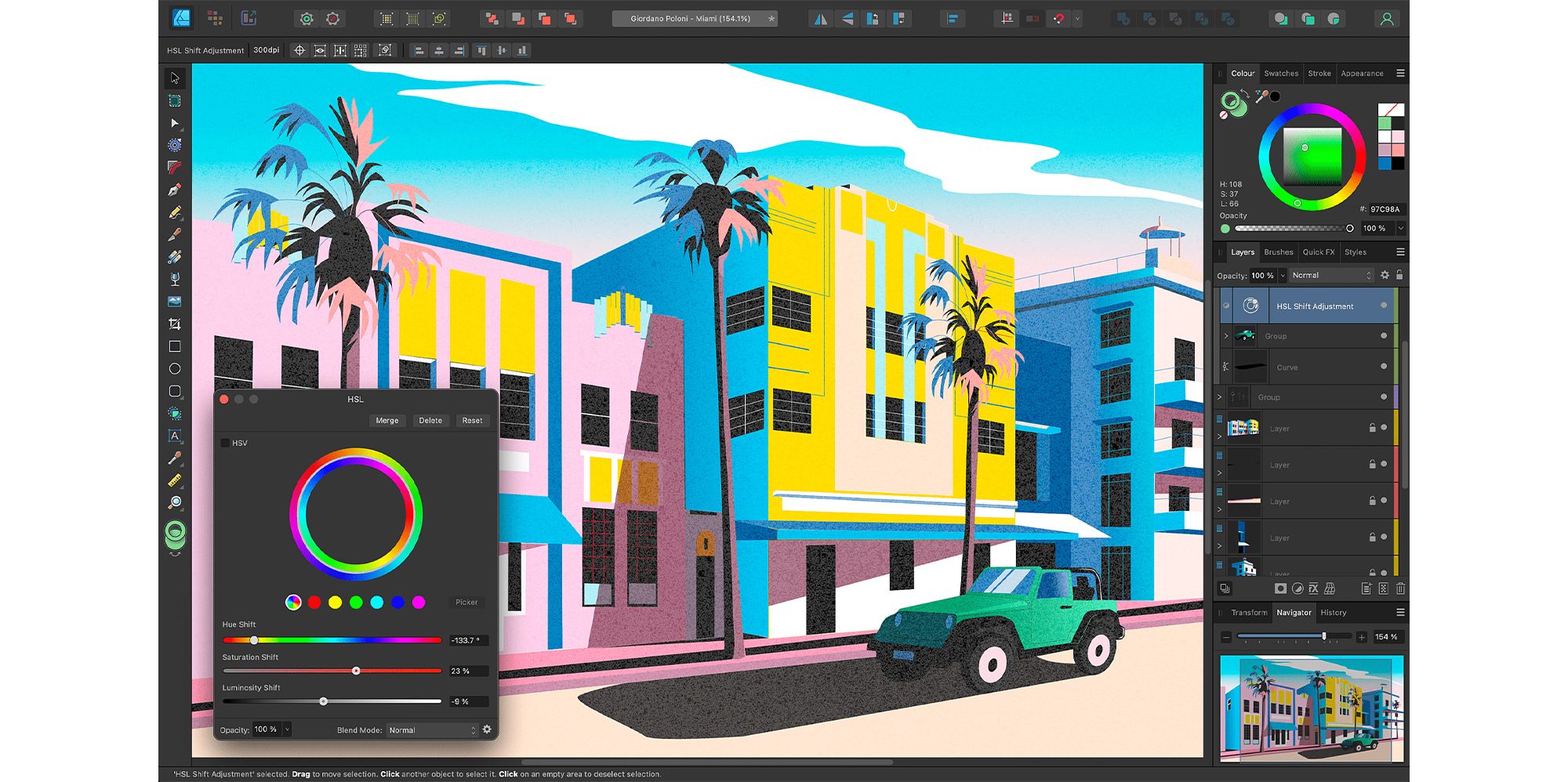
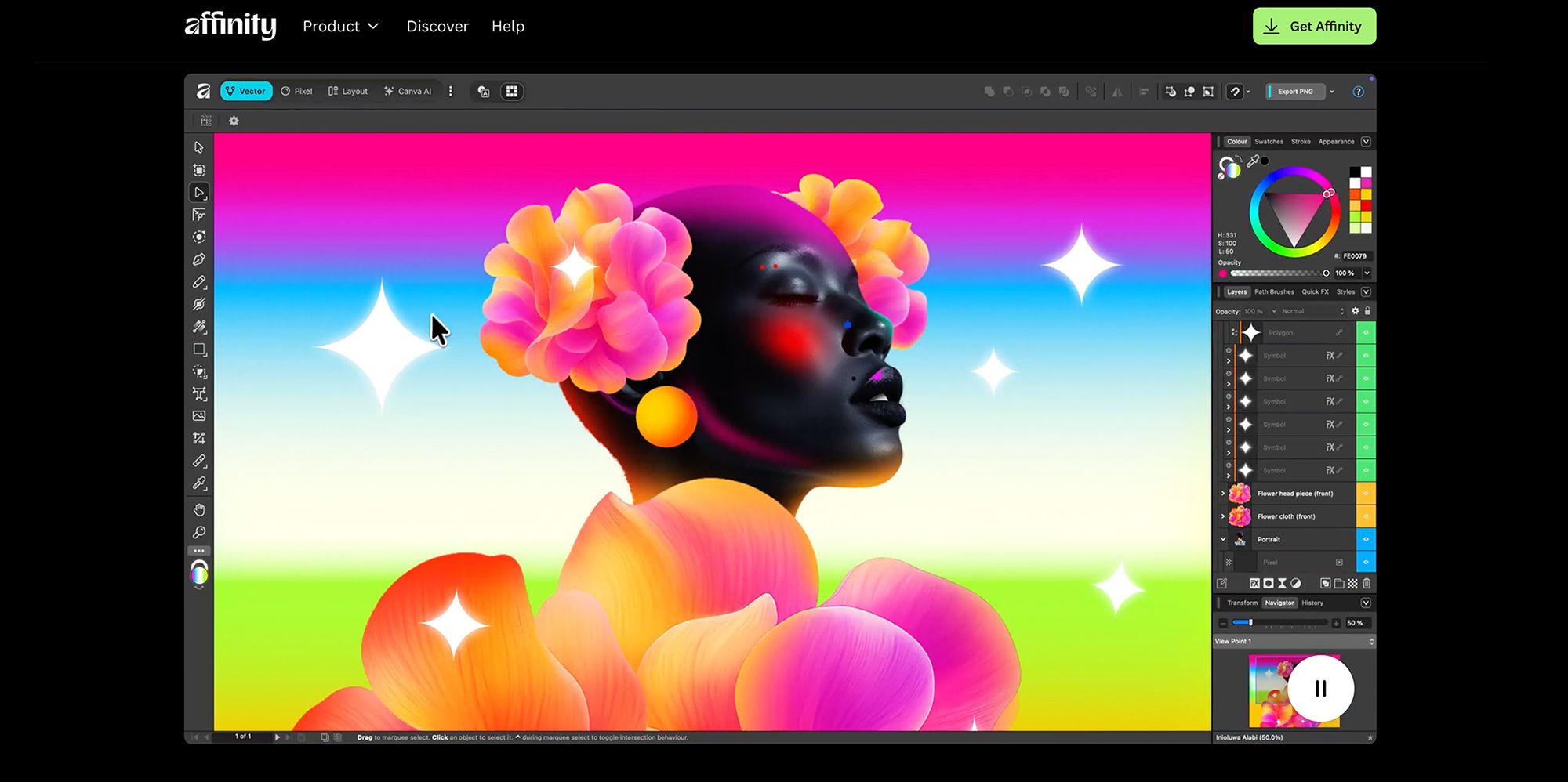
This new version allows integrated work in raster, vector and layout modes, simplifying workflows without the need to switch programs.
With this, Canva seeks to democratize access to professional design tools and offer a solid alternative to the large traditional suites.
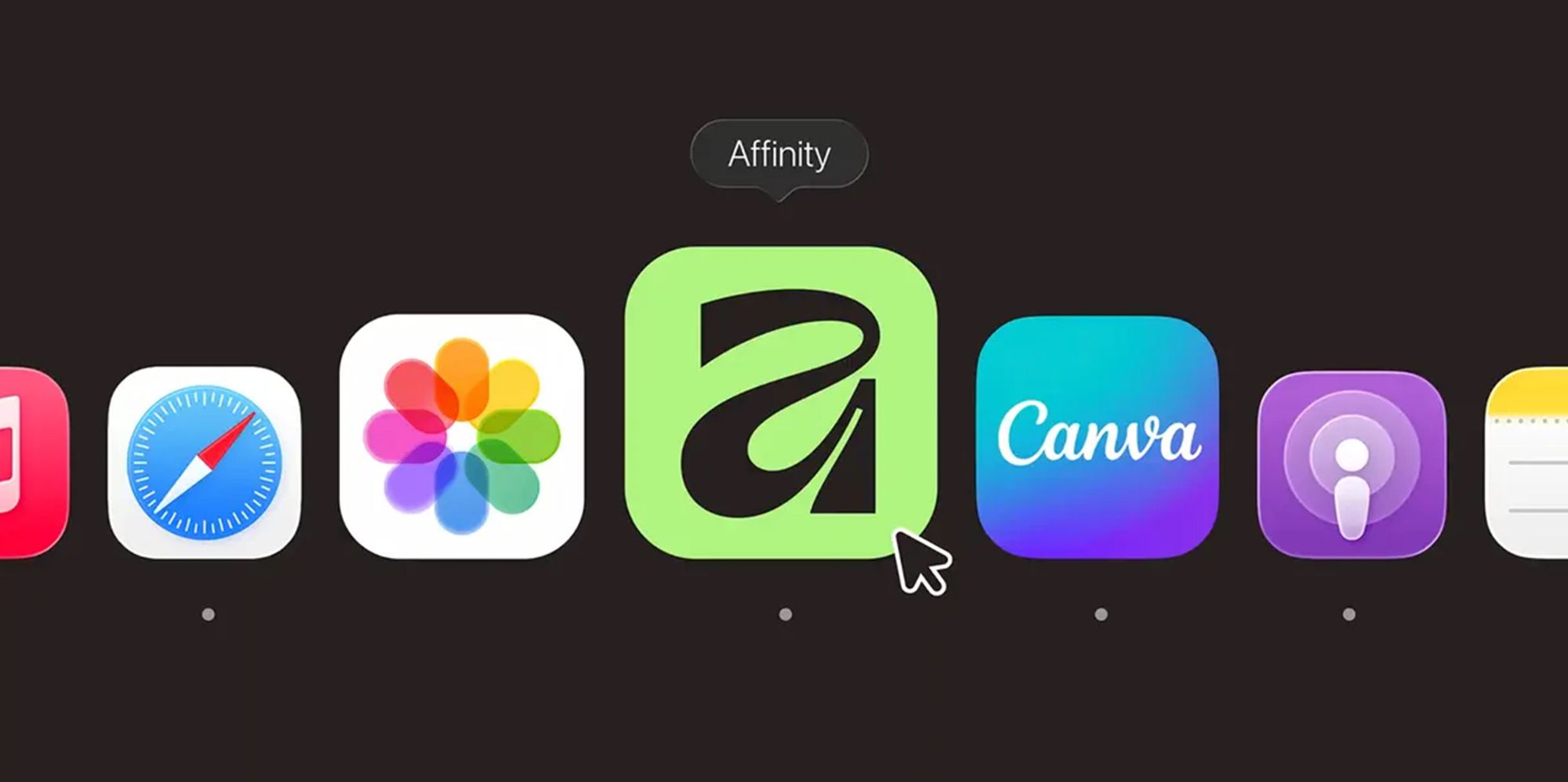
One app, three working modes.
The new Affinity combines the functions of the three classic applications: photo editing, vector design and editorial layout, all within a single environment.
This makes it easy to move from one task to the next - for example, from retouching an image to designing a logo or laying out a catalog - without interruptions or software changes.
The result: a smoother, more coherent and efficient workflow, designed for professionals and creative trainees alike.
Free for all (with optional premium features)
Canva promises that the Affinity base will be free "forever", although some advanced AI features - such as automatic background removal or image generation - will be available only to Canva Pro users. Still, the free version includes all the essential tools for designers, students and small businesses looking for a real alternative to Creative Cloud.
Integration with Canva ecosystem
The integration between Affinity and Canva allows projects to be exported directly between both platforms. With this merger, Canva strengthens its position as a complete creative ecosystem, spanning from visual creation to online publishing and collaboration.
In this way, users can work in Affinity and finalize their projects in Canva without losing compatibility or quality.
What about previous versions?
Users who already own Affinity Photo, Designer or Publisher will be able to continue using them, although these versions will no longer be available for new buyers.
Canva has confirmed that it will offer support for a while, but all signs point to the "one-time payment" model coming to an end. The transition marks a turning point in Affinity's strategy, aligning with a more open and connected model.
Impact on design industry
This move represents a paradigm shift in creative software.
By offering a free professional tool, Canva breaks away from Adobe's subscription model and expands opportunities for thousands of creatives looking for affordable solutions.
However, some professionals are cautious:
the freemium model could, over time, restrict key features behind paid plans.
Still, the news represents a significant step toward a more inclusive and collaborative design ecosystem.
How to access to the new Affinity
The app is now available for Windows and macOS, and will soon be coming to iPad as well.
To access it, all you need to do is create a free account at affinity.studio.
In addition, educational organizations and NGOs will be able to enjoy free licenses through Canva Education.
The future of design, more open than ever.
The unification of Affinity under the Canva umbrella redefines the creative software landscape:
a single app, free, professional and connected to a global ecosystem.
A real blow on the table against Adobe, which forces to rethink how digital tools are distributed and used.
The future of design is shaping up to be more accessible, collaborative and democratized than ever.
If you want to take your Canva design to the next level, Claudia Cánovas' course, “Canva and Artificial Intelligence: Design an Original Brand and Product Catalog,” is your next natural step.
In it, you will learn:
how to use Canva and AI to build a solid visual identity,
how to design a professional catalog from scratch,
how to apply design criteria that elevate your pieces,
and how to work faster, with more strategy and creativity.
It is ideal for both entrepreneurs and design or marketing professionals who want to truly master Canva.
Translated with DeepL.com (free version)


0 comments