


Procreate Tutorial: How to Make an Animation
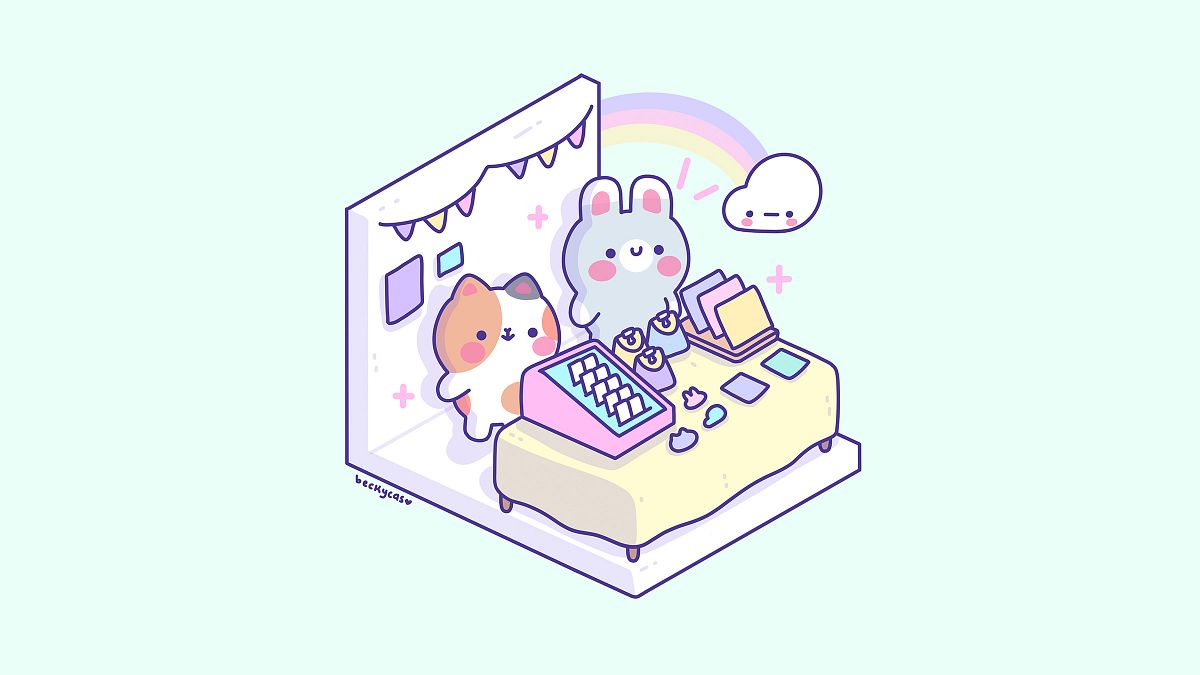
A Step-by-Step Guide to Mastering Animation Assist for Cute and Easy Animations
Bring your kawaii illustrations to life with simple and adorable animations in Procreate! If you’ve ever dreamed of animating cute clouds, twinkling stars, or any of your favorite characters, this guide is the perfect starting point.
Hi, I’m Becky Cas, an illustrator with a passion for kawaii and pastel colors, and today, I’ll walk you through creating a charming animation in Procreate using Animation Assist.

Step 1: Setting Up Your Canvas
Begin by navigating to Canvas Settings in Procreate and turning on Animation Assist. This powerful feature enables frame-by-frame animation. Make sure each group in your layers represents a single frame.
Step 2: Organize Your Layers
Once you’ve drawn your design, start organizing your layers. Merge or group elements that don’t move, like the background, and separate any objects you’ll animate, like clouds or stars.
Step 3: Animate the Clouds
1. Duplicate frames: Create four duplicates of your cloud layer.
2. Positioning with guides: Draw quick guides to ensure the clouds move smoothly across the screen.
3. Add movement: Gradually shift the clouds down slightly in each frame to simulate a bouncing effect.
4. Ping-pong effect: Set the animation to “Ping Pong” in Animation Assist to have the movement repeat back and forth.
Step 4: Add Twinkling Stars
1. Create a new layer for the stars near your moon.
2. Draw twinkling star shapes and dots.
3. Duplicate the layer four times, adjusting the size and position of the stars in each frame to mimic a gentle twinkle.
Step 5: Adjust Animation Speed
Test your animation and tweak the frames per second (FPS) setting. For a smooth and cute effect, set the FPS to 4 or 5.
Step 6: Final Touches
Remove guides and grids, and review your final animation. The movement of the clouds and the twinkling stars should work harmoniously to create a captivating scene.

Put these techniques into practice and bring your illustrations to life! Whether you’re a beginner or an experienced Procreate user, this method is simple, fun, and endlessly customizable.
Join me in my online course to explore the full process of kawaii animation creation, from sketching to the final animated masterpiece. Let’s make something super cute together!


0 comments