


After Effects Tutorial: Essential Shortcuts for Beginners
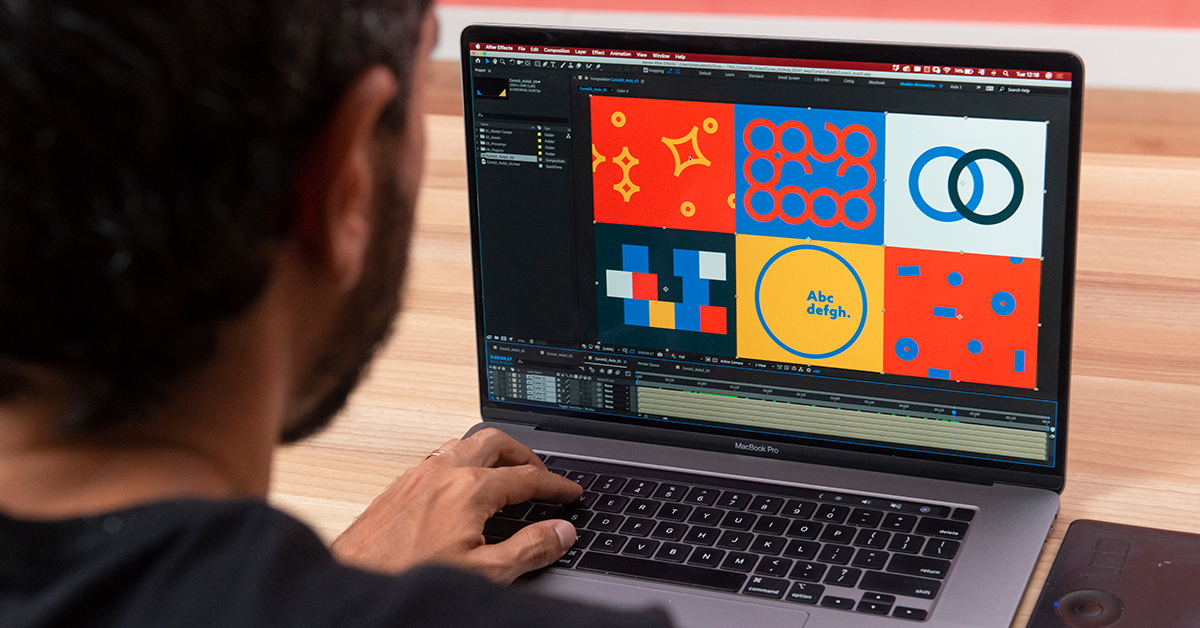
Learn the basic keyboard shortcuts you need to start using Adobe After Effects from scratch, with Manuel Neto
Adobe After Effects is one of the best 3D, motion graphics, and post-production animation software packages on the market. It’s used to retouch videos, images and graphic designs. Adobe After Effects allows you to create professional content for film, social, TV and any other audiovisual media.
To master this software, you need to discover the shortcuts that facilitate workflow, project management and most importantly, your creations.
Illustrator and animator Manuel Neto (@manuelneto_co) has worked for clients like Microsoft and Snapchat. He is a founding partner in one of Brazil’s largest motion graphics studios: Casulo, where he spent 7 years producing motion graphics and character animations for advertising. He now freelances for major global studios and brands including Ordinary Folk, State Design and Eido.
In this tutorial, Manuel presents the essential shortcuts anyone starting out in After Effects needs to know.
Don’t miss his really useful video!

A Beginner’s Guide to Essential After Effects Shortcuts
(Please note: Windows users need the Control key while Mac users need Command)
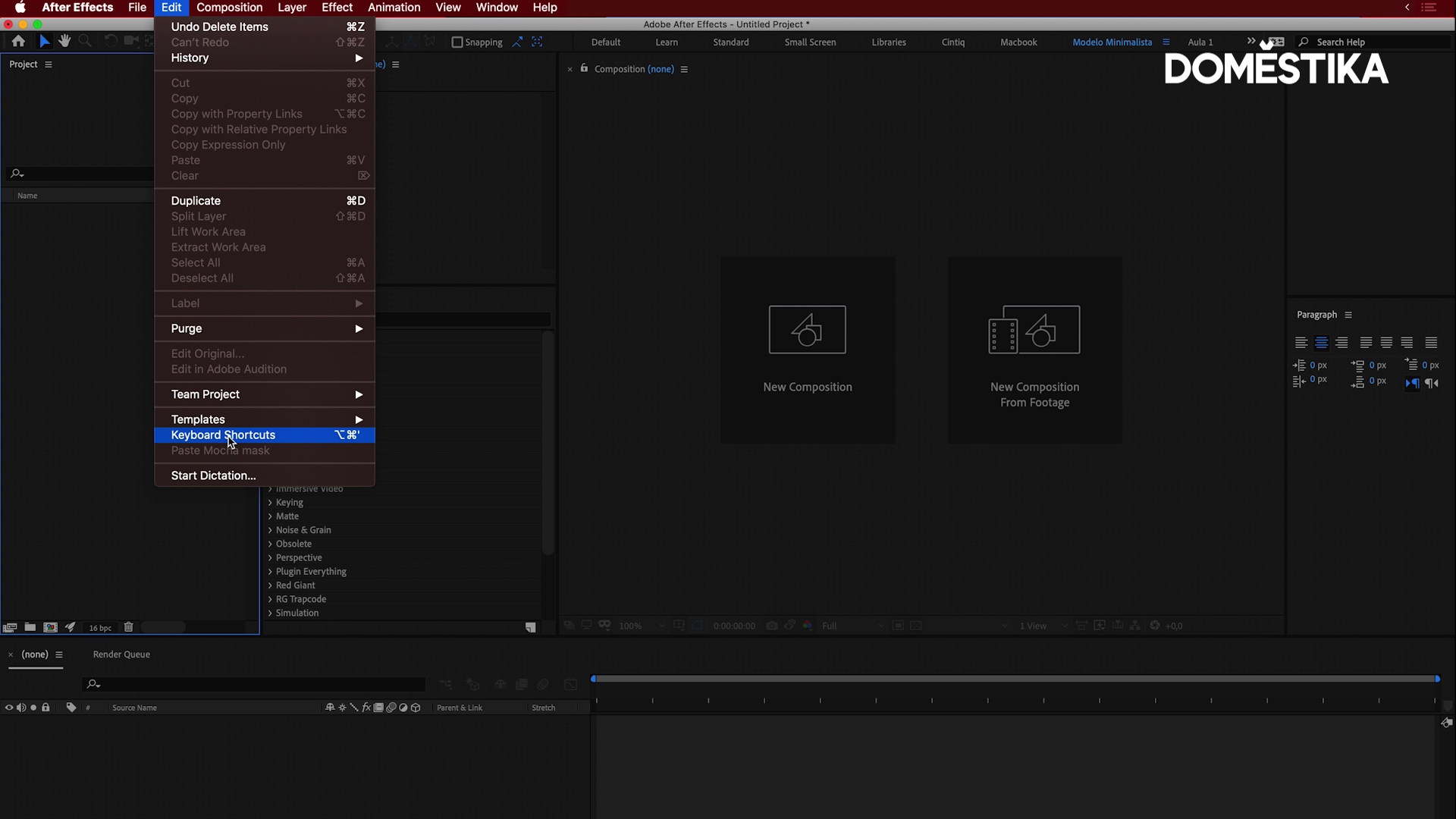
Edit > Keyboard Shortcuts→ View/Edit all keyboard shortcuts
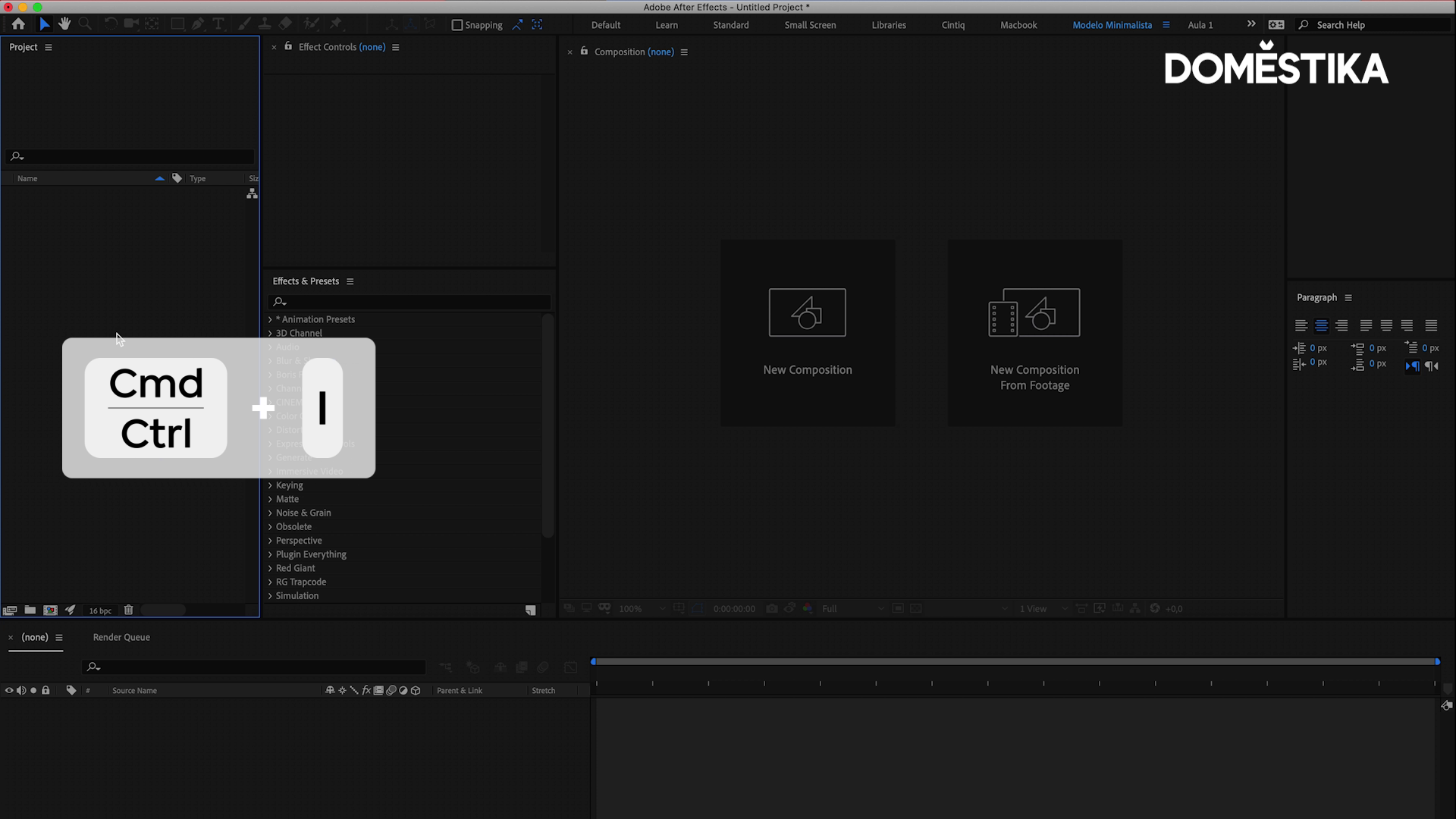
Control/Command + I → Import files
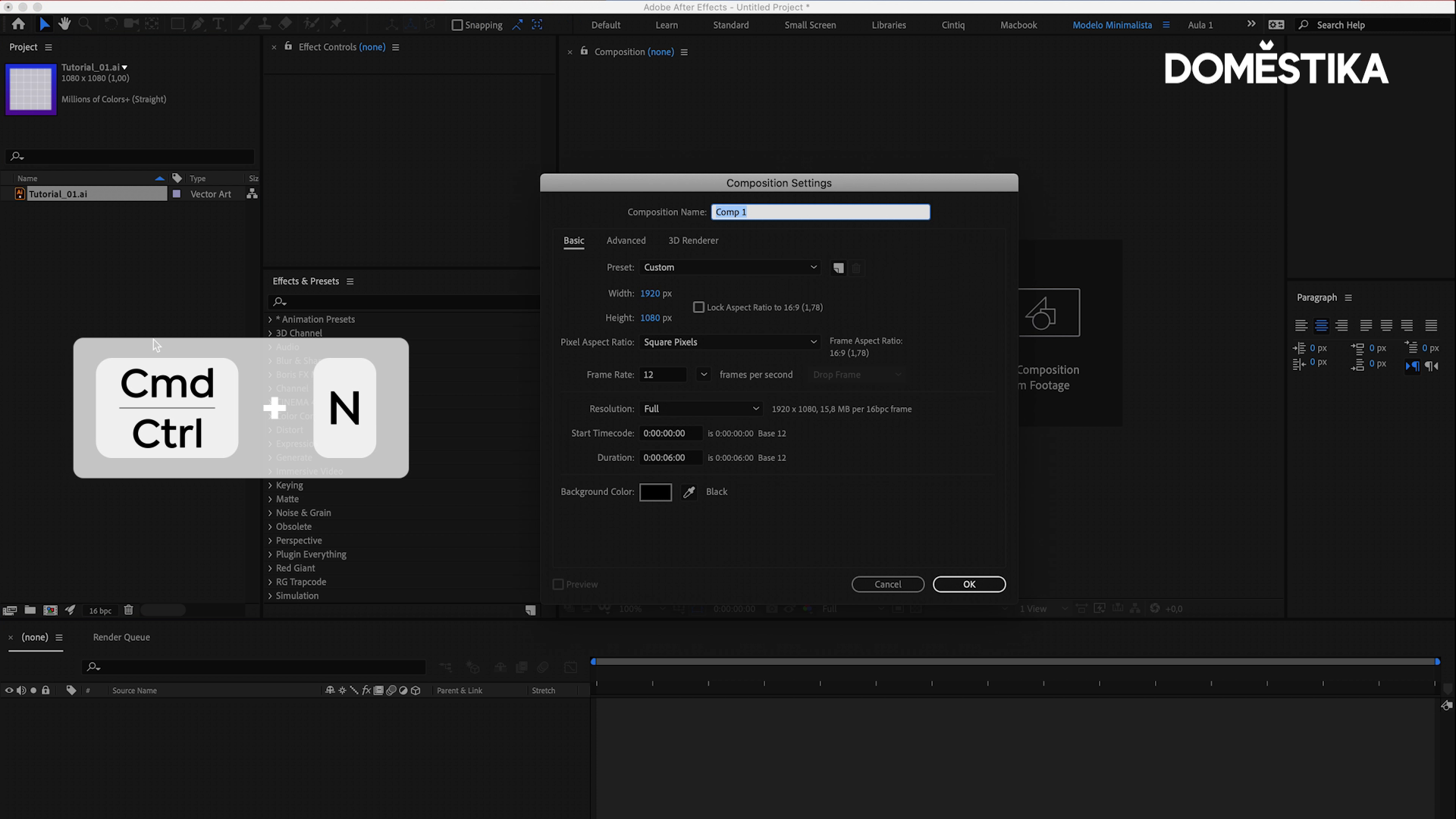
Control/Command + N → Create a new composition
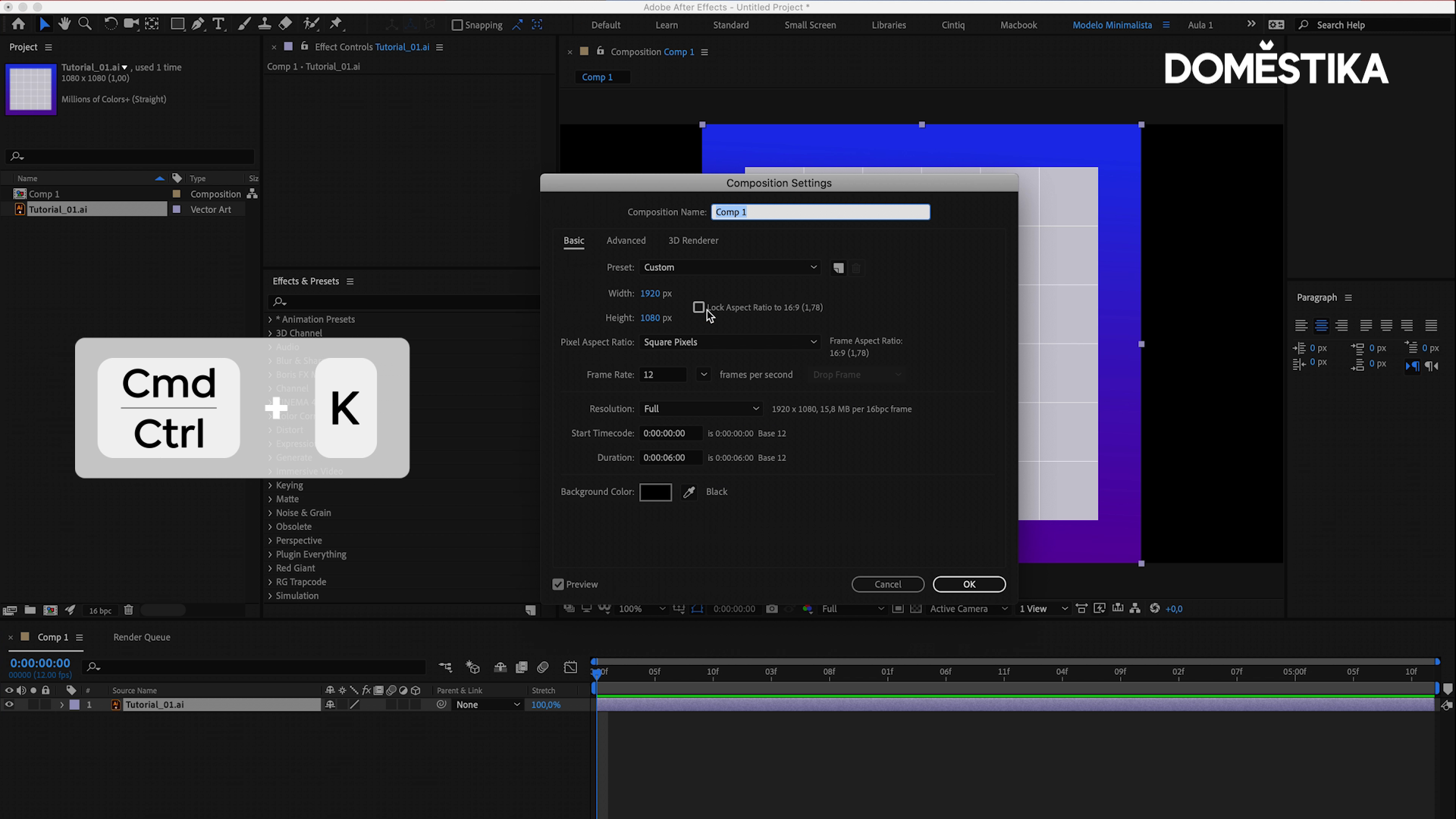
Control/Command + K → Edit composition size
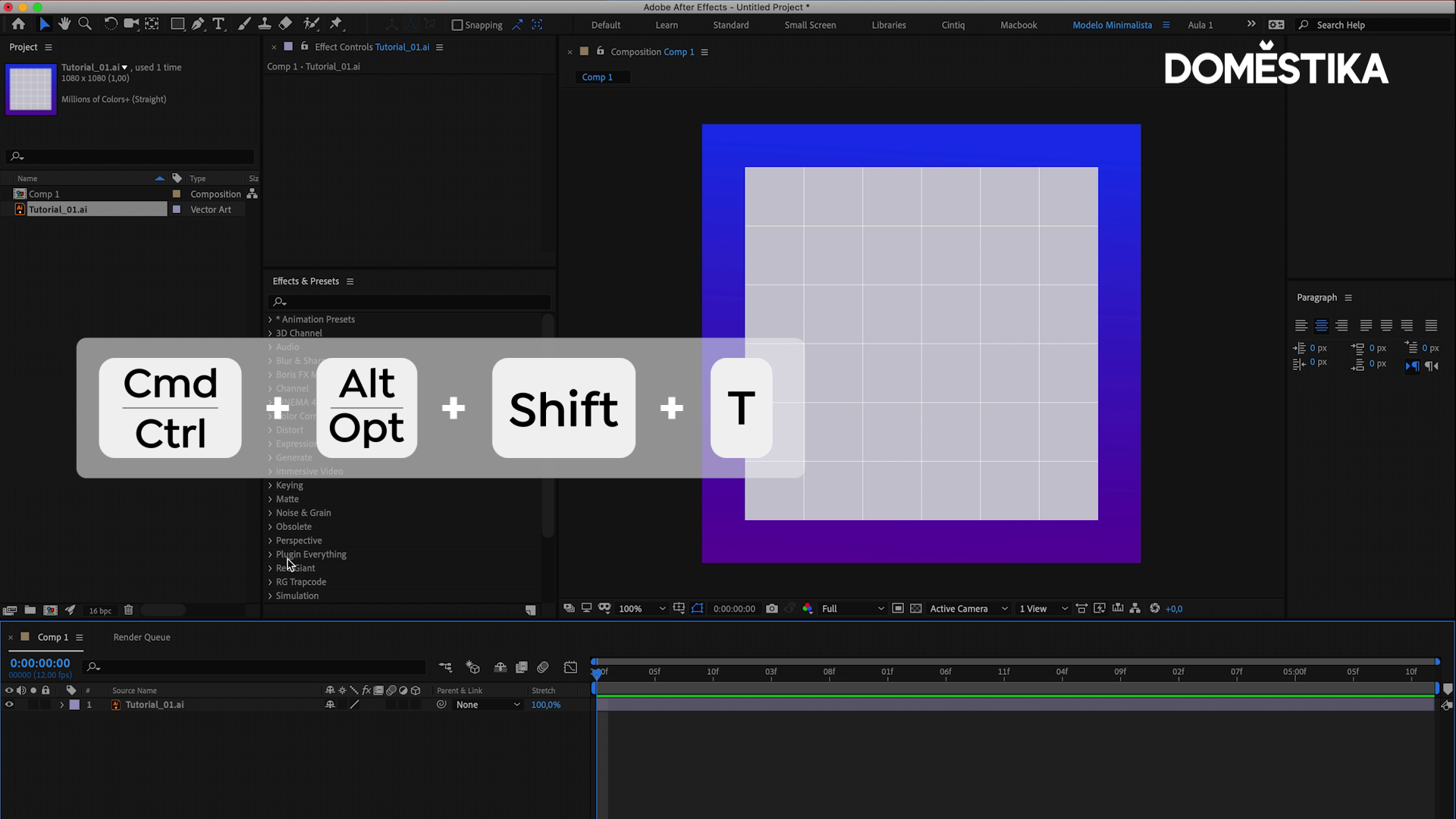
Control/Command + Alt + Shift + T → Create text
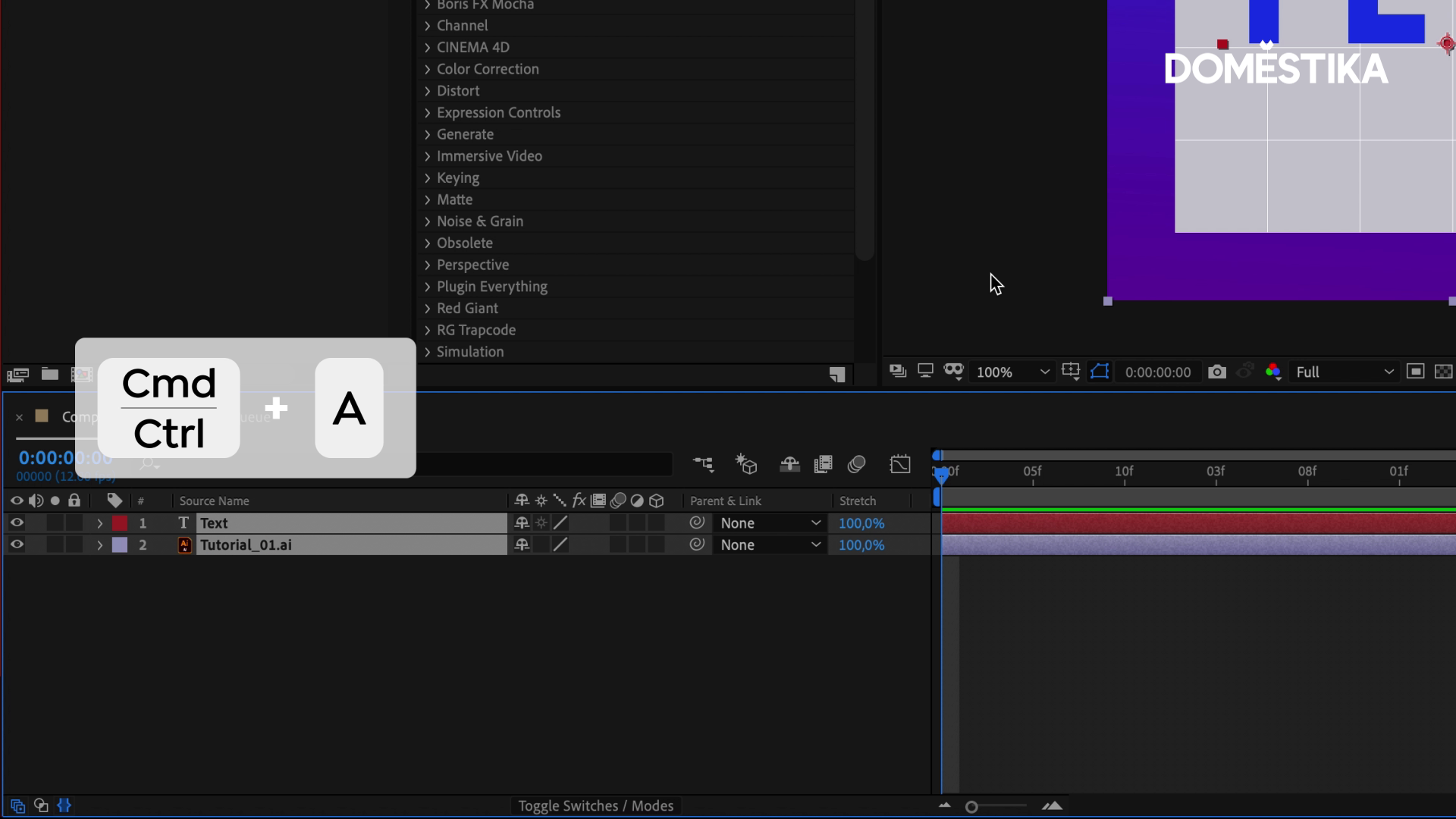
Control/Command + A → Select all layers
F2 Control/Command + M → Open the Render Queue window
Love this keyboard shortcut tutorial? If you want to master Adobe After Effects and learn how to create 3D animations, post-production effects and motion graphics like a pro, don’t miss Manuel Neto’s online course: Adobe After Effects for Beginners.
You may be interested in:
- After Effects Tips to Speed Up Your Workflow.
- Motion Graphics: What Is It and What’s It For?
- 5 Free Tutorials to Master After Effects.


1 comentariu
You may also like this courses:
- Introduction to After Effects, A course by Carlos "Zenzuke" Albarrán
- Advanced After Effects, A course by Carlos "Zenzuke" Albarrán
- Vectorial Animation Frame by Frame Style with After Effects, A course by Pablo Cuello