

Photography tutorial: how to freeze motion
Learn how to capture subjects or objects that move very fast with Jesús G. Pastor's techniques for photographing objects in motion
One of the endless possibilities that photography offers is to capture the movement, that is, capture objects or subjects that pass very fast in front of our camera. At first glance, it may seem like a challenge, but following some simple steps, we can freeze an entire scene or even just the most dynamic subject on a photograph.
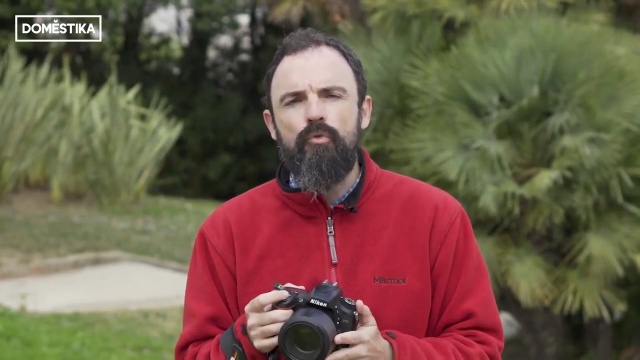
We will explain these two techniques, and how to use them on your SLR camera, guided by Spanish photographer Jesús G. Pastor (@jesus_g_pastor), who has worked for several Spanish national newspapers (La Vanguardia, Public, Metro, Avui, Interviu, Human Journalism, Huffington Post ) and international publications (Travel Africa Magazine, the Sunday Times, Corbis, Demotix, UNHCR), as well as companies, NGOs and of course Domestika, where he teaches the course Introduction to Digital Photography.
How to freeze all movement on a scene
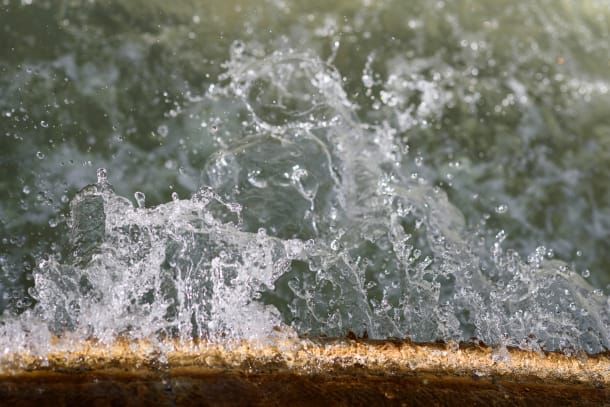
This is the technique will use when our goal is to photograph a moving object and when we want all the elements to be sharp. To achieve this effect, we will always work with the semi-automatic modes that allow us to capture the image very fast and prevent blurriness in some objects.
We will set the camera as follows:
- Focus mode and focus area: automatic, both for single or multiple focus points.
- Shooting mode: burst, in order to shoot an entire sequence and later choose the best picture.
- Camera settings: Speed Priority mode.
- Shutter speed: We'll set a very high speed (1/500, 1/1000). This will guarantee that even a fast movement will be completely frozen in time.
With the camera configured this way, we only have to find the object or moving subject we want to photograph.
Freezing only one element of the scene (panning technique)
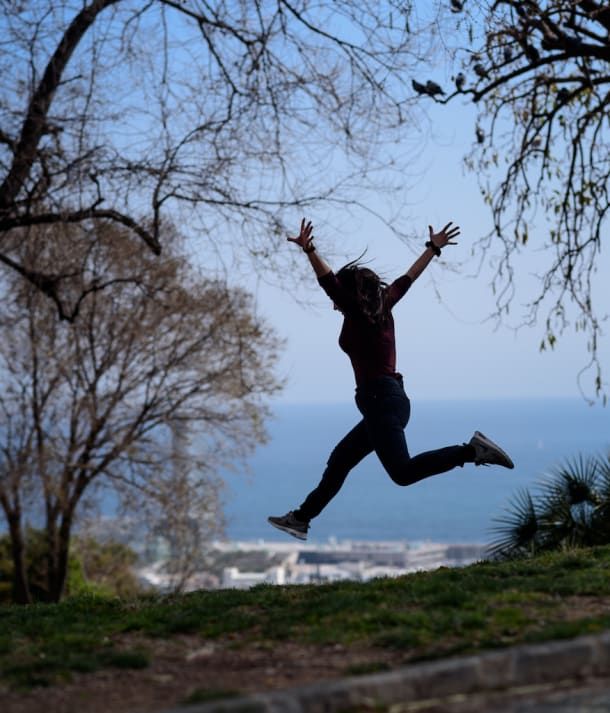
We will use this technique when our intention is to freeze only the most dynamic element of an image, the subject or objects moving in front of a blurry and fuzzy background. This technique is more expressive than the previous one and is the one we will usually see when photographing racing cars, motorcycles, cyclists, nature and animals.
In this case, we use similar procedures to the previous technique, but with slow shutter speed:
- Focus mode and focus area: automatic.
- Shooting mode: burst, allow us to obtain a sequence of images to choose the best of the three or four that we will take.
- Camera settings: Speed Priority mode.
- Shutter speed: configure a slow speed (1/15, 1/8).
To create a sweep or panning effect with the camera already configured, look for the moving element on which we want to focus and start shooting following continuously shot after shot.

If you want to learn more fundamental tricks and techniques of photography we recommend the Domestika course Introduction to Digital Photography by Jesus G. Pastor.
You may also be interested in these tutorials:
- Instagram Tutorial: Photographic Composition for Beginners
- Watercolor Tutorial: How to Paint with Watercolor Brushes and Pencils
- Craft Tutorial: How to Prepare Your Frame to Start Embroidering
- Illustration Tutorial: The Color Wheel


0 comentários