


Digital Painting Tutorial: How to Use Light In a Digital Portrait

Learn how to use light in digital portraits on Photoshop, with Samuel Smith
Light is a key element to any painting and it's no different when it comes to digital portraits. Knowing how to apply and control light on Photoshop will give depth and soul to the creations of any digital painter.
3D animator Samuel Smith got his first major job as a digital painter on Klaus, a film that went on to be nominated for the Oscar for Best Animated Feature. Here he shares some basic tips and tricks for making an impressive digital portrait on Photoshop.

Once we have painted our basic model for your portrait, it’s time to add the details. The first element Samuel considers is translucency, which occurs wherever a strong light goes through a thin surface.
We can add brighter colors of the material the light is shining through to highlight translucency. On skin, it’s often a good idea to use a bright red as the light tends to light up the blood running through our bodies.
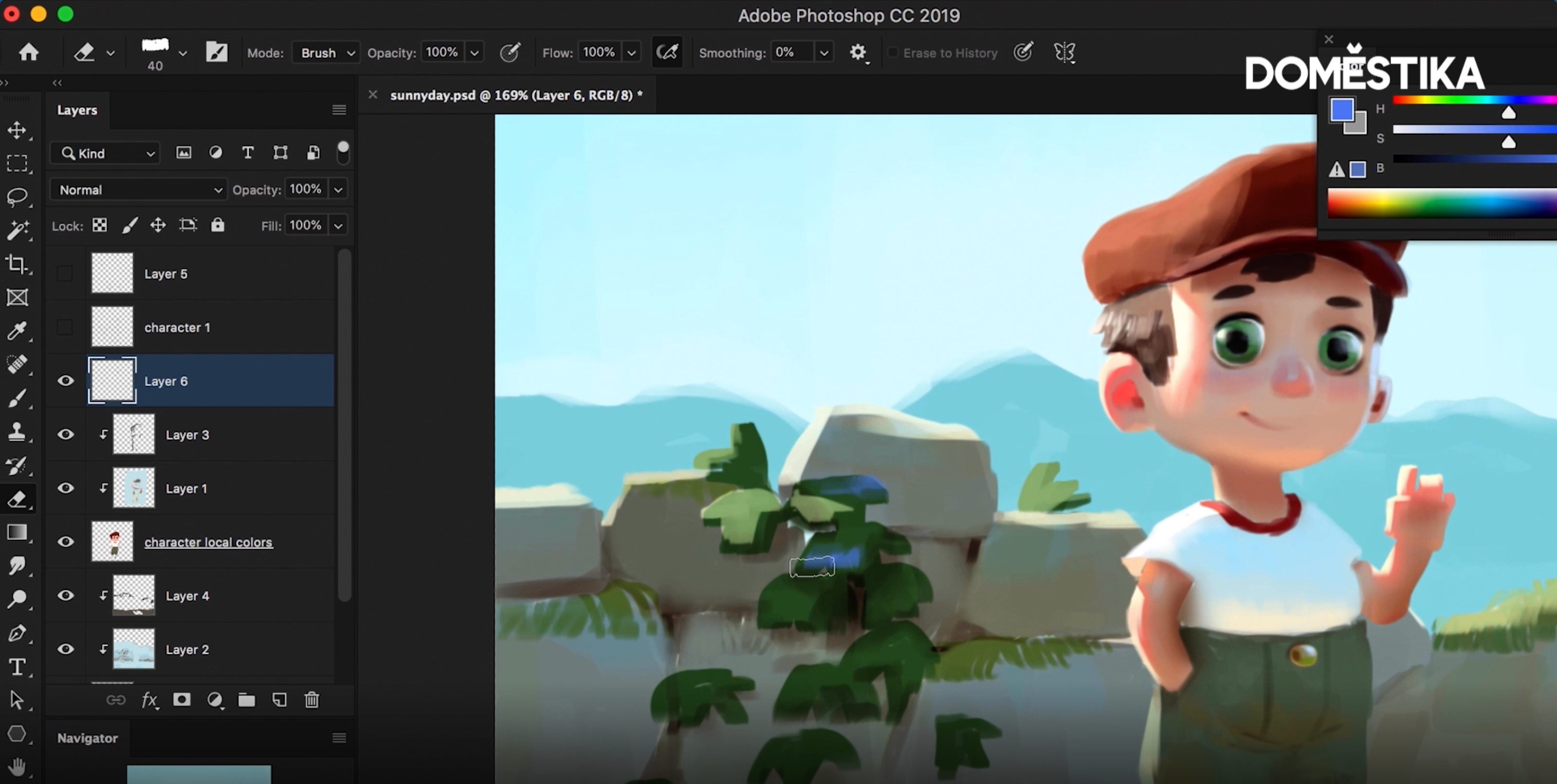
One we have added these brighter touches to our character, we can add darker colors in the more shaded areas. These will contrast from the highlights and make the illustration more vibrant and punchy.
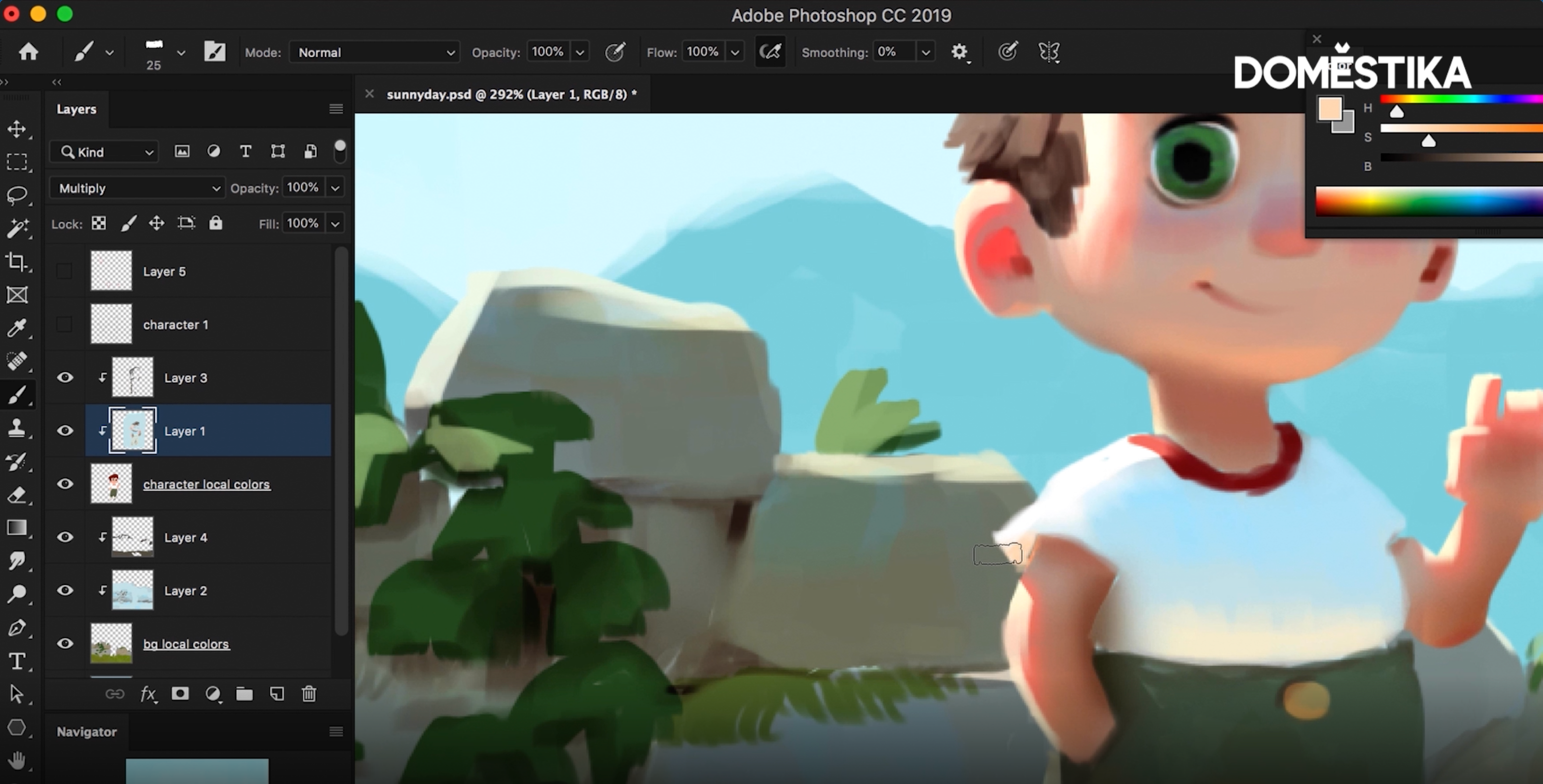
We may want to review our character more than once, considering their clothing and the other features of the scene. For example, Samuel’s character’s t-shirt is another thin surface that some of the sun’s light shines through, this affects both the item of clothing, as well as the skin near it.
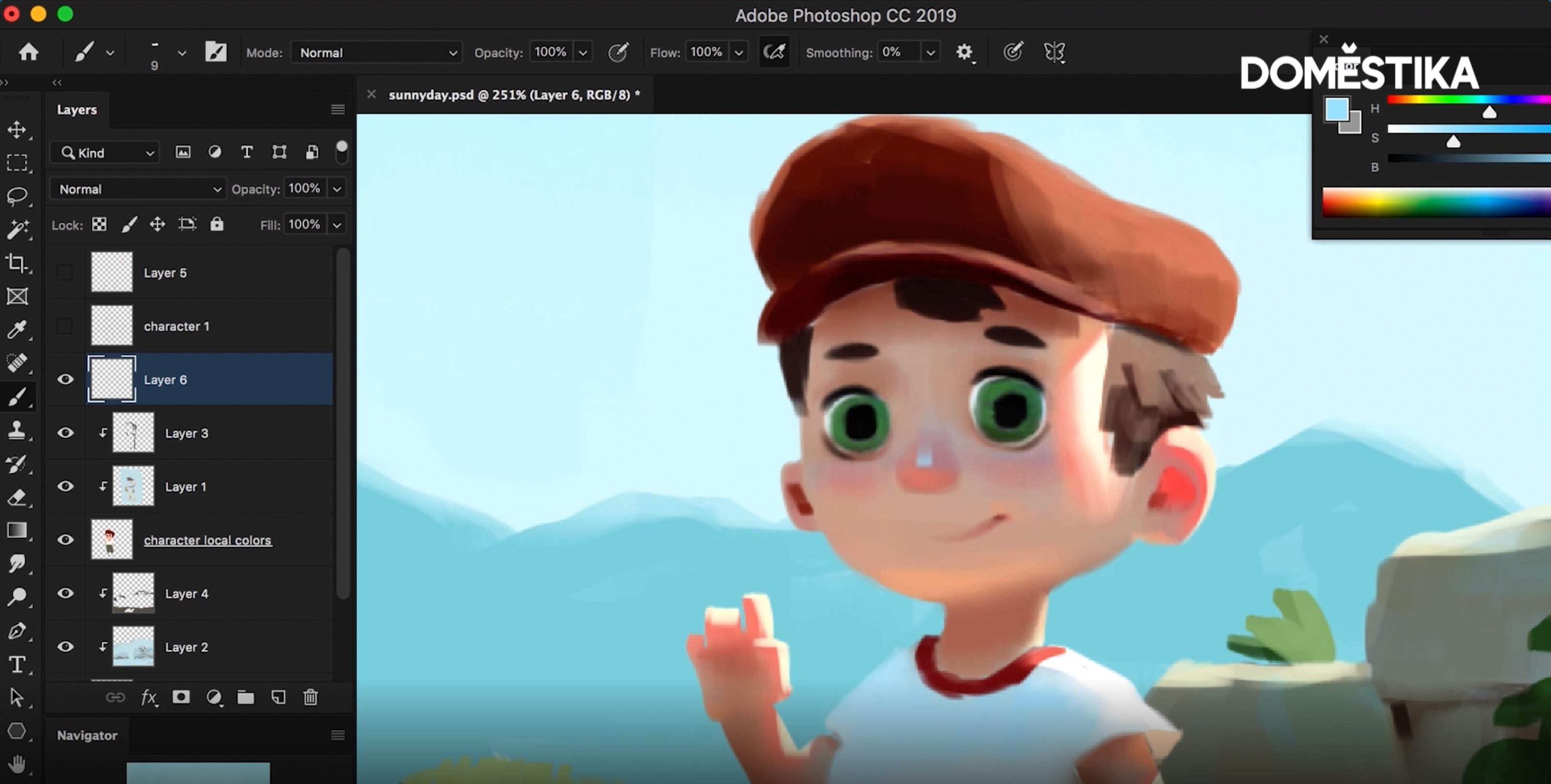
Another place where highlights can really prove useful are in the eyes, adding a touch of shine can give our characters life.
After dealing with softer and thinner materials, it’s time to consider our hard and smooth textures, on the nose for example. These sorts of areas tend to reflect light more but we need to be careful not to overdo it: too much and our character can come off looking like a metal robot, plastic doll or stone statue.
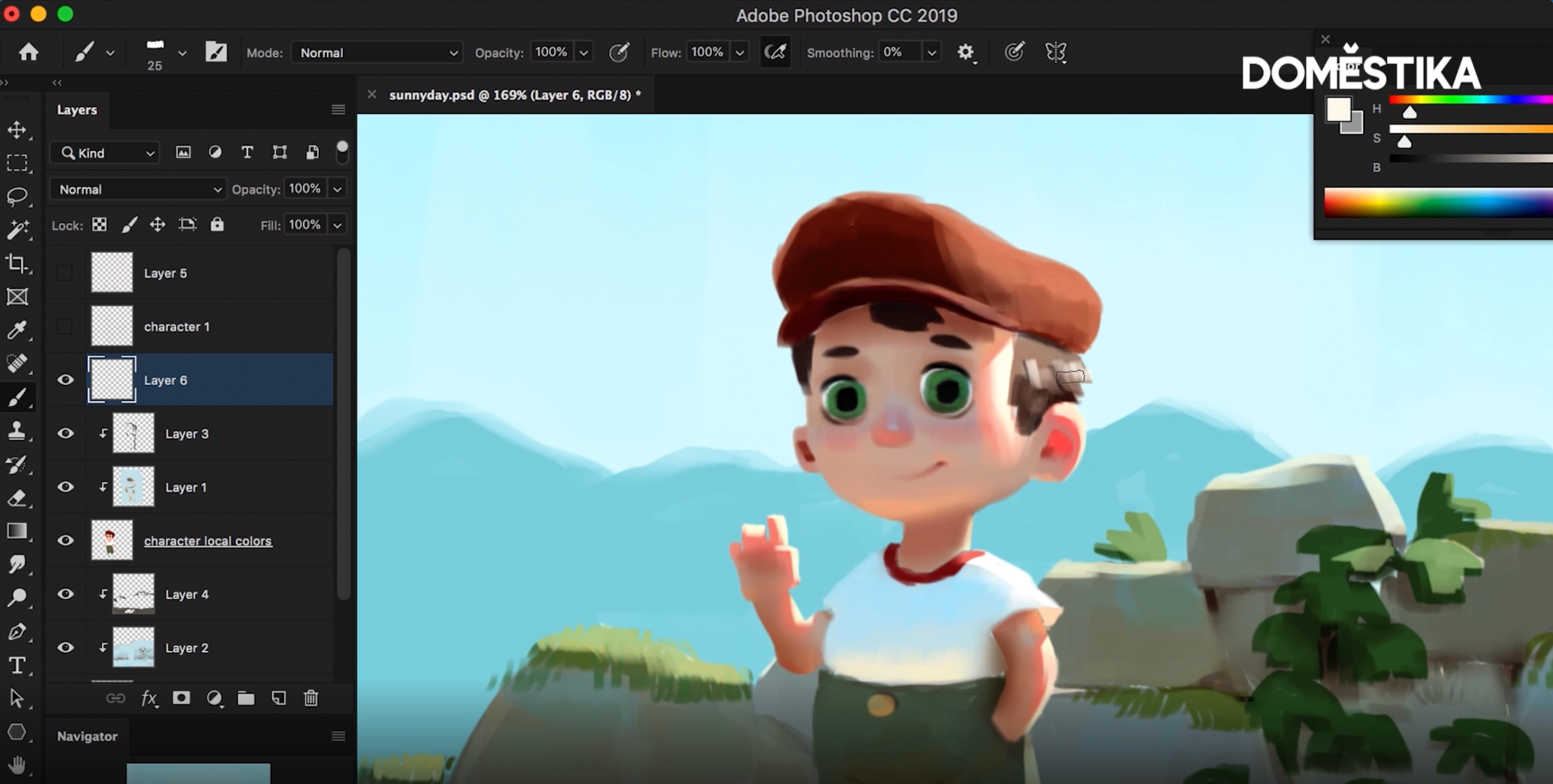
Reflections need to be placed on top of all of our layers so you can create a new layer specifically for the job and change your eyedropper to All Layers.
Hair can provide a tough challenge. What Samuel recommends is adding our reflection to our character’s hair and then erasing any excess shine to give it a more delicate finish. This erasing trick can also come in handy when dealing with other finer details, the plants in the background of Samuel’s portrait for example.
Samuel finishes off this stage of his portrait by desaturating the color of the sky to add some clouds to the scene.
If you liked this tutorial, you can learn more about adapting your digital illustrations to a series of natural and artificial lighting conditions on Photoshop on Samuel’s course Lighting Principles for Digital Painting.
You may also like:
- Digital Painting for Characters: Color and Light, a course by Joel Santana
- Brushes and Pixels: Introduction to Digital Painting in Photoshop, a course by Patricio Betteo
- Adobe Photoshop for Digital Painting, a course by Kamui MG


1 komentar
Great, thank you!