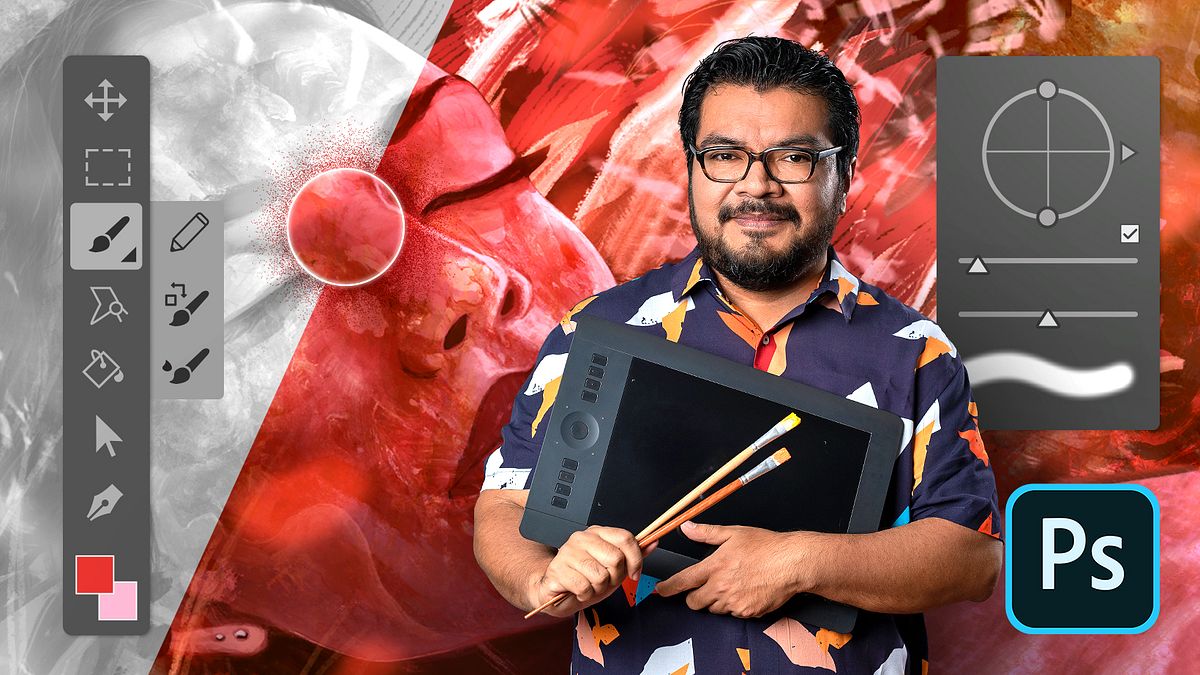
Adobe Photoshop for Digital Painting
A course by Kamui MGGraphic designer
A course by Kamui MG, Graphic designer

Master the most powerful graphic software's tools to paint pieces that are ready to be published in editorial, web, or audiovisual formats
If you are passionate about painting but want to learn how to do it digitally with professional results, graphic designer and illustrator Kamui Gomasio will guide you in this Adobe Photoshop Domestika Basics. It is the most powerful software on the market for creating, editing, and retouching images.
Throughout six courses, learn how to use Photoshop tools focused on digital painting, starting from scratch. You will be able to develop images ready to be published in books and magazines, social media, websites, or prepare them for an animated project.
Start by getting to know Photoshop, its interface, the basic tools, and become familiar with layers and selections.
In the second course, learn about RGB, sRGB, and CMYK color spaces, and learn about the fundamental tools for editing color.
Then, learn how to use the tools to start sketching, see how to create your own brushes, and learn more tools that will speed up your workflow.
Start the fourth course by exploring formats and seeing how to mix colors in digital painting. Learn how to use amazing tools to illuminate your digital paintings with soft and hard shadows.
Next, focus on digital painting for the print medium. See how to perfect your techniques and create an artistic portrait that can be used in the publishing industry, whether it's for books, magazines, or print.
Finish this Domestika Basics by learning the keys to create a landscape that you will later animate. Learn, among other things, how to create perspectives to be applied to scenes, and see different filters and useful functionalities.
Technical requirements
⦁ A computer running Windows 7 (or higher) or macOS El Capitan (or higher). ⦁ Adobe Photoshop CC: you can download the 7-day trial version from Adobe's official website. ⦁ You will need a graphics tablet to work more comfortably.
Recommended software & tools for this course
Reviews
- 3 months ago
Excelente curso aprendes conceptos básicos de photoshop y absolutamente nada de pintura y dibujo así se enfoca en lo realmente relevante me encantó❤️ Es emocionante ver un artista muy reconocido y famoso se basa en enseñar cómo usar bien el formato para exportar para imprimir es excelente. Todo el audio se escucha como si estuviera sonando en una radio y tapado, es hermoso ese estilo para hacer el resto de los videos! también me gustó que en el vídeo de introducción el audio es muy nítido
- 4 months ago
brutal
- 10 months ago
very nice course
- 2 years ago
buen curso
- 2 years ago
Un curso excelente con correcciones constantes por parte de su profesor! Me ayudó mucho a entender bastante el software y a poder manejarme mejor en mis ilustraciones. Super recomendado!
He has worked for brands such as Alfaguara, BMC/Coca-Cola, Pearson, Secretaría de Cultura, Televisa, Grupo Medios, Ediciones SM, Grupo Edebé, Macmillan, and Ediciones SM, among others.
His work has been selected in several illustration contests, such as Ballistic Publishing’s EXPOSÉ 11, Ilustracional-PICNIC, Catálogo Iberoamericano de Ilustración and CONACULTA`s Illustrators Catalogue.
Content
- U1
Welcome panel
- Welcome panel
- U1
Color spaces
- Color spaces
- U2
Interface
- Interface
- U2
Color Profiles
- Color Profiles
- U3
Resolution and image size
- Resolution and image size
- U3
Graphics tablet and use of "brush" tool
- Graphics tablet and use of "brush" tool
- U4
Color modes
- Color modes
- U5
Layers and their function
- Layers and their function
- U6
Rectangular and elliptical selection
- Rectangular and elliptical selection
- U7
Practice
- Practice
What to expect from a Domestika course
Learn at your own pace
Enjoy learning from home without a set schedule and with an easy-to-follow method. You set your own pace.
Learn from the best professionals
Learn valuable methods and techniques explained by top experts in the creative sector.
Meet expert teachers
Each expert teaches what they do best, with clear guidelines, true passion, and professional insight in every lesson.
Certificates
PLUSIf you're a Plus member, get a custom certificate signed by your teacher for every course. Share it on your portfolio, social media, or wherever you like.
Get front-row seats
Videos of the highest quality, so you don't miss a single detail. With unlimited access, you can watch them as many times as you need to perfect your technique.
Share knowledge and ideas
Ask questions, request feedback, or offer solutions. Share your learning experience with other students in the community who are as passionate about creativity as you are.
Connect with a global creative community
The community is home to millions of people from around the world who are curious and passionate about exploring and expressing their creativity.
Watch professionally produced courses
Domestika curates its teacher roster and produces every course in-house to ensure a high-quality online learning experience.
FAQs
No, this course is designed for users with basic Photoshop knowledge who want to refine intermediate digital painting techniques.
It’s recommended to have basic experience with Photoshop and a fundamental understanding of digital illustration concepts.
You’ll learn how to create digital sketches, use brushes and layers, work with color palettes, light portraits, and export high-quality digital artwork.
You’ll need Adobe Photoshop installed on your computer and a graphics tablet is recommended for better control while painting.
Custom brushes in Photoshop let you adjust texture and opacity, making it easier to create expressive, detailed black-and-white digital sketches.
By organizing elements on separate layers and adjusting blending modes and opacity, you can layer shadows that add depth and realism to your digital painting.
You can create color palettes by picking tones directly from images and organizing them into swatches, helping you maintain color harmony in your work.