
Creating Graphic Design Mockups
Creating Graphic Design Mockups
par Anna Rucká @cutee__princess
- 29
- 0
- 1
Introduction
In this course, we created our own custom mockups from scratch. The process included sketching out the initial concept, selecting three real-life objects to feature, taking original reference photos, and then building the final mockup in Photoshop.

Supplies
I used Photoshop, my Sony camera, and a few photo props — including an artificial flower for decoration, plastic bases, and a white-gray backdrop.

Sketching mockup ideas
I started by creating four different sketches to plan what kind of mockups I wanted to make. Each sketch helped me visualize the final composition and decide on the layout. This step made it easier to choose the right props and backgrounds later on.

Selecting props and materials
Next, I chose three main elements for the scene — a white-gray background, an artificial flower as a decorative accent, and plastic bases to add dimension. I focused on keeping the setup simple and neutral so that the design itself would stand out. These choices helped me achieve a clean and professional aesthetic.

Shooting the photos
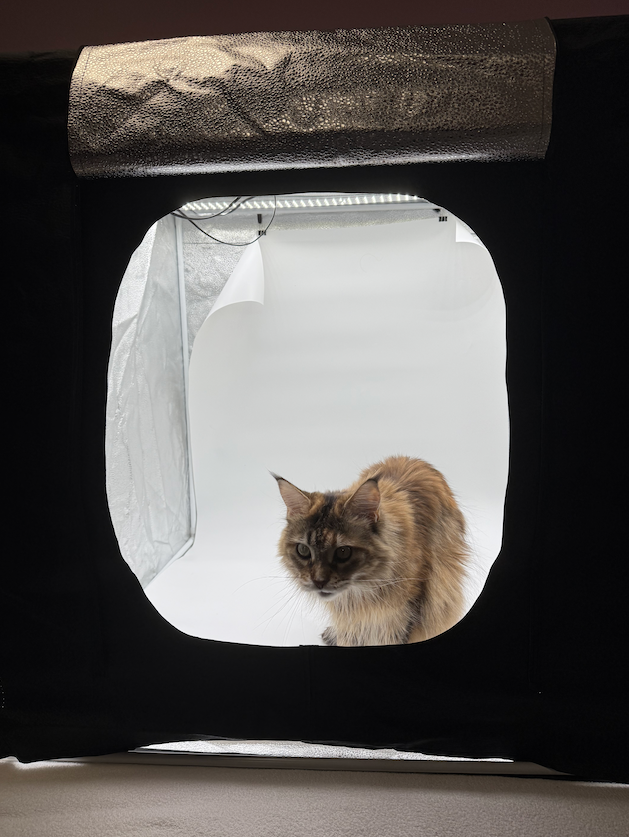
I photographed everything in a lightbox to ensure soft, even lighting and minimal shadows. I adjusted the angle and distance to create realistic perspectives suitable for mockups. The result was a set of high-quality base photos ready for editing.
Creating the mockups in Photoshop
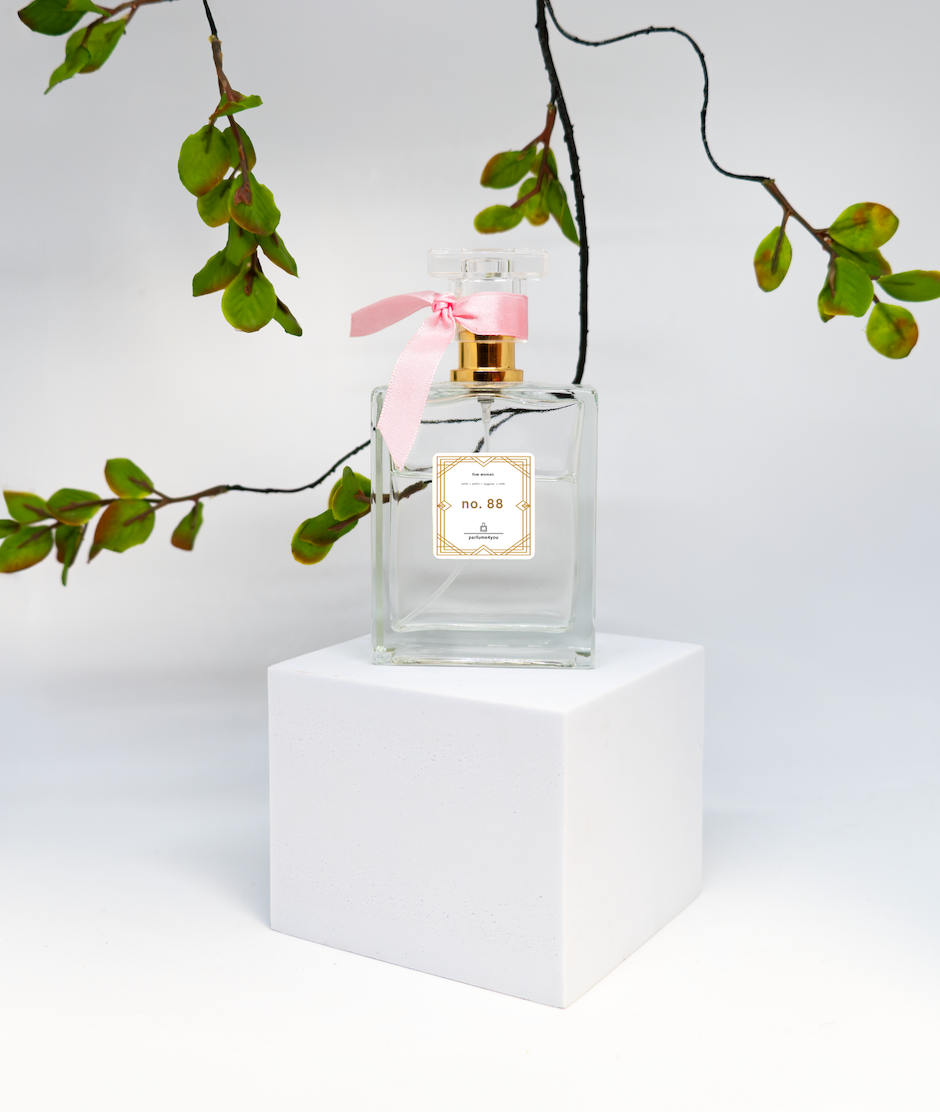
Finally, I used Photoshop to refine and complete the mockups. I adjusted colors, added shadows, and aligned the design elements to make them look natural and realistic. The goal was to create versatile mockups that could easily showcase different branding projects.


1 commentaire
Bon processus et bon travail !
Connectez-vous ou inscrivez-vous gratuitement pour commenter