Latest blog post
Canva, Photoshop, or Illustrator: Which Tool to Choose for Each Project
A practical guide to understanding the differences between Canva, Photoshop, and Illustrator and knowing when to use each tool based on your creative goals. Many people start a visual project by wondering which tool they should use: Canva, Photoshop, or Illustrator. The answer almost always depends on the result you want to achieve, not on which of the three is more prestigious or seems more “professional.” Choosing the right tool from the start saves time, improves the quality of your work, and helps you avoid problems later on when exporting, printing, resizing, or editing a design. This article isn’t meant to crown a winner, but rather to help you identify which tool is best suited for each specific situation. Canva is ideal for quick design and template-based content; Photoshop excels at images, retouching, and photo montages; Illustrator is the natural choice for vector graphics, logos, and visual identity.
View translation
Hide translation
wow!!
Excelente
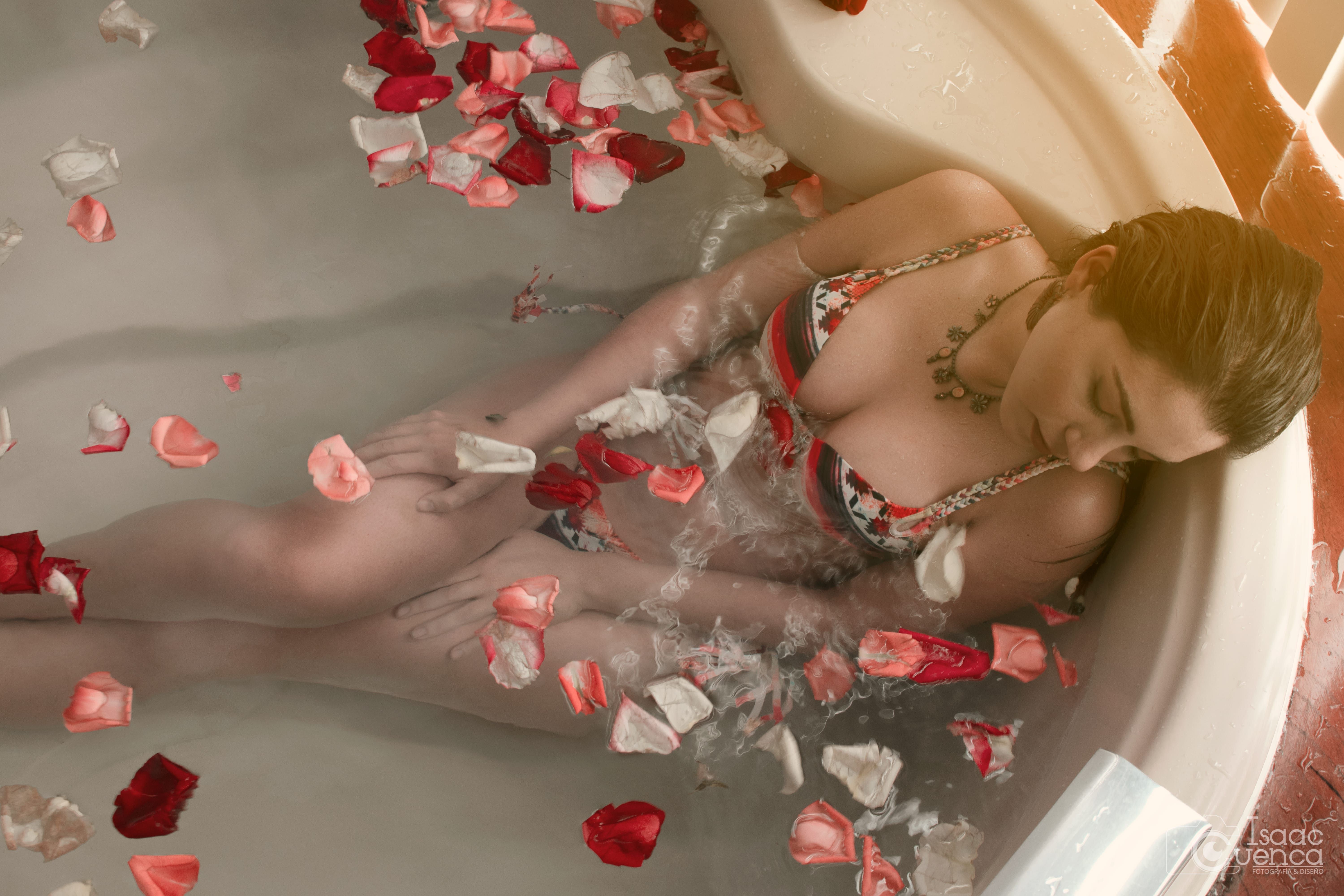
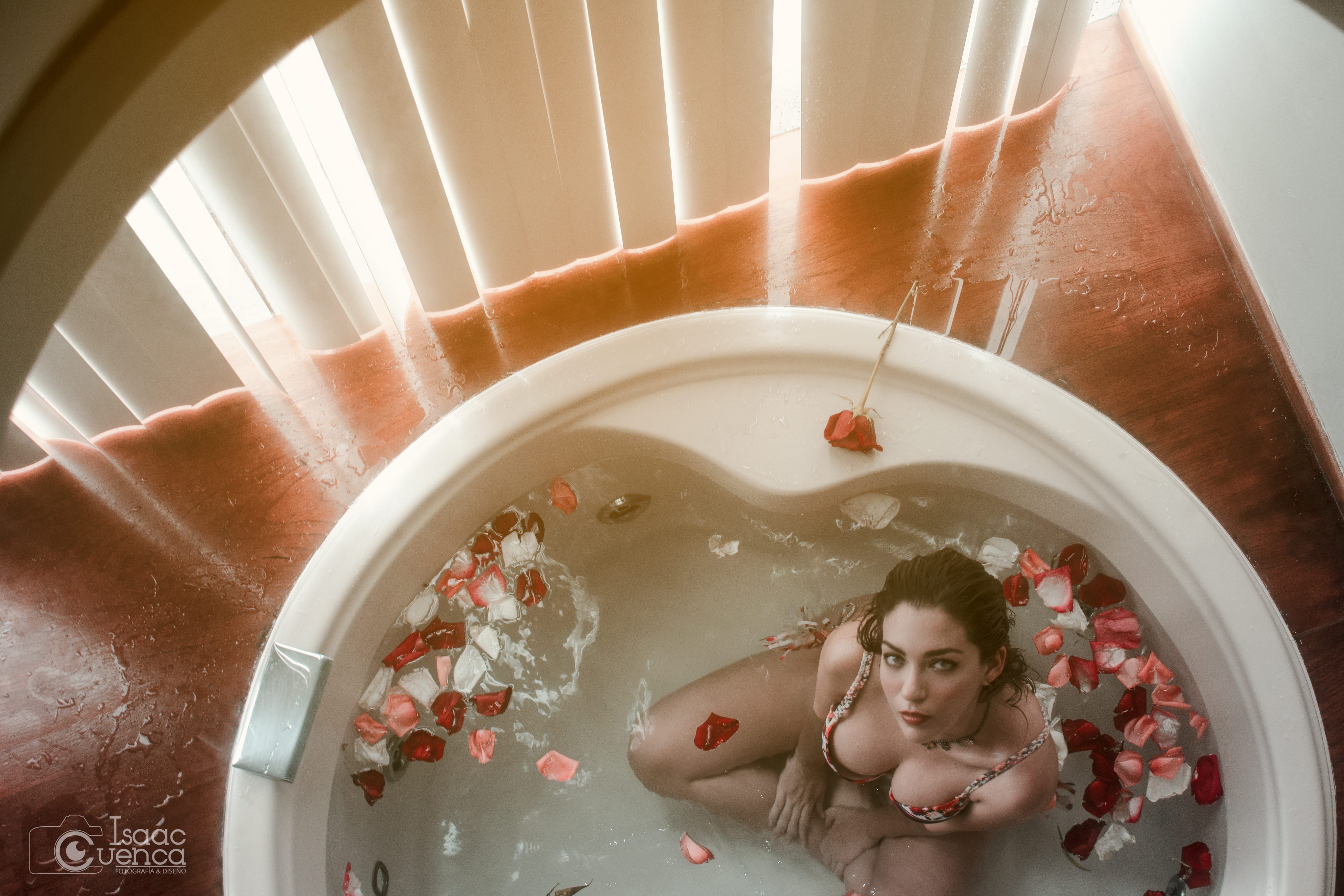
La que más me gusta es la primera de la ventana. Me abre a una historia... de ¿qué está mirando?, ¿qué espera?. Además la composición en especial de esa me parece muy buena.
Hermoso trabajo, luce muy profesional, felicidades.





4 comments
wow!!
Excelente
La que más me gusta es la primera de la ventana. Me abre a una historia... de ¿qué está mirando?, ¿qué espera?. Además la composición en especial de esa me parece muy buena.
Hermoso trabajo, luce muy profesional, felicidades.
Log in or join for Free to comment