


Designing With Python
by James Abell @info_002610
- 417
- 4
- 1
Introduction
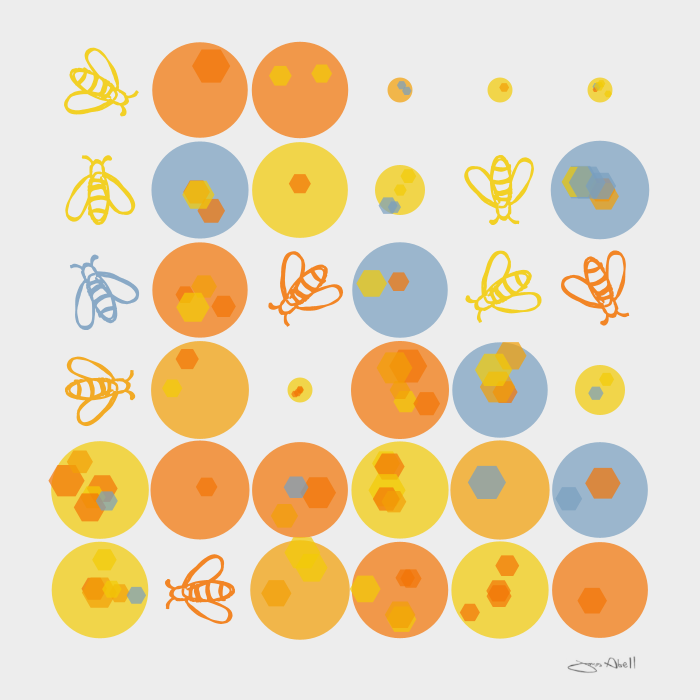
I really enjoyed the course. I wanted to add my only simply minimal drawings as elements as well as the shapes purely made in Python as I like to work in a "tradigital" way. I am an artist/designer who likes to mix traditional with digital elements such as 3D. I have only just started getting into Python to help me explore ways to go beyond just manual 3D and 2D digital art making.
Supplies
Py5, Thonny, Pencil & paper
Honeybees & The Summer Flowers
I wanted to evoke a summer feeling with bees with a twist of technology and science fiction...
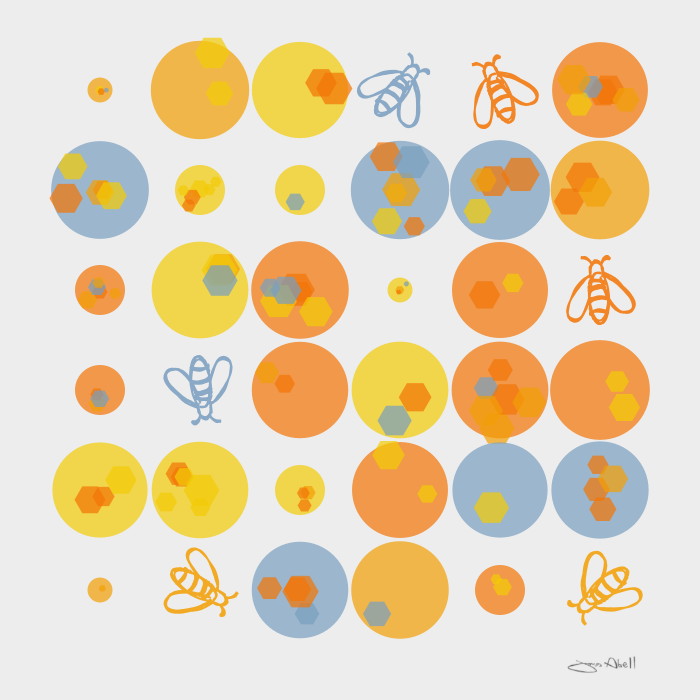
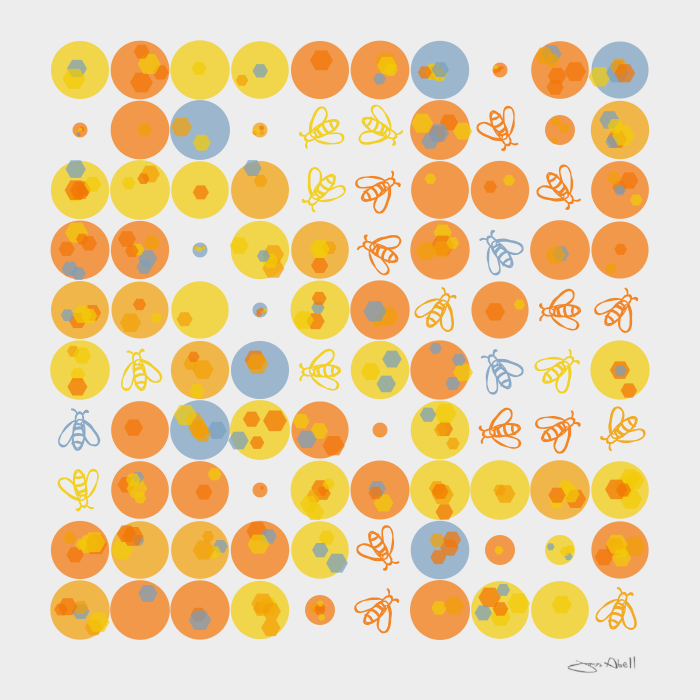
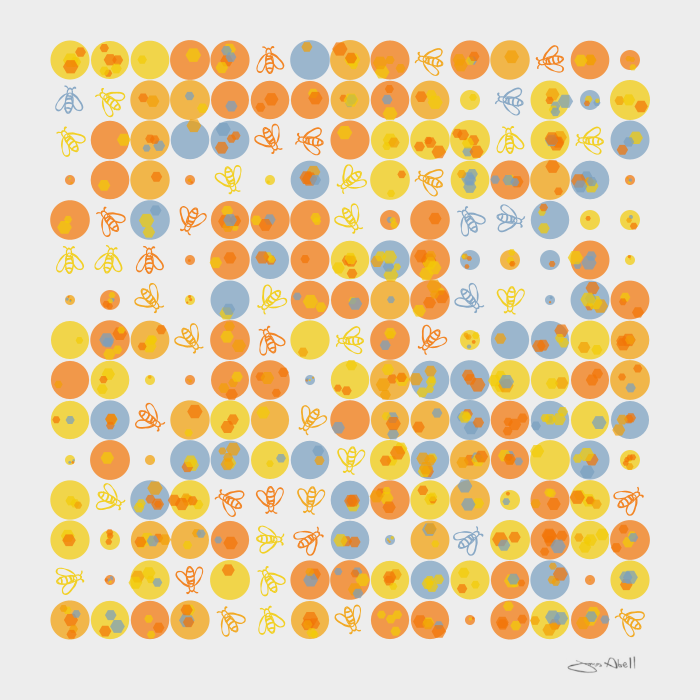
Adding Tradtional Drawing As Scanned SVGS Into The Pattern "Tradigital"
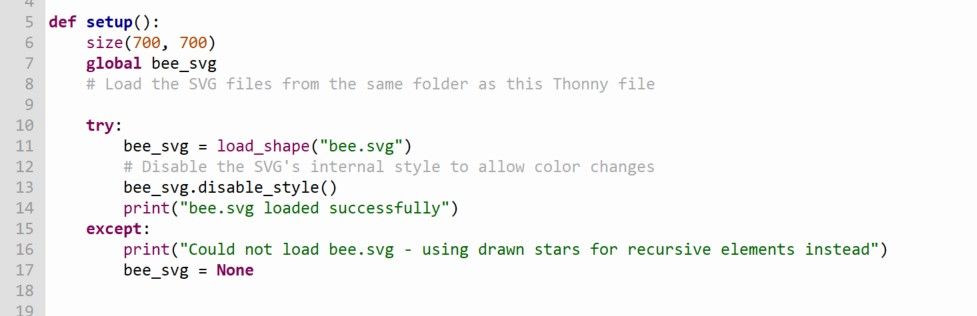
I got a bit stuck trying to add the drawings. I converted them into SVGS from a smartphone photo in Inkscape and using AI and Google I worked out that I could add code to make them into an element/shape in the code see below. I am not sure if the ode is "bloated" as I am a beginner learning Python but it worked -
def setup():
size(700, 700)
global bee_svg
# Load the SVG files from the same folder as this Thonny file
try:
bee_svg = load_shape("bee.svg")
# Disable the SVG's internal style to allow color changes
bee_svg.disable_style()
print("bee.svg loaded successfully")
except:
print("Could not load bee.svg - using drawn stars for recursive elements instead")
bee_svg = None



1 comment
Wonderful! Thank you for sharing!
Log in or join for Free to comment