
My Character for "Introduction to Character Design in Pixel Art"
My Character for "Introduction to Character Design in Pixel Art"
by Vee Pike @vvvvvvvvvvee
- 120
- 4
- 0
Introduction
Introduction
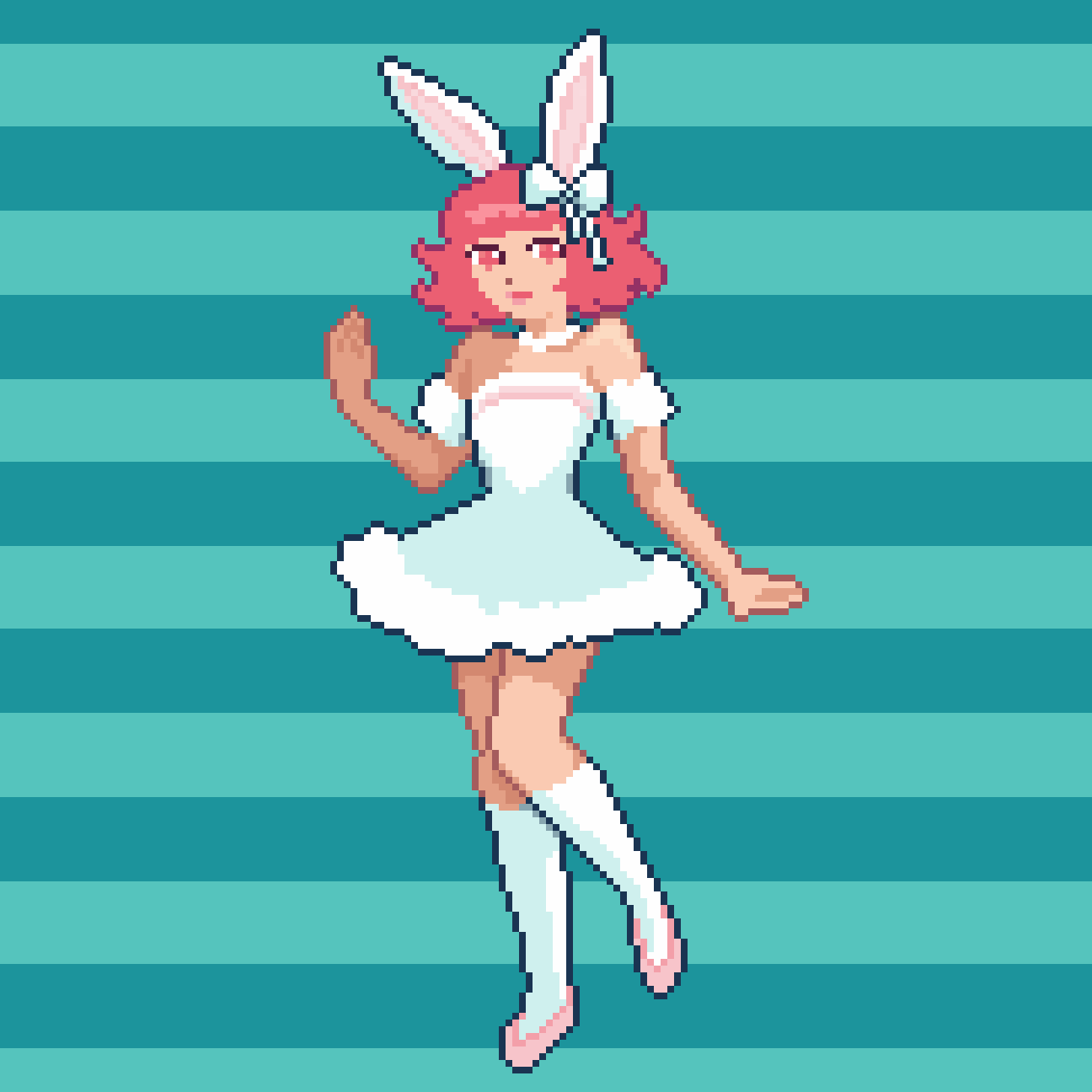
I created a pixel art sprite of a cute magical girl character wearing bunny ears. I was inspired by things I love, like the colours teal and pink, bunnies, and magical girl shows like Sailor Moon. I wanted to combine these interests into a fun and charming character design. My goal was to make a character that felt playful and expressive, and also practice using a limited color palette and clean silhouette to keep the sprite readable and appealing.
Supplies
Supplies
I used Pyxel Edit to create the sprite, as it was the recommended software in the course. It was my first time using the program, but I found it pretty intuitive and easy to get started with.
Silhouette
Silhouette
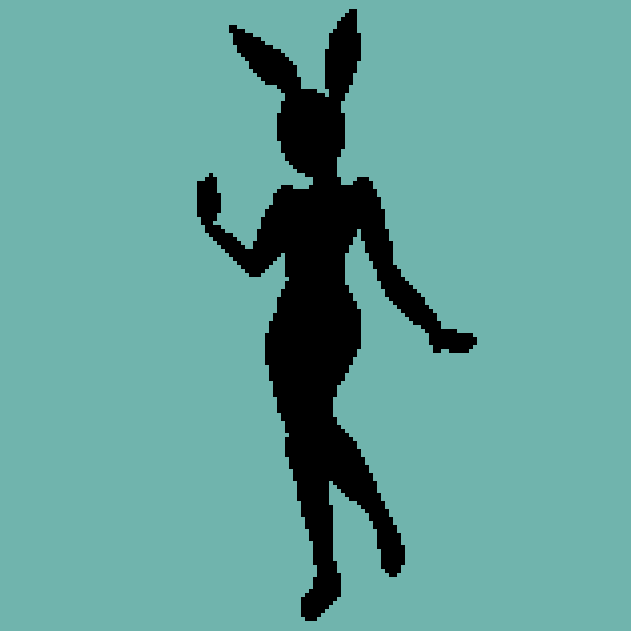
Step one was to create the silhouette of the character. This helped me focus on getting a strong and readable pose before adding any details or colours. By blocking out the basic shape, I could make sure the character's proportions and overall design were clear and expressive, even without any outlines or shading. It was a great way to build a solid foundation for the rest of the sprite.
Colours
Colours
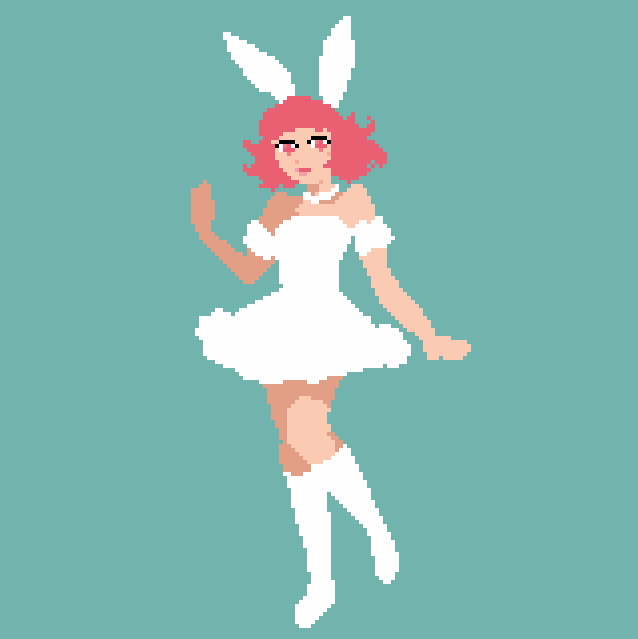
Step two was to add the base colours to the sprite. I chose a soft pastel palette with pink hair and a white outfit to match the cute, magical girl aesthetic I was going for. At this stage, I focused on blocking in the main colour areas without worrying about shading or detail yet. This helped me see how the colours worked together and made it easier to adjust the palette before moving on to more refined work. It was really fun to bring the character to life with the colours I love!
Outline
Outline
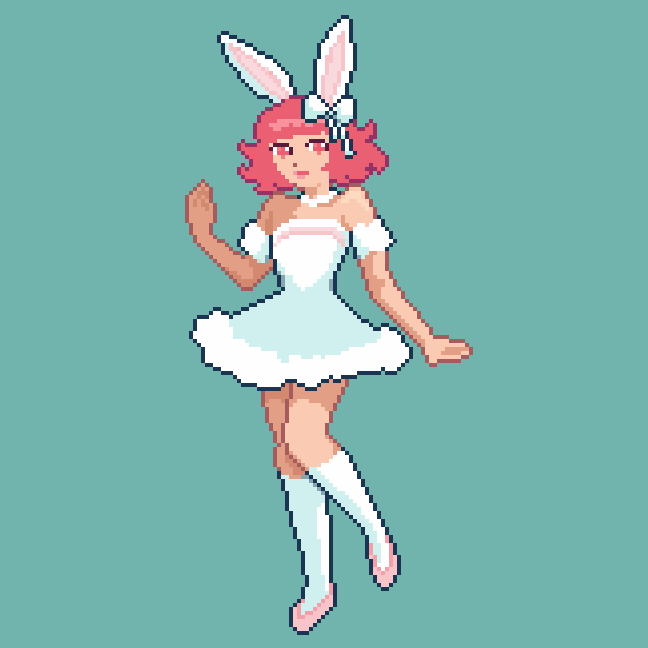
Step three was adding the outline. I used a darker colour to trace around the character and define her shape more clearly. This helped separate her from the background and made the sprite easier to read, especially at a small scale. Adding the outline also gave her a more polished and cohesive look, and made the edges of her design pop. It really brought everything together.

Highlights, Shadows & Details
Highlights, Shadows & Details
Step four was adding highlights, shadows, and small details to bring the character to life. I used lighter and darker shades of my base colours to create depth and give the sprite more dimension. This helped define the dress, the shape of her hair, and added more personality to the overall design. I also added little touches like the bow on her bunny ears to enhance her cute, magical girl vibe. This step really made the sprite feel complete and full of charm.


0 comments
Log in or join for Free to comment