
Jazz!
by Dan Kelby @dankelby
- 1,302
- 83
- 4
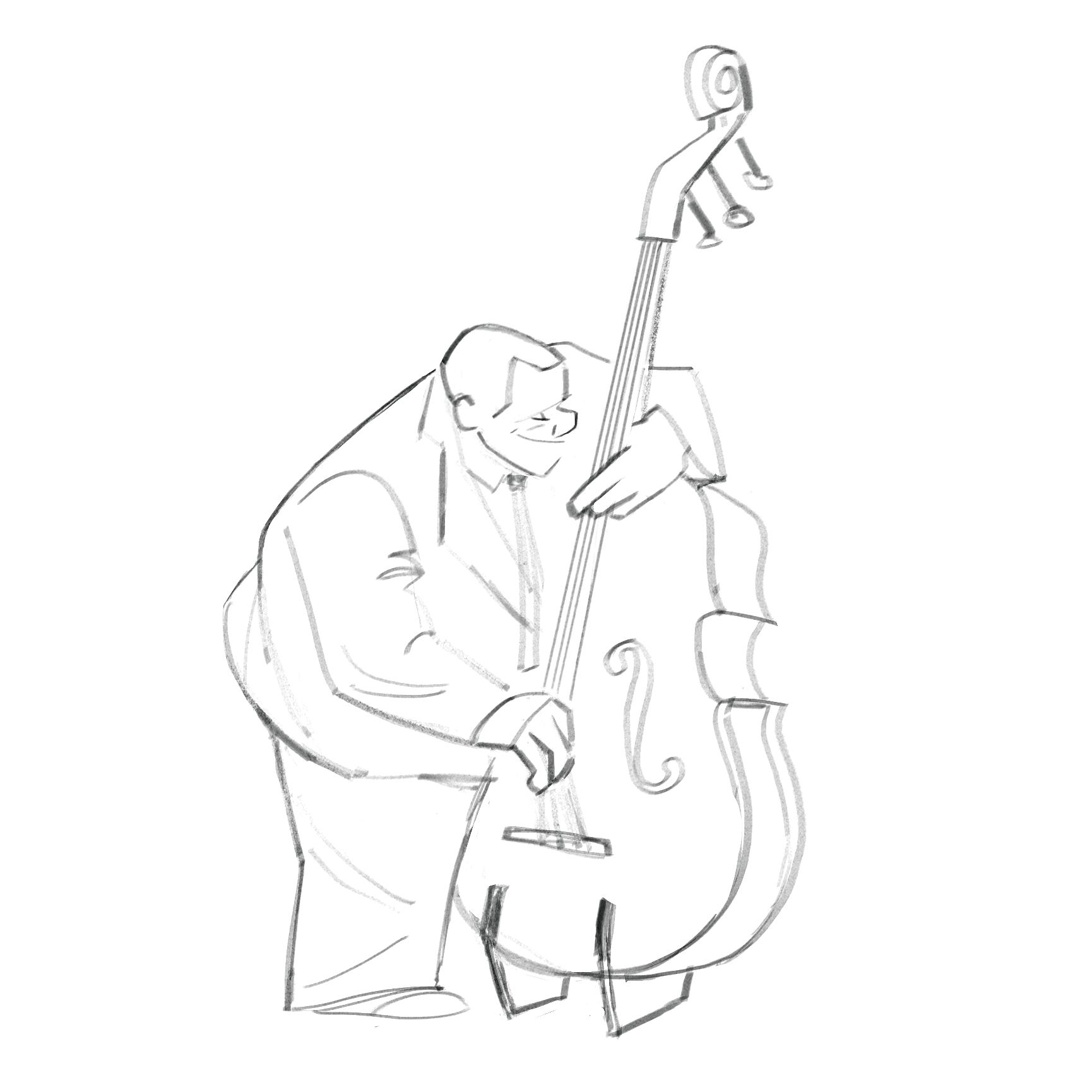
After watching Pixar's movie Soul I was inspired to draw some jazz players. I loved the film, and drawing some musical characters seemed like a fun challenge with a lot of potential for exaggerating the intense expressions and postures that musicians find themselves in.
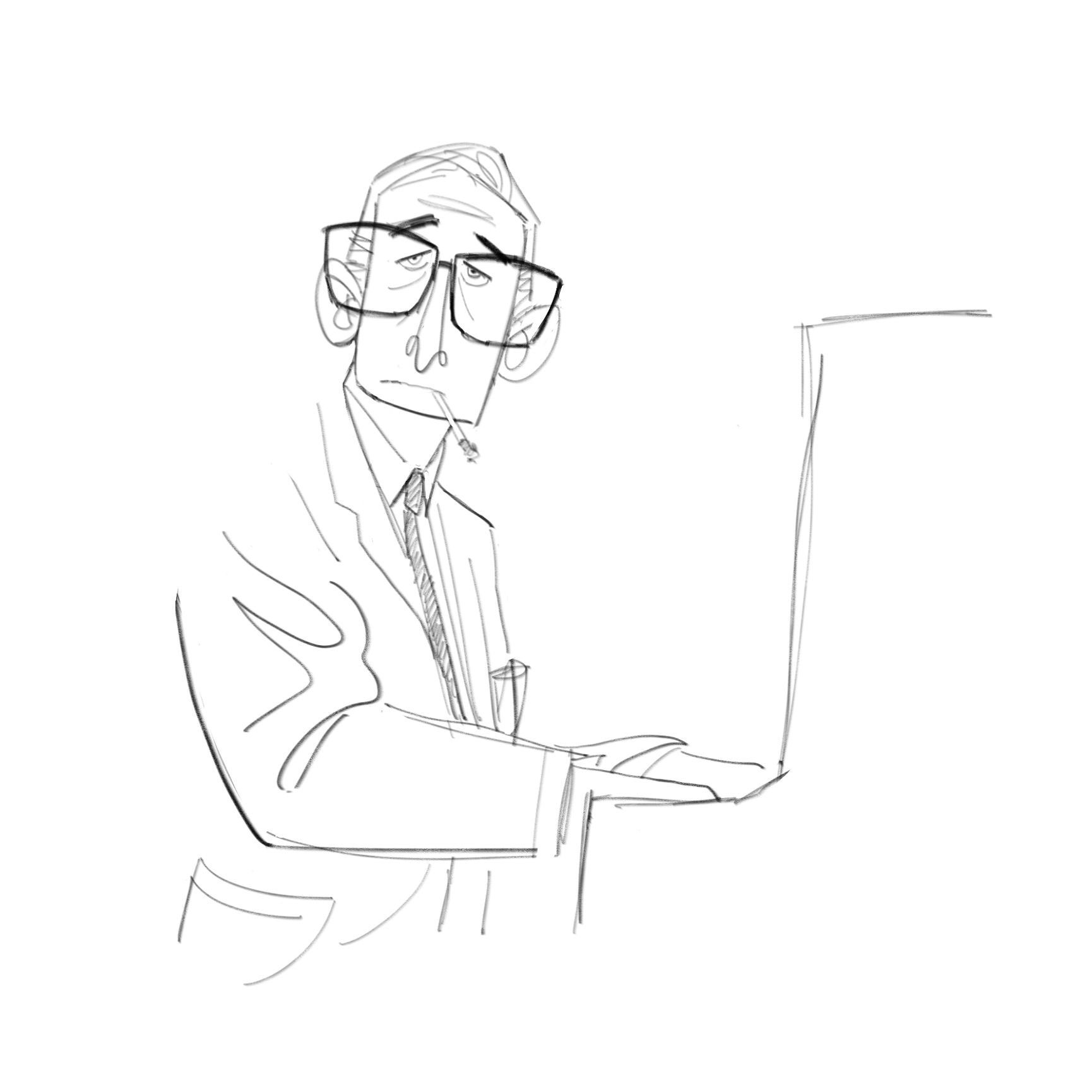
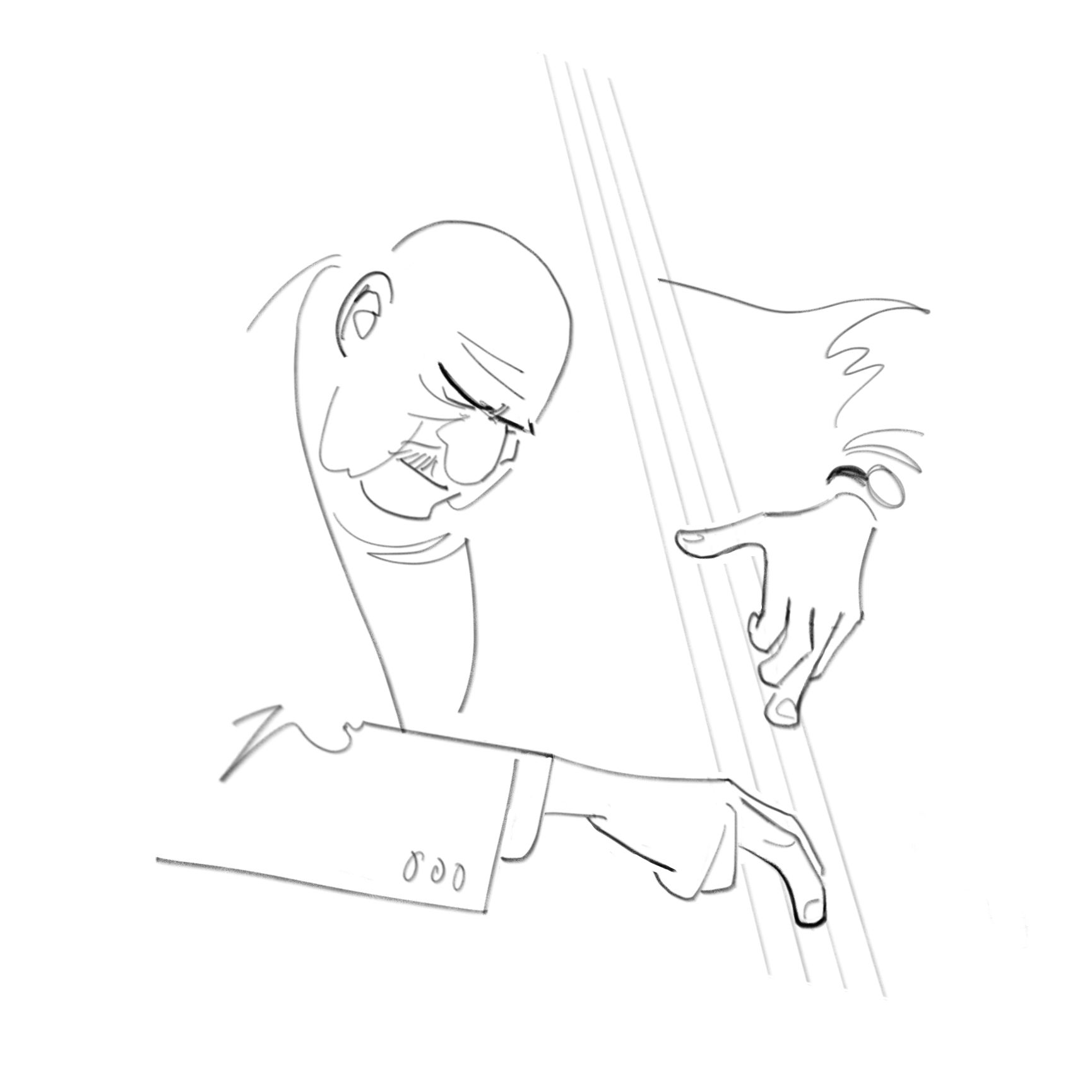
I thought I'd show you a little of my process on the trumpet playing below, and I have also included some bonus sketches at the end of the post. This was all done in Procreate, but you can follow this process in any digital art program that uses layers. Enjoy!
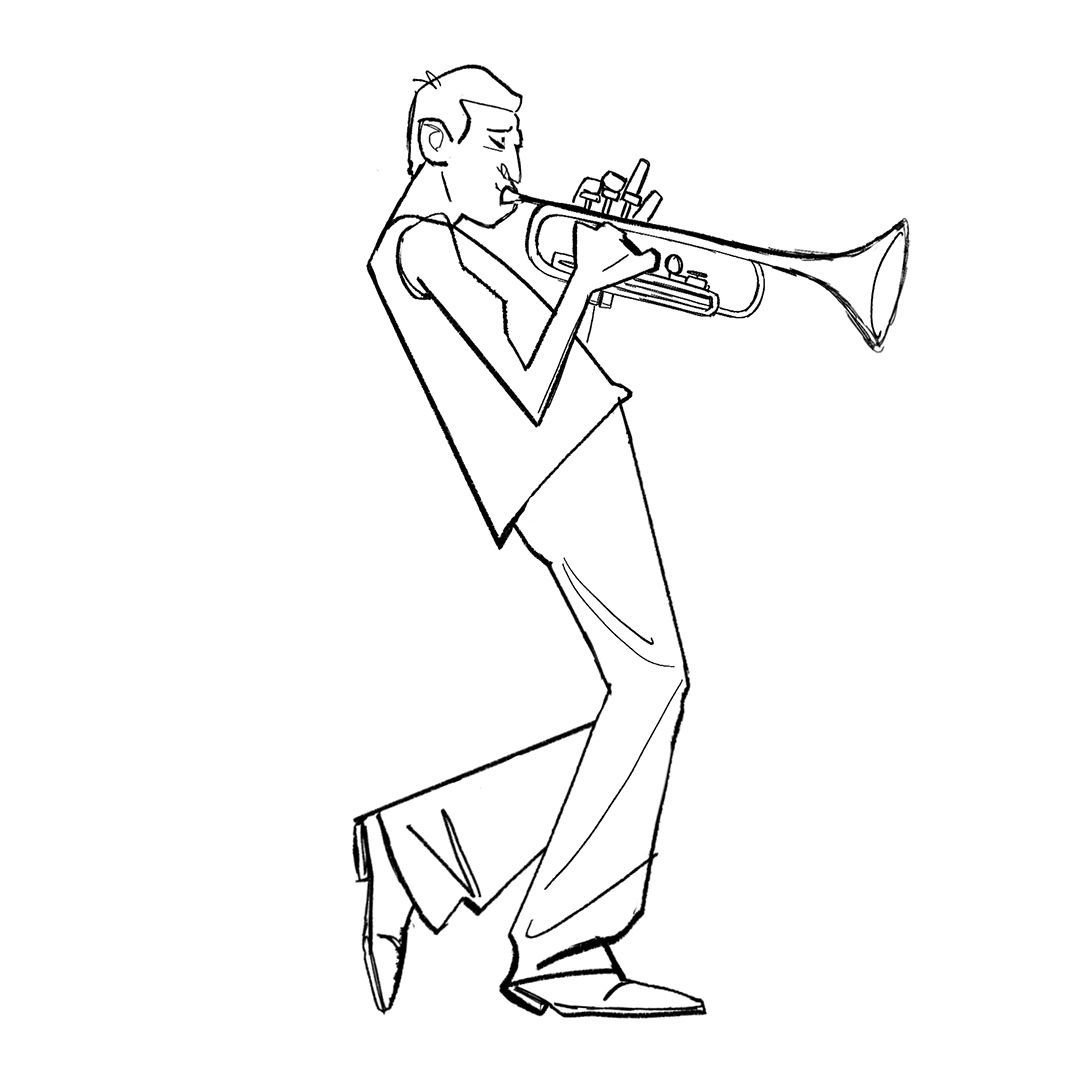
After looking at Pinterest and Google for some reference images, I sketched out this character playing his trumpet. I wanted to convey the extreme angles of his body and the passionate look on his face that he had, seemingly lost in the music. Here I am pushing shape design and the character's line of action to achieve this:
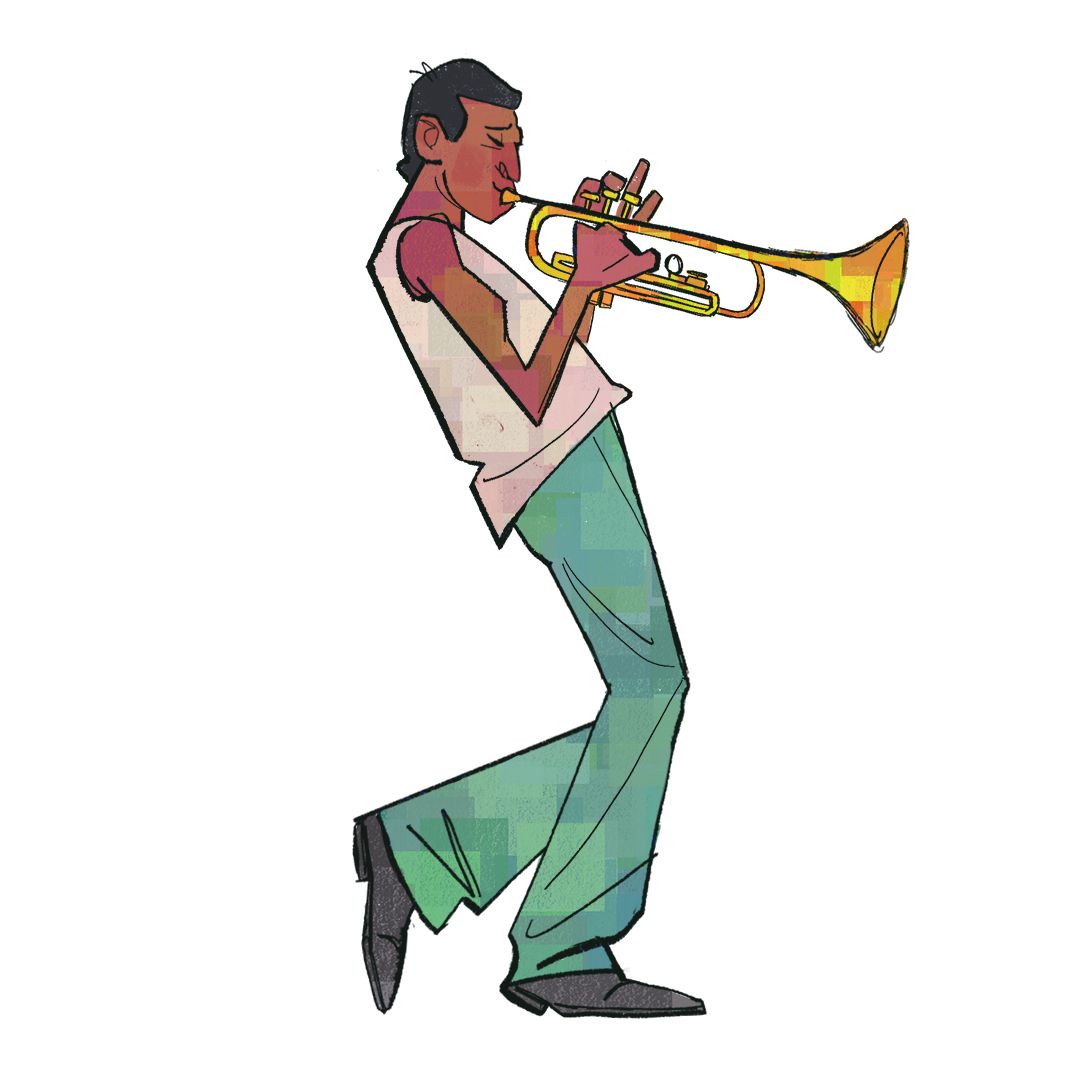
I painted my colours on separate layers so I can edit them independently if need be, and added some textures on top to help break the colours up and add interest:
Next I coloured my line work by tapping the line layer and selecting "Alpha Lock". Then I can paint inside my lines using bright colours. I feel like black outlines can dull a design visually, and here you can see how colouring the line work instantly makes the character feel more alive:
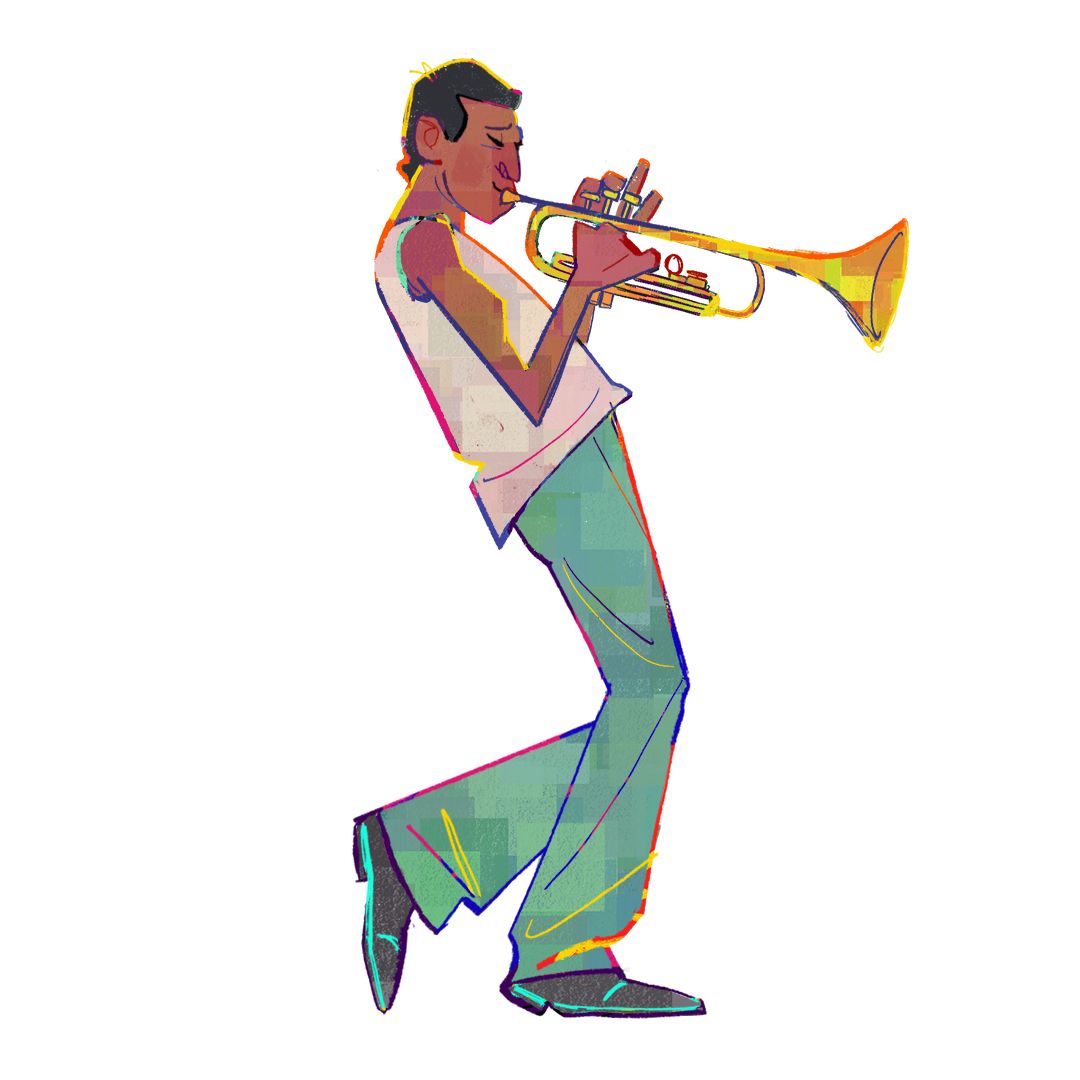
After making a backup copy of all of my layers, I duplicated them all and merged these copies into one layer. From here I tweaked the overall silhouette, and added some more layers on top for the smoke effects and some additional textures on the trumpet:
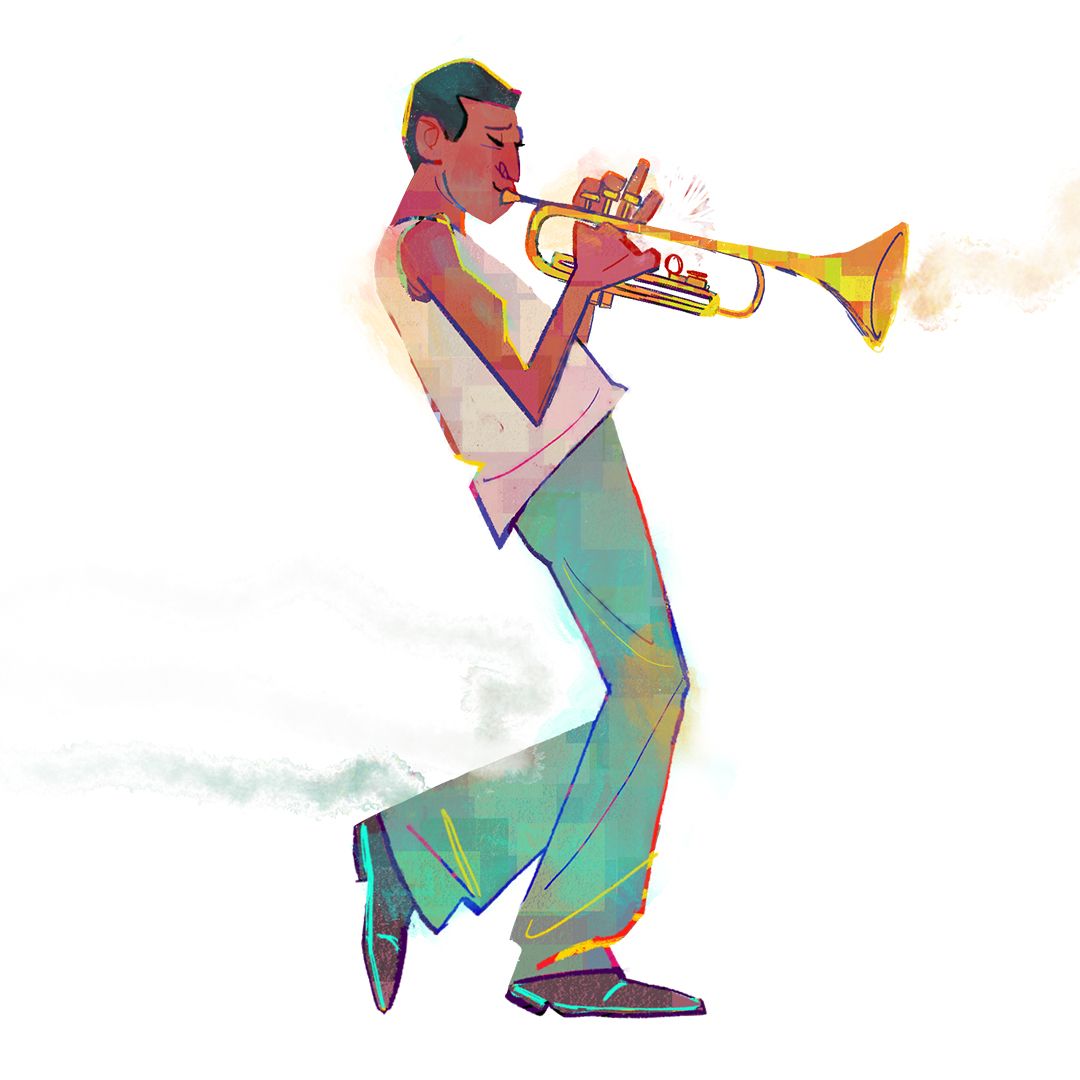
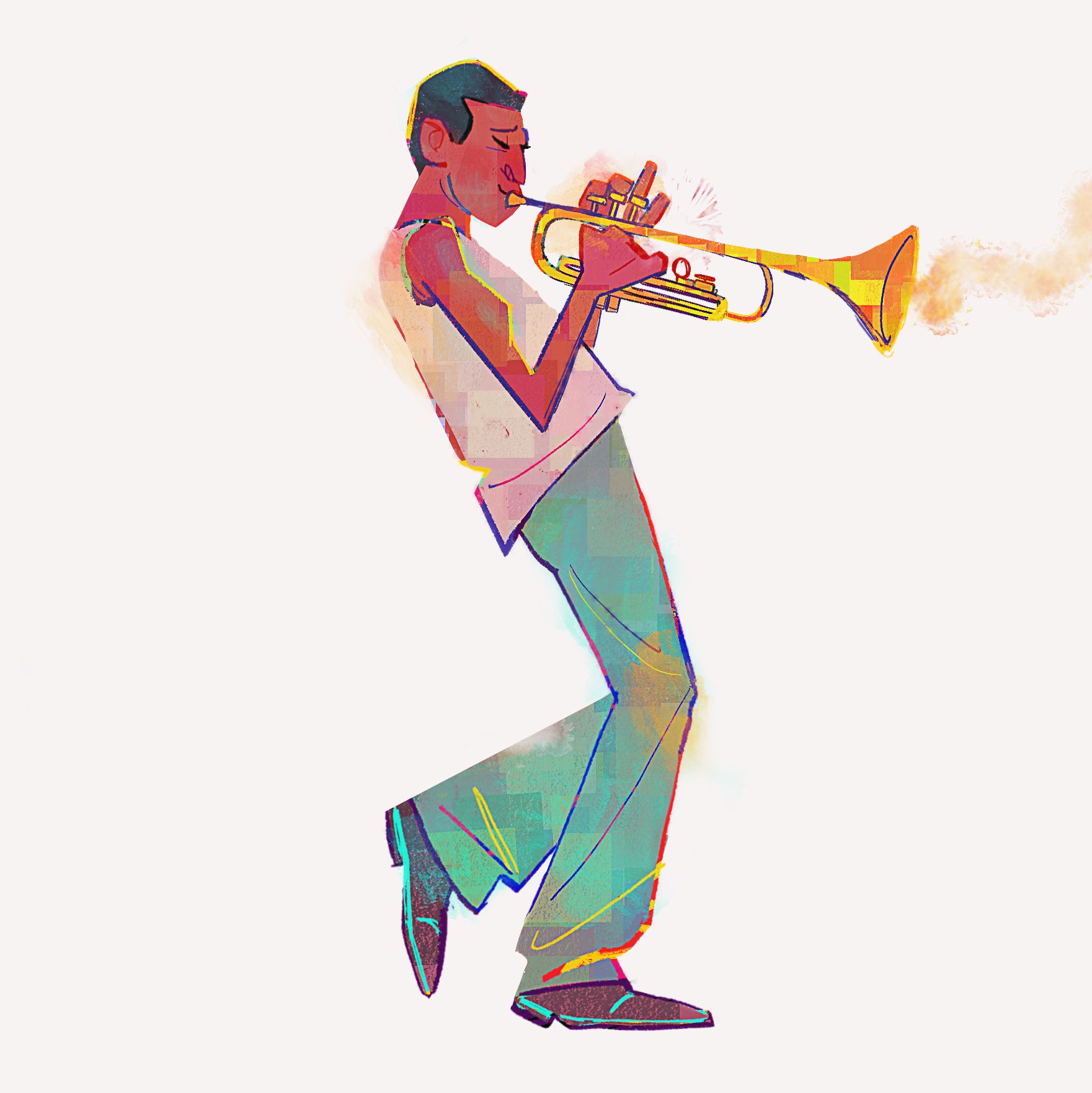
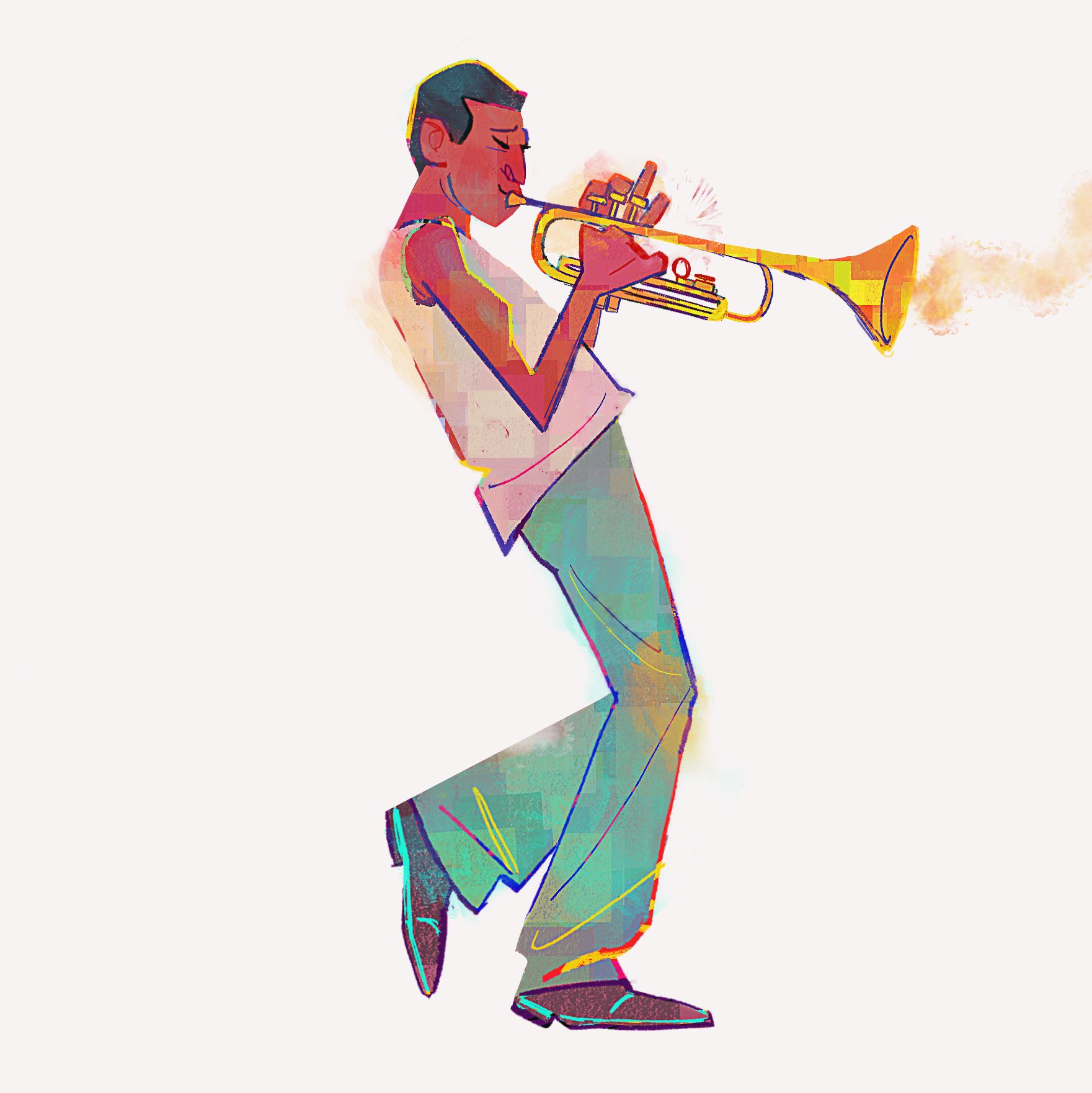
For the final step, I opened the image in Photoshop and changed the position of the left leg by cutting it out with the Lasso tool, pasting it onto another layer and repositioning it. I also deleted the smoke that was on the left-hand side, as I felt it made the design too symmetrical. Even at this stage I am still looking at what I can improve!
After that I unified the colours using adjustment layers and sharpened the image using the "High Pass" filter, set to Overlay. Finito!


4 comments
Very cool project! well presented :)
@microbians Thanks, Gabriel!
SoooOOoo very cool! Love it!
Chulísimo.
Log in or join for Free to comment