Illustrated Portraits with Procreate
A course by Elena GarnuIllustrator and graphic designer
A course by Elena Garnu, Illustrator and graphic designer

Learn how to create and compose a portrait adding elements, textures, and expressiveness starting from a photo
Applying natural elements to a digital portrait by including hand-drawn splashes of color and texture has the ability to give a more human touch to the final illustration. When you add a personal style, filled with skilled technique such as the work of illustrator Elena Garnu, the results are illustrations full of emotion that transform into visual poetry.
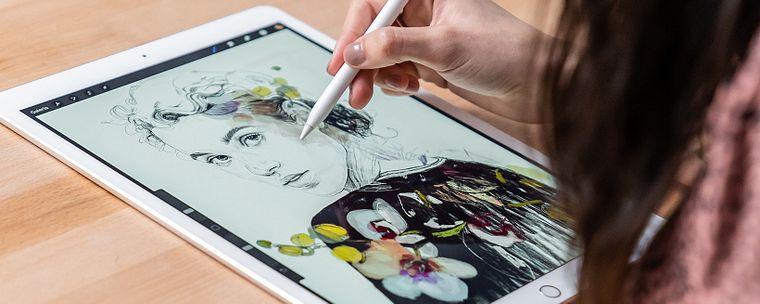
In this course, Elena teaches how to create and compose portraits using a photo and a powerful tool to create spectacular illustrations on an iPad: Procreate. Discover how to add elements and textures that you create by hand to incorporate them into your digital illustrations. Improvise and let your curiosity take the reins to convey your message.
What will you learn in this online course?
16 lessons & 32 downloads
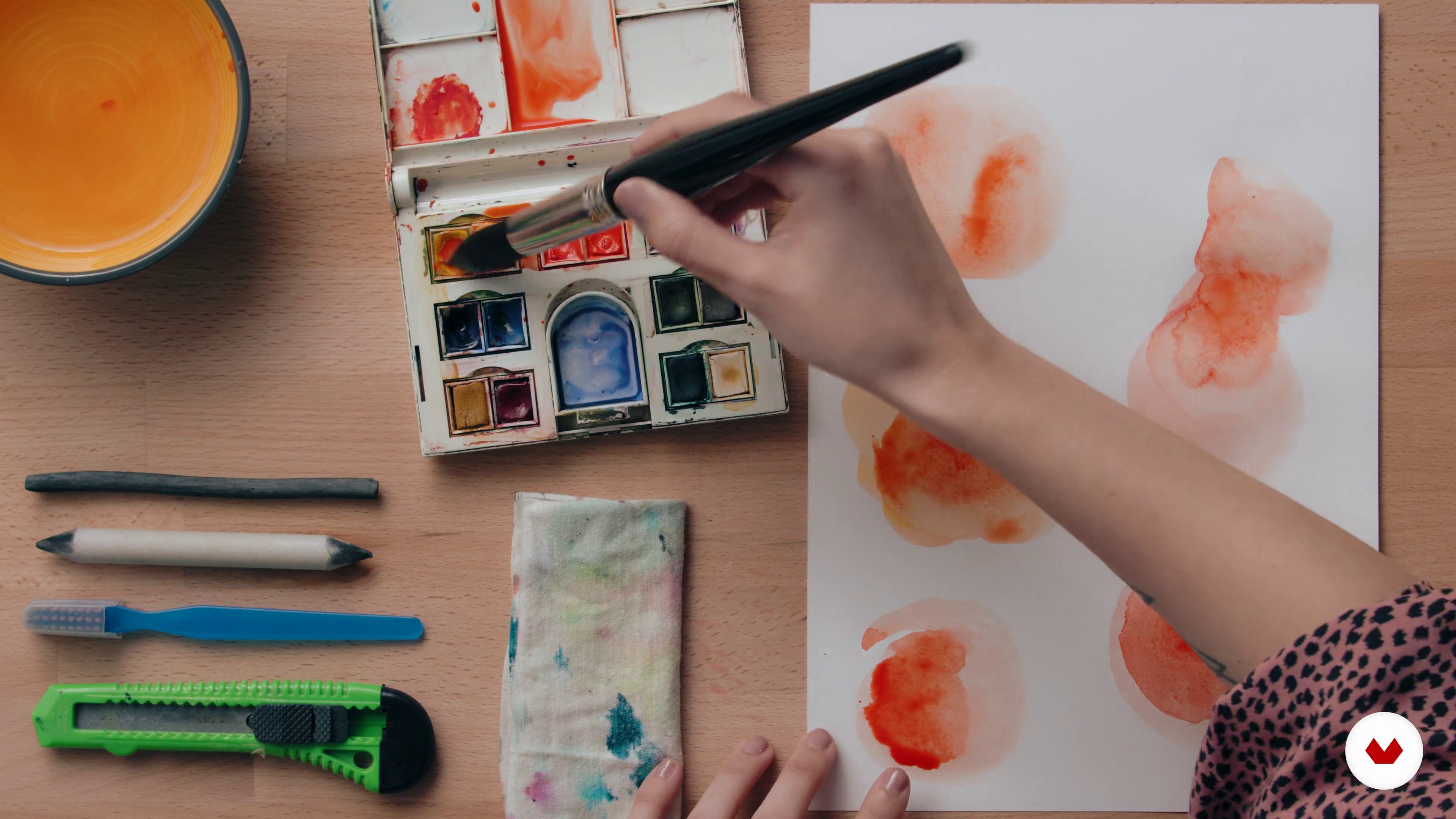
Stains and textures
7 minutes, 31 seconds
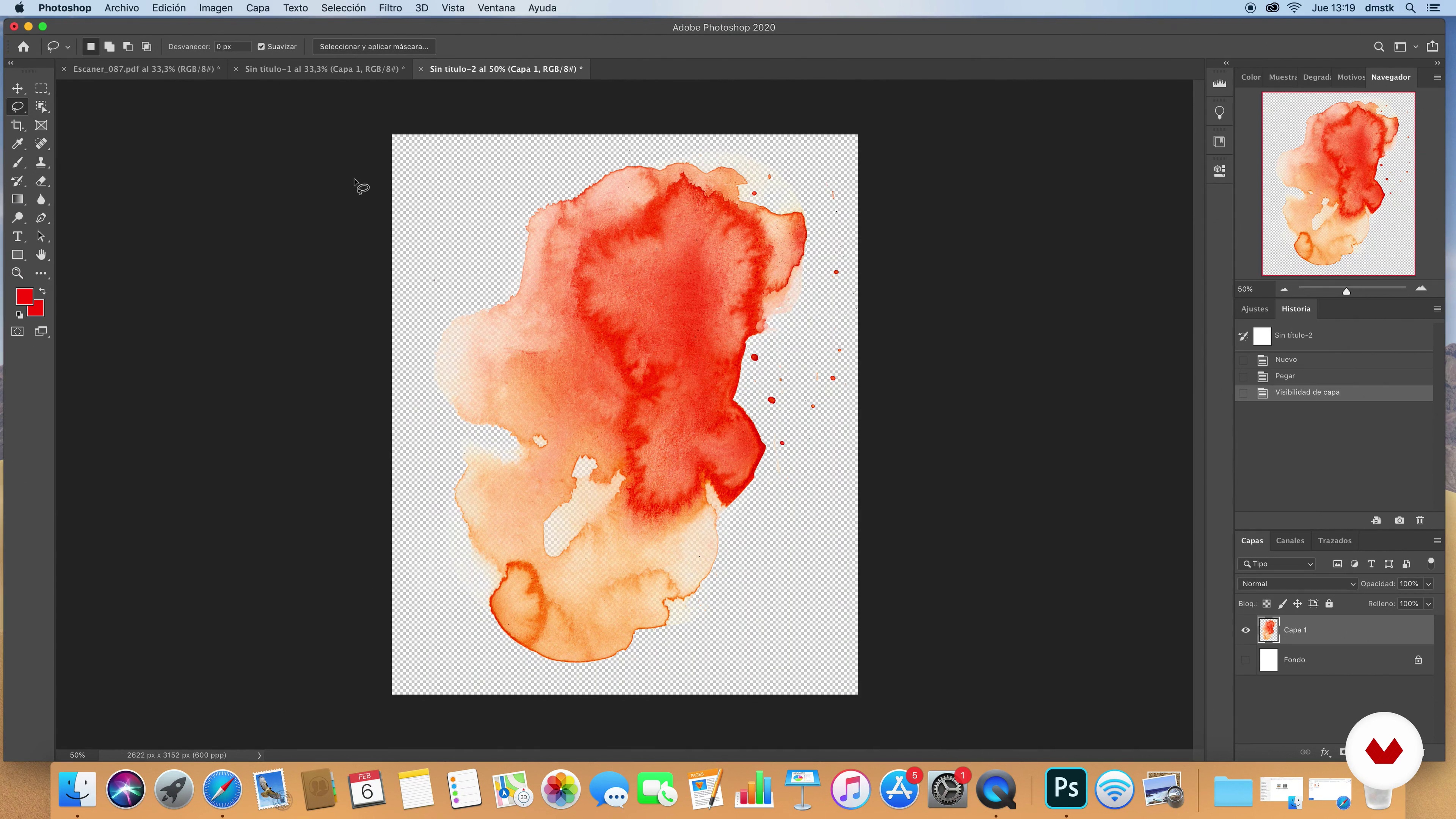
Digitization
9 minutes, 28 seconds
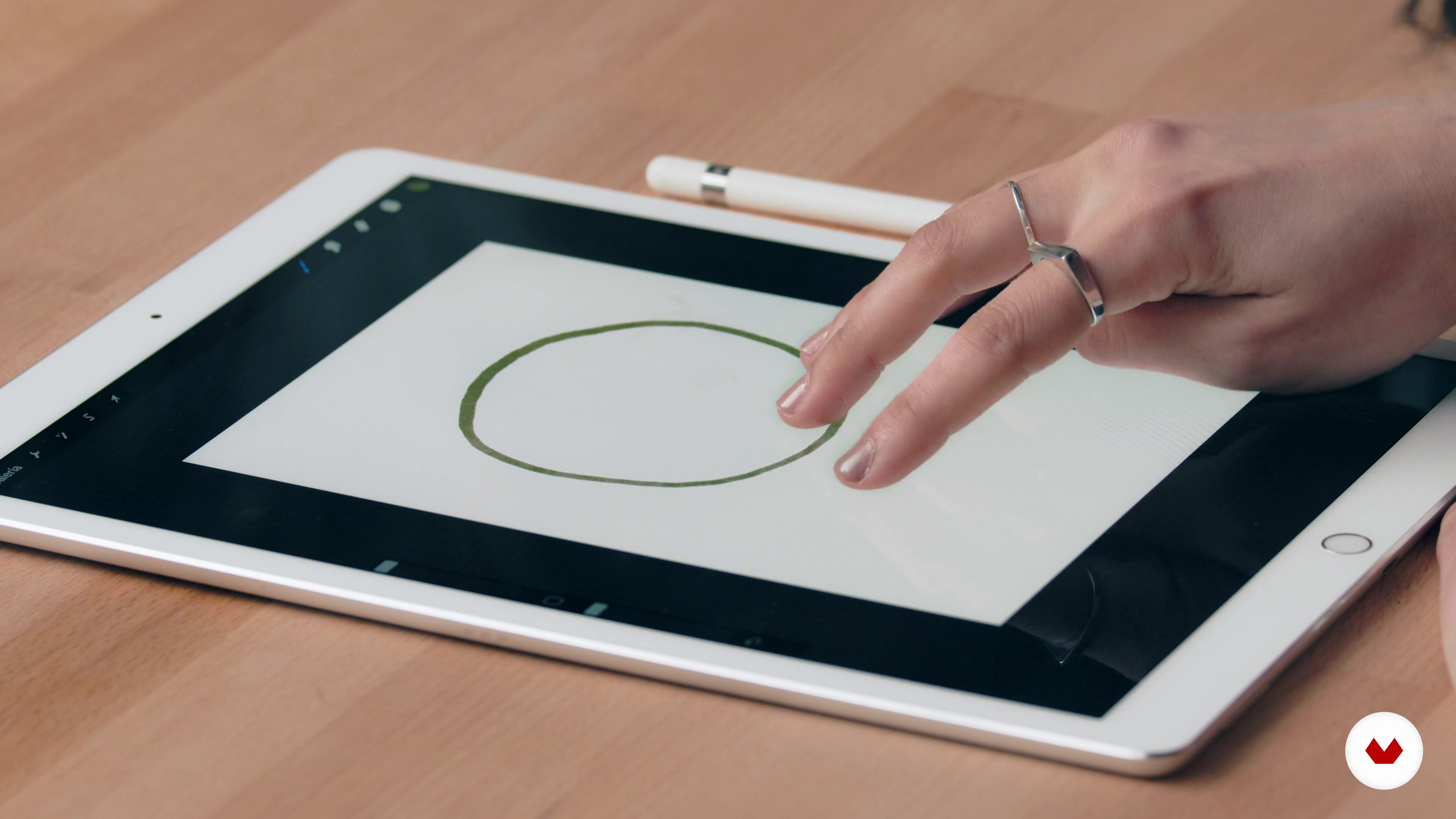
Gestures
3 minutes, 39 seconds
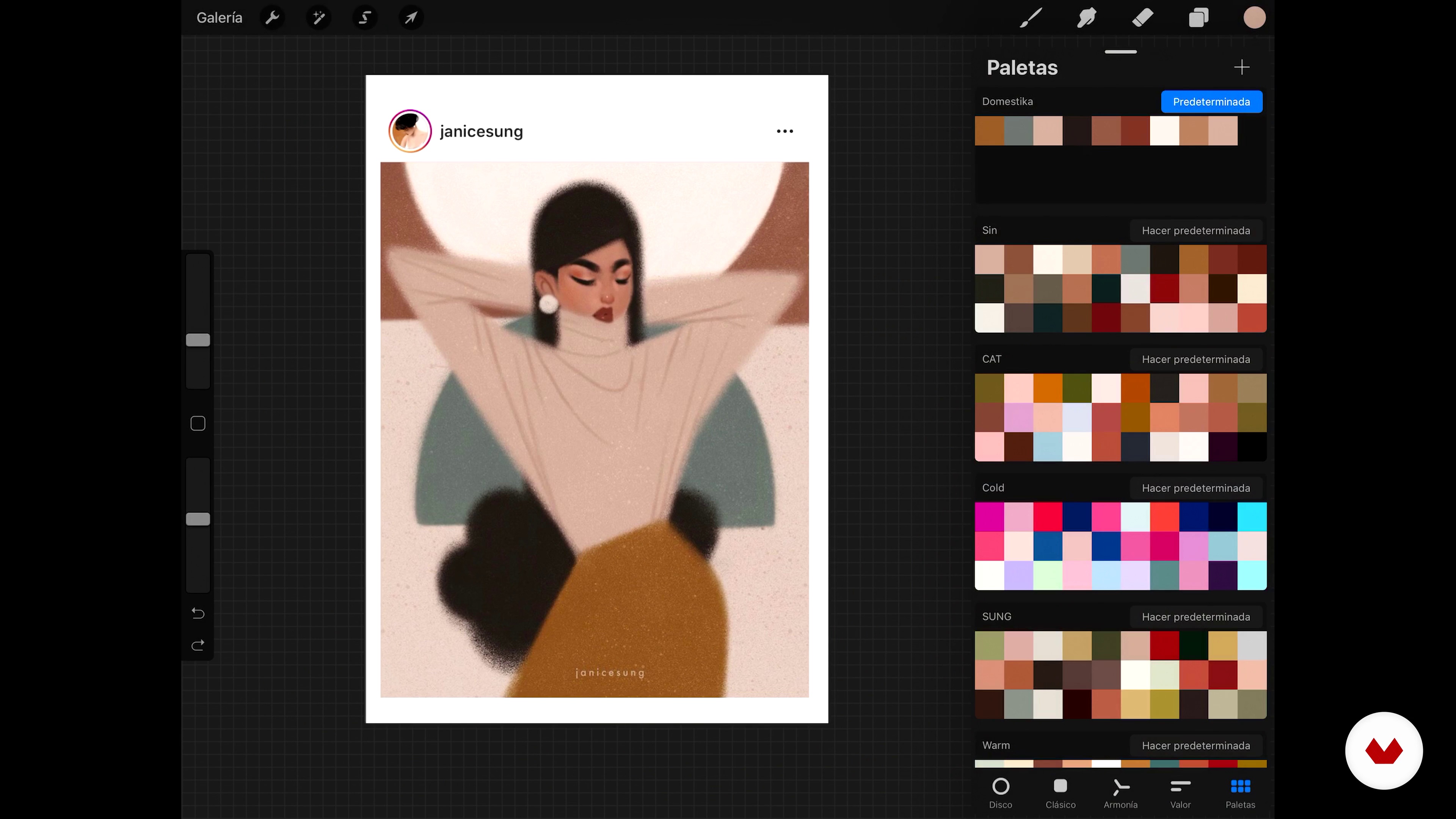
Color palettes in Procreate
2 minutes, 33 seconds
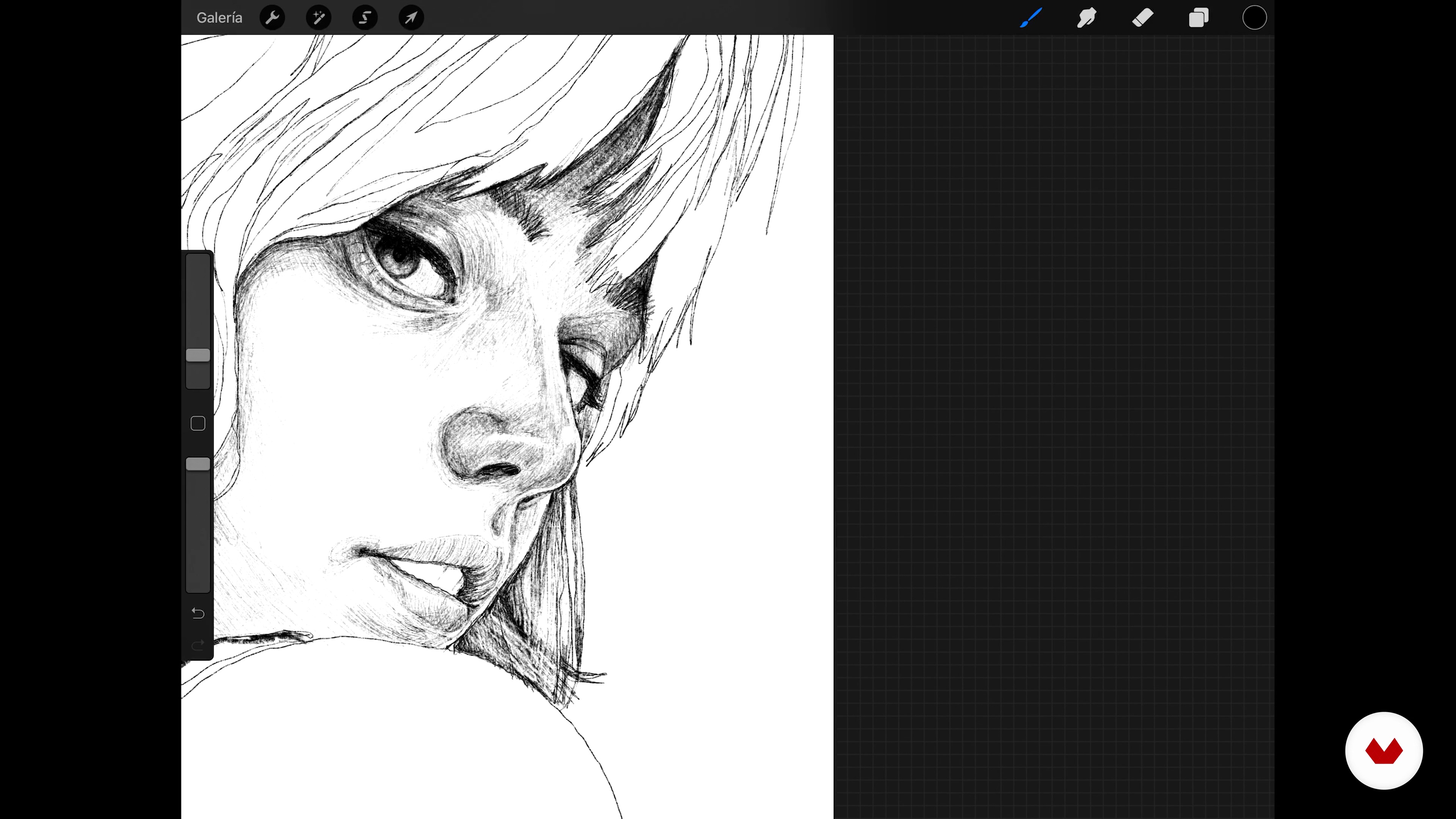
Drawing
12 minutes, 43 seconds
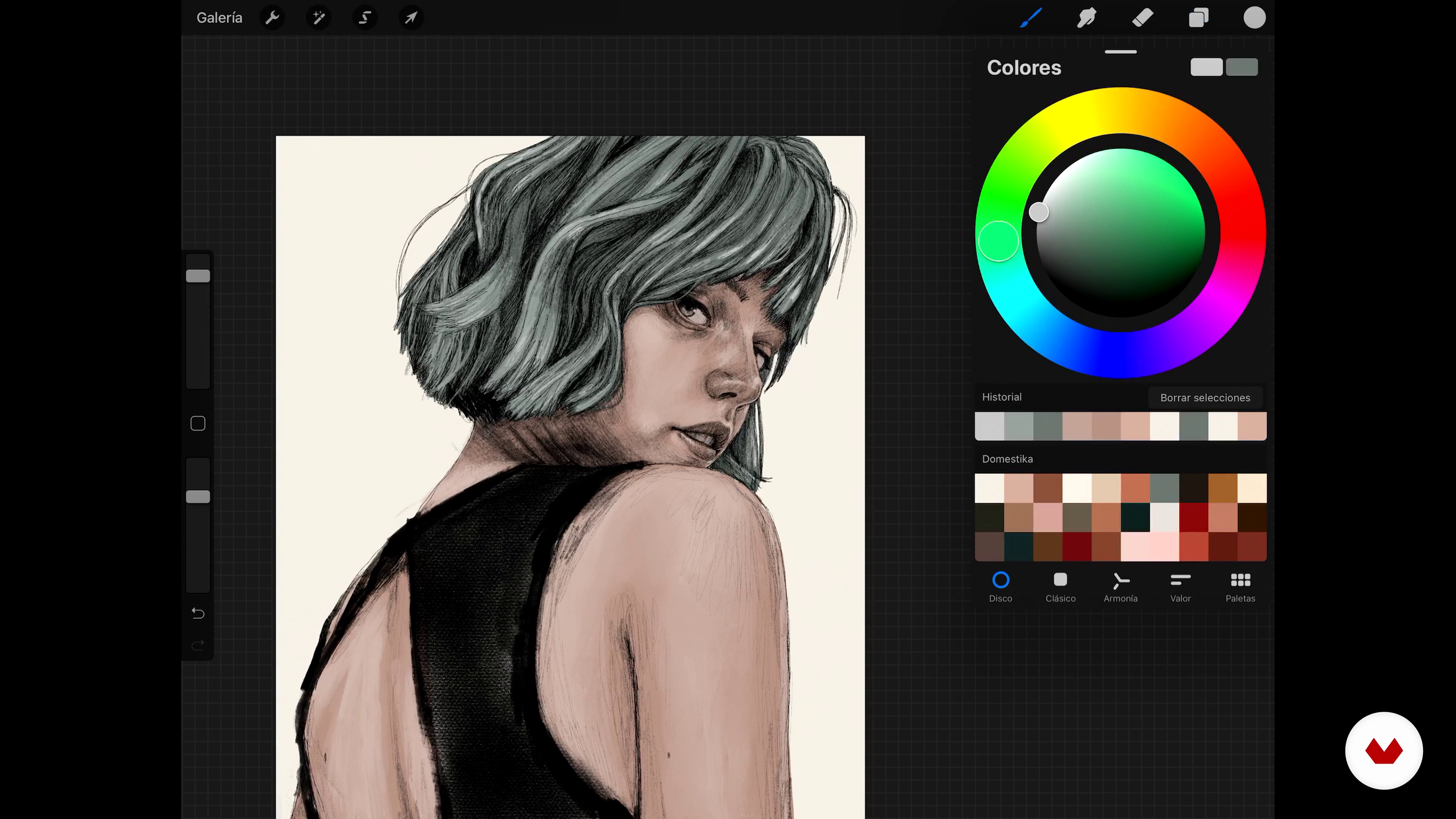
Color application and ornamental elements
17 minutes, 24 seconds
What's included in this course?
Get to know Elena Garnu, her career so far, as well as the main artistic references that inspire her when illustrating.
See the best way to search for inspiration by creating a mood board for your portrait. Select the colors for your palette, creating a separate document for colors and textures using different tools, to digitize and use them in your portrait.
Get started with Procreate, going through the interface and its tools. See how to speed up the pace by using actions and shortcuts, as well as how to create a color palette and save it for future projects.
Learn how to import your reference images and use them with a split screen to base your illustration on the image. Place the elements, trace their position so they fit into your illustration, and start drawing. Elena guides you through the illustration process and shows you how to adjust your strokes to the curves of your portrait.
Apply color and add details such as textures, stains, and natural decorative elements. Elena shares techniques to ensure your composition has a smooth and professional feel.
Complete your portrait by adding the finishing touches, unifying the aspect of your portrait, and adding a more hand-drawn feel. Lastly, see the options on Procreate to export your work.
Recommended software & tools for this course
What is this course's project?
Create an illustrated portrait with Procreate, using a photo and applying analogical textures to create lush detail.
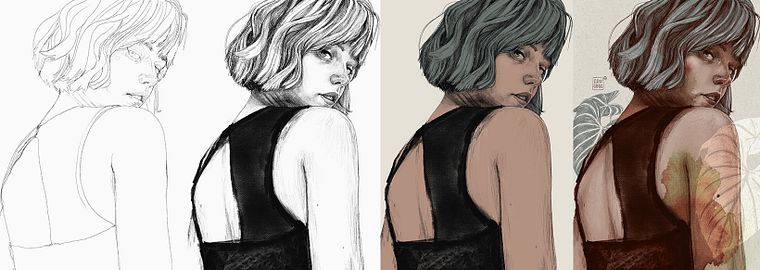
Projects by course students


Who is this online course for?
For artists, illustrators, and anyone who wants to immerse themselves into the powerful world of Procreate and its infinite creative possibilities for portraits.
Requirements and materials
It’s best to have basic illustration skills for this course but they aren’t compulsory. You only require the will to learn and experiment with the multitude of tools that Procreate has to offer.
As for materials, you need an Apple Pencil, a compatible iPad, watercolors, paintbrushes, charcoal pencils, an old toothbrush, and a scanner or camera. You also need access to a computer with Adobe Photoshop.
Reviews
- 4sericksonPLUS2 months ago
Excellent instruction on using Procreate tools.
- 3 months ago
Me gusto el curso, bien explicado de forma sencilla y clara.
- 6 months ago
Gostei muito do curso, aprendi muitas coisas.
- 6 months ago
wonderful
- 7 months ago
I'm disappointed that this course teaches artists to trace photos as the base of their portrait. I totally see the value in tracing photos as practice to get a feel for placement and to train your brain - but I feel icky when I see it being used to create finished pieces being passed off as original art. Could you rename this course "Portrait Practice Techniques" or something that emphasizes this as a practice tool?

Her contemporary style involves a strong feminine feel, merging portraits with natural elements that give an abstract feel to her work. Her muses, simultaneously strong and vulnerable, are always connected to everyday life. She has collaborated with editorials such as Simon & Schuster, Norma Editorial, and Mueve tu lengua.
Content
- U1
Introduction
- Presentation
- Influences
- What will we do in the course?
- U2
Looking for references and creating resources
- Collection of reference images
- Stains and textures
- Digitization
- U3
Introduction to Procreate
- Interface and tools
- Gestures
- Color palettes in Procreate
- U4
Start drawing in Procreate
- Placement and composition
- Drawing
- Drawing
- Color application and ornamental elements
- Color application and ornamental elements 2
- U5
Finishing the project
- Color adjustments, textures and filters
- Export
- FP
Final project
- Illustrated portrait with Procreate
What to expect from a Domestika course
Learn at your own pace
Enjoy learning from home without a set schedule and with an easy-to-follow method. You set your own pace.
Learn from the best professionals
Learn valuable methods and techniques explained by top experts in the creative sector.
Meet expert teachers
Each expert teaches what they do best, with clear guidelines, true passion, and professional insight in every lesson.
Certificates
PLUSIf you're a Plus member, get a custom certificate signed by your teacher for every course. Share it on your portfolio, social media, or wherever you like.
Get front-row seats
Videos of the highest quality, so you don't miss a single detail. With unlimited access, you can watch them as many times as you need to perfect your technique.
Share knowledge and ideas
Ask questions, request feedback, or offer solutions. Share your learning experience with other students in the community who are as passionate about creativity as you are.
Connect with a global creative community
The community is home to millions of people from around the world who are curious and passionate about exploring and expressing their creativity.
Watch professionally produced courses
Domestika curates its teacher roster and produces every course in-house to ensure a high-quality online learning experience.
FAQs
You’ll learn how to create digital portraits in Procreate by blending traditional and digital techniques, incorporating analog textures like watercolor and charcoal, managing color palettes, and exporting your artwork in professional formats.
This course is designed for intermediate users who already have basic knowledge of digital illustration and Procreate.
You’ll need an iPad with Procreate installed, materials to create analog textures like watercolor and paper, and basic digital drawing skills.
You’ll learn how to create watercolor washes, digitize them, adjust contrast and color, and apply them over digital portraits in Procreate for expressive finishes.
The course guides you through creating physical textures, scanning them in high resolution, editing, and combining them with your digital portraits in Procreate using layers and blending modes.
You’ll learn how to create, organize, share, and delete color palettes, as well as extract colors from reference images to apply them consistently in your portraits.
The course teaches you to use layers, blending modes, and area selections to distinguish the main subject from the background, integrating textures and washes for added depth.