Introduction to Video Game Design
A course by Arturo Monedero AlvaroVideo Game Designer
A course by Arturo Monedero Alvaro, Video Game Designer

Learn how to create a game design document, the first step to making your video game ideas come true
Learn how to create a game design document, the first step to making your video game ideas come true
Before a video game graces your screen and you’re able to play it, a team must produce, design, program, and distribute it following a clear roadmap. This is where the video game design document (GDD) comes in, a document in which the idea behind a video game is clearly defined so that different development teams can carry out its creator’s vision.
In this course, you'll learn how to create a GDD from the beginning with Arturo Monedero, videogame developer with over 20 years of experience designing games for all kinds of players. This course is ideal as a first approach to videogame design, as it will give you the keys and guides to start creating your own games.
What will you learn in this online course?
21 lessons & 20 downloads
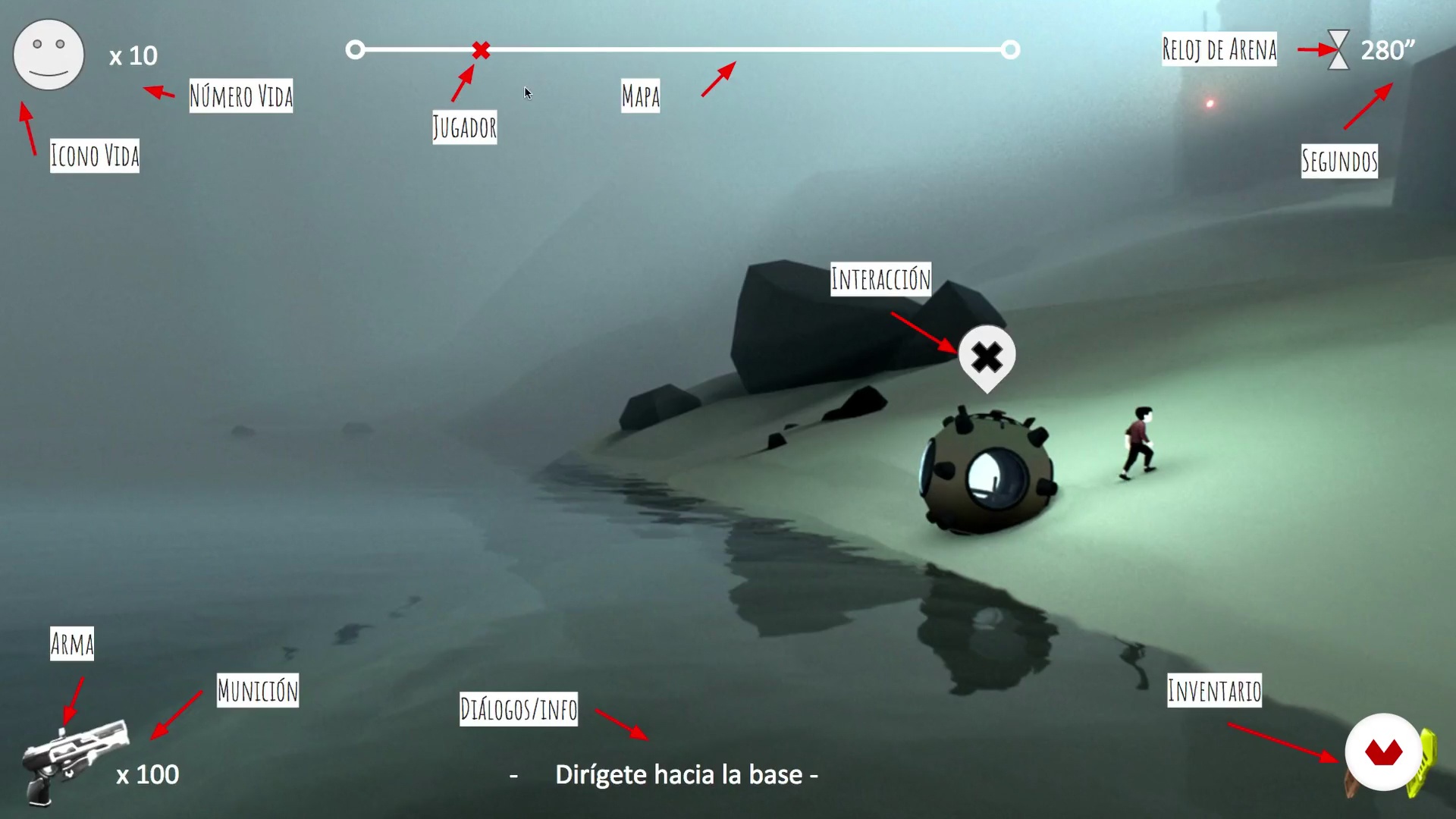
What will we do in the course
2 minutes, 16 seconds
Structure of a GDD
4 minutes, 45 seconds
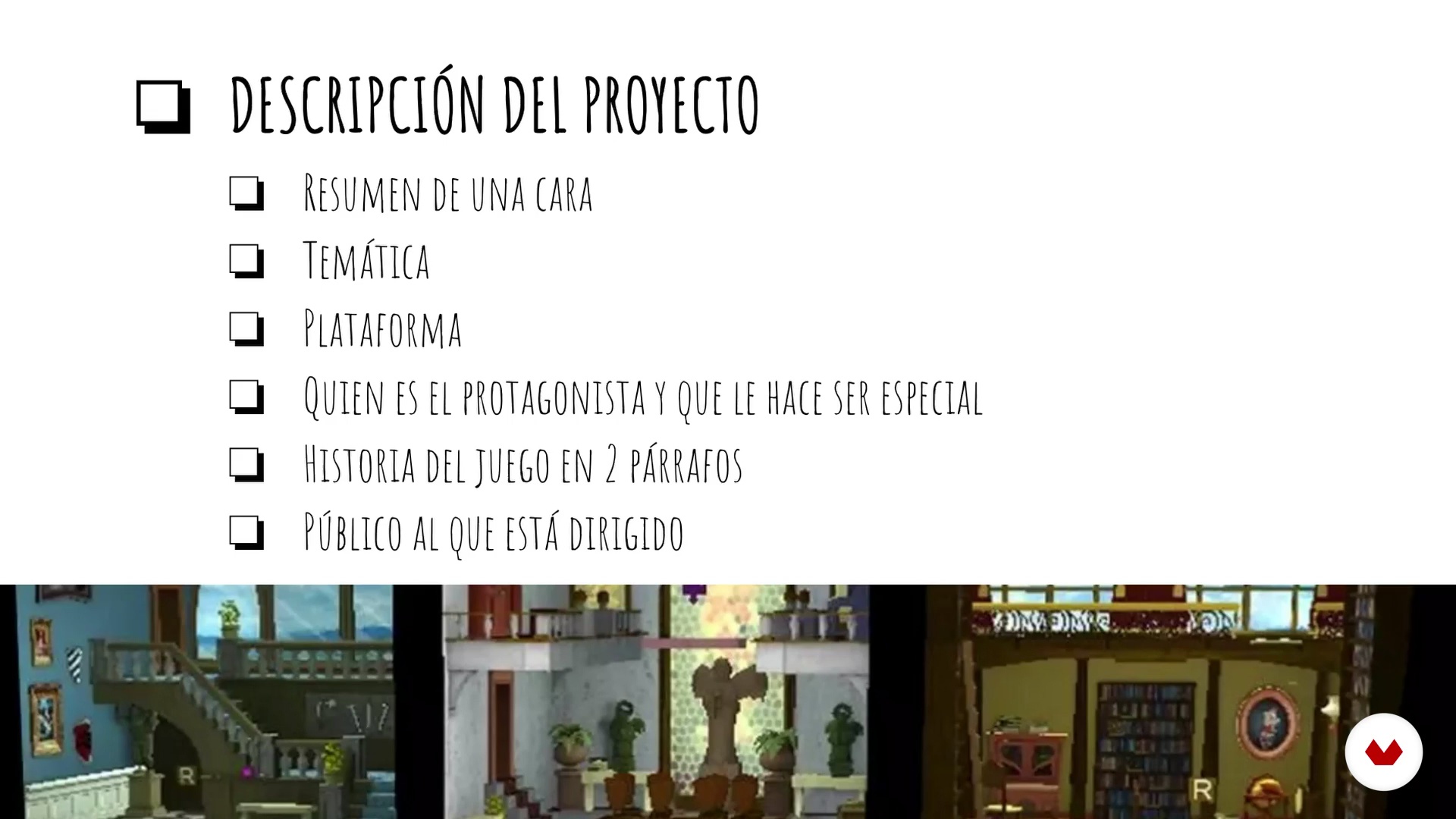
Product Sheet
13 minutes, 18 seconds
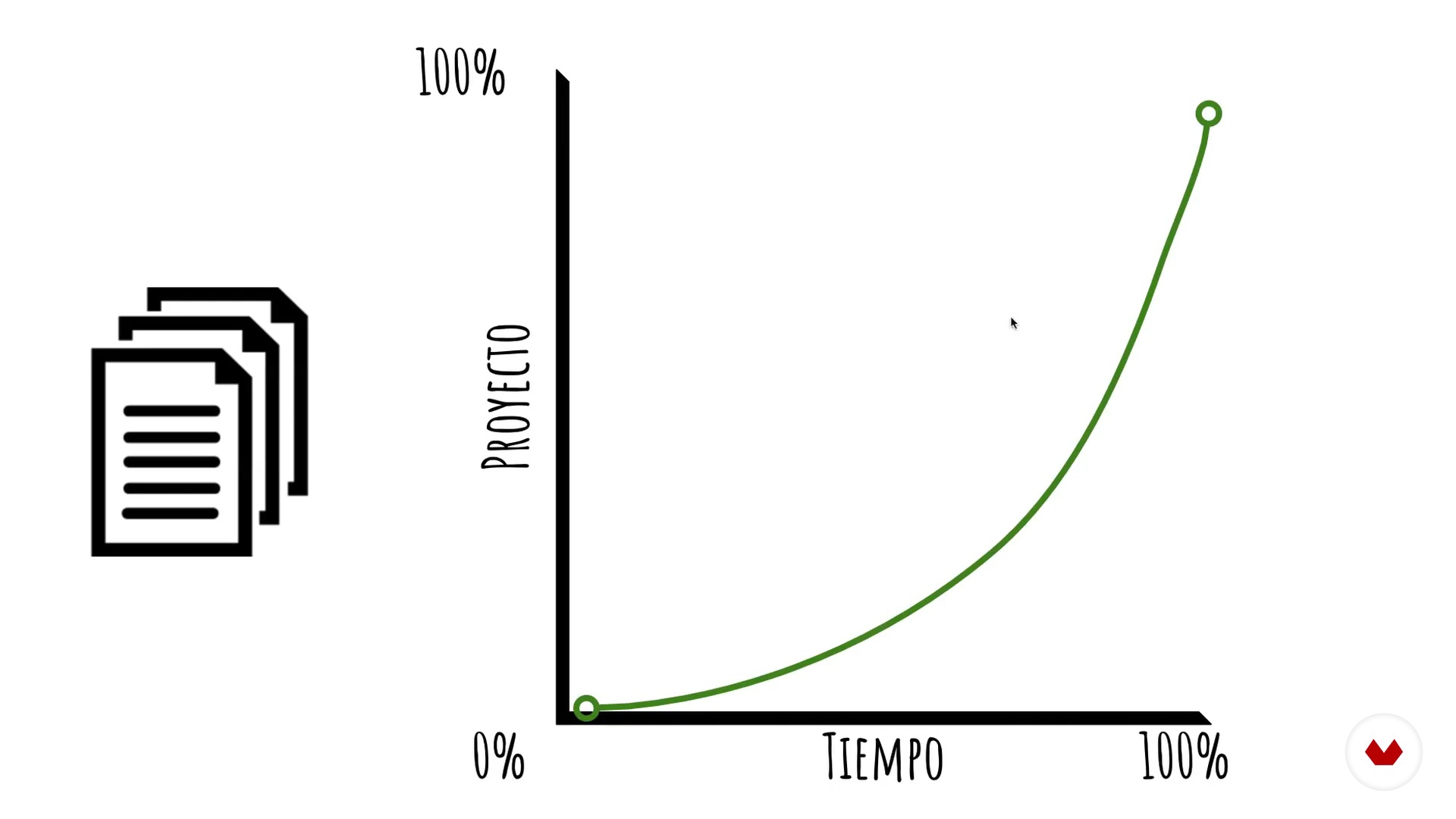
Project Organization
6 minutes, 49 seconds
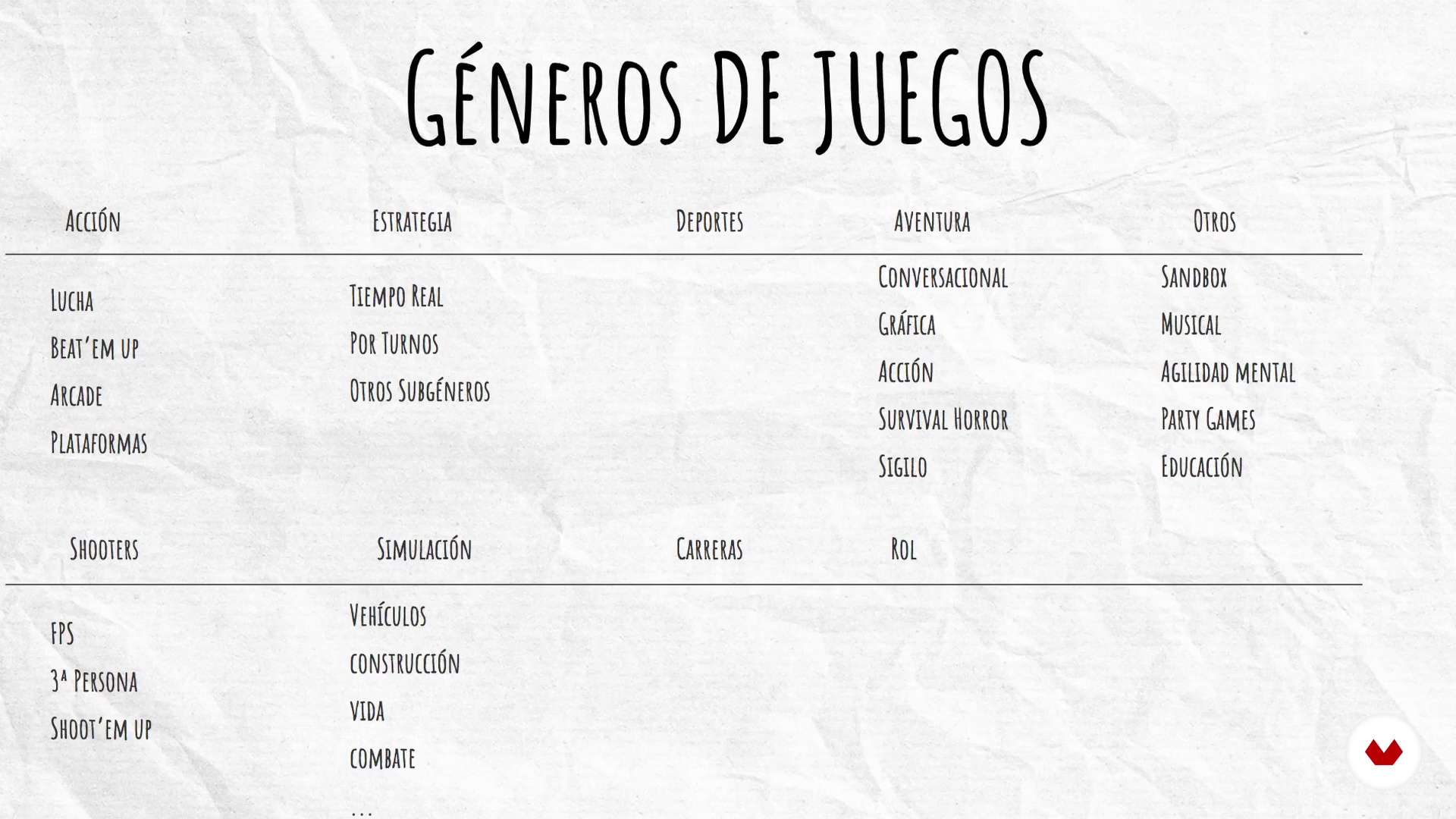
Genders
9 minutes, 59 seconds
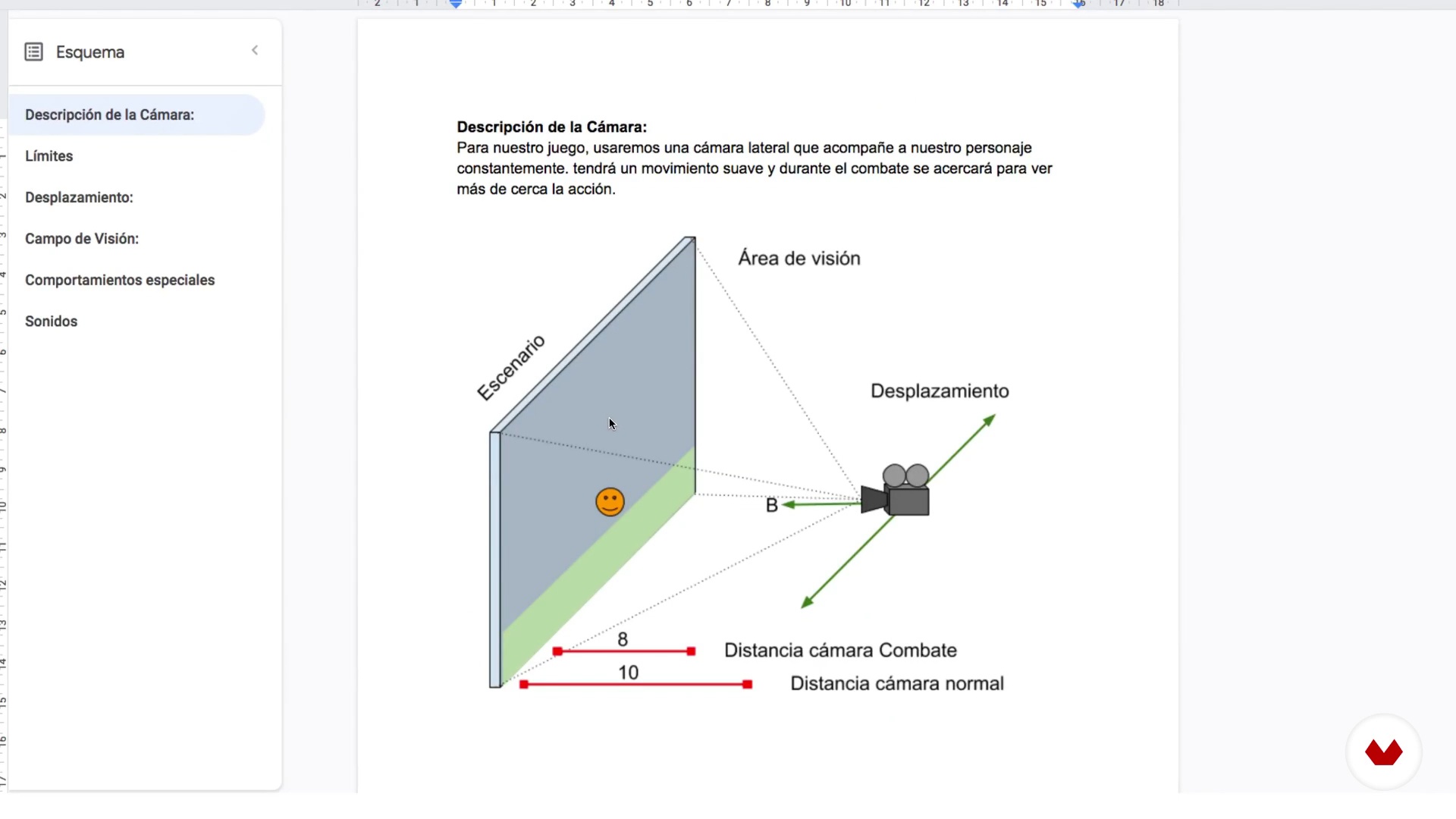
Cameras
9 minutes, 57 seconds
What's included in this course?
You'll start by getting to know Arturo and learn about his professional career. He will tell you about the influences he has had throughout his professional career that led him to a different vision when creating video games.
First, you'll learn to organize the required documentation needed to create a video game. For this, you'll need have a clear idea of the general concept of the video game and the resources you have available. It’s not the same to create a game with a team of five people than it is with a team of two, so you should be clear about its magnitude. Every GDD must start with a product sheet and from there, pre-production continues.
You'll see a series of documents that will shape the structure of your GDD as well as define the genre you want to pursue, types of cameras you'll use, the controls and a small script to define various aspects of your game.
Later, you'll define the behavior of the main character in detail, the design of the main mechanics of the game and enemies (if any). How do they behave? What’s their lifespan? Do they shoot? How do they behave when they locate you? In this unit, you'll focus on the level design, characters, weapons, gameplay, and how to design a GUI and a HUD. In addition, you'll learn to structure dialogues, sound and the steps to follow after creating your GDD.
You'll finish the course with the knowledge to create an agile GDD that allows a whole team to access its documentation and a clear vision of what their mission will be. You'll also create the necessary information so that the production department can have the data to create a business plan and be able to define the tasks necessary for the production of your video game.
What is this course's project?
You'll convert an initial video game idea into a complete game design document ready for production.
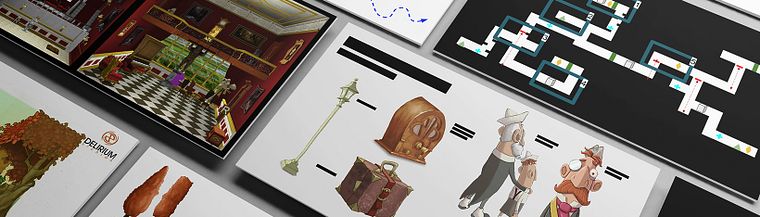
Projects by course students

Who is this online course for?
This is an introductory course aimed at any video game fan who wants to know a little more about the process behind creating them.
Requirements and materials
You'll only need a pencil and grid sheet for sketches, ideas and concepts, as well as access to Google Drive suite for free tools.
This course requires knowledge in videogames at the consumer level; the more you have played, the easier it will be to understand general concepts for their creation.

Reviews
- 10 days ago
Un curso muy completo!
- 1 month ago
Good
- 3 months ago
O curso tem apenas 2h 37m, mas a sensação que eu tenho é a de que é muito maior por causa da quantidade de informação que o professor conseguiu passar. Eu estou começando no game design e esse curso era EXATAMENTE o que eu precisava. Recomendo.
- luna14PLUS6 months ago
Me ha encantado. Súper completo y organizado. Muy bien explicado con muchos detalles.
- 7 months ago
Excellent course by Arturo.

He founded Delirium Studios more than 8 years ago, a videogame studio with which he has produced most of his works, as well as projects for commercial brands.
Content
- U1
Introduction
- Presentation
- Influences
- What will we do in the course
- U2
Basic concepts
- Structure of a GDD
- Product Sheet
- Project Organization
- U3
General Documents
- Genders
- Cameras
- Controls
- Script
- U4
Main Documents
- Main Character Document
- Enemies Document
- Weapons Document
- Playability
- Document of Levels I: General Elements
- Level II Document: Specific elements
- U5
End of the GDD
- HUD
- GUI
- Dialogues / Location
- Sounds
- Production
- FP
Final project
- Video game production
What to expect from a Domestika course
Learn at your own pace
Enjoy learning from home without a set schedule and with an easy-to-follow method. You set your own pace.
Learn from the best professionals
Learn valuable methods and techniques explained by top experts in the creative sector.
Meet expert teachers
Each expert teaches what they do best, with clear guidelines, true passion, and professional insight in every lesson.
Certificates
PLUSIf you're a Plus member, get a custom certificate signed by your teacher for every course. Share it on your portfolio, social media, or wherever you like.
Get front-row seats
Videos of the highest quality, so you don't miss a single detail. With unlimited access, you can watch them as many times as you need to perfect your technique.
Share knowledge and ideas
Ask questions, request feedback, or offer solutions. Share your learning experience with other students in the community who are as passionate about creativity as you are.
Connect with a global creative community
The community is home to millions of people from around the world who are curious and passionate about exploring and expressing their creativity.
Watch professionally produced courses
Domestika curates its teacher roster and produces every course in-house to ensure a high-quality online learning experience.
FAQs
You’ll learn how to structure and document the entire game creation process—from concept to launch—including character design, mechanics, storytelling, level design, interfaces, and multidisciplinary collaboration.
This is an intermediate-level course, perfect for those with basic knowledge of games or programming who want to deepen their skills in professional documentation and design.
You’ll need a computer with access to Google Drive and basic office software. Programming skills aren’t required, but prior knowledge of games and design is recommended.
The course guides you step-by-step through conceptualizing, documenting, designing, producing, and publishing games, covering everything from file organization to pitching to investors and market release.
Yes, you’ll learn how to create and manage folders, subfolders, and files in Google Drive, and how to structure documentation for projects using engines like Unity.
The GDD is the core documentation of a game. You’ll learn how to structure it, organize folders, detail characters, mechanics, levels, interfaces, and keep it up to date.
Yes, it covers both the visual and psychological aspects of character design, creating documentation, and planning animations, including inspirations like Miyazaki’s Japanese style.