Lifestyle Photography for Instagram
A course by Rafa BertoriniPhotographer
A course by Rafa Bertorini, Photographer

Learn to capture and edit your photos to strengthen your personal brand on social media
Behind every seemingly casual moment in a lifestyle picture, there’s tons of planning and caring for every detail that takes part in the image, from the model and their wardrobe to the location and the timing. In this course, you’ll learn how to capture and edit lifestyle photographs, and how to use Instagram to your personal or professional brand’s advantage.
Photographer and Instagrammer Rafaella Bertorini will show you her process towards creating lifestyle photos that are perfect for your Instagram, along with tips and secrets that she’s learned along the way in her career as a fashion and portrait photographer.
What will you learn in this online course?
14 lessons & 21 downloads
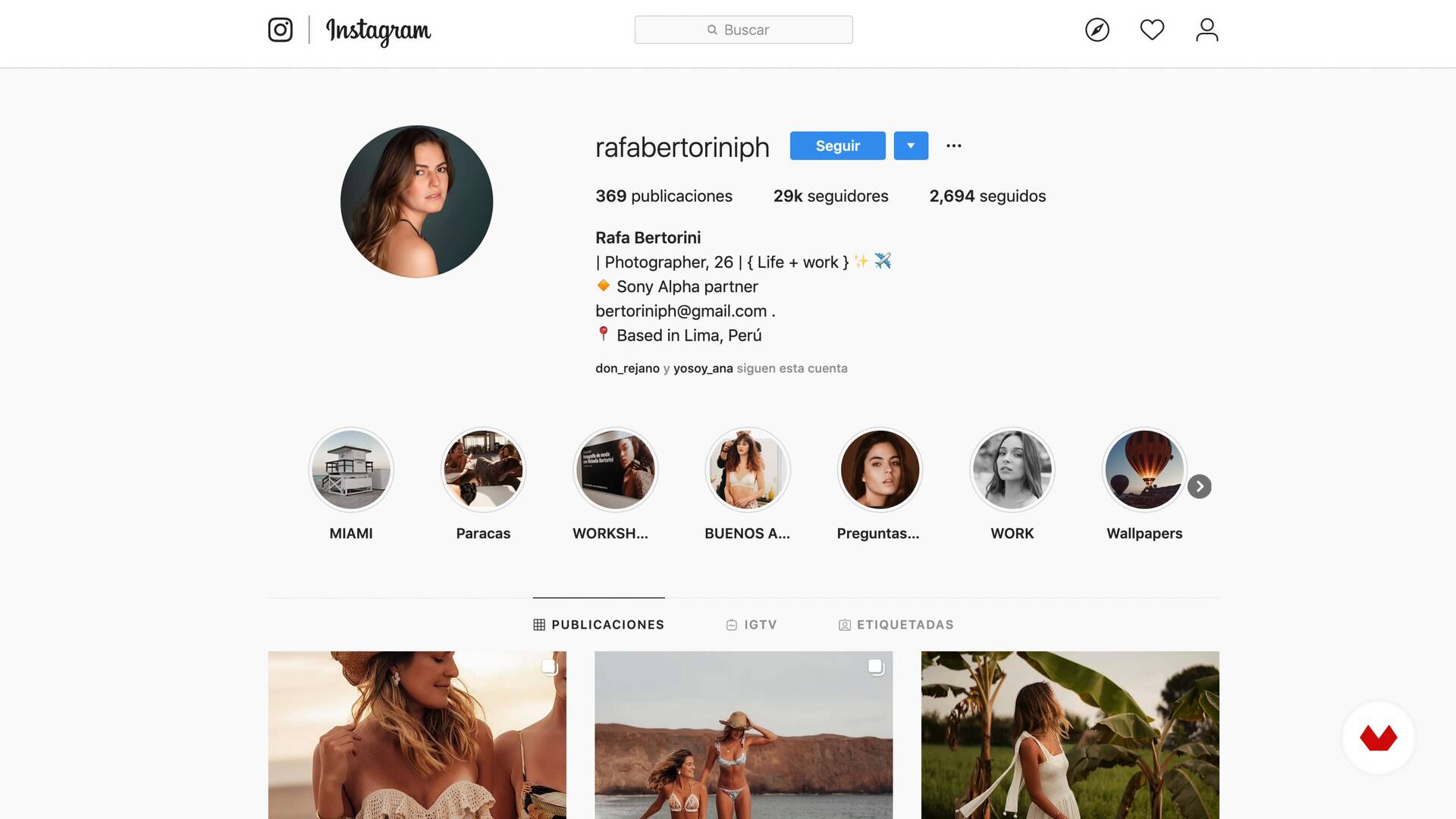
What will we do in the course?
1 minute, 10 seconds

Instagram as a work tool and means of expression
16 minutes, 25 seconds
Thousands of possibilities
12 minutes, 18 seconds
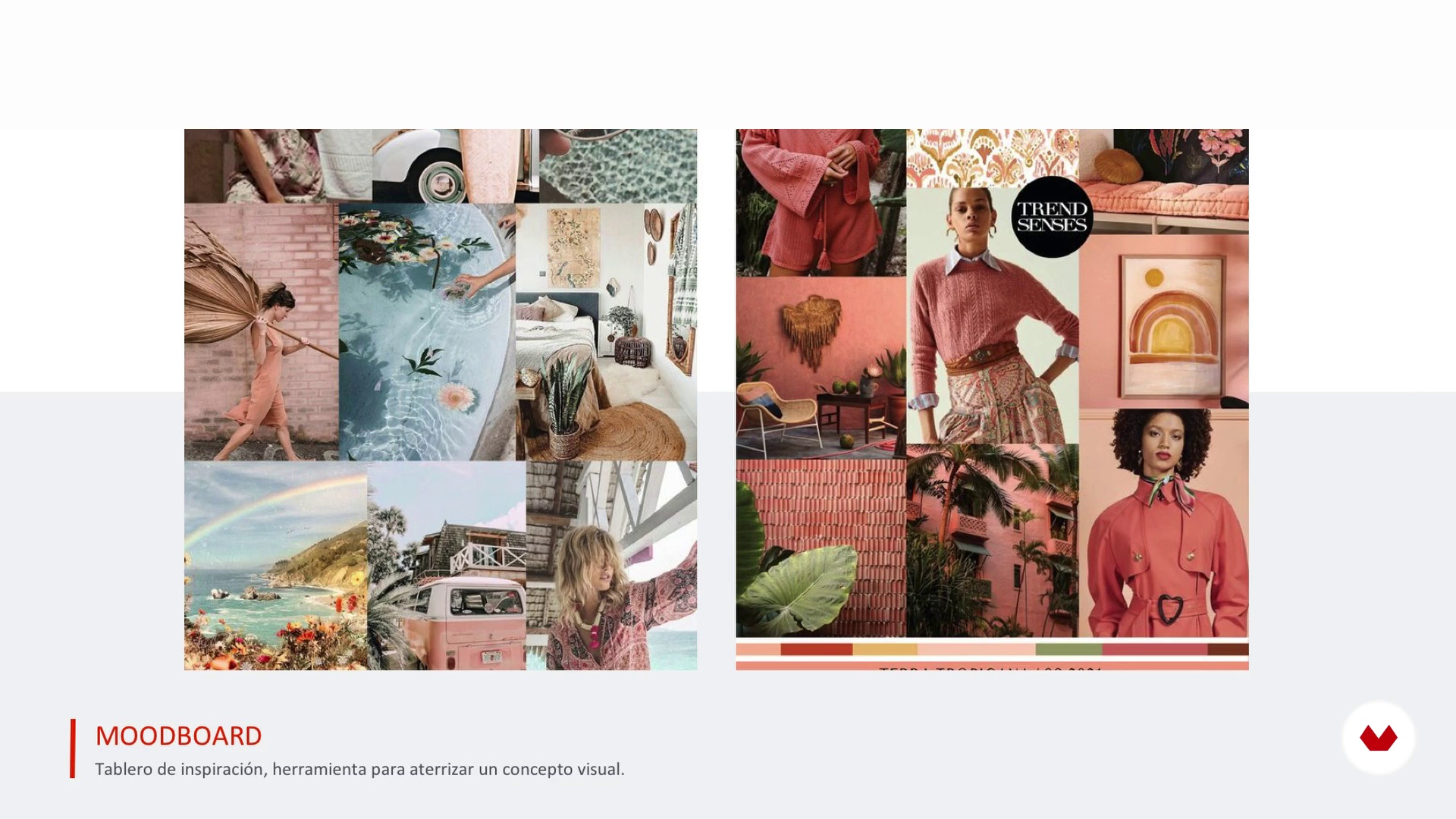
Mood Board
14 minutes, 35 seconds
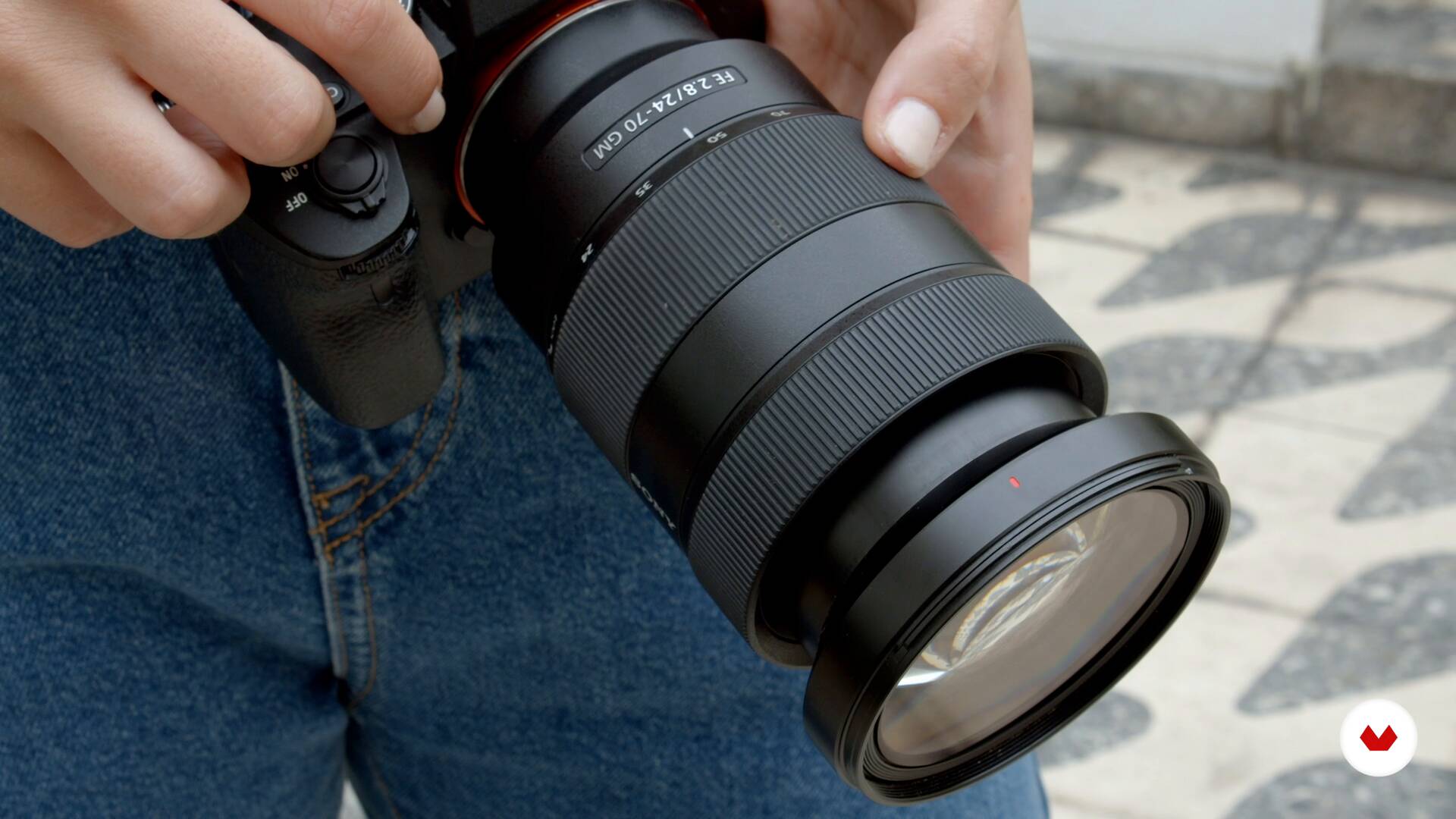
Materials
1 minute, 34 seconds
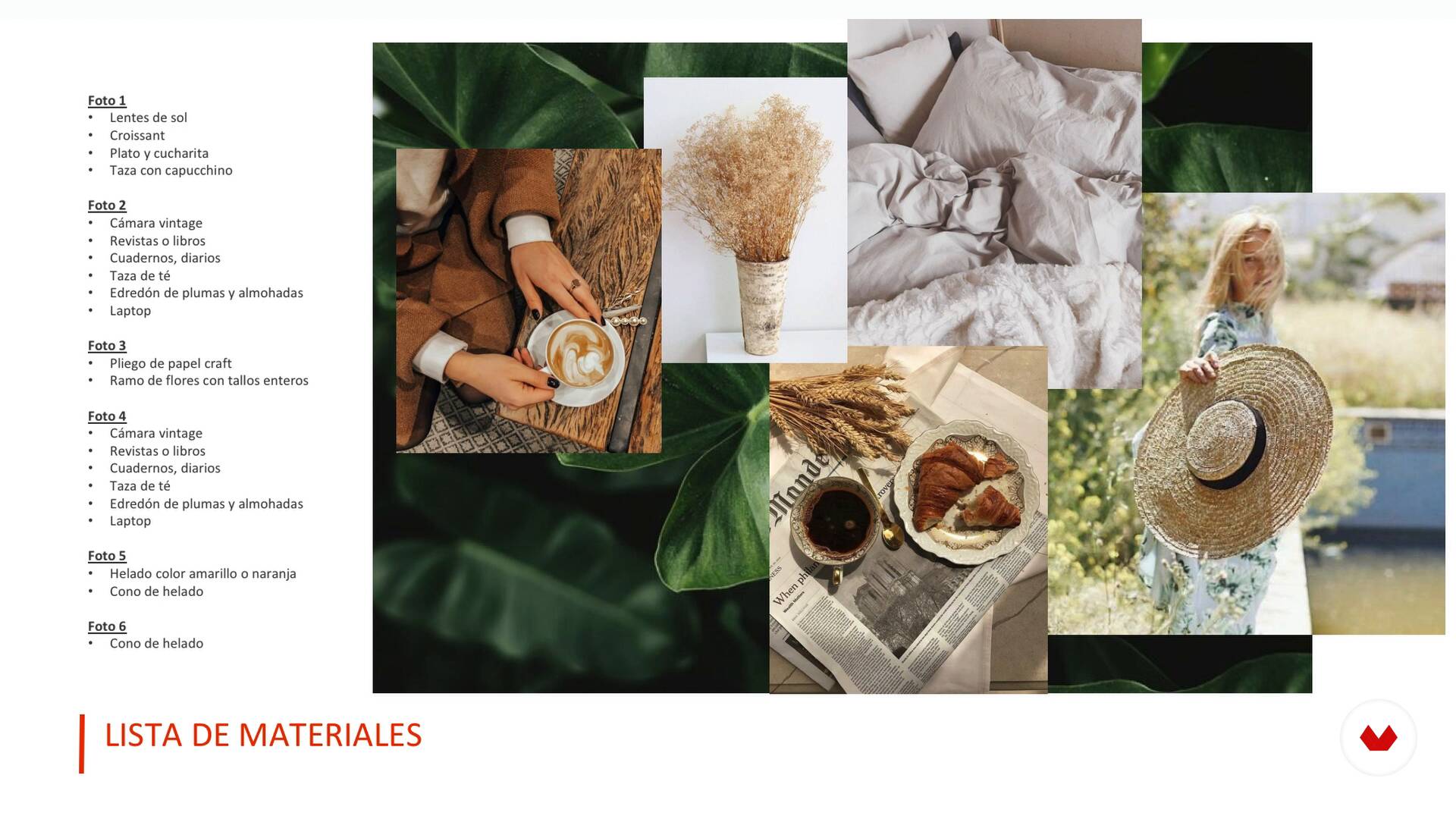
Plan a shooting
15 minutes, 1 second
What's included in this course?
You’ll start by getting to know Rafaella’s work, her career in fashion, travel, and portrait photography, and the people she looks up to and is influenced by, among them photographers and Instagram accounts that she loves. Besides, she’ll present to you the final project of this course and all you will be able to achieve once you finish it.
Afterward, she’ll explain why Instagram can be the ideal tool and medium of expression for your art. You’ll how you can start a business, show your artistic work, and get to know people all around the world using this app. Then, you’ll create a mood board and come up with a concept for your photo session.
Rafaella will explain everything you need to take into account when planning a photoshoot, from choosing the right time and location to the props and little professional tricks. You’ll also take a look at all the equipment you’ll need for the shoot, like a camera or a smartphone, the clothing, accessories, and more, all of it in line with what you defined previously in the mood board.
You’ll continue by learning about composition, angles, cuts, depth of field, and more tricks that will help you take a simple location to the next level, using the perfect clothing and props to capture the perfect lifestyle picture.
Once you’ve finished your photoshoot, you’ll move on to working on the postproduction of your photos. You’ll edit your material, learning at the same time how to store and develop using Adobe Photoshop Lightroom, how to correctly select images, and how to give them a unique look through retouching.
To finish, you’ll learn how to organize your Instagram grid, and why it’s important the order in which you publish your pictures.
By the end of this course, you’ll know every one of Rafaella’s tricks and secrets for creating unforgettable images that are ready to generate engagement.
Recommended software & tools for this course
What is this course's project?
You’ll create a series of 6 photos: a full-body portrait, a half-body action photo, an open space photo, a close-up of a piece of clothing, and a picture in which the scenery is the most important element.
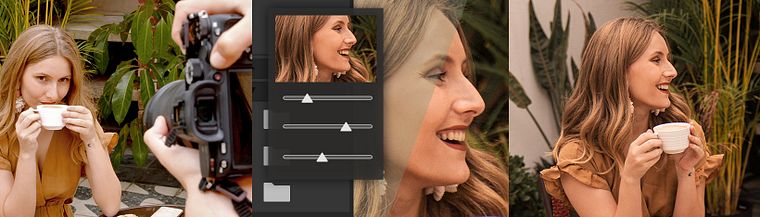
Projects by course students


Who is this online course for?
Anyone who wants to start a high-quality Instagram account with lifestyle pictures.
Requirements and materials
To complete this course, you don’t need any previous photography knowledge, but you will need to know how Instagram works, as well as having an account.
Regarding materials, you’ll need a smartphone or a DSLR camera, and a computer with Adobe Photoshop Lightroom installed.

Reviews
- 1 year ago
Me gusto! Lo realicé para comenzar a construir la identidad de una marca
- 1 year ago
Me gustó mucho, fue dinámico, claro y responde a muchas de mis dudas en el proceso y producción de Ig e imágenes.
- 2 years ago
Me encantó, soy aficionada a la fotografía Lifestyle y lo aplico en mi blog de instagram. El curso da buenas herramientas y el contenido me pareció excelente. Lo recomiendo.
- 3 years ago
me encantó, he aprendido mucho con este curso y la naturalidad de la maestra es maravillosa.
- 3 years ago
It is an interesting course. I recommend it a lot.

Currently, she’s a fashion, portrait, and travel photographer whose main outlet is her Instagram page, and her sources of inspiration are books, movies, and trips.
Content
- U1
Introduction
- Presentation
- Influences
- What will we do in the course?
- U2
Preparation
- Instagram as a work tool and means of expression
- Thousands of possibilities
- Mood Board
- Materials
- U3
Production
- Plan a shooting
- Location / clothing
- Creative direction and time to take the photo
- U4
Postproduction
- Material Edition
- Touch up 1
- Touch up 2
- Organize and publish
- FP
Final project
- Lifestyle Photography for Instagram
What to expect from a Domestika course
Learn at your own pace
Enjoy learning from home without a set schedule and with an easy-to-follow method. You set your own pace.
Learn from the best professionals
Learn valuable methods and techniques explained by top experts in the creative sector.
Meet expert teachers
Each expert teaches what they do best, with clear guidelines, true passion, and professional insight in every lesson.
Certificates
PLUSIf you're a Plus member, get a custom certificate signed by your teacher for every course. Share it on your portfolio, social media, or wherever you like.
Get front-row seats
Videos of the highest quality, so you don't miss a single detail. With unlimited access, you can watch them as many times as you need to perfect your technique.
Share knowledge and ideas
Ask questions, request feedback, or offer solutions. Share your learning experience with other students in the community who are as passionate about creativity as you are.
Connect with a global creative community
The community is home to millions of people from around the world who are curious and passionate about exploring and expressing their creativity.
Watch professionally produced courses
Domestika curates its teacher roster and produces every course in-house to ensure a high-quality online learning experience.
FAQs
You’ll learn how to plan, shoot, and edit lifestyle photos focused on Instagram—from using mood boards and directing models to professional Lightroom editing and creating a cohesive visual grid for your profile.
This is an intermediate-level course, perfect if you already have basic photography or editing skills and want to dive deeper into lifestyle techniques and Instagram optimization.
All you need is a smartphone or basic camera, access to Lightroom (mobile or desktop), and an internet connection to access content and download resources like presets and mood boards.
The course teaches you how to design an attractive, cohesive grid by organizing images and applying filters and presets to create a professional visual identity for your profile.
You’ll learn how to fine-tune photos, use presets, perform professional retouching, and make natural color adjustments in both Lightroom mobile and desktop to get Instagram-ready images.
The course covers creating mood boards, choosing locations, directing models, selecting wardrobe, and pre-production to achieve effective and visually appealing shoots.
Lifestyle photography aims to capture spontaneous, natural moments that reflect lifestyle and personality, unlike traditional portraits which tend to be more posed and formal.