Creative Pattern Development
A course by Mónica Muñoz HernándezTextile and Surface Pattern Designer
A course by Mónica Muñoz Hernández, Textile and Surface Pattern Designer

Discover a variety of techniques for developing your own patterns and prints for packaging
In this online course, Mónica Muñoz teaches you how to transform your watercolor, marker, or crayon illustrations into patterns that can be applied to a wide variety of surfaces.
What will you learn in this online course?
13 lessons & 7 downloads
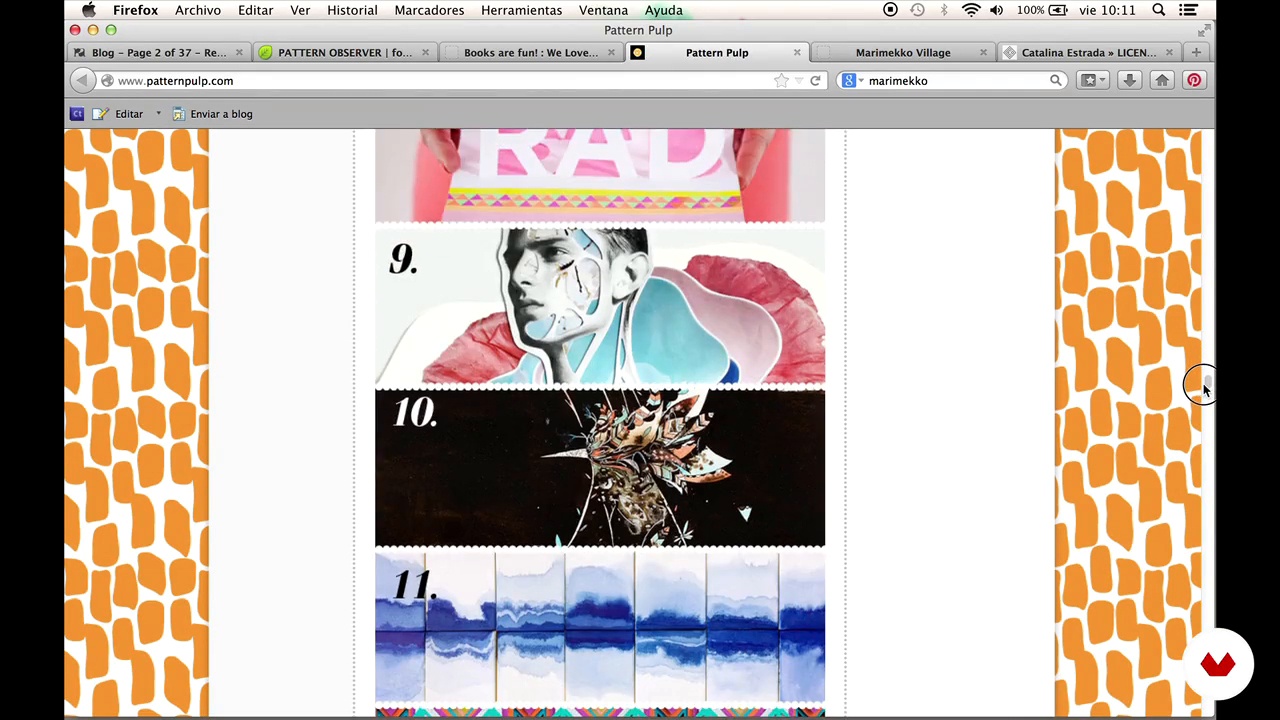
Looking for Inspiration 2: Interesting references
11 minutes, 41 seconds
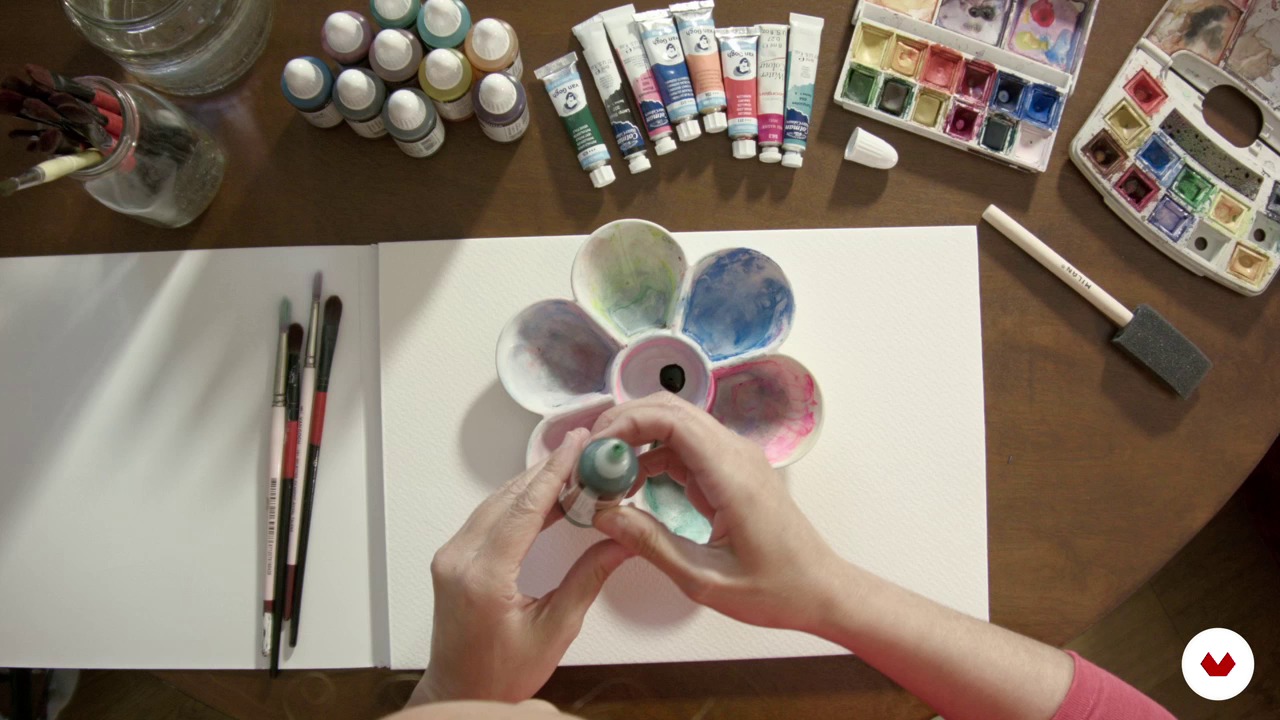
Materials
20 minutes, 24 seconds
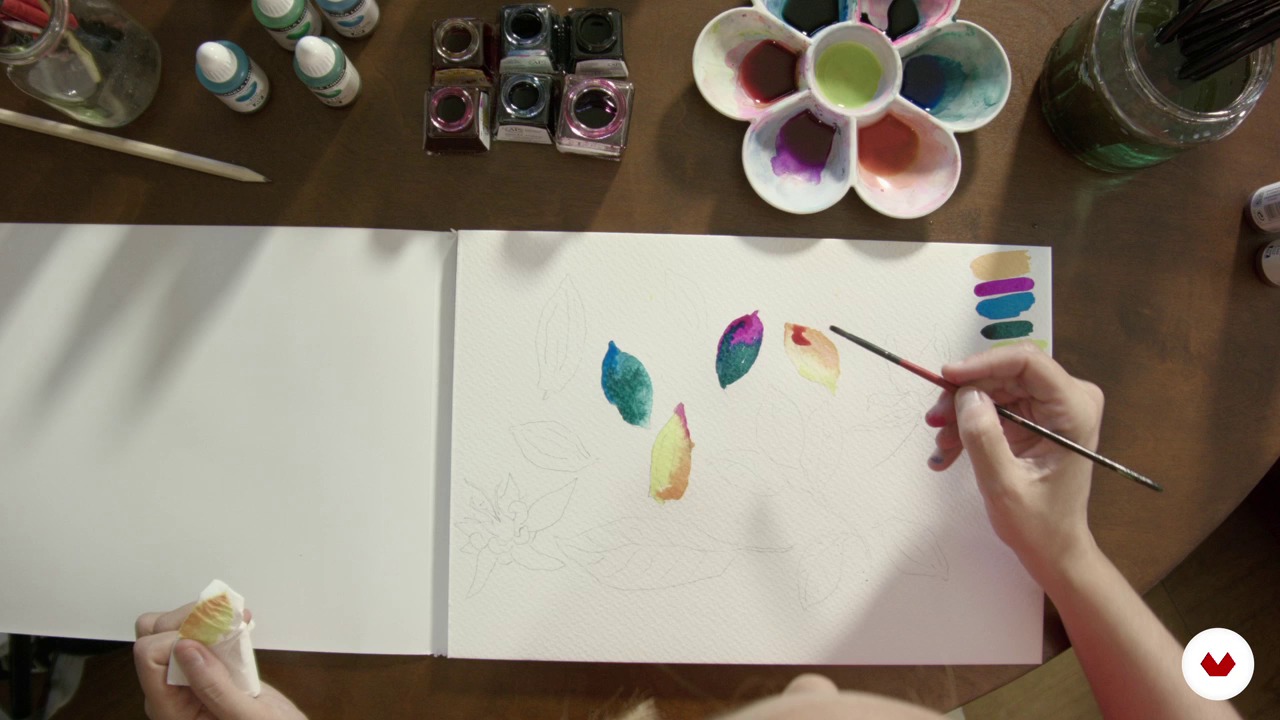
Drawings and scribbles
18 minutes, 10 seconds
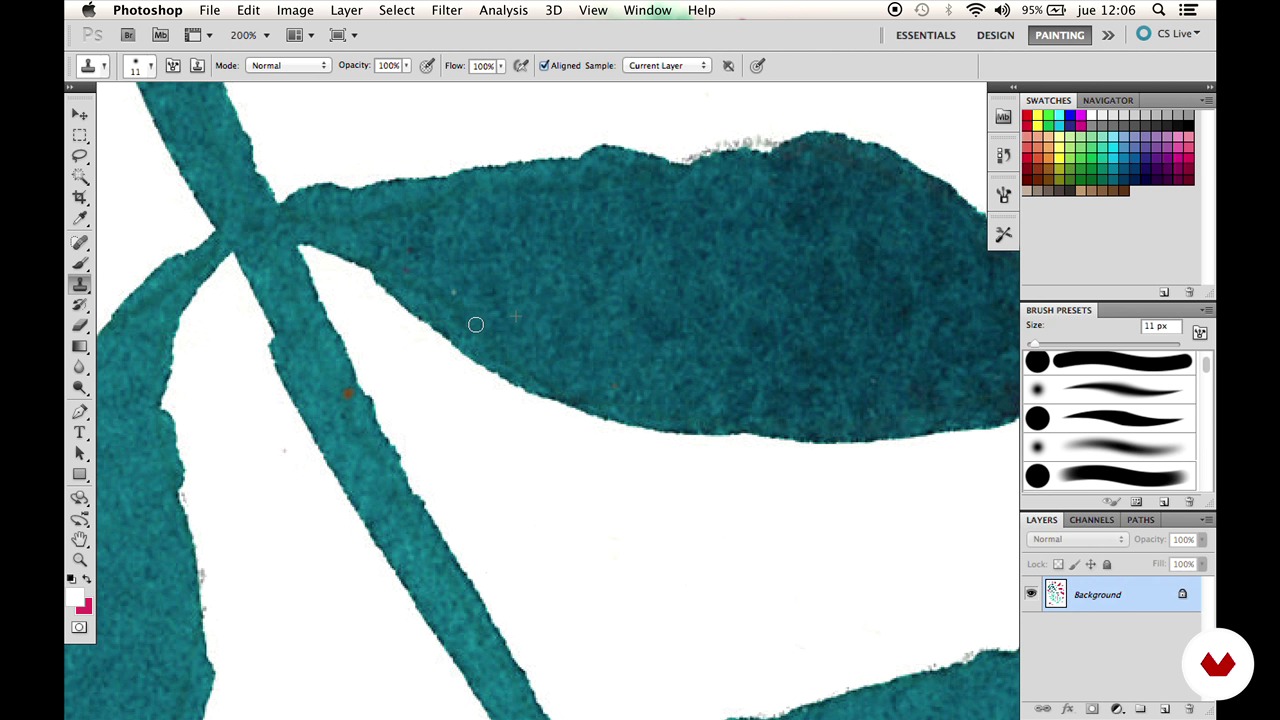
Cleaning 1
6 minutes, 1 second
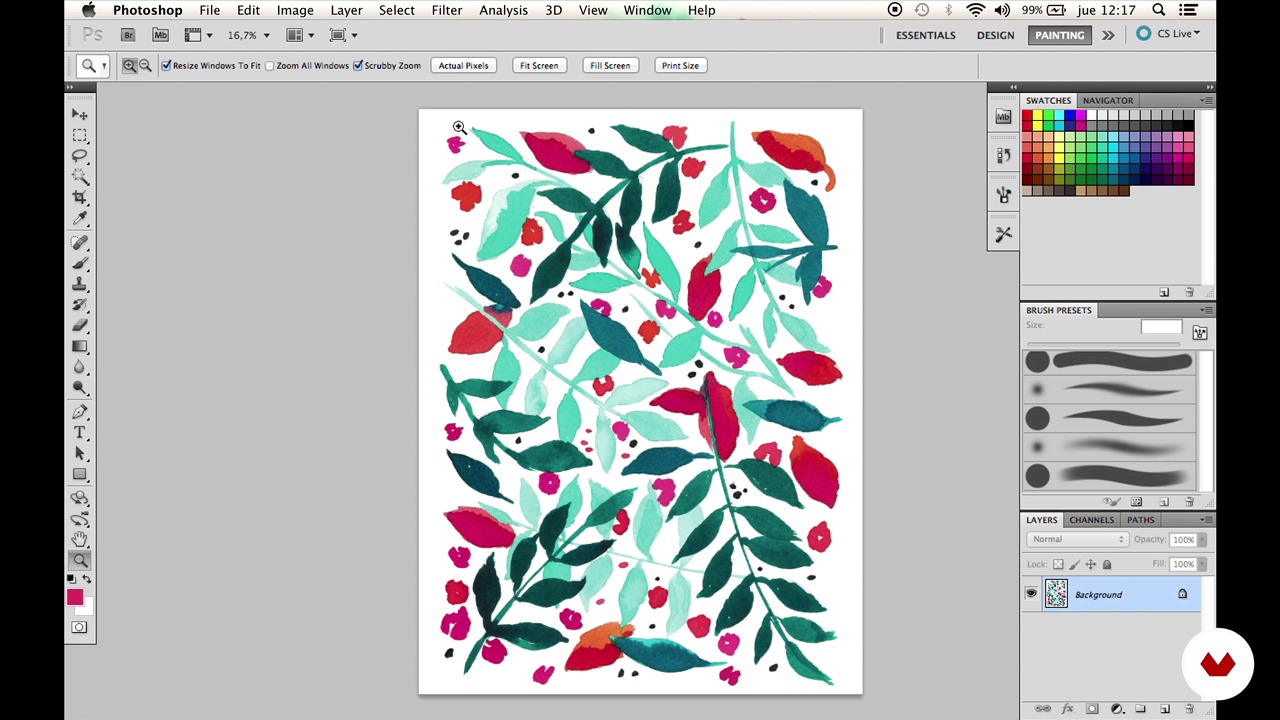
Cleaning 2
4 minutes, 13 seconds
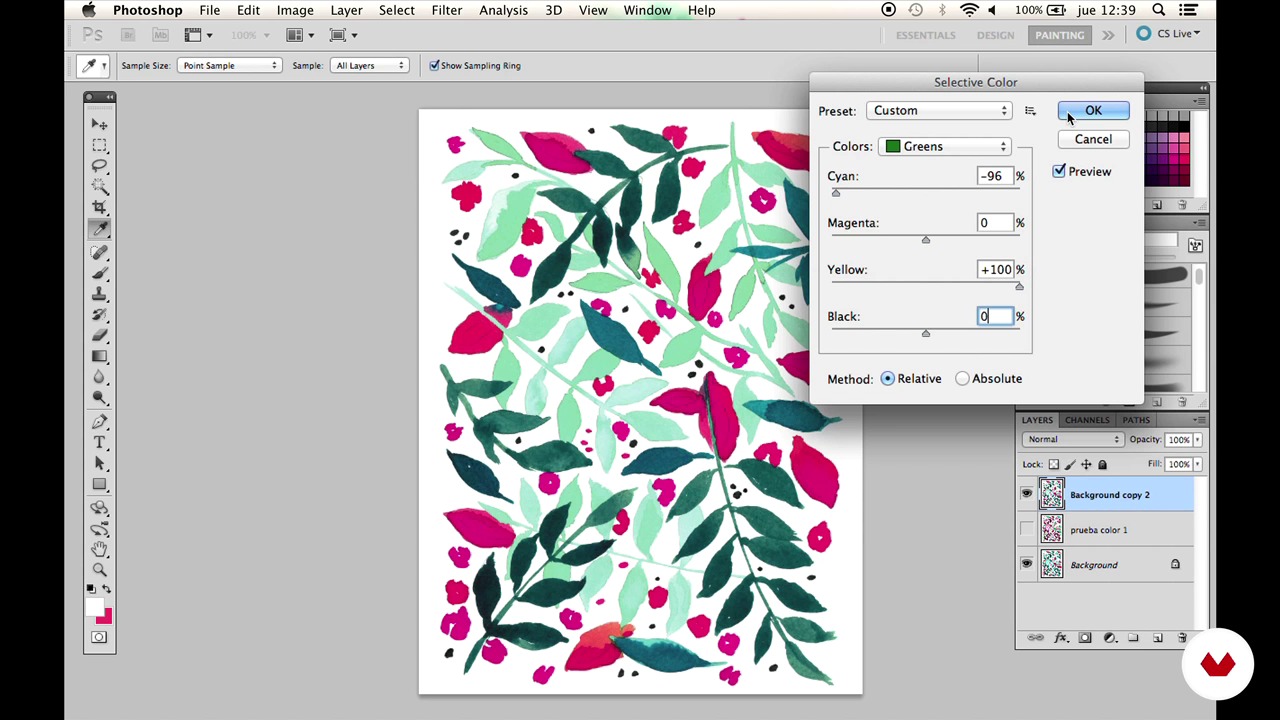
Colour
13 minutes, 41 seconds
What's included in this course?
Get started by learning more about Mónica—also known as "Moniquilla"—as well as her work and design processes.
Next, see how she finds inspiration for her striking prints and explore the fundamentals of different techniques that you can use to develop your own patterns. Your teacher then provides several examples of common household materials that can be used to help you create your pieces.
To wrap up the course, Mónica guides you through the process of preparing a rapport in Photoshop which you can later apply to multiple surfaces or mediums. She also shows you how your pattern can be used to prepare several different types of packaging.

Who is this online course for?
Graphic designers, illustrators, fashion designers, and anyone who wants to turn their illustrations into a pattern for any medium.

Requirements and materials
An intermediate level in Photoshop is required for this course. You also need a computer, a scanner, and drawing or painting materials such as watercolors, crayons, or markers, and suitable paper for each material.
Reviews
- 3 months ago
Muy bueno, sencillo y fácil de entender!
- 6 months ago
excelente
- 6 months ago
curso muito bom!!!!!!!
- luna14PLUS7 months ago
Bonito, sencillo y claro. Muy fácil de seguir y relajante.
- 8 months ago
Muy relajante, bien para un nivel inicial de encuentro con estas técnicas para pintar.

She splits her time between commissions for brands and working on Moniquilla, her own brand and online store where she designs and produces printed accessories and special limited edition pieces.
Content
- U1
Hello! I'm Moniquilla
- Introduction
- Searching Inspiration 1: The Moodboard
- Looking for Inspiration 2: Interesting references
- U2
With what drawing and what drawing?
- Materials
- Drawings and scribbles
- U3
Scan, clean and change color
- Cleaning 1
- Cleaning 2
- Colour
- U4
From paper to screen
- Composition
- Rapport 1
- Raport 2
- The reason
- Mockup
- FP
Final project
- Reasons to repeat. Make a pattern for a packaging
What to expect from a Domestika course
Learn at your own pace
Enjoy learning from home without a set schedule and with an easy-to-follow method. You set your own pace.
Learn from the best professionals
Learn valuable methods and techniques explained by top experts in the creative sector.
Meet expert teachers
Each expert teaches what they do best, with clear guidelines, true passion, and professional insight in every lesson.
Certificates
PLUSIf you're a Plus member, get a custom certificate signed by your teacher for every course. Share it on your portfolio, social media, or wherever you like.
Get front-row seats
Videos of the highest quality, so you don't miss a single detail. With unlimited access, you can watch them as many times as you need to perfect your technique.
Share knowledge and ideas
Ask questions, request feedback, or offer solutions. Share your learning experience with other students in the community who are as passionate about creativity as you are.
Connect with a global creative community
The community is home to millions of people from around the world who are curious and passionate about exploring and expressing their creativity.
Watch professionally produced courses
Domestika curates its teacher roster and produces every course in-house to ensure a high-quality online learning experience.
FAQs
You’ll learn how to combine traditional techniques like watercolor, markers, and wax crayons with digital processes in Photoshop to create patterns, clean up illustrations, adjust colors, and develop repeating motifs for packaging and surface design.
Yes, the course is designed for those with basic drawing or design knowledge who want to deepen their skills in mixed techniques and digital workflows to create print-ready patterns and illustrations.
Basic Photoshop knowledge is recommended since the course covers specific functions like cleanup, composition, and pattern creation. Still, all key steps are explained clearly, step by step.
You’ll need watercolors, markers, Manley wax crayons, special paper for watercolor and markers, pencils, a scanner, and a computer with Photoshop installed.
You’ll learn to blend colors directly on paper with watercolors, layer tones with markers, and combine techniques to achieve bright, natural effects in botanical illustration.
The course teaches digital cleanup techniques like removing blemishes, adjusting color levels, fixing edges, cleaning white backgrounds, and using tools like the clone stamp to perfect scanned illustrations.
You’ll learn how to select, duplicate, and transform elements, use the Offset filter, and check pattern repeats to create a seamless digital tile ready for print or packaging.