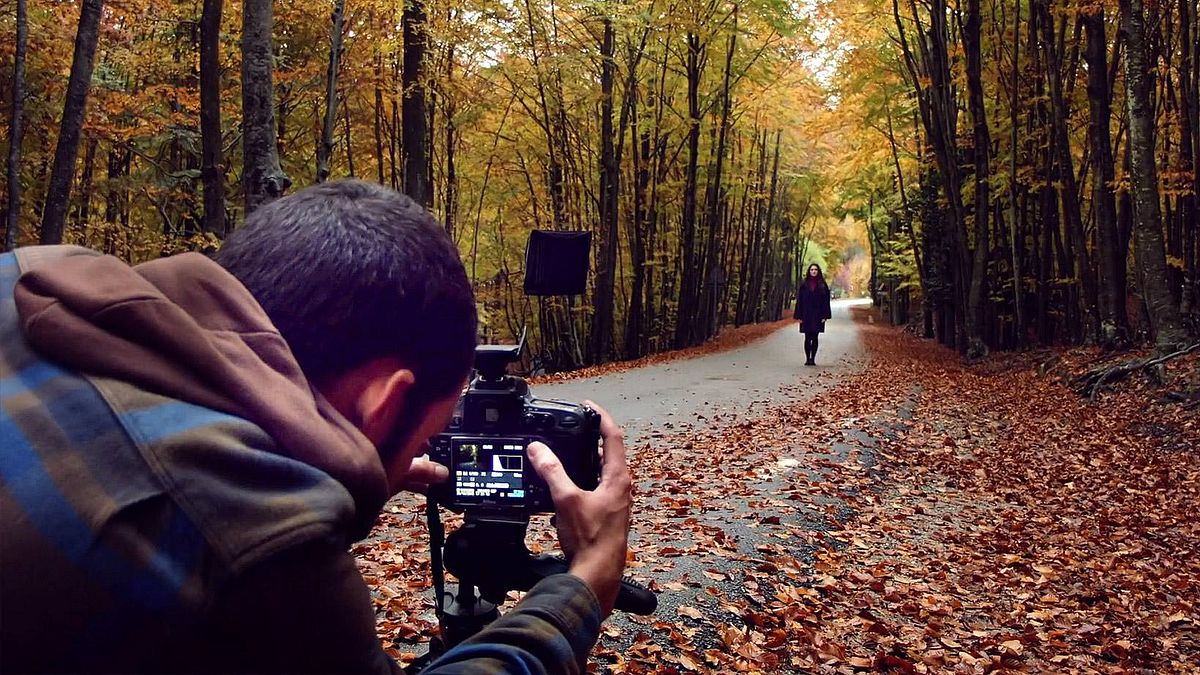
Ghost Light: Lighting Technique and Color Treatment
A course by Ibai AcevedoPhotographer
A course by Ibai Acevedo, Photographer

Learn to make portraits with creative lighting techniques
Ibai Acevedo—a photographer for brands such as Nike, Microsoft, Tous, Evax, and Mahou—helps you find your own style when taking photos through experimentation and by conveying evocative feelings.
To do this, he shows you his work process step by step for making a portrait by playing with an unconventional lighting technique with many creative possibilities: ghost light.
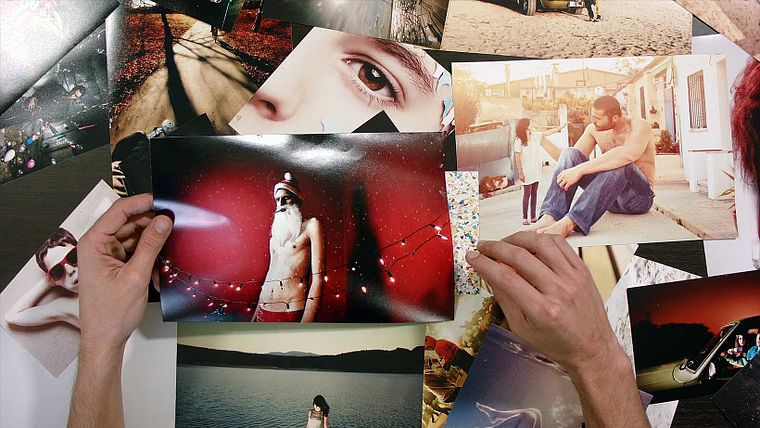
Once the photograph is taken, Ibai details his retouching methodology to achieve an effect of light and color in certain areas with a dreamlike aesthetic that wanders between reality and fiction.
What will you learn in this online course?
14 lessons & 7 downloads
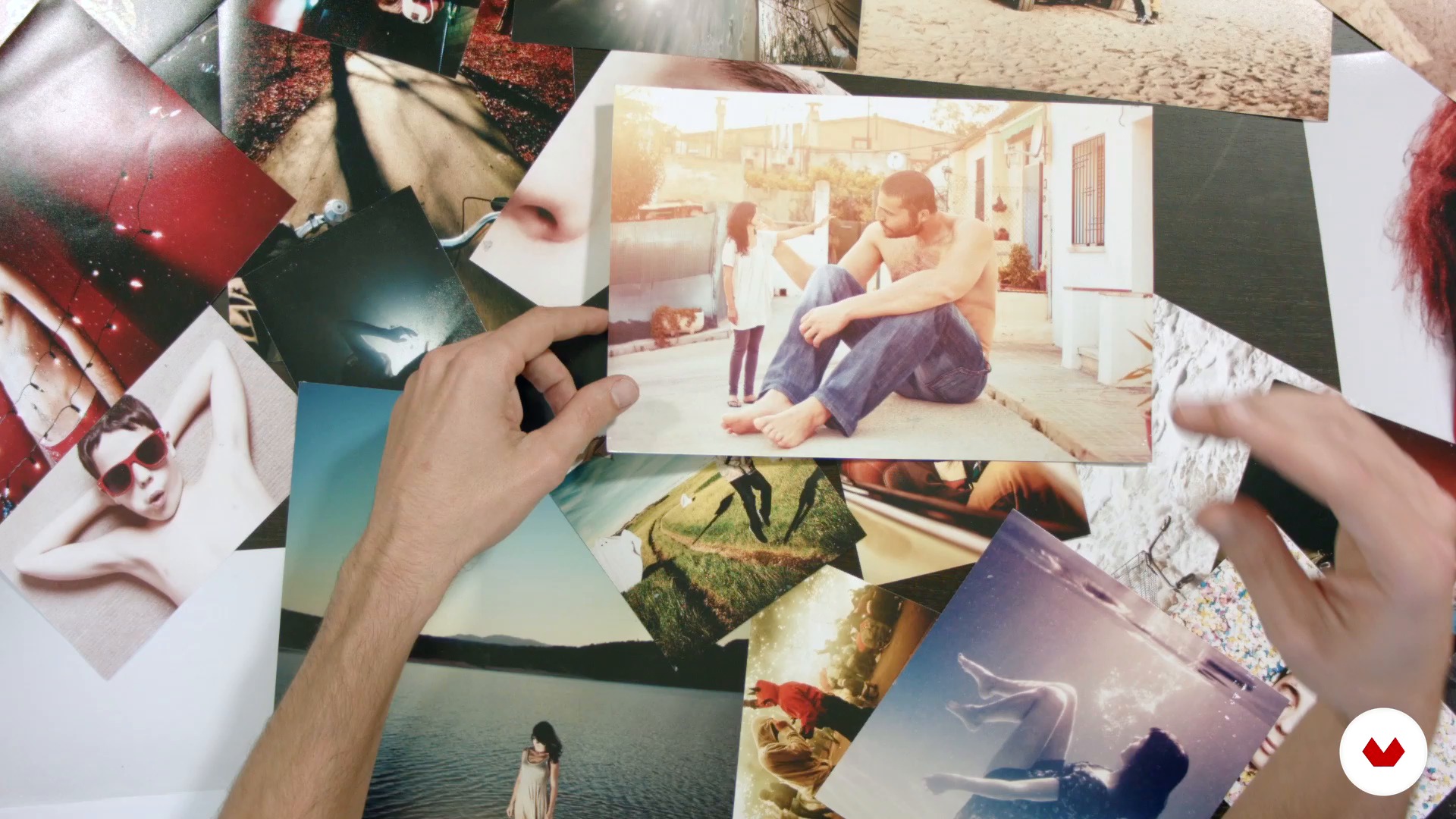
Have an idea
8 minutes, 26 seconds
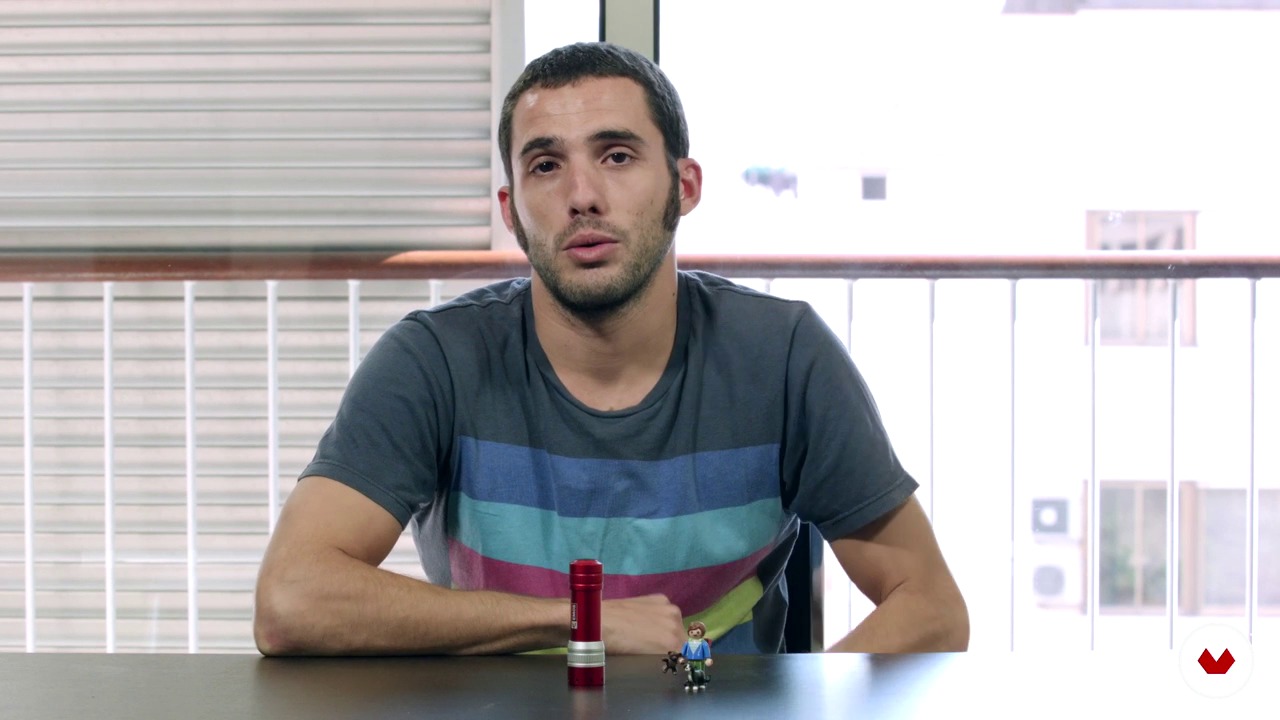
Ghost light
5 minutes, 44 seconds
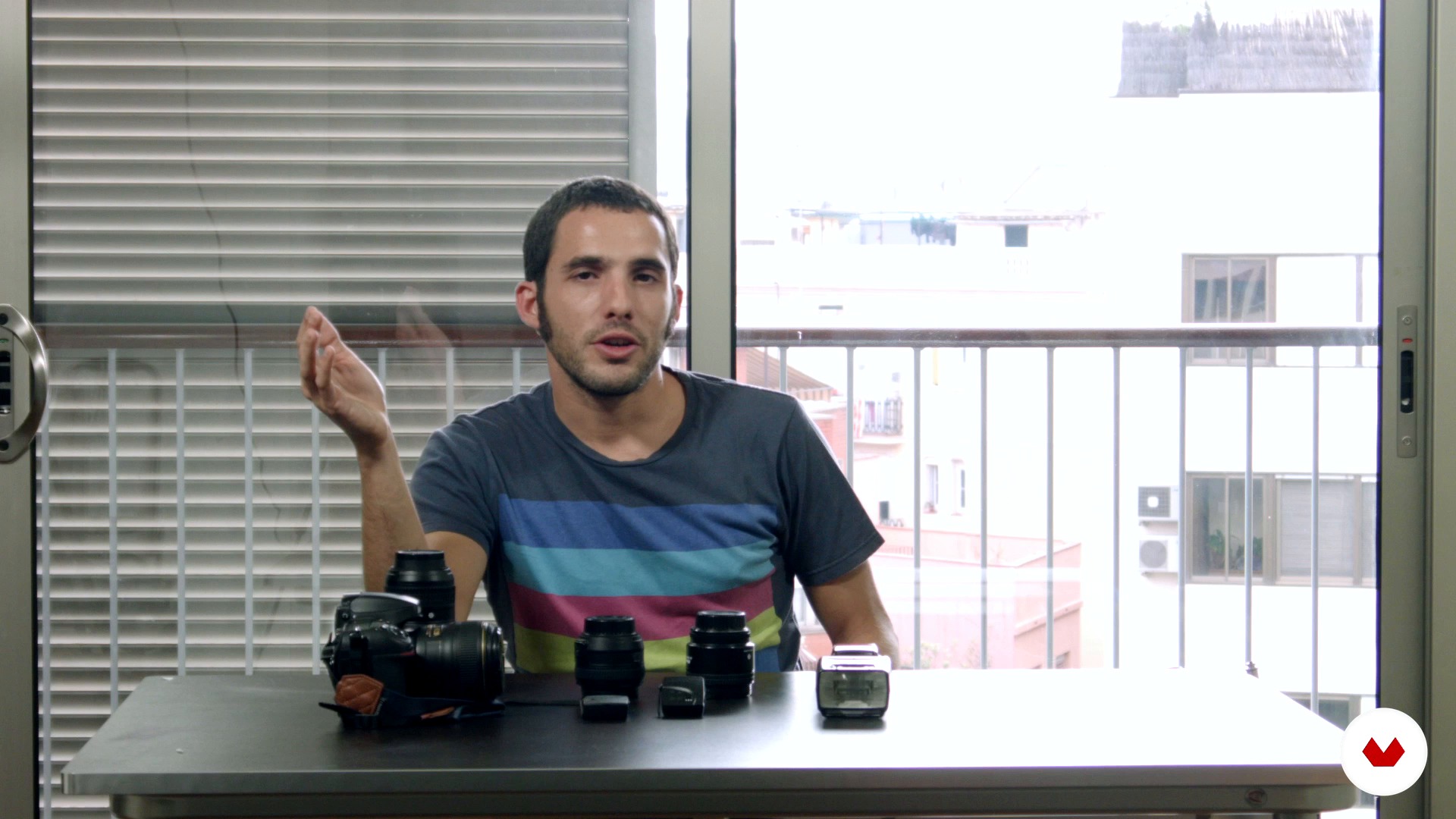
materials
12 minutes, 3 seconds
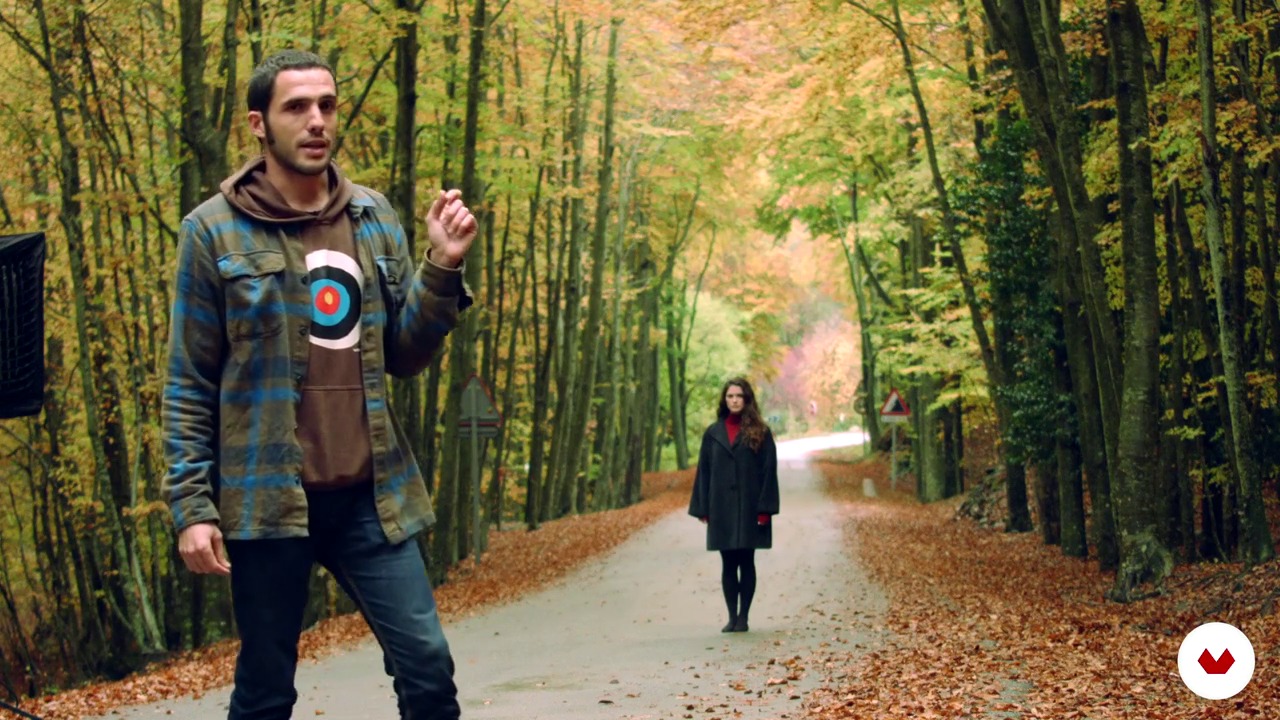
Photo shooting
10 minutes, 16 seconds
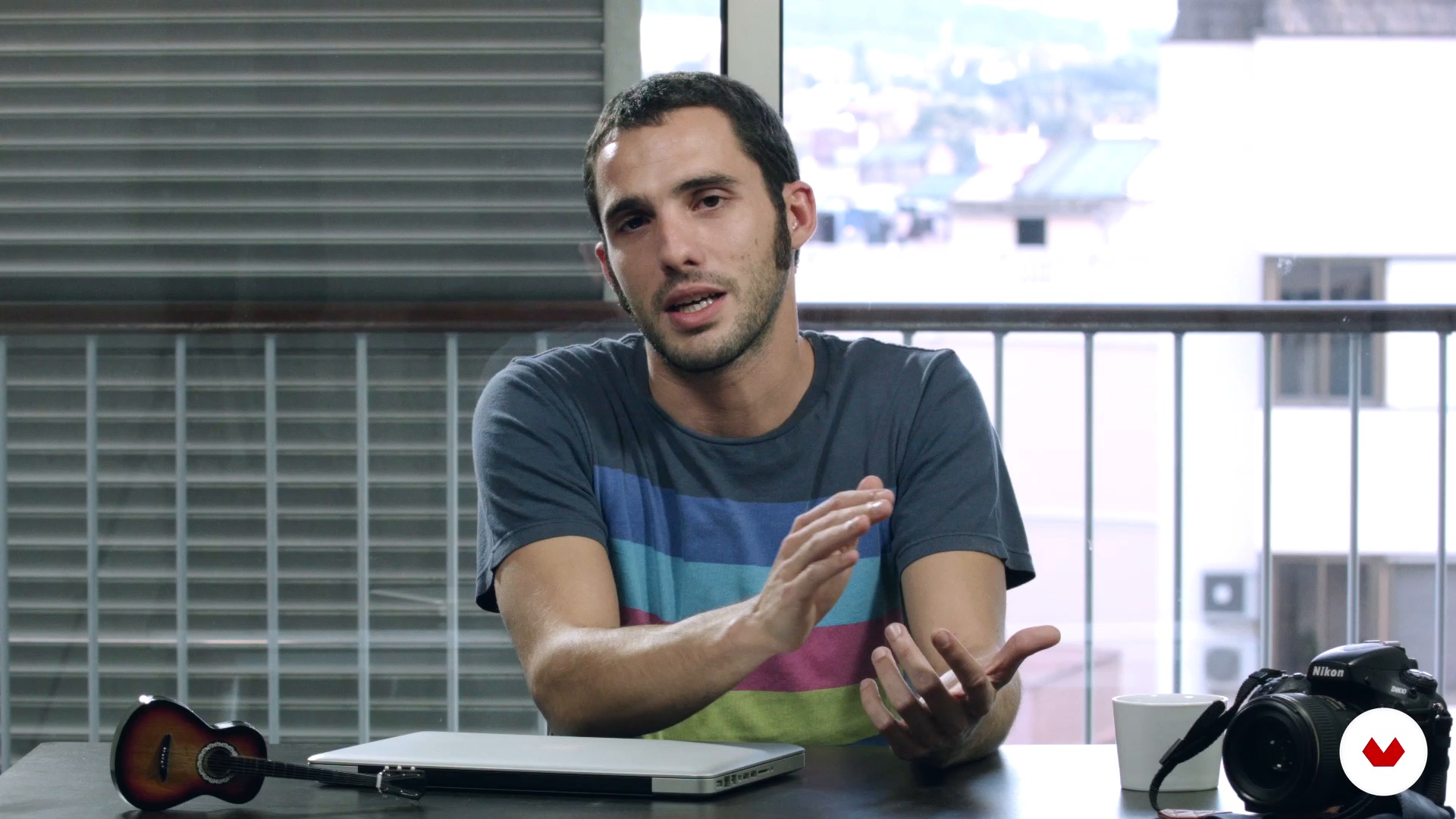
The importance of color: the before and after
7 minutes, 2 seconds
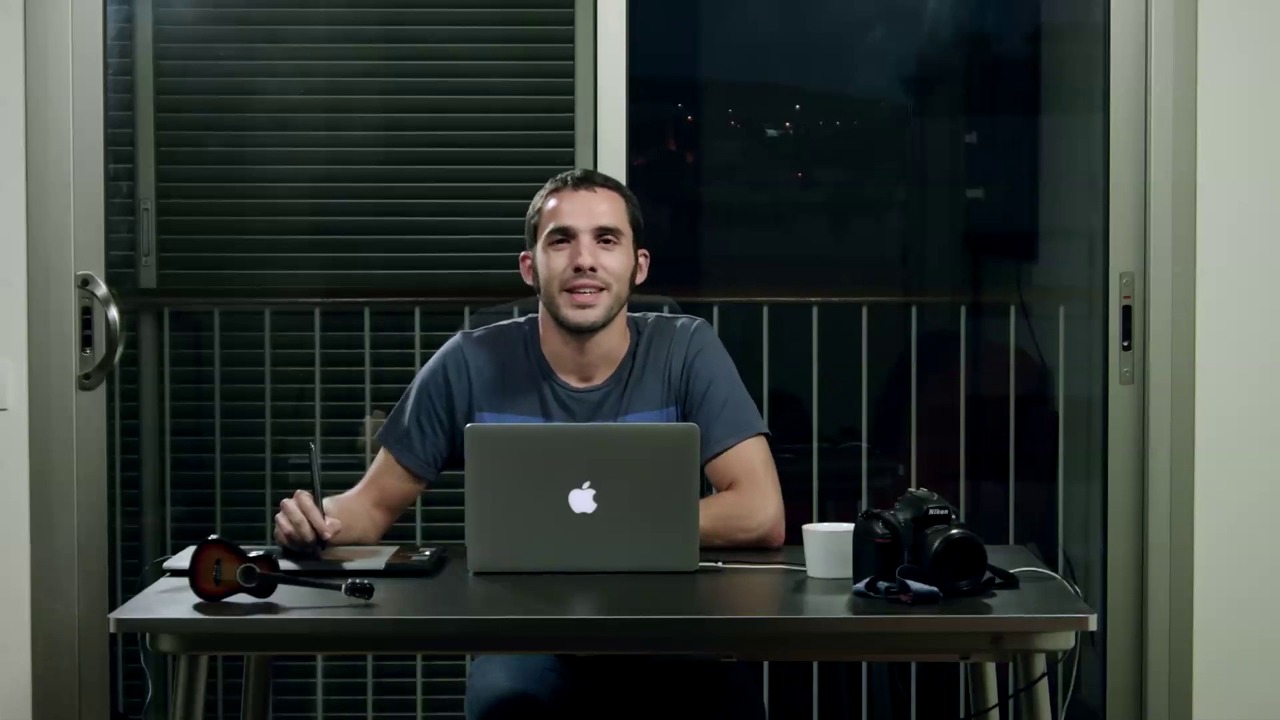
Revealed in raw and editing in Photoshop I
19 minutes, 43 seconds
What's included in this course?
Begin by learning more about Ibai Acevedo's career and some of his most outstanding works, and then delve into the idea phase and find out what inspires Ibai when it comes to taking photos.
Ibai explains step by step his most characteristic technique, ghost light, as well as its possibilities and limits. Go over the necessary and optional materials for taking images. To better understand the proposed lighting scheme and treatment based on location, bear witness to a real shoot that Acevedo carries out in the middle of the forest.
Finally, Ibai teaches you how to edit your photos with some key tricks, such as the importance of color, the selection and development in Raw, the work in Photoshop, and the final export.
Recommended software & tools for this course
What is this course's project?
The final project is a portrait using the ghost-light technique. Although Ibai explains his entire process during the course, both in terms of the shoot and post-production, it is not essential to follow his steps to the letter. Once the tools and techniques have been taught, use them in the way that interests you most and is within your means.

Projects by course students


Who is this online course for?
This course is aimed at anyone who wants to expand their creative tools when taking photographs. It is for those who are starting out and for those who are more advanced. Once the techniques, processes, and little tricks have been assimilated, each photographer determines how far to take the techniques learned.
Requirements and materials
Basic knowledge of digital photography and Photoshop is necessary to take this course.
Regarding the essential materials, you need a camera, a computer with Camera Raw and Photoshop (or failing that, any other RAW developer/editing software), a tripod (or a way to keep the camera steady), and an artificial light source (flashlight, spotlight, lamp, reflector, etc.).
As extras, it doesn't hurt to have a separate flash from the camera (connected wirelessly or via sync cable), a focus stand or flash-attachment element, and a remote shutter.
Reviews
- 1 year ago
Muy buen curso. muy útil y práctico
- 2 years ago
Muy biem
- 2 years ago
Muy guay.. es un buen curso exelentemente explicado y con muy buenos trucos
- 3 years ago
Un curso muy interesante, con instrucciones precisas para conseguir la iluminación deseada. Es mágico, ves el efecto de la luz sin ver las manos del Mago. Ha sido muy útil y permite muchas posibilidades en la creación de la iluminación.
- 3 years ago
Pas de sous titres français :-(

In the time before photography and I met, I went on vacation in ordinary places, making friends and even becoming a graphic designer. All of that became history when there came a time when all I thought about was taking photos. However, saying "Something awoke within me" or "I felt a strong inner call" always sounds better.
To this day, like McGiver with the hardware store, I have found a language that saves me more than a thousand words for each image created. If you covered your eyes and forced me to choose among the thousand, I would surely say that I am pioneering a gimmicky style halfway between reality and fiction.
With a weakness for tones and textures that I patent, the ends justify the means. It doesn't matter whether you lie or tell the truth—the important thing is to convey something. Everything is easier than it seems, without poses, rehashes, or complicated tricks.
Content
- U1
Introduction
- Presentation
- Influences
- U2
Get ready to take your photo
- Have an idea
- Ghost light
- materials
- U3
Take your picture!
- Photo shooting
- U4
Edit your photo
- The importance of color: the before and after
- Revealed in raw and editing in Photoshop I
- Revealed in raw and editing in Photoshop II
- Revealed in raw and edition in Photoshop III
- Revealed in raw and edition in Photoshop IV
- Revealed in raw and editing in Photoshop V
- Revealed in raw and editing in Photoshop VI
- To export
- FP
Final project
- Phantom light: lighting technique and color treatment
What to expect from a Domestika course
Learn at your own pace
Enjoy learning from home without a set schedule and with an easy-to-follow method. You set your own pace.
Learn from the best professionals
Learn valuable methods and techniques explained by top experts in the creative sector.
Meet expert teachers
Each expert teaches what they do best, with clear guidelines, true passion, and professional insight in every lesson.
Certificates
PLUSIf you're a Plus member, get a custom certificate signed by your teacher for every course. Share it on your portfolio, social media, or wherever you like.
Get front-row seats
Videos of the highest quality, so you don't miss a single detail. With unlimited access, you can watch them as many times as you need to perfect your technique.
Share knowledge and ideas
Ask questions, request feedback, or offer solutions. Share your learning experience with other students in the community who are as passionate about creativity as you are.
Connect with a global creative community
The community is home to millions of people from around the world who are curious and passionate about exploring and expressing their creativity.
Watch professionally produced courses
Domestika curates its teacher roster and produces every course in-house to ensure a high-quality online learning experience.
FAQs
You’ll learn how to craft expressive visual atmospheres, master creative lighting techniques, experiment with digital editing, and blend images to create conceptual, professional compositions—all while integrating visual references and inspiration methods to develop your own photographic style.
Yes, the course is designed for intermediate photographers looking to deepen their understanding of atmosphere, lighting, and editing, though self-taught learners with basic prior knowledge will also find it valuable.
You’ll need a camera (DSLR, mirrorless, or compact), a tripod, an external or portable flash, access to Photoshop and Camera Raw, plus basic photography and digital editing skills.
The course teaches you how to use natural and artificial light, ghost light techniques, flashes, and modifiers to shape moods and highlight details, creating unique atmospheres in your photos.
Yes, you’ll learn Photoshop workflows including image blending, layer masks, adjustment brushes, and selective color correction to refine your photographic compositions.
It’s recommended to have basic Photoshop knowledge since the course dives into intermediate and advanced editing and photo montage techniques.
You’ll do exercises in creative lighting, photo collage, layered montages, conceptual portraits, exposure blending, and advanced color editing, both outdoors and in the studio.