Illustration for Creative Minds: Reinventing the Ordinary
A course by Cristian TurderaIllustrator and Designer
A course by Cristian Turdera, Illustrator and Designer

Learn a process to create illustration reinventing concepts from a personal perspective
When seeking to become an illustrator, each individual has their own unique path to get there. Argentinian illustrator and graphic designer Cristian Turdera enjoys creating stories and sharing his vision of authors on themes that allure, whether it be for books, magazines, toys, objects, installations, and more. With a wide variety of experience in the industry, and having worked on a range of editorial areas with Penguin Random House, Editorial SM, Alfaguara, or Pequeño Editor, among others.
In this course, Cristian shows you his creative process so you can develop an illustrated idea. He teaches you how to rethink the objects you think you know, to transform them into the protagonist of your illustration, and question your point of view, giving you additional ideas to express your vision, starting with words.
What will you learn in this online course?
13 lessons & 10 downloads
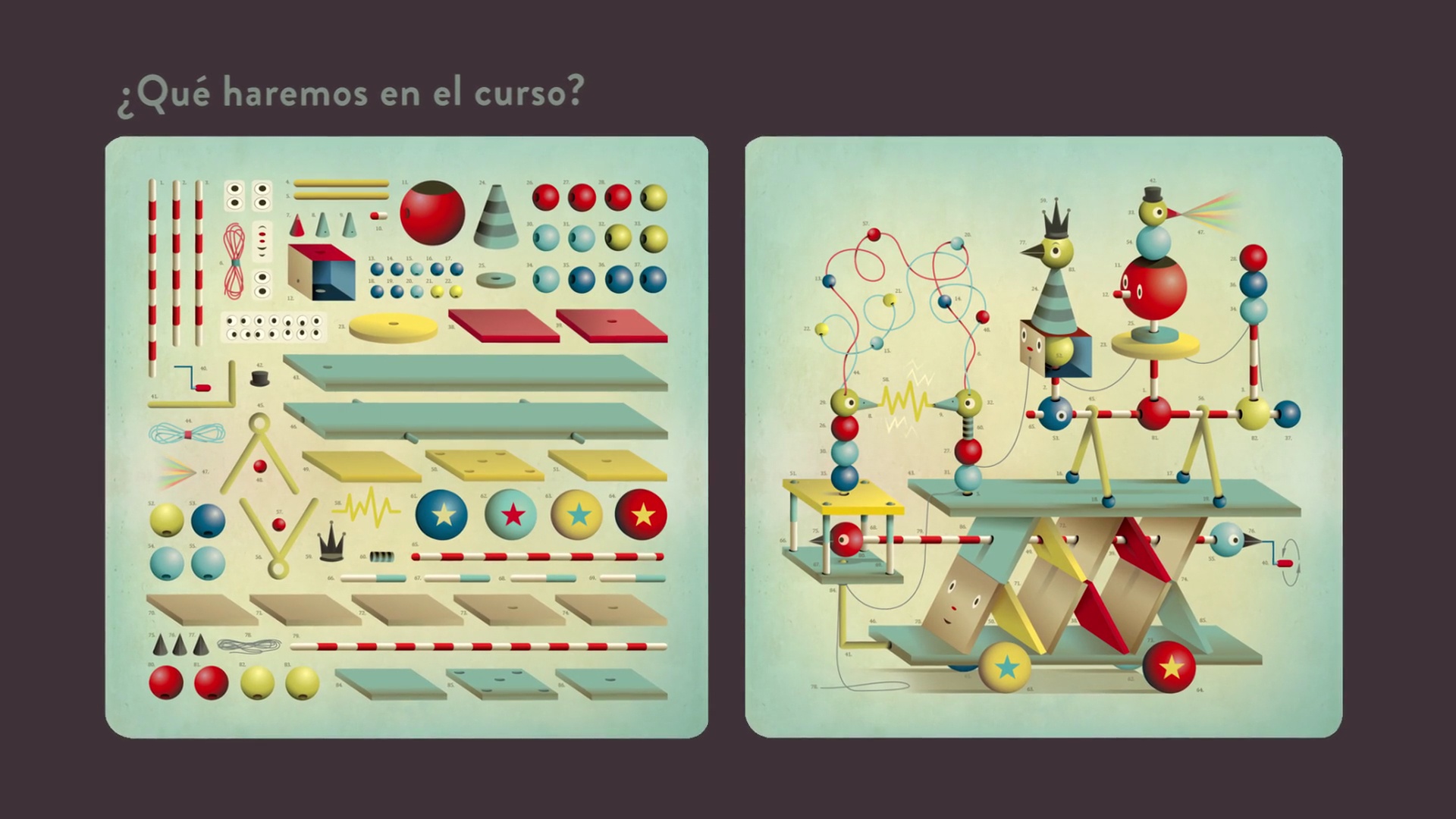
What will we do in the course?
1 minute, 13 seconds
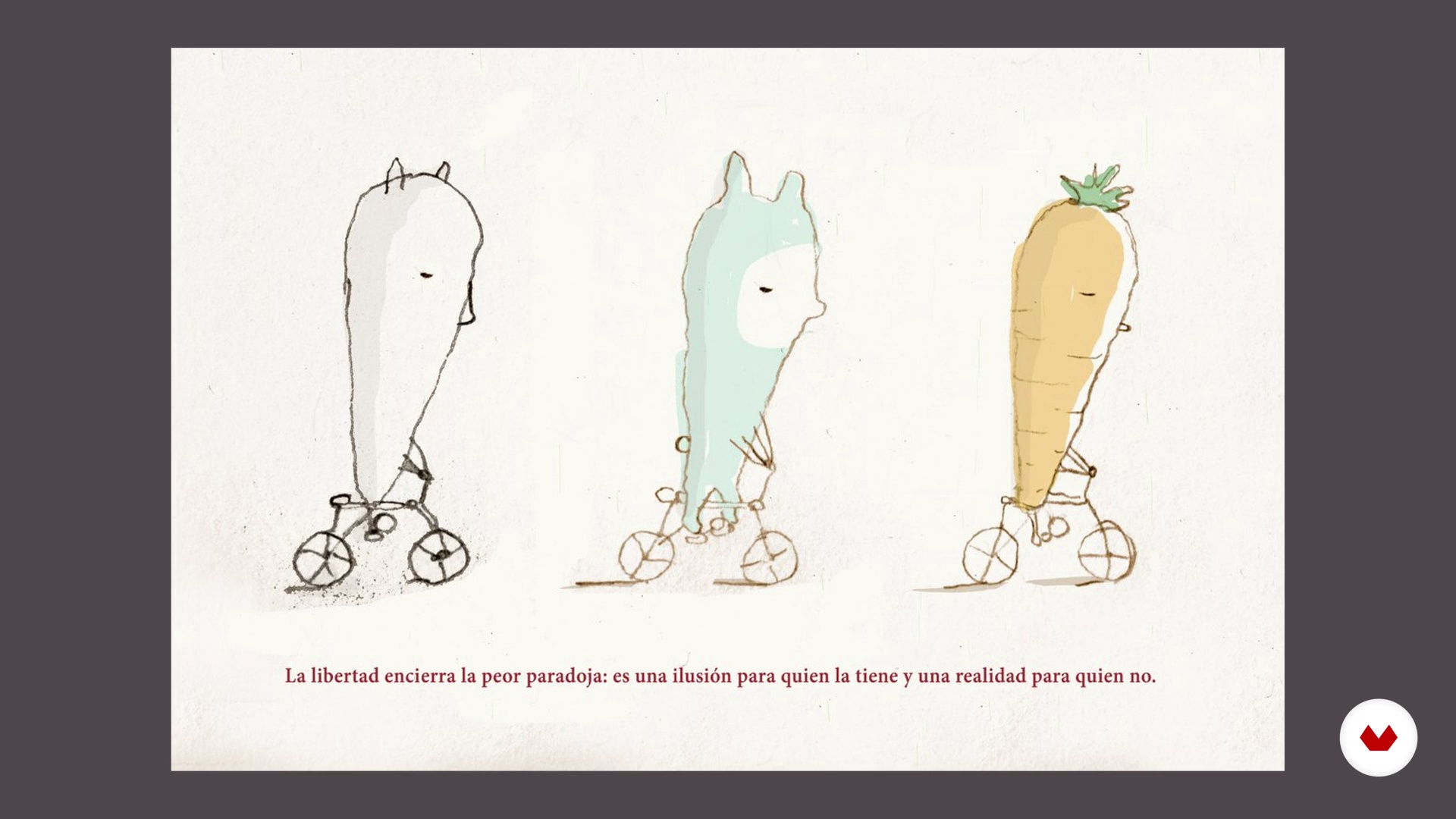
Drawing and illustration
7 minutes, 7 seconds
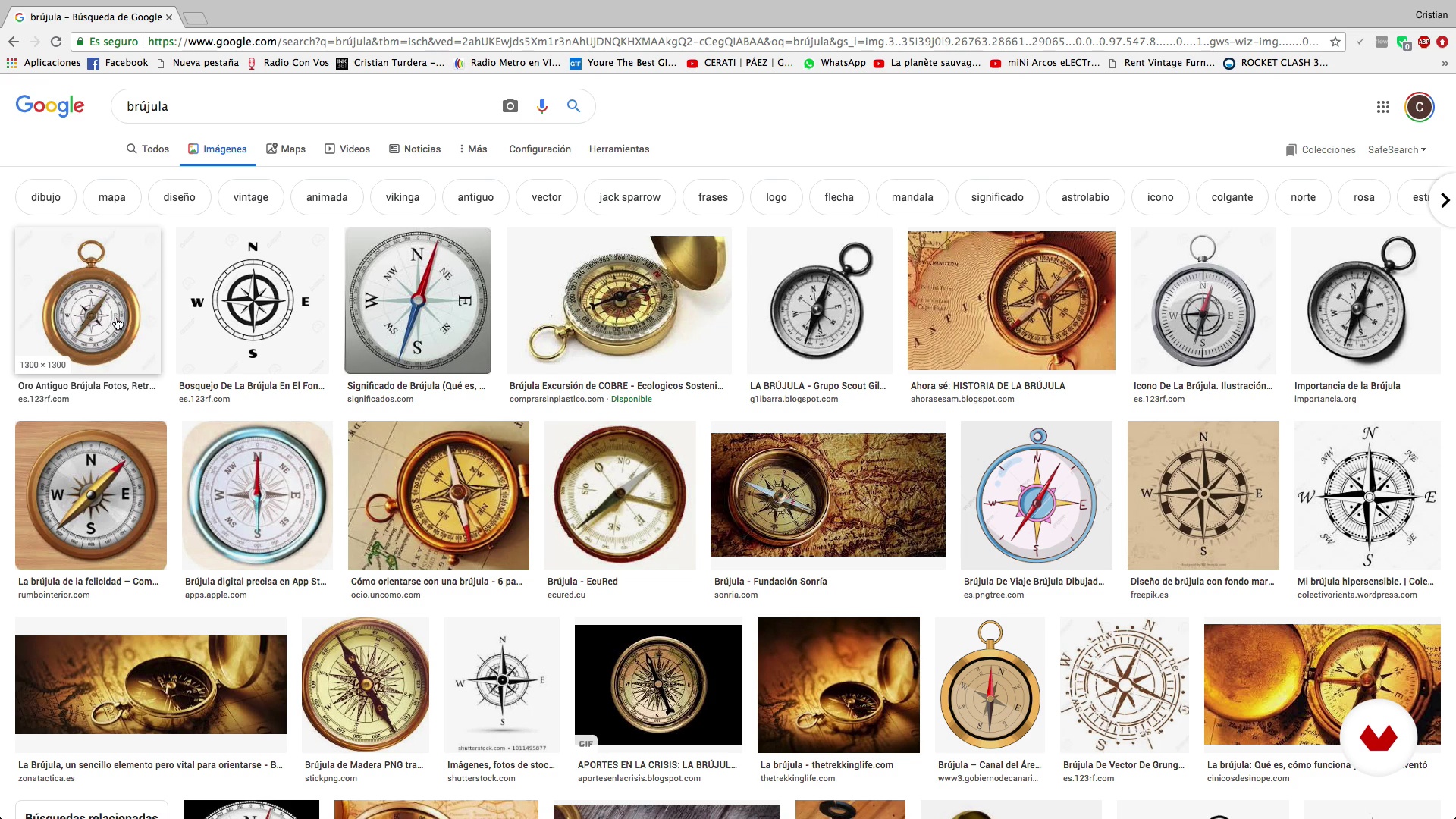
The focus of our gaze
7 minutes, 17 seconds
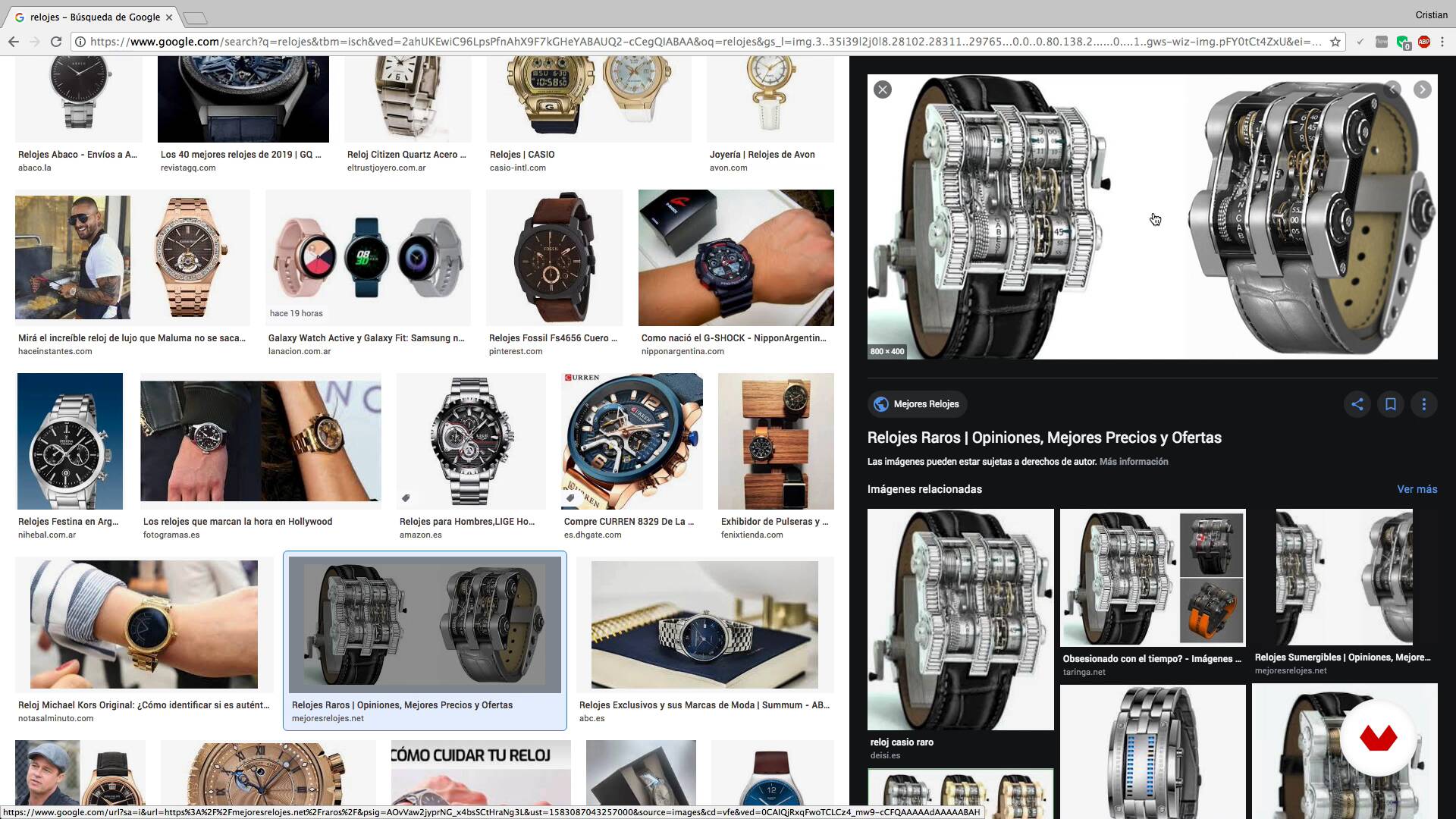
One object, infinite shapes
14 minutes, 21 seconds
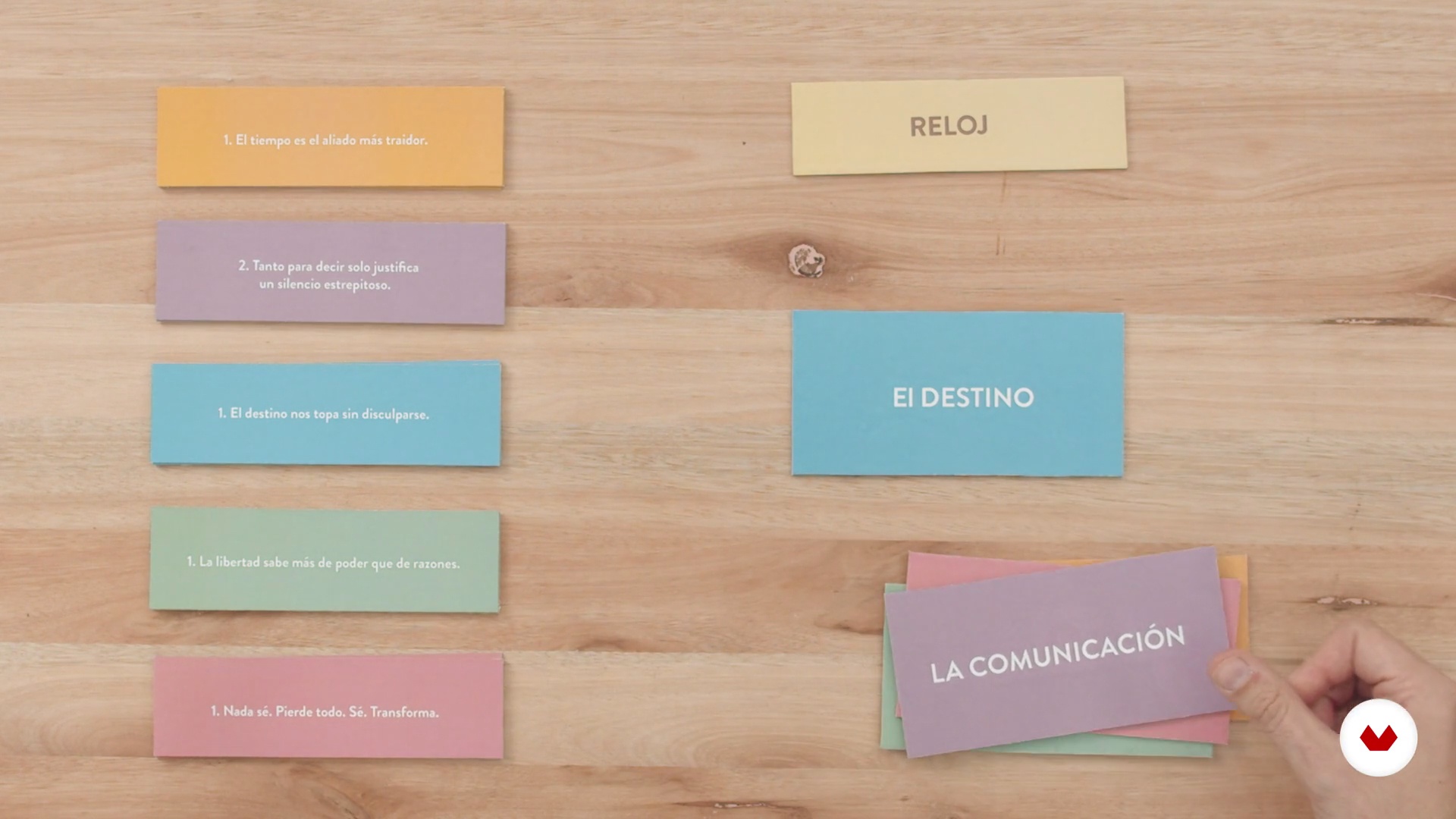
One concept, one object
4 minutes, 51 seconds
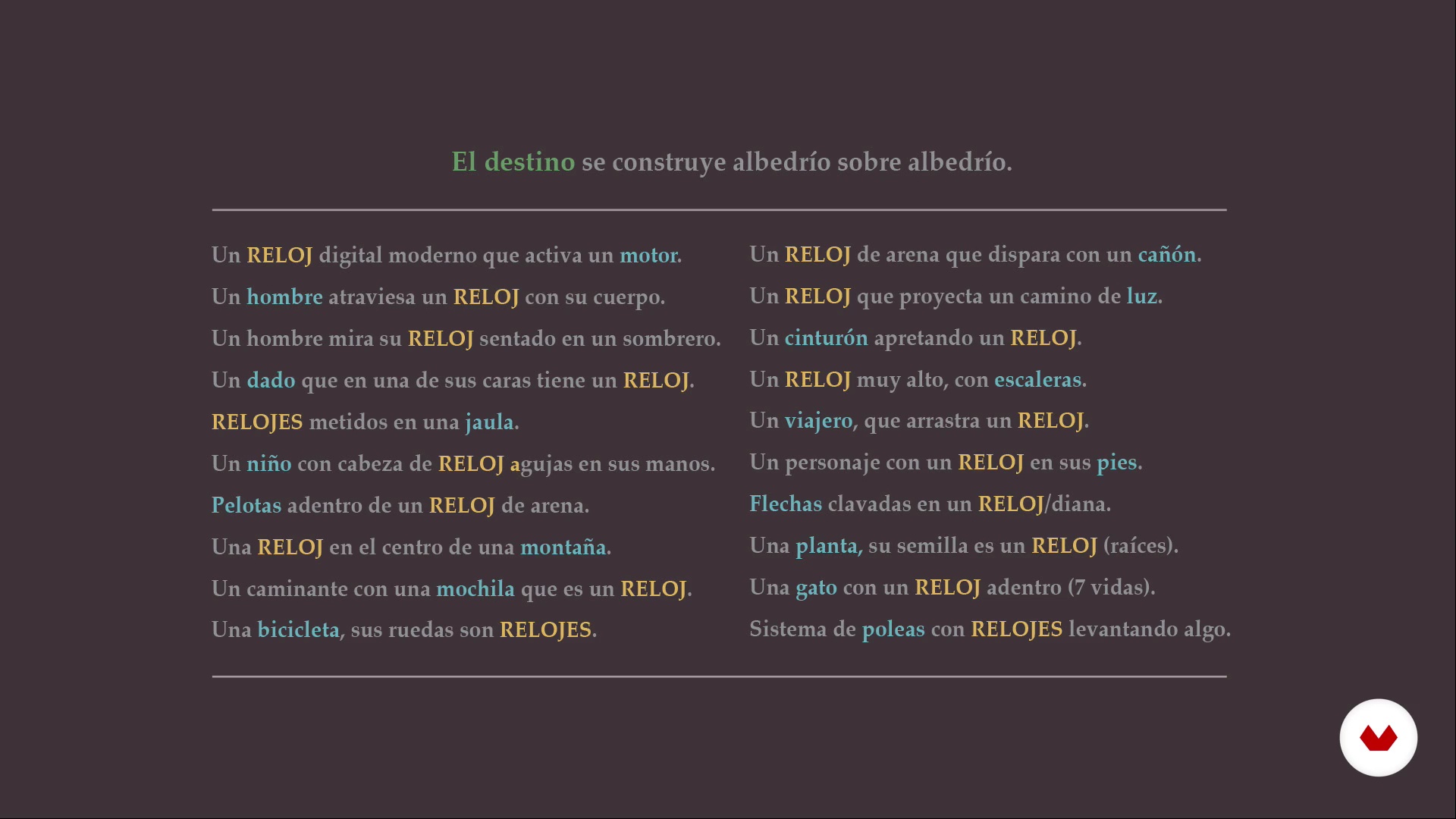
Draw what is found
8 minutes, 56 seconds
What's included in this course?
Start by getting to know Cristian, his work, and about the things and people that inspire and influence his work, then going through the course’s specifics.
See the difference between drawing and illustrating, and how drawing must be your ally when exploring new areas with a series of Cristian’s fun and practical exercises. See how an object can have infinite possibilities.
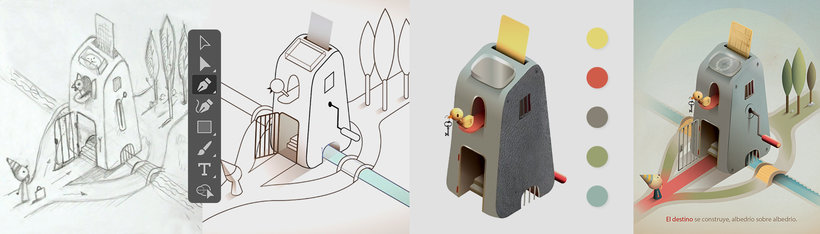
Select an idea linked to a phrase, a theme, and the object you choose and get to sketching. Polish your sketch until you have it ready to create your final illustration. Consider the format, scan your penciled drawing, and keep working on your illustration with vectors on Adobe Illustrator (you can also use Photoshop). Work on the design and the shapes until you find a solid base.
Continue using the references you’ve collected, incorporating objects to your image, as well as textures, volume, and essential details. Cristian shows you his entire creative process step-by-step, seeing how to use layers, filters, lights, and shadows, and other elements. He also shows you how to include typefaces. Lastly, he gives you some practical advice on the profession.
Recommended software & tools for this course
What is this course's project?
Create an illustration that communicates a concept linked to a phrase or strong idea that amplifies the reading of the written word, to offer creative communication solutions.
Projects by course students


Who is this online course for?
For all those interested in illustration—professionals and amateurs—image enthusiasts, creatives, art directors who want to learn about concept and language, designers, artists, illustrators, or simply those curious about understanding how to generate new ideas and recreate them in an illustration.
Requirements and materials
You will need basic knowledge of how to use Adobe Illustrator or Photoshop, and the eagerness to draw.
As for materials, you’ll need paper, pencils, markers, a pencil sharpener, an eraser, adhesive tape, and whatever you use to draw usually. You will also need a computer with Photoshop and Illustrator.
Reviews
- 2 years ago
Realmente fantástico. Muy enriquecedor el poder ver la fase de generación de ideas.
- 2 years ago
Este es un curso al que regresaras una y otra vez, verdaderamente una joya, un Maestro maravilloso y un gran artista. Este es el tipo de contenido de excelente calidad que buscaba en Domestica. ¡Mas cursos de Cristian Turdera por favor!!!
- 2 years ago
Muy detallado, me gusto como explica todo paso por paso.
- 3 years ago
Un lujo poder conocer un poco más el trabajo de Cristian Turdera y su forma de trabajar. Muy cálido para enseñar y compartir sus conocimientos.
- 3 years ago
Me encanta Cristian Turdera y todo lo que hace. Este curso no es una excepción de eso, su didáctica y su manera de enseñar es atrapante y dan ganas de aprender más. Me encantó el curso.

Today, he uses both—illustration and design—in his work. He published his first illustrations in a school book over twenty years ago and is still in the field, with lots of enthusiasm, always seeking new opportunities. He has worked for editorials such as Penguin Random House, Editorial SM, Alfaguara, or Pequeño Editor, and many more.
As well as illustrating books, Cristian also illustrates toys and other products for clients like Arcor, Ruibal, Djeco toys, Peabody, and more. He illustrates for audiovisual projects, magazines, and even installations.
Content
- U1
Introduction
- Presentation
- Influences
- What will we do in the course?
- U2
The creative process: breaking the limits
- Drawing and illustration
- The focus of our gaze
- One object, infinite shapes
- One concept, one object
- U3
From sketch to illustration
- Draw what is found
- Choice of idea
- Vectorized Sketch and Illustration Design
- Assembling a bookstore
- U4
Composing the final illustration
- Final illustration details and adjustments
- Work dynamics and reflections
- FP
Final project
- Illustration for Creative Minds: Reinventing the Ordinary
What to expect from a Domestika course
Learn at your own pace
Enjoy learning from home without a set schedule and with an easy-to-follow method. You set your own pace.
Learn from the best professionals
Learn valuable methods and techniques explained by top experts in the creative sector.
Meet expert teachers
Each expert teaches what they do best, with clear guidelines, true passion, and professional insight in every lesson.
Certificates
PLUSIf you're a Plus member, get a custom certificate signed by your teacher for every course. Share it on your portfolio, social media, or wherever you like.
Get front-row seats
Videos of the highest quality, so you don't miss a single detail. With unlimited access, you can watch them as many times as you need to perfect your technique.
Share knowledge and ideas
Ask questions, request feedback, or offer solutions. Share your learning experience with other students in the community who are as passionate about creativity as you are.
Connect with a global creative community
The community is home to millions of people from around the world who are curious and passionate about exploring and expressing their creativity.
Watch professionally produced courses
Domestika curates its teacher roster and produces every course in-house to ensure a high-quality online learning experience.
FAQs
You’ll learn how to blend illustration and graphic design in professional projects, exploring creative techniques, character development, visual metaphors, digital vectorization, and applications on surfaces like murals, packaging, editorial work, and objects.
This course is designed for people with basic illustration or design skills who want to deepen their creative and digital techniques. Advanced skills aren’t required, but some prior experience with drawing or digital tools is recommended.
You’ll need basic drawing skills and access to digital tools like Illustrator or Photoshop. It’s also helpful to have sketching materials and be open to experimenting with both manual and digital techniques.
You’ll be able to create illustrations for murals, editorial design, packaging, sculpture, TV characters, fanzines, and collaborative projects. Plus, you’ll improve your creative process and conceptual thinking for original visual proposals.
You’ll learn to connect literature and imagery by creating visual metaphors, illustrating inspiring phrases, and building conceptual tension in your illustrations using methods like the fantasy pairing technique.
The course covers vectorization, watercolor simulation in Photoshop, using gradients and Mesh, integrating textures, transferring elements between Illustrator and Photoshop, and creating custom backgrounds.
Basic knowledge of Illustrator and Photoshop is recommended to get the most out of the digital modules, though the course also includes hands-on exercises and explanations of key processes.