Matte Painting: Creating Photorealistic Worlds
A course by Carles MarsalGraphic Designer and Visual Artist
A course by Carles Marsal, Graphic Designer and Visual Artist

Learn to create incredible landscapes with Photoshop
In this course, Carles Marsal teaches you his own technique for creating photorealistic worlds using the fundamentals of matte painting. Working from an initial sketch, compose a realistic scene from photographs, and incorporate each element using Brushes and proper lighting. Unleash your creativity and get astounding results!
Matte painting is a digital technique that allows the artist to create any scene imaginable by perfectly combining photographs and illustrations to achieve hyperrealistic results with astonishing detail. It can be used at a professional level across a range of fields including publishing, advertising, film, and video games.
This course can be taken alongside Carles' other course Secrets of Photomontage and Creative Retouching, where you can take your professional composition, retouching, and photographic lighting techniques a step further.
What will you learn in this online course?
14 lessons & 9 downloads
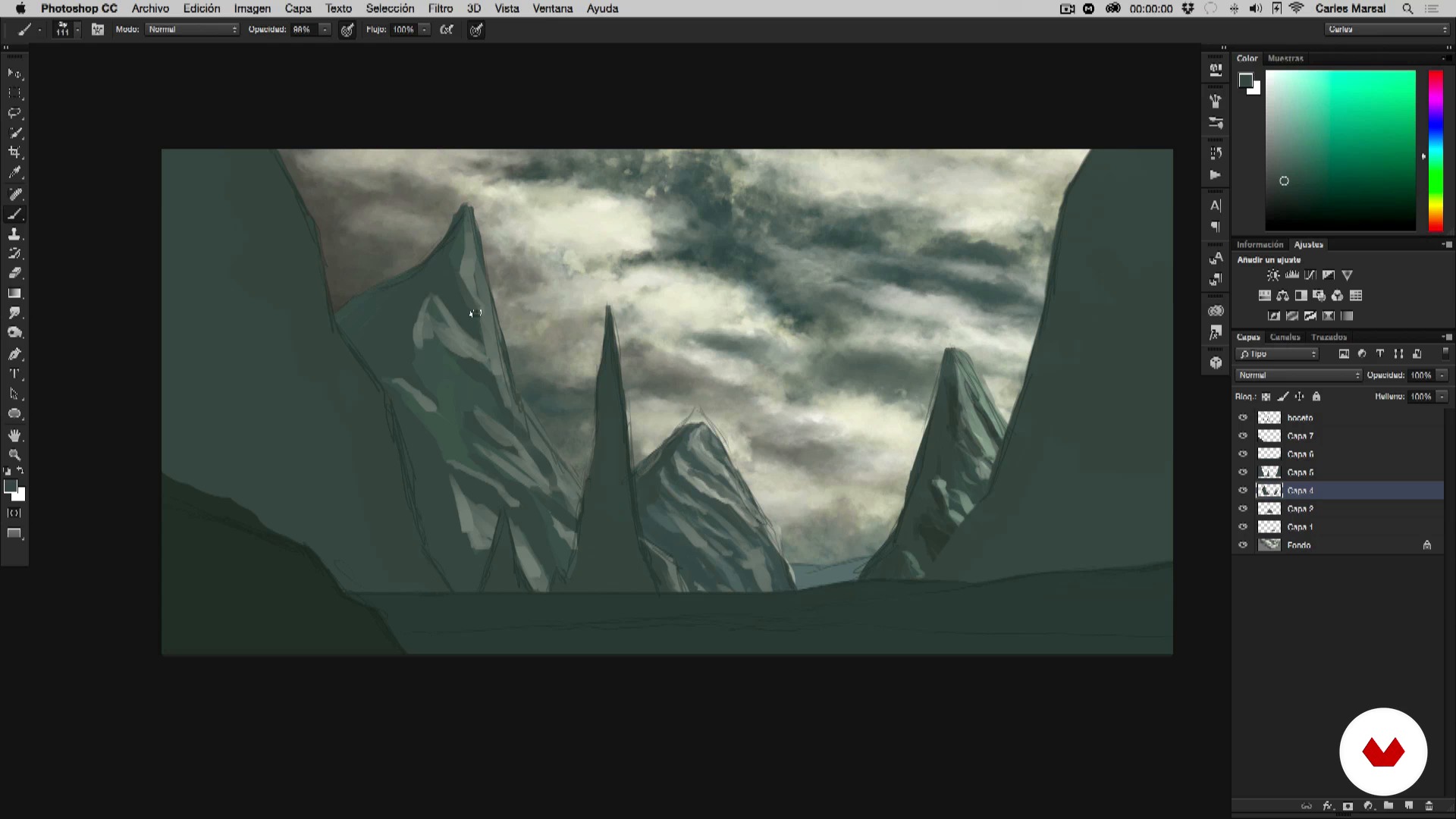
The sketch
20 minutes, 29 seconds
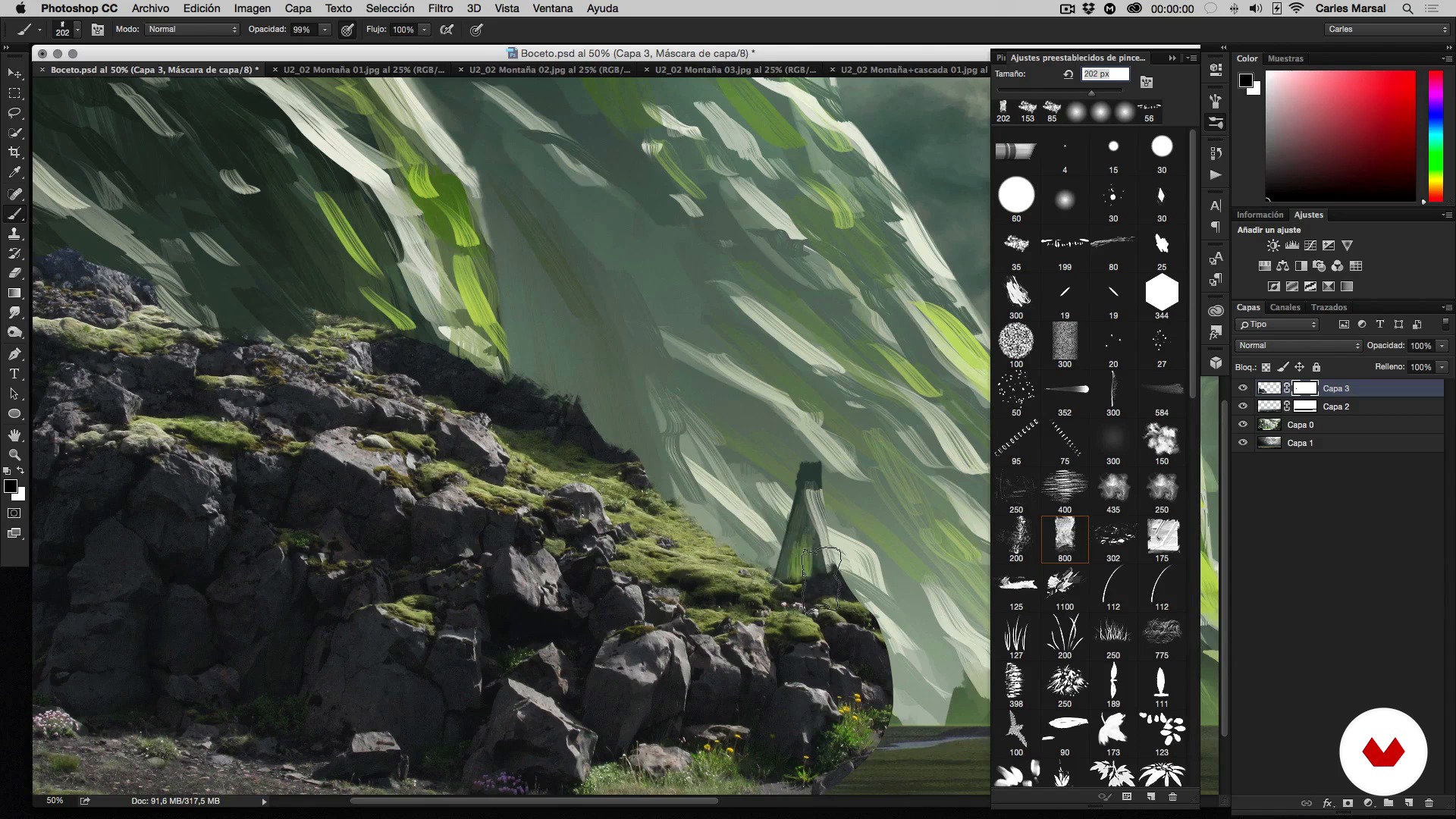
Setting up the scene
16 minutes, 21 seconds
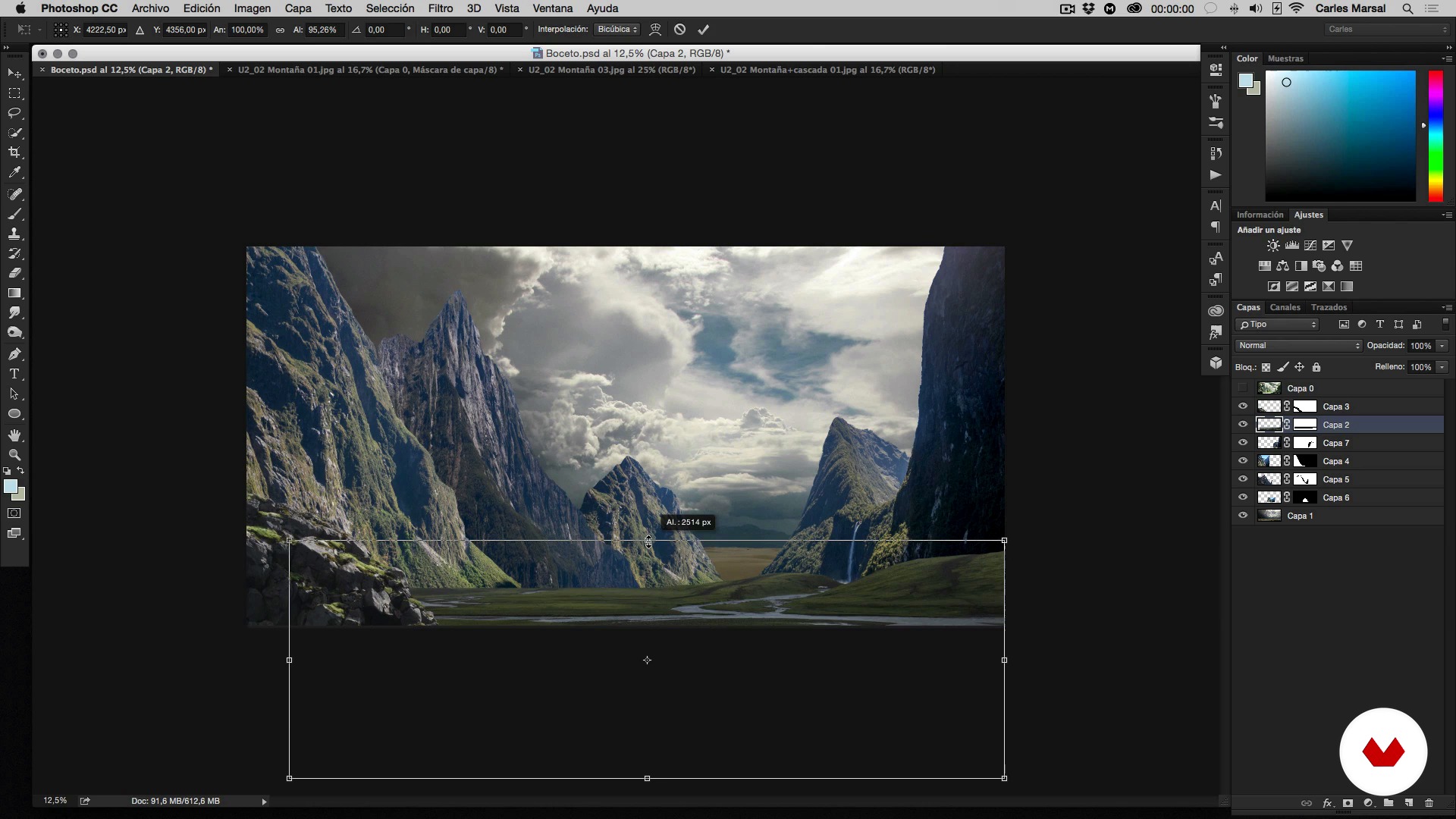
Setting up scene II
16 minutes, 33 seconds
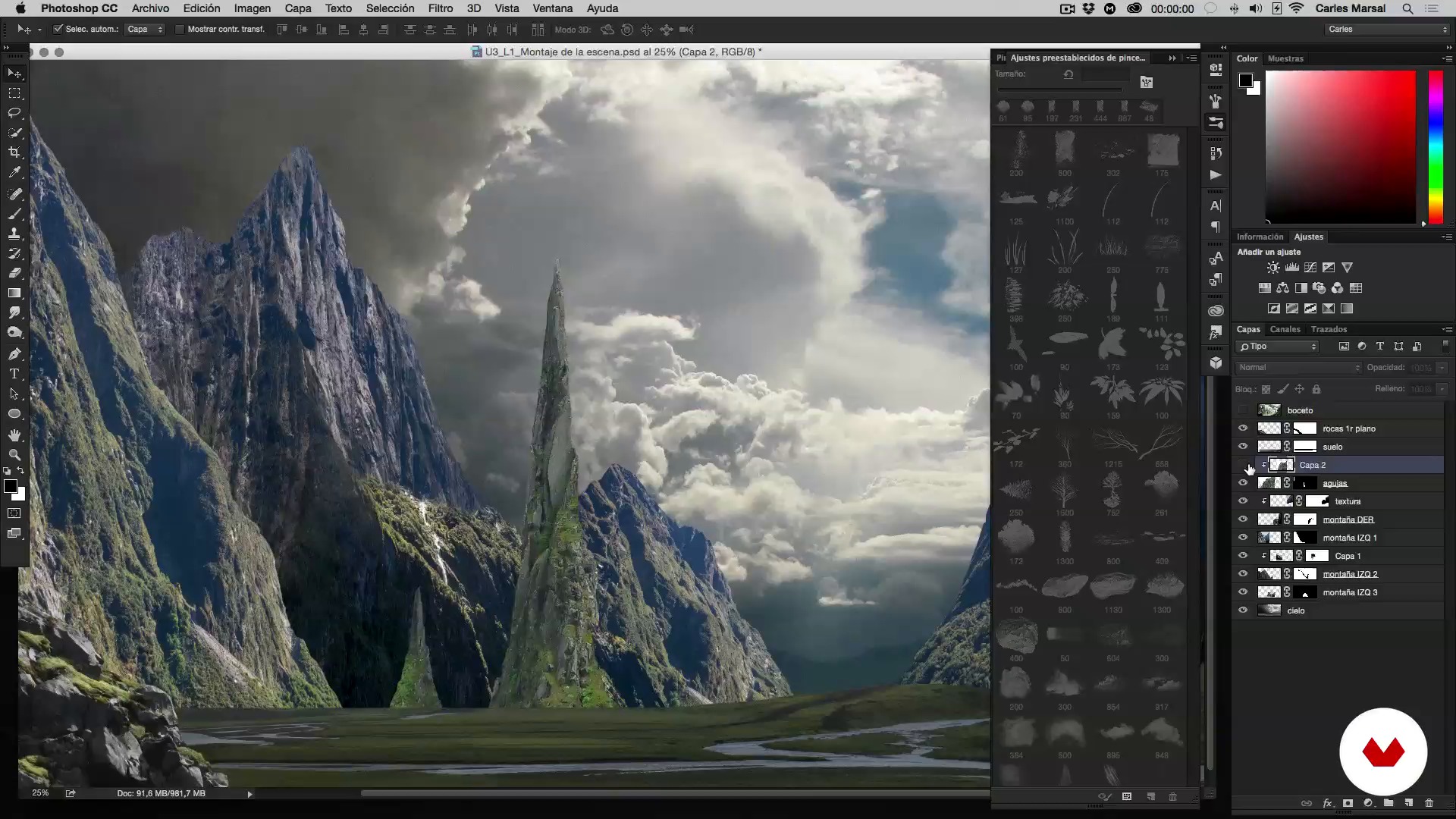
Integration of the set
13 minutes, 44 seconds
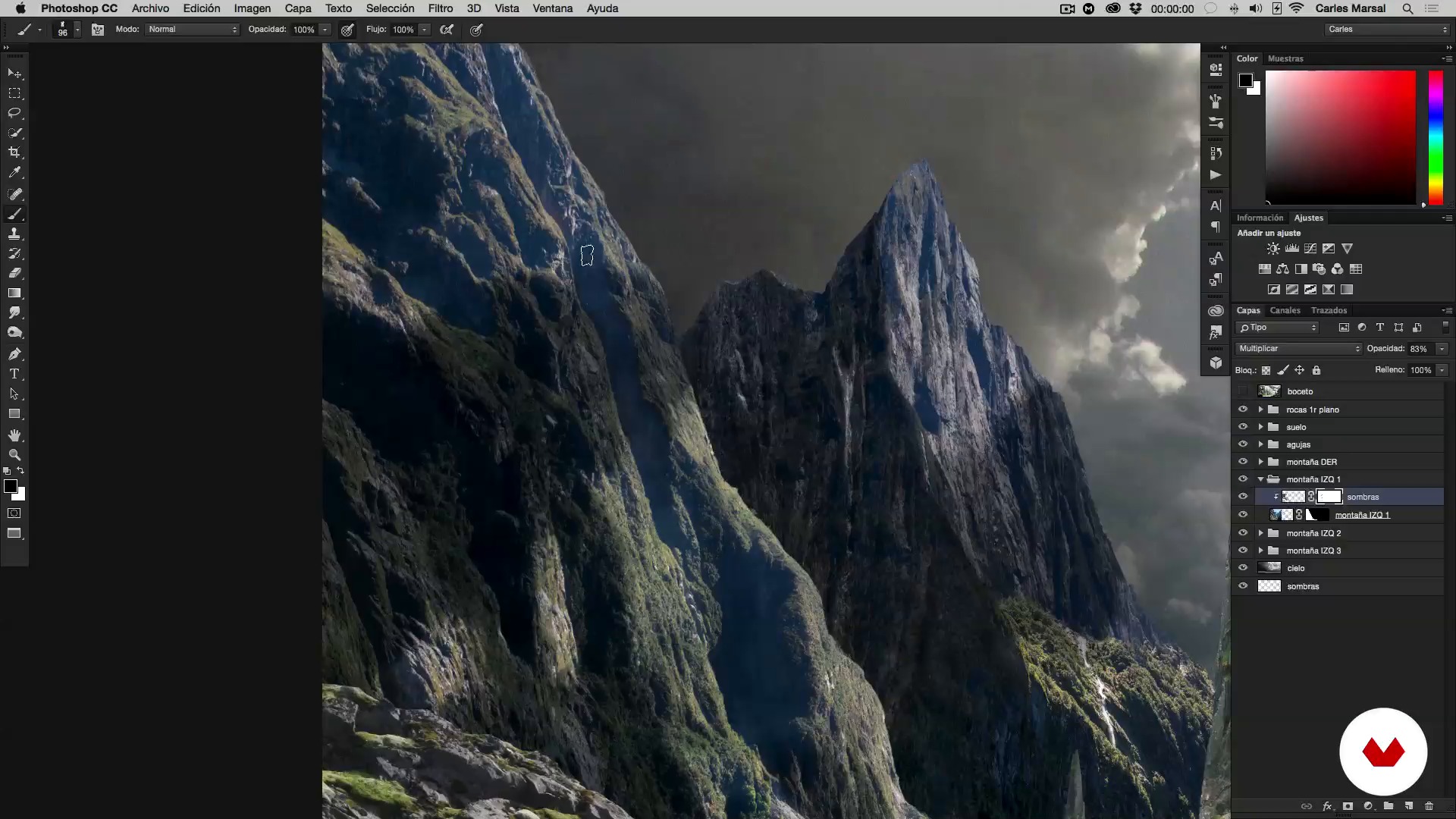
Working the shadows
18 minutes, 51 seconds
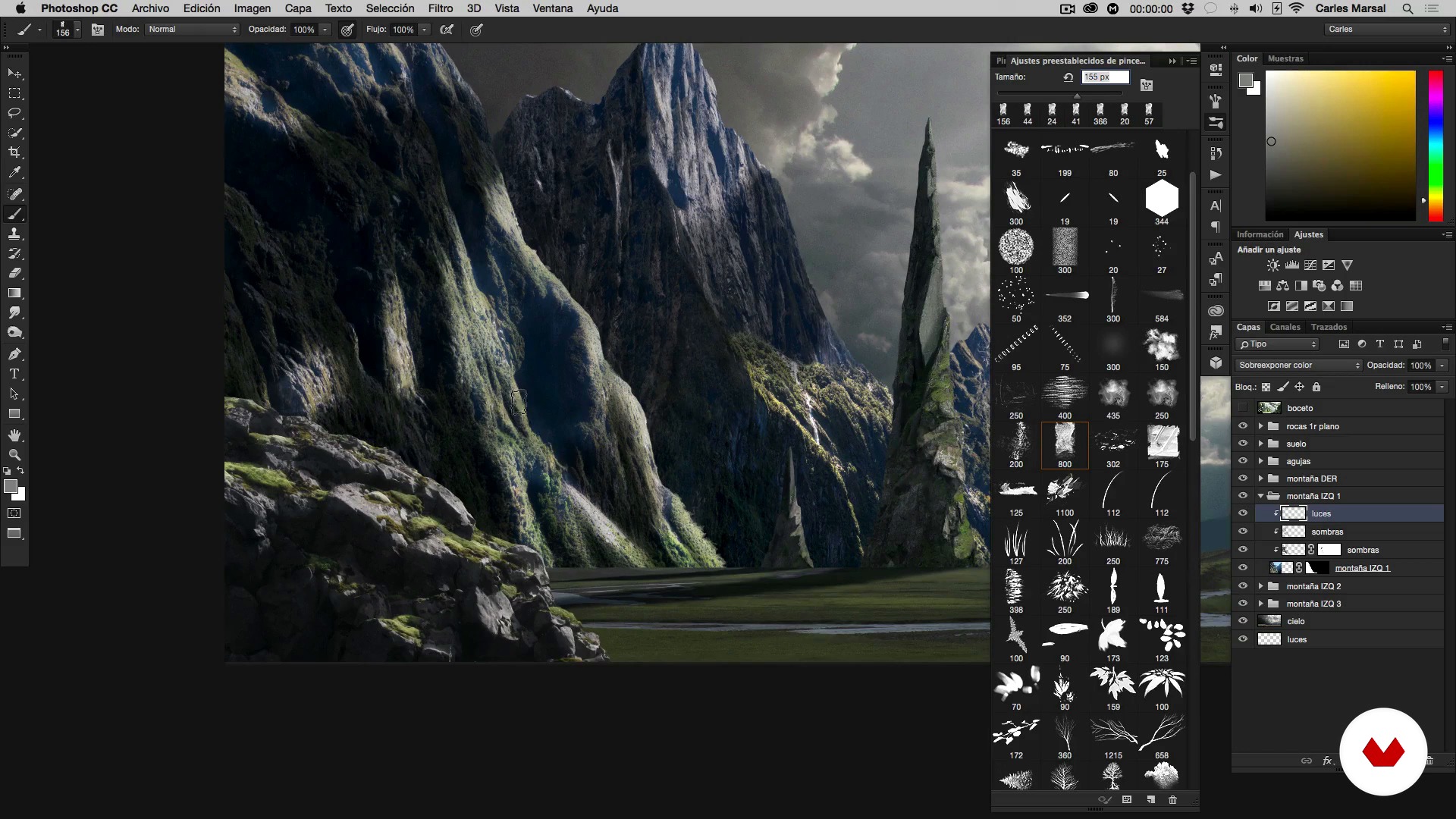
Incorporating the lights
15 minutes, 58 seconds
What's included in this course?
Start by getting to know Carles Marsal, his work, and his main influences.
Learn to create a sketch to help you develop your matte painting efficiently as well as how to look for the best photographic resources.
Once you've dreamed up your imaginary world, Carles shows you how to select, crop, build, and integrate all the elements into your scene along with some tips for ideal lighting.
Next, discover how to make the overall image believable by working to achieve a harmonious relationship between light and shadow, and add depth to give your landscape mood and character.
Wrap up the course by applying final details such as glimmers of reflected light, particles, focus, and blur for that hyperrealistic finish.
Recommended software & tools for this course
What is this course's project?
Compose a matte painting and create your own imaginary world.
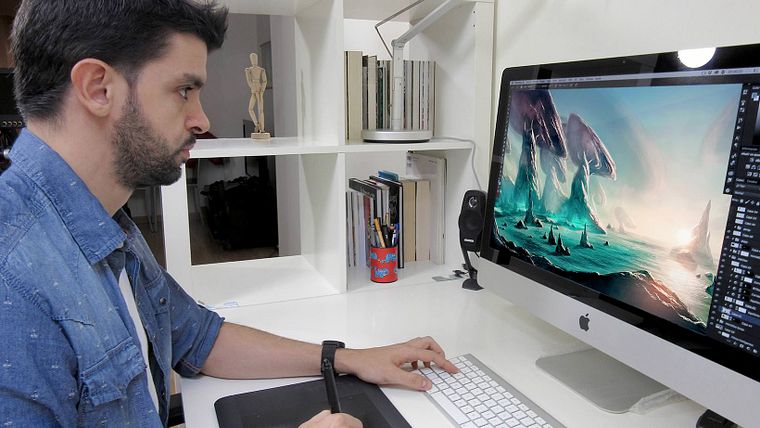
Projects by course students


Who is this online course for?
Illustrators, retouchers, digital artists, matte painters, conceptual artists, photographers, graphic designers, and any creative mind interested in photorealistic landscapes.
Requirements and materials
Basic notions of Photoshop, like working with Layers, selection tools, Masks, and Brushes, are necessary for this course, as well as Adobe Photoshop and a graphics tablet. No drawing skills are required.

Reviews
- 2 months ago
Es un curso maravilloso, te explica a profundidad todo lo relacionado con el Matte Painting con las diferentes técnicas de sombras e iluminaciones que podemos usar en cada proyecto relacionados con fotomontajes creativos. Además, hace énfasis en los detalles artísticos que podemos proporcionarle a cada imagen que estemos trabajando para darle más pureza, belleza y profundidad. La verdad lo recomiendo mucho.
- 5 months ago
Muy buen curso
- 7 months ago
Muy buen curso
- 10 months ago
Muy bien, yo partía con conocimientos previos avanzados pero aún así me a despejado un par de dudas. Lo que ha hecho , en realidad creo que el ejercicio que propone es una de las tareas más fáciles que se puede hacer en mattepainting. Me hubiera gustado que hubiera utilizado edificios y personajes para ver a que desafíos hay que enfrentarse con elementos más exigentes a la hora de su acomodación en la imagen, pero este curso como punto de partida es excelente.
- 10 months ago
Buen Curso

His projects have been featured in publications like Photoshop Magazine, Belio Magazine, Abduzeedo, Kuvva, Desktopography, and at events such Barcelona Creative, Blanc Festival, and Adobe Creative Days.
Carles has said "I am someone who loves what they do, so all my skills, years' of experience, and infinite passion go into each project, without exception, as a new and exciting challenge."
Content
- U1
I'm Carles, a pleasure!
- Nice to be your teacher!
- Inspirational influences
- U2
Ingredients for a new world
- The sketch
- Compilation of images
- U3
Raising the foundations
- Setting up the scene
- Setting up scene II
- Integration of the set
- U4
The secret is in the lighting and atmosphere
- Working the shadows
- Incorporating the lights
- Incorporating lights II
- Correcting the color
- General atmosphere
- U5
I made it, I'm God!
- Details and finishes
- Master touches
- FP
Final project
- Matte Painting: creating photorealistic worlds
What to expect from a Domestika course
Learn at your own pace
Enjoy learning from home without a set schedule and with an easy-to-follow method. You set your own pace.
Learn from the best professionals
Learn valuable methods and techniques explained by top experts in the creative sector.
Meet expert teachers
Each expert teaches what they do best, with clear guidelines, true passion, and professional insight in every lesson.
Certificates
PLUSIf you're a Plus member, get a custom certificate signed by your teacher for every course. Share it on your portfolio, social media, or wherever you like.
Get front-row seats
Videos of the highest quality, so you don't miss a single detail. With unlimited access, you can watch them as many times as you need to perfect your technique.
Share knowledge and ideas
Ask questions, request feedback, or offer solutions. Share your learning experience with other students in the community who are as passionate about creativity as you are.
Connect with a global creative community
The community is home to millions of people from around the world who are curious and passionate about exploring and expressing their creativity.
Watch professionally produced courses
Domestika curates its teacher roster and produces every course in-house to ensure a high-quality online learning experience.
FAQs
Matte painting is a digital technique that blends photos, illustration, and 3D elements to create realistic or fantastical scenes and backgrounds, mainly used in film, video games, and advertising.
You don’t need to be an expert, but having intermediate Photoshop skills and basic digital illustration knowledge is recommended to get the most out of the course.
All you need is a computer with Photoshop installed and a graphics tablet is recommended for more precise sketching and detailing.
You’ll learn how to create sketches, select and adjust images, integrate 3D elements, use digital brushes, and apply lighting, shadow, and color techniques to achieve photorealistic compositions.
The course teaches you how to search free image libraries, assess quality, lighting, and visual consistency, and select legal and ethical resources for your compositions.
Yes, you’ll learn how to separate planes, use lighting, shadows, and selective blurring to add depth and realism to your digital scenes.
Yes, the course covers integrating 3D and CGI elements with digital retouching techniques to create complex, cohesive backgrounds.