Animation of Logos and Headings
A course by RubenAnimatorCreative Director, Illustrator and Animator
A course by RubenAnimator, Creative Director, Illustrator and Animator

Create an animated sticker from the sketch to post-production
In this Rubén Animator course, Creative Director, Illustrator and Animator, you will learn the working process of traditional animation, and then discover and appreciate the possibilities offered by digital tools such as Flash. At the end of the course you will be able to create your own animated logo or sticker with different techniques.
What will you learn in this online course?
17 lessons & 12 downloads
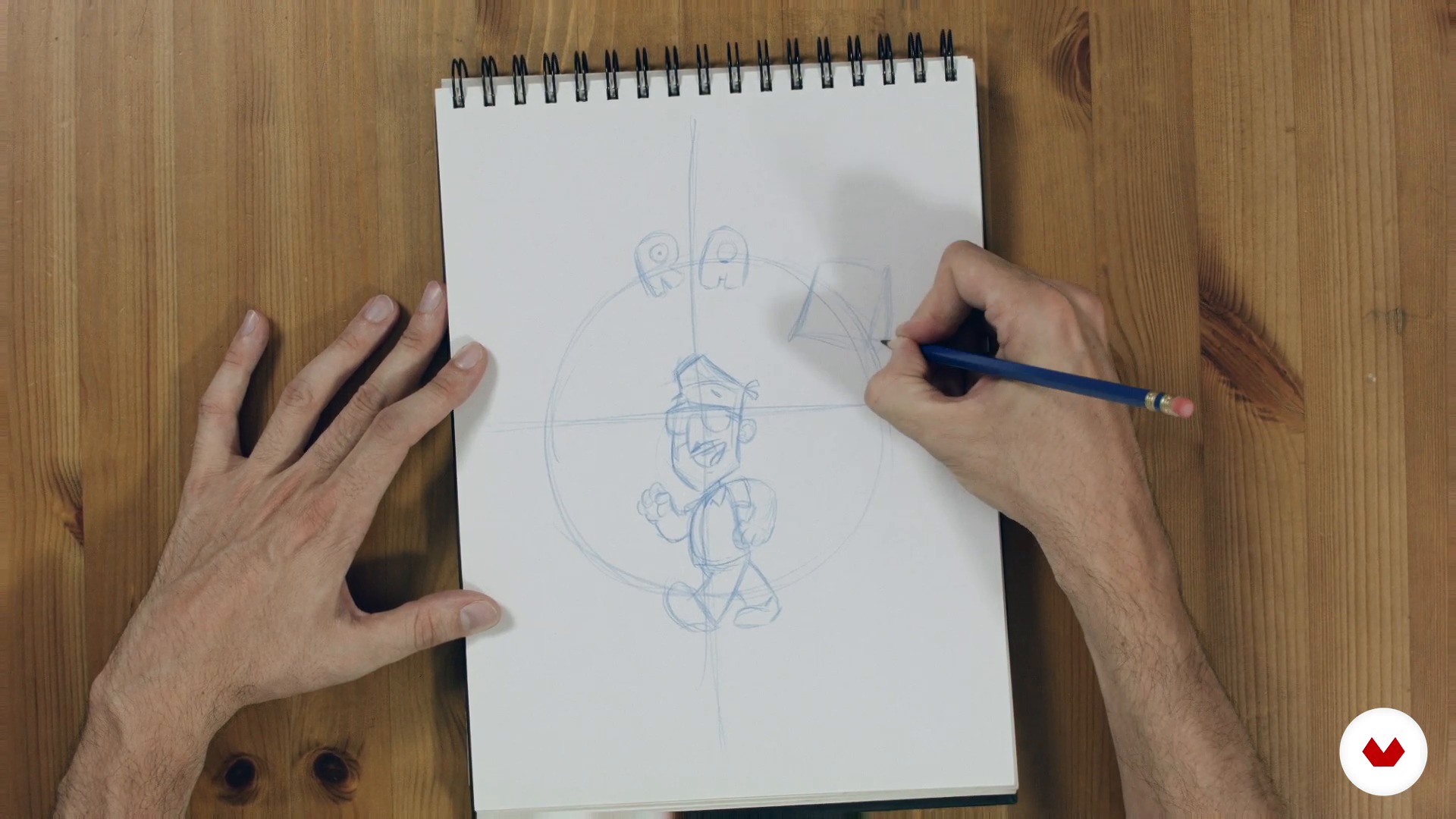
Sketch a design on paper
8 minutes, 10 seconds
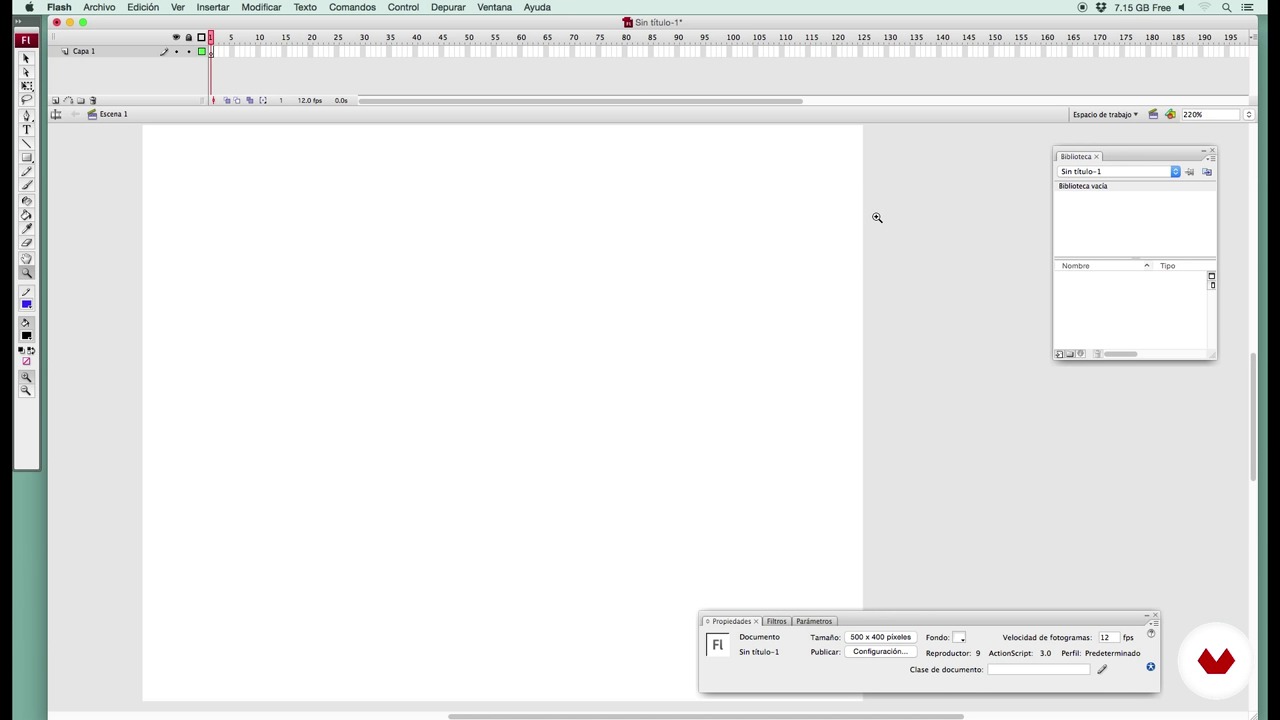
Opening Flash
6 minutes, 41 seconds
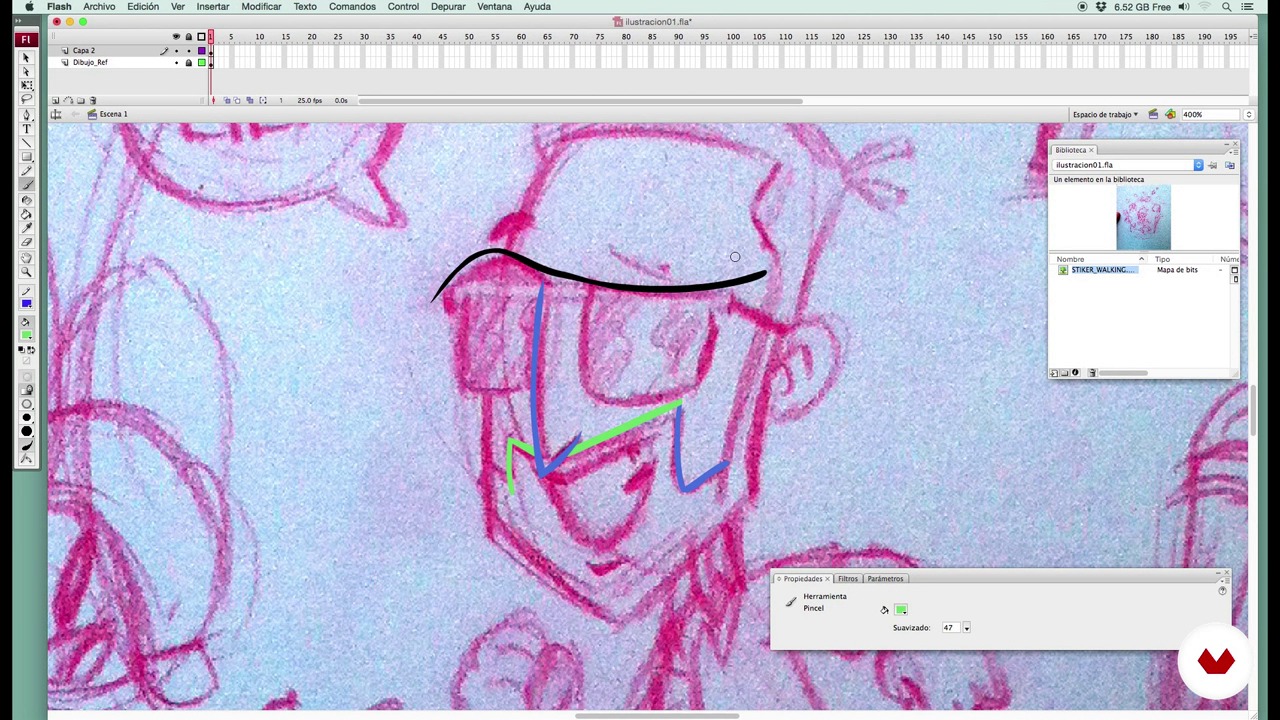
Making the sticker to line
12 minutes, 11 seconds
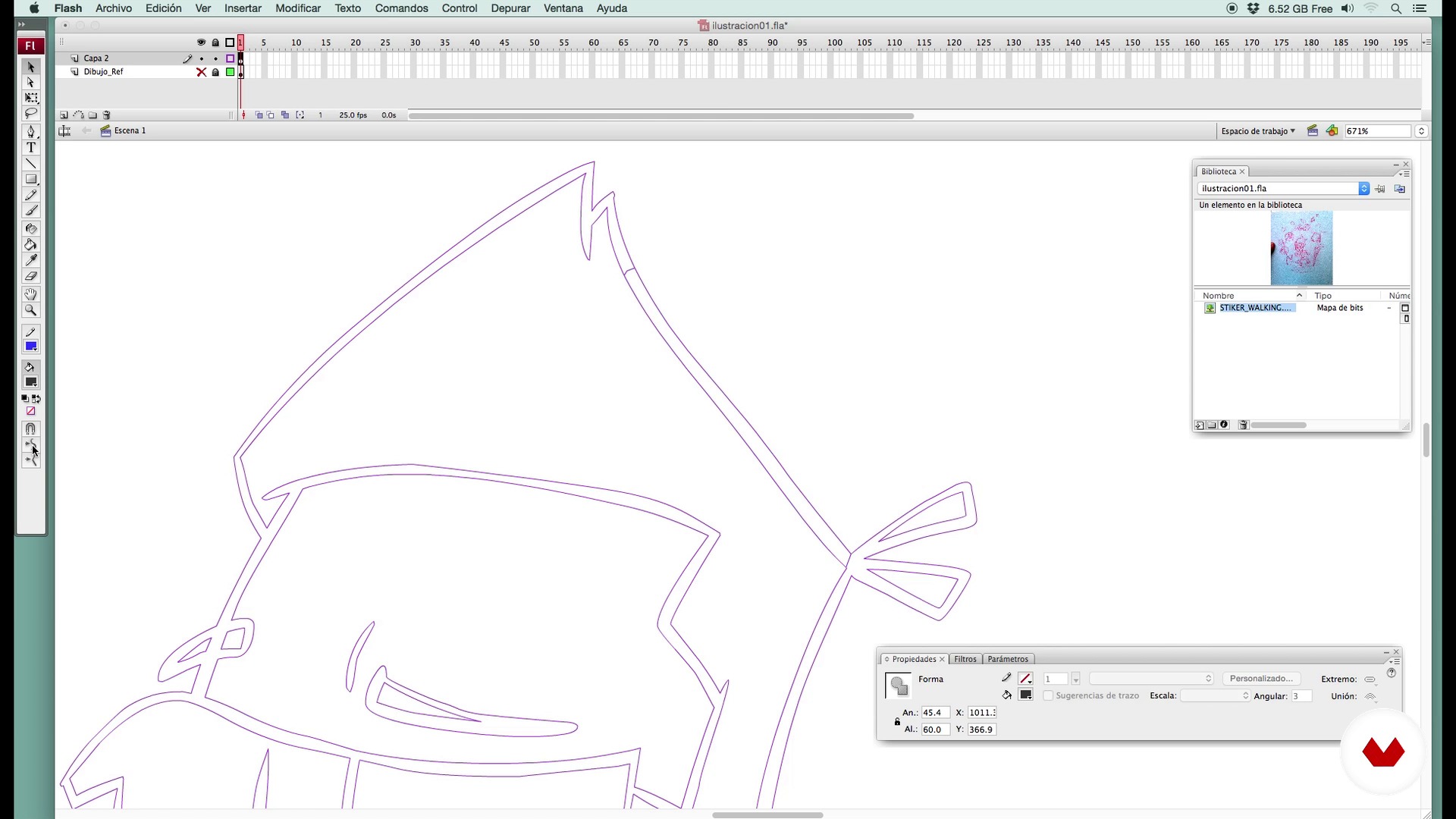
Tuning lines
5 minutes, 45 seconds
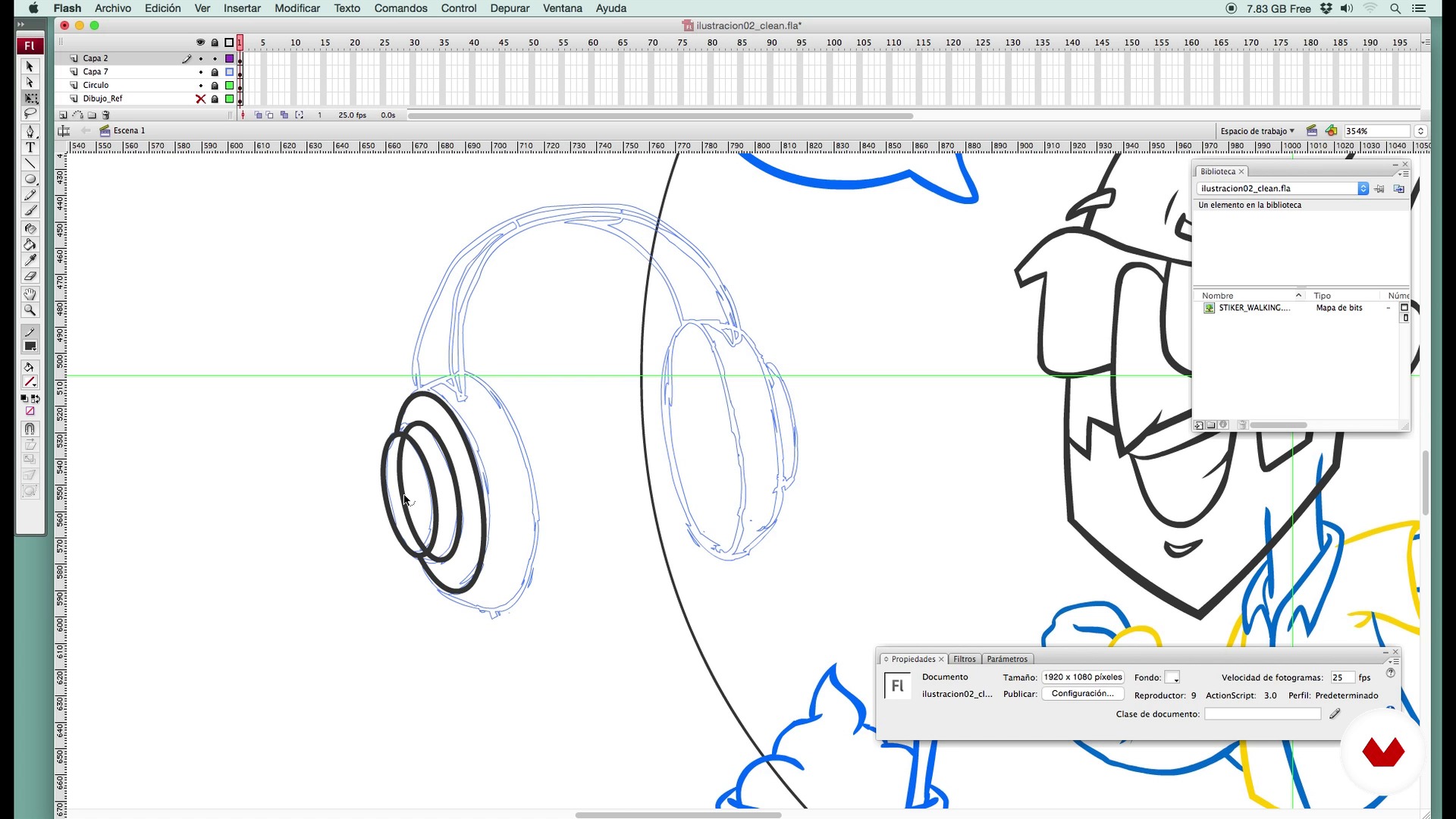
Organizing layers
10 minutes, 57 seconds
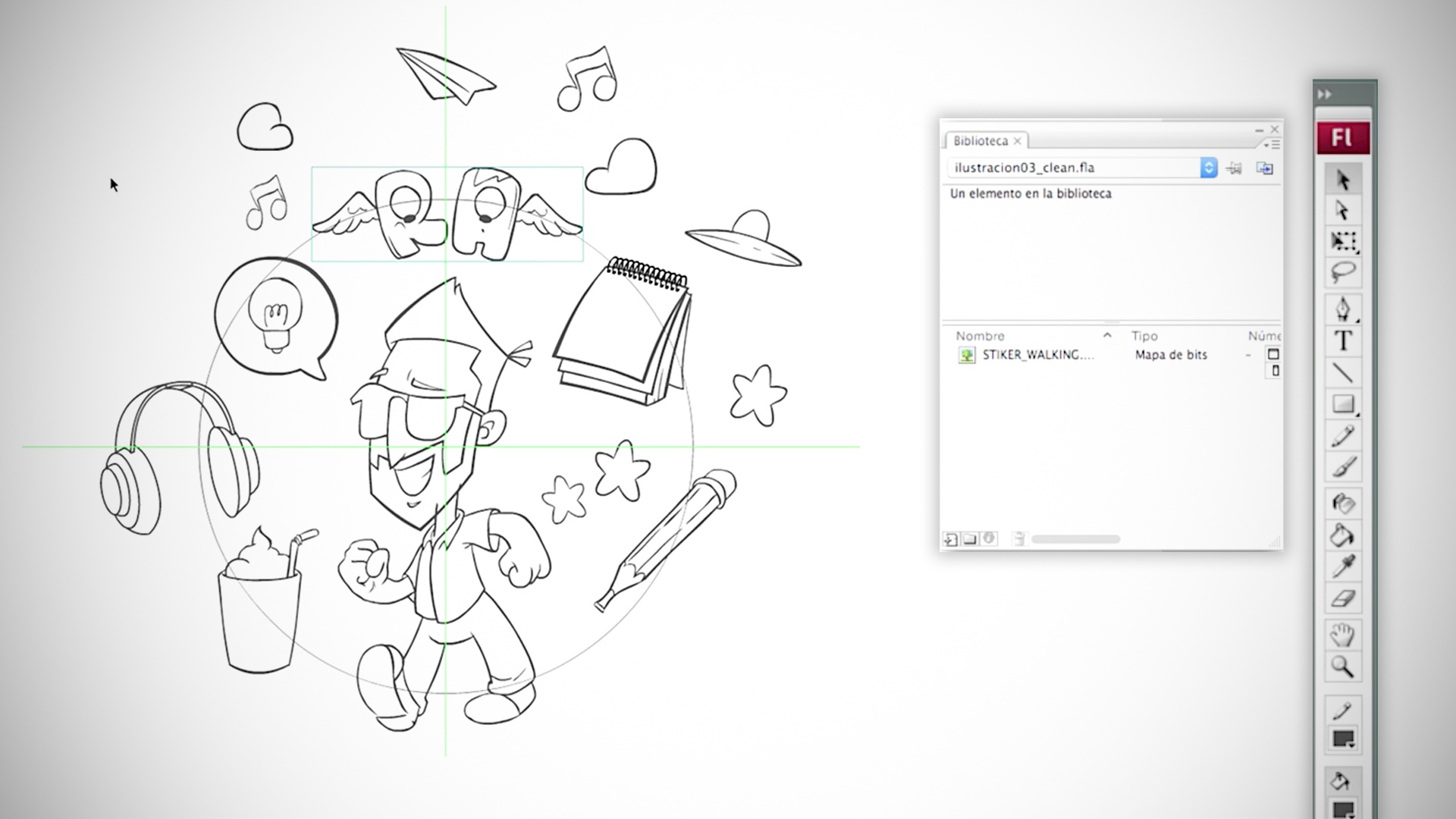
We introduce typography and colors
7 minutes, 22 seconds
What's included in this course?
You will start by reviewing the trajectory of Rubén Animator, his influences and most outstanding projects.
Next, you will enter the sketching phase of your logo on paper. You will learn drawing and vectorized tricks and you will know how to choose the right fonts and colors.
Do we encourage it a little? At this point, Rubén Animator will teach you multiple ways to animate flash and its advantages. For this you will learn to give life to the symbols, add effects and resources through guides, masks or blurs. With this basic knowledge, you can make a character walk and put voice to get a great lipsing.
Finally, you will give the final touches to your animation and you will render in different codecs.

Recommended software & tools for this course
What is this course's project?
You will create an animated logo for the header of a video or a web.
Projects by course students


Who is this online course for?
To anyone who wants to start doing their first steps in basic animation and want to have fun.
Requirements and materials
You will need pencil, paper, camera or mobile, graphic tablet and Flash.

Reviews
- 3 years ago
Me ha encantado este curso!
- 6 years ago
Un curso realmente interesante!
- 6 years ago
Es un curso imperdible!!!
- 6 years ago
Un buen curso explicado de forma clara
- sebasrioboPLUS6 years ago
me gusto muchisisisismo

He began his career at the ESDIP school of animation in Madrid. After 3 years of apprenticeship, she began working on traditional animation series such as "Las 3 Mellizas" and "La Boja Borburrida", which gave her the opportunity to take the pulse of the sector.
Years later, he participated in projects for films such as "Los Reyes Magos", "El Cid, la leyenda" or "Nocturna", all of them in traditional animation.
After this stage, he decided to change the light table, for the graphics tablet and the Flash. With this new tool, he began to collaborate as an Animation Supervisor for Cartoon Network or Disney Channel and combining these tasks with his own projects such as the video clip for El Chojin "SuperHereo".
Then he turned to projects of Advertising, Videoclips or animations with the Madrilenian studio Cocoe.
He is currently Creative Director in the series "Pocoyo", in which he develops tasks such as Creation of ideas, Story / Animatic, Motion Graphics or Design.
Content
- U1
Introduction
- I introduce myself
- Influences
- U2
From paper to Flash
- Sketch a design on paper
- Opening Flash
- Making the sticker to line
- Tuning lines
- Organizing layers
- We introduce typography and colors
- U3
Do we cheer up a bit?
- Discovering the symbols
- Let's do a cycle of walking 1
- Let's do a cycle of walking 2
- The possibilities of the symbols
- Guides and masks
- Attributes of the symbols
- Interpolations of form and sicronizaciones
- U4
Baked a few minutes: Post-production
- Let's clean our Flash
- Pospo in Flash
- FP
Final project
- Final project
What to expect from a Domestika course
Learn at your own pace
Enjoy learning from home without a set schedule and with an easy-to-follow method. You set your own pace.
Learn from the best professionals
Learn valuable methods and techniques explained by top experts in the creative sector.
Meet expert teachers
Each expert teaches what they do best, with clear guidelines, true passion, and professional insight in every lesson.
Certificates
PLUSIf you're a Plus member, get a custom certificate signed by your teacher for every course. Share it on your portfolio, social media, or wherever you like.
Get front-row seats
Videos of the highest quality, so you don't miss a single detail. With unlimited access, you can watch them as many times as you need to perfect your technique.
Share knowledge and ideas
Ask questions, request feedback, or offer solutions. Share your learning experience with other students in the community who are as passionate about creativity as you are.
Connect with a global creative community
The community is home to millions of people from around the world who are curious and passionate about exploring and expressing their creativity.
Watch professionally produced courses
Domestika curates its teacher roster and produces every course in-house to ensure a high-quality online learning experience.
FAQs
You’ll learn to create 2D animations from traditional concepts to digital techniques, including character design, storyboarding, lip sync, walk cycles, and making animated stickers using Flash CS3.
This is an intermediate-level course recommended for those with basic knowledge of digital drawing or traditional animation.
You’ll need basic drawing skills, a computer with Adobe Flash CS3 (or similar), a graphics tablet is recommended, and sketching materials for paper.
The course uses Adobe Flash CS3 as the main tool for designing and animating characters, stickers, and movement cycles digitally.
You’ll learn how to organize phonemes on the exposure sheet and sync your character’s mouth movements with audio on Flash’s timeline.
Yes, the course guides you step-by-step through designing, sketching, digitizing, and animating custom stickers for digital use.
Key poses are the essential drawings that mark important moments in an animated action. You’ll learn how to create and use them to structure movement in Flash.