
Documentary Photography for Commercial Use
A course by Contra Fotografía & VideoPhotographers, filmmakers and art directors
A course by Contra Fotografía & Video, Photographers, filmmakers and art directors

Manage your pictures in Bridge and retouch them professionally in Photoshop
Face a large production of images, develop photo shoots, manage technical and human teams, carry out the editing process from the download of the material, select themes, classify images to post-production and calibration of RAW files and export to send to customers in different formats; These are the tasks facing daily, Álvaro and Nano from the producer CONTRA. They work generating image banks that manage to convey the spirit of direct clients, advertising agencies and design studios that have the need to have their own photographic and audiovisual material.
In this course, CONTRA will guide you so that you can create an image bank for yourself or for a client, showing you how to organize, manage and manage large volumes of files.
What will you learn in this online course?
16 lessons & 11 downloads
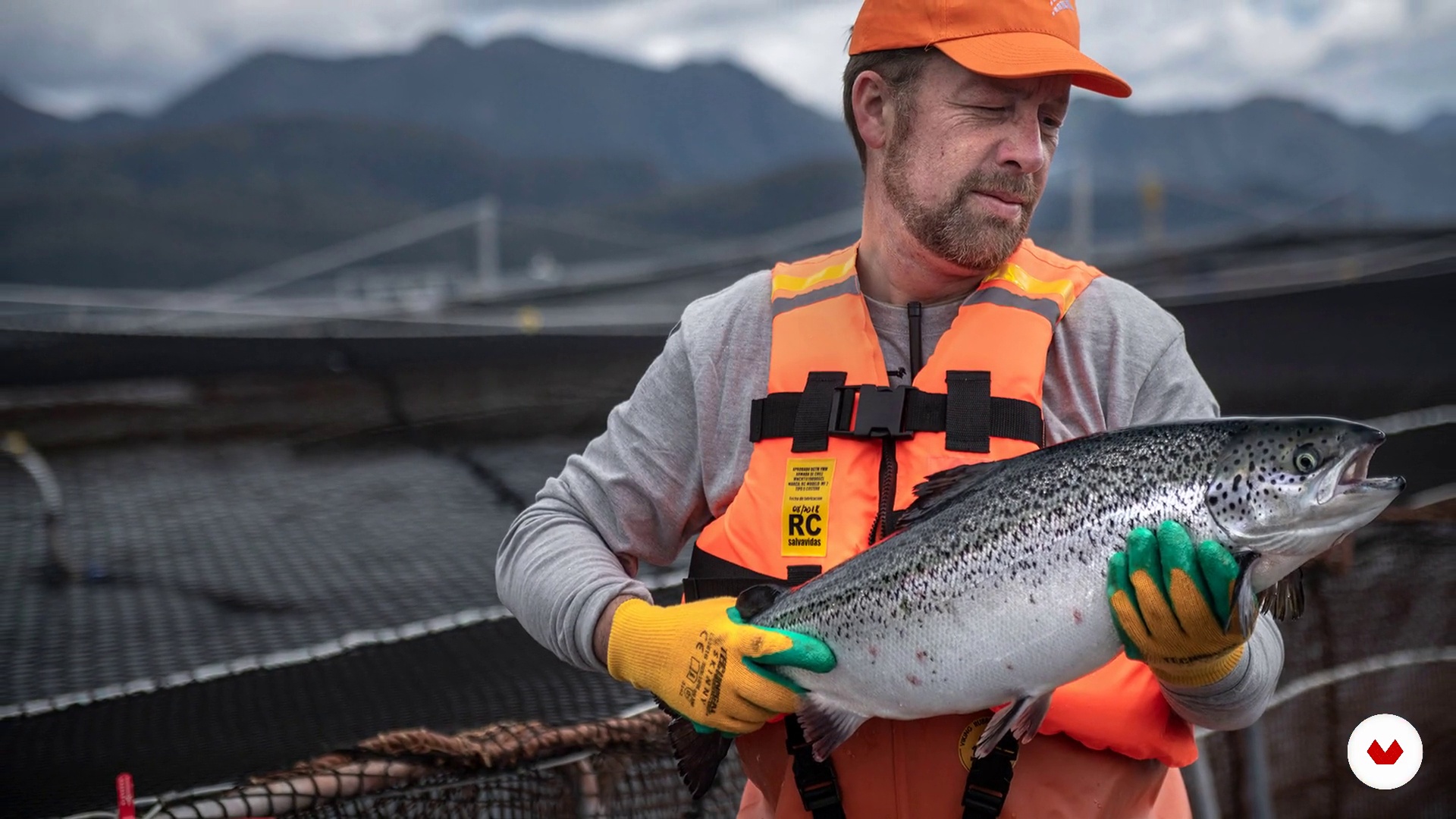
What will we do in this course?
1 minute, 39 seconds
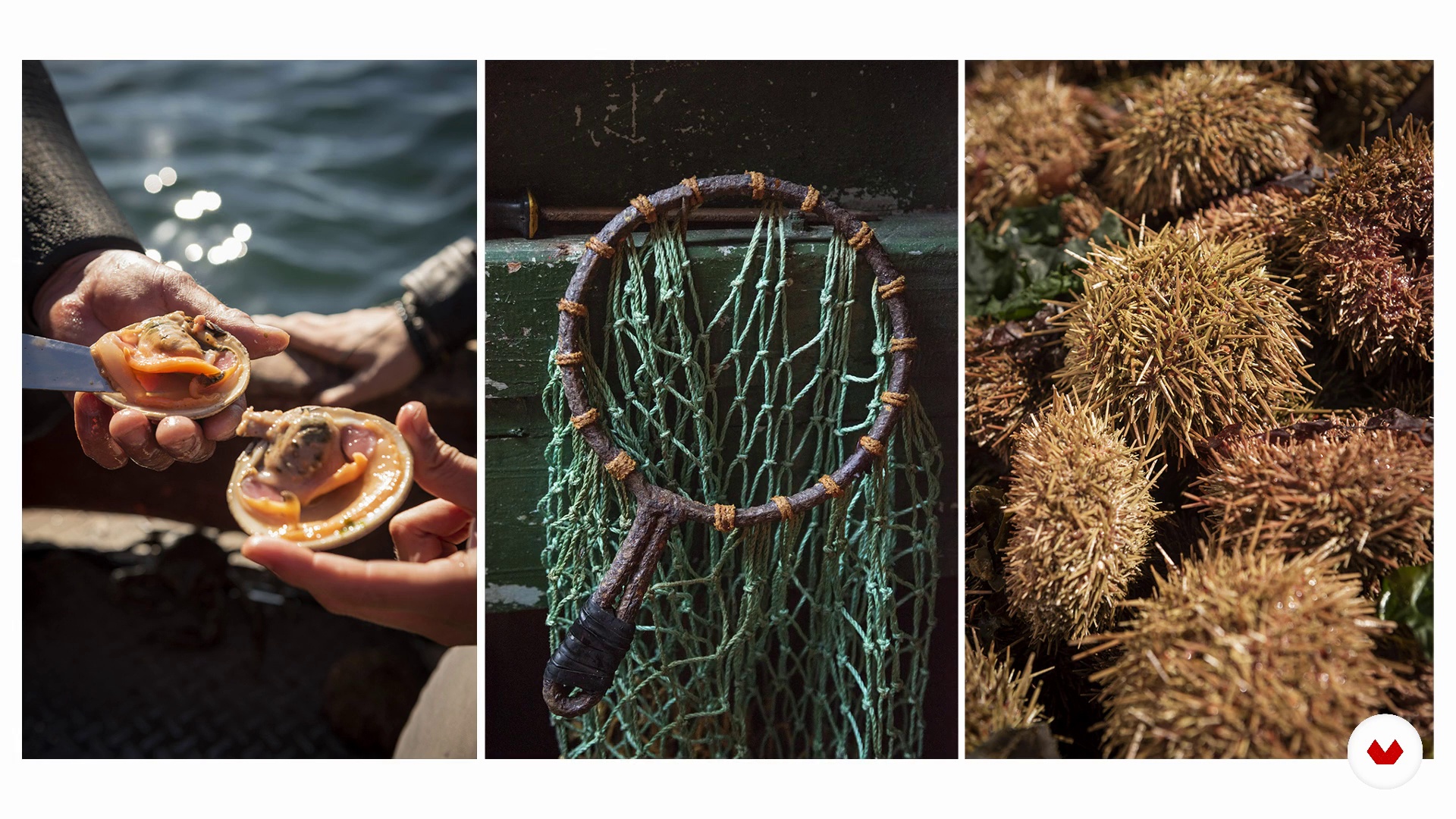
Introduction and pillars
9 minutes, 10 seconds
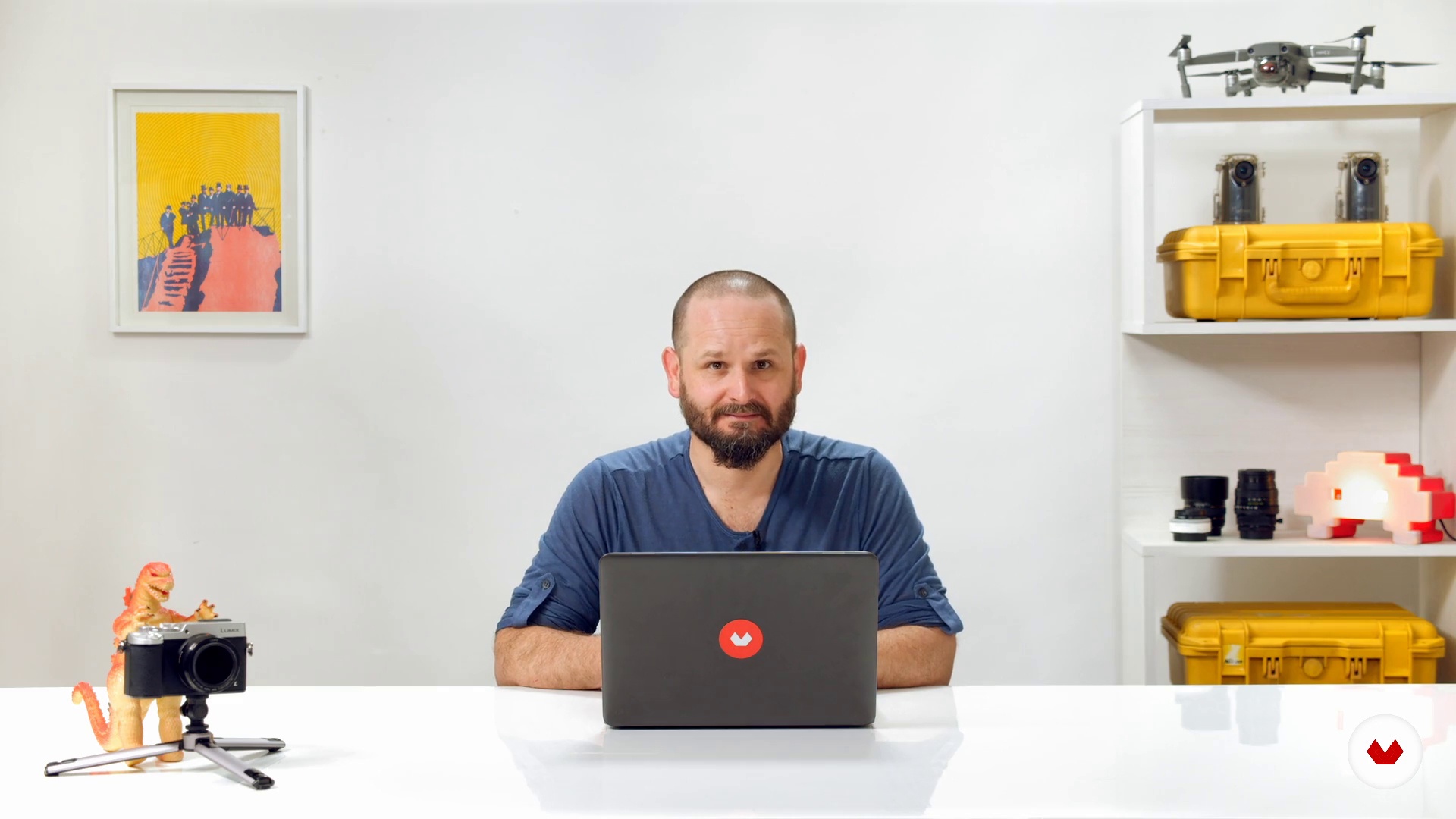
Planning and budget
3 minutes, 7 seconds
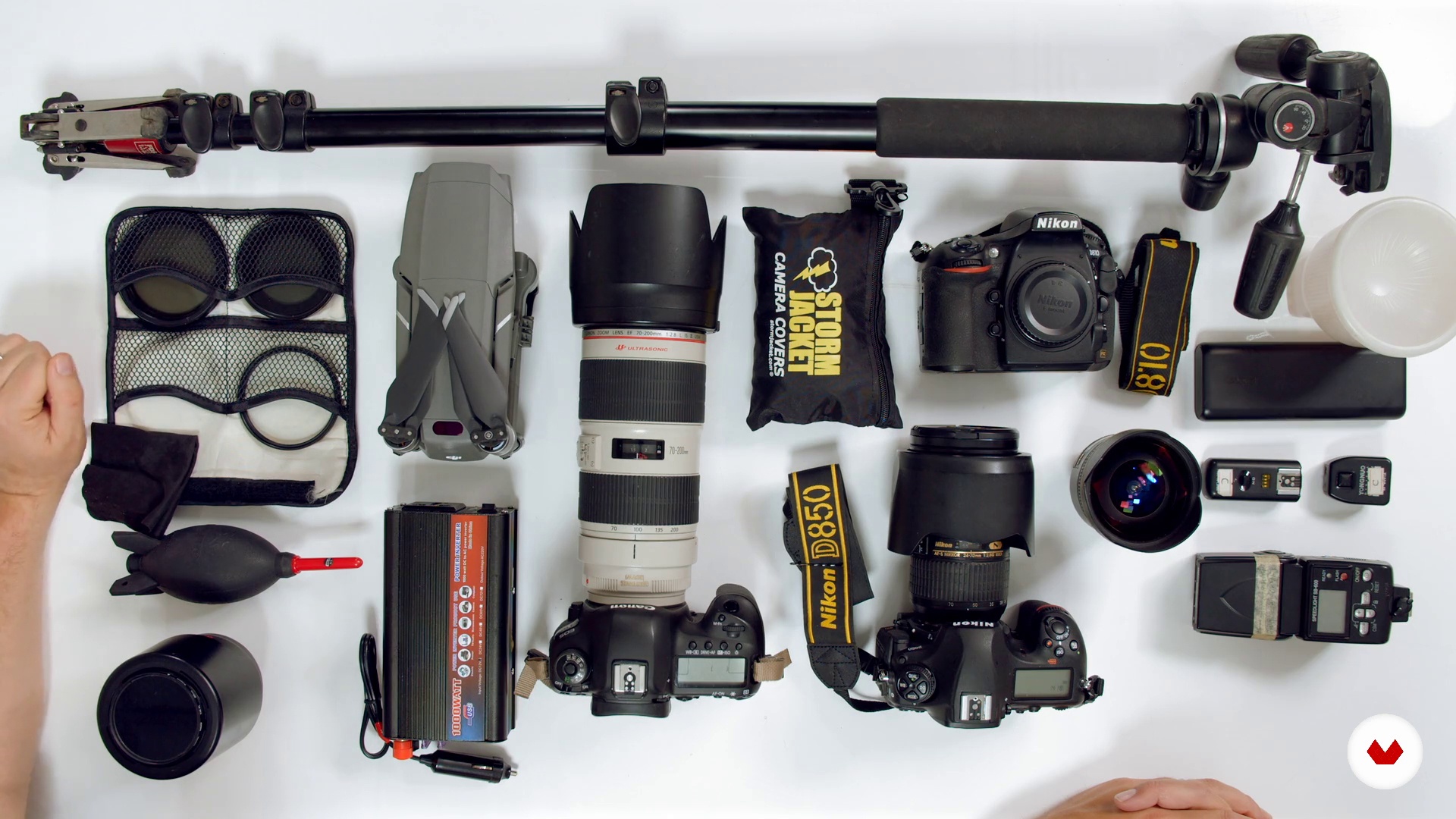
Equipment and materials
11 minutes, 15 seconds
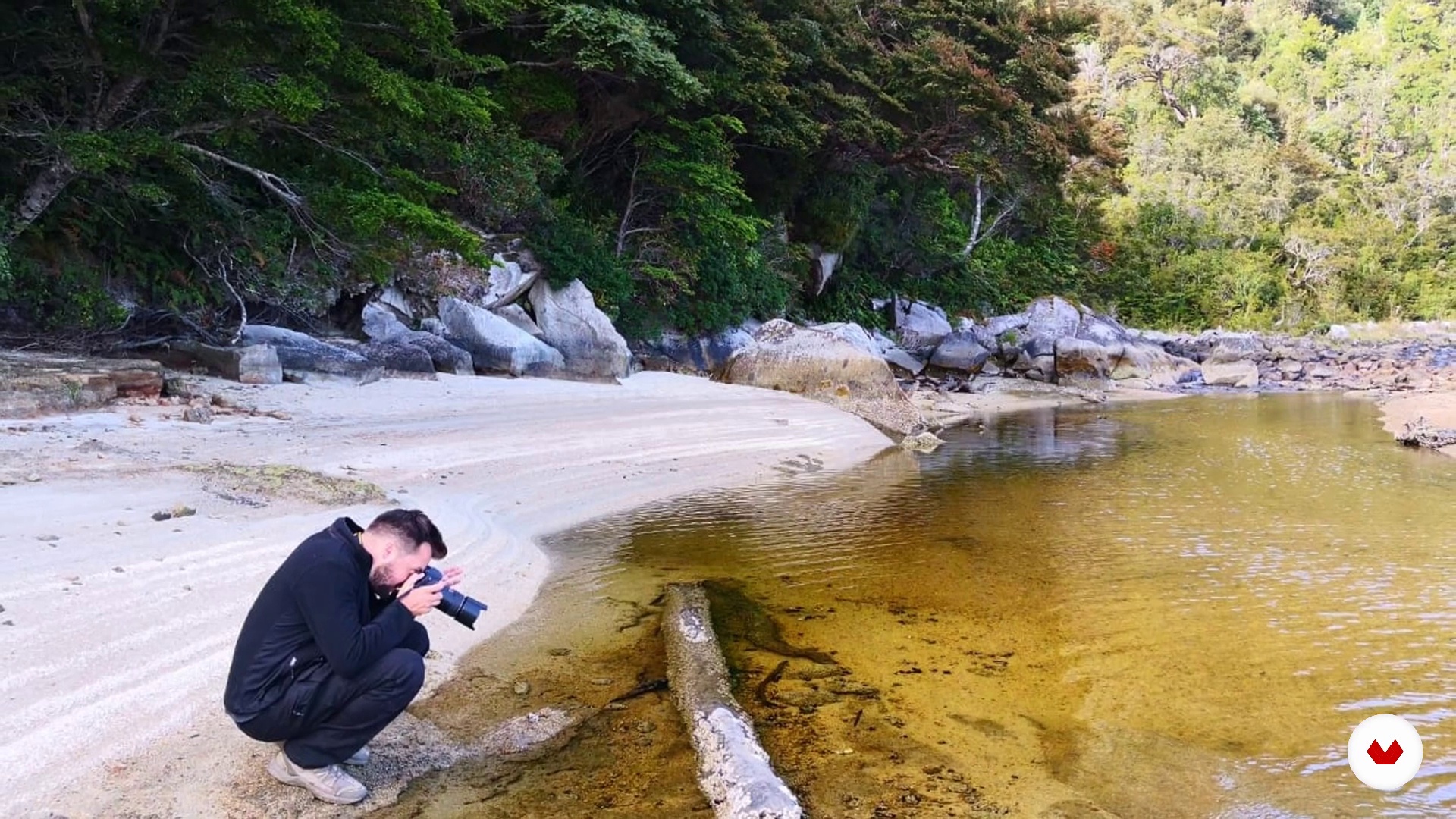
Expectations vs. reality (Tips)
7 minutes, 20 seconds
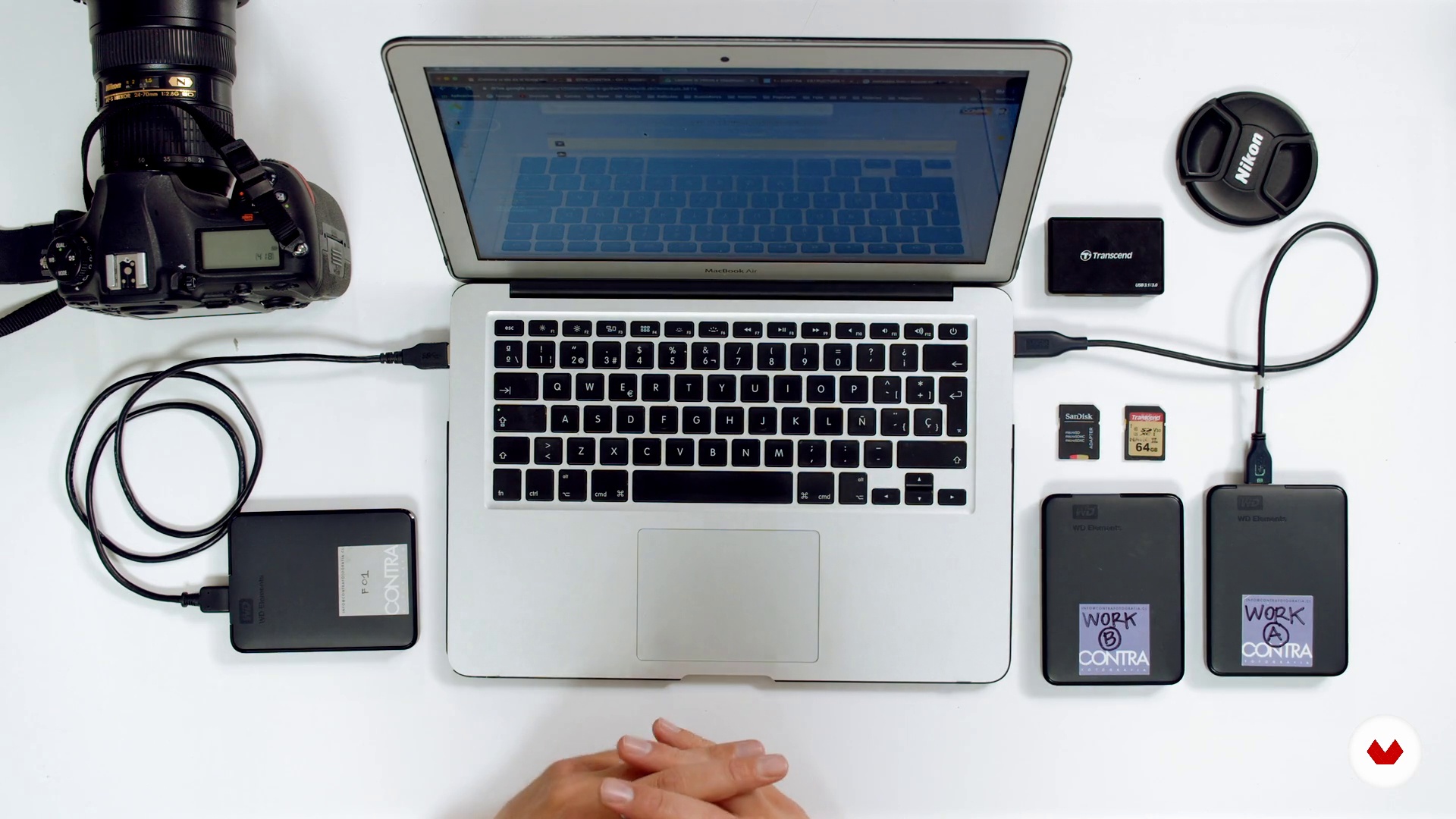
File import and backup (raw material)
5 minutes, 44 seconds
What's included in this course?
You will start the course knowing CONTRA, or what is the same, Álvaro and Nano. They will explain to you what their trajectory in photography has been, how they deal with projects working as a team, and their influences.
You will see how to approach a project of management and creation of large volumes of photographs (image bank) that will later be delivered to the client - although the process is replicable for your personal projects. You will learn to deal with documentary-looking advertising photographs, thus managing to tell stories but with professional advertising quality.
You will see how to plan together with the client, identifying what is the specific need of a session to define the work day and budget it. Also, you will review the essential equipment and materials to get started.
You will discover how to download all the camera material, create folders in Bridge, copy them in them and formats to leave all the raw material on the hard drives.
You will make an introduction to Adobe Bridge, seeing its advantages, learning to classify and filter files. You will see how to effectively organize the material made to work with it. AGAIN will teach you several editing criteria and identify themes and pillars.
You will learn to handle large volumes of images and work them in low resolution. You will create keywords that will help you have an order using search tags, as well as other tips to identify your files before sending them to the customer.
You will digitally reveal your images in Camera RAW, learning the basic techniques and settings for your images. You will also see how to make specific lighting adjustments from there and then in Photoshop, touch-ups to clarify imperfections, calibrations and export settings.
Recommended software & tools for this course
What is this course's project?
The creation of an image bank for you or for a client, based on 5 fundamental pillars, in addition to the organization, management and administration of large volumes of files.
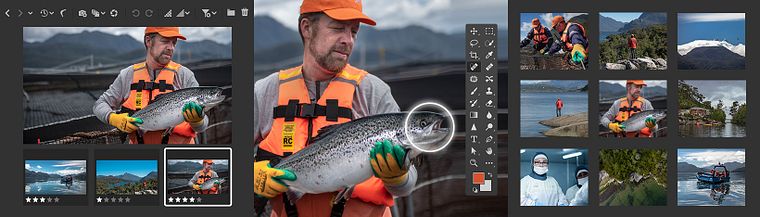
Who is this online course for?
To anyone who wants to delve into photography with a documentary language and an advertising brushstroke. For those who want to develop this work model and also for those amateur photographers, who want to order and plan their workflow, as well as carry out postproduction.
Requirements and materials
You only need to photograph, notions of framing and basic fundamentals of the image.
As for materials, you will need a digital camera, a tripod, a computer and hard drives for image storage. In addition, you will need access to Adobe Bridge [i]software in conjunction with Adobe Camera Raw and Adobe Photoshop.
Reviews
- 1 year ago
Es un excelente curso muy bien planificado y desarollado, me gusta mucho
- 1 year ago
everything looks good!
- 1 year ago
un corso incentrato sull'utilizzo di Adobe Bridge, e sull'attrezzatura. Manca il cuore del lavoro fotografico.
- 2 years ago
Ottimo corso per sviluppo commerciale
- 2 years ago
Excelente

They have been working for various clients since 2011 as advertising agencies, design agencies and direct clients that have the need to have their own original and photographic and audiovisual material. For this reason, they create for them image banks that allow counting and transmitting the spirit of that brand.
Content
- U1
Introduction
- Presentation
- Influences
- What will we do in this course?
- U2
Conceptualization and preparation
- Introduction and pillars
- Planning and budget
- Equipment and materials
- Expectations vs. reality (Tips)
- U3
Order and classification of material in Adobe Bridge
- File import and backup (raw material)
- Adobe Bridge and use filters
- Filters and classification of photographs and themes in Adobe Bridge.
- Low quality photo conversion
- Using keywords and metadata in Adobe Bridge
- U4
Digital development: Camera Raw and Photoshop
- Basic development settings (camera RAW)
- Spot lighting corrections
- Retouching and calibration in Adobe Photoshop
- Final material and its potential
- FP
Final project
- Documentary photography for commercial use
What to expect from a Domestika course
Learn at your own pace
Enjoy learning from home without a set schedule and with an easy-to-follow method. You set your own pace.
Learn from the best professionals
Learn valuable methods and techniques explained by top experts in the creative sector.
Meet expert teachers
Each expert teaches what they do best, with clear guidelines, true passion, and professional insight in every lesson.
Certificates
PLUSIf you're a Plus member, get a custom certificate signed by your teacher for every course. Share it on your portfolio, social media, or wherever you like.
Get front-row seats
Videos of the highest quality, so you don't miss a single detail. With unlimited access, you can watch them as many times as you need to perfect your technique.
Share knowledge and ideas
Ask questions, request feedback, or offer solutions. Share your learning experience with other students in the community who are as passionate about creativity as you are.
Connect with a global creative community
The community is home to millions of people from around the world who are curious and passionate about exploring and expressing their creativity.
Watch professionally produced courses
Domestika curates its teacher roster and produces every course in-house to ensure a high-quality online learning experience.
FAQs
You’ll learn how to plan, produce, and manage documentary and corporate photography projects, including building image libraries, retouching, organizing shoots, working with natural light, and professional post-production techniques.
This course is designed for people with basic knowledge or prior photography experience, making it ideal for intermediate learners. It’s not recommended for complete beginners.
You’ll need some prior photography knowledge, a DSLR or mirrorless camera, a basic photography kit, and access to software like Adobe Bridge, Camera Raw, and Photoshop.
You’ll learn how to interpret briefs, plan shoots, determine necessary gear, manage logistics, and organize photography sessions for corporate and institutional clients.
The course guides you through structuring, thematic planning, hierarchical classification, and metadata use to develop image libraries tailored to each client’s needs.
Techniques covered include corporate documentary, industrial, outdoor, aerial drone photography, and documentary portraiture in everyday and conflict settings.
Yes, you’ll learn digital development, image retouching, color correction, and both local and global adjustments using Camera Raw and Photoshop.