
Creation of Cinemagraphs
A course by Fernando Montiel KlintPhotographer
A course by Fernando Montiel Klint, Photographer

Discover a hypnotic and fun new format to tell visual stories using Adobe Photoshop
Is it a moving photo or a static video? Cinemagraphs are a hybrid format halfway between photography and video that always cause viewers to do a double take. In this online course, learn how to create your own cinemagraphs from scratch using Adobe Photoshop.
Fernando Montiel Klint is a Mexican photographer with more than 20 years of experience who specializes in this format. He teaches you how to develop a concept, light your scene, and capture the moment with your camera. He also shows you tricks for polishing your final piece before sharing it with the world.
What will you learn in this online course?
15 lessons & 19 downloads
What will we do in the course
1 minute, 20 seconds
Introduction to cinemagraph
2 minutes, 18 seconds
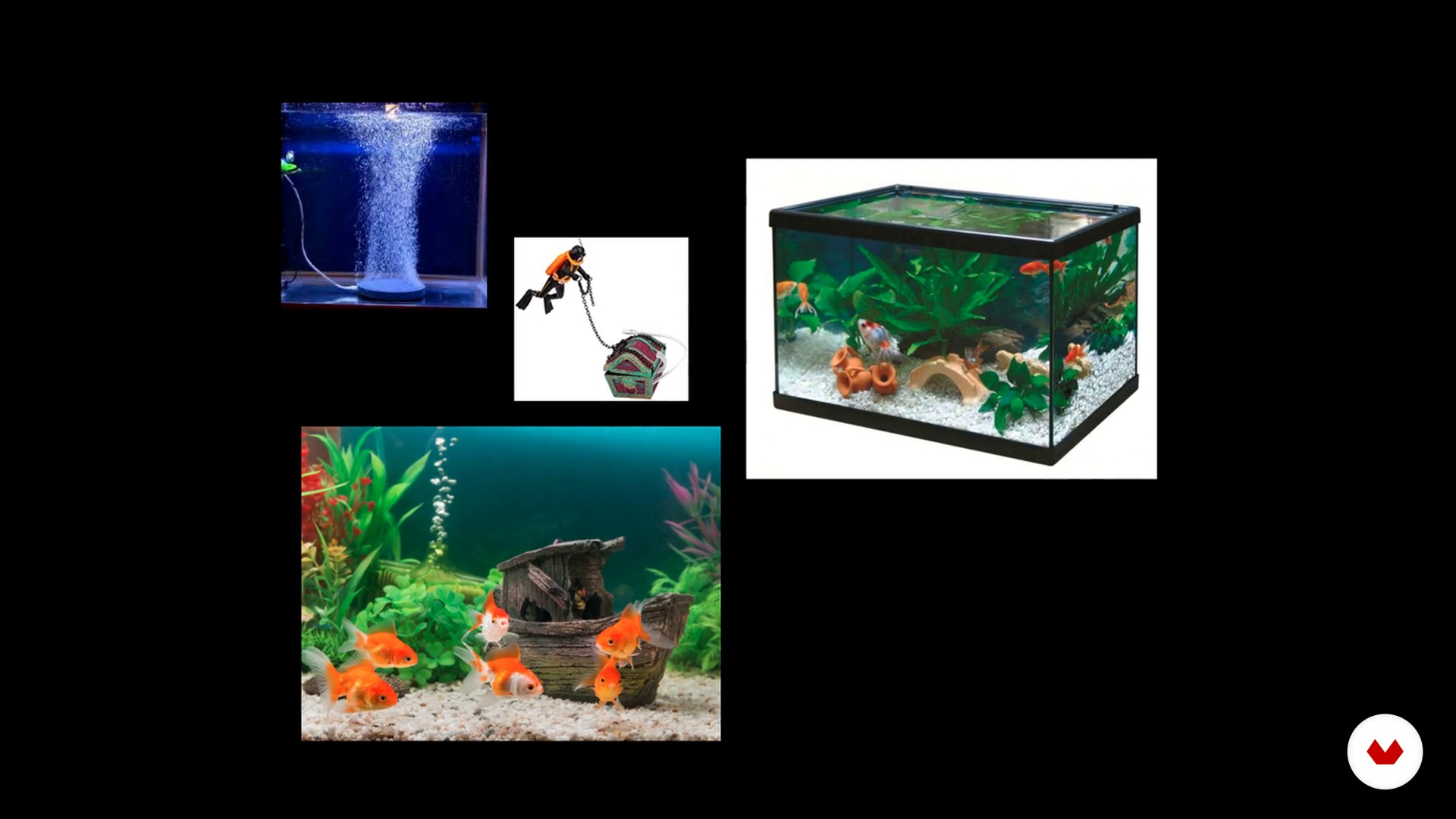
Sketches
2 minutes, 32 seconds
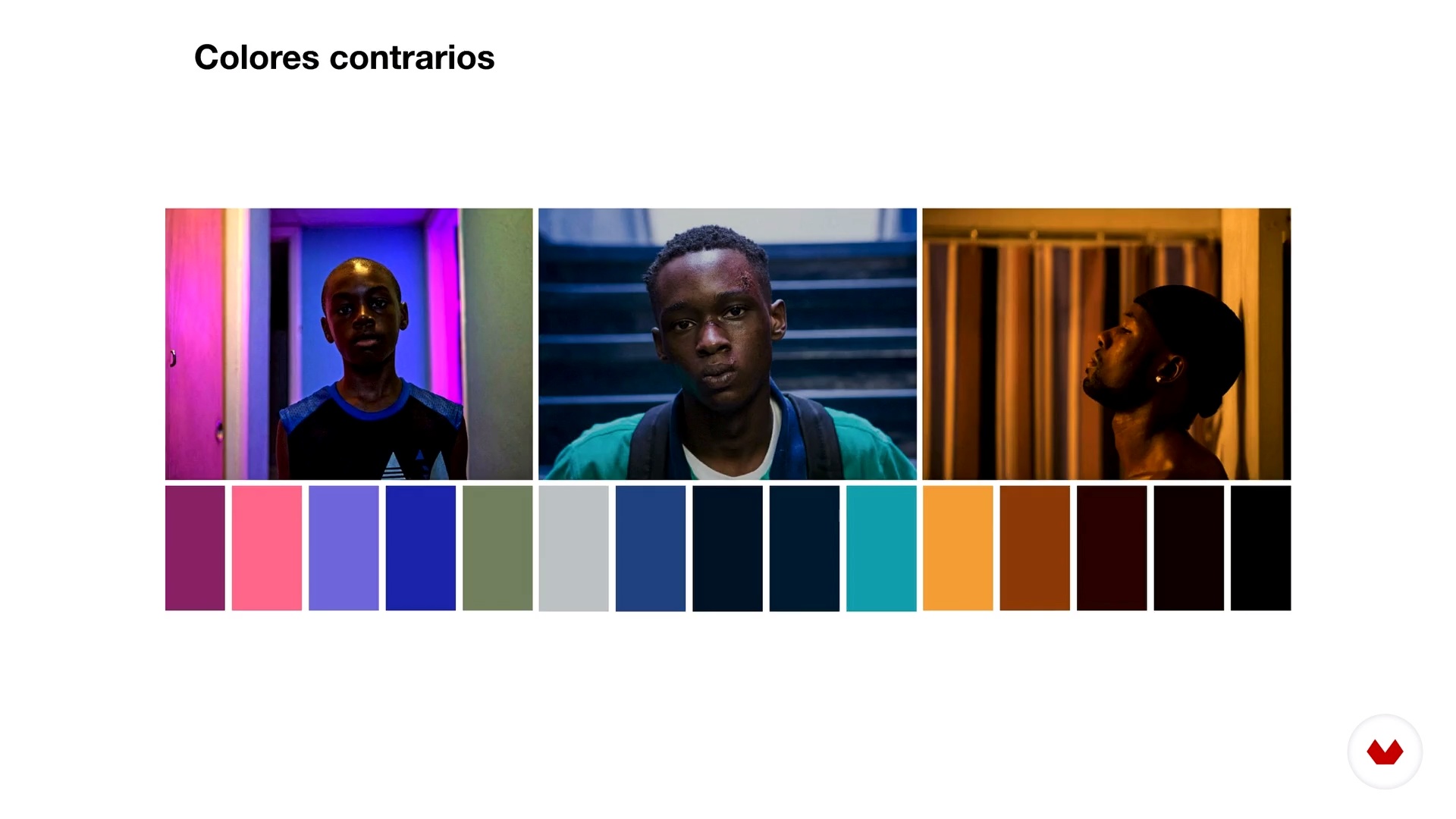
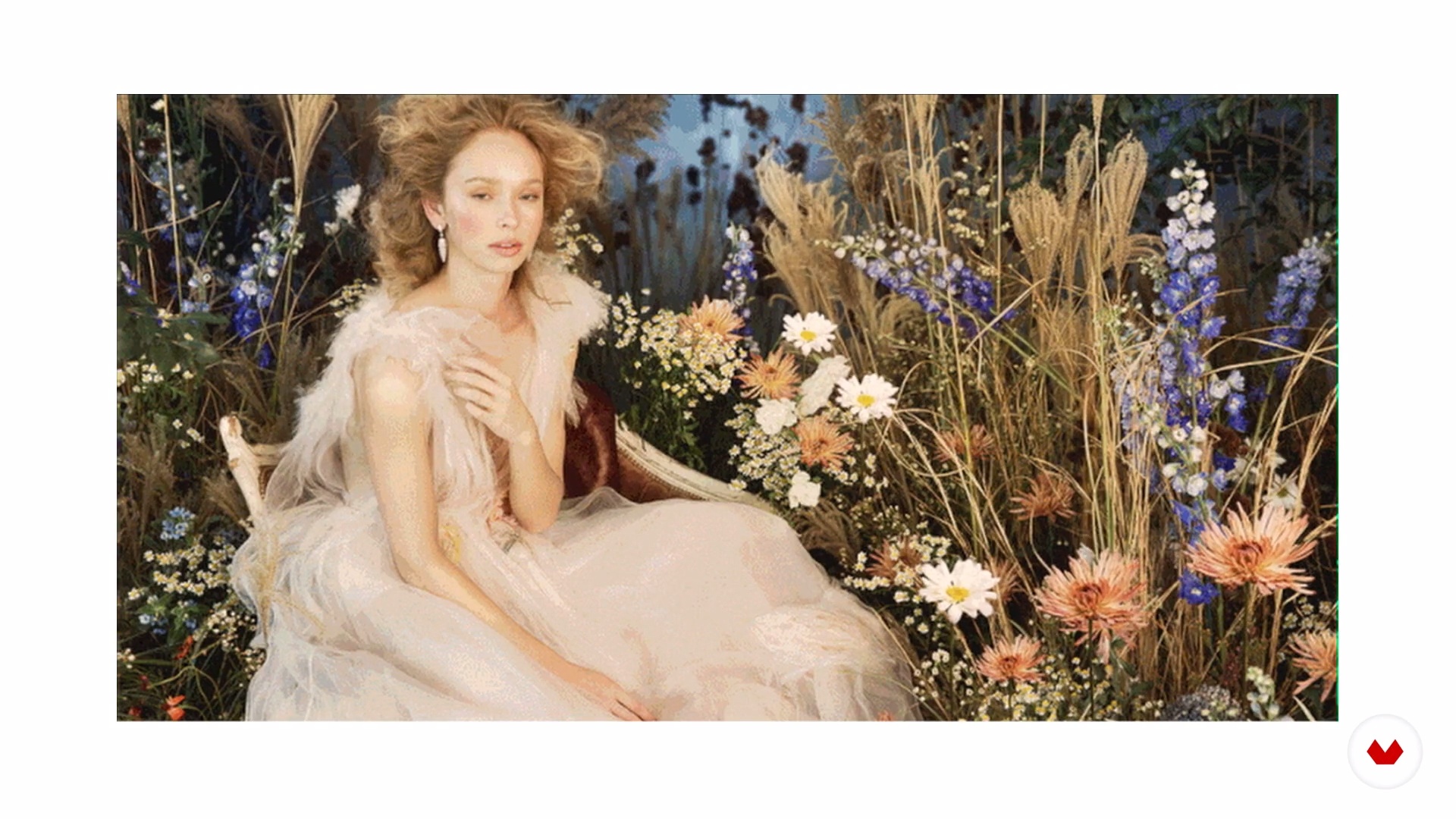
Moodboard / References
14 minutes, 41 seconds
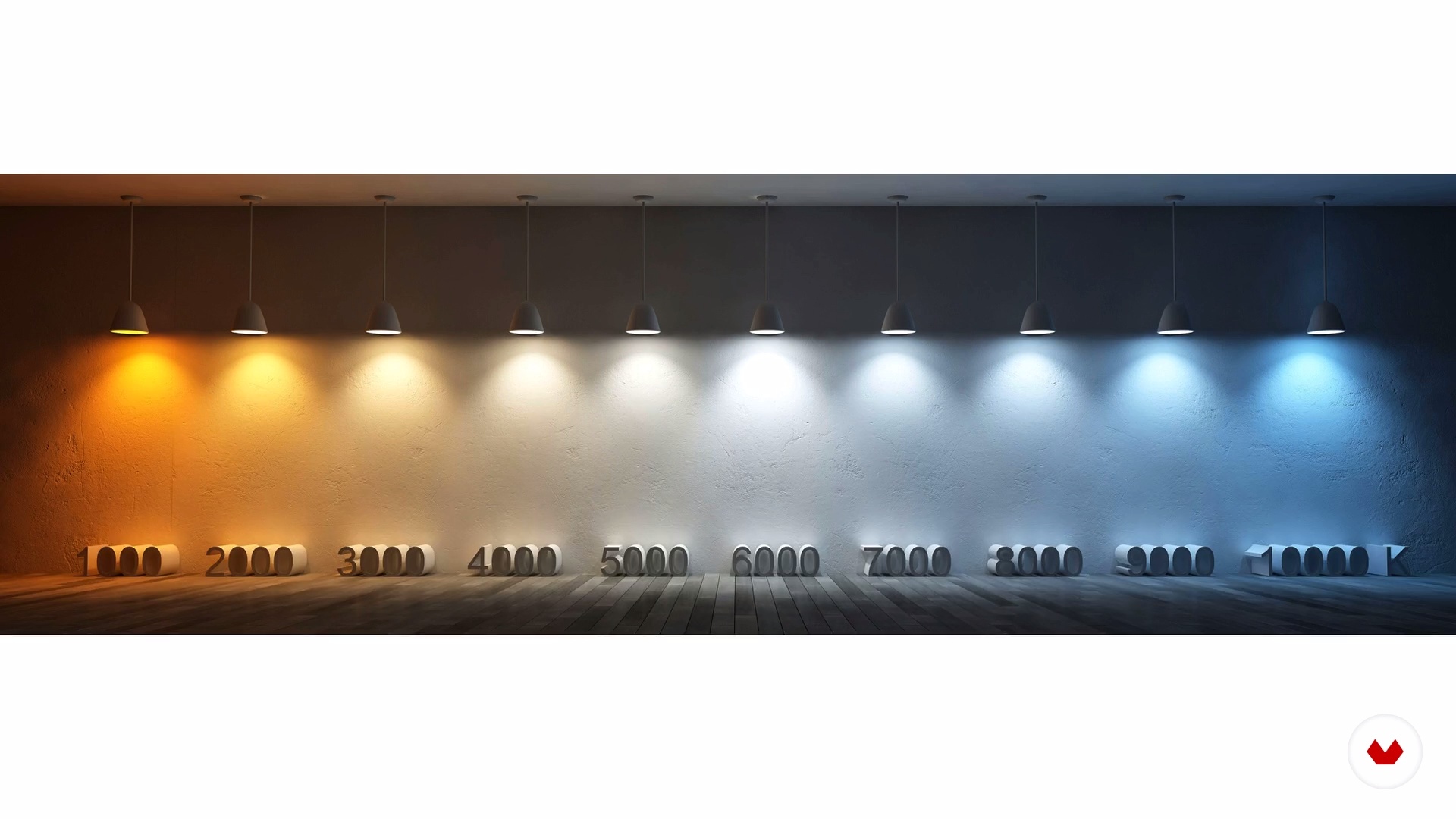
Equipment and Materials
7 minutes, 23 seconds
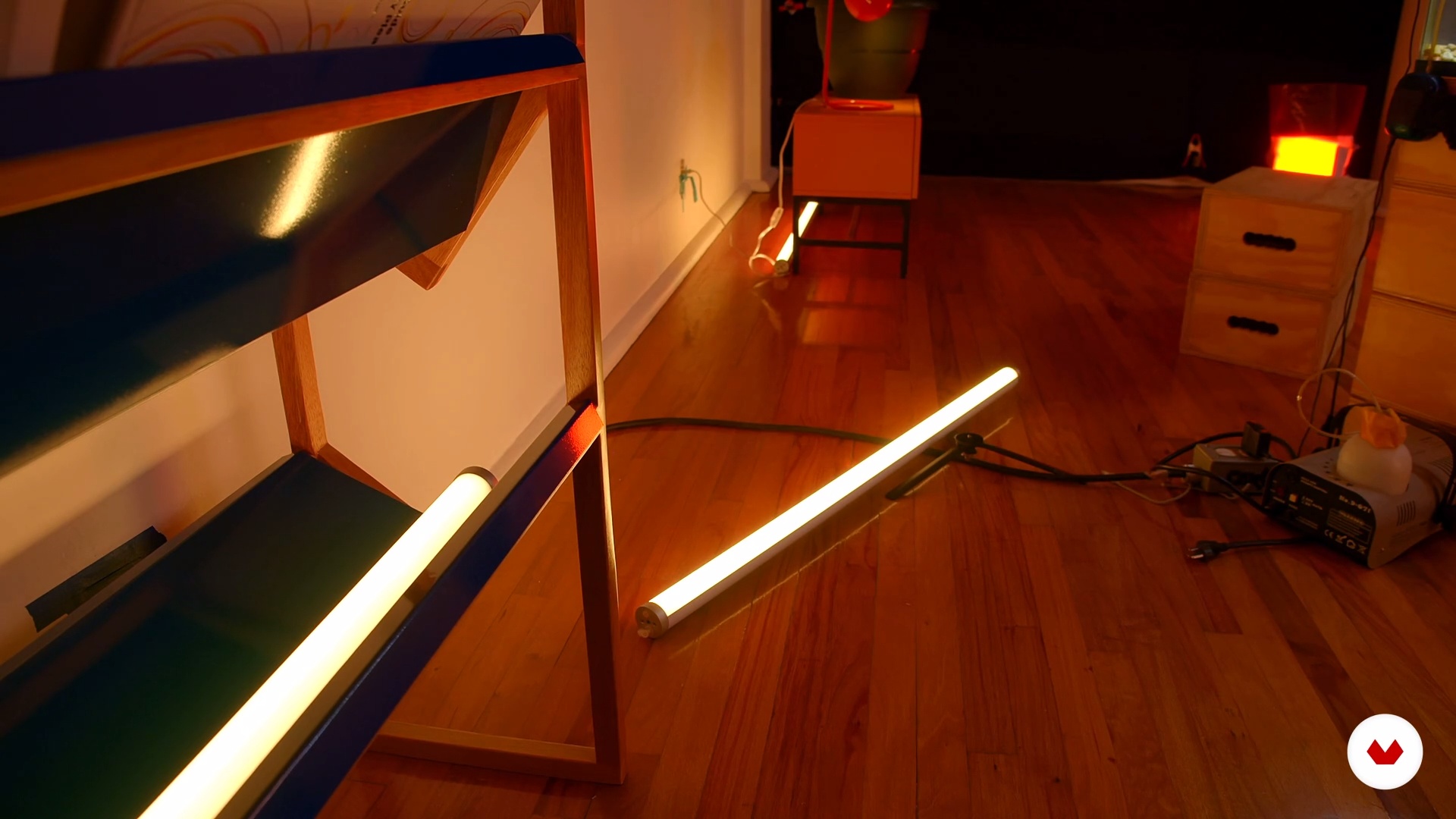
We prepare the lighting
4 minutes, 37 seconds
What's included in this course?
Fernando begins the course by introducing himself and his work, which reflects on the individual in contemporary society. He also shows you some of his biggest influences, such as Marcos López, Jeff Wall, and Olaf Breuning.
Discover what a cinemagraph is, where it comes from, and how this format has evolved. Then, create an initial sketch of your idea and further develop it through a mood board.
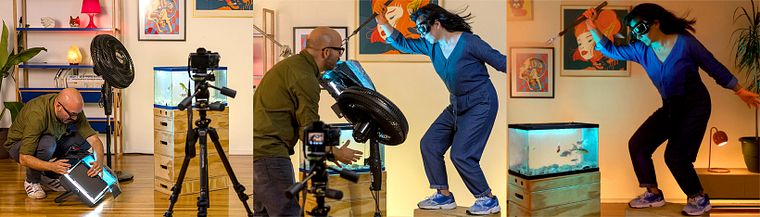
Once you've defined the concept, go over materials and equipment needed for the final project before preparing your lighting set-up in the studio, experimenting with different options. Fernando then guides you through the process of capturing moments for your cinemagraph.
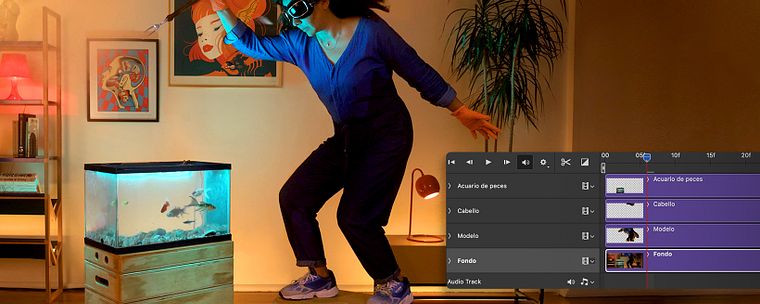
Move on to the post-production phase in Adobe Photoshop to edit and assemble your images. Finally, enrich your piece by adding sound before exporting it to share with the world.
Recommended software & tools for this course
What is this course's project?
Create a cinemagraph from scratch using your own photos.
Projects by course students


Who is this online course for?
Photographers, videographers, and anyone interested in exploring photography in motion.
Requirements and materials
Basic knowledge of photography and Photoshop are required.
As for materials, you need a camera, a tripod, a computer with Adobe Photoshop, and artificial light sources.
Reviews
- 1 year ago
Un curso muy divertido, explora otra manera de acercarse a la imagen fotográfica. Lo recomiendo mucho.
- 2 years ago
Me gusto mucho el curso :)
- 2 years ago
It's ok this course. Pretty basic concepts. I was expecting a more simple structure. It's too much work and complicated leverage to get the results of this technique. Lack of Wow factor. Thanks, Ed.
- 3 years ago
Très intéressant
- 3 years ago
Al grano, muy bueno, ampliamente recomendable.

Fernando studied photography at the Escuela Activa de Fotografía y Centro de la Imagen. His images have been displayed at the Guangdong Museum of Art in China, in the Colección Televisa in Mexico, and at the Les Recontres D'Árles festival in France.
Content
- U1
Introduction
- Presentation
- Influences
- What will we do in the course
- U2
Landing ideas
- Introduction to cinemagraph
- Sketches
- Moodboard / References
- U3
Let's do it
- Equipment and Materials
- We prepare the lighting
- Creating our cinemagraph
- U4
Riding our cinemagraph
- Edition and assembly P1
- Edition and assembly P2
- Edition and assembly P3
- Edition and assembly P4
- Sound to potentiate our cinemagraph
- All ready
- FP
Final project
- Creation of Cinemagraphs
What to expect from a Domestika course
Learn at your own pace
Enjoy learning from home without a set schedule and with an easy-to-follow method. You set your own pace.
Learn from the best professionals
Learn valuable methods and techniques explained by top experts in the creative sector.
Meet expert teachers
Each expert teaches what they do best, with clear guidelines, true passion, and professional insight in every lesson.
Certificates
PLUSIf you're a Plus member, get a custom certificate signed by your teacher for every course. Share it on your portfolio, social media, or wherever you like.
Get front-row seats
Videos of the highest quality, so you don't miss a single detail. With unlimited access, you can watch them as many times as you need to perfect your technique.
Share knowledge and ideas
Ask questions, request feedback, or offer solutions. Share your learning experience with other students in the community who are as passionate about creativity as you are.
Connect with a global creative community
The community is home to millions of people from around the world who are curious and passionate about exploring and expressing their creativity.
Watch professionally produced courses
Domestika curates its teacher roster and produces every course in-house to ensure a high-quality online learning experience.
FAQs
A cinemagraph is a still photograph that features a subtle, repeating area of motion while the rest remains static. Unlike an animated GIF, a cinemagraph aims to create a more refined and realistic atmosphere, making it perfect for visual storytelling and advertising.
Yes, this course is designed for those with intermediate photography skills who want to expand into creating cinemagraphs and blending digital and analog techniques.
You’ll need a camera with manual controls, a tripod, lighting sources (professional or DIY), a computer with Photoshop, and internet access. Some exercises also allow using mobile apps for cinemagraphs.
You’ll learn how to plan, create, and edit cinemagraphs, integrate animation and sound, combine digital and analog methods, design creative scenes, apply professional lighting, and analyze visual storytelling and artistic identity.
Yes, the course includes practical modules on advanced Photoshop editing, working with layers and masks, combining video and images, and post-production techniques to produce professional cinemagraphs.
Yes, the course covers methods for creating cinemagraphs both in Photoshop and with mobile apps, giving you flexibility depending on your equipment.
Analog photography uses film and chemical processes, while digital relies on electronic sensors and computer editing. The course explores how to blend both approaches to enrich the visual storytelling of your cinemagraphs.