Natural Portrait Retouching in Affinity
A course by Kayleigh JuneRetoucher and Beauty Photographer
A course by Kayleigh June, Retoucher and Beauty Photographer

Learn natural portrait retouching in Affinity using non-destructive tools, skin retouch, dodging, burning, color grading
This course shows you a practical, natural way to retouch portraits in Affinity. It’s meant for photographers and retouchers who want clean, realistic edits without that plastic look. You’ll work through the full process — opening the RAW file, fixing exposure, cleaning up skin, shaping light, adjusting color, and exporting the final image.
Along the way, you set up non‑destructive layers and get comfortable with tools like the Healing Brush, Clone Brush, Curves, Dodge and Burn, Selective Color, Color Balance, and Levels. You’ll learn how to remove small distractions without wiping out natural texture, freckles, or the character in someone’s face. The lessons call out common mistakes too, like over‑smoothing or heavy under‑eye fixes, so you know what to avoid.
By the end, you’ll have a simple editing routine you can repeat for natural skin work, eye cleanup, makeup refinement, and gentle color grading—useful for beauty, fashion, and lifestyle portraits.
What will you learn in this online course?
6 lessons & 2 downloads
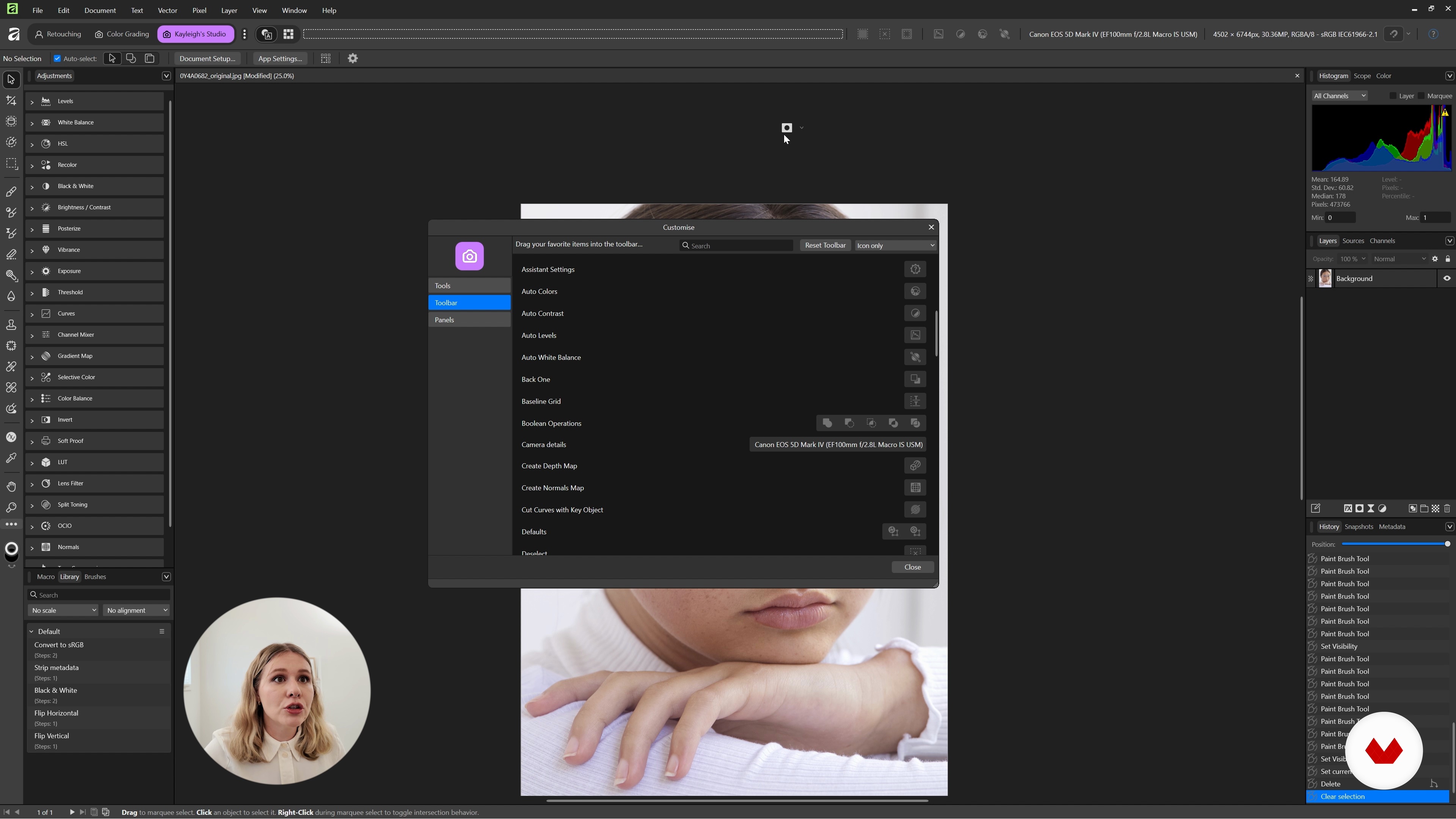
RAW Processing and Setting up Your Retouching Layers
17 minutes, 0 seconds
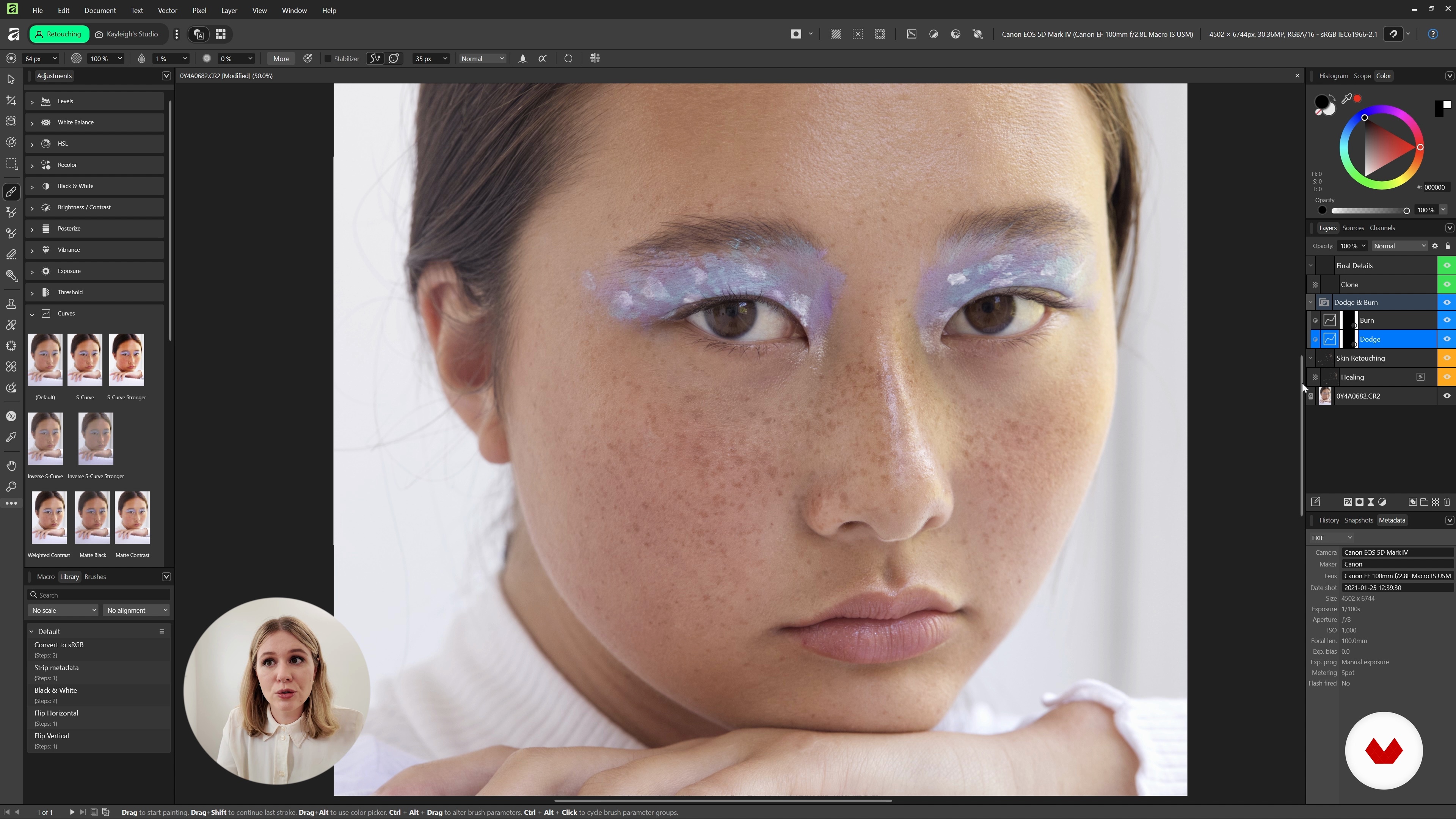
Retouching Skin, Stray Hairs and Other Elements
24 minutes, 12 seconds
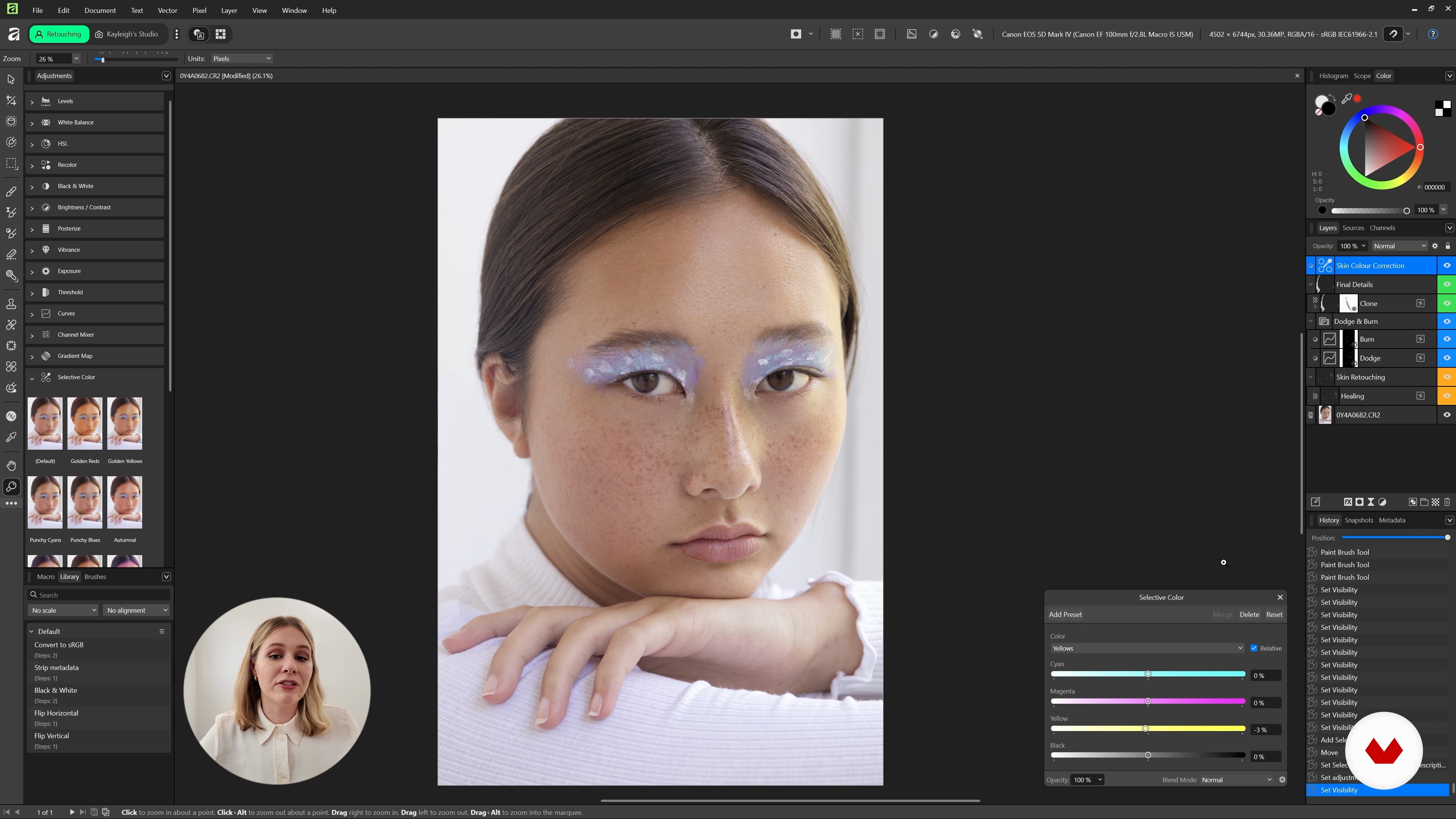
Colour grading and exporting
11 minutes, 47 seconds
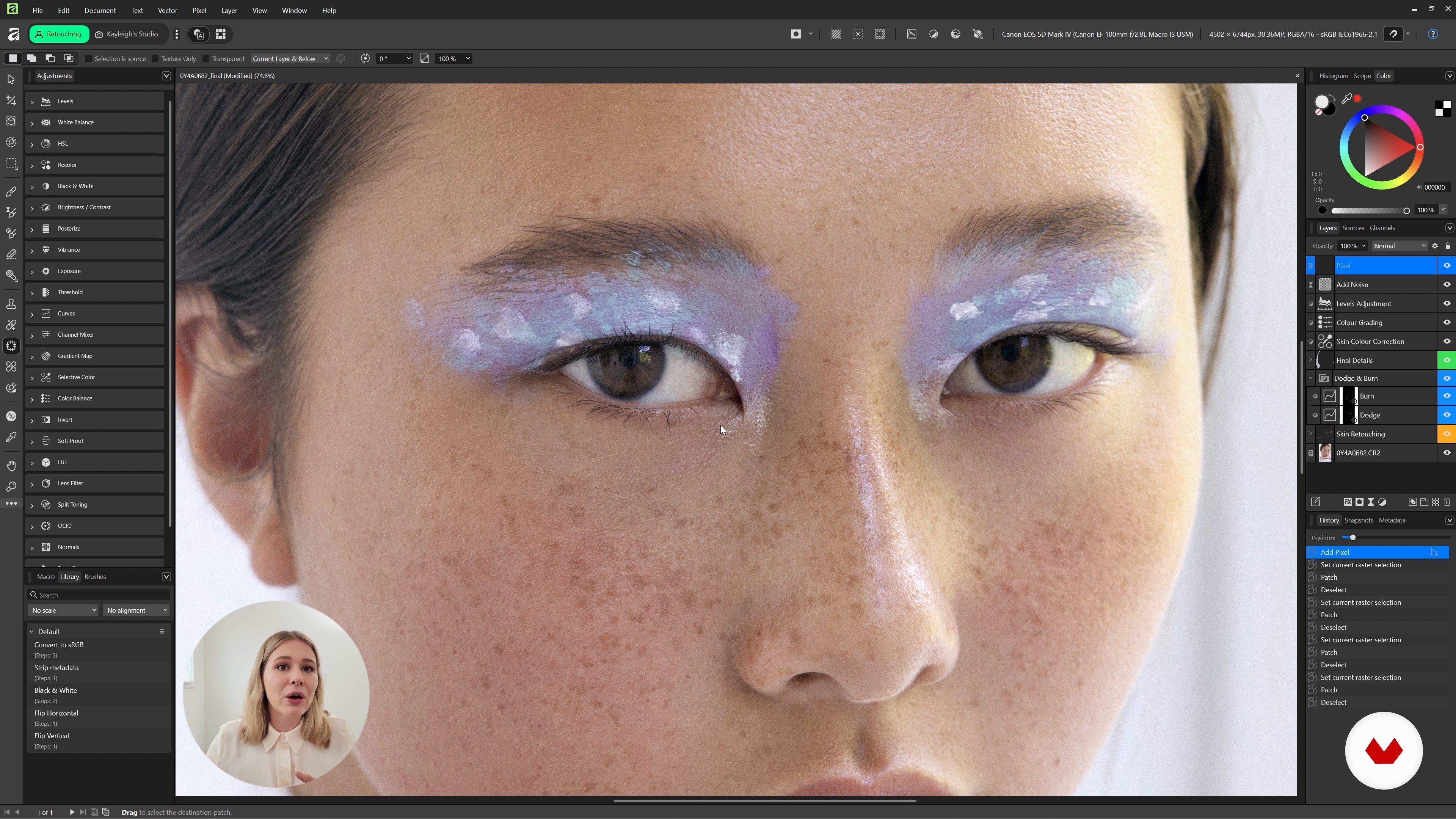
Do's and Don'ts
5 minutes, 1 second
What's included in this course?
This course walks you through a straightforward, hands‑on workflow for natural portrait retouching in Affinity. You start with a RAW file and finish with a clean, polished JPEG. Along the way, you work with practical non‑destructive tools—the healing brush, clone brush, and dodge and burn layers—and get a feel for how they change skin texture, contrast, and fine detail. You’ll also build simple, tidy layer groups for skin, hair, and finishing touches so you always know where things are and can adjust them later without hassle.
You’ll practice correcting skin colour gently, shaping light and shadow instead of smudging everything flat, and sharpening features like eyes, makeup, and brows without losing the person’s expression. You’ll try subtle colour work with selective colour, curves, and colour balance to keep portraits looking natural. In the final section, you sort through common mistakes, how to avoid pushing edits too far, and how to keep every photo believable and flattering at the same time.
Recommended software & tools for this course
Who is this online course for?
Portrait photographers who want clean, natural edits in Affinity, retouchers switching their workflow to this software, visual creators polishing client or personal portraits without making them look overdone, and photography enthusiasts who handle a camera well and want to level up their post‑production skills.
Requirements and materials
You don’t need much experience. If you’ve used Affinity or a similar editor before and know what layers and RAW files are, you’re good to go. Just make sure Affinity is installed on your computer and have a mouse or trackpad handy. A graphics tablet helps, but it’s not required.

Her passion and drive to succeed in the industry has also led her to take on a role of educator, creating a YouTube photography and retouching tutorial channel, amassing over 80K subscribers. Kayleigh appreciates and strives to show diversity in everything that she creates, making her work recognizable to many.
Content
Natural Portrait Retouching in Affinity
- Introduction
- Essential tools and editing processes
- RAW Processing and Setting up Your Retouching Layers
- Retouching Skin, Stray Hairs and Other Elements
- Colour grading and exporting
- Do's and Don'ts
- Final project
What to expect from a Domestika course
Learn at your own pace
Enjoy learning from home without a set schedule and with an easy-to-follow method. You set your own pace.
Learn from the best professionals
Learn valuable methods and techniques explained by top experts in the creative sector.
Meet expert teachers
Each expert teaches what they do best, with clear guidelines, true passion, and professional insight in every lesson.
Certificates
PLUSIf you're a Plus member, get a custom certificate signed by your teacher for every course. Share it on your portfolio, social media, or wherever you like.
Get front-row seats
Videos of the highest quality, so you don't miss a single detail. With unlimited access, you can watch them as many times as you need to perfect your technique.
Share knowledge and ideas
Ask questions, request feedback, or offer solutions. Share your learning experience with other students in the community who are as passionate about creativity as you are.
Connect with a global creative community
The community is home to millions of people from around the world who are curious and passionate about exploring and expressing their creativity.
Watch professionally produced courses
Domestika curates its teacher roster and produces every course in-house to ensure a high-quality online learning experience.
FAQs
This course is aimed at intermediate users with some basic photo editing experience who want to refine their portrait retouching skills using Affinity Photo.
You will need Affinity Photo installed on your computer. A graphics tablet is recommended but not required for more precise retouching.
You’ll learn how to retouch portraits naturally using Healing and Clone Brushes, Dodge and Burn, Selective Color, Curves, and non-destructive techniques to enhance skin, hair, and color while preserving texture and authenticity.
Yes, the course teaches detailed methods for removing blemishes and stray hairs using the Healing Brush, Clone Brush, and other targeted Affinity Photo tools.
The course focuses on subtle, non-destructive techniques and strategies for maintaining skin texture and authenticity, helping you avoid heavy-handed retouching and artificial results.
Yes, you’ll master Dodge and Burn methods with Curves and adjustment layers for even skin tone, facial structure enhancement, and realistic results.
Absolutely. The course teaches how to use adjustment layers, masks, and a layered workflow to keep your edits flexible and reversible.