
FOOH Videos with ComfyUI
A course by Carlos DordellyGraphic designer
A course by Carlos Dordelly, Graphic designer

Create FOOH video ads with ComfyUI using AI video workflows, depth maps, LoRA models, realistic motion control
Learn to design, plan, and produce Fake Out of Home videos using ComfyUI and the power of generative AI. This advanced course focuses on creating FOOH content where digital elements interact convincingly with real locations for advertising, social media, and motion design.
You will build professional workflows in ComfyUI and ComfyCloud, combining image and video generation nodes, LoRA models, depth maps, Canny edges, and reference footage. You will experiment with video‑to‑video, image‑to‑video, start and end frame control, and character replacement, balancing creative freedom and technical control.
Throughout the lessons, you will improve footage resolution, match lighting and color, integrate 3D products, and guide perspective using depth information. You will also learn when to rely on open source models such as Wan or LTX and when to use third‑party engines like Kling, Veo, Sora, Vidu, NanoBanana, or Qwen.
By the end, you will have a complete AI video workflow to produce realistic FOOH videos that enhance campaigns, product launches, and experimental visual projects.
What will you learn in this online course?
8 lessons & 6 downloads
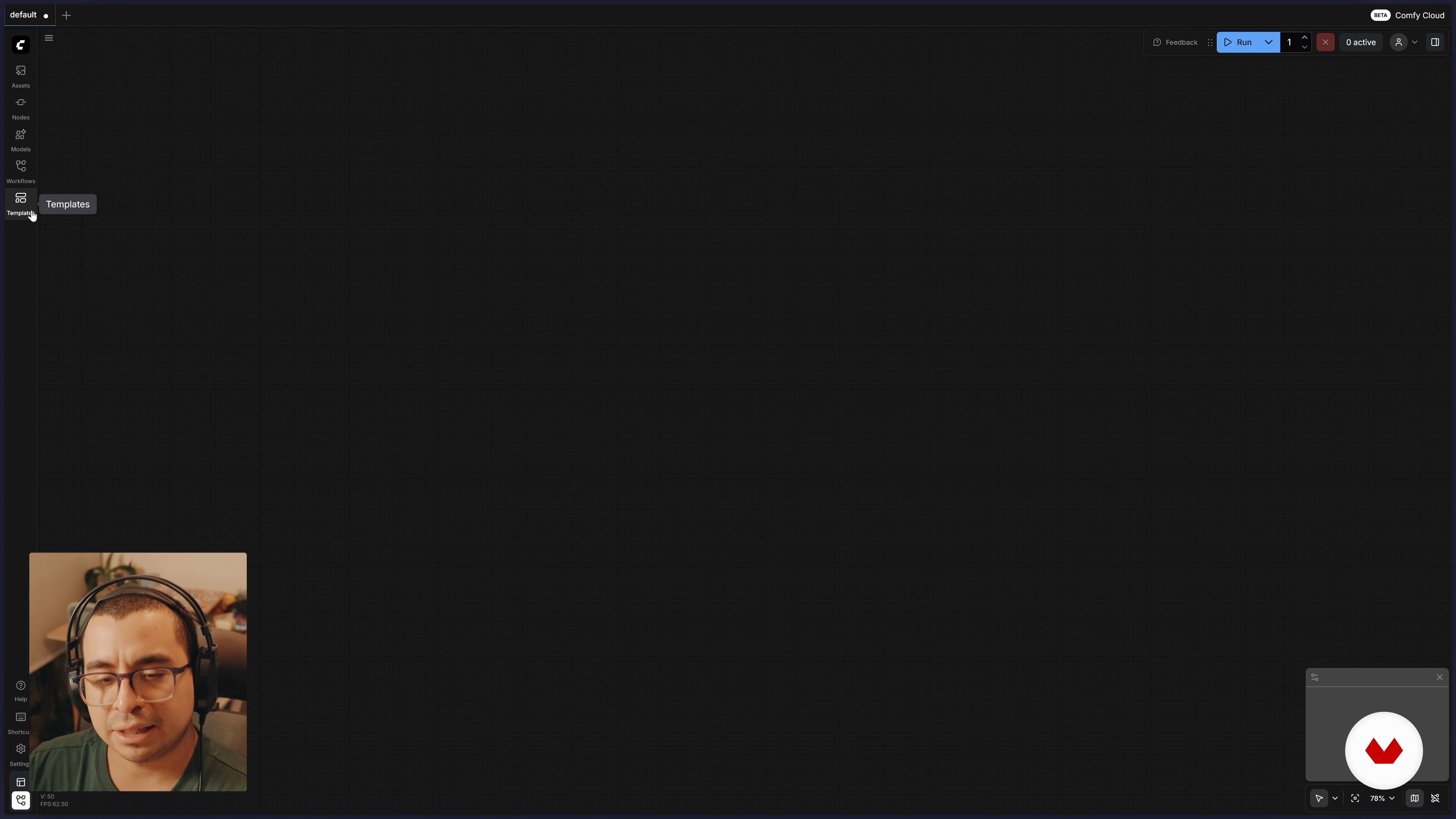
Getting to Know ComfyUI in the Cloud (ComfyCloud)
14 minutes, 44 seconds
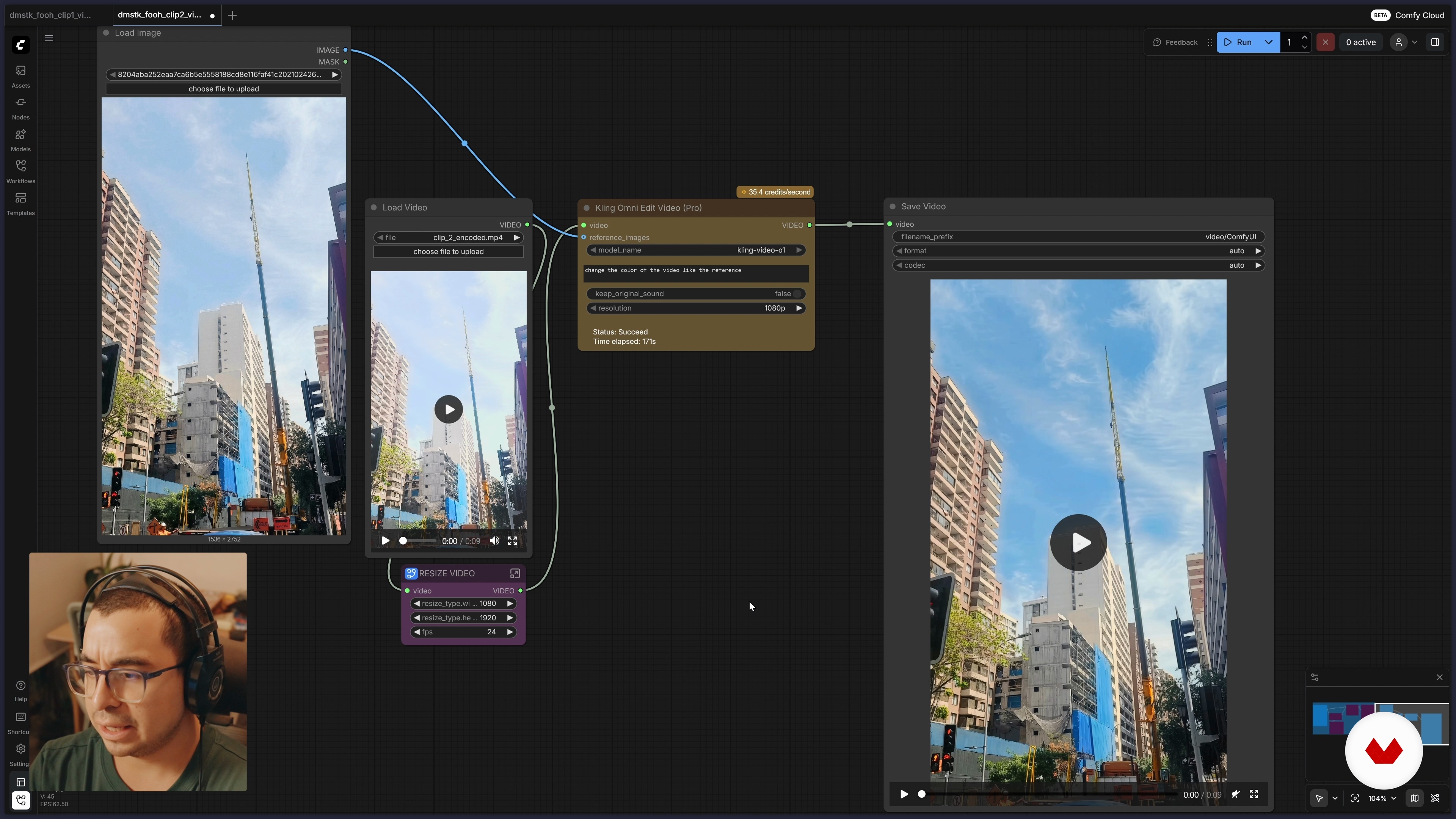
Improving Video Quality and Style With References
11 minutes, 35 seconds
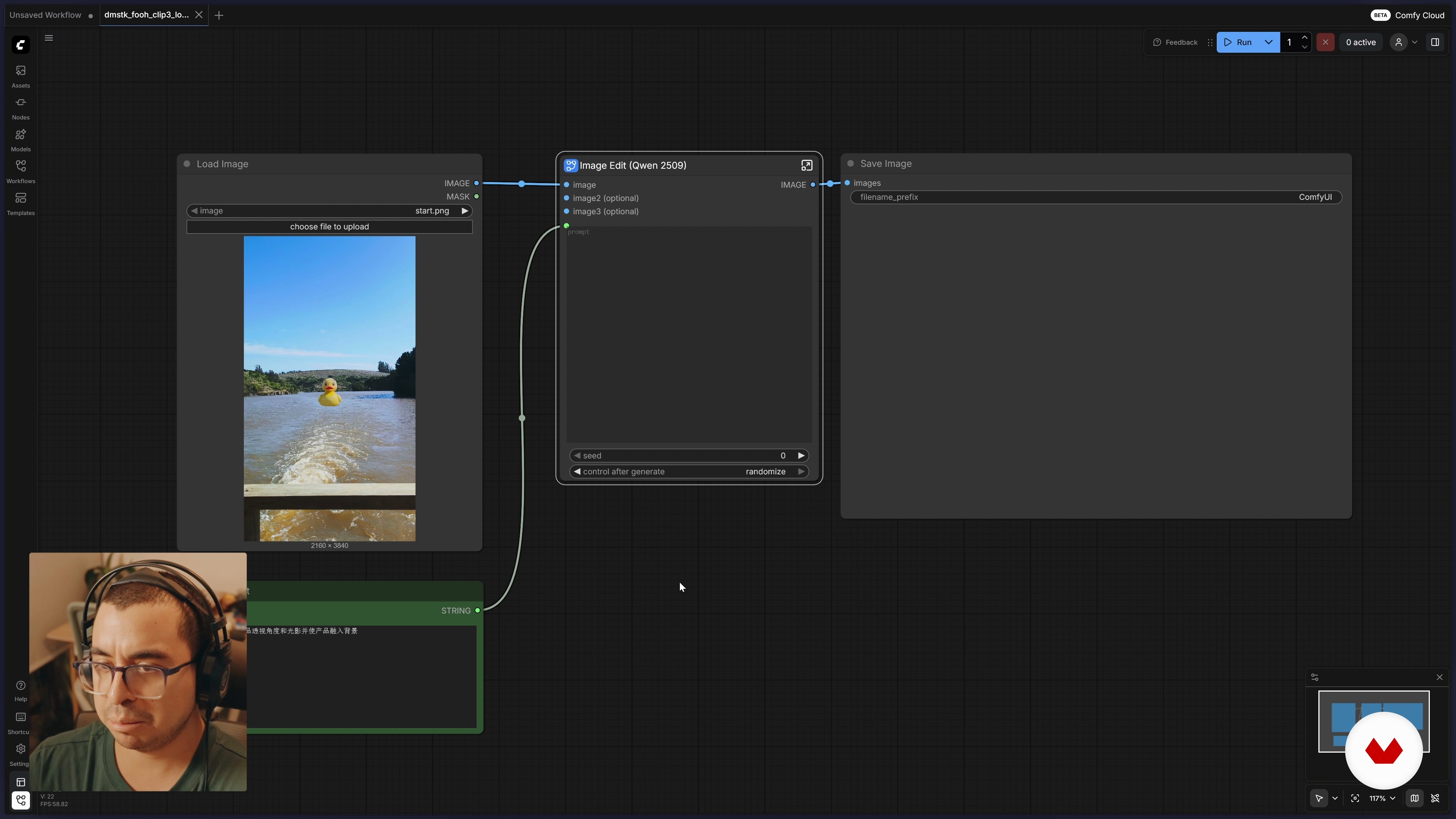
LoRAs in ComfyCloud
10 minutes, 18 seconds
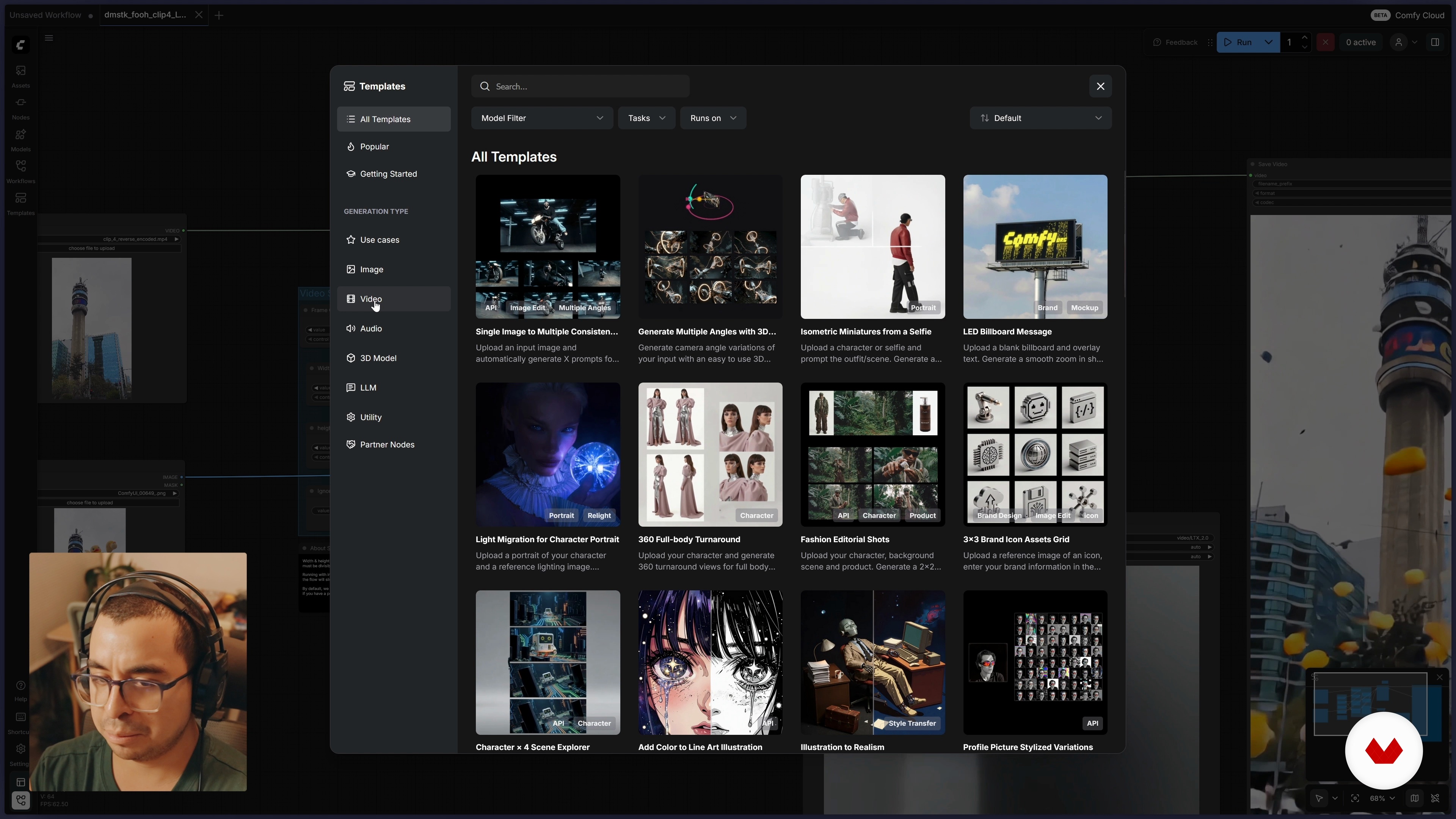
Guiding a Video Using a Depth Map
18 minutes, 40 seconds
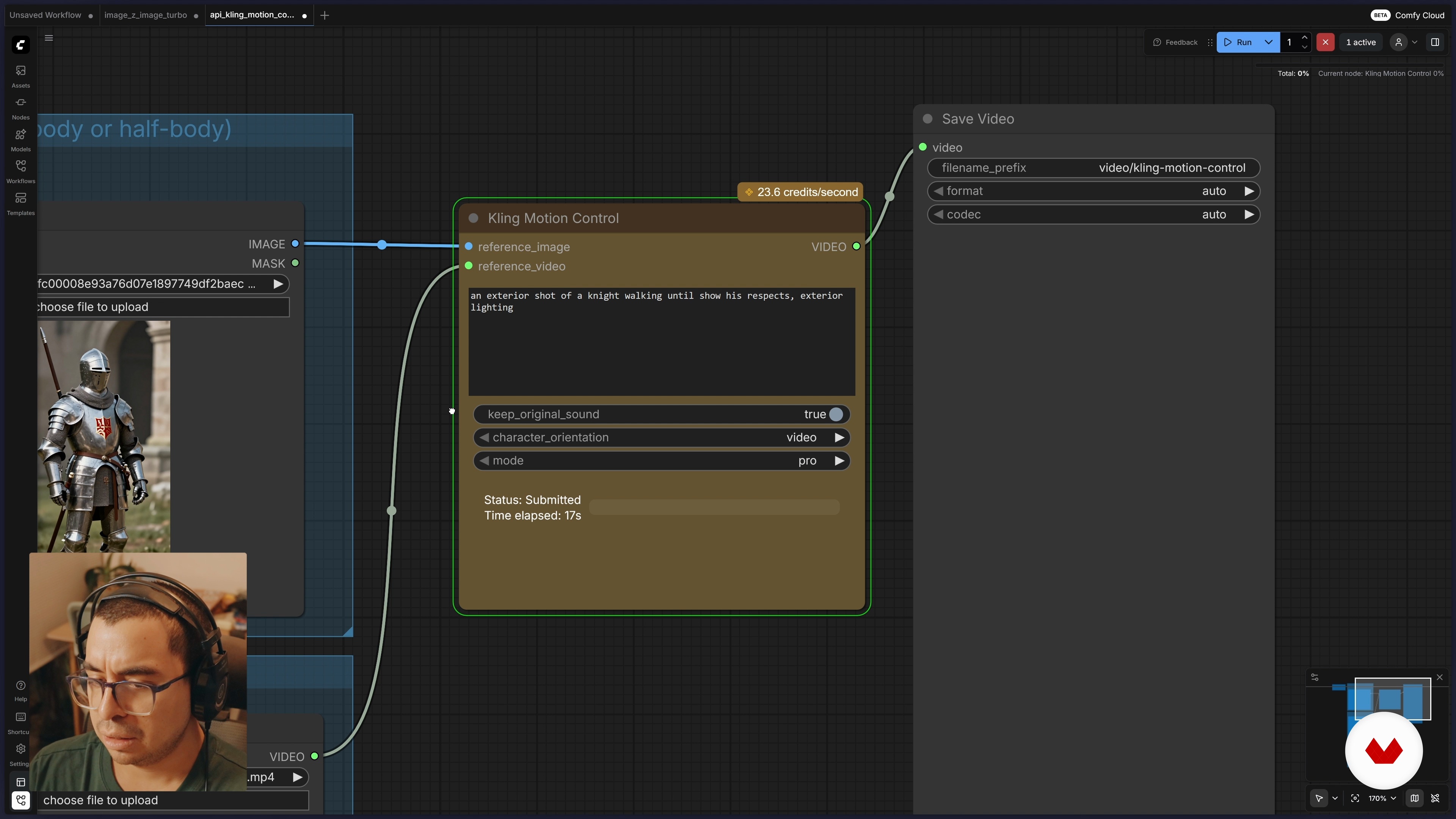
Character Replacement
8 minutes, 30 seconds
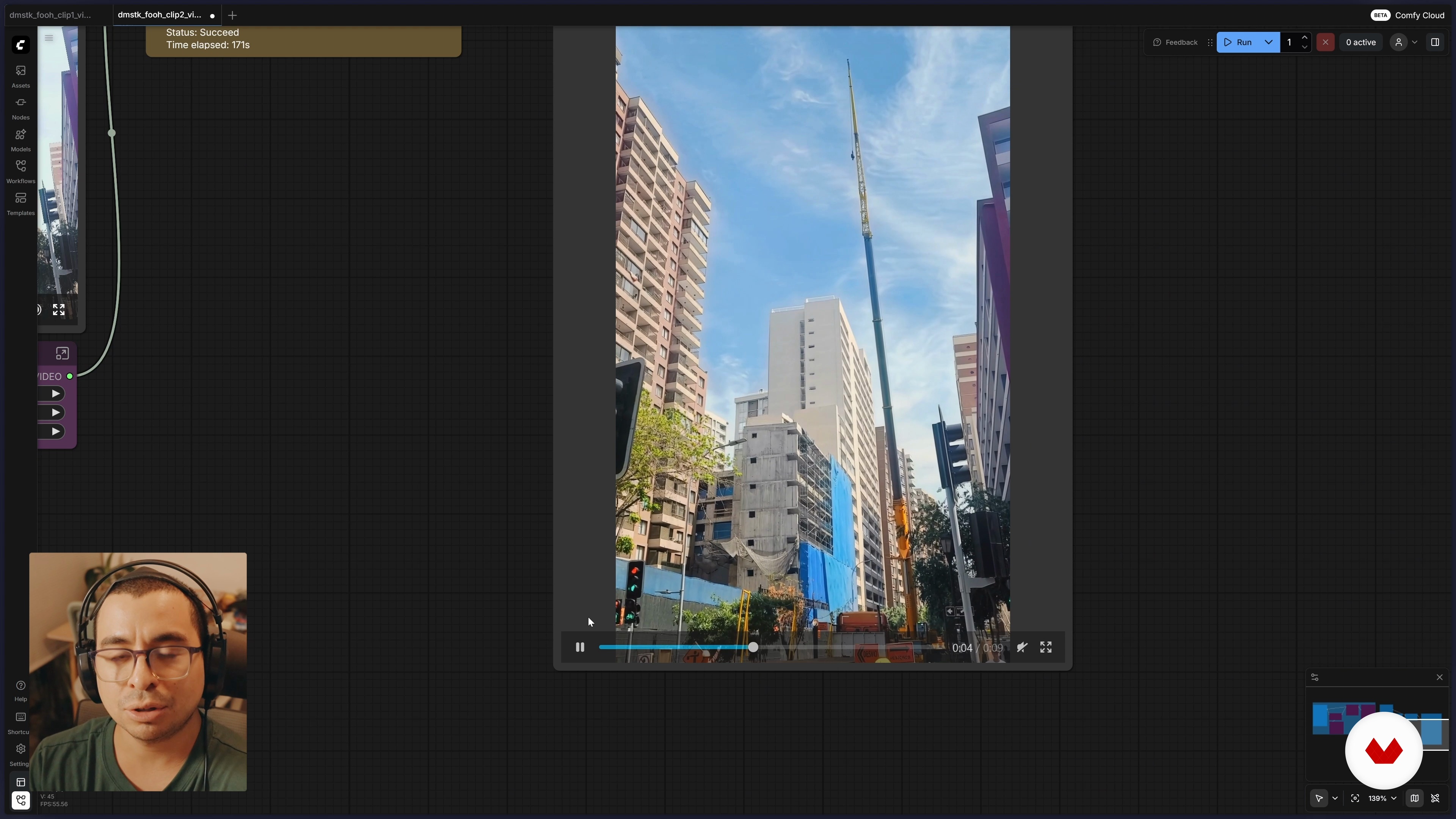
Wrap-Up
1 minute, 14 seconds
What's included in this course?
You learn how to design and produce Fake Out of Home videos using ComfyUI, from planning the shot to integrating digital elements that feel part of the real scene. You explore node-based workflows, work with reference footage, manage prompts, resolutions and credits, and take advantage of ComfyCloud to run advanced models without complex local setups.
You experiment with LoRA models to refine style and product integration, use start and end frames for precise control of motion, and guide generation with depth maps, Canny edges and other data passes. You also practice character replacement, image-to-video and video-to-video transformations, style transfer from stills to full clips, and build reusable subgraphs that speed up future advertising or social content projects.
Recommended software & tools for this course
Who is this online course for?
Content creators, social media managers, marketers seeking eye‑catching FOOH campaigns for social platforms, motion designers, video editors, digital artists exploring generative AI for video, advertising professionals, students, tech‑savvy beginners curious about ComfyUI for controlled visual effects.
Requirements and materials
No extensive experience required basic computer use file organization web browsing plus stable internet connection. Helpful familiarity with image or video formats resolution timelines previous contact with generative AI or editing tools.

Content
FOOH Videos with ComfyUI
- Introduction
- FOOHs and ComfyUI
- Getting to Know ComfyUI in the Cloud (ComfyCloud)
- Improving Video Quality and Style With References
- LoRAs in ComfyCloud
- Guiding a Video Using a Depth Map
- Character Replacement
- Wrap-Up
- Final project
What to expect from a Domestika course
Learn at your own pace
Enjoy learning from home without a set schedule and with an easy-to-follow method. You set your own pace.
Learn from the best professionals
Learn valuable methods and techniques explained by top experts in the creative sector.
Meet expert teachers
Each expert teaches what they do best, with clear guidelines, true passion, and professional insight in every lesson.
Certificates
PLUSIf you're a Plus member, get a custom certificate signed by your teacher for every course. Share it on your portfolio, social media, or wherever you like.
Get front-row seats
Videos of the highest quality, so you don't miss a single detail. With unlimited access, you can watch them as many times as you need to perfect your technique.
Share knowledge and ideas
Ask questions, request feedback, or offer solutions. Share your learning experience with other students in the community who are as passionate about creativity as you are.
Connect with a global creative community
The community is home to millions of people from around the world who are curious and passionate about exploring and expressing their creativity.
Watch professionally produced courses
Domestika curates its teacher roster and produces every course in-house to ensure a high-quality online learning experience.
FAQs
ConfiUI is a tool that lets you create and edit videos using artificial intelligence, making it easy to integrate visual elements and customize workflows to achieve effects like Fake Out of Home (FOH).
You don’t need to be an AI expert, but having intermediate skills in video editing and digital tools will help you get the most out of the course.
To run ComfyUI locally, you need a powerful GPU-equipped computer (NVIDIA recommended), at least 16 GB of RAM, and free disk space. Windows 10/11 or an updated Linux system is recommended.
You’ll learn how to create Fake Out of Home style videos, edit colors, replace characters, use depth maps, integrate products, and work with platforms like ConfiUI, ComfyUI, and ComfyCloud both locally and in the cloud.
Yes, the course covers both local installation of ComfyUI and using online platforms like ComfyCloud, so you can pick the option that suits you best.
The local version requires installation and powerful hardware but gives you more control. ConfiCloud is more accessible and removes the need for advanced hardware, though it may involve usage fees and some limitations.
FOH videos simulate advertising scenes in public spaces using AI, realistically blending visual elements. They’re created with tools like ConfiUI and advanced editing techniques.