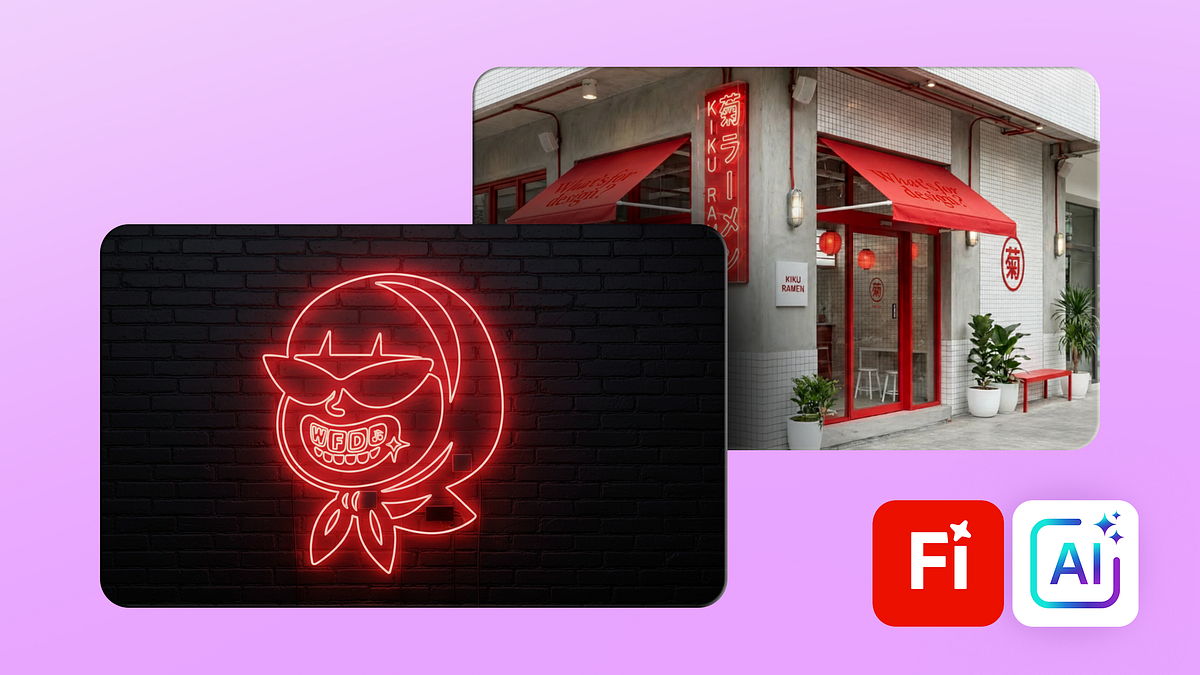
AI Brand Content Creation: Design Presentation with Firefly
A course by Andrea MarquezDigital Designer
A course by Andrea Marquez, Digital Designer

Create brand design content with AI using Adobe Firefly for consistent images, mockups, product photos, restaurant visuals
Learn how to use Adobe Firefly as a practical branding tool to create images, mockups and video content that actually feel consistent with your brand.
During the course, you’ll turn your brand’s identity, values and tone into a clear visual system with the help of AI. You’ll choose keywords, build moodboards and put together brand boards that keep your visuals on track, whether you’re working on interiors, packaging, uniforms, product shots or social posts. You’ll also try different Firefly and partner models to shape style, color, lighting and framing the way you want.
You’ll design mockups for caps, bags, menus and more, tweaking details with simple insert, remove and expand tools. Then you’ll bring your static layouts to life with animations, camera moves and 360‑degree product videos for the web, campaigns or presentations.
By the end, you’ll have a workflow you can rely on for adding generative AI to your branding process, with the mindset of an art director and enough control to keep everything visually consistent.
What will you learn in this online course?
5 lessons & 5 downloads
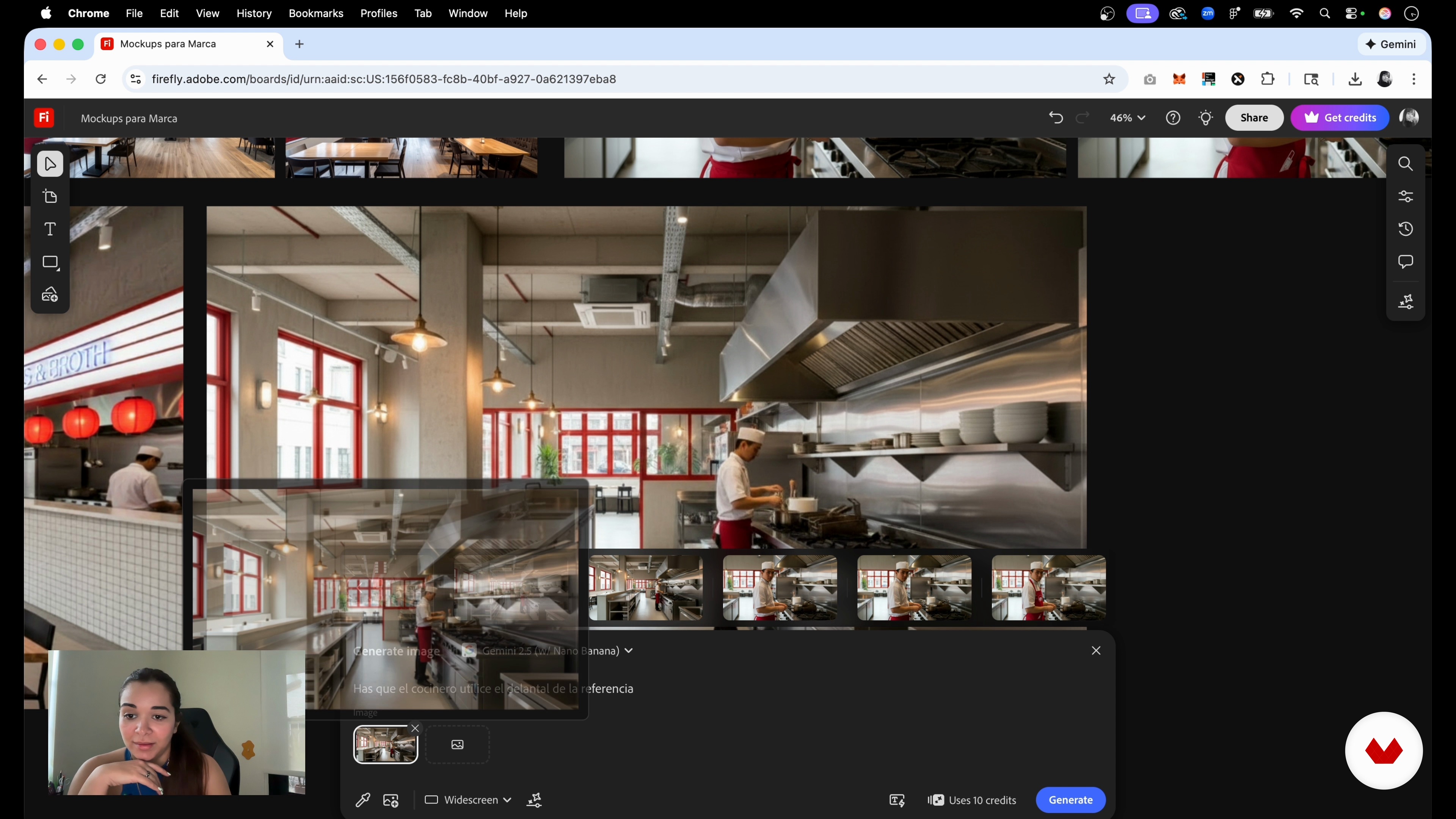
Brand Image Generation With Firefly
7 minutes, 4 seconds
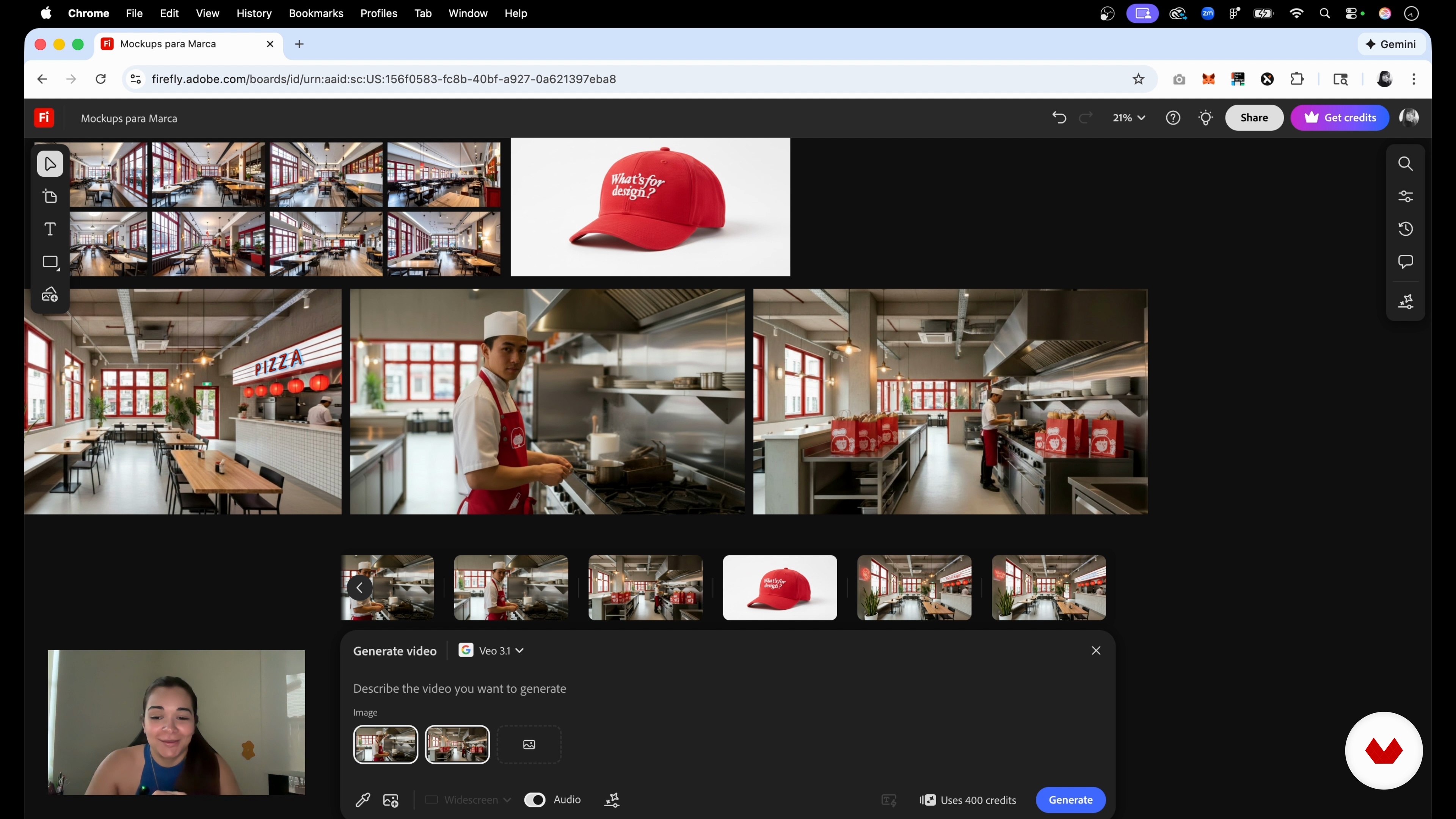
Creating Mockups With AI
6 minutes, 27 seconds
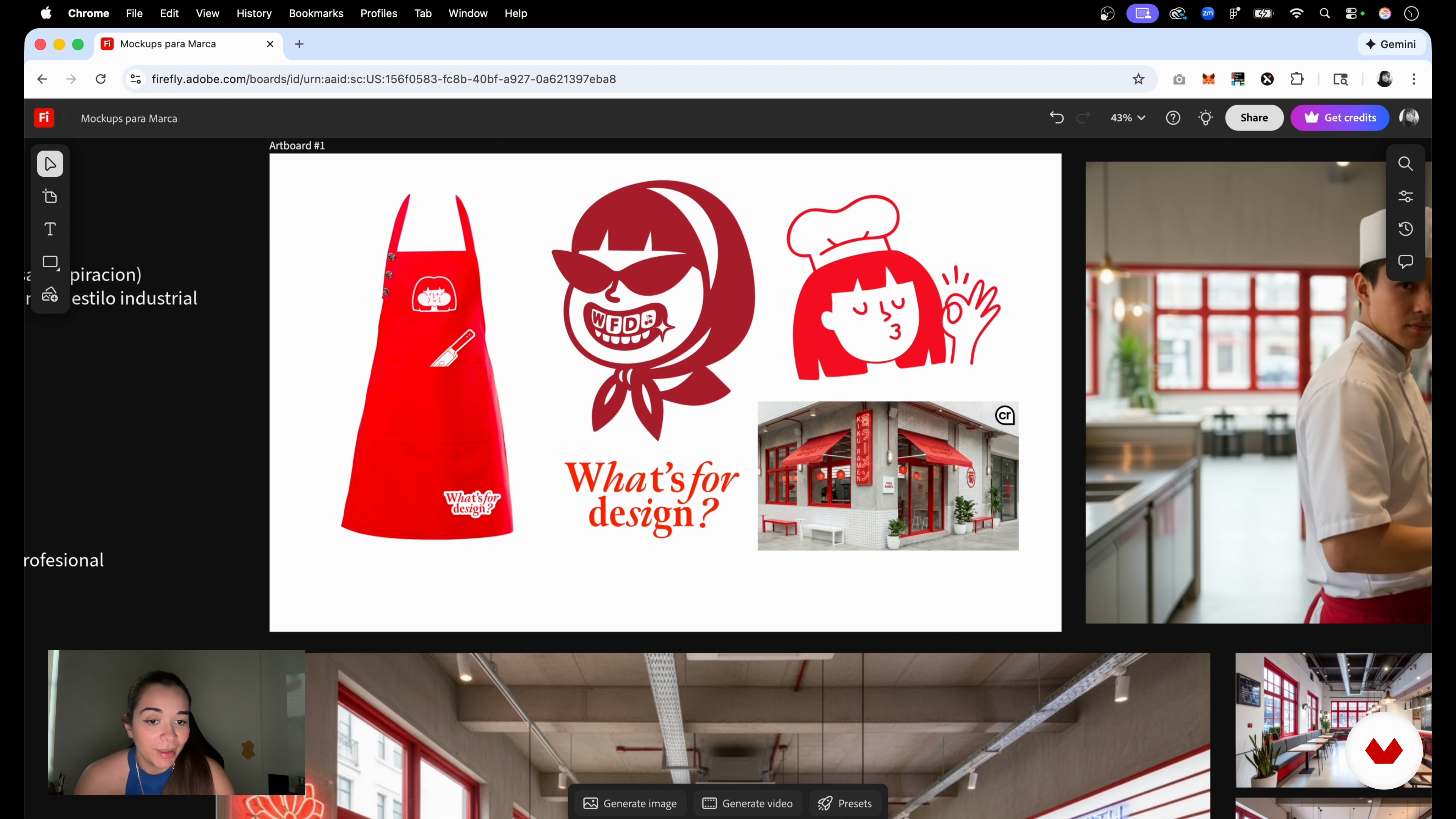
One Brand, Multiple Applications
3 minutes, 11 seconds
What's included in this course?
You’ll learn how to use Adobe Firefly as a practical tool for branding work, turning a brand’s personality and values into a visual system that actually feels like it belongs to that brand. You’ll pin down keywords, choose an overall look and mood, build a Brand Board and get comfortable controlling framing, lighting, color and atmosphere so your images and product shots stay consistent.
You’ll also learn how to create realistic AI‑based mockups for spaces, packaging, uniforms and graphic pieces, and how to turn selected images into short videos. Along the way you’ll practice swapping elements like signs or logos, mixing several references on an infinite board and trying out different AI models. By the end you’ll have a clean, reliable workflow for using AI inside branding projects and producing visual content ready for social media, the web and presentations.
Recommended software & tools for this course
Who is this online course for?
Graphic and branding designers who want AI to take some weight off their workload, art directors and creatives who need quick mockups, marketing teams who care about keeping visuals consistent, small brand owners testing out ideas, and anyone who likes playing with Firefly to build brand worlds.
Requirements and materials
You don’t need much experience. Basic design sense, knowing your way around color and type, being able to browse the web, access to Adobe Firefly, and a bit of curiosity about using AI for branding are enough.
Reviews
- 2 months ago
Curso básico. Si estás empezando te puede servir de orientación. Si tienes algo de conocimientos, se te quedará corto.
- 3 months ago
loved it gave me know ideas
- sebastian_rojasgPLUS5 months ago
Es básico y sencillo, pero para quienes iniciamos, está perfect! Gracias!

With a Master’s in Digital Animation and a specialization in UX/UI, she has collaborated with internationally recognized brands, exploring the intersection of artificial intelligence, animation, and graphic design. Her innovative approach and passion for technology have positioned her as a leader in modern visual content creation.
Content
AI Brand Content Creation: Design Presentation with Firefly
- Introduction: AI as a Branding Tool
- Brand foundations: turning identity into visuals
- Brand Image Generation With Firefly
- Creating Mockups With AI
- One Brand, Multiple Applications
- Final project
What to expect from a Domestika course
Learn at your own pace
Enjoy learning from home without a set schedule and with an easy-to-follow method. You set your own pace.
Learn from the best professionals
Learn valuable methods and techniques explained by top experts in the creative sector.
Meet expert teachers
Each expert teaches what they do best, with clear guidelines, true passion, and professional insight in every lesson.
Certificates
PLUSIf you're a Plus member, get a custom certificate signed by your teacher for every course. Share it on your portfolio, social media, or wherever you like.
Get front-row seats
Videos of the highest quality, so you don't miss a single detail. With unlimited access, you can watch them as many times as you need to perfect your technique.
Share knowledge and ideas
Ask questions, request feedback, or offer solutions. Share your learning experience with other students in the community who are as passionate about creativity as you are.
Connect with a global creative community
The community is home to millions of people from around the world who are curious and passionate about exploring and expressing their creativity.
Watch professionally produced courses
Domestika curates its teacher roster and produces every course in-house to ensure a high-quality online learning experience.
FAQs
Adobe Firefly is an AI-powered tool that lets you create personalized images, mockups, and videos for branding. It’s designed to quickly and creatively produce and edit visual assets that align perfectly with your brand identity.
This course is aimed at people with intermediate knowledge of design and branding. Basic digital design experience is recommended, but fundamental Firefly concepts and AI image generation are clearly explained.
All you need is a computer with internet access and an Adobe Firefly account. Having some background in graphic design and branding will help you get the most out of the course.
You’ll learn how to generate images, mockups, videos, and custom visual assets with Firefly, select AI models, create mood boards, personalize visual identity, and keep aesthetic consistency in branding projects.
With Firefly, you can create realistic mockups for products, packaging, uniforms, and retail spaces by using descriptive prompts and visual references, adjusting styles and elements to fit your brand identity.
Yes, Firefly lets you combine styles, assets, and elements within a single project to build unique, cohesive visual worlds that reflect your brand, making customization and creative experimentation easy.
Firefly provides tools to generate, edit, and organize visual assets, allowing you to pick colors, styles, and elements that stay consistent across all materials, strengthening brand coherence and recognition.