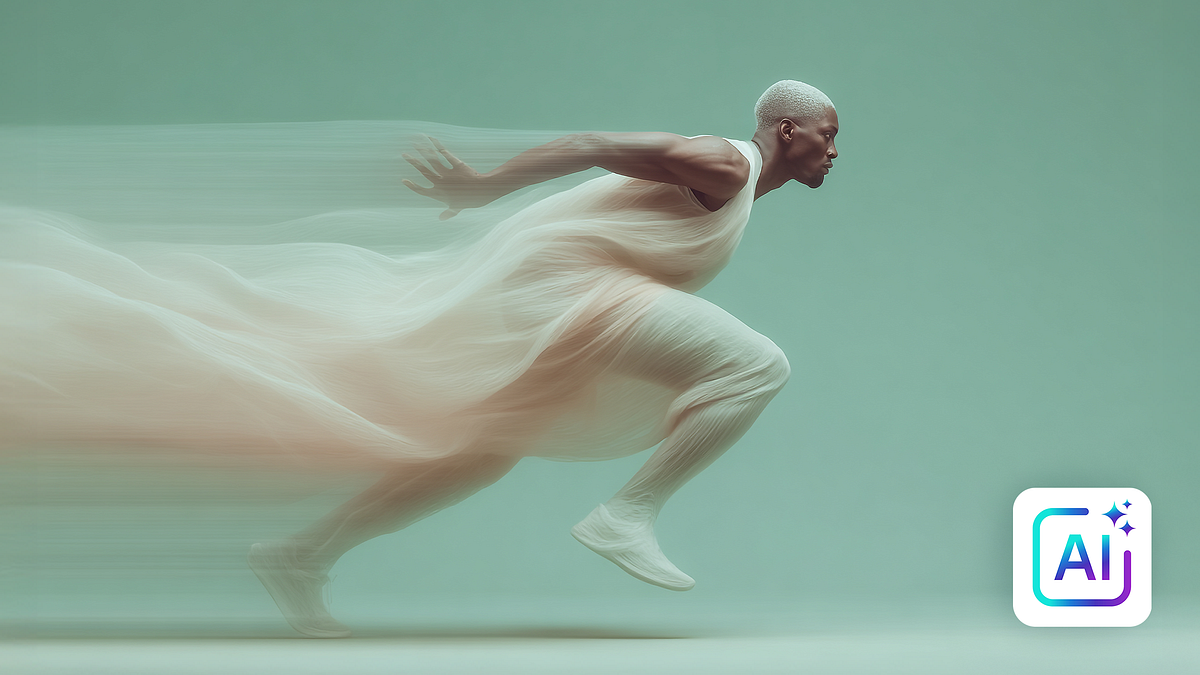
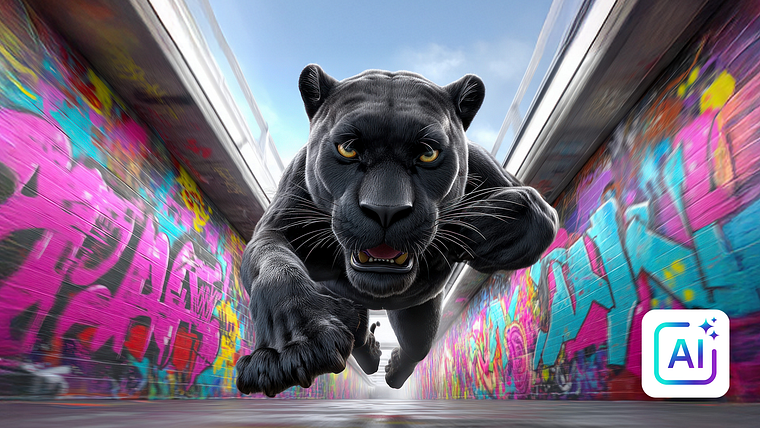
AI for Motion Designers: Getting Started with Generative Tools
A course by Luke Wilcoxson2D Motion Designer & Creative Director
A course by Luke Wilcoxson, 2D Motion Designer & Creative Director

Explore creative motion design with AI tools for asset creation, animation, and workflow enhancement without losing artistic control
Discover how to integrate AI into your motion design workflow with practical techniques for asset creation, frame-to-frame animation, and character animation. This course offers a hands-on approach to leveraging generative AI tools, allowing you to maintain your creative voice while enhancing efficiency. By understanding the capabilities and limitations of AI, you can confidently incorporate these tools into your projects, saving time and expanding creative possibilities.
Explore the potential of AI to streamline your creative process. Learn to animate small elements, create dynamic backgrounds, and experiment with various styles. Develop a mindset that embraces AI as a tool for storytelling and human connection, not a replacement. With insights from top motion designers and practical examples, this course empowers you to use AI as a creative partner, enriching your projects and keeping your work fresh and innovative.
What will you learn in this online course?
6 lessons & 2 downloads
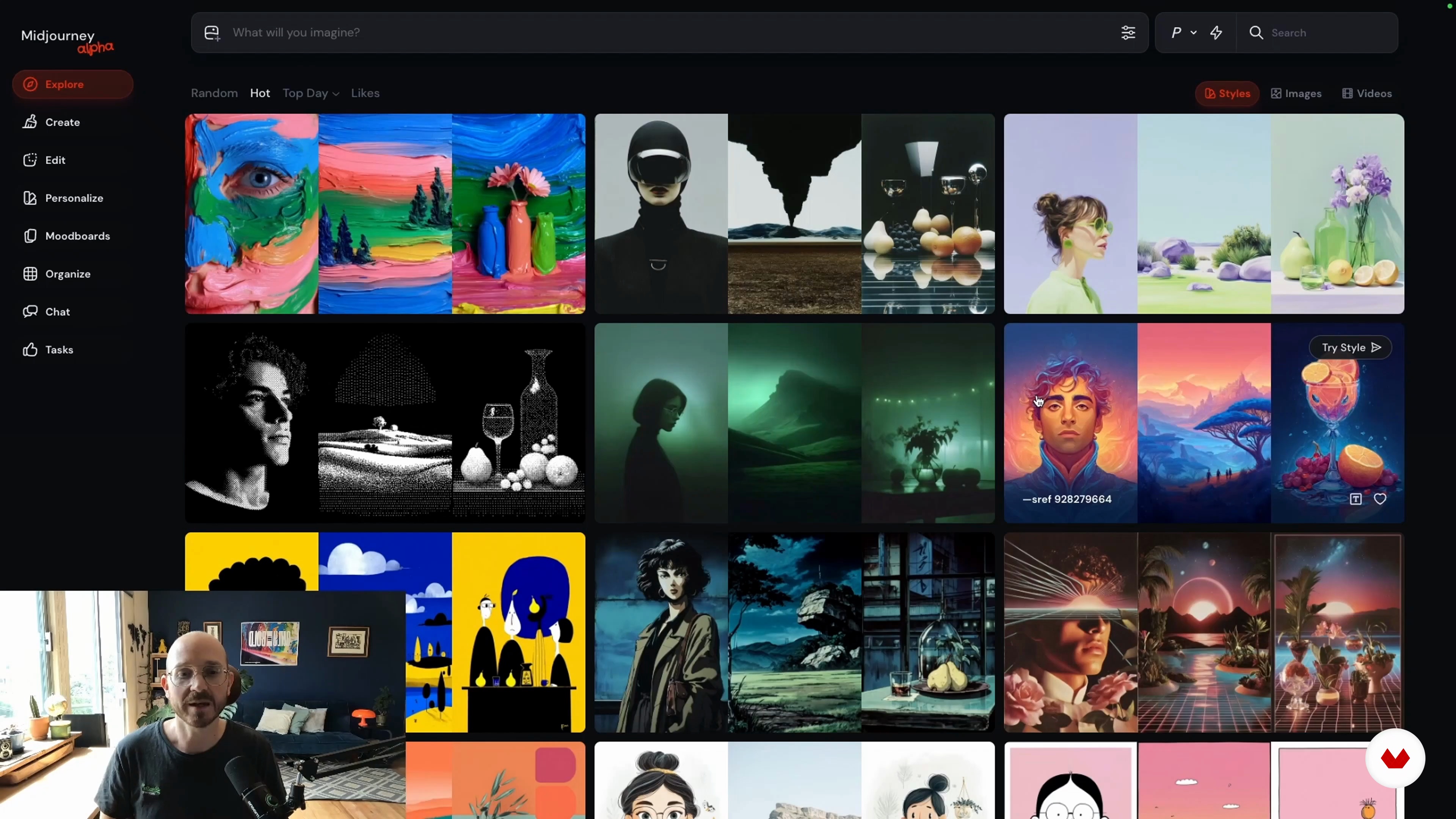
Asset Creation and Collage Animation with AI
13 minutes, 23 seconds
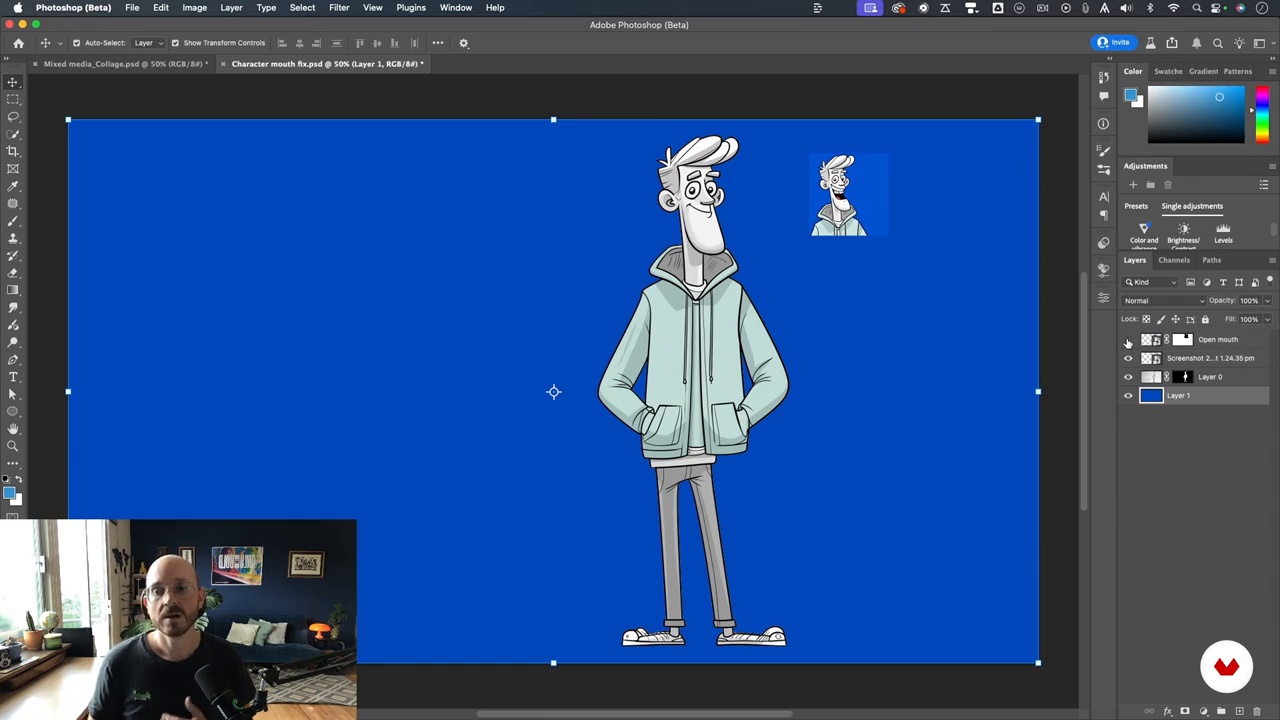
Animating Characters with AI: Lip Sync, Walk Cycles, and Beyond
14 minutes, 33 seconds
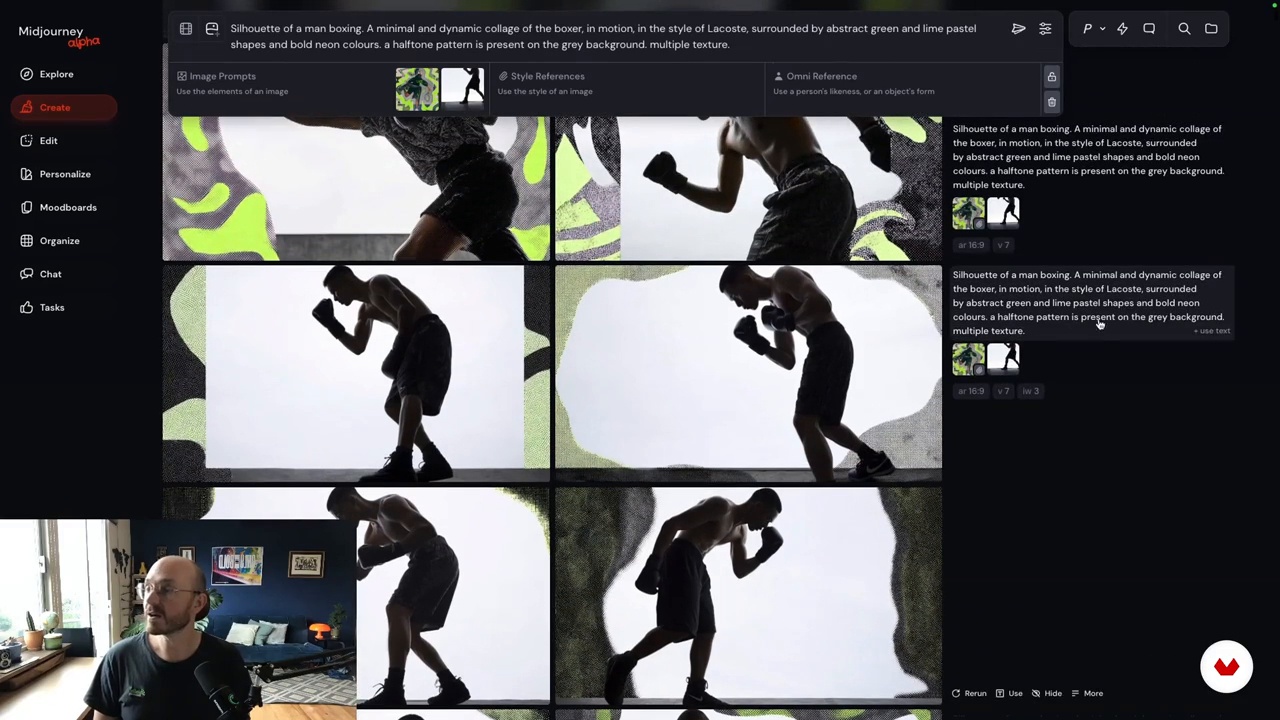
AI for Frame-by-Frame Stylization: Possibilities and Pitfalls
11 minutes, 54 seconds
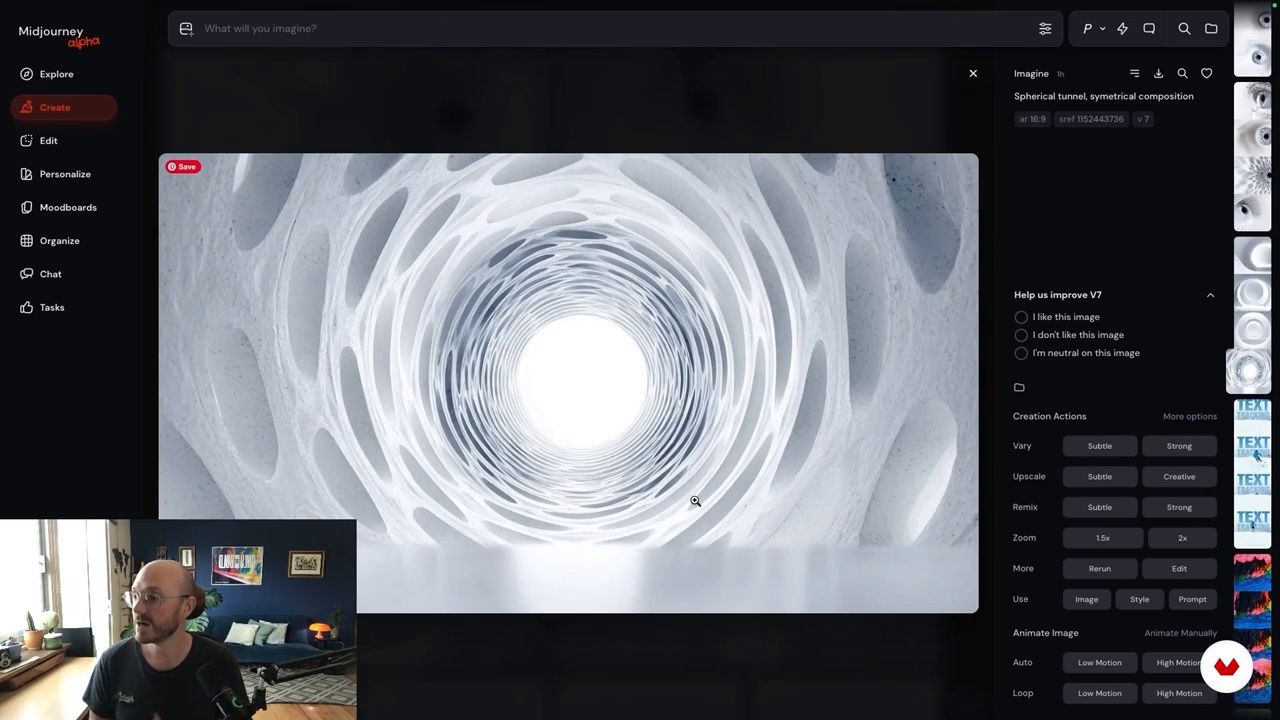
Animating Elements, Transitions, and Text with AI
19 minutes, 58 seconds
What's included in this course?
Unlock the potential of AI in motion design by discovering practical ways to integrate generative AI tools into your creative process. Delve into techniques for asset creation, frame-to-frame animation, and character animation, allowing you to enhance your workflow with efficiency and creativity. Explore methods to generate visually captivating elements, experiment with dynamic transitions, and learn how to animate characters without the need for complex rigging. Gain insights on how to produce stylistically consistent animations and effectively leverage AI to complement your storytelling and design skills.
Navigate the evolving landscape of AI with confidence by understanding its limitations and capabilities. Develop strategies to overcome common challenges and anxieties associated with AI adoption. Learn how to maintain your creative voice while embracing technology as a collaborative partner. By experimenting with diverse styles and techniques, you will discover how AI can save time and open up new artistic possibilities. Enhance your motion design projects by blending AI-generated elements with traditional methods, striking a balance that maximizes both innovation and personal artistic expression.
Recommended software & tools for this course
What is this course's project?
Students will explore practical ways to integrate AI tools into their motion design process, learn to create assets and animations, and experiment with character animations, all while discovering AI's potential and limitations to enhance creativity without replacing their unique voice.
Who is this online course for?
Motion designers, animators, and creatives eager to integrate AI into their workflow without losing their creative voice will find this course valuable. It suits those exploring AI's practical applications in asset creation, animation, and character design, enhancing creativity and efficiency.
Requirements and materials
Explore generative AI tools with ease. No extensive prior knowledge needed, just basic motion design skills. Access to AI software and motion design tools like After Effects or Photoshop will enhance your experience. Curiosity and creativity are your best companions.
Reviews
- 9 months ago
O curso superou minhas expectativas em termos de profundidade e relevância do conteúdo. As informações apresentadas sobre inteligência artificial são extremamente valiosas. Além disso, a abordagem voltada para motion designers foi muito pertinente e aplicada. Recomendo a todos que buscam aprimoramento nessas áreas. A qualidade e a abrangência do material didático são notáveis.
- 11 months ago
dil transferi çok başarılı değil...konuşma ve görüntü sürekli aksıyor ve bu da olumsuz anlamda konsantrasyonu etkiliyor...teknik alt yapısı ve anlatım dili zayıf...
- 11 months ago
Muy bien explicado y con buenos ejemplos, recomendado al 100

As the founder and creative director of Only The Bold, Luke leads a team dedicated to video strategies that drive behavioral change and social impact. He also founded Motion Design Mexico, a community initiative that connects designers and animators through talks, events, and creative exchange within the Latin American motion design scene.
Content
AI for Motion Designers: Getting Started with Generative Tools
- Getting Started with AI in Motion Design
- AI, Anxiety, and the Creative Mindset
- Asset Creation and Collage Animation with AI
- Animating Characters with AI: Lip Sync, Walk Cycles, and Beyond
- AI for Frame-by-Frame Stylization: Possibilities and Pitfalls
- Animating Elements, Transitions, and Text with AI
- Final project
What to expect from a Domestika course
Learn at your own pace
Enjoy learning from home without a set schedule and with an easy-to-follow method. You set your own pace.
Learn from the best professionals
Learn valuable methods and techniques explained by top experts in the creative sector.
Meet expert teachers
Each expert teaches what they do best, with clear guidelines, true passion, and professional insight in every lesson.
Certificates
PLUSIf you're a Plus member, get a custom certificate signed by your teacher for every course. Share it on your portfolio, social media, or wherever you like.
Get front-row seats
Videos of the highest quality, so you don't miss a single detail. With unlimited access, you can watch them as many times as you need to perfect your technique.
Share knowledge and ideas
Ask questions, request feedback, or offer solutions. Share your learning experience with other students in the community who are as passionate about creativity as you are.
Connect with a global creative community
The community is home to millions of people from around the world who are curious and passionate about exploring and expressing their creativity.
Watch professionally produced courses
Domestika curates its teacher roster and produces every course in-house to ensure a high-quality online learning experience.
FAQs
You’ll learn how to use generative AI tools for asset creation, animation, and motion design, including character animation, frame-by-frame workflows, and integrating AI into creative processes. The course also covers optimizing creativity, managing anxiety, and balancing automation with creative control.
This course is designed for intermediate learners—some experience in motion design or animation is recommended, but prior knowledge of AI tools is not required. The course guides you through AI basics and advanced creative workflows.
You’ll need access to tools like Midjourney, Photoshop, After Effects, and AI animation platforms such as Veo, Gemini, Stable Diffusion, or Comfy UI. A computer capable of running these applications is also recommended.
AI tools can generate character assets, automate walk cycles, lip sync, and apply style transfers to animations. The course teaches you to use platforms like Midjourney and Veo for character design and AI-driven animation workflows.
Yes, you’ll learn to generate mood boards, create collage elements, and apply style codes and graphic styles to images and videos with AI tools. The course emphasizes layering, masking, and integrating AI assets in your motion projects.
You’ll be able to integrate AI into motion design workflows, create and animate assets efficiently, troubleshoot AI-generated artifacts, and optimize creative performance. You’ll also gain strategies for managing anxiety and adapting to new creative technologies.
Yes, you’ll learn to identify and correct common artifacts in AI-generated animations, maintain stylistic consistency, and refine outputs using manual editing techniques in tools like Photoshop and After Effects.