3D Scene Blockout with Artificial Intelligence
A course by David GarridoLead Artist, Consultant and Trainer in Artificial Intelligence
A course by David Garrido, Lead Artist, Consultant and Trainer in Artificial Intelligence

3D blockout with AI for level design using Scenario Gemini Unity to generate models textures realistic scenes fast
Learn how to build fast 3D blockouts for video games and visualization using artificial intelligence tools. In this course, you will generate 3D assets, textures and materials with Scenario, Gemini and Unity to design complete environments from simple references.
You will start from real-world images, such as Google Street View captures, and turn them into 3D models ready for level design. You will discover workflows for text to 3D, image to 3D, and texture generation, as well as how to create consistent variations to expand your asset library without extra modeling time.
Finally, you will import everything into Unity to assemble a coherent scene, control scale, lighting and composition, and extract renders you can refine with AI. This practical method helps you iterate rapidly on environment design, prototype ideas, and speed up early stages of any 3D project.
What will you learn in this online course?
7 lessons & 6 downloads
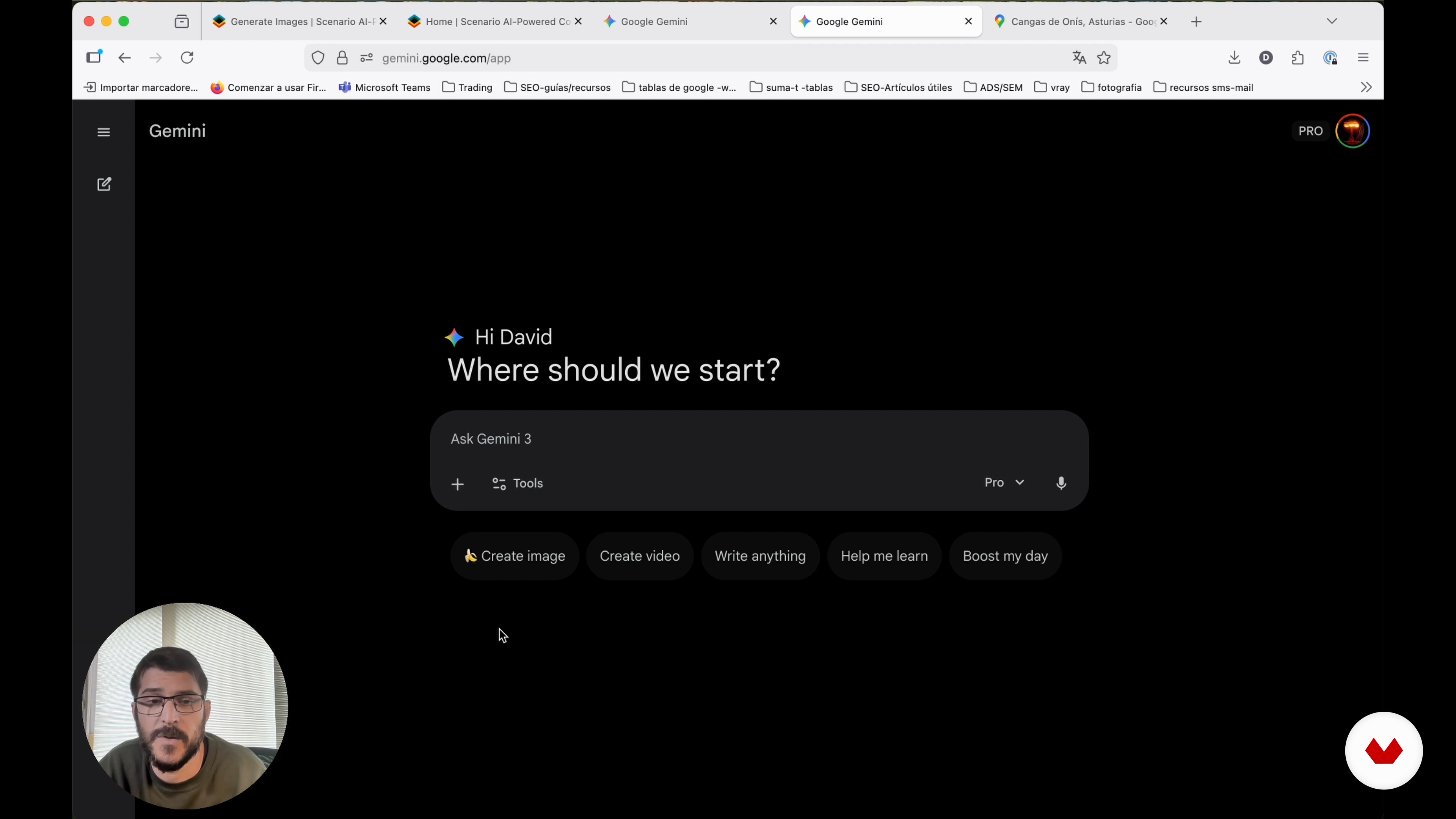
Generating the 3D Assets for Our Scene
11 minutes, 34 seconds
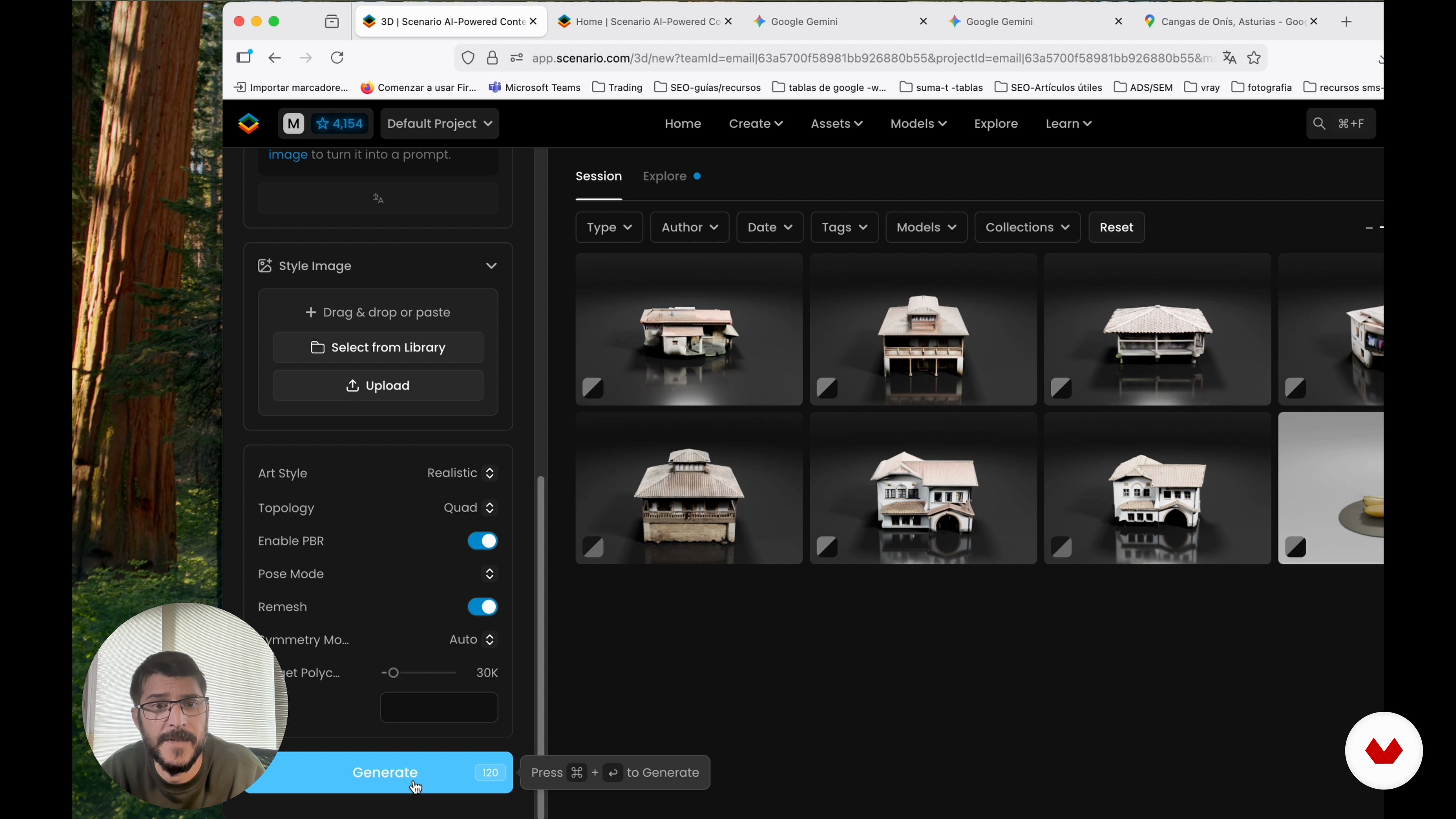
Creating Variations of Our Models
16 minutes, 26 seconds
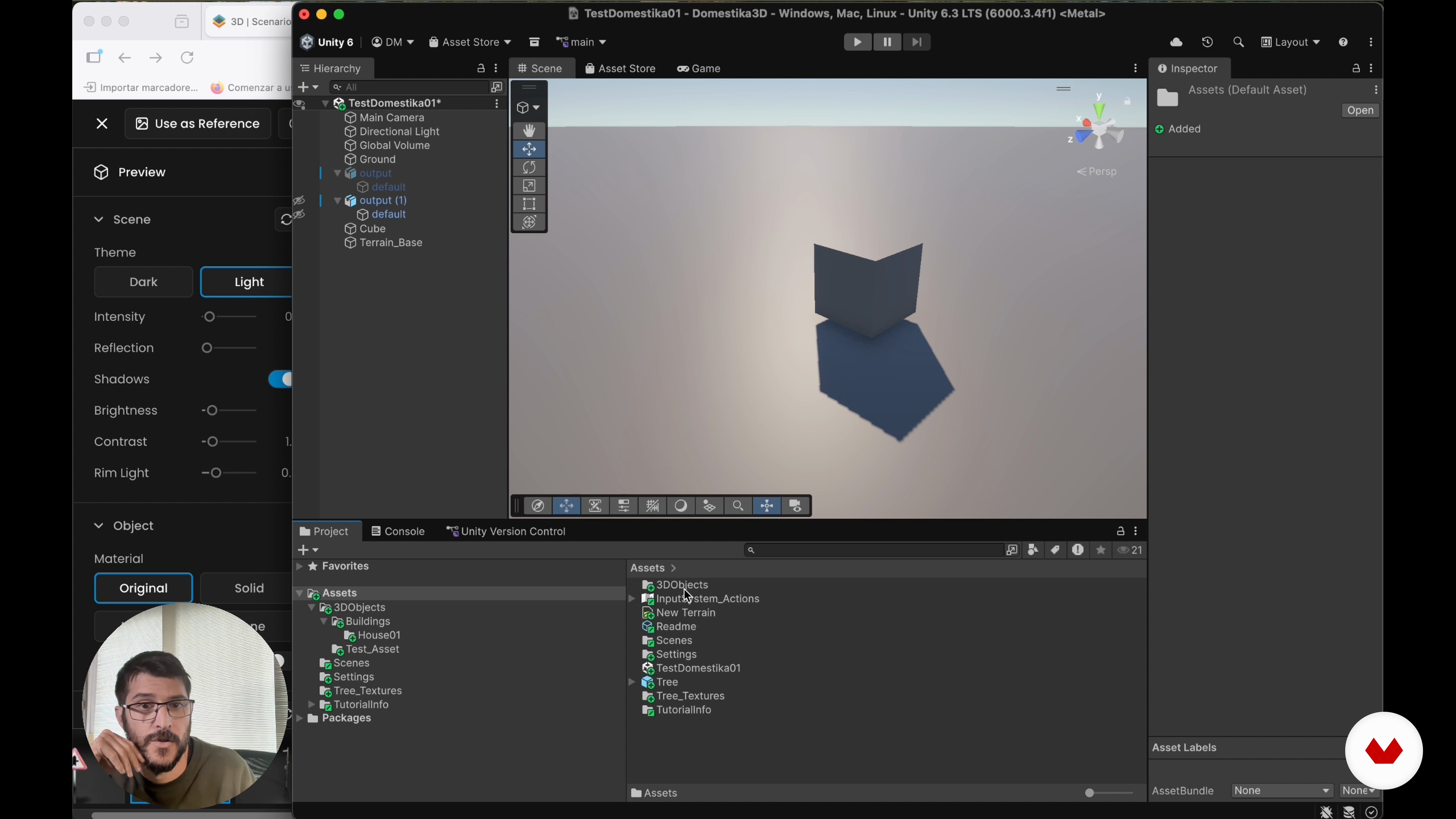
Introduction to Unity to Create the Blockout
15 minutes, 31 seconds
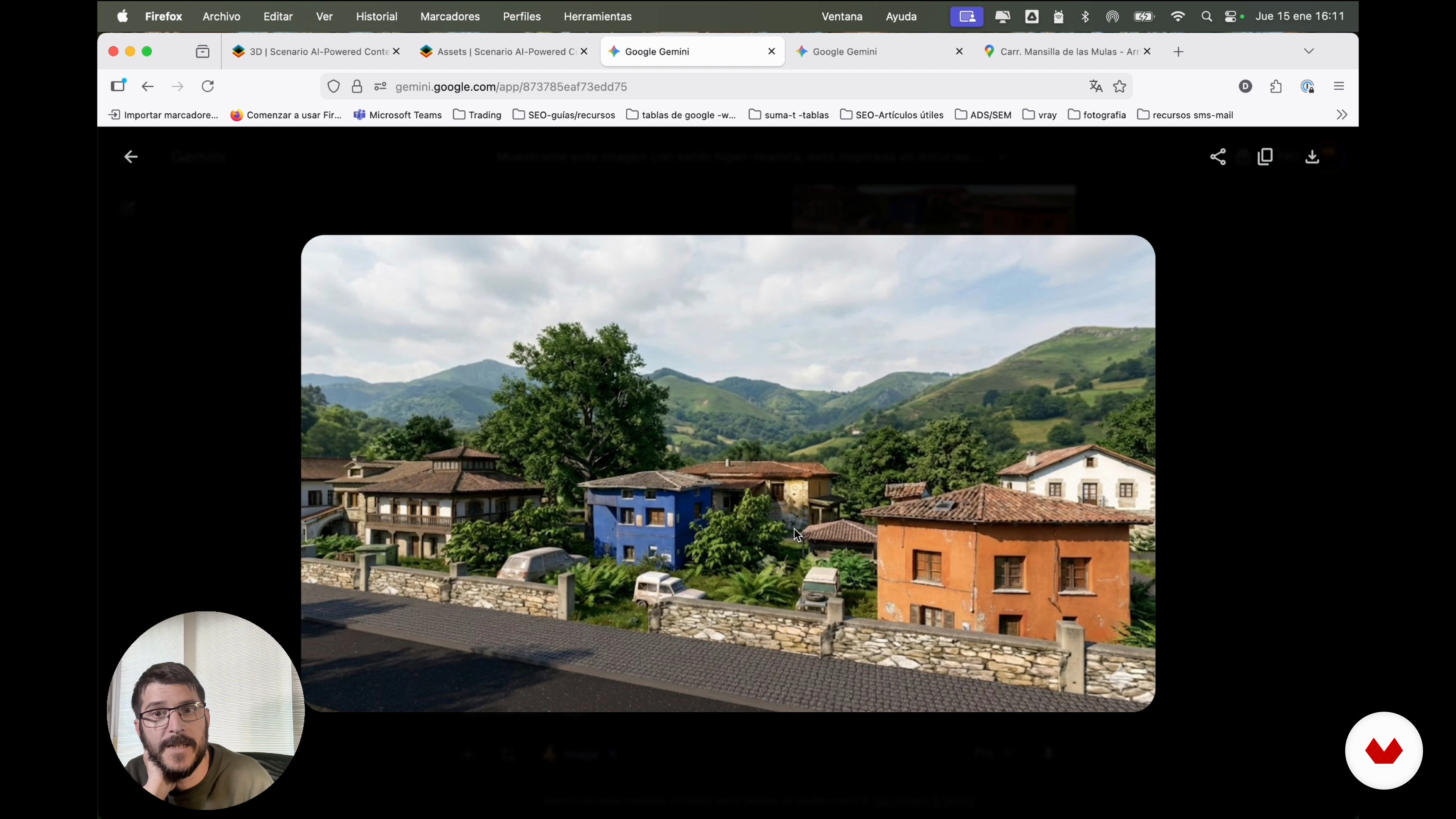
Final Design and Next Steps
7 minutes, 44 seconds
What's included in this course?
Learn how to block out 3D scenes with AI support for faster, more flexible workflows. Understand how to take real-world references, turn them into 3D assets, and organize them into a coherent environment. Explore Scenario and Gemini to generate models, textures, and materials, gaining criteria to choose models, set parameters, and optimize meshes for quick iteration.
Practice importing and structuring all assets inside Unity, from creating a clean project to scaling, naming, and organizing objects. Compose a complete scene based on a real Spanish village, arrange buildings, vegetation, props, and vehicles, then capture views for hyperrealistic renders driven by AI. Finish with a clear pipeline that speeds up level design, prototyping, and visual exploration for future 3D projects.
Recommended software & tools for this course
Who is this online course for?
3D artists, level designers, game or visualization professionals, creative or technical profiles seeking faster scene blockouts through AI, curious creators exploring AI for models, textures and materials, users with basic 3D knowledge wanting a more agile workflow.
Requirements and materials
No extensive prior knowledge required; basic understanding of 3D environments, scenes and assets helps. Curiosity about AI tools for 3D, minimum experience installing software, stable internet connection, computer capable of running Scenario, Gemini and Unity recommended.
Reviews
- 6 months ago
Excelente flujo de trabajo y tips para poder generar previews más rapidos o como menciona el título blockouts de escenas. Aún no he terminado el curso, pero lo visto hasta ahora me a abierto un mundo de posibilidades para agilizar la muestra de varios escenarios.

Content
3D Scene Blockout with Artificial Intelligence
- Presentation and Key Concepts
- Introduction to 3D Model Creation with AI
- Generating the 3D Assets for Our Scene
- Creating Variations of Our Models
- Introduction to Unity to Create the Blockout
- Scene Composition in Unity
- Final Design and Next Steps
- Final project
What to expect from a Domestika course
Learn at your own pace
Enjoy learning from home without a set schedule and with an easy-to-follow method. You set your own pace.
Learn from the best professionals
Learn valuable methods and techniques explained by top experts in the creative sector.
Meet expert teachers
Each expert teaches what they do best, with clear guidelines, true passion, and professional insight in every lesson.
Certificates
PLUSIf you're a Plus member, get a custom certificate signed by your teacher for every course. Share it on your portfolio, social media, or wherever you like.
Get front-row seats
Videos of the highest quality, so you don't miss a single detail. With unlimited access, you can watch them as many times as you need to perfect your technique.
Share knowledge and ideas
Ask questions, request feedback, or offer solutions. Share your learning experience with other students in the community who are as passionate about creativity as you are.
Connect with a global creative community
The community is home to millions of people from around the world who are curious and passionate about exploring and expressing their creativity.
Watch professionally produced courses
Domestika curates its teacher roster and produces every course in-house to ensure a high-quality online learning experience.
FAQs
You’ll learn how to quickly create and optimize 3D scenes using AI, integrating tools like Scenario and Gemini, generating and editing assets, textures, and models ready to use in engines like Unity.
The course is designed for those with intermediate knowledge of 3D design or Unity, but no advanced AI experience is required. It’s perfect if you have basic modeling skills and want to streamline your workflow.
You’ll need access to Unity, Scenario, Gemini, Photoshop (or another image editor), and an internet connection to use AI platforms and online resources. A computer capable of handling 3D graphics is recommended.
Rapid prototyping and blockout let you build simplified versions of scenes and levels using basic shapes to define composition and scale before adding details. This speeds up idea validation and iteration in 3D environments.
Yes, Scenario allows you to automatically generate 3D models from reference images or written descriptions (text to 3D), making it easy to quickly create custom AI assets.
Models are exported in compatible formats (like OBJ), imported into Unity, and organized into folders. You can adjust scale, materials, and positioning to fit them perfectly into your scenes or levels.
AI speeds up asset creation, automates repetitive tasks, and lets you quickly generate variations, saving time and making iteration easier in 3D scene and level design.