
Filming for Beginners
A course by Yeray Martín PerdomoDirector of photography
A course by Yeray Martín Perdomo, Director of photography

Learn video techniques and create professional-grade projects using DaVinci Resolve
The way you film something directly impacts your story, conditioning the way it's told. Yeray Perdomo, director of photography with an extensive career in advertising, TV, and documentary film production, is passionate about telling stories that few people have heard, and about finding the right angle for them, both literally and figuratively. One of Yeray's recent and most distinguished collaborations was the documentary Manolo Sanlúcar, el legado, which was nominated in eight categories at the 2020 Goya Awards.
In this online course, Yeray teaches you the fundamentals of filmmaking and video techniques to capture breathtaking footage. He also shows you how to use the editing and color correction software DaVinci Resolve to give your videos a professional look.
What will you learn in this online course?
20 lessons & 18 downloads
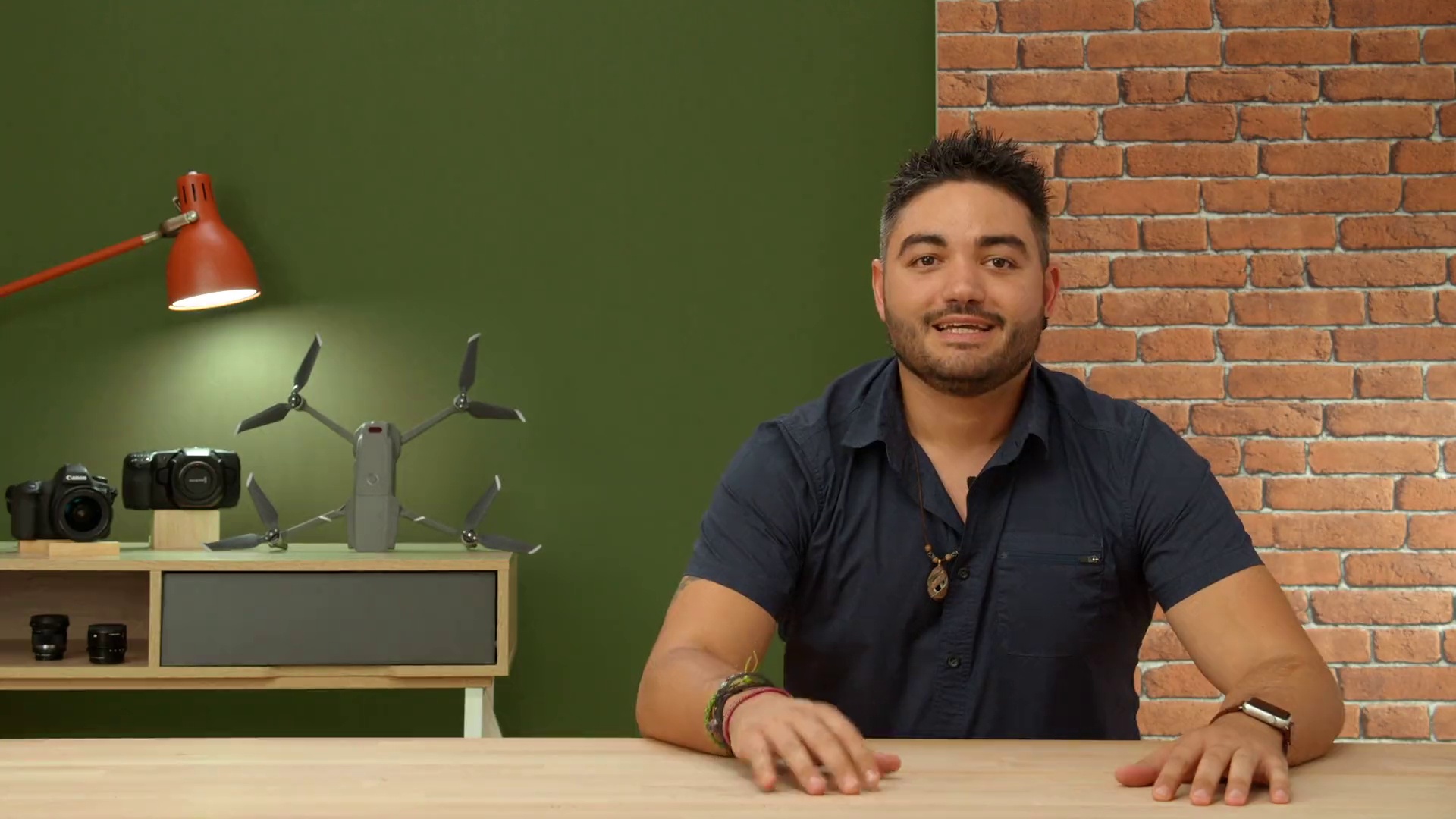
What will we do in the course
2 minutes, 2 seconds
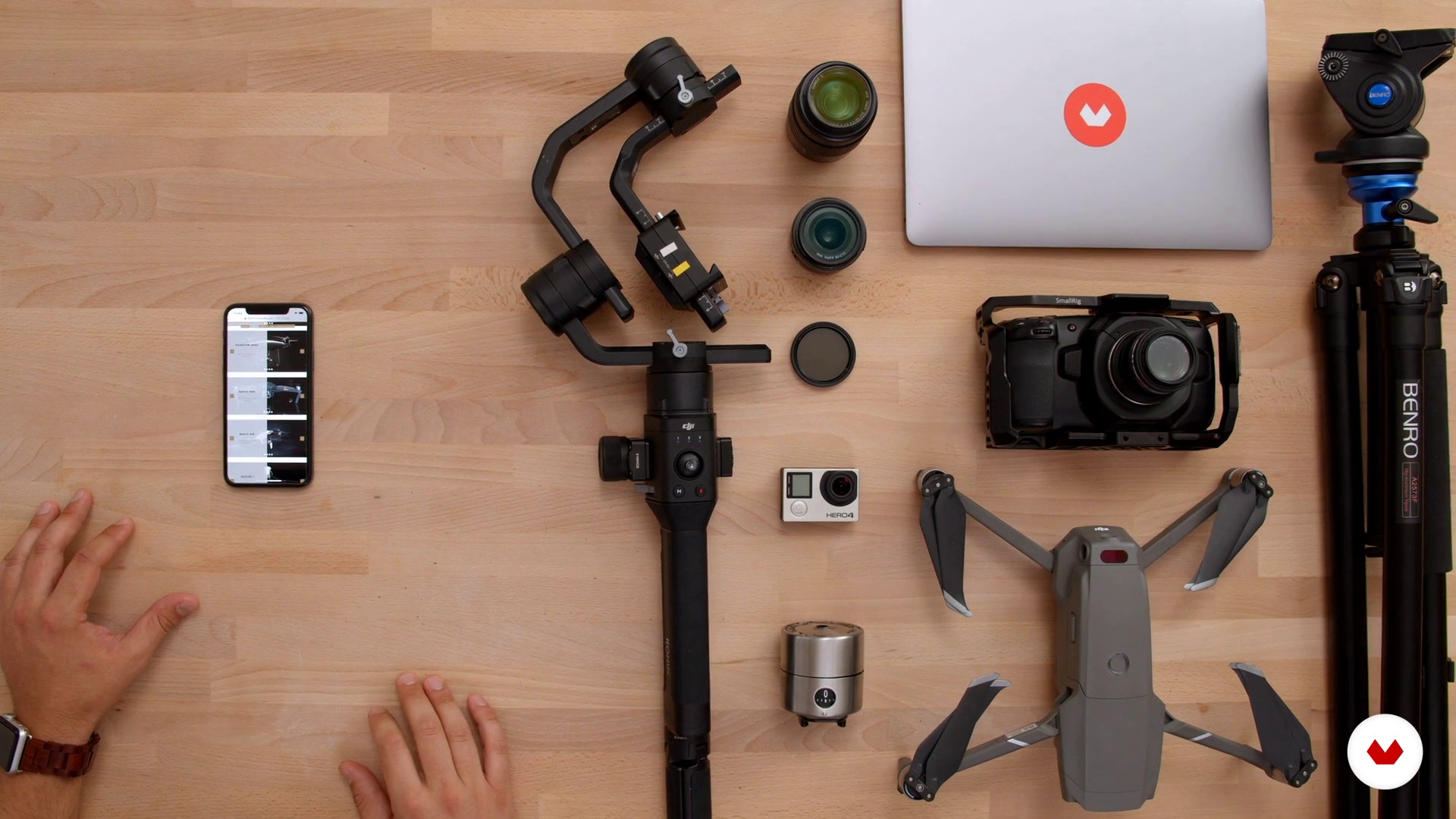
materials
4 minutes, 9 seconds
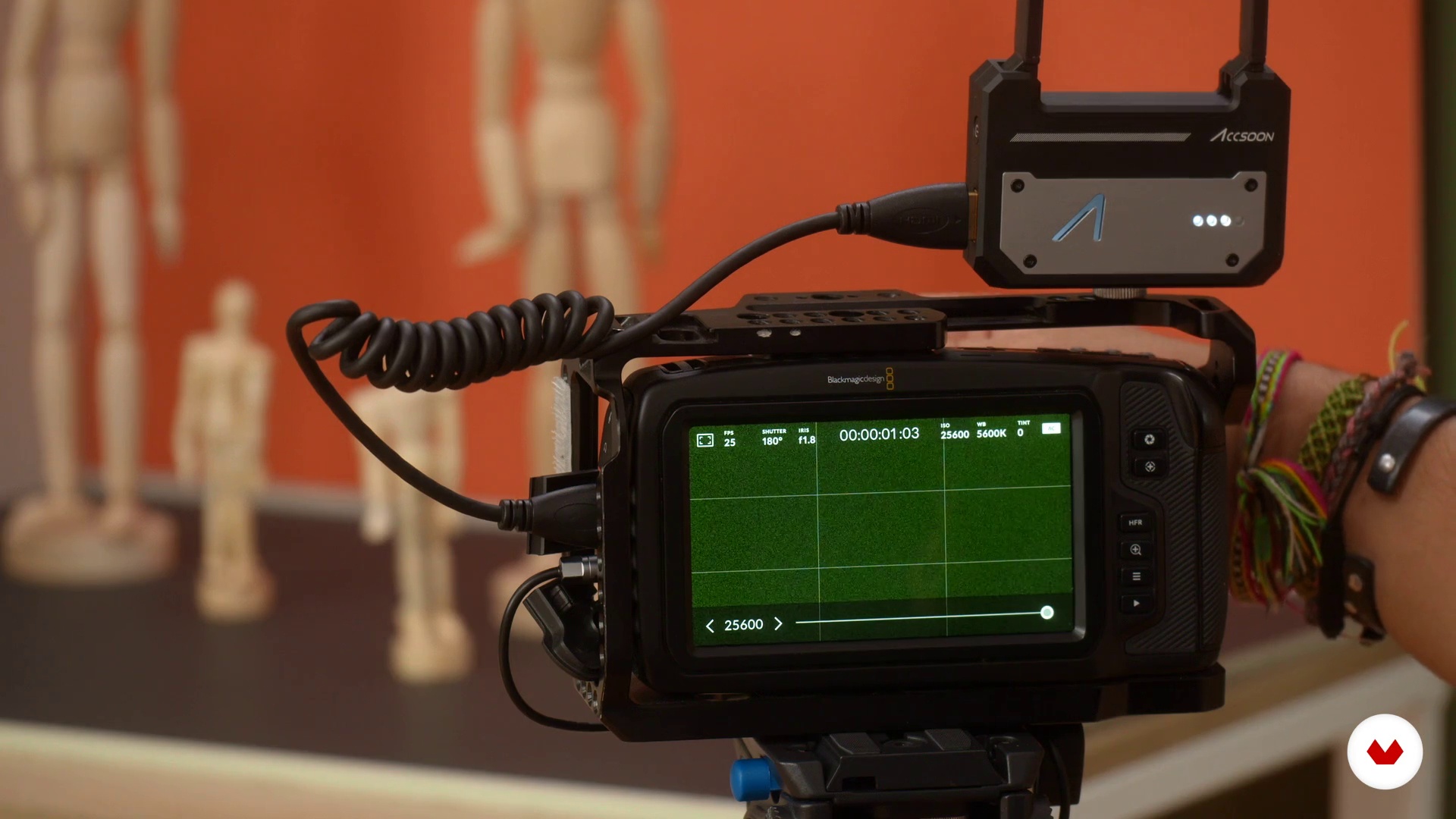
Basic video theory: camera body
14 minutes, 22 seconds
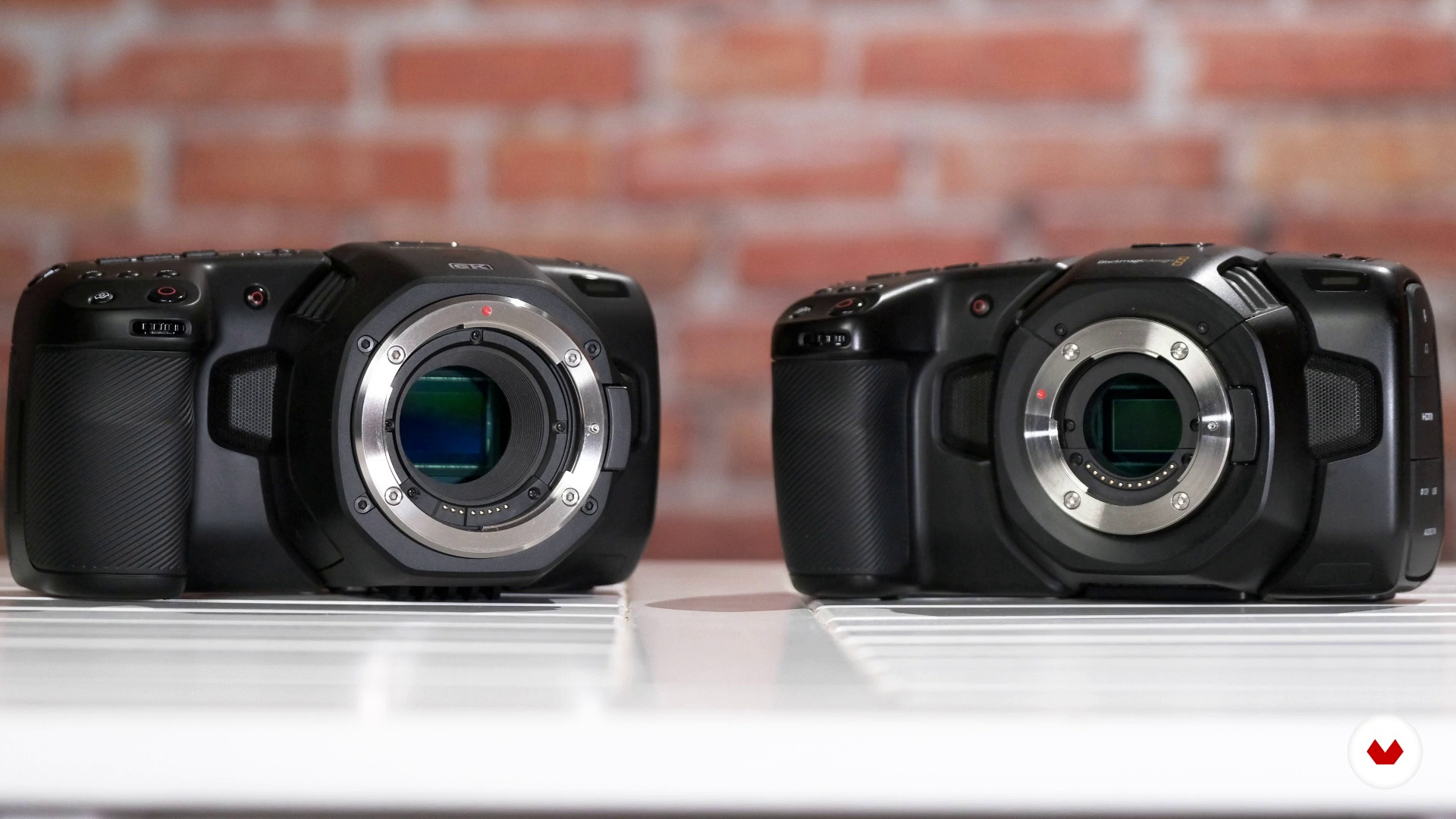
Basic video theory: lens and focus
11 minutes, 8 seconds
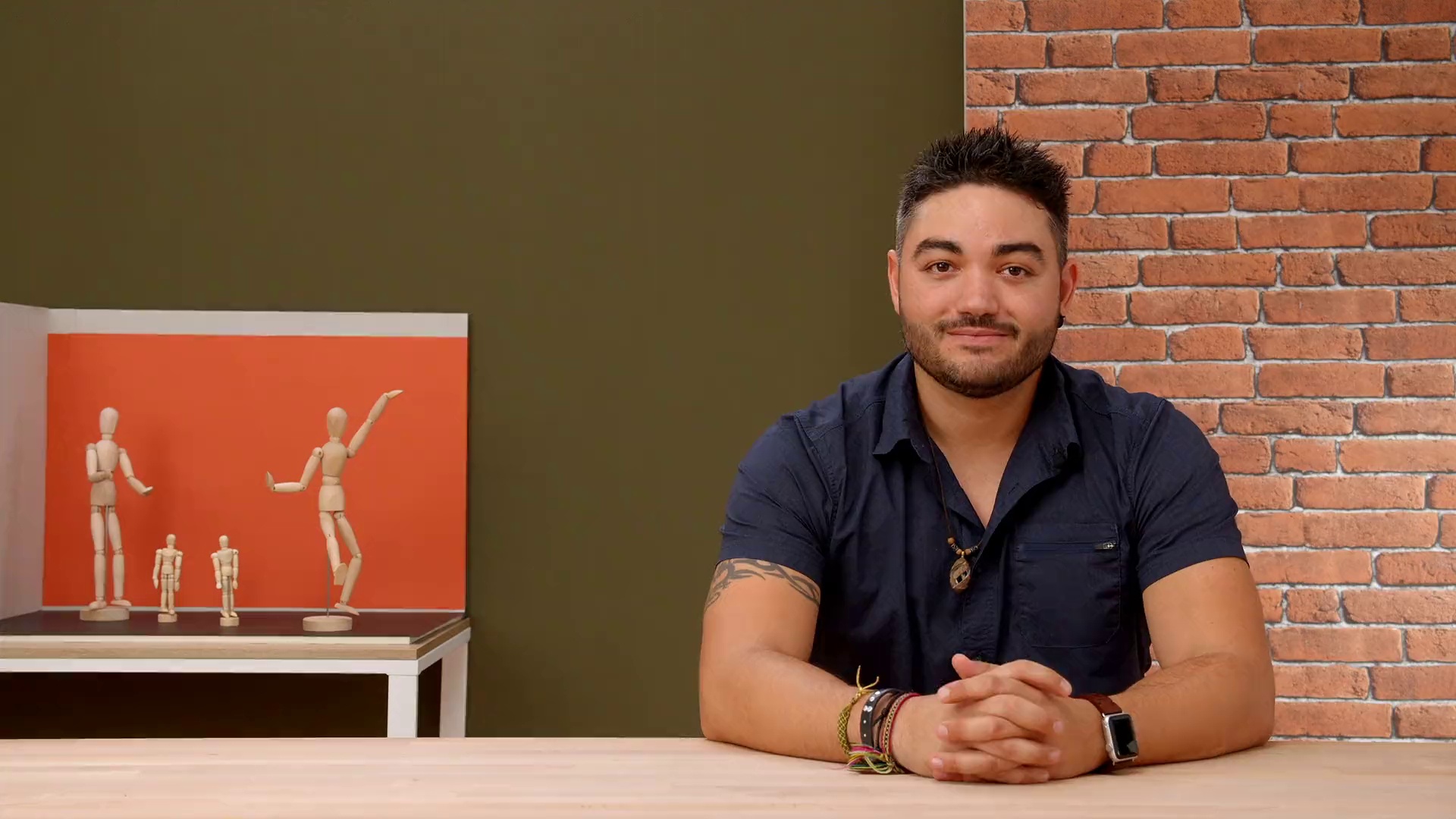
Audiovisual language
7 minutes, 14 seconds
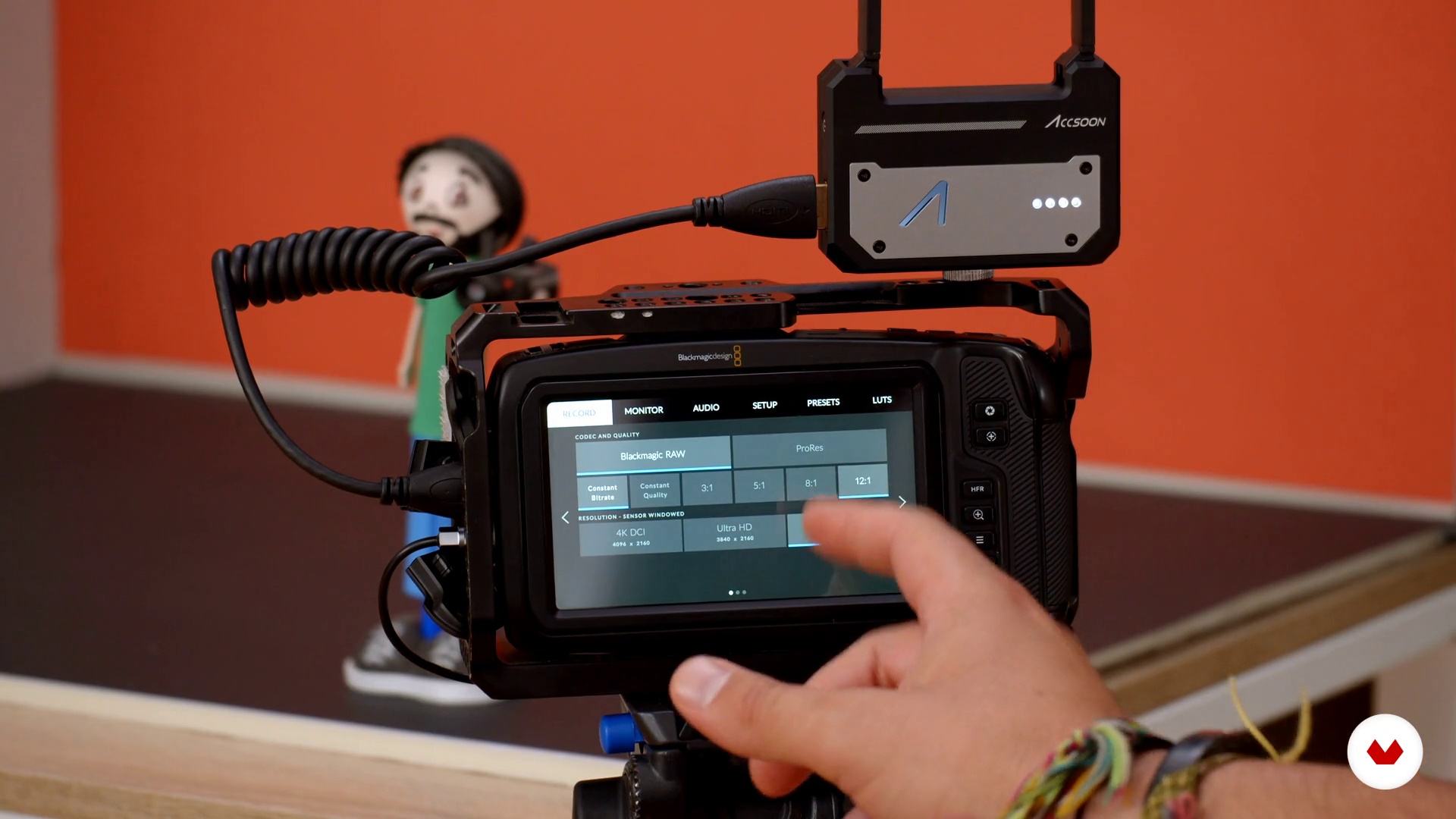
Formats and color
8 minutes, 6 seconds
What's included in this course?
Meet Yeray Perdomo, director of photography, documentary producer, and your teacher for the course. He tells you about his professional career, his passion for drones, and the aerial camera work he's done for advertising, TV, and film, along with his biggest influences.
Begin with an overview of the equipment you need and dive into the basic concepts of video, such as film quality and light control.
Yeray gives you a detailed explanation of lens types, how they differ, and the way camera sensors affect them, while also touching on filters and focus.
Then, discover common types of framing and shots before looking at camera angles and movements.
Yeray continues by talking about image formats and color, including white balance, tone curves, and LUTs. He also introduces you to some versatile filming techniques to enhance your work, such as slow motion, time-lapse, and hyperlapse.
Once you've got a solid understanding of the theory, it's time to think about your project. Start by deciding what, when, where, and how you are going to shoot, then prepare your gear, organize the material, and create a short list of shots—the essential prep work for any filmmaker.
Now grab your camera and hit record! Yeray guides you through the indoor filming process with a DSLR camera, demonstrating how to do a time-lapse and a hyperlapse, as well as a few special techniques, such as the traveling shot.
Wrap up the course with the post-production phase. Learn how to edit and color correct your footage in DaVinci Resolve to create a one-minute clip with a professional look and see how to export it to multiple formats.
Recommended software & tools for this course
What is this course's project?
Make a one-minute music video using the filming techniques learned throughout the course.
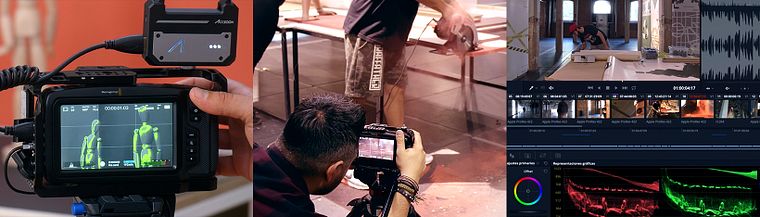
Projects by course students


Who is this online course for?
Anyone interested in the world of film and video who wants to learn the essential tools and techniques.
Requirements and materials
The only materials you need are a camera for filming, ideally a DSLR, although you can also use your smartphone, and a computer with DaVinci Resolve (you can download a free version from the company website).
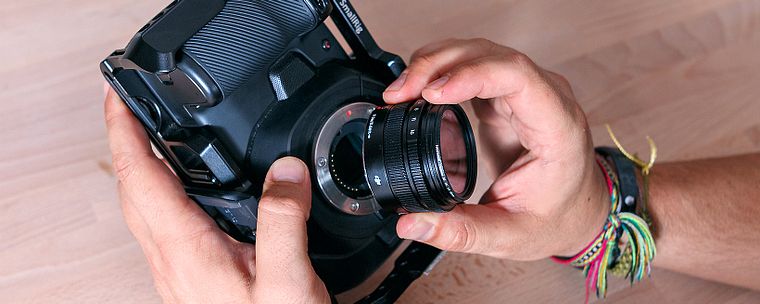
Reviews
- 4 months ago
Voy comenzando pero la información me ha sido muy útil. Lo recomiendo
- simonali170PLUS5 months ago
muy bueno
- 5 months ago
es buen curso, realmente si no sabes nada, técnicamente con este curso sales ya para iniciar sin miedo y con las herramientas que tengas incluso editando con Davinci Resolve que es gratis algún proyecto con buena calidad
- pcaroPLUS7 months ago
Me encantó el curso, es claro y fácil de seguir. Me ha dado inspiración y conceptos a tomar en cuenta en mis próximos proyectos.
- 10 months ago
Curso muito apelativo para quem quer aprender e colocar em prática as técnicas de vídeo e uso do Davince Resolve. Recomendo a 100% o curso. Muito bom!

Recently, he has participated in the documentary Manolo Sanlúcar, the legacy, nominated for eight nominations for the Goya 2020 Awards.
Content
- U1
Introduction
- Presentation
- Influences
- What will we do in the course
- U2
Preparation
- materials
- Basic video theory: camera body
- Basic video theory: lens and focus
- Audiovisual language
- Formats and color
- Filming techniques
- U3
Execution
- Filming Preparation
- DSLR filming
- Time lapse and Hyperlapse technique
- Special techniques for creative plans
- U4
Assembly and color
- Organization of the material
- Edition in Davinci 1
- Edition in Davinci 2
- Color with Davinci 1
- Color with Davinci 2
- Color with Davinci 3
- Outputs and formats
- FP
Final project
- Filming for beginners
What to expect from a Domestika course
Learn at your own pace
Enjoy learning from home without a set schedule and with an easy-to-follow method. You set your own pace.
Learn from the best professionals
Learn valuable methods and techniques explained by top experts in the creative sector.
Meet expert teachers
Each expert teaches what they do best, with clear guidelines, true passion, and professional insight in every lesson.
Certificates
PLUSIf you're a Plus member, get a custom certificate signed by your teacher for every course. Share it on your portfolio, social media, or wherever you like.
Get front-row seats
Videos of the highest quality, so you don't miss a single detail. With unlimited access, you can watch them as many times as you need to perfect your technique.
Share knowledge and ideas
Ask questions, request feedback, or offer solutions. Share your learning experience with other students in the community who are as passionate about creativity as you are.
Connect with a global creative community
The community is home to millions of people from around the world who are curious and passionate about exploring and expressing their creativity.
Watch professionally produced courses
Domestika curates its teacher roster and produces every course in-house to ensure a high-quality online learning experience.
FAQs
You’ll learn filming techniques, drone operation, camera handling, editing in DaVinci Resolve, shot composition, lighting control, lens types, and crafting visual narratives for documentaries, corporate videos, and music videos.
This is an intermediate-level course, perfect for those who already have basic filming and editing skills but want to refine their technique and explore new audiovisual tools.
You can follow the course using a professional camera, DSLR, or even a high-end smartphone. It’s recommended to have access to editing software like DaVinci Resolve and some basic accessories like a tripod and filters.
What you learn applies to documentaries, corporate videos, commercials, audiovisual reports, music videos, and any production requiring professional cinematography and editing.
You’ll learn techniques like timelapse, slow motion, long takes, composition, drone use, music editing, color correction, stabilization, LUTs, and adjustments in DaVinci Resolve.
Yes, the course covers filming with Blackmagic cameras, GoPros, drones, and smartphones, explaining the technical differences and uses of each.
You’ll be able to plan, shoot, and edit professional-quality audiovisual pieces, master advanced cinematography techniques, and use editing and color correction tools.