AI for Interior Design: From Concept to Workflow
A course by Mohamed AbdellatifArchitect, Urban Designer and Writer
A course by Mohamed Abdellatif, Architect, Urban Designer and Writer

Integrate AI to enhance interior design workflow, create visuals, models, animations, and optimize design concepts efficiently
Unlock the potential of AI in interior design by learning to integrate advanced tools into your workflow. Discover how to quickly generate innovative design ideas, transforming them into concept visuals, mood boards, 3D models, and animations. Gain insights into writing effective prompts to achieve optimal outcomes and learn to compare and refine results effectively. Set realistic expectations to harness AI's power without overestimating or underestimating its capabilities.
Develop a practical AI-driven pipeline that complements your creative vision and leadership, enhancing efficiency in design processes. Explore AI's strengths in concept generation while understanding its current limitations, such as construction drawings or solving plans. Follow a structured workflow, from defining project briefs to delivering polished mood boards and draft drawings. Experiment with tools like ChatGPT and MidJourney to create compelling visual concepts, and use NanoBanana for refining and editing. Dive into practical applications that elevate your design projects, making AI a valuable partner in your creative journey.
What will you learn in this online course?
6 lessons & 2 downloads
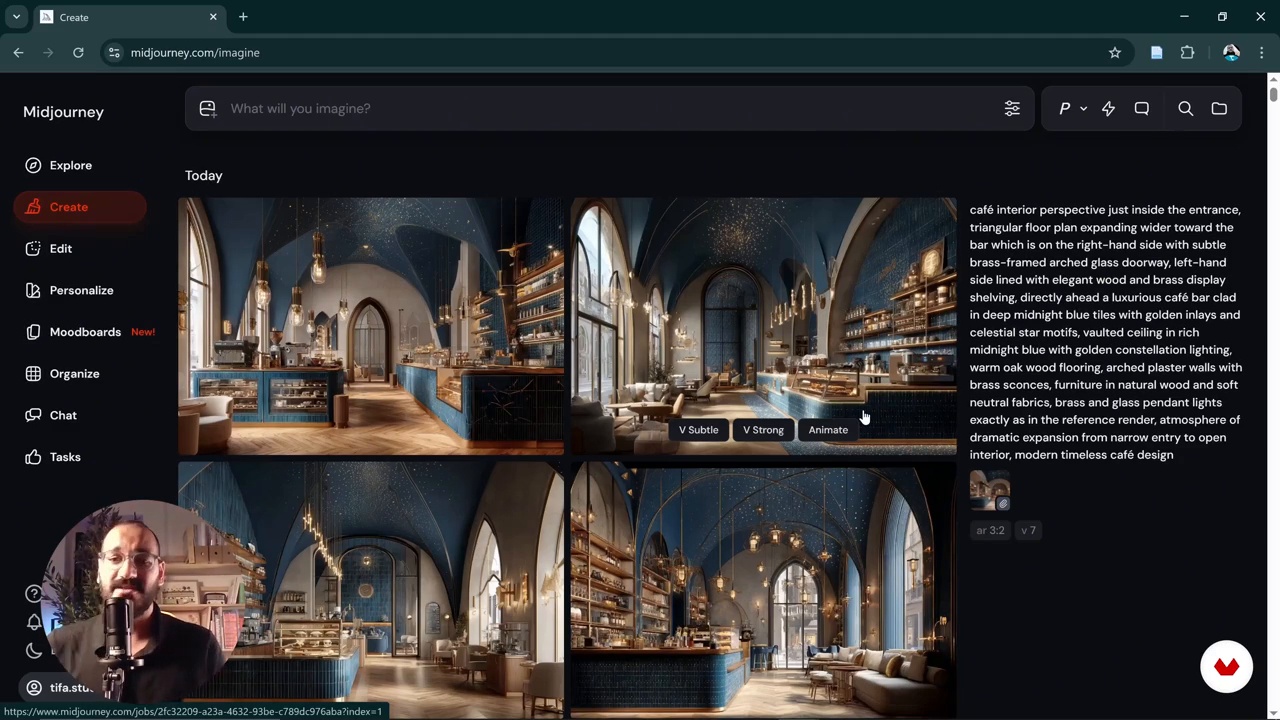
Style Referencing and Visual Refinement with AI
4 minutes, 11 seconds
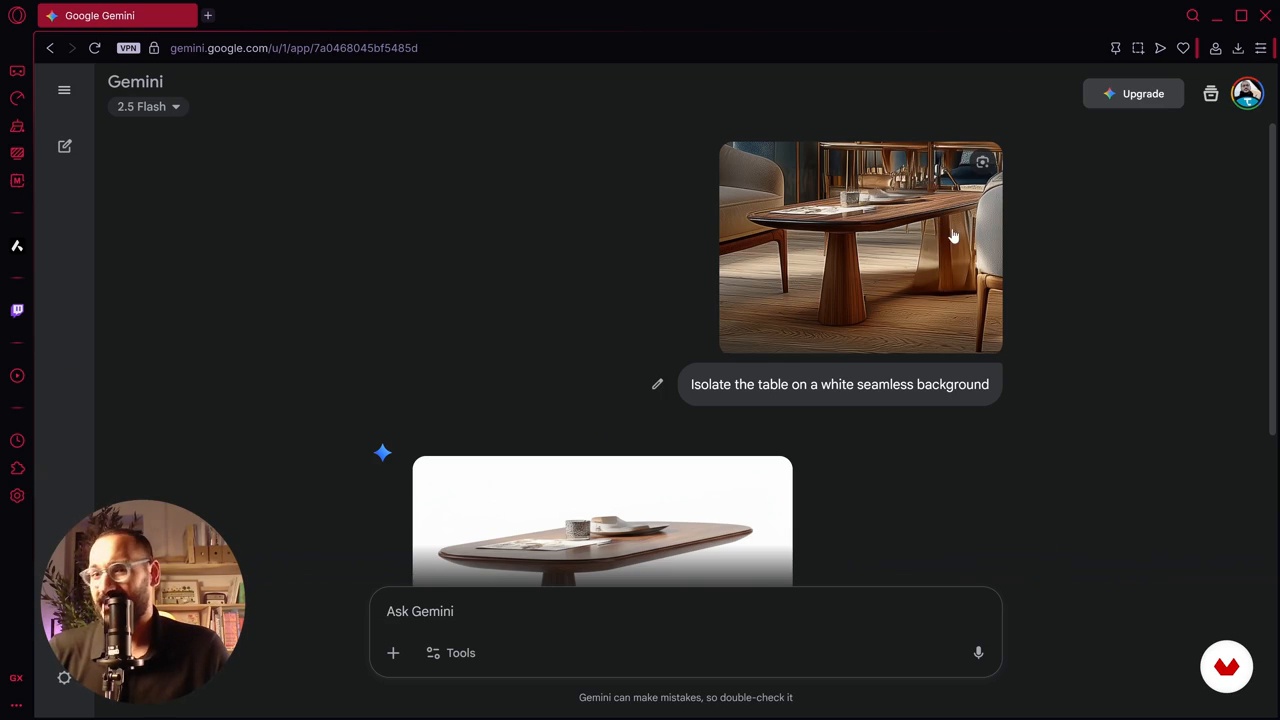
Advanced Editing and Modeling with Nano Banana
10 minutes, 41 seconds
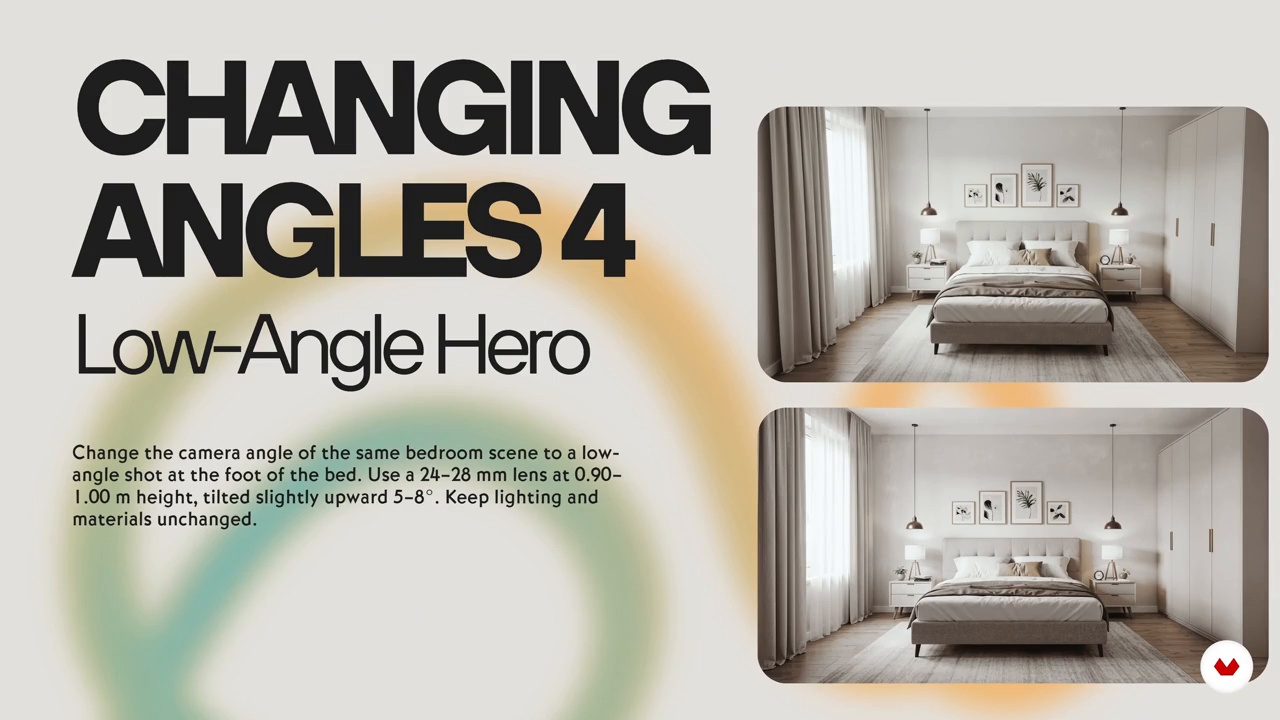
Exploring AI Applications for Interior Design
4 minutes, 11 seconds
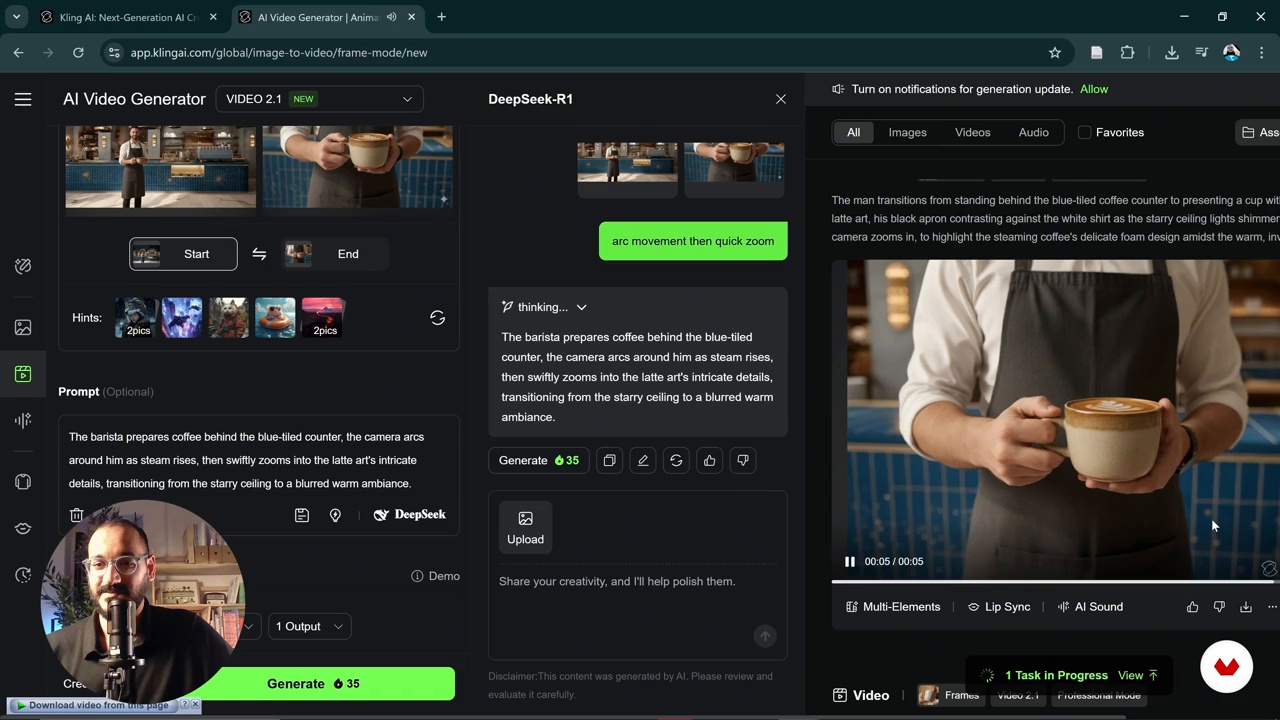
Creating Cinematic Animations with AI
6 minutes, 7 seconds
What's included in this course?
Discover the transformative power of AI in your interior design projects. Learn how to efficiently integrate AI into your workflow to expedite the creative process and generate diverse design concepts. Gain the skills to transform ideas into stunning concept visuals, mood boards, 3D models, and animations. Master the art of crafting effective prompts to optimize AI output, ensuring that the results align with your design vision. Explore various AI tools and compare their functionalities, refining your approach to achieve outstanding conceptual visuals for clients.
Develop a strategic workflow starting with defining the project brief and program, proceeding to generate, refine, and edit visuals to meet expectations. Build detailed models and animations, culminating in project delivery with comprehensive mood boards and draft drawings. Engage with innovative tools like ChatGPT for concept creation and MidJourney for visual generation, learning to leverage each tool's strengths. Refine outputs using NanoBanana for editing and enhancement, ensuring your projects reflect a seamless fusion of creativity and technology. Embrace the future of design, where AI serves as a powerful ally in bringing your visionary ideas to life.
Recommended software & tools for this course
What is this course's project?
Students will efficiently integrate AI into interior design workflows, create concepts, generate visuals, and develop 3D models and animations. They will learn prompt writing, refine designs, and deliver comprehensive project visuals and mood boards for clients.
Projects by course students


Who is this online course for?
Interior designers eager to enhance efficiency and creativity through AI integration will find this course invaluable. It's tailored for professionals seeking to quickly develop concepts, create mood boards, 3D models, and animations while mastering prompt writing and refining visual outcomes.
Requirements and materials
Discover how to integrate AI in interior design workflows efficiently. Basic computer skills and a curious mindset are all that's needed. Access to AI tools for concept creation and visualization is recommended, no extensive prior knowledge required.
Reviews
- 24 days ago
Very complete and interesting class!
- 1 month ago
Very interesting class! It provides practical advice I found very helpful!
- 2 months ago
se debe expandir mas el conocimiento pero para arrancar es una buena herramienta.
- 5 months ago
Very interesting! too many details!
- 6 months ago
Ce cours m'a permis de voir la façon de concevoir en intégrant des outils dont je n'imaginais même pas au paravent. Une concept claire et précis, un flux de travail pratique avec l'IA dans les projets d'architecture et d'aménagement intérieur ce qui m'a permis de passer plus rapidement du concept au rendu réaliste. Merci pour le cour car j'ai appris beaucoup de choses.

He holds two master’s degrees in Architecture and Urban Design from Istanbul Technical University and is currently pursuing his PhD at PolyU in Hong Kong. Dedicated to knowledge-sharing, Tifa creates content, workshops, and courses that support architecture students and professionals worldwide. His work particularly focuses on architectural representation and the conceptual phase of the design process, encouraging creativity, critical thinking, and innovative approaches to contemporary practice.
Content
AI for Interior Design: From Concept to Workflow
- Integrating AI into the Interior Design Workflow
- Refining Visual Concepts with AI Tools
- Style Referencing and Visual Refinement with AI
- Advanced Editing and Modeling with Nano Banana
- Exploring AI Applications for Interior Design
- Creating Cinematic Animations with AI
- Final project
What to expect from a Domestika course
Learn at your own pace
Enjoy learning from home without a set schedule and with an easy-to-follow method. You set your own pace.
Learn from the best professionals
Learn valuable methods and techniques explained by top experts in the creative sector.
Meet expert teachers
Each expert teaches what they do best, with clear guidelines, true passion, and professional insight in every lesson.
Certificates
PLUSIf you're a Plus member, get a custom certificate signed by your teacher for every course. Share it on your portfolio, social media, or wherever you like.
Get front-row seats
Videos of the highest quality, so you don't miss a single detail. With unlimited access, you can watch them as many times as you need to perfect your technique.
Share knowledge and ideas
Ask questions, request feedback, or offer solutions. Share your learning experience with other students in the community who are as passionate about creativity as you are.
Connect with a global creative community
The community is home to millions of people from around the world who are curious and passionate about exploring and expressing their creativity.
Watch professionally produced courses
Domestika curates its teacher roster and produces every course in-house to ensure a high-quality online learning experience.
FAQs
This course is designed for intermediate learners, so some prior experience with interior design or digital visualization tools is recommended to get the most out of the content.
You’ll need access to AI tools like ChatGPT, Midjourney, NanoBanana, Kling, and basic image editing software. Familiarity with CAD or 3D modeling platforms is helpful but not required.
You’ll learn prompt engineering for AI tools, generating and refining concept visuals, creating mood boards, converting images to 3D models, editing renders, and applying animation techniques to interior design projects.
The course teaches you how to use prompt-based AI tools to explore, generate, and refine a range of design concepts and visuals tailored to different project needs.
Yes, the course covers techniques for creating AI-generated mood boards and concept visuals that you can apply directly to your own interior design projects.
Yes, you’ll learn how to use AI-driven workflows to convert 2D sketches or plans into draft CAD drawings and 3D models suitable for visualization and further development.
The course demonstrates how to use tools like NanoBanana for refining textures, editing renders, changing camera angles, and upscaling images to create polished, professional visuals.