Automate your Blender production with Windsurf
A course by Carlos DordellyGraphic designer
A course by Carlos Dordelly, Graphic designer

Automate processes in Blender and Windsurf with Python scripts to improve your 3D workflow.
Learn how to automate tasks in Blender using Python scripts alongside the Windsurf artificial intelligence tool. This course will guide you from the fundamentals of Python, ideal for those new to this programming language, to creating scripts that optimize your Blender workflow. You'll learn how to manage key elements such as variables, lists, and functions, essential for interpreting and improving generated scripts. Artificial intelligence will allow you to generate, correct, and refine code, facilitating the 3D content creation process.
Learn the differences between the text editor and the Python console in Blender, and how to integrate them with Windsurf to create effective scripts. Organize and manage your scripts efficiently, creating robust libraries that will improve your productivity. You'll also get tips on additional platforms to delve deeper into Python and make the most of its artificial intelligence tools. This course is a gateway to the world of vibe coding, where you don't need to be a programming expert, just be clear about what you want to create.
What will you learn in this online course?
9 lessons & 1 download
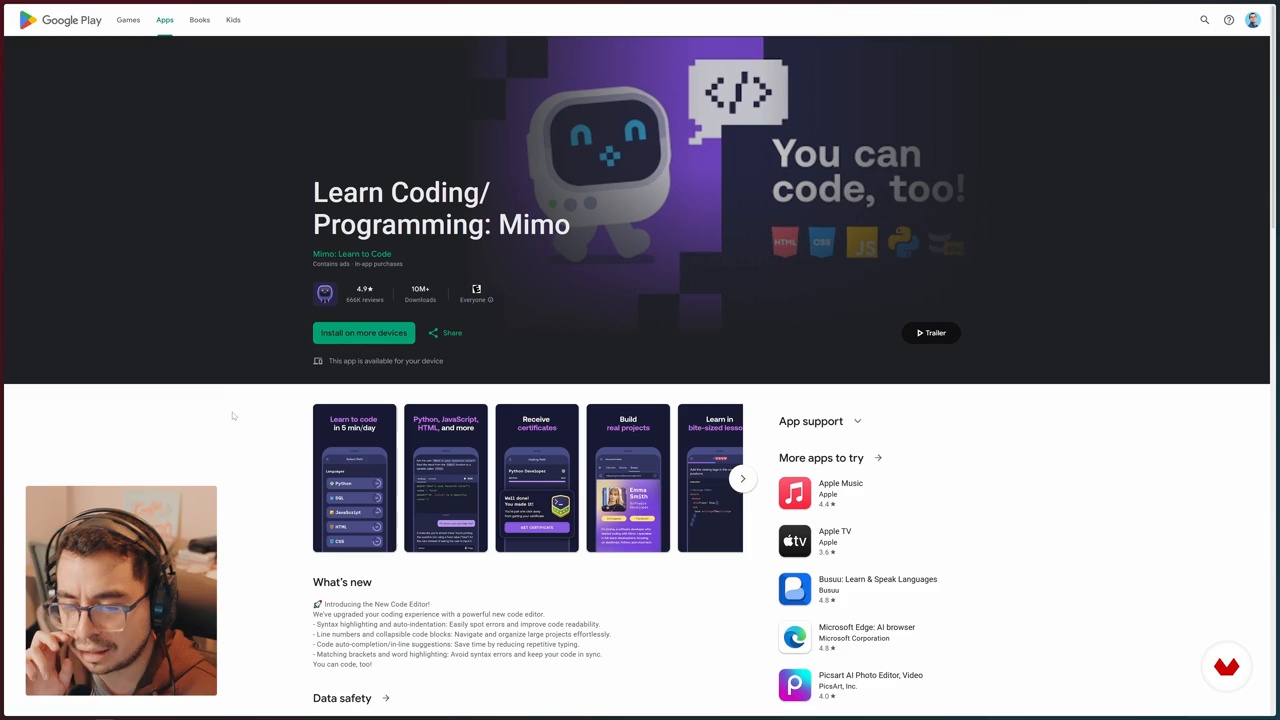
Resources to learn more about Python
3 minutes, 55 seconds
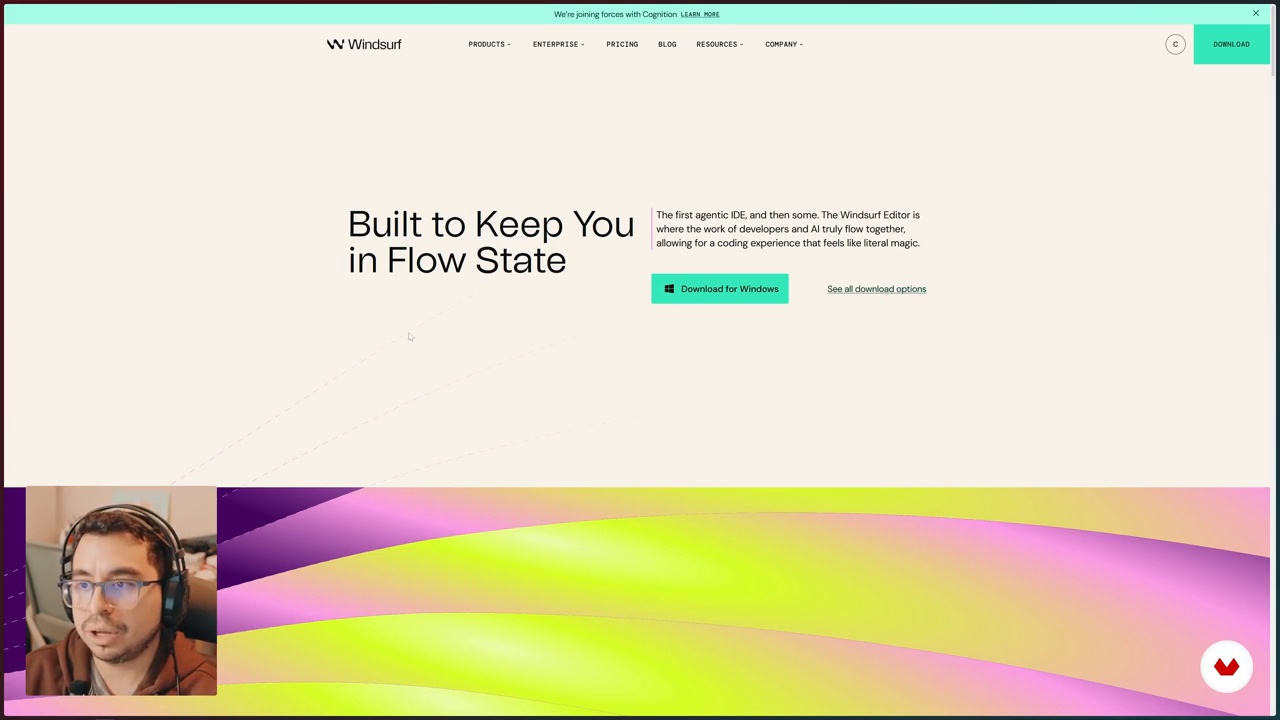
Introduction to Windsurfing for Python Development
15 minutes, 2 seconds
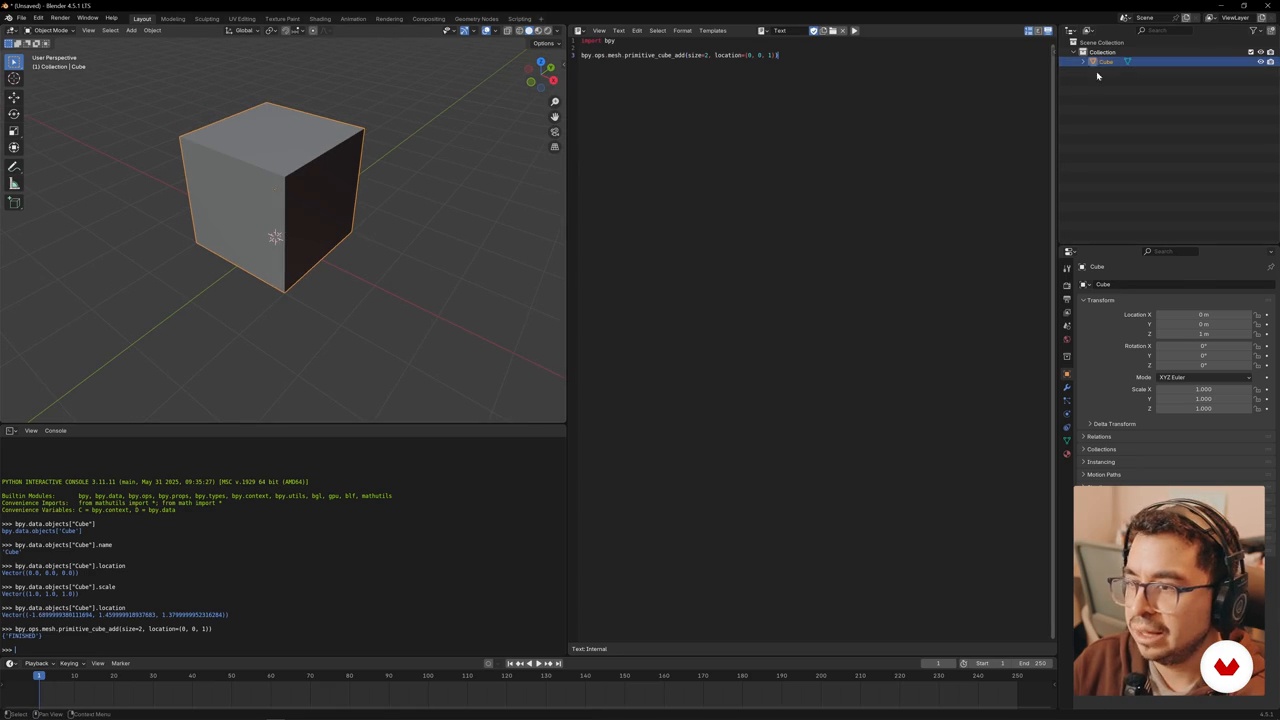
Getting Started with Python Scripts in Blender
10 minutes, 17 seconds

Windsurfing Integration with Blender – Create a Cube with Material
4 minutes, 14 seconds
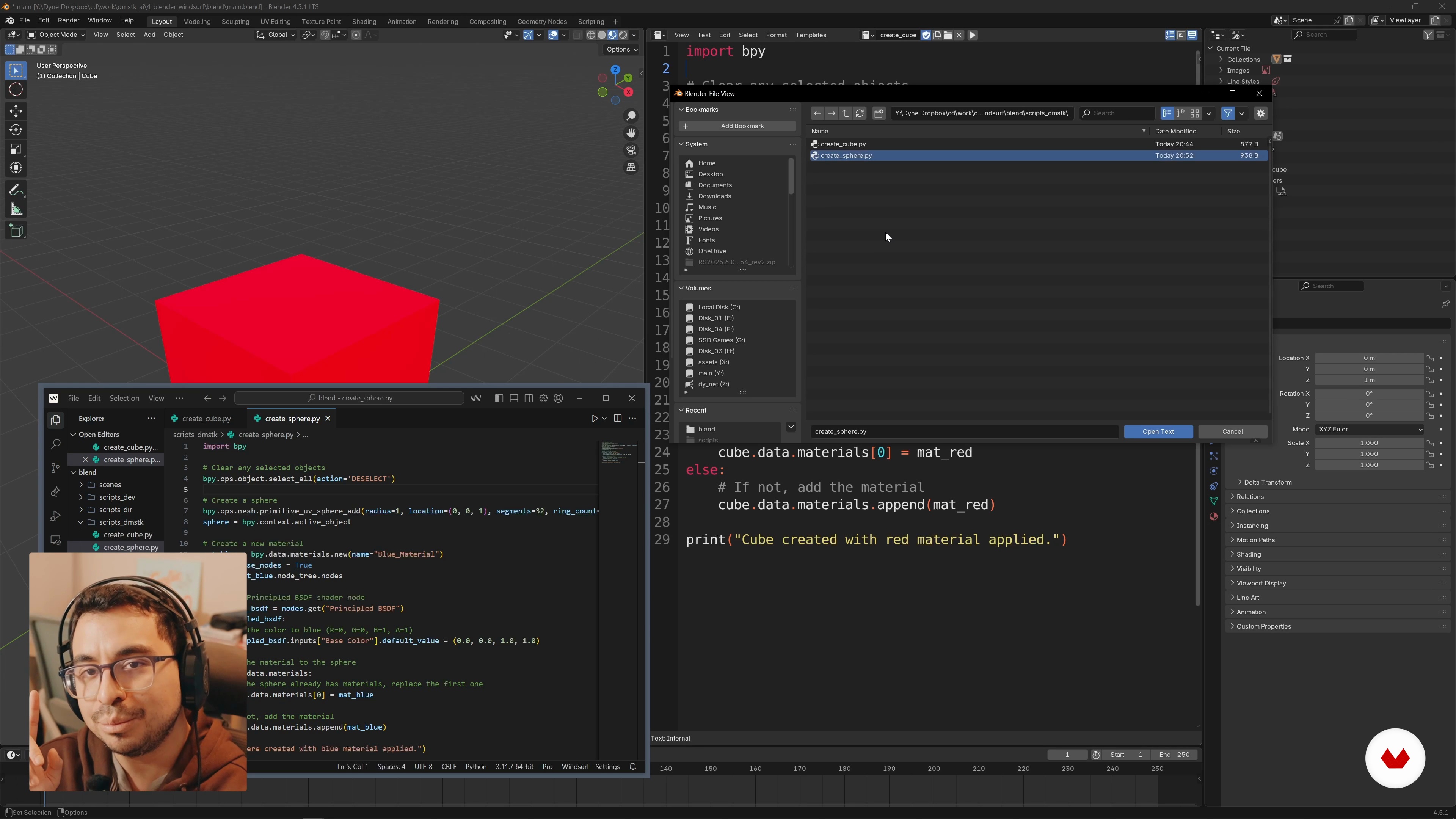
Organizing and managing Python scripts in Blender
6 minutes, 21 seconds

Managing custom scripts and automation in Blender
18 minutes, 14 seconds
What's included in this course?
You'll learn to automate processes in Blender using Python scripts, combining tools like Windsurf to enhance your workflow. You'll start with basic Python fundamentals, essential for interpreting and writing scripts that facilitate repetitive tasks. With an introduction to the concept of Vibe Coding, you'll discover how artificial intelligence can assist you in creating and optimizing scripts without needing to be a programming expert. This will allow you to approach projects more efficiently and creatively, taking full advantage of Blender's capabilities.
Additionally, you'll become familiar with scripting in Blender, differentiating between the text editor and the Python console. You'll learn how to integrate Windsurf with Blender to generate new code, improve existing code, and fix bugs. You'll acquire techniques for organizing and managing your scripts, building a robust library that streamlines your creative processes. This hands-on approach will provide you with useful tools to customize and optimize your work environment, allowing you to focus on creativity rather than tedious tasks.
Recommended software & tools for this course
What is this course's project?
The course project involves learning how to automate tasks in Blender using Python scripts, integrating Windsurf's artificial intelligence. Students will create custom scripts to optimize their workflow, improving efficiency in 3D production.
Who is this online course for?
The course is aimed at 3D artists and creatives who want to explore automation in Blender using Python scripts. It's also ideal for those looking to integrate artificial intelligence into their workflows and improve their technical programming and design skills.
Requirements and materials
No extensive prior knowledge is required, but a basic understanding of Python and Blender is helpful. A computer with Blender installed, internet access to download Windsurf, and a willingness to learn are all necessary. Curiosity and creativity also play an important role.
Reviews
- 3 months ago
Il corso è molto interessante per conoscere Windsurf e come applicarlo allo script di Blender, però dovrebbe fornire un po' di materiale di base e almeno qualche esercizio pratico.
- 7 months ago
vengo por el 20%
- aliengalacticoPLUS10 months ago
Excelente introducción a Windsurf con blender (python), abre un mundo de posibilidades el poder conectar IA desde Windsurf con la interfaz de Blender que es de por si ya muy flexible. Me encantaría poder ver un curso continuación de nivel intermedio, como dije, las posibilidades son muchas conociendo bien la nomesclatura de blender y python.
- 10 months ago
Curso muy recomendado; lo encuentro muy interesante, ya que poder automatizar el diseño 3D ya es otro nivel.

Content
Automate your Blender production with Windsurf
- Automation in Blender with Python and Windsurf
- Python Fundamentals and Vibe Coding Concepts
- Resources to learn more about Python
- Introduction to Windsurfing for Python Development
- Getting Started with Python Scripts in Blender
- Windsurfing Integration with Blender – Create a Cube with Material
- Organizing and managing Python scripts in Blender
- Managing custom scripts and automation in Blender
- General review and practical applications with Python and AI
- Final project
What to expect from a Domestika course
Learn at your own pace
Enjoy learning from home without a set schedule and with an easy-to-follow method. You set your own pace.
Learn from the best professionals
Learn valuable methods and techniques explained by top experts in the creative sector.
Meet expert teachers
Each expert teaches what they do best, with clear guidelines, true passion, and professional insight in every lesson.
Certificates
PLUSIf you're a Plus member, get a custom certificate signed by your teacher for every course. Share it on your portfolio, social media, or wherever you like.
Get front-row seats
Videos of the highest quality, so you don't miss a single detail. With unlimited access, you can watch them as many times as you need to perfect your technique.
Share knowledge and ideas
Ask questions, request feedback, or offer solutions. Share your learning experience with other students in the community who are as passionate about creativity as you are.
Connect with a global creative community
The community is home to millions of people from around the world who are curious and passionate about exploring and expressing their creativity.
Watch professionally produced courses
Domestika curates its teacher roster and produces every course in-house to ensure a high-quality online learning experience.
FAQs
This course teaches you how to use Python to automate processes in Blender, integrating AI assistants like Windsurf to generate, fix, and optimize scripts, enhancing your 3D workflow.
Basic knowledge of Python and Blender is recommended, but the course covers the essentials so intermediate users can advance in automation and scripting.
You’ll learn how to use Windsurf to automatically generate code, fix errors, improve scripts, and choose AI models based on efficiency and cost, streamlining script creation in Blender.
You need Blender installed and access to an environment where you can run Python scripts. It’s also recommended to install Windsurf or compatible AI tools and set up folders for custom scripts.
The Text Editor lets you write and run full scripts for organized projects, while the Python Console is perfect for quick command testing and real-time debugging.
Yes, the course includes interactive exercises and digital resources like Mimo and GeeksforGeeks to practice core Python concepts and apply them within Blender.
You’ll learn how to structure and manage scripts in folders, create reusable libraries, modularize code, and sync external scripts for efficient handling of complex projects.